
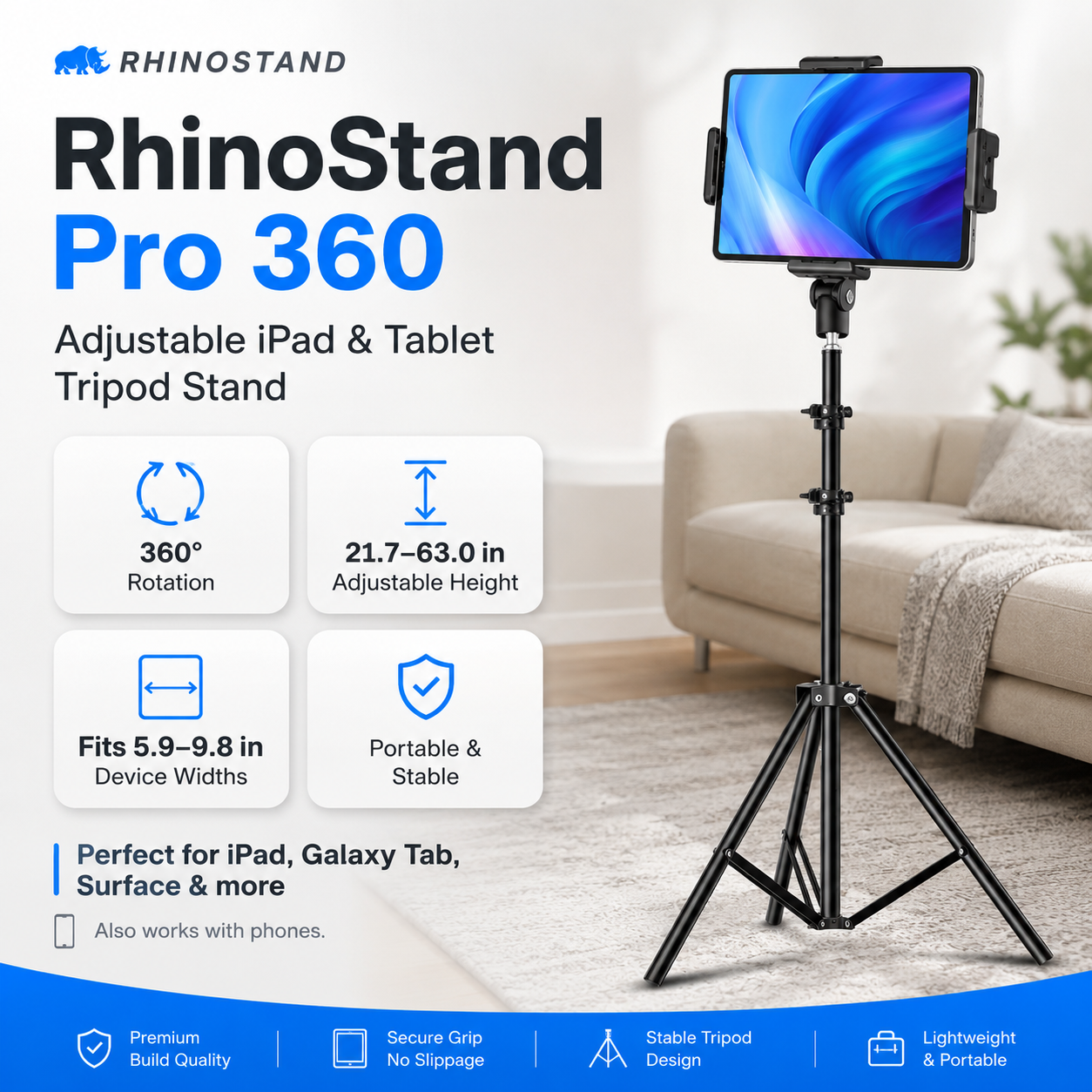
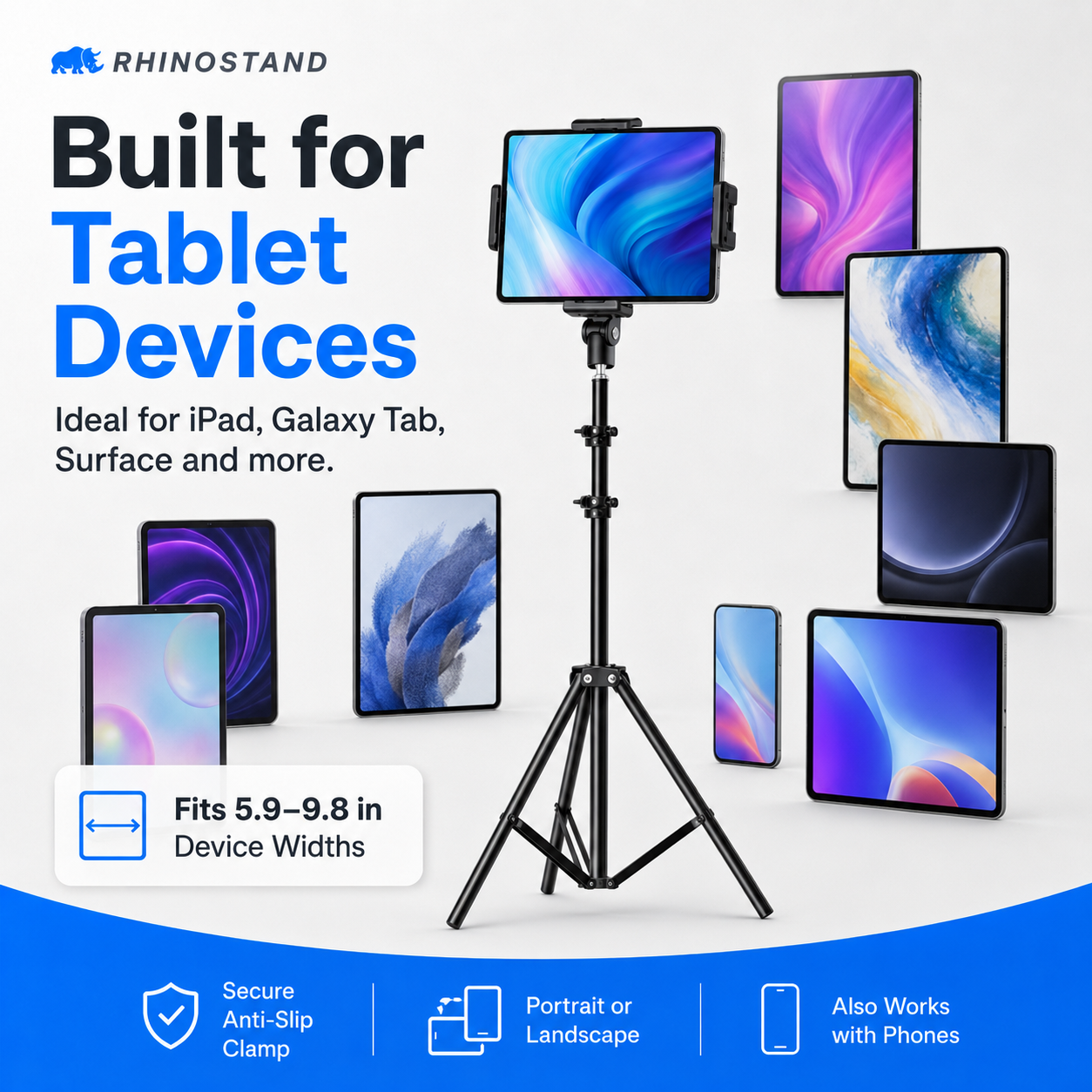
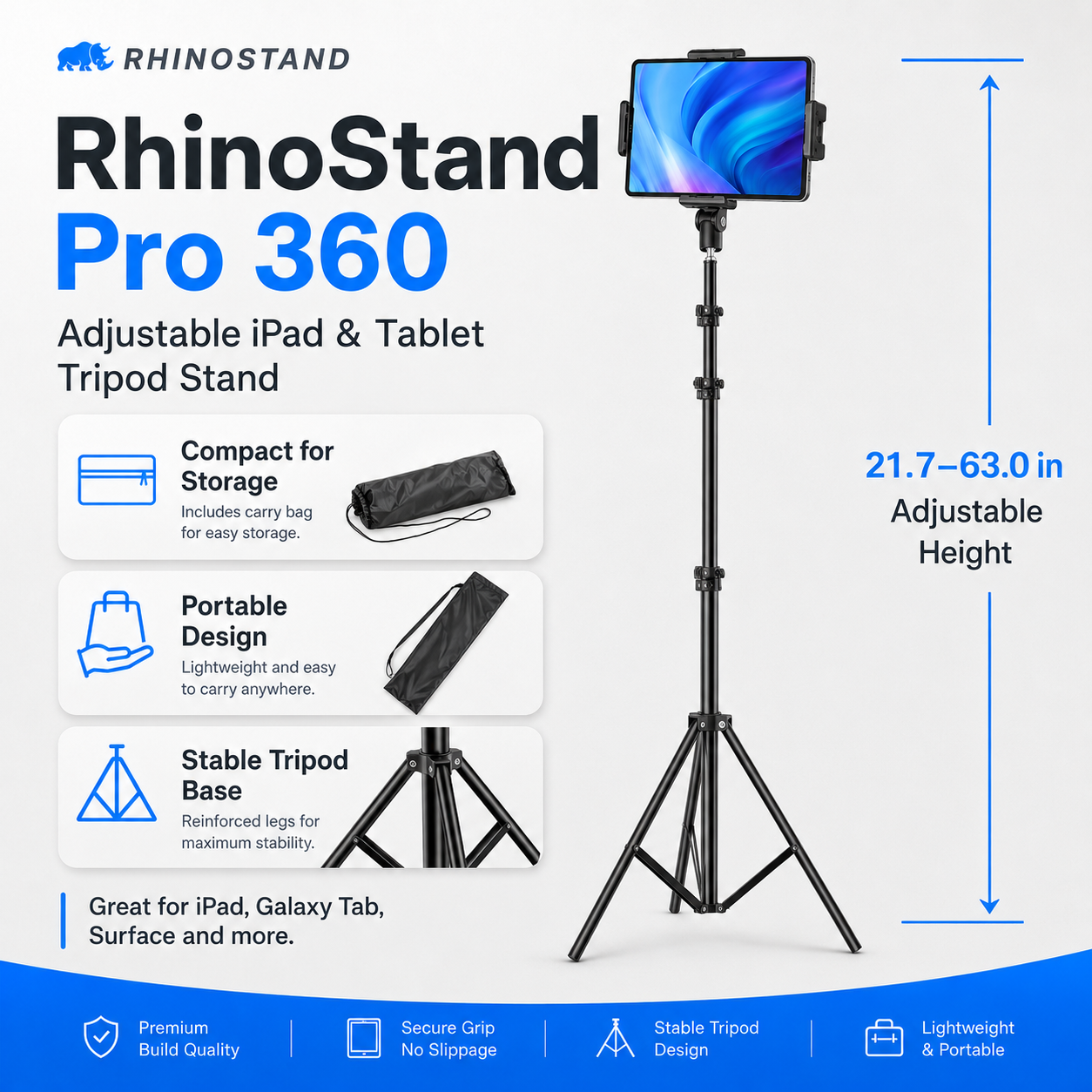
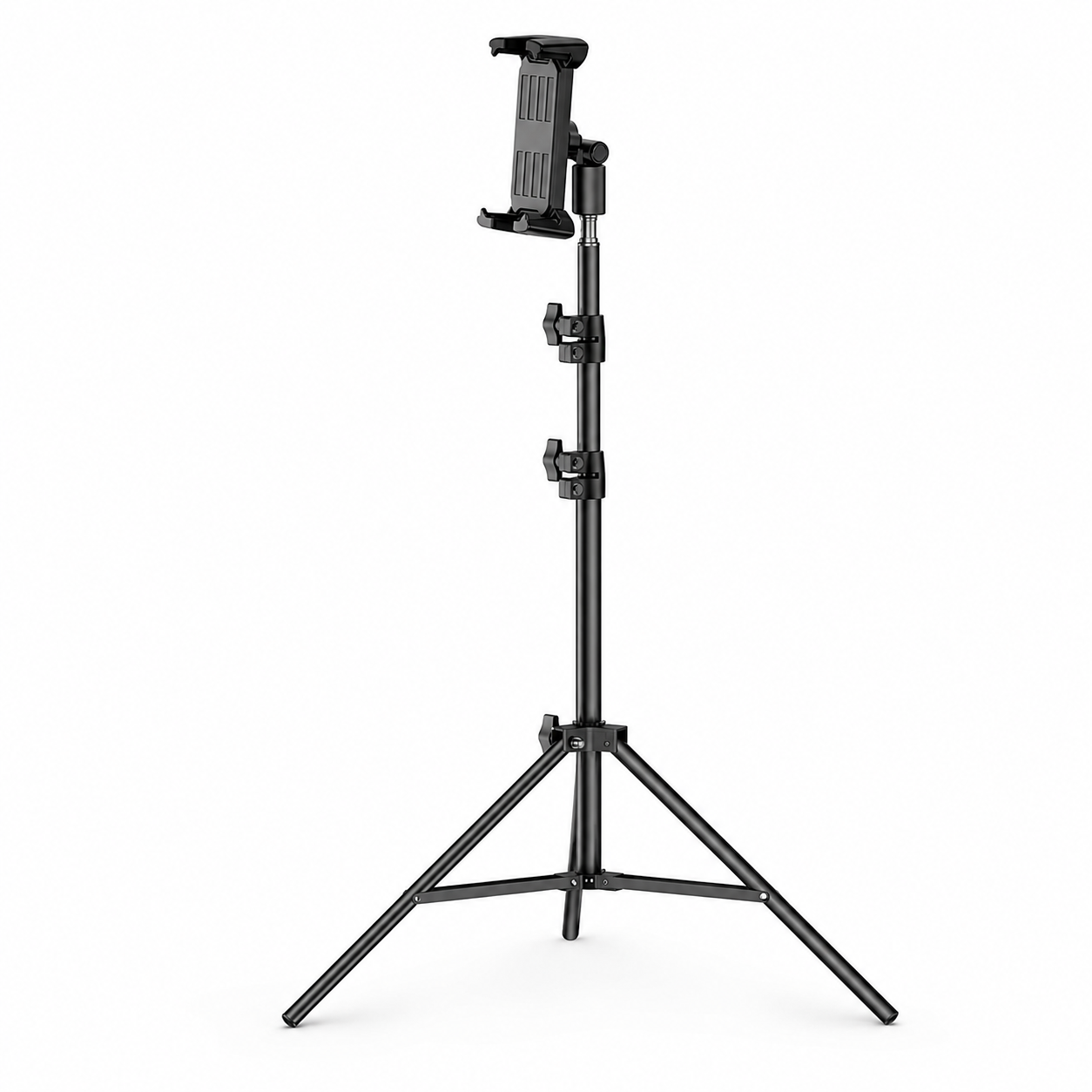
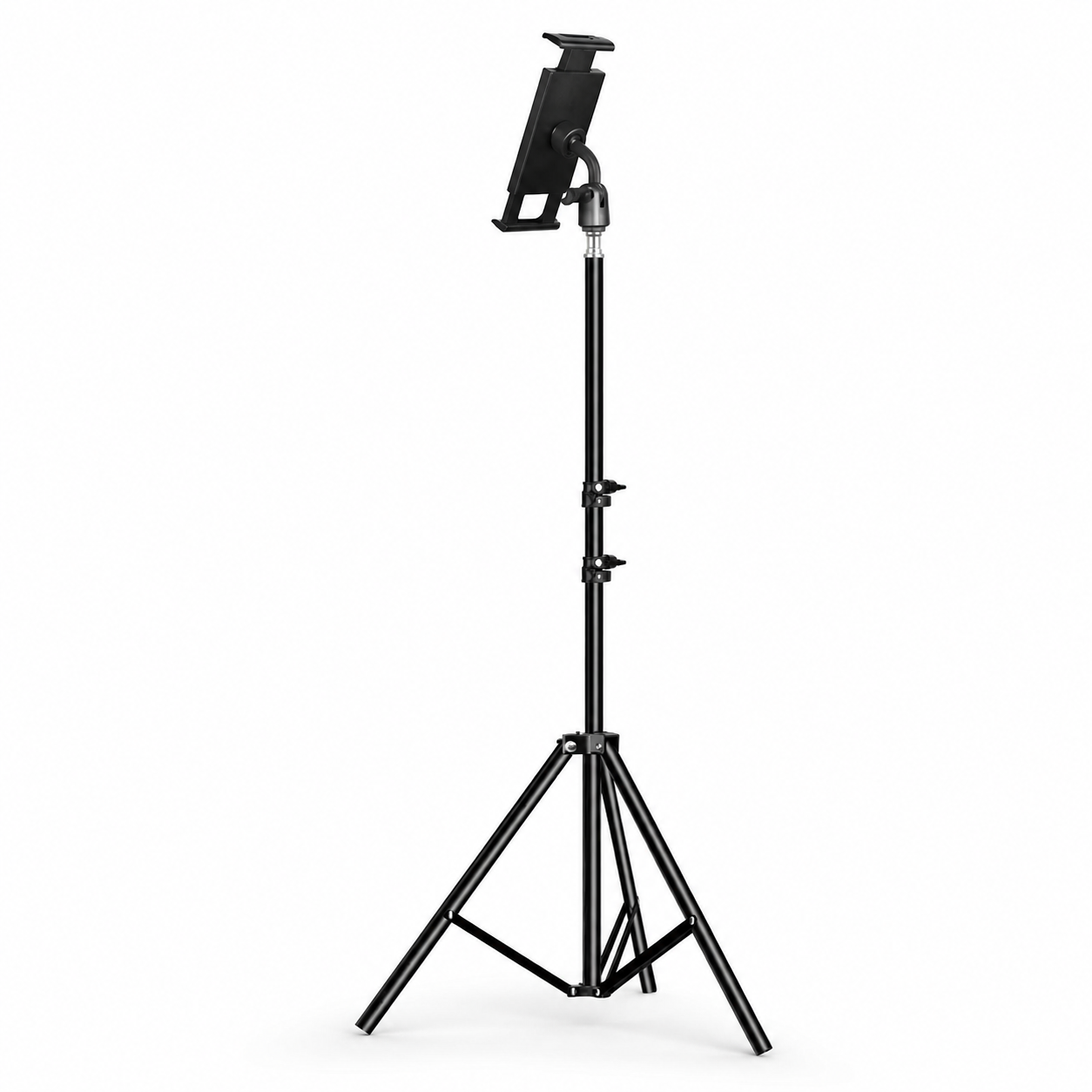
RhinoStand Pro 360 Adjustable iPad & Tablet Tripod Stand
FREE delivery
 RhinoKeys Pro
Slim wireless keyboard for typing, work, school, and travel.
From $39.99
View options
RhinoKeys Pro
Slim wireless keyboard for typing, work, school, and travel.
From $39.99
View options
 UltraShield Privacy Pro
Privacy glass for compatible iPad models. Choose your exact model.
From $59.99
Match model
UltraShield Privacy Pro
Privacy glass for compatible iPad models. Choose your exact model.
From $59.99
Match model
 ApexTouch Stylus
Precision touchscreen control for notes, tapping, sketching, and navigation.
From $39.99
View colors
ApexTouch Stylus
Precision touchscreen control for notes, tapping, sketching, and navigation.
From $39.99
View colors
 RhinoStand Pro 360
Adjustable tripod stand for hands-free viewing, calls, filming, and work.
From $59.99
View stand
RhinoStand Pro 360
Adjustable tripod stand for hands-free viewing, calls, filming, and work.
From $59.99
View stand
Why add these?
These accessories help turn your iPad case into a more complete setup for typing, privacy, touch control, hands-free viewing, and everyday productivity.
Model-fit note
The keyboard, stylus, and tripod are broadly compatible. The privacy screen is model-specific, so choose the matching iPad model on the product page before checkout.
RhinoStand Pro 360 Adjustable iPad & Tablet Tripod Stand
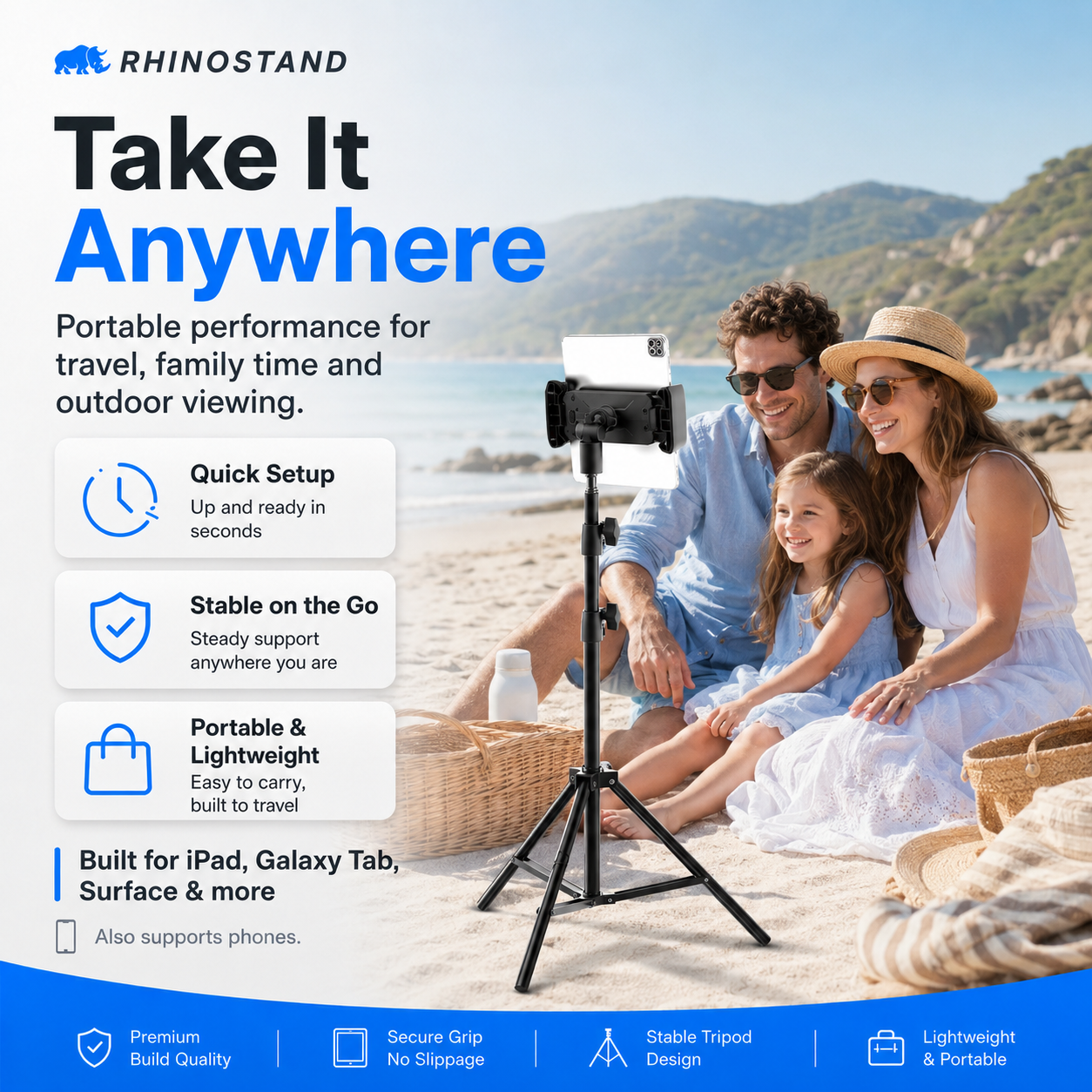
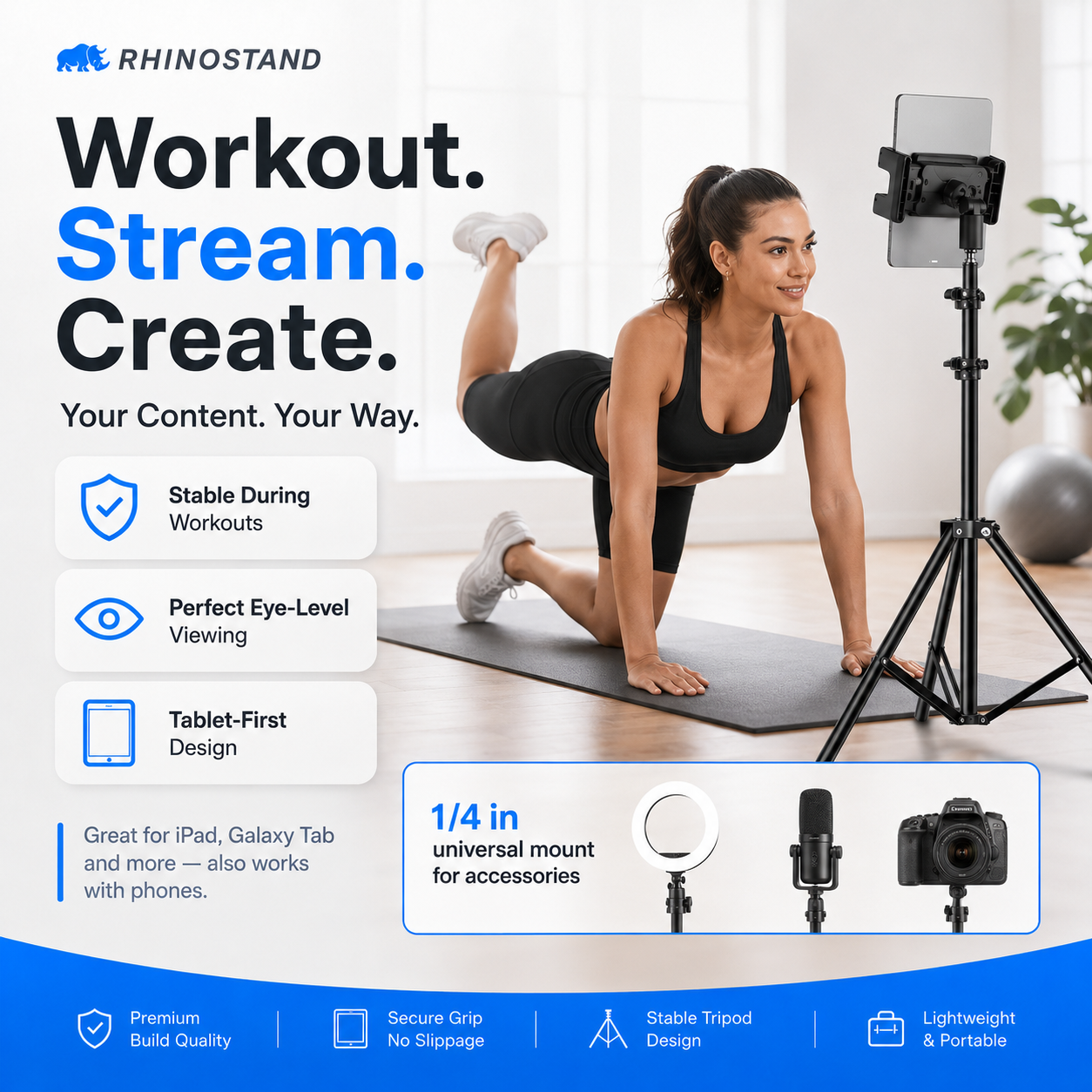
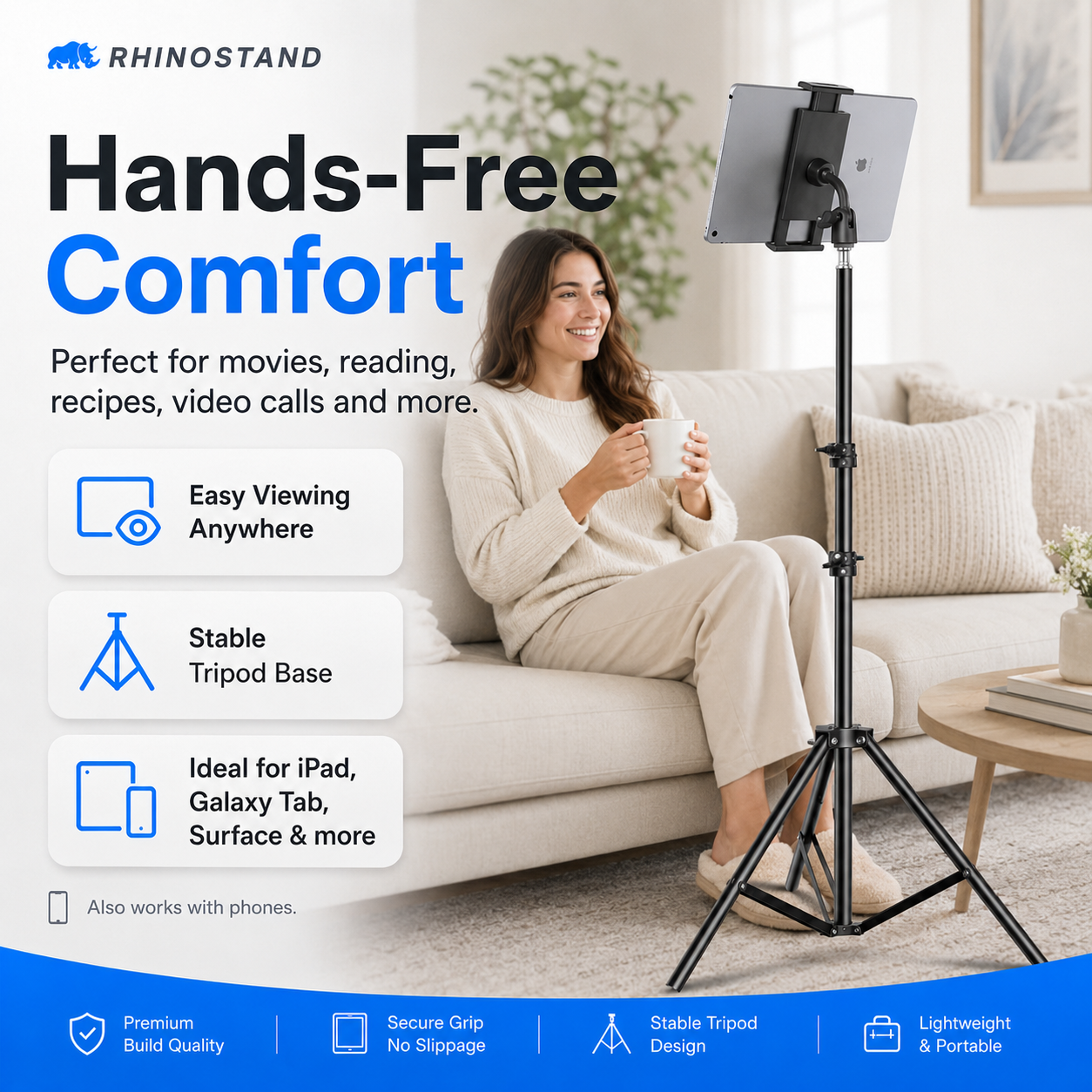
Turn your iPad or tablet into the perfect hands-free screen for work, video calls, streaming, workouts, cooking, teaching, content creation, and everyday use. The RhinoStand Pro 360 gives your device a secure elevated setup with adjustable viewing angles and a stable tripod-style base.
The Perfect Companion for Your iPad or Tablet
Whether you are using your tablet at home, in the office, in the kitchen, in the classroom, at the gym, or for filming content, the RhinoStand Pro 360 keeps your screen positioned exactly where you need it — without holding it, leaning it against furniture, or constantly readjusting it.
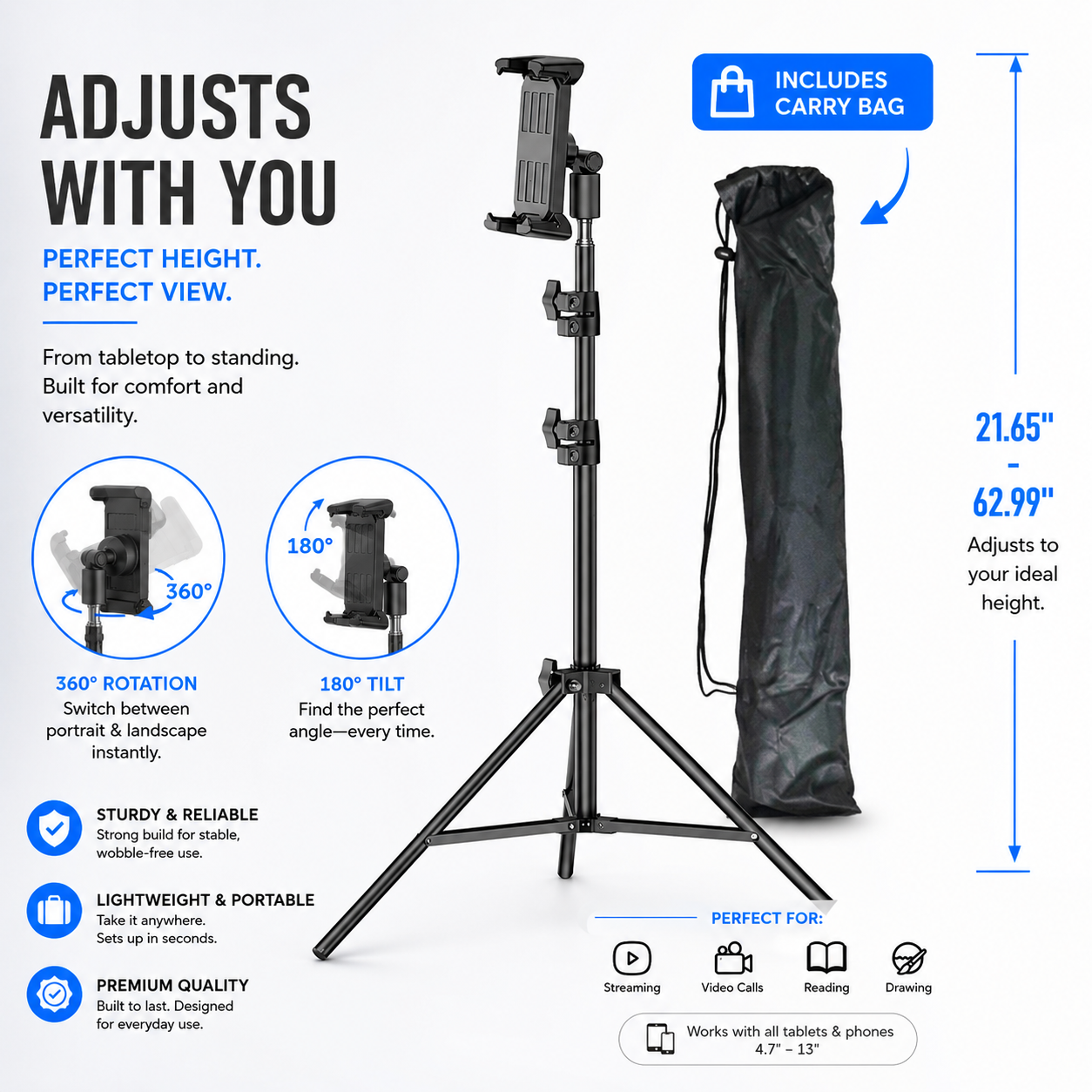
Adjustable Height
Position your tablet higher or lower for comfortable viewing while sitting, standing, working, recording, or relaxing.
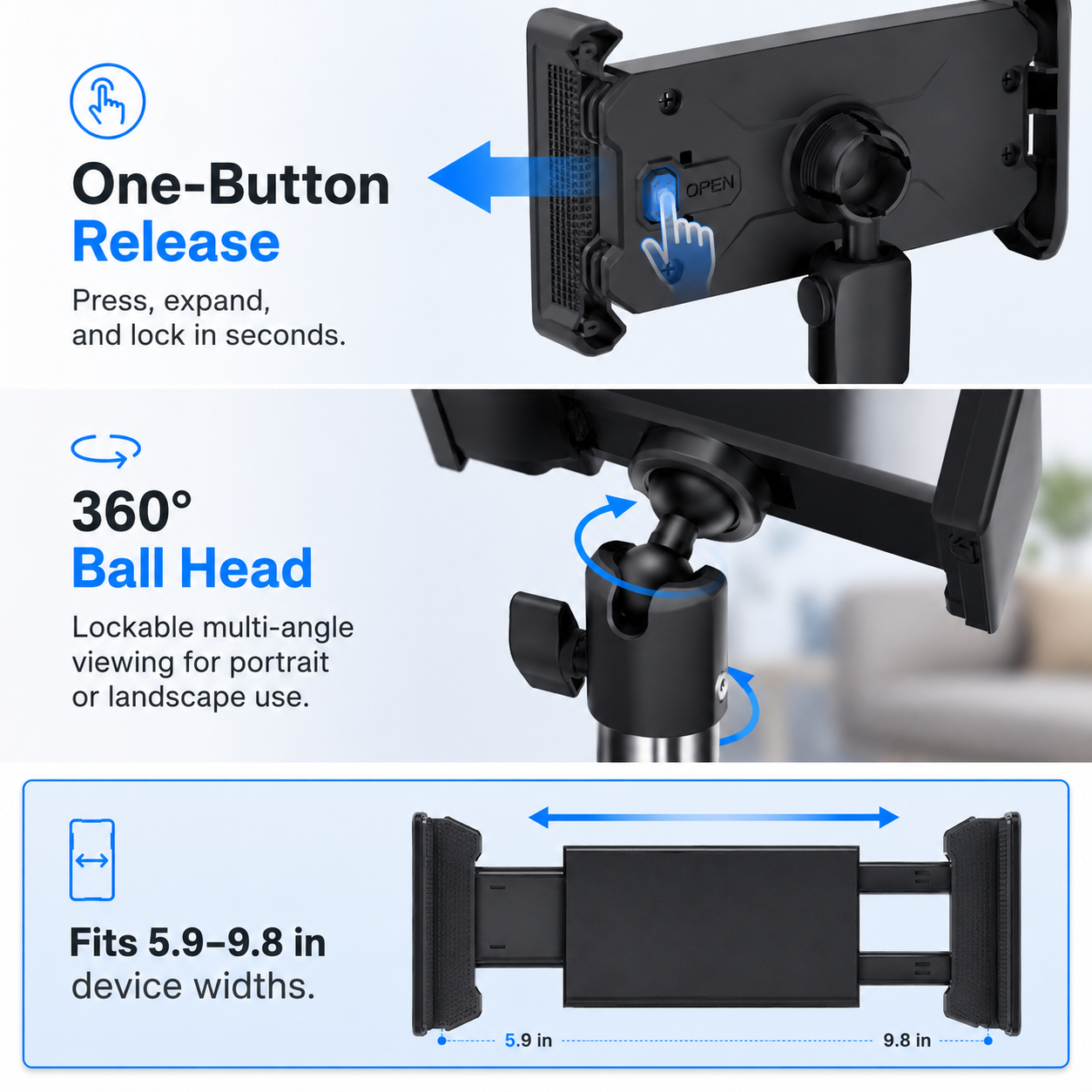
360° Viewing Control
Rotate and angle your device for portrait or landscape viewing, video calls, filming, reading, or presentations.
Stable Tripod Design
The tripod-style base helps keep your tablet elevated and supported for hands-free use across multiple settings.
Universal Tablet Holder
Designed to hold many popular iPad and tablet models. Please confirm your device size and case thickness before ordering.
Made for Everyday Hands-Free Use
- Video calls, FaceTime, Zoom, meetings, and remote work
- Watching movies, streaming, reading, and browsing
- Content creation, filming, live streaming, and tutorials
- Cooking videos, recipes, workouts, and guided lessons
- Classrooms, offices, presentations, retail counters, and home setups
A Smarter Way to Use Your Tablet
Holding your tablet for long periods gets uncomfortable fast. The RhinoStand Pro 360 creates a cleaner, more useful setup by keeping your screen raised, stable, and easy to view. It is ideal for anyone who uses their iPad or tablet as a second screen, entertainment screen, teaching tool, filming monitor, or work companion.
Perfect With RhinoGuard Tablet Cases
Pair it with your RhinoGuard iPad or tablet setup for a complete protection and productivity bundle. Use RhinoGuard for rugged protection on the go, then place your device on RhinoStand Pro 360 when you want a stable, hands-free viewing station.
Before You Order
Please confirm your tablet size and case thickness before purchasing. Extra-thick rugged cases may need to be removed if they exceed the holder’s clamp range.
Upgrade Your Tablet Setup
From video calls to streaming, work, school, workouts, and content creation, the RhinoStand Pro 360 gives your tablet the hands-free setup it deserves.
Find Your Perfect iPad Fit
Your iPad case should feel precise from the first snap — secure around the edges, perfectly aligned with the camera, clean around the buttons, and built for the exact model in your hands.
Because many iPad models look similar but use different dimensions, camera layouts, speaker placement, and button positioning, we strongly recommend confirming your exact iPad model before selecting your case size.
How To Check Your iPad Model
- Open Settings on your iPad
- Tap General
- Tap About
- Look for Model Name
- Match that exact model name to the correct size option before ordering
You can also check the model number printed on the back of your iPad. If the number shown in Settings starts with an “M,” tap it once to reveal the “A” model number.
Compatible iPad Models
Please choose the option that matches your exact iPad model.
iPad Pro Models
- iPad Pro 13-inch M5
- iPad Pro 11-inch M5
- iPad Pro 13-inch M4
- iPad Pro 11-inch M4
- iPad Pro 12.9-inch 6th Generation
- iPad Pro 12.9-inch 5th Generation
- iPad Pro 12.9-inch 4th Generation
- iPad Pro 12.9-inch 3rd Generation
- iPad Pro 12.9-inch 2nd Generation
- iPad Pro 12.9-inch 1st Generation
- iPad Pro 11-inch 4th Generation
- iPad Pro 11-inch 3rd Generation
- iPad Pro 11-inch 2nd Generation
- iPad Pro 11-inch 1st Generation
- iPad Pro 10.5-inch
- iPad Pro 9.7-inch
iPad Air Models
- iPad Air 13-inch M4
- iPad Air 11-inch M4
- iPad Air 13-inch M3
- iPad Air 11-inch M3
- iPad Air 13-inch M2
- iPad Air 11-inch M2
- iPad Air 5th Generation 10.9-inch
- iPad Air 4th Generation 10.9-inch
- iPad Air 3rd Generation 10.5-inch
- iPad Air 2 9.7-inch
- iPad Air 1st Generation 9.7-inch
iPad Models
- iPad 11-inch A16
- iPad 10th Generation 10.9-inch
- iPad 9th Generation 10.2-inch
- iPad 8th Generation 10.2-inch
- iPad 7th Generation 10.2-inch
- iPad 6th Generation 9.7-inch
- iPad 5th Generation 9.7-inch
- iPad 4th Generation 9.7-inch
- iPad 3rd Generation 9.7-inch
- iPad 2 9.7-inch
- iPad 1st Generation 9.7-inch
iPad mini Models
- iPad mini A17 Pro 8.3-inch
- iPad mini 6th Generation 8.3-inch
- iPad mini 5th Generation 7.9-inch
- iPad mini 4 7.9-inch
- iPad mini 3 7.9-inch
- iPad mini 2 7.9-inch
- iPad mini 1st Generation 7.9-inch
Important Fit Guidance
Please do not select your case by screen size alone. Several iPad models share similar display measurements but require different case designs. A correct fit depends on the exact model, not just the inch size.
For example, some 10.9-inch and 11-inch iPad models appear very close in size, but the body design, camera layout, and button placement may not be identical. Choosing the exact model ensures the case fits properly and protects your iPad the way it was designed to.
Need Help Before Ordering?
Not sure which size to choose? Our live chat support team is here to help.
Send us your iPad Model Name or Model Number through live chat before ordering, and we’ll gladly confirm the correct case size for you. That way, you can order with total confidence knowing your case is selected for the right iPad model.
Choose options
Upgrade Your iPad Setup
Pair your Avontic iPad case with RhinoKeys Pro to create a cleaner mobile workstation for typing, notes, emails, schoolwork, travel, and everyday productivity.
