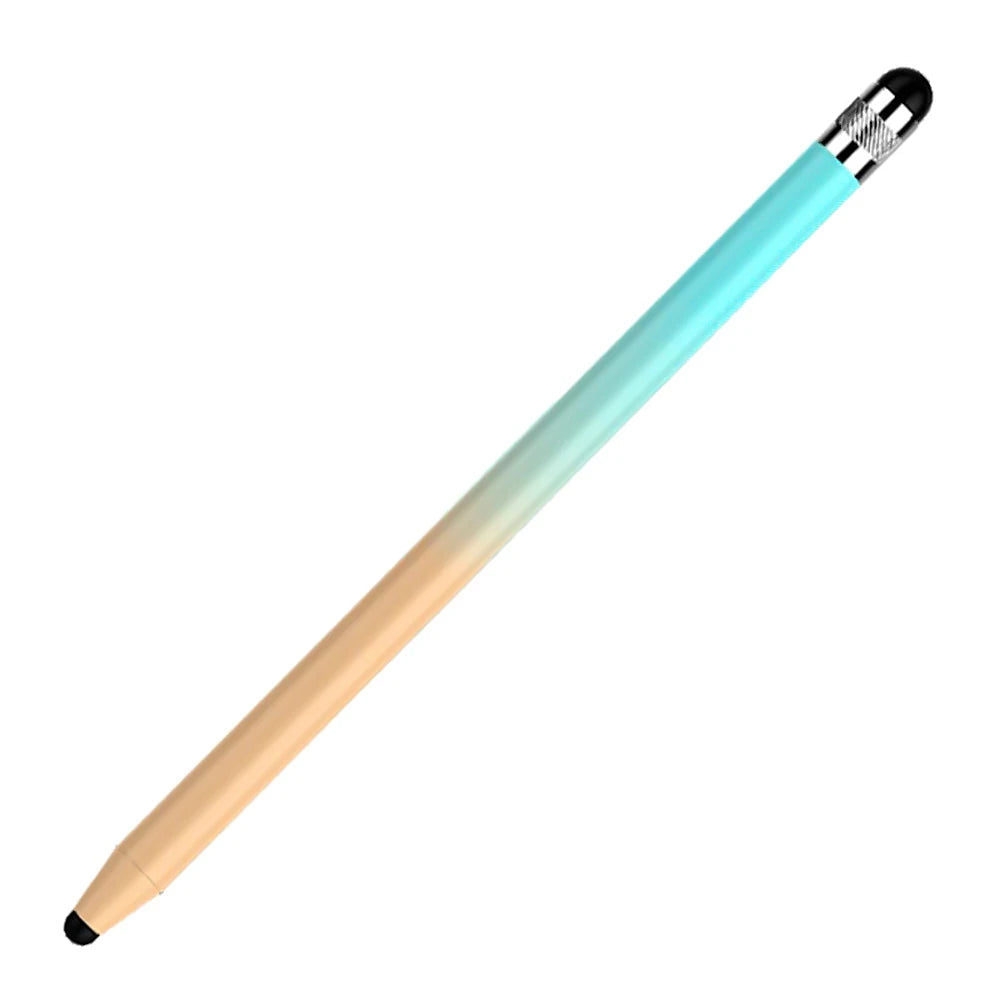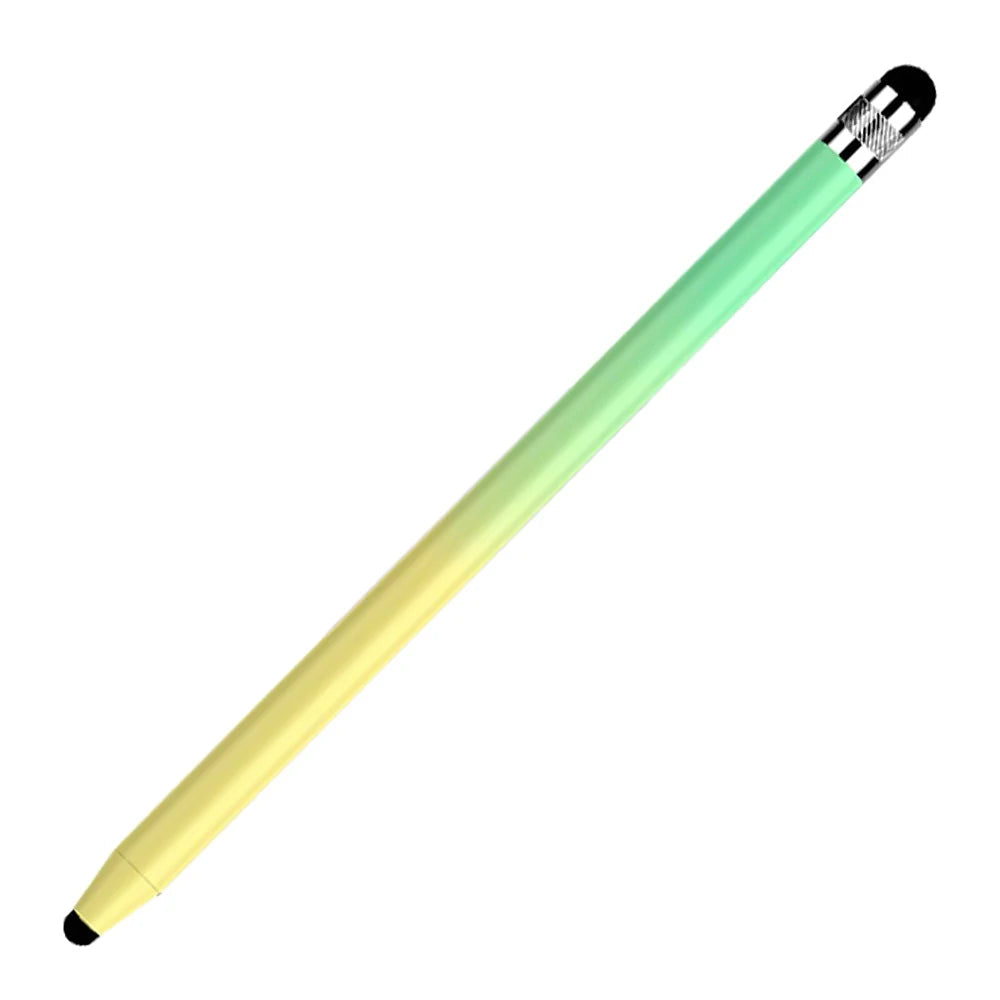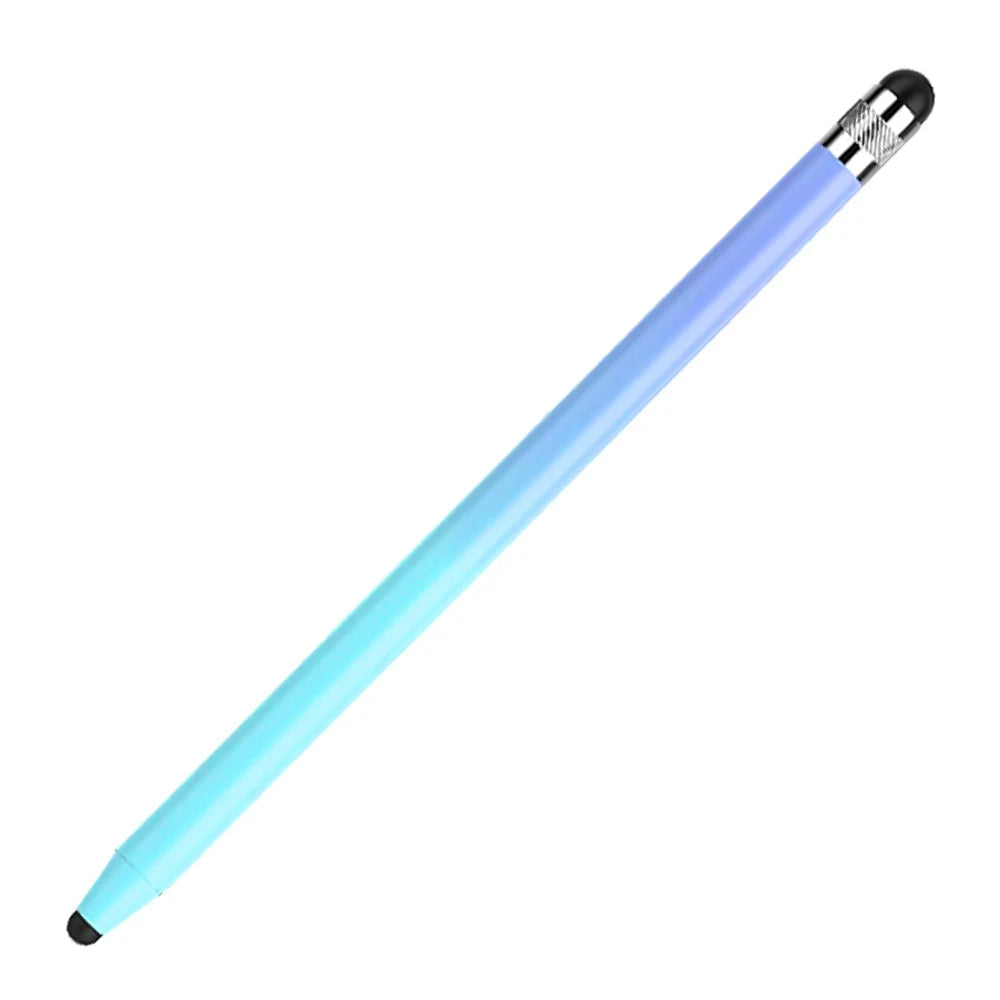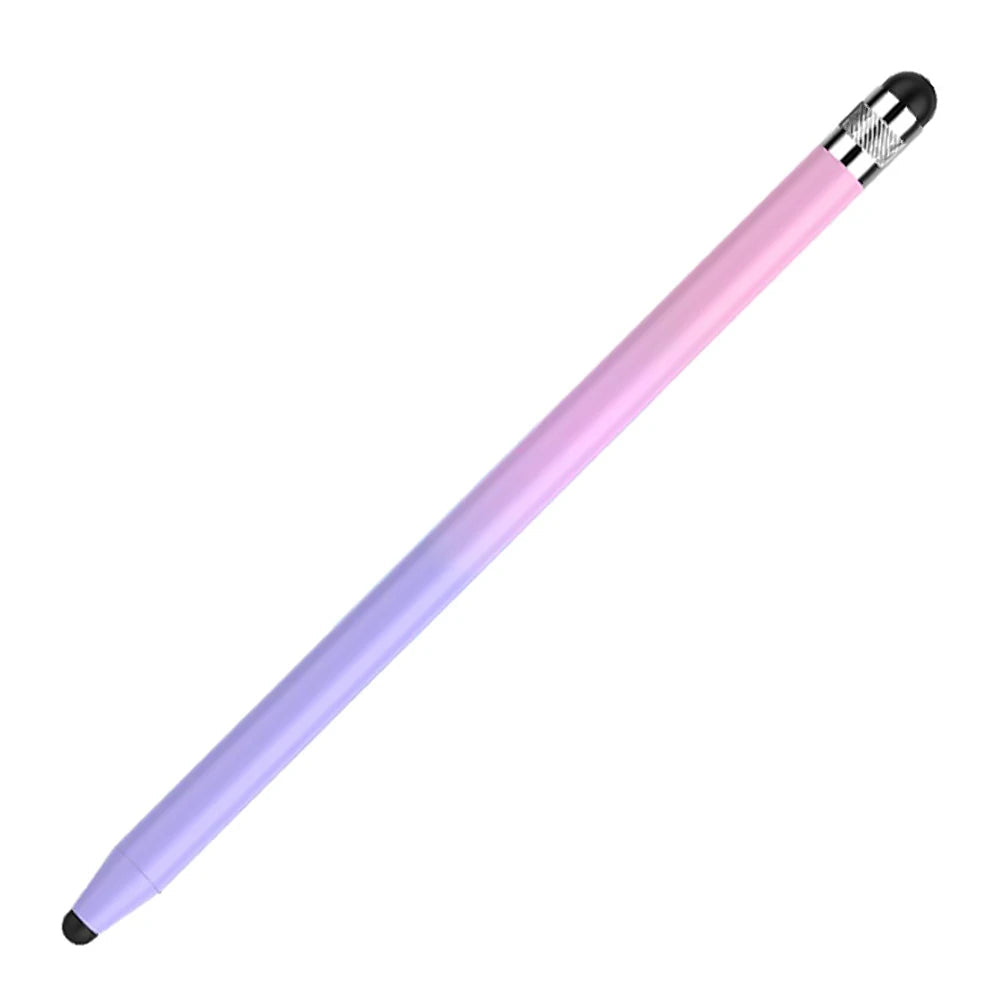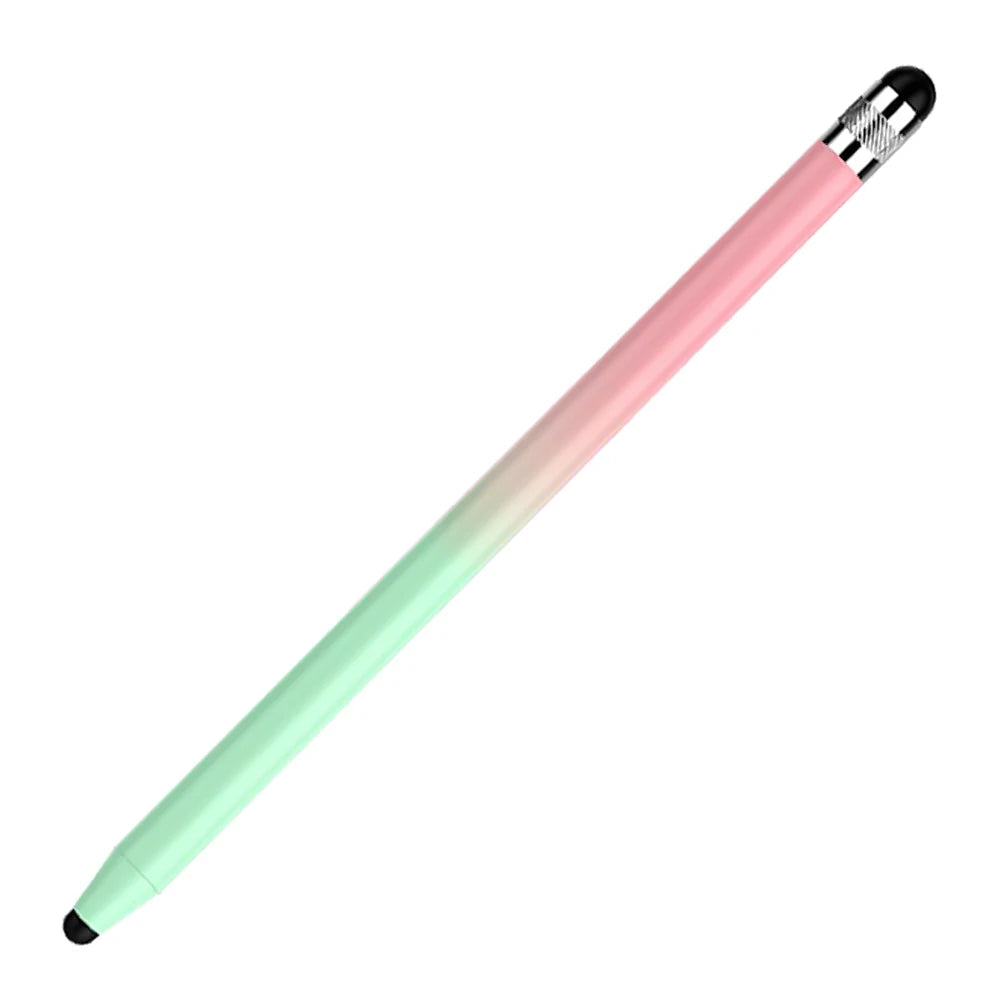


ApexTouch Universal Precision Stylus Pen
✓ Heavy-Duty Protection
✓ 360° Rotating Hand Strap
✓ Built-In Kickstand
✓ Shoulder Strap Included
✓ Fast Free Shipping
Avontic Tablet Productivity Collection
Precision Stylus Pen for Tablets, Phones & Touchscreen Devices
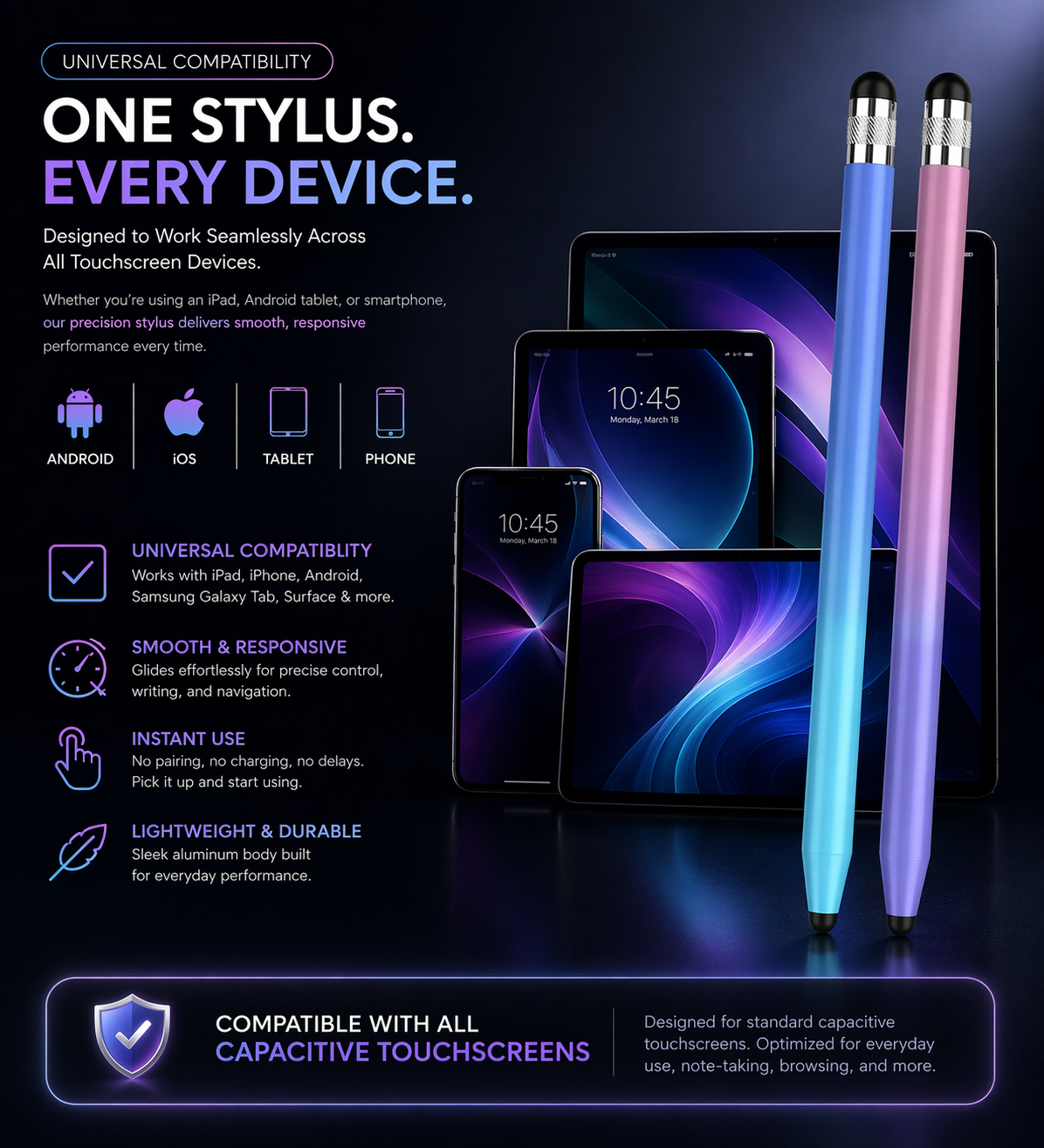
Designed for Most Capacitive Touchscreen Devices
No Charging. No Pairing.
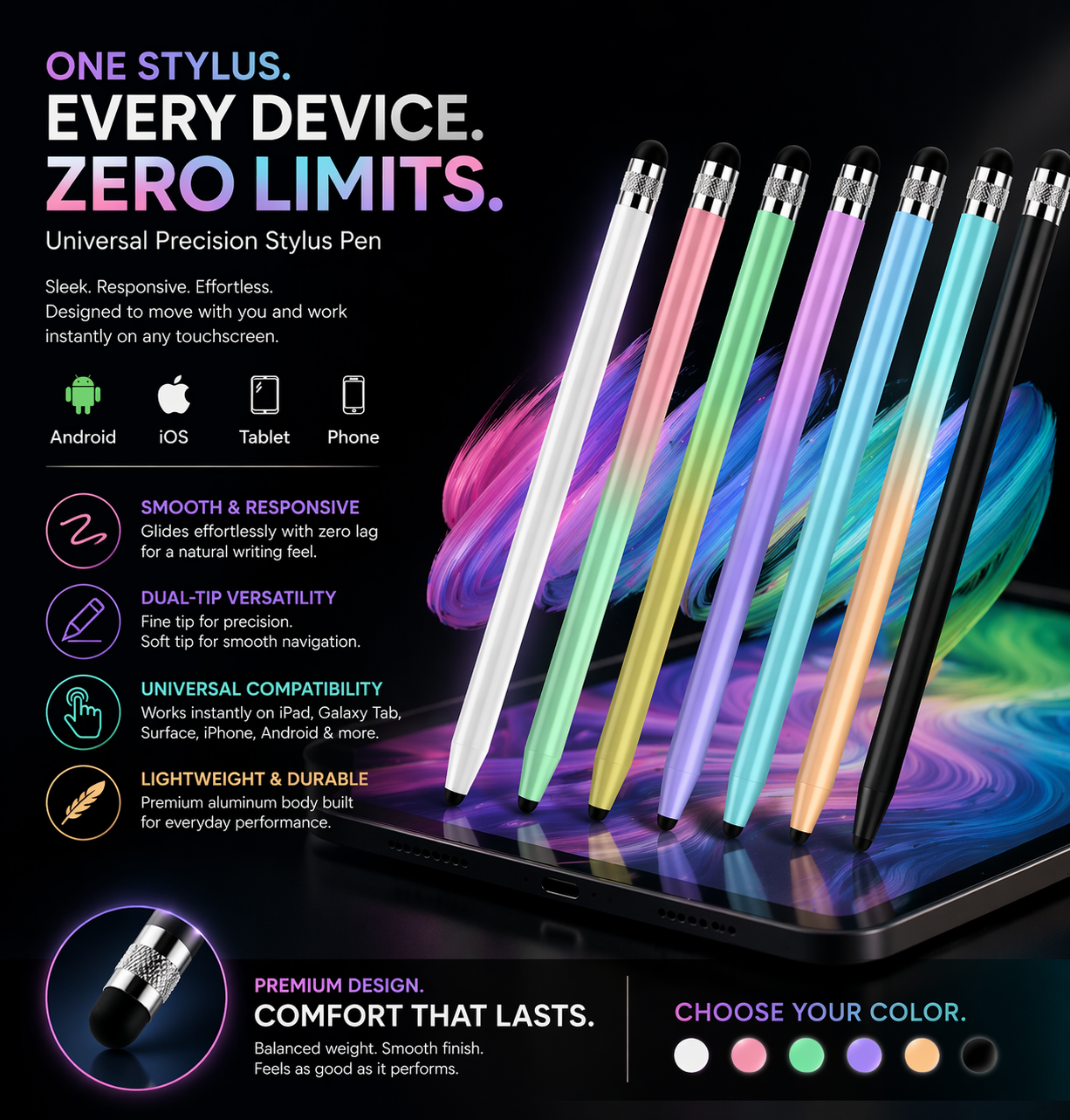
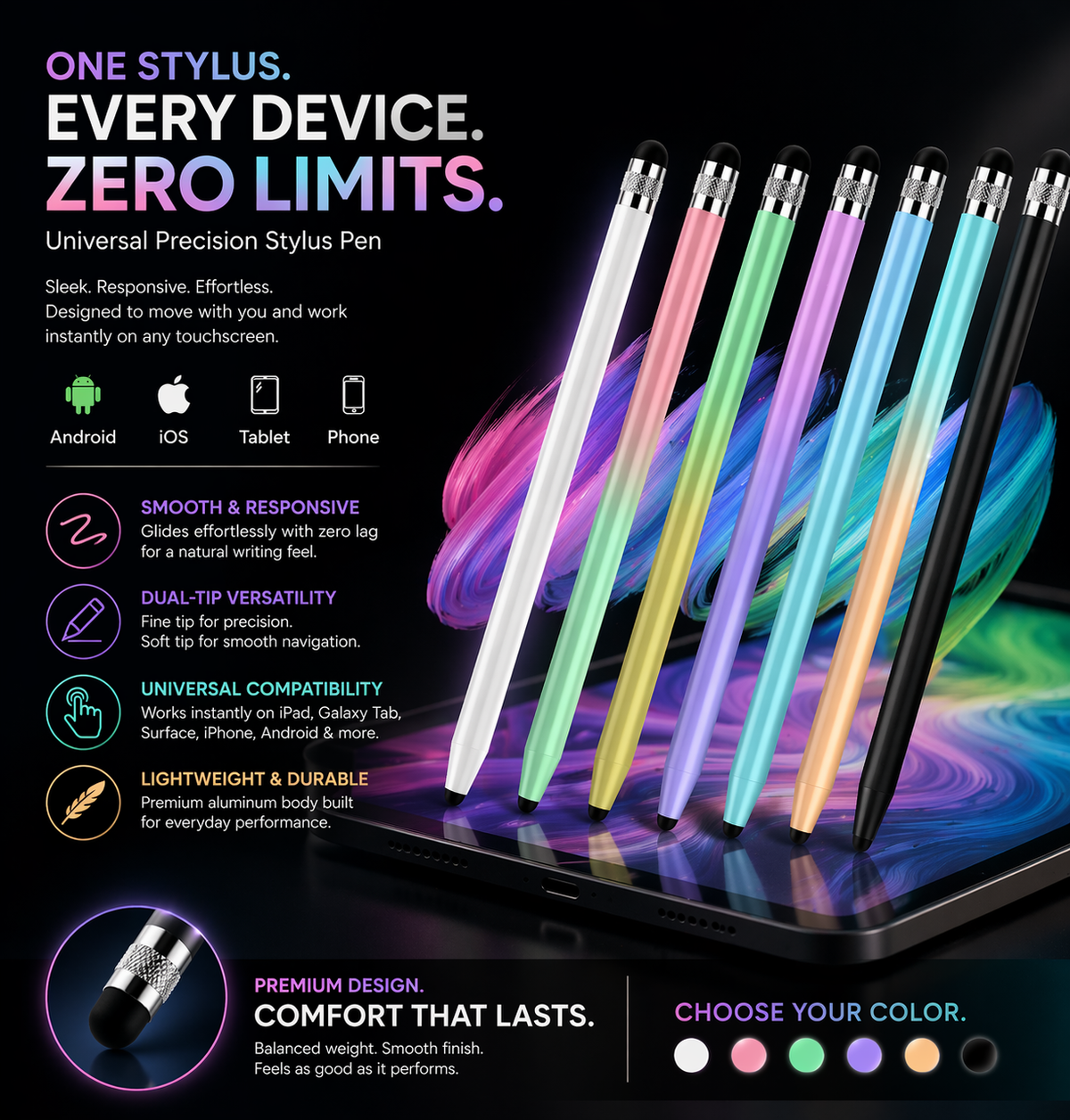
ApexTouch Universal gives your tablet, phone, or touchscreen setup a cleaner way to tap, scroll, navigate, sketch light ideas, and take everyday notes. Built as a passive universal stylus, it works without Bluetooth pairing, charging, apps, or setup.
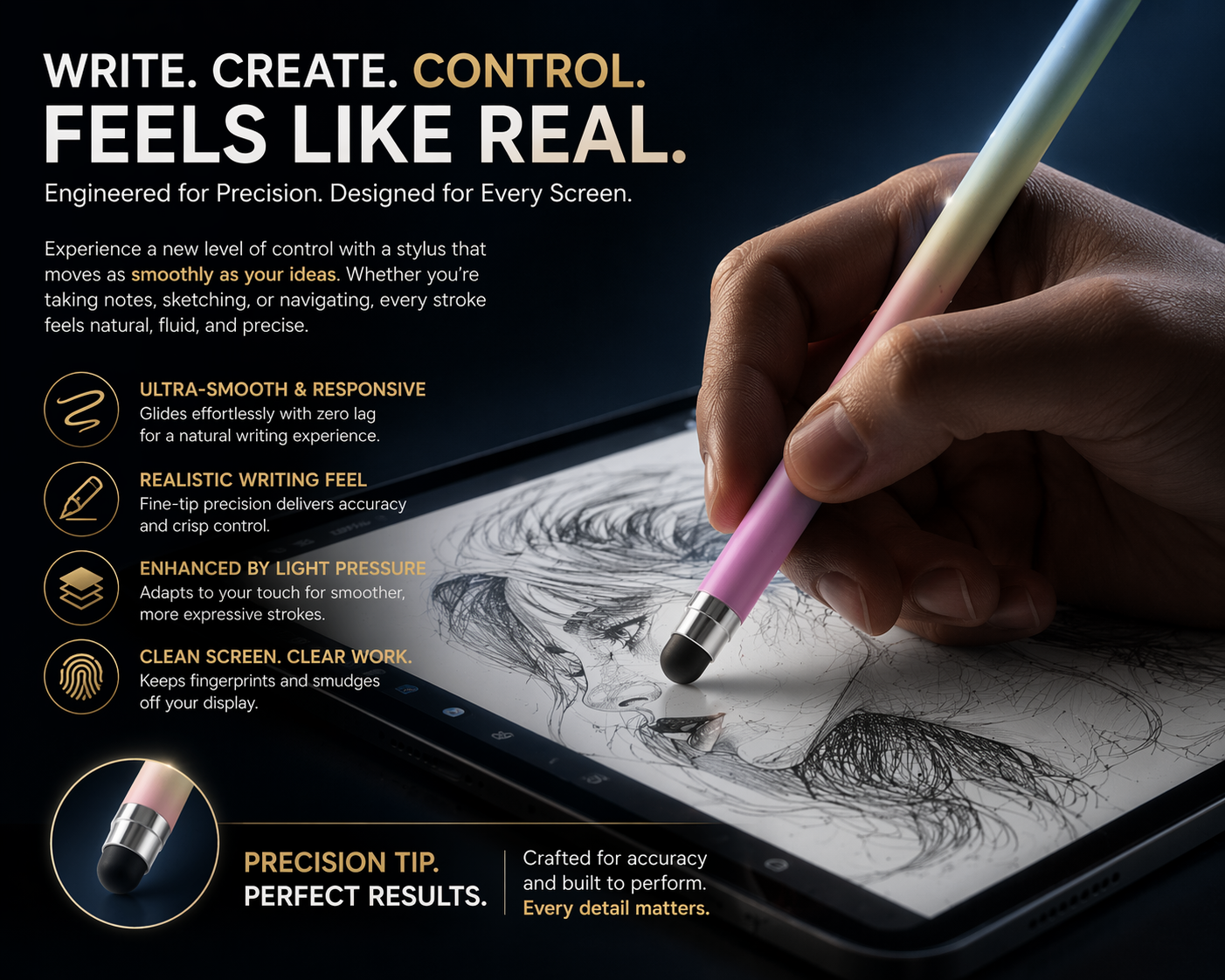
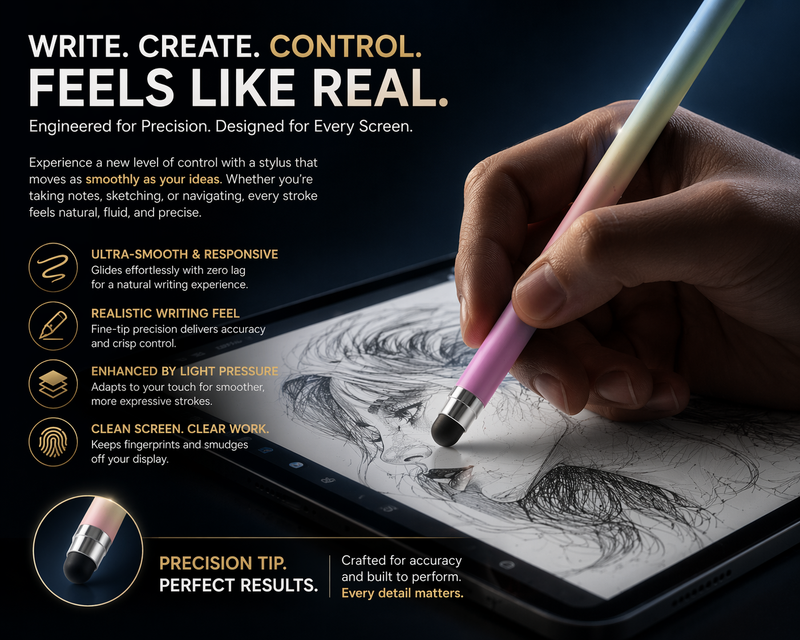
A fingertip works for basic tapping, but ApexTouch gives you cleaner, more controlled screen interaction for notes, forms, signatures, browsing, scrolling, and everyday tablet use.
What makes ApexTouch different
ApexTouch is designed for customers who want more control than a fingertip without needing an active Bluetooth stylus. It is ideal for everyday navigation, digital forms, light sketching, note-taking, web browsing, school use, work tasks, and general tablet productivity.
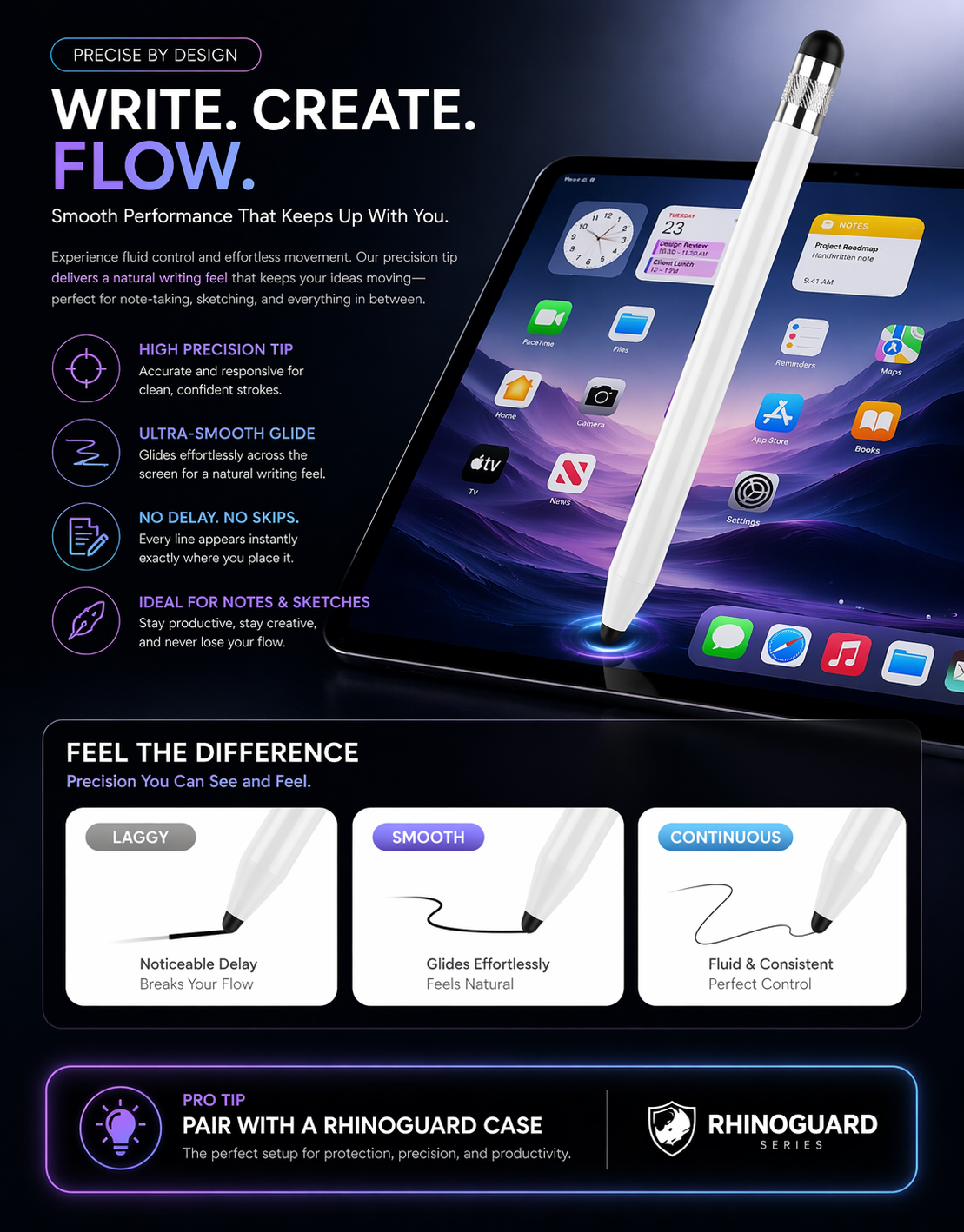
Because it does not require charging or pairing, ApexTouch is easy to keep in a bag, desk drawer, classroom kit, work setup, or alongside a RhinoGuard tablet case.
Important note before ordering:
ApexTouch is a passive universal stylus for most capacitive touchscreens. It does not provide active-stylus features such as Bluetooth pairing, pressure sensitivity, palm rejection, device-specific shortcut buttons, or magnetic charging.
Key features
Smooth Touchscreen Control
Helps improve control for tapping, scrolling, selecting, signing, browsing, and everyday touchscreen use.
No Charging or Pairing
Works as a passive stylus, so there is no battery, Bluetooth setup, charging cable, app setup, or connection process.
Dual-Tip Versatility
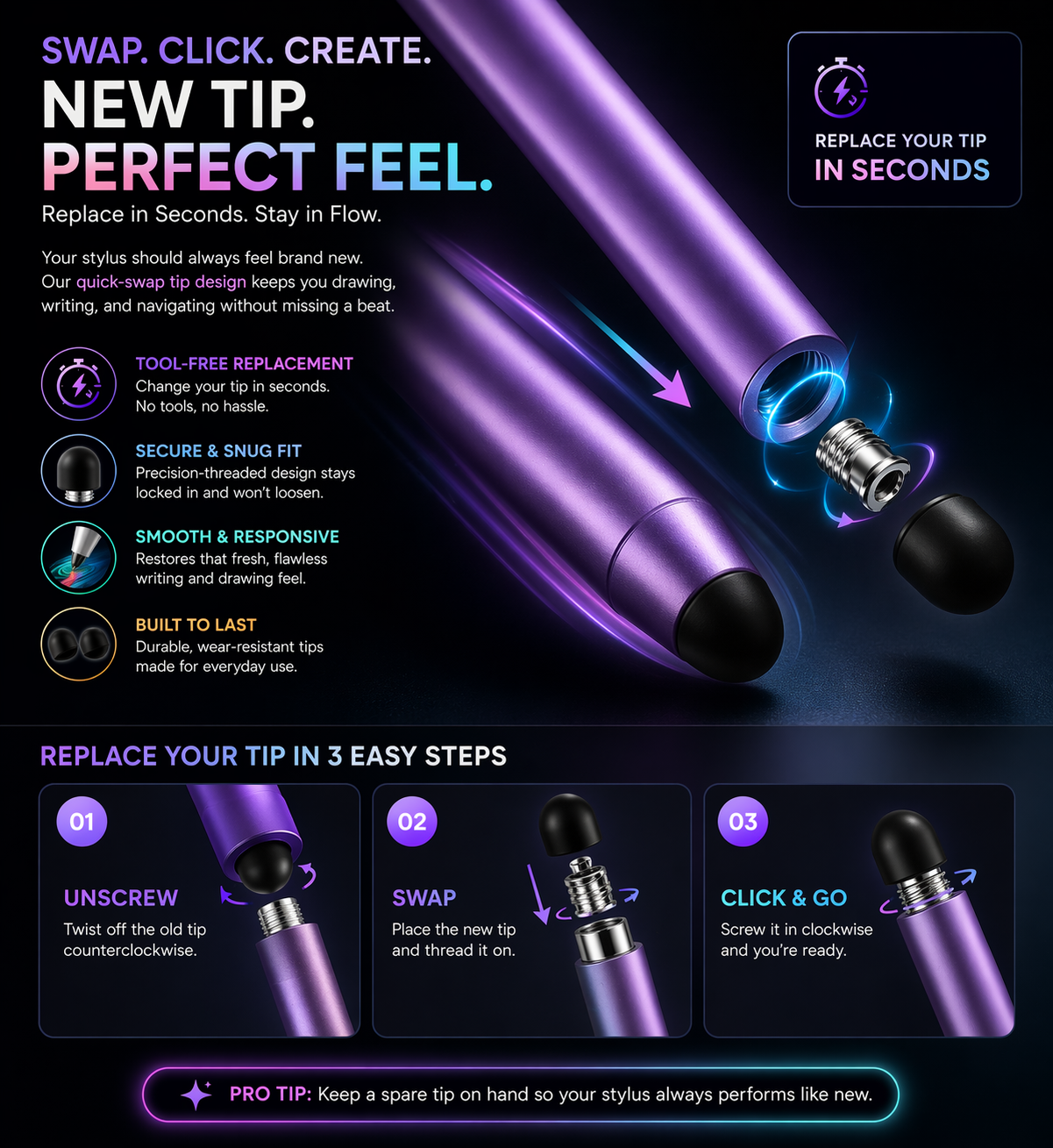
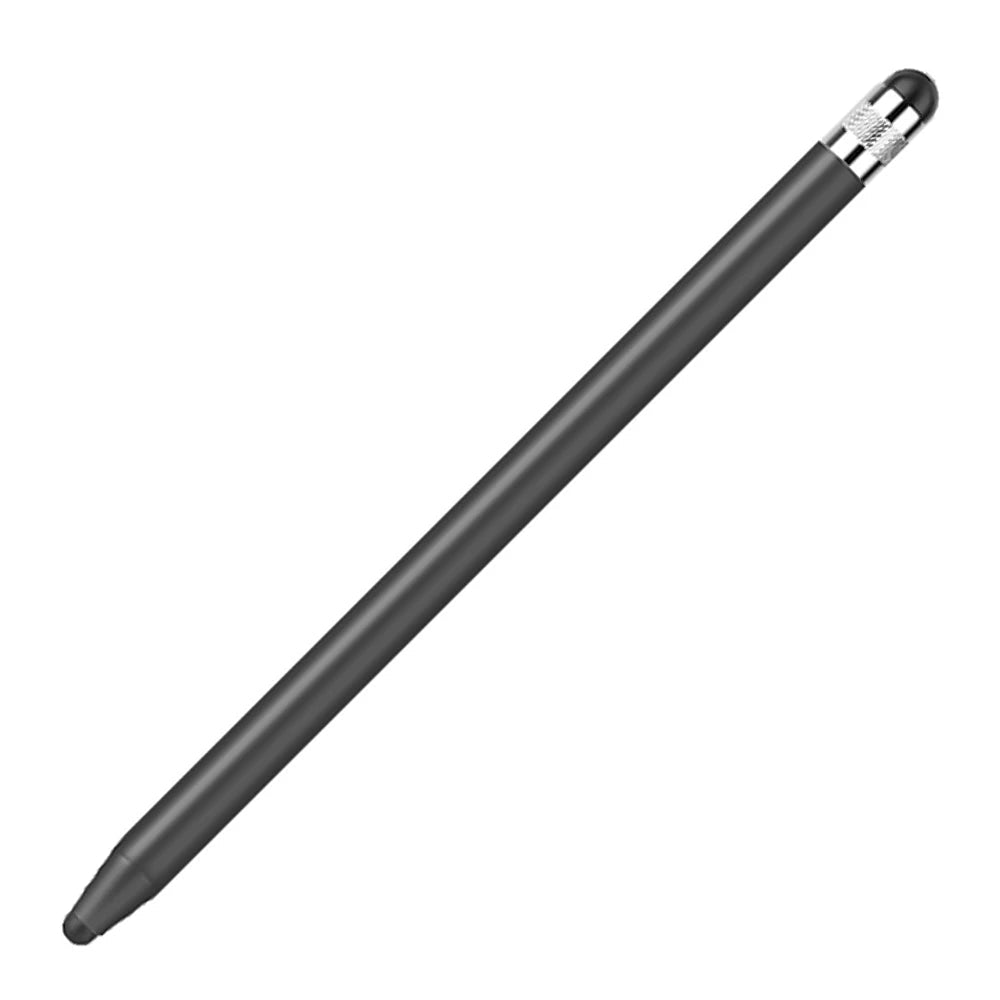
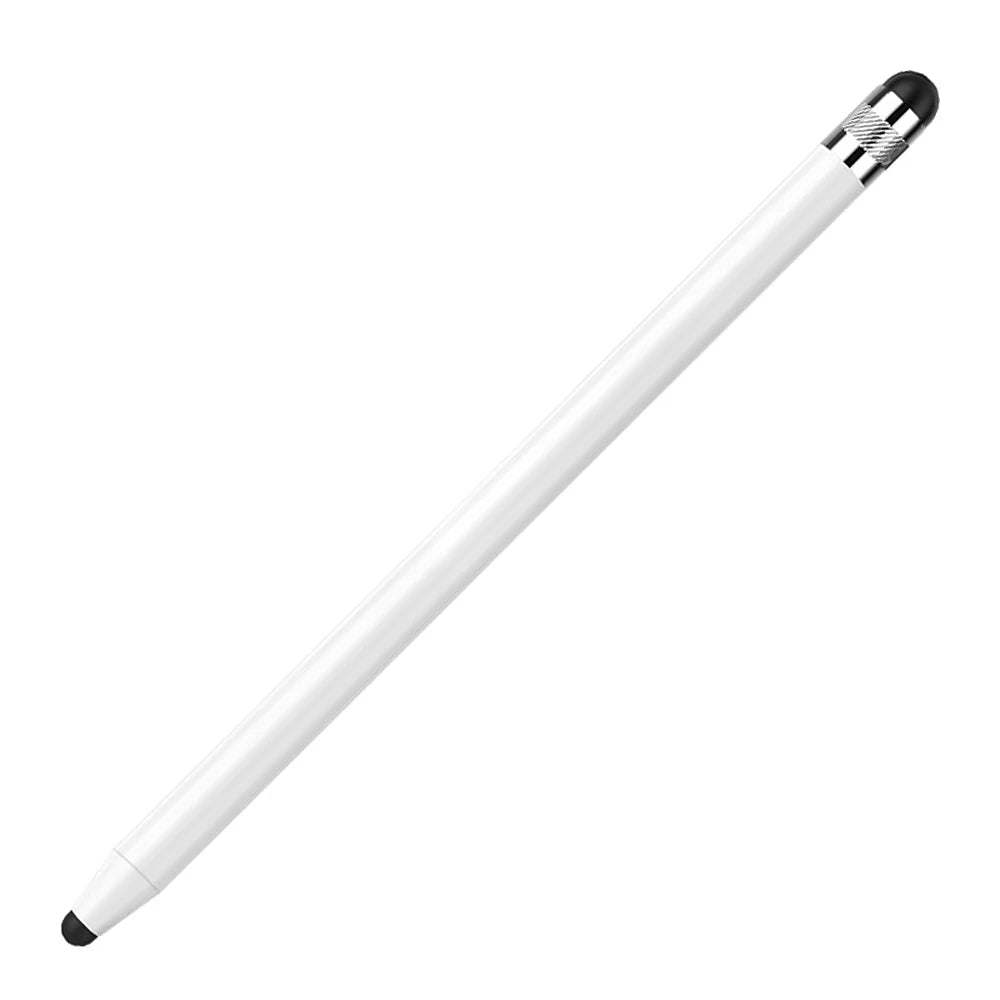
Dual-tip design gives you a precision-style tip for controlled input and a soft-touch tip for smoother navigation.
Aluminum Body Feel
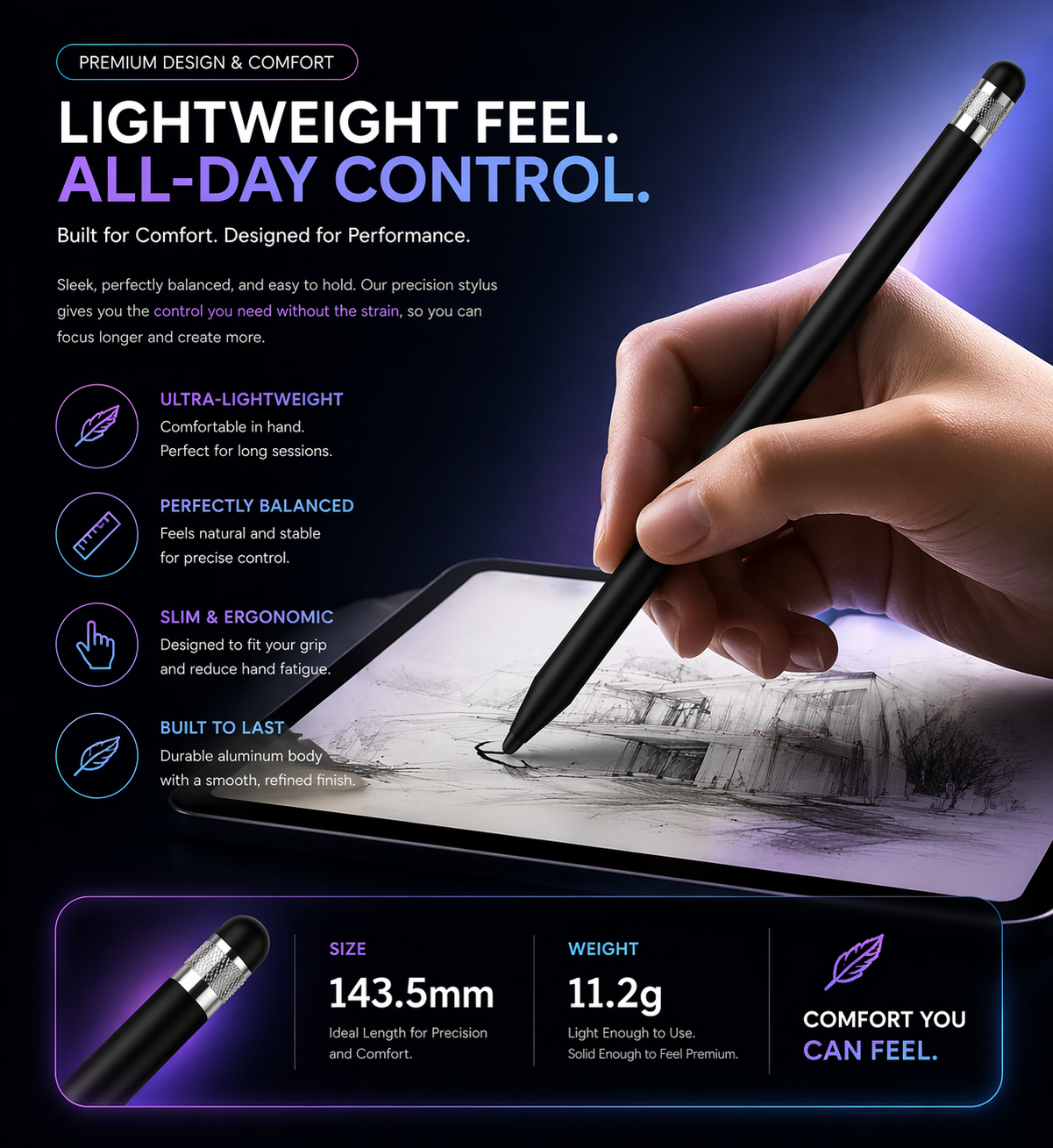
Aluminum-body styling gives the pen a clean, balanced, and more premium feel compared with basic plastic styluses.
Works Across Many Devices
Designed for most capacitive touchscreen devices, including many iPad, Galaxy Tab, Microsoft Surface, iPhone, Android, and touchscreen tablet models.
Complements RhinoGuard Cases
A smart add-on for RhinoGuard tablet case customers who want a simple stylus for productivity, forms, classroom use, field use, or everyday tablet control.
Designed for daily productivity
Work & Business Use
Useful for forms, signatures, presentations, browsing, point-of-sale screens, customer check-ins, and everyday tablet tasks.
School & Classroom Setups
A simple, battery-free stylus option for students, teachers, shared tablets, digital worksheets, and classroom touchscreen use.
Field & Jobsite Use
Helpful for RhinoGuard tablet users handling checklists, mobile forms, inventory apps, scheduling tools, and field workflows.
Everyday Tablet Control
Great for tapping, scrolling, reading, browsing, light notes, and reducing direct fingertip contact with the screen.
Why choose ApexTouch Universal
ApexTouch Universal is made for customers who want simple, reliable touchscreen control without charging, pairing, or device-specific setup. It is an easy productivity add-on for iPad, Galaxy Tab, Surface, phone, and RhinoGuard tablet case users.
Works Instantly
Passive stylus design means no charging, pairing, Bluetooth, or app setup.
Controls Cleaner
Helps reduce direct fingertip contact while improving control for tapping, selecting, scrolling, and signing.
Travels Easily
Simple, portable, and easy to keep with your tablet case, work bag, classroom cart, desk, or travel setup.
Compatibility
ApexTouch Universal is designed for most capacitive touchscreen devices. It is suitable for general touchscreen use on many tablets, phones, and touchscreen computers, but it is not a replacement for active styluses that require device-specific features.
Device compatibility depends on touchscreen type and intended use. For advanced drawing, pressure sensitivity, palm rejection, or device-specific shortcuts, use the active stylus recommended by your device manufacturer.
What’s included
Includes one ApexTouch Universal Precision Stylus Pen with dual-tip functionality.
Tablet, phone, touchscreen device, and RhinoGuard case are not included unless specifically shown as part of the selected bundle.
Avontic confidence
Add ApexTouch Universal to your setup for simple, battery-free touchscreen control across everyday tablet, phone, and RhinoGuard workflows.
Add ApexTouch Universal to your tablet setup today.
Find Your Perfect iPad Fit
Your iPad case should feel precise from the first snap — secure around the edges, perfectly aligned with the camera, clean around the buttons, and built for the exact model in your hands.
Because many iPad models look similar but use different dimensions, camera layouts, speaker placement, and button positioning, we strongly recommend confirming your exact iPad model before selecting your case size.
How To Check Your iPad Model
- Open Settings on your iPad
- Tap General
- Tap About
- Look for Model Name
- Match that exact model name to the correct size option before ordering
You can also check the model number printed on the back of your iPad. If the number shown in Settings starts with an “M,” tap it once to reveal the “A” model number.
Compatible iPad Models
Please choose the option that matches your exact iPad model.
iPad Pro Models
- iPad Pro 13-inch M5
- iPad Pro 11-inch M5
- iPad Pro 13-inch M4
- iPad Pro 11-inch M4
- iPad Pro 12.9-inch 6th Generation
- iPad Pro 12.9-inch 5th Generation
- iPad Pro 12.9-inch 4th Generation
- iPad Pro 12.9-inch 3rd Generation
- iPad Pro 12.9-inch 2nd Generation
- iPad Pro 12.9-inch 1st Generation
- iPad Pro 11-inch 4th Generation
- iPad Pro 11-inch 3rd Generation
- iPad Pro 11-inch 2nd Generation
- iPad Pro 11-inch 1st Generation
- iPad Pro 10.5-inch
- iPad Pro 9.7-inch
iPad Air Models
- iPad Air 13-inch M4
- iPad Air 11-inch M4
- iPad Air 13-inch M3
- iPad Air 11-inch M3
- iPad Air 13-inch M2
- iPad Air 11-inch M2
- iPad Air 5th Generation 10.9-inch
- iPad Air 4th Generation 10.9-inch
- iPad Air 3rd Generation 10.5-inch
- iPad Air 2 9.7-inch
- iPad Air 1st Generation 9.7-inch
iPad Models
- iPad 11-inch A16
- iPad 10th Generation 10.9-inch
- iPad 9th Generation 10.2-inch
- iPad 8th Generation 10.2-inch
- iPad 7th Generation 10.2-inch
- iPad 6th Generation 9.7-inch
- iPad 5th Generation 9.7-inch
- iPad 4th Generation 9.7-inch
- iPad 3rd Generation 9.7-inch
- iPad 2 9.7-inch
- iPad 1st Generation 9.7-inch
iPad mini Models
- iPad mini A17 Pro 8.3-inch
- iPad mini 6th Generation 8.3-inch
- iPad mini 5th Generation 7.9-inch
- iPad mini 4 7.9-inch
- iPad mini 3 7.9-inch
- iPad mini 2 7.9-inch
- iPad mini 1st Generation 7.9-inch
Important Fit Guidance
Please do not select your case by screen size alone. Several iPad models share similar display measurements but require different case designs. A correct fit depends on the exact model, not just the inch size.
For example, some 10.9-inch and 11-inch iPad models appear very close in size, but the body design, camera layout, and button placement may not be identical. Choosing the exact model ensures the case fits properly and protects your iPad the way it was designed to.
Need Help Before Ordering?
Not sure which size to choose? Our live chat support team is here to help.
Send us your iPad Model Name or Model Number through live chat before ordering, and we’ll gladly confirm the correct case size for you. That way, you can order with total confidence knowing your case is selected for the right iPad model.
Choose options