
RhinoGuard flagship

My Device
Start typing, choose a listed route, or complete all three browse fields. Nothing is assumed.
RhinoGuard flagship

ArmorPro route
RhinoGuard flagship
RhinoGuard route

Privacy glass

TitaniumGuard Ascend
TitaniumGuard Ascend
TitaniumGuard Ascend

Galaxy Watch Ultra metal

47mm protective case

Galaxy Watch 4–6 band collection

TitanForge 22mm
TitanForge 26mm

DuraShield protection

ArmorShield Slide

TitanShield Pro
RhinoGuard flagship
RhinoGuard flagship

RhinoGuard Tactical 360 Pro

RhinoGuard Apex Shield

RhinoGuard Apex Rotation

RhinoGuard Regent

RhinoGuard Vanguard

RhinoGuard Vertex

ChargeStation 7
Live catalog match
Your configuration
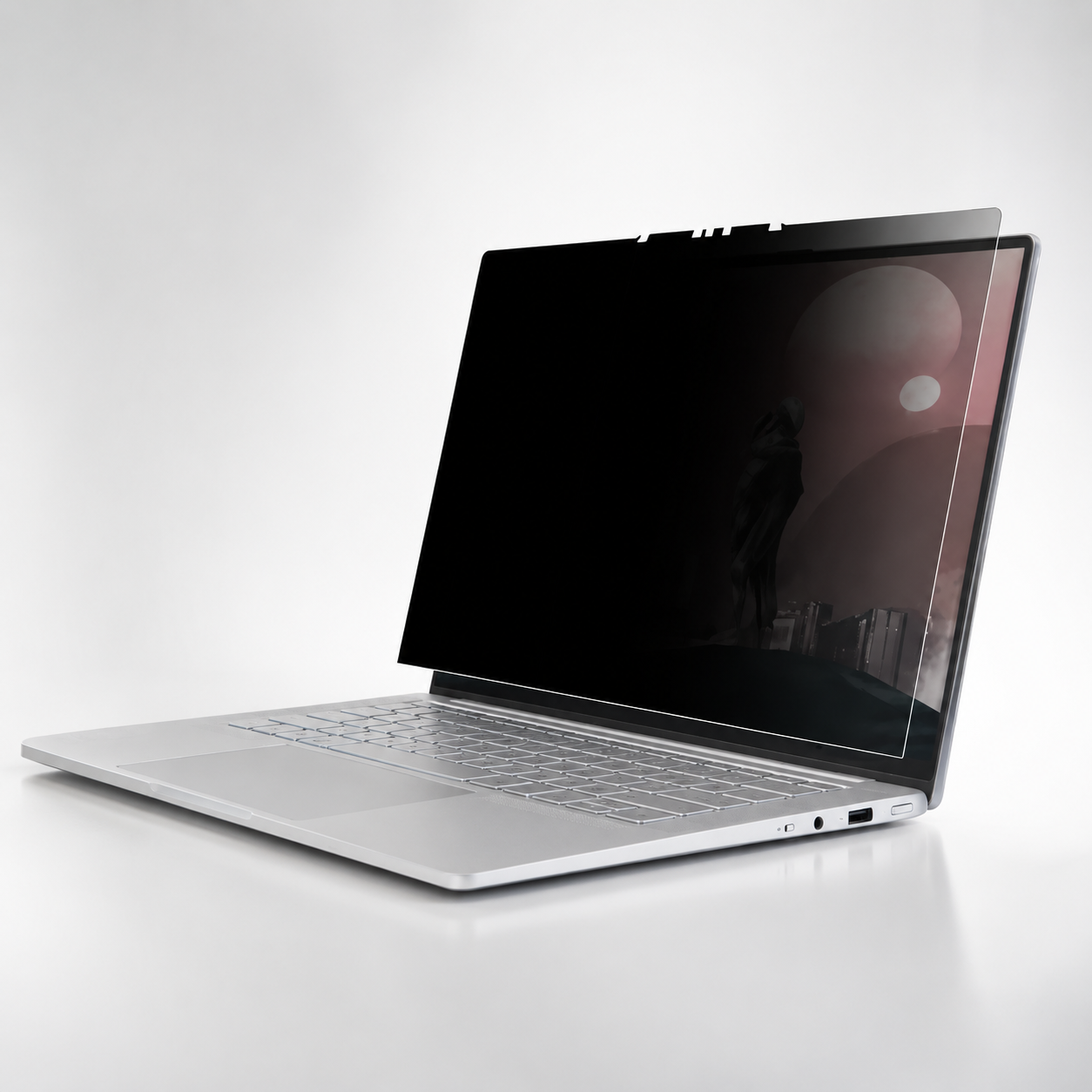
Avontic PrivacyShield Pro Magnetic Privacy Screen Protector for MacBookPreselected for display. Check the device, model, and size before ordering, or choose another option.
Match the exact device, size, or fit option shown on this page to your product before ordering. Contact Avontic if the required match is not explicit.


Protection and workstation essentials designed for focused work wherever the day moves.
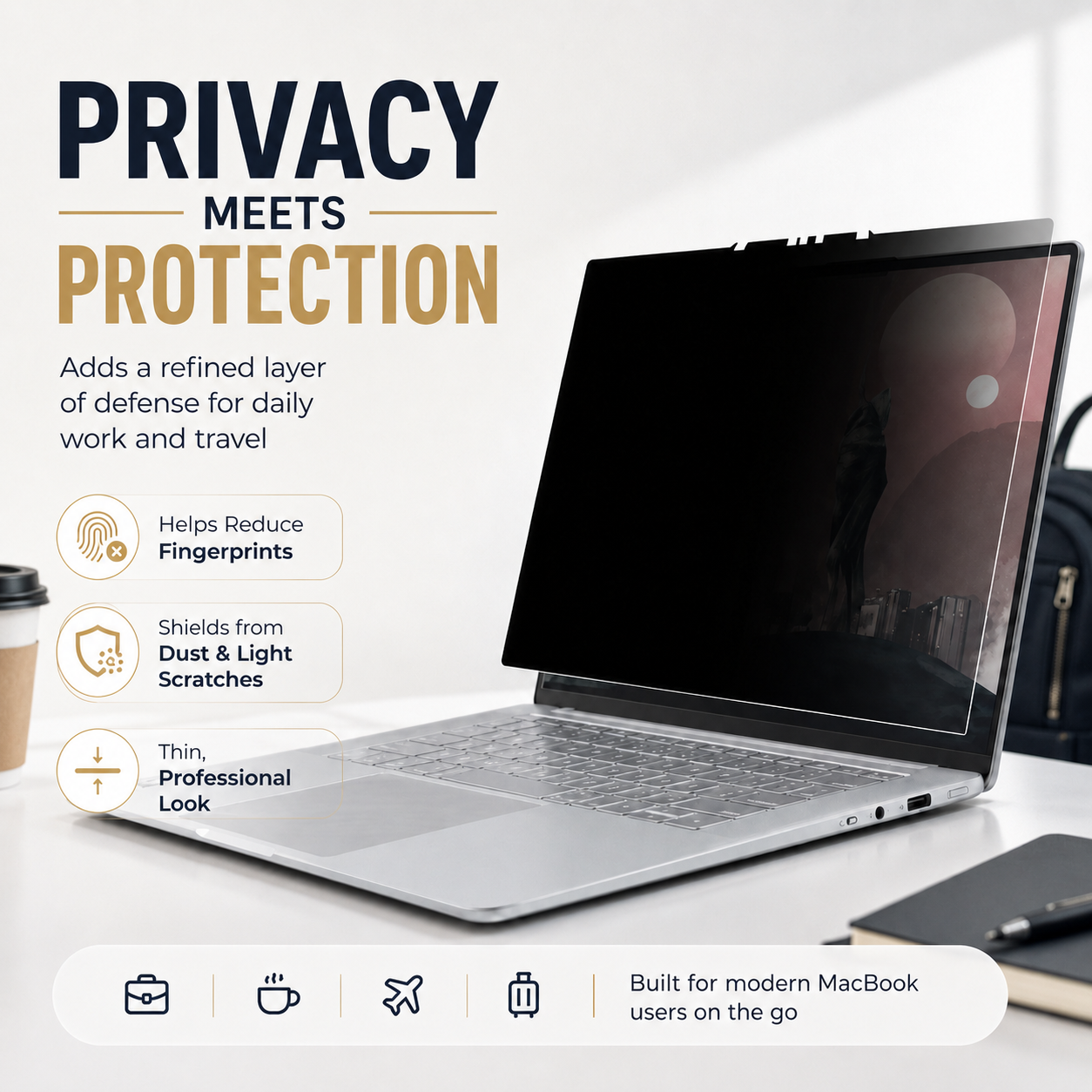
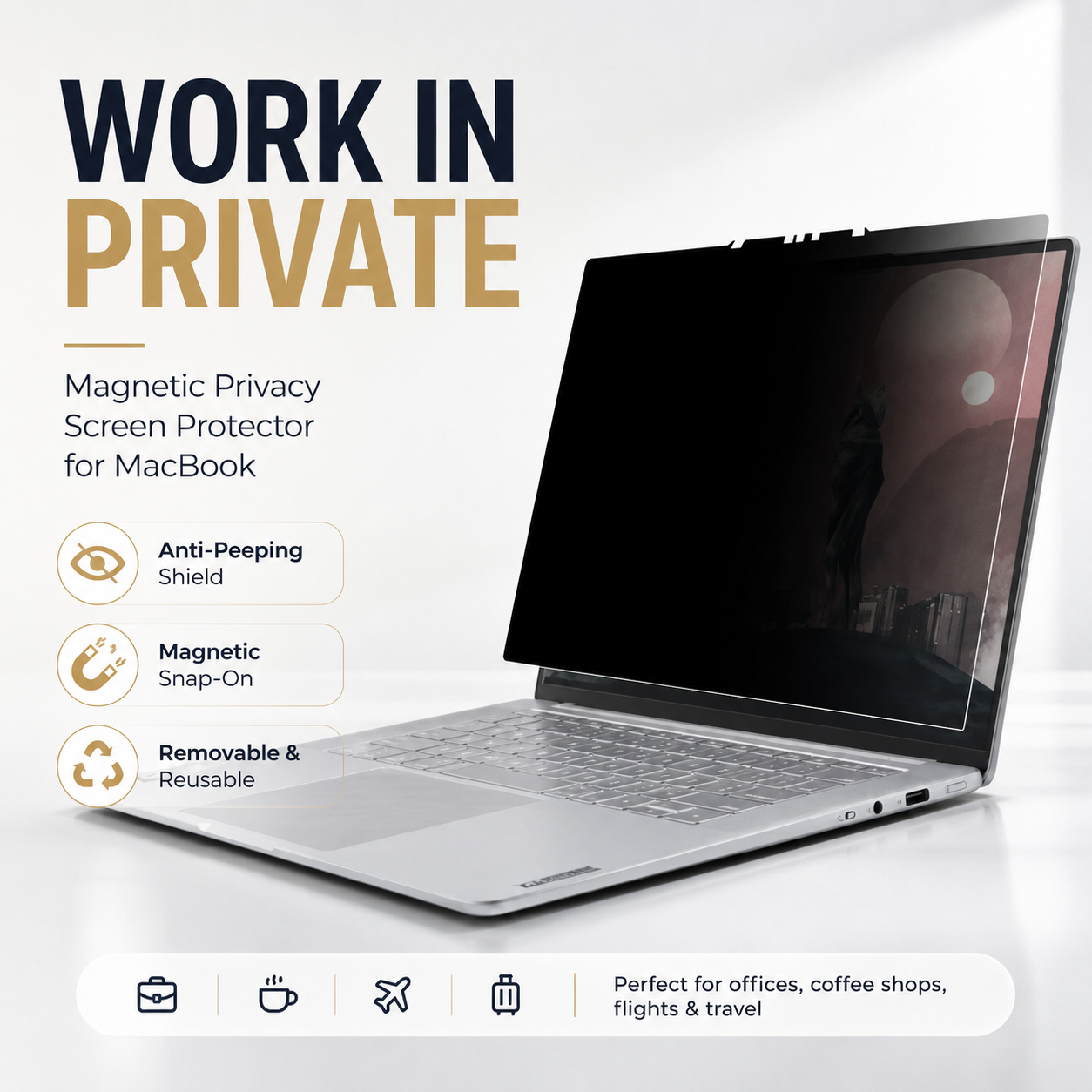
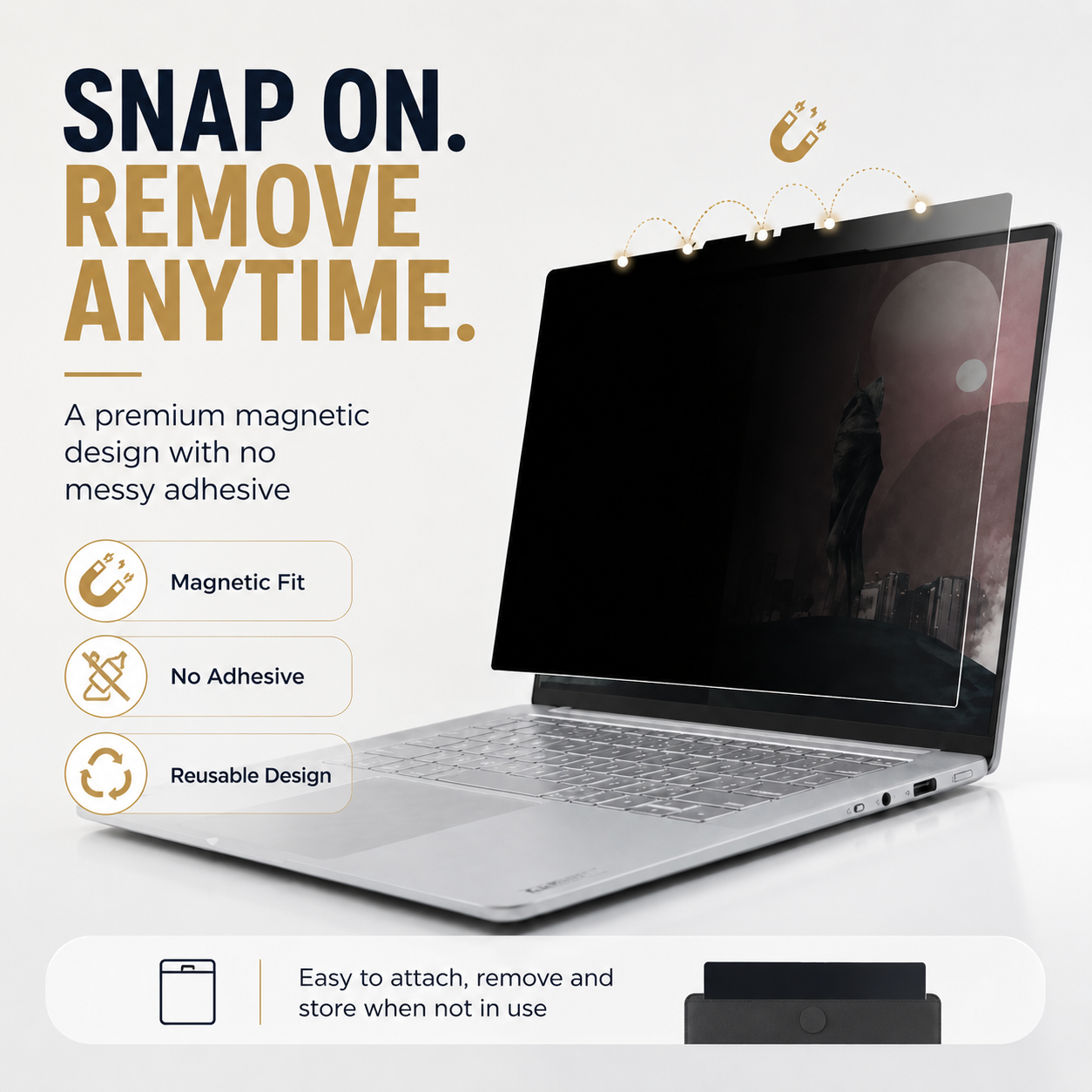
PrivacyShield Pro uses a removable magnetic attachment system to reduce side-angle screen visibility, add a light protective barrier, and move cleanly between private work and full-brightness viewing—without permanent adhesive.
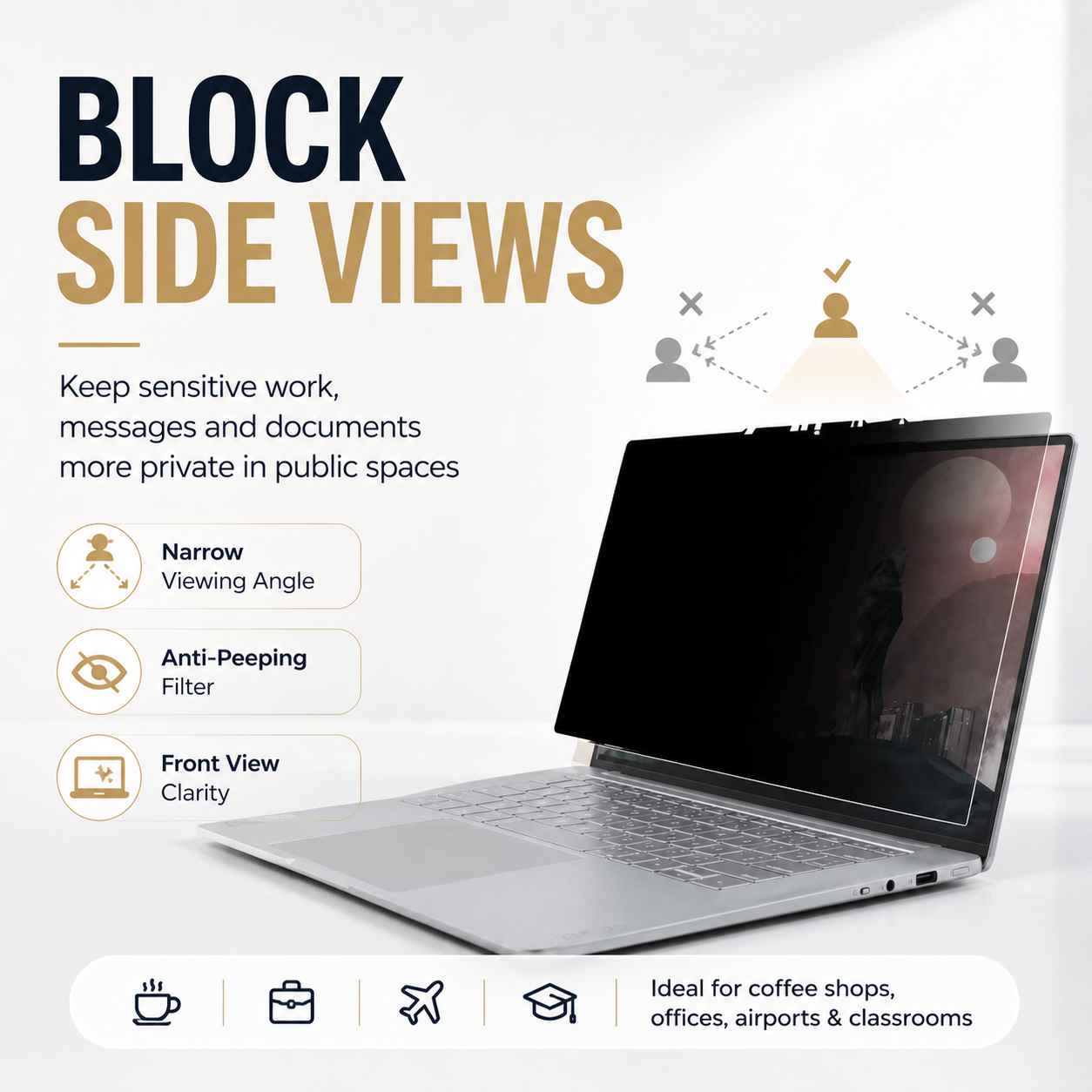
MacBooks often display messages, customer information, financial details, schoolwork, travel plans, and confidential documents in public or shared spaces. PrivacyShield Pro narrows comfortable visibility toward the direct viewer, helping reduce casual side-angle viewing from nearby people. When privacy is not needed, the magnetic filter can be removed, cleaned, and stored for later use.
Every component has a clear purpose—from protection and control to positioning, storage, privacy, or mobility.
The filter is designed to darken or obscure the display when viewed from off-center positions while keeping content available to the person seated directly in front.
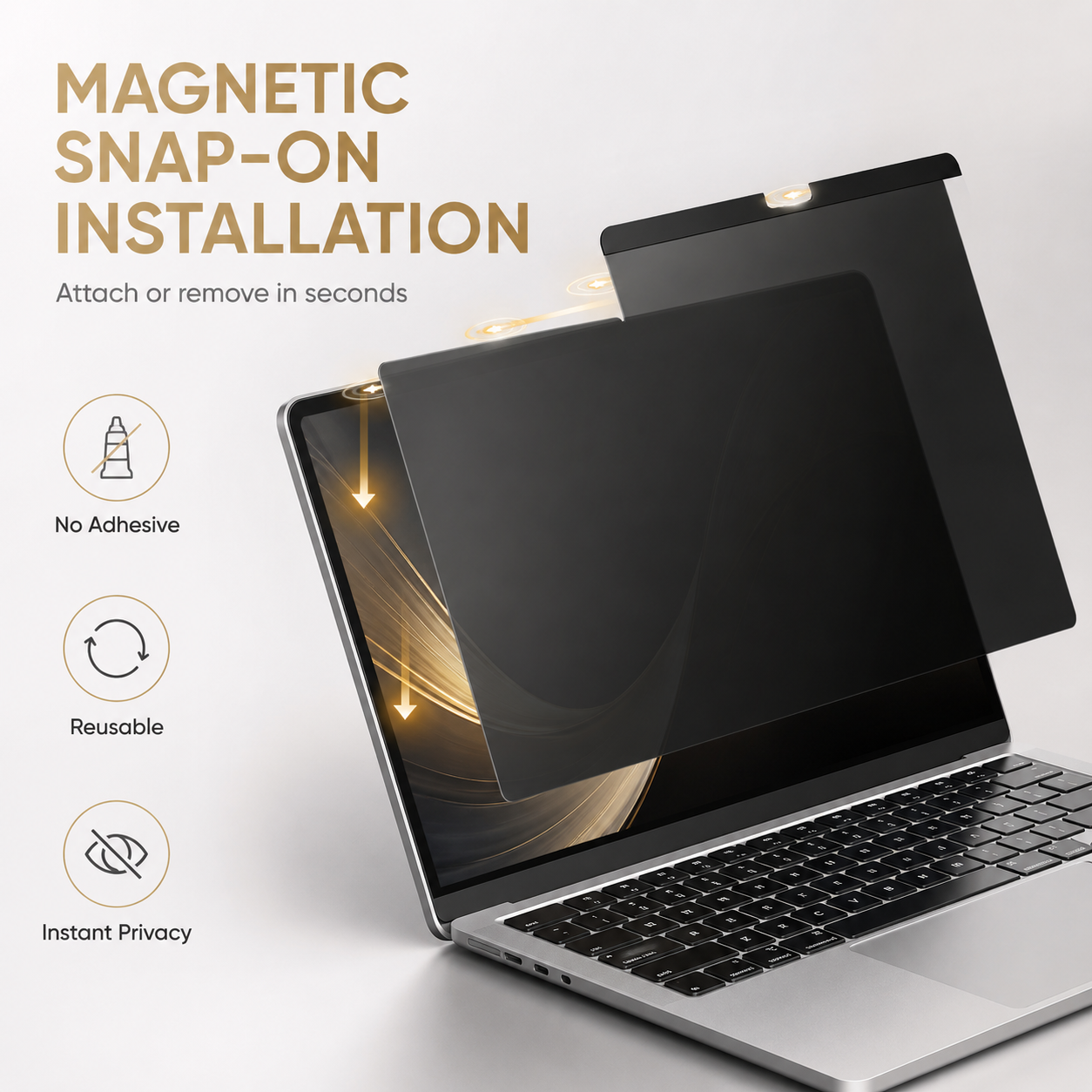
Built-in magnetic contact points make the filter quick to place and remove without applying a permanent adhesive film to the display.
Move between offices, classrooms, cafés, flights, hotels, meetings, and home setups, then return the filter to its sleeve when full open-screen viewing is preferred.
The filter adds a removable layer that can help reduce fingerprints, dust, and light surface contact. It is not an impact shield and cannot prevent screen breakage.
The darker off-angle appearance creates a more discreet workspace and can help reduce visual distraction from reflections, although display appearance varies with lighting.
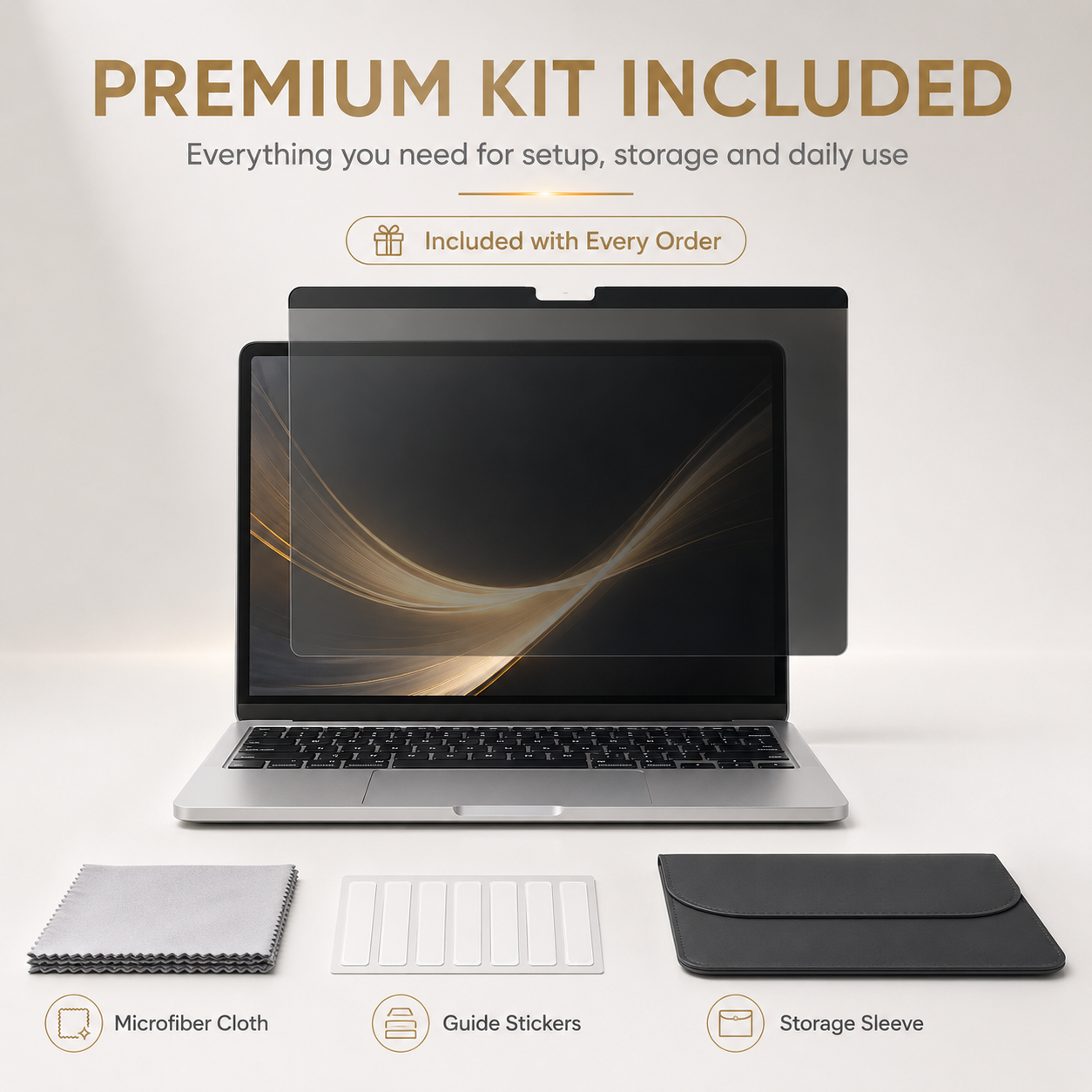
A microfiber cloth, guide stickers, and storage sleeve support cleaning, alignment, transport, and reuse without leaving the filter loose inside a bag.
Reduce casual side viewing in airports, lounges, trains, planes, hotels, and coffee shops.
Add discretion when reviewing customer records, internal documents, finance work, or communications around other people.
Create a more focused viewing zone in classrooms, libraries, coworking areas, dorms, and shared family spaces.
MacBook privacy filters must match the exact display enclosure, diagonal size, generation, camera notch, and model number. Similar marketing names can use different screen dimensions. Confirm the A-number printed on the bottom enclosure before ordering.
Selection guidance: Only the live size options shown below are supported by this listing. Do not order by “13-inch,” “14-inch,” or “16-inch” alone. Match the complete MacBook family and every A-number in the selected option.
Turn the MacBook over and locate the model number beginning with A, or check Apple menu › About This Mac for the model family and year.
Confirm Air versus Pro, Intel versus Apple silicon where listed, screen size, notch style, and exact A-number.
Make sure the filter sits flat and does not interfere with the camera, lid closure, or any case accessory. Remove it before closing if resistance is present.
A model-specific accessory works best when alignment and every intended device function are checked before daily use.
Power down the MacBook and use the included microfiber cloth to remove dust, oil, and grit from the display and filter.
Align the camera/notch area and magnetic edge with the correct side facing outward.
Lower the filter into position without forcing or bending it. Use guide stickers if needed for controlled handling.
Check direct-view clarity, side-angle privacy, camera clearance, flat contact, display closure, and brightness before daily use.
MacBook, power adapter, laptop case, and unrelated accessories are not included.
Realistic expectations: This accessory is designed to improve the everyday setup described above, but it cannot eliminate every risk, prevent all damage, or replace careful device handling.
Privacy filtering can reduce perceived brightness and change color or contrast. Increase display brightness if comfortable, and remove the filter for color-critical creative work. Clean only with a soft, dry or lightly damp microfiber cloth; avoid abrasive cleaners, hard pressure, and sharp bends.
Avontic provides fast free shipping on every order. Estimated U.S. delivery is 3–5 business days for orders placed by 6:00 PM Eastern Time; orders placed after the cutoff may require one additional business day, Canada delivery is 6–10 business days, while other international delivery is generally 6–12 business days. Tracking is emailed after dispatch. Carrier, customs, weather, and seasonal delays can affect delivery estimates.
Avontic offers 60-Day Returns. Review the current Return Policy for eligibility, available resolutions, and any applicable conditions before sending an item back.
Not sure which option fits? Contact Avontic before ordering and include the exact device model, generation, and size shown in your settings or on the device itself.
Choose options
Product details
Review confirmed features, everyday use cases, and fit guidance. Product options and purchasing stay in the primary configuration above.

Confirmed product details
Use the imagery to confirm the visible case, cover, or screen-layer design included with this exact product.
Match the complete model and generation shown in the option rather than choosing by screen size alone.
Selection context
Review the selected configuration against the way you intend to use the device at a desk.
Confirm the exact product design and included components before ordering for travel or mobile use.
Compatibility guidance
Confirm the complete device model and generation before ordering. Similar screen sizes can use different dimensions, ports, cameras, or attachment systems.