
RhinoGuard flagship

My Device
Settings → General → About → tap the part number beside Model Number to reveal the A-number.
Start typing, choose a listed route, or complete all three browse fields. Nothing is assumed.
RhinoGuard flagship

ArmorPro route
RhinoGuard flagship
RhinoGuard route

Privacy glass

TitaniumGuard Ascend
TitaniumGuard Ascend
TitaniumGuard Ascend

Galaxy Watch Ultra metal

47mm protective case

Galaxy Watch 4–6 band collection

TitanForge 22mm
TitanForge 26mm

DuraShield protection

ArmorShield Slide

TitanShield Pro
RhinoGuard flagship
RhinoGuard flagship

RhinoGuard Tactical 360 Pro

RhinoGuard Apex Shield

RhinoGuard Apex Rotation

RhinoGuard Regent

RhinoGuard Vanguard

RhinoGuard Vertex

ChargeStation 7
Live catalog match
Use cases
A use-case framework for choosing fit, stand, grip, carrying and keyboard features in the right order.
 Verified product context
The short answerIdentify the tablet first, then rank the jobs the case must perform. Home buyers often prioritize viewing; travelers prioritize manageable size; schools prioritize repeatable deployment; professionals prioritize grip, positioning and access. Buy for the dominant routine rather than the longest feature list.
Start with exact model verification. Next choose the dominant setting, decide how the tablet is held or positioned, identify accessories that must remain connected, and finally compare size and carrying preferences. This order prevents an appealing feature from distracting from fit.
A feature can be essential in one environment and unnecessary in another. Use the matrix as a starting point, then adjust for the individual user and device.
| Setting | Lead priority | Second priority | Watch for |
|---|---|---|---|
| Home | Viewing stand | Comfortable handling | Counter and table stability |
| Travel | Manageable carry | Detachable features | Bag and seat-pocket fit |
| School | Exact fleet fit | Hand-held control | Labeling and storage |
| Professional | Workflow grip | Repeatable positioning | Port and camera access |
A keyboard changes the working footprint and charging routine. Confirm whether it is integrated, detachable or separate, and whether the case can hold the tablet at a useful typing angle. Stylus users should verify storage, charging position and access without assuming every holder supports every input tool.
Utility cases add structure and size. Minimal cases preserve a slimmer feel but may offer fewer positioning and carrying options. A stand needs a stable surface, and removable components can be misplaced. The best choice is the tradeoff you understand and will use consistently.
Shop this setup
Live Avontic products connected to this guide. Confirm the exact device variant on the product page.
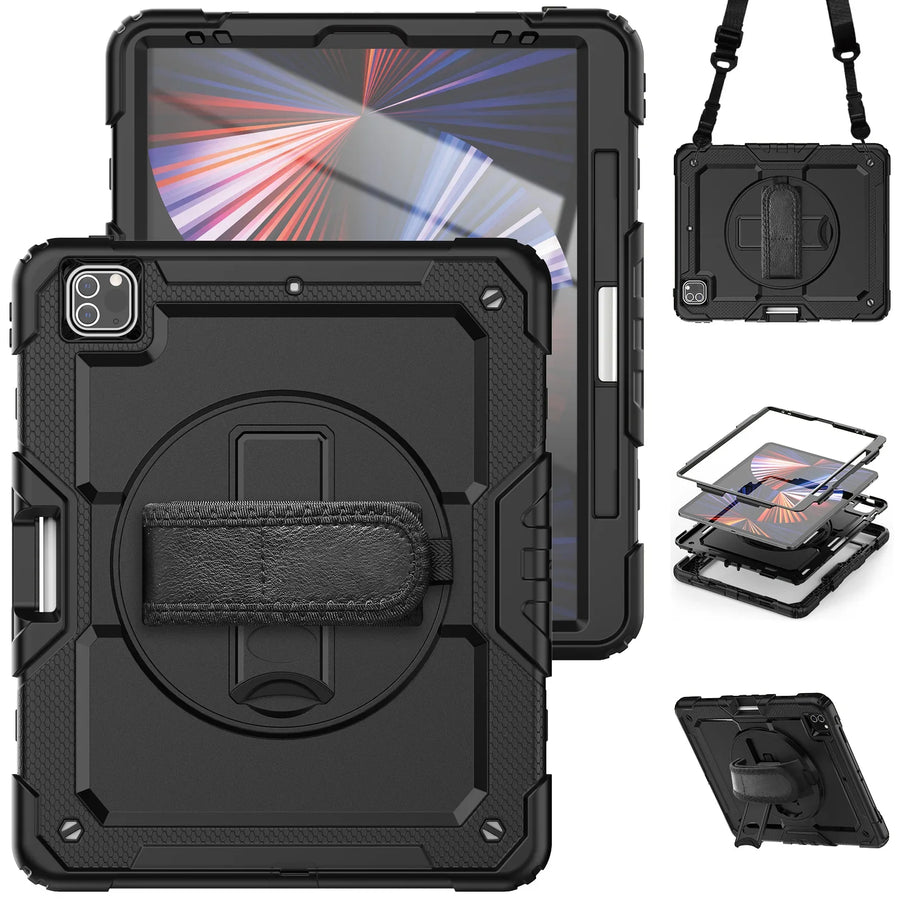
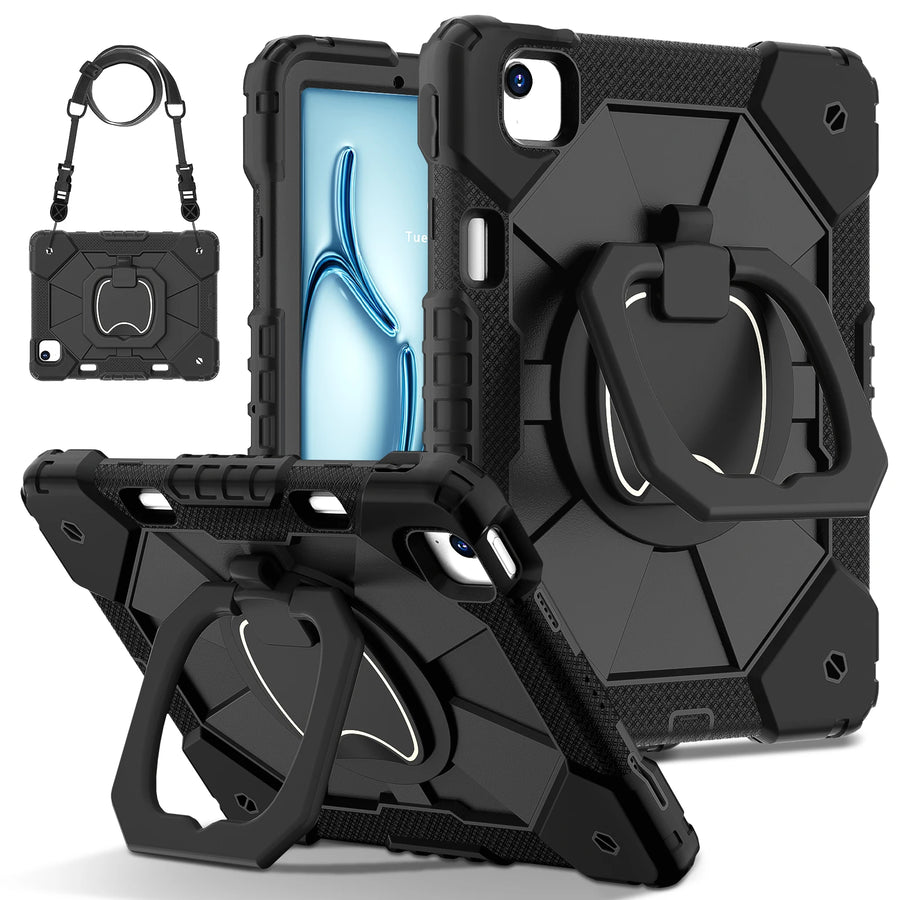
Confirm the exact device and selected variant before purchase. 60-Day Returns.
Continue with Avontic
Device details are verified against official manufacturer references and the live Avontic catalog. Reconfirm the selected product variant before purchasing.