
RhinoGuard flagship

My Device
Settings → General → About → tap the part number beside Model Number to reveal the A-number.
Start typing, choose a listed route, or complete all three browse fields. Nothing is assumed.
RhinoGuard flagship

ArmorPro route
RhinoGuard flagship
RhinoGuard route

Privacy glass

TitaniumGuard Ascend
TitaniumGuard Ascend
TitaniumGuard Ascend

Galaxy Watch Ultra metal

47mm protective case

Galaxy Watch 4–6 band collection

TitanForge 22mm
TitanForge 26mm

DuraShield protection

ArmorShield Slide

TitanShield Pro
RhinoGuard flagship
RhinoGuard flagship

RhinoGuard Tactical 360 Pro

RhinoGuard Apex Shield

RhinoGuard Apex Rotation

RhinoGuard Regent

RhinoGuard Vanguard

RhinoGuard Vertex

ChargeStation 7
Live catalog match
Use cases
A fast, exact way to identify the iPad in your hands before choosing a case.
 Verified product context
The short answerOpen Settings, choose General, then About. Tap the value beside Model Number until it changes to an A-number. That identifier—not the screen size or the name printed on a receipt—is the strongest starting point for case compatibility.
In Settings, the first value shown beside Model Number may be a regional part number. Tap it once to reveal the shorter identifier that begins with A. Record the entire value, including every digit. If the iPad cannot be opened, inspect the back or the upper side of the USB-C or Lightning connector under bright light; the location varies by generation.
Apple can use more than one A-number for the same retail model because Wi-Fi, cellular and regional versions differ. Those identifiers may still share an external case fit, but the case listing must explicitly include the device family.
| Device | Year | Wi-Fi | Cellular | China cellular |
|---|---|---|---|---|
| iPad Air 11-inch (M4) | 2026 | A3459 | A3460 | A3463 |
| iPad Pro 11-inch (M5) | 2025 | A3357 | A3358 | A3359 |
An 11-inch label describes the display class, not every physical detail. Generations can move the camera, buttons, speakers, charging connector or magnetic accessory area. A case that closes around the tablet can still be the wrong fit if a control or opening is misaligned.
Fit noteCompatibility rule: device name + generation or chip family + A-number should agree with the selected case variant.
Do not rely on a marketplace order title, a family member’s memory or the broad label “iPad Air.” Avoid choosing from appearance alone: several generations look similar in a photograph. If the identifiers conflict, pause and use Avontic’s finder path before ordering.
Shop this setup
Live Avontic products connected to this guide. Confirm the exact device variant on the product page.
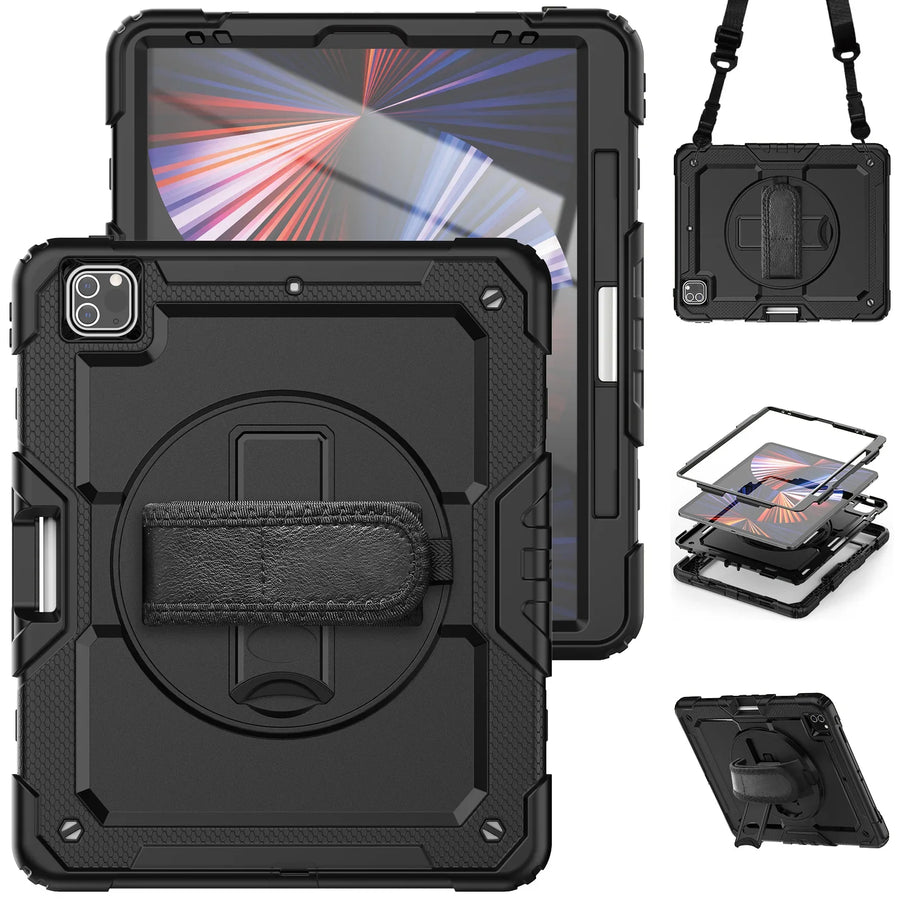
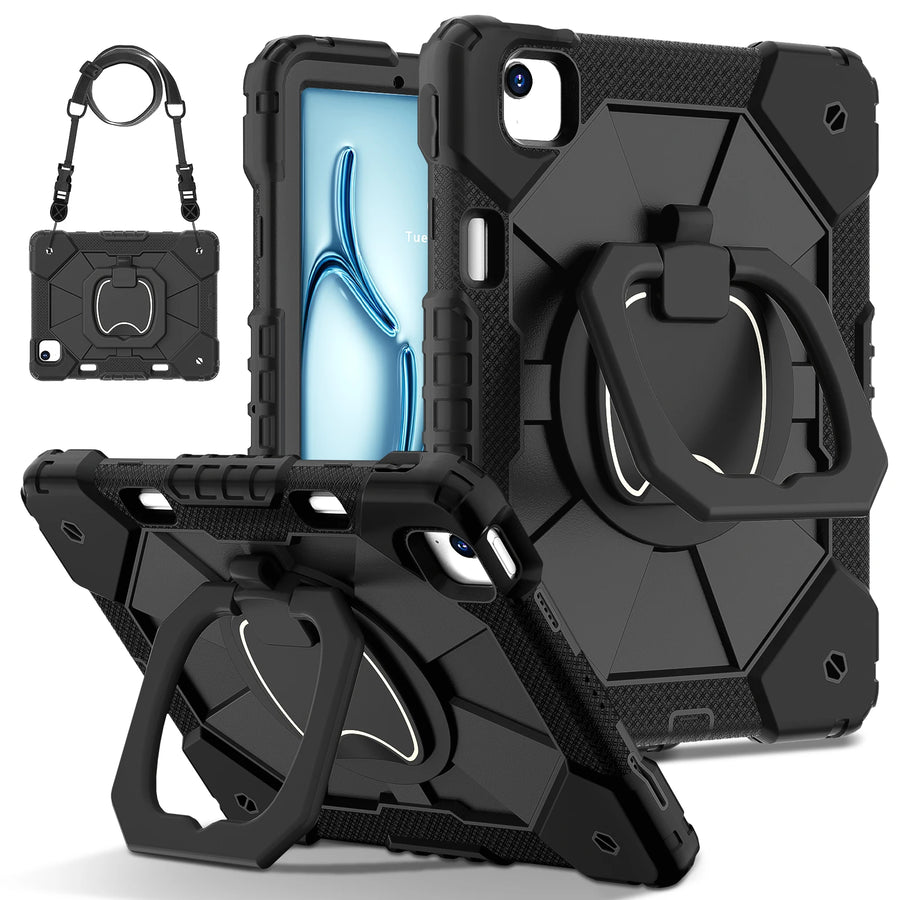
Confirm the exact device and selected variant before purchase. 60-Day Returns.
Continue with Avontic
Device details are verified against official manufacturer references and the live Avontic catalog. Reconfirm the selected product variant before purchasing.