RhinoGuard flagship

Avontic exact-fit command
Start typing to search Avontic’s live device catalog and verified compatibility routes.
RhinoGuard flagship

ArmorPro route
RhinoGuard flagship
RhinoGuard route

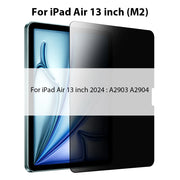
Privacy glass

TitaniumGuard Ascend
TitaniumGuard Ascend
TitaniumGuard Ascend

Galaxy Watch Ultra metal

47mm protective case

Galaxy Watch 4–6 band collection

TitanForge 22mm
TitanForge 26mm

DuraShield protection

ArmorShield Slide

TitanShield Pro
RhinoGuard flagship
RhinoGuard flagship

RhinoGuard Tactical 360 Pro

RhinoGuard Apex Shield

RhinoGuard Apex Rotation

RhinoGuard Regent

RhinoGuard Vanguard

RhinoGuard Vertex

ChargeStation 7
Live catalog match
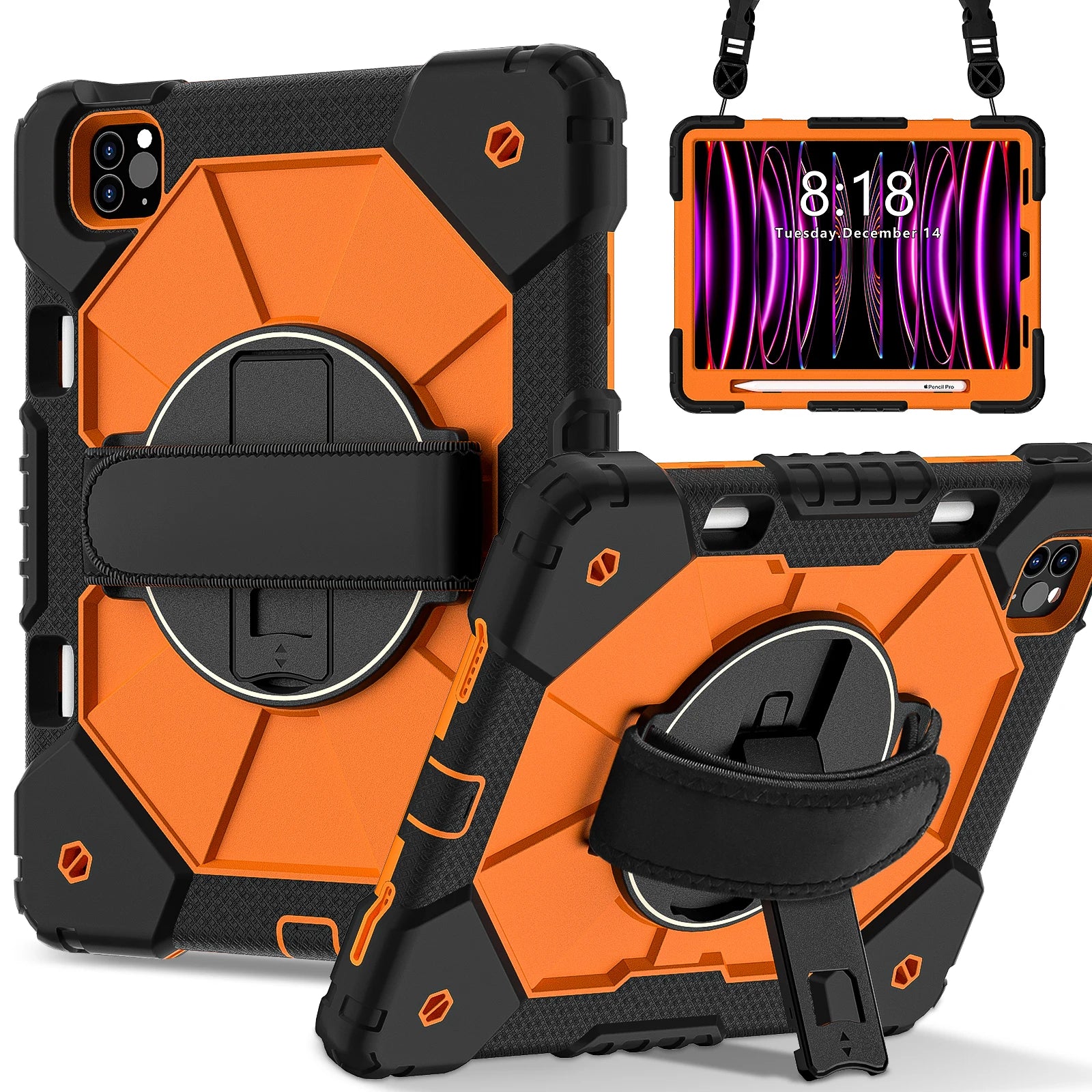
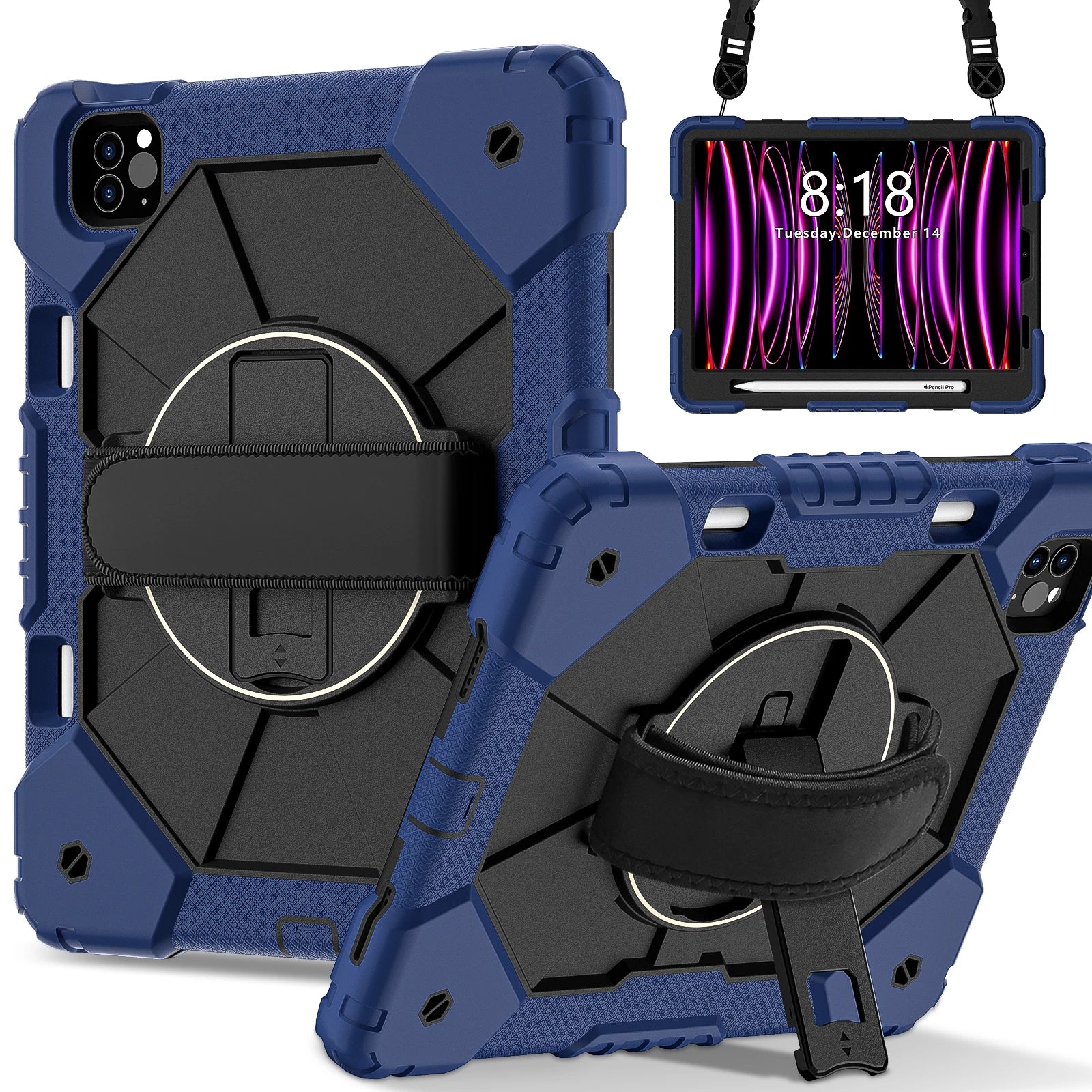
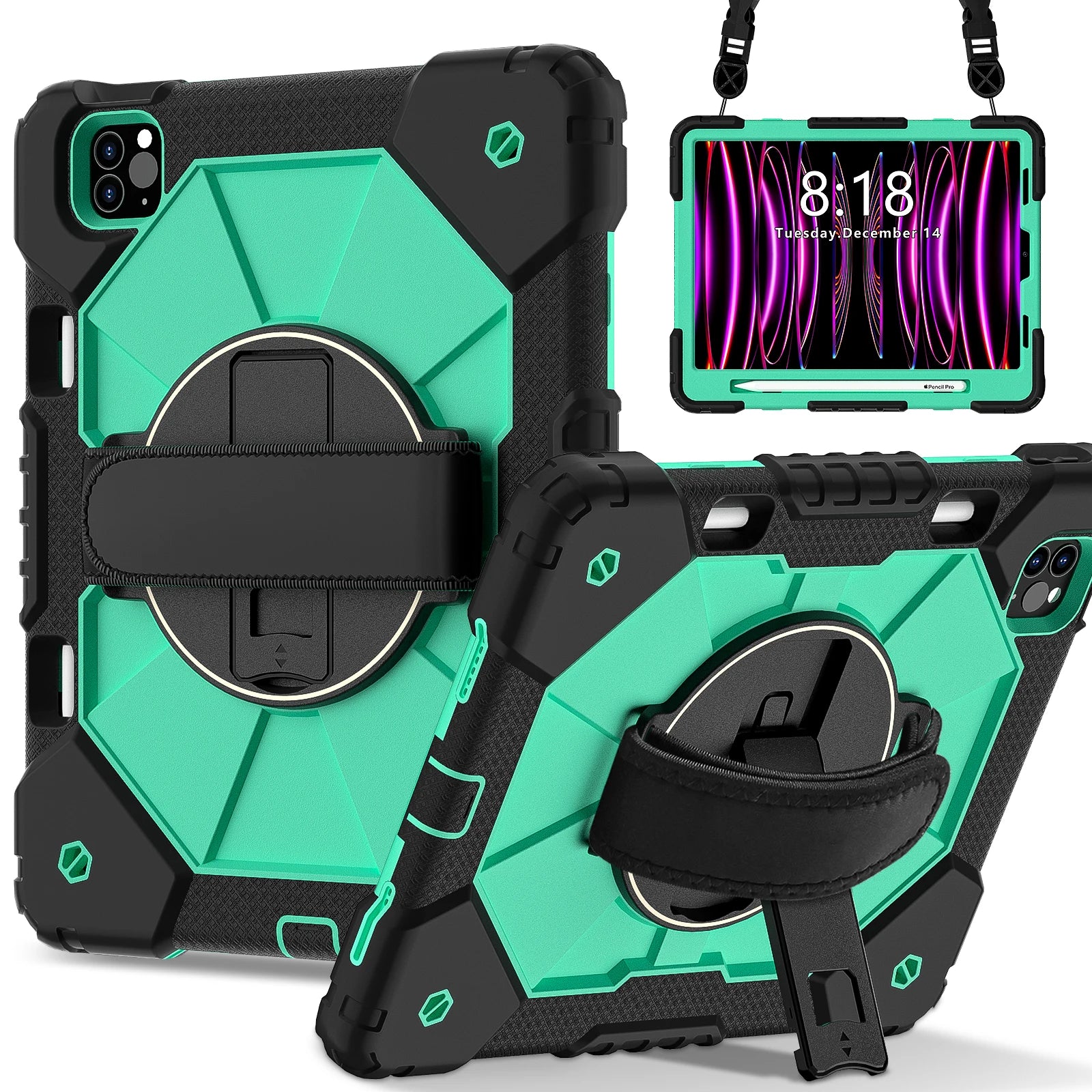
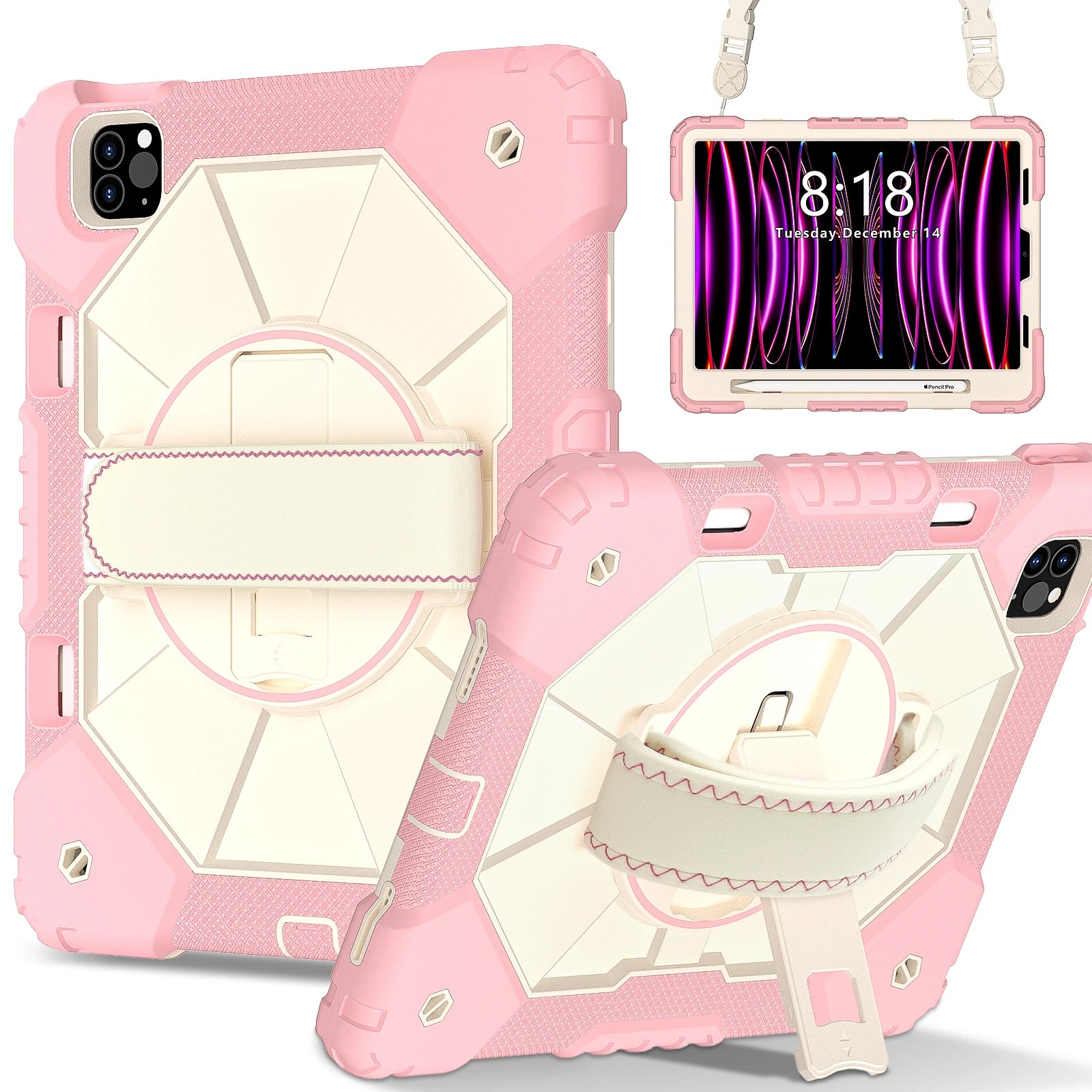
Use the exact model identifier shown in Settings or on the back of your iPad.
Screen size alone is insufficient. This finder checks exact stored compatibility data and will not guess.
Open Settings → General → About, or check the information on the back of your iPad.
Find the model number beginning with A. In Settings, tap the displayed part number when necessary to reveal the A-number.
Enter the A-number and use the exact product option returned by the finder.
Your configuration
RhinoGuard Apex 360 Command Rugged iPad Case with Kickstand & Hand StrapRhinoGuard
Best for Customers who want to confirm the exact iPad model before ordering.
Curated add-ons
Useful extras selected for this product—not substitutes.
Your setup: 0 of 3 complete
Optional accessories are never preselected.Adds model-matched tempered glass and side-angle privacy.
Adds cleaner tapping, notes, signatures, and everyday navigation.
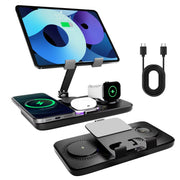
Charges supported phones, Apple Watch, and compatible wireless earbuds while holding an iPad in the integrated stand.
Nothing is preselected. Confirm every model, size, or style before adding.
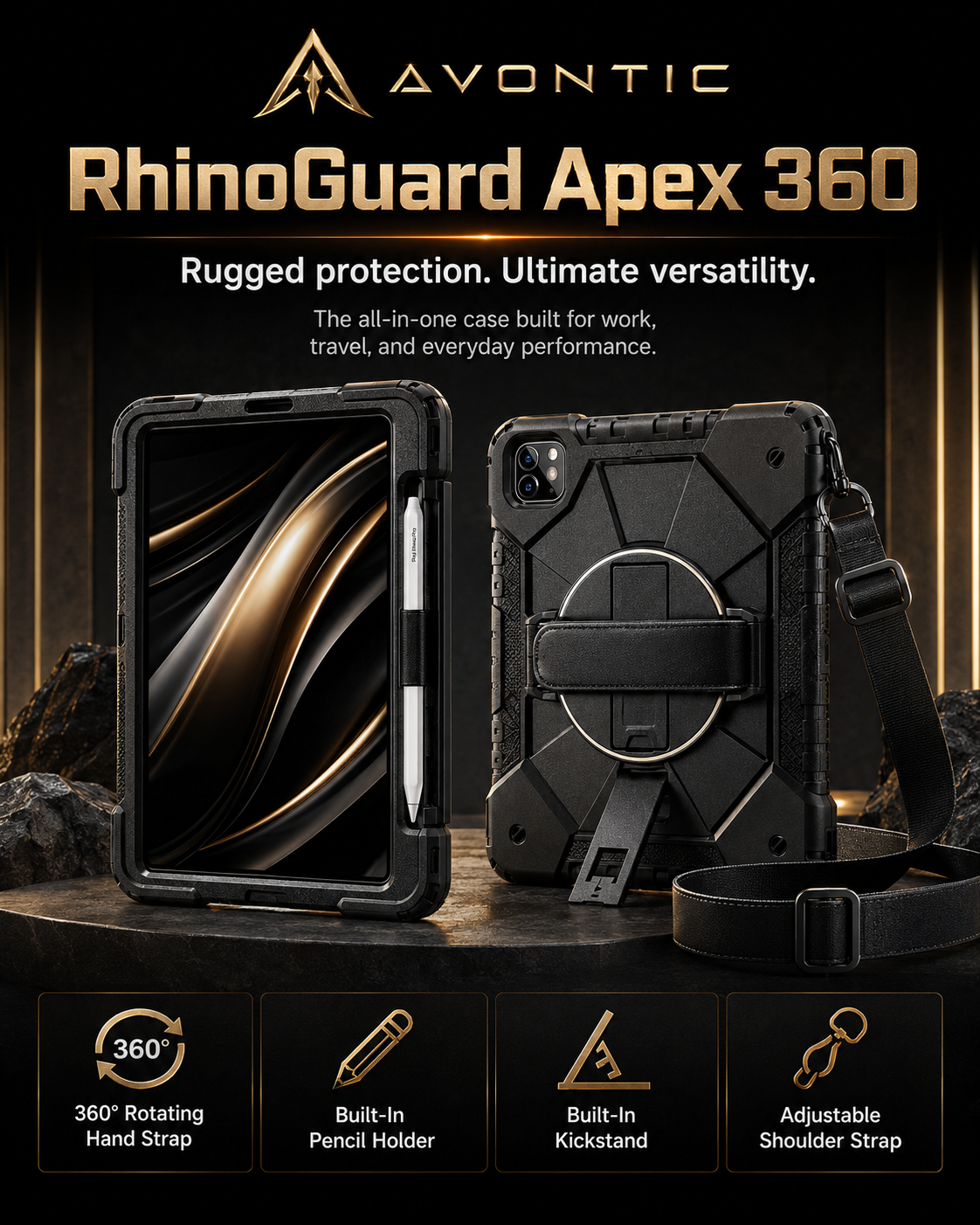
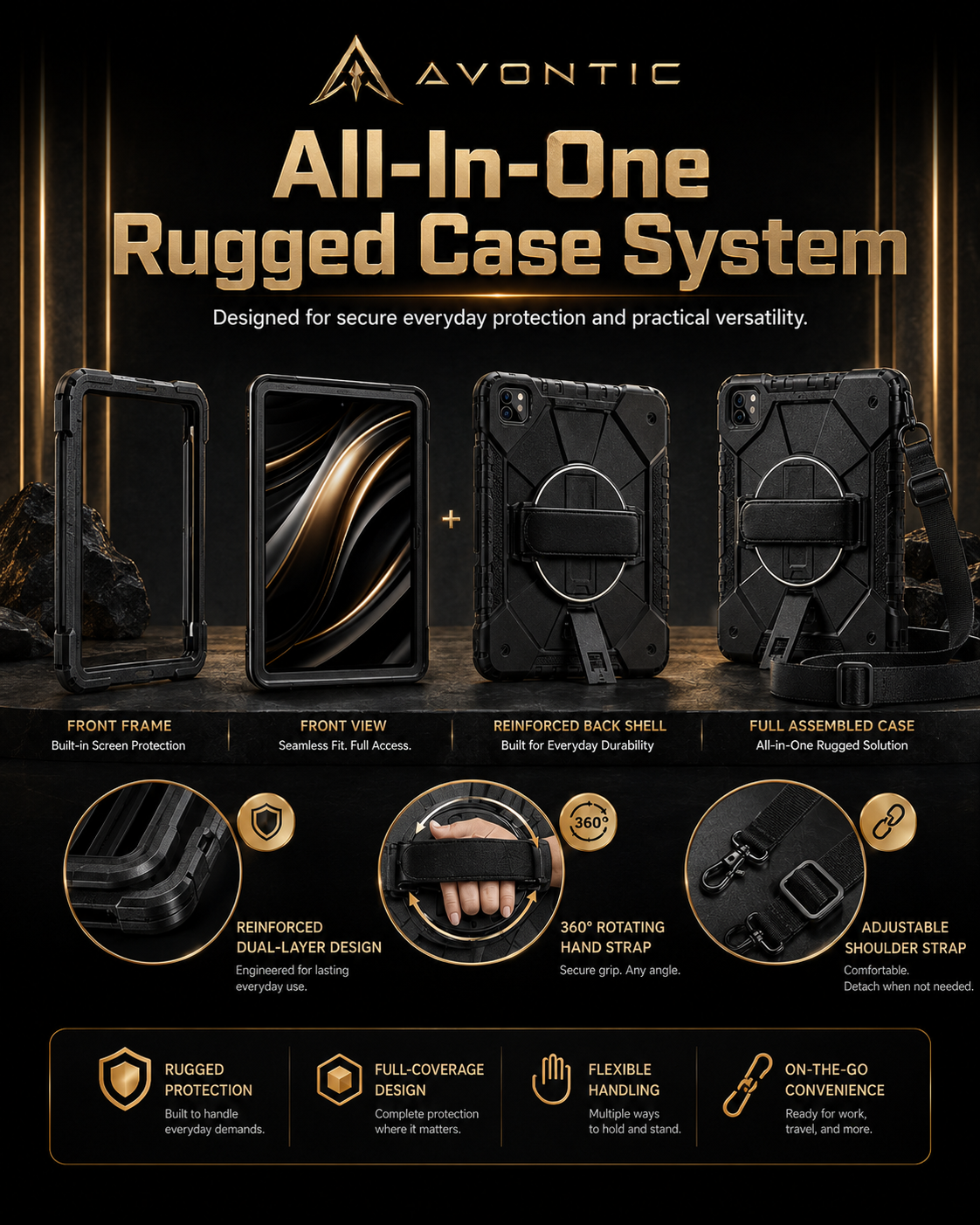
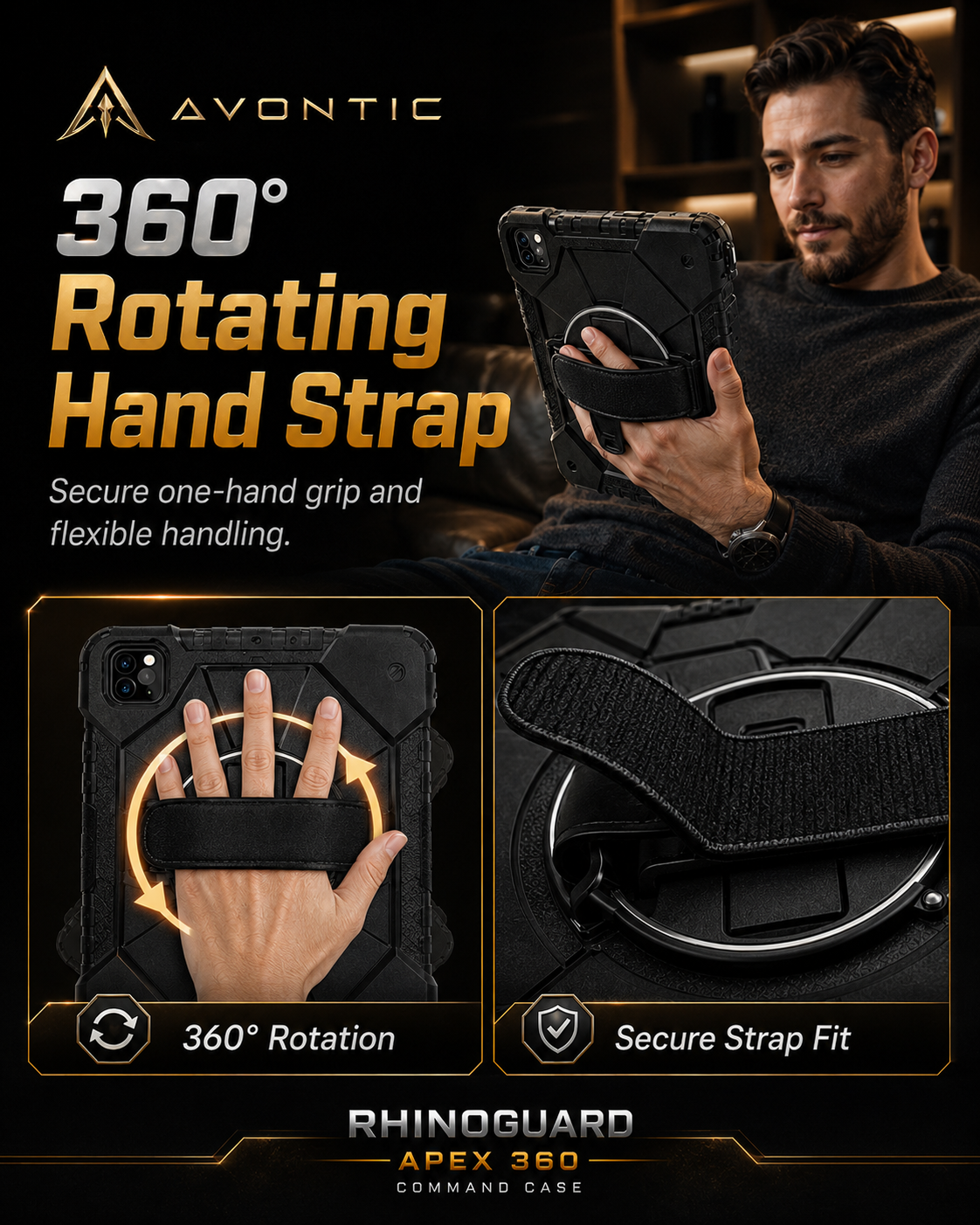
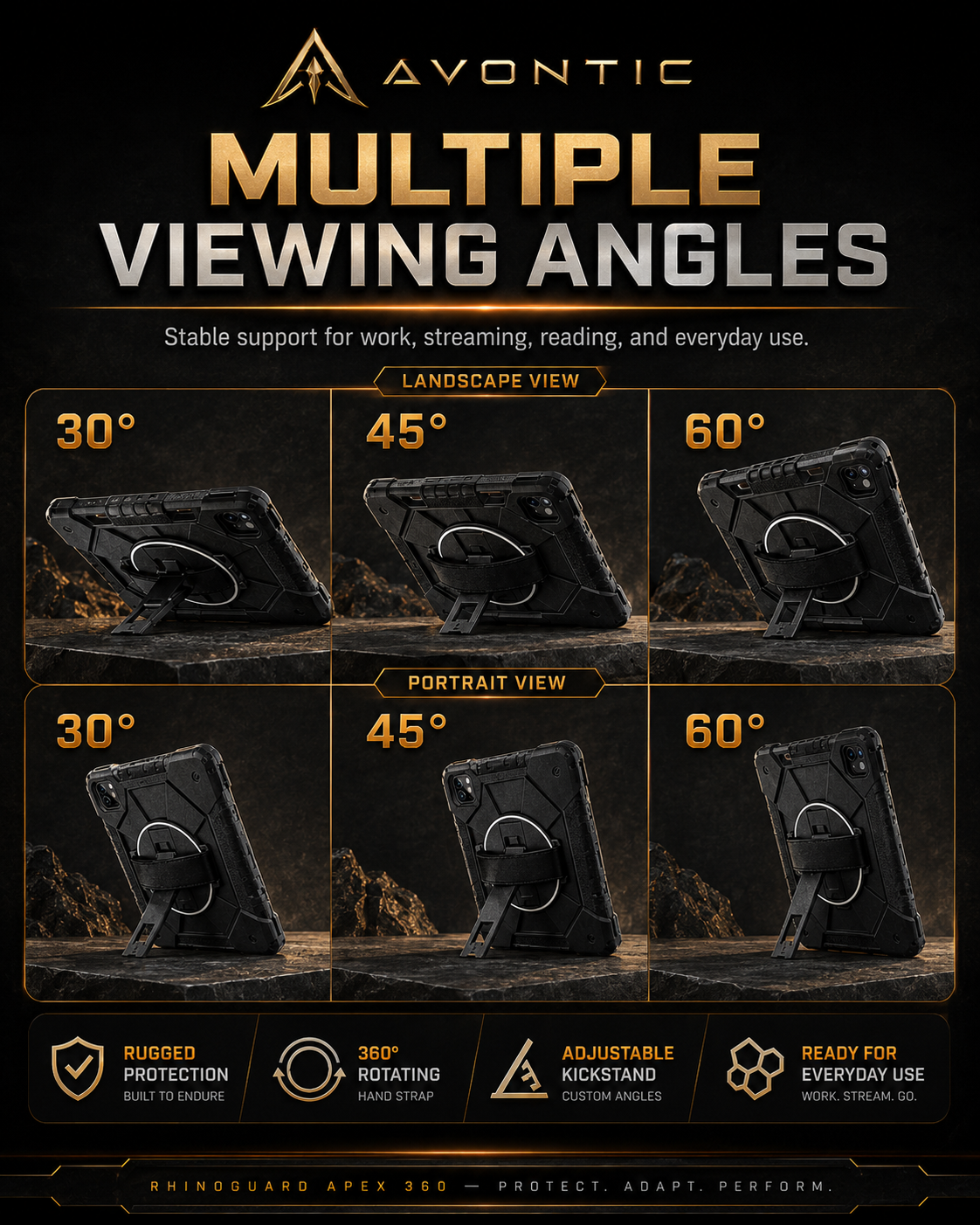
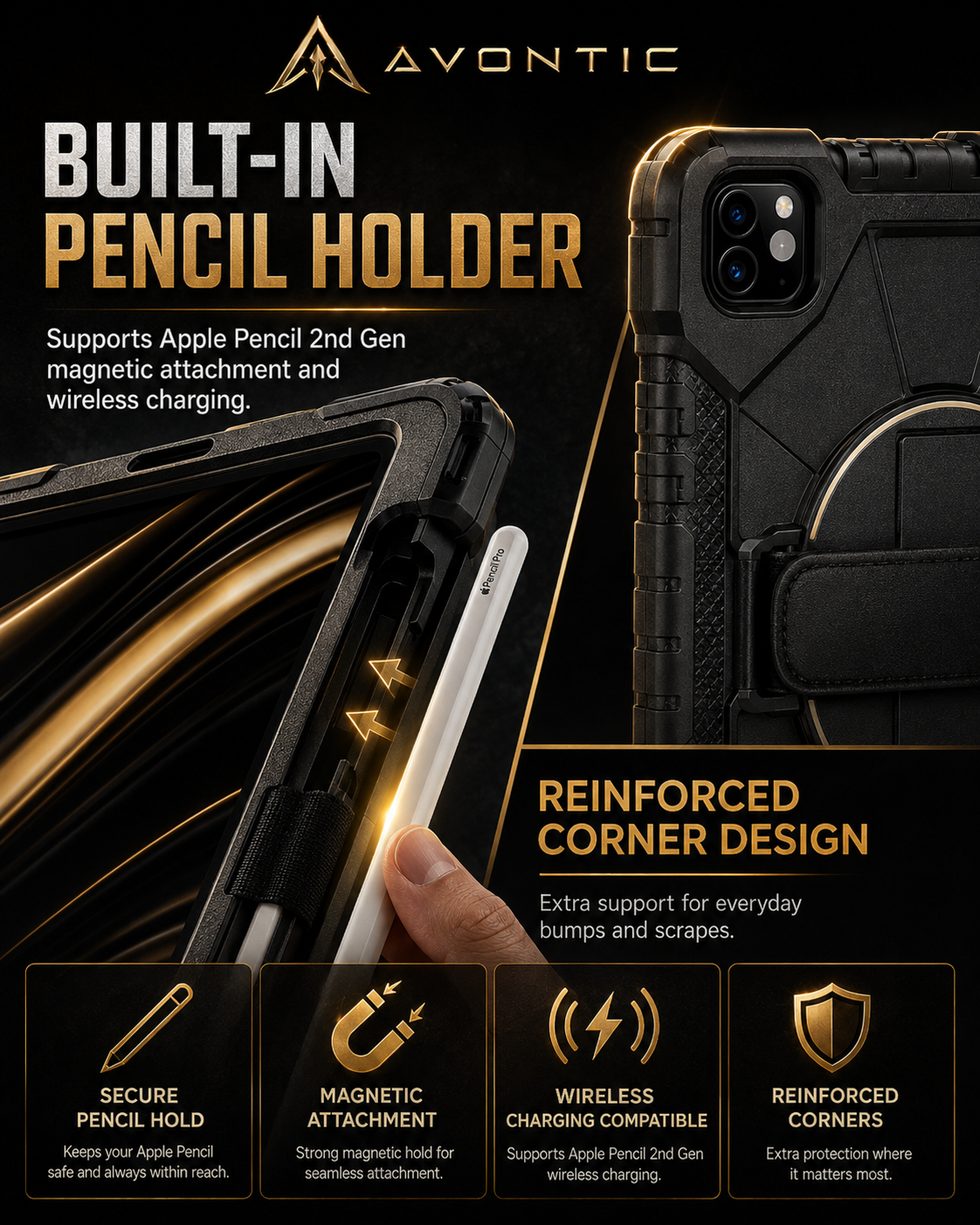
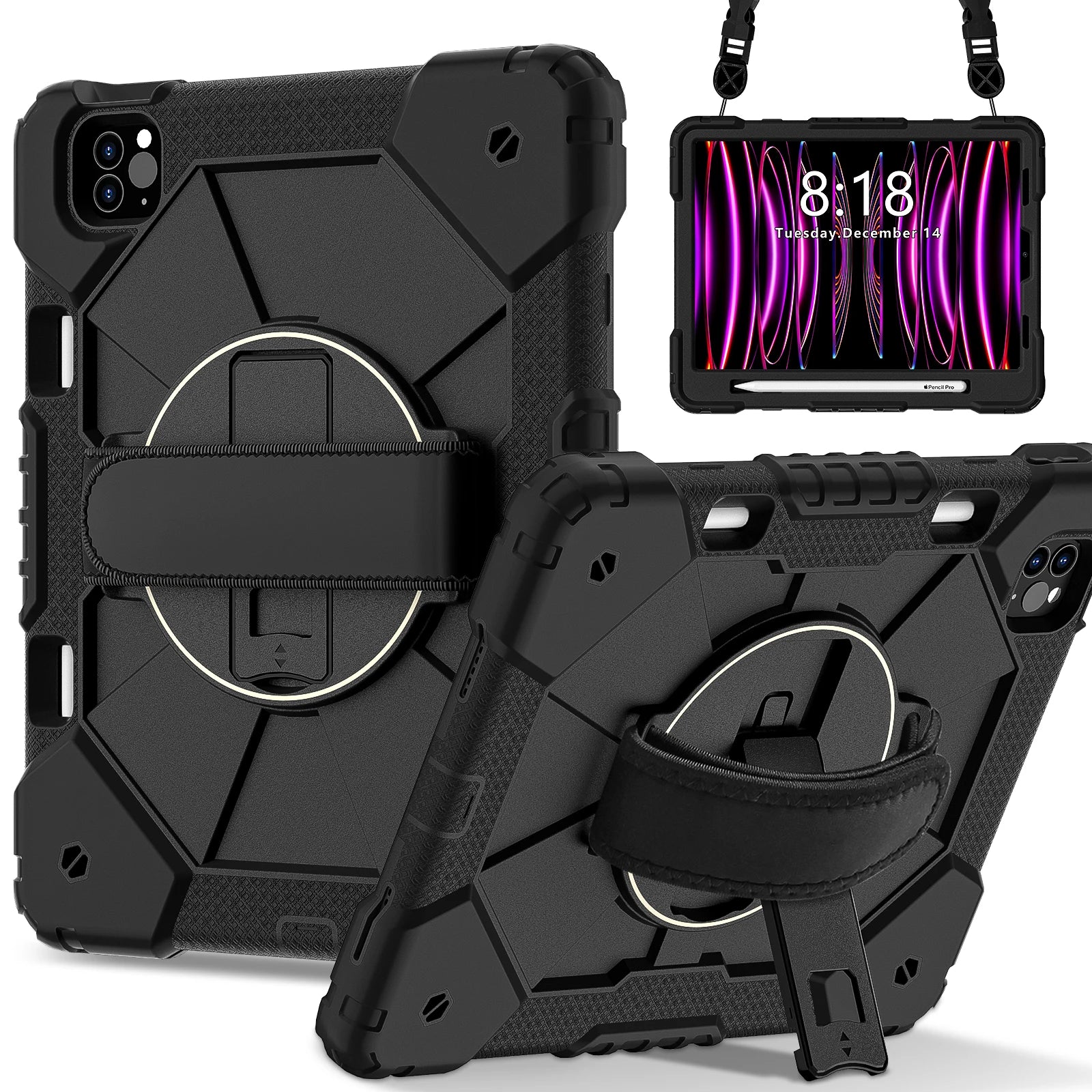
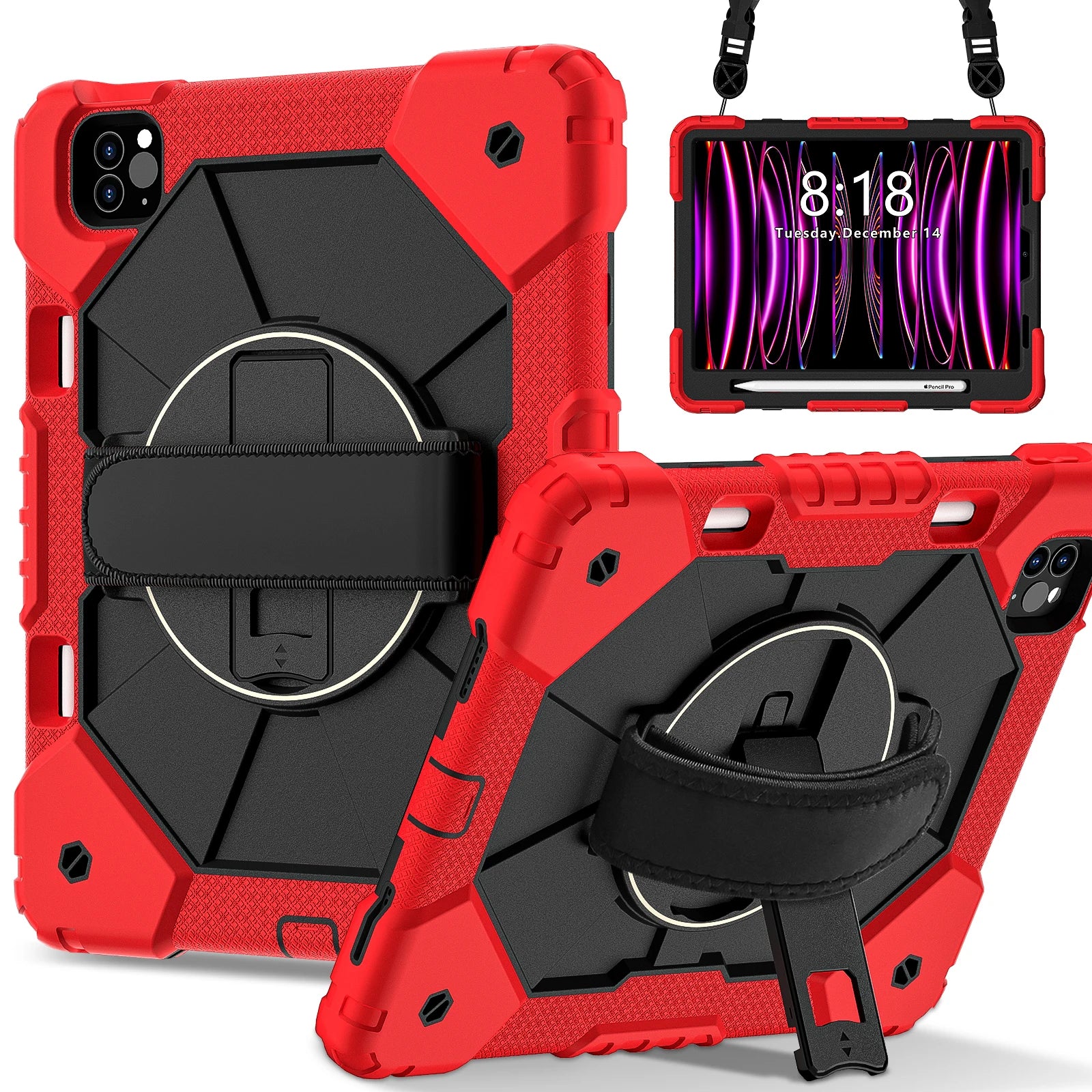
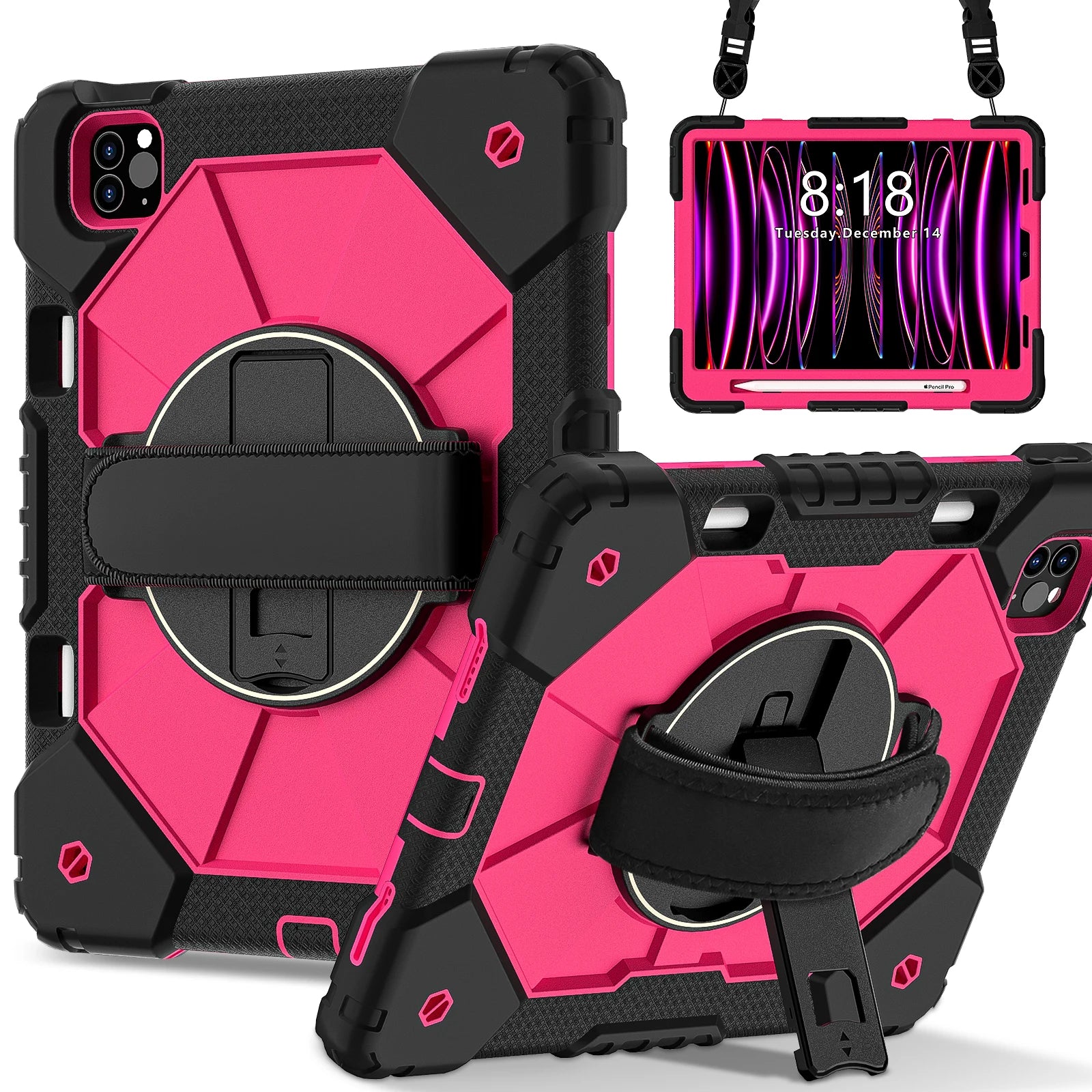
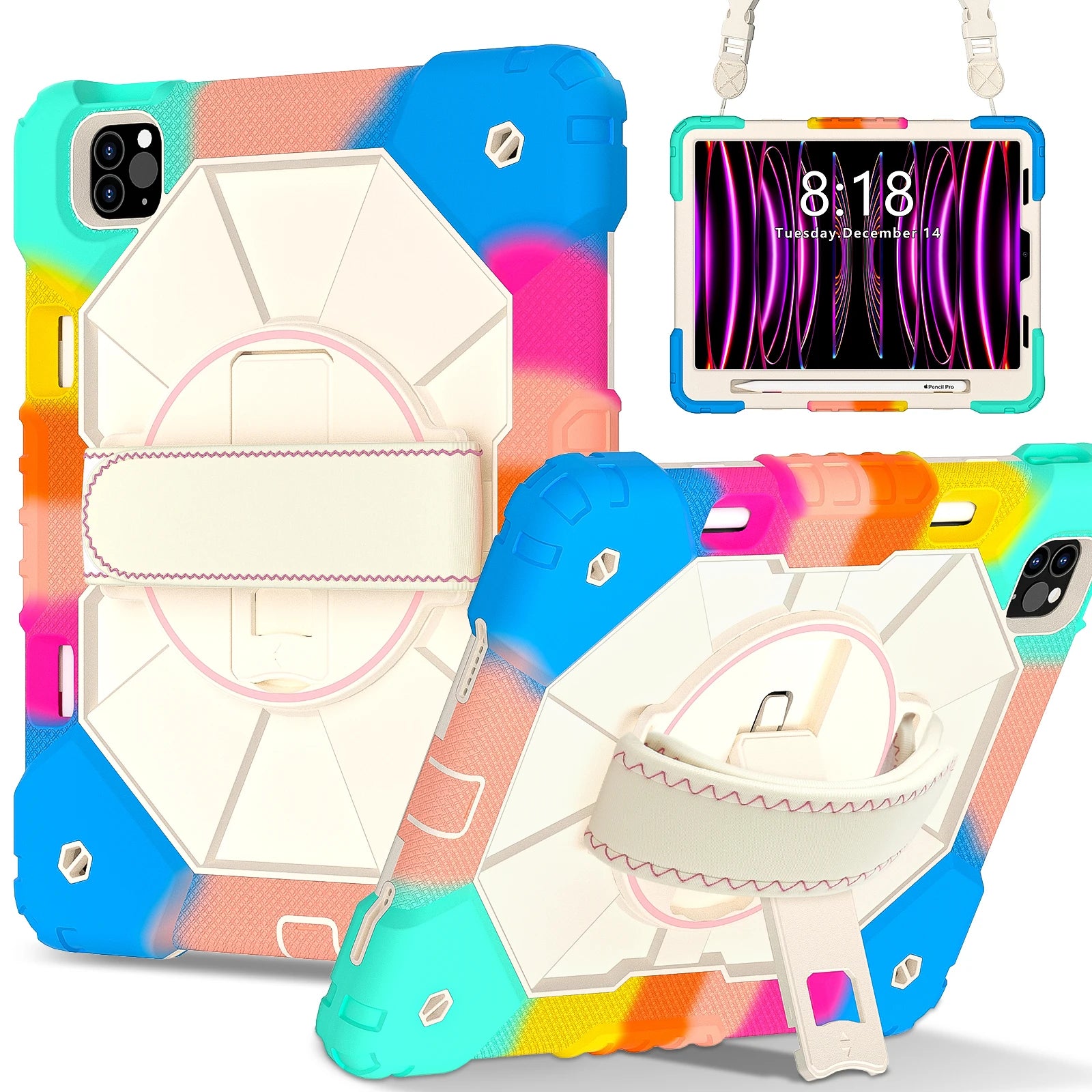
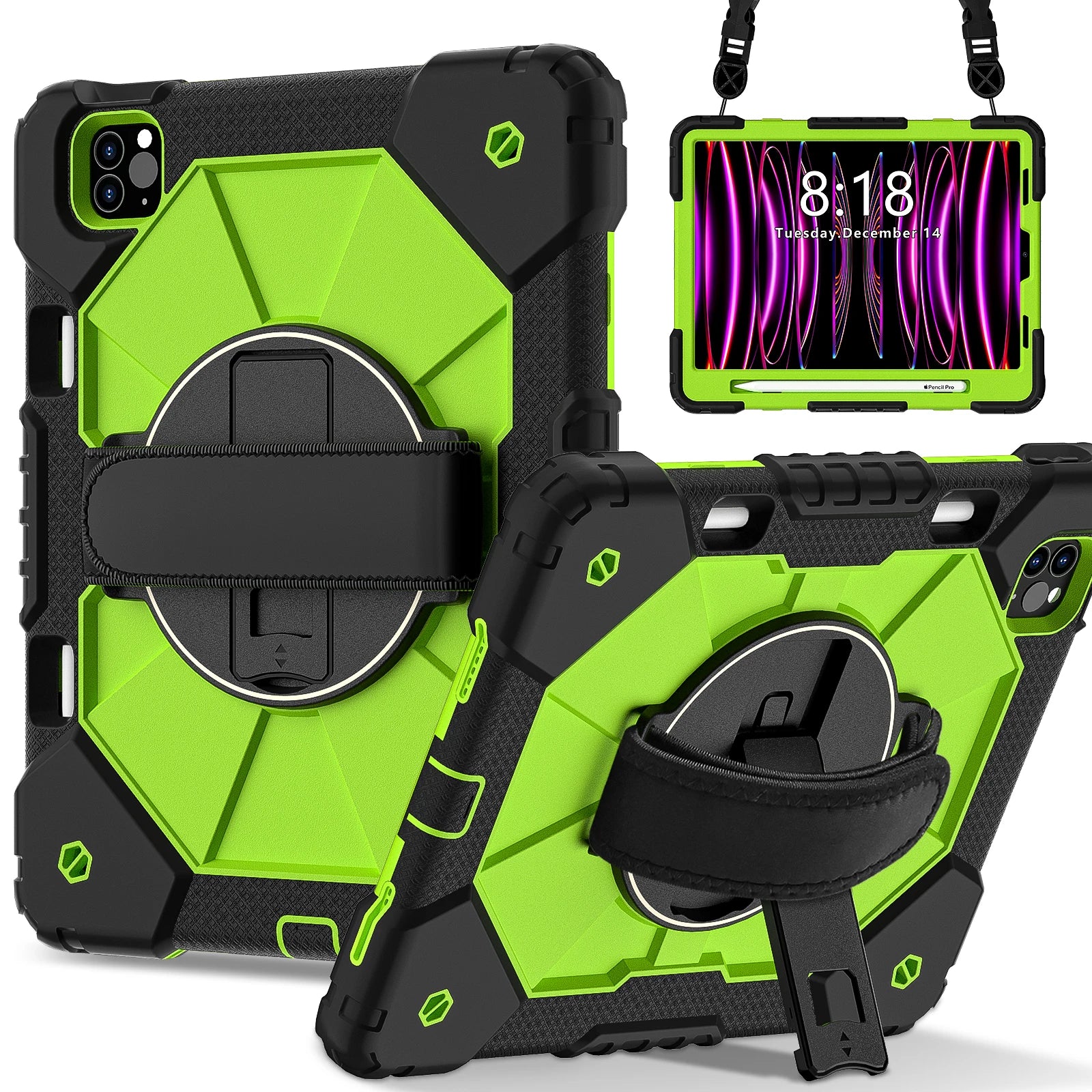
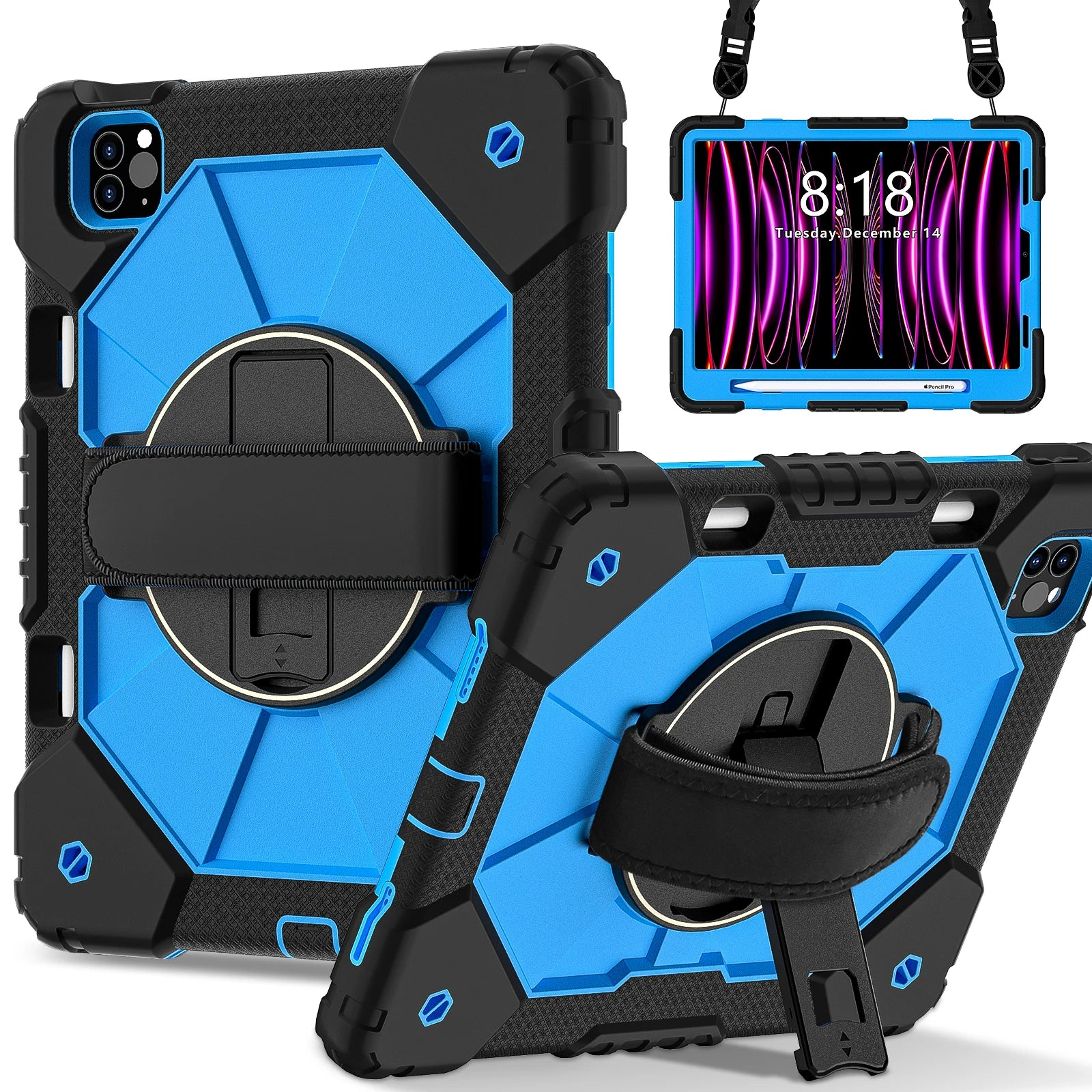
Apex 360 Command combines a secure rear hand strap, built-in kickstand, rugged protective structure, and exact model-specific fit for iPads that stay active throughout the day.
Each part of RhinoGuard Apex 360 Command serves a clear everyday purpose—from protection and control to positioning, carrying, or productivity.
Similar-looking iPads can have different dimensions, cameras, buttons, speakers, and charging-port layouts. Confirm your exact model before ordering.
Product appearance, openings, holder placement, and integrated components can vary slightly by selected model or configuration. Devices and accessories referenced for context are not included unless expressly stated above.
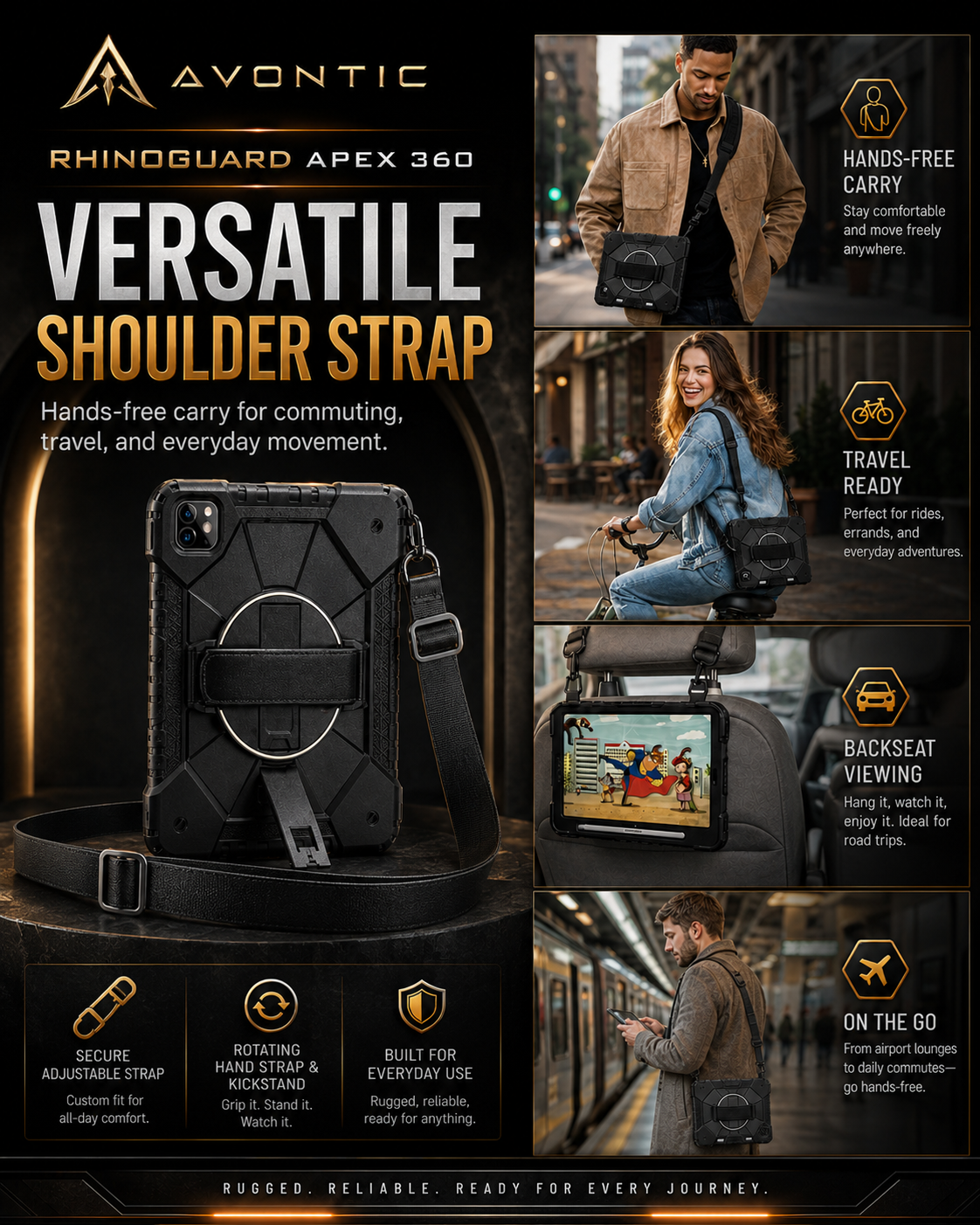
No shoulder strap is stated for this Apex 360 Command listing. It includes the case, rear hand strap, and built-in kickstand.
Open Settings → General → About and match the exact model name to the selector above.
No. It uses a more substantial protective profile with integrated grip and stand utility.
No. Similar screen sizes can have different dimensions and hardware layouts. Select the exact model.
The iPad, Apple Pencil, keyboard, charger, shoulder strap, and other accessories are not included.
Select your exact device model and preferred color above before adding to cart.
Avontic provides fast free shipping on every order. Estimated U.S. delivery is 3–6 business days, while international delivery is generally 6–12 business days. Tracking is emailed after dispatch. Carrier, customs, weather, and seasonal delays can affect delivery estimates.
Avontic offers 60-Day Returns. Review the current Return Policy for eligibility, available resolutions, and any applicable conditions before sending an item back.
Not sure which option fits? Contact Avontic before ordering and include the exact device model, generation, and size shown in your settings or on the device itself.
Choose options
Product discovery studio
Explore the protection system, confirm your exact iPad, and complete your setup with confidence.

Choose a feature or use mode to change the supporting product image.
Product overview
Review the product imagery and details above, then choose the exact option you need.
Review product detailsDesigned for real routines
Review the product imagery and details above, then choose the exact option you need.
Selected configuration
This chapter mirrors the native selected configuration and server compatibility state. Use Find My Model when review is required.
Central setup progress
Review the products already in your setup and the remaining options in the central Complete Your Setup block.
Setup progress is available in Complete Your Setup.