RhinoGuard flagship

My Device
Start typing, choose a listed route, or complete all three browse fields. Nothing is assumed.
RhinoGuard flagship

ArmorPro route
RhinoGuard flagship
RhinoGuard route

Privacy glass

TitaniumGuard Ascend
TitaniumGuard Ascend
TitaniumGuard Ascend

Galaxy Watch Ultra metal

47mm protective case

Galaxy Watch 4–6 band collection

TitanForge 22mm
TitanForge 26mm

DuraShield protection

ArmorShield Slide

TitanShield Pro
RhinoGuard flagship
RhinoGuard flagship

RhinoGuard Tactical 360 Pro

RhinoGuard Apex Shield

RhinoGuard Apex Rotation

RhinoGuard Regent

RhinoGuard Vanguard

RhinoGuard Vertex

ChargeStation 7
Live catalog match
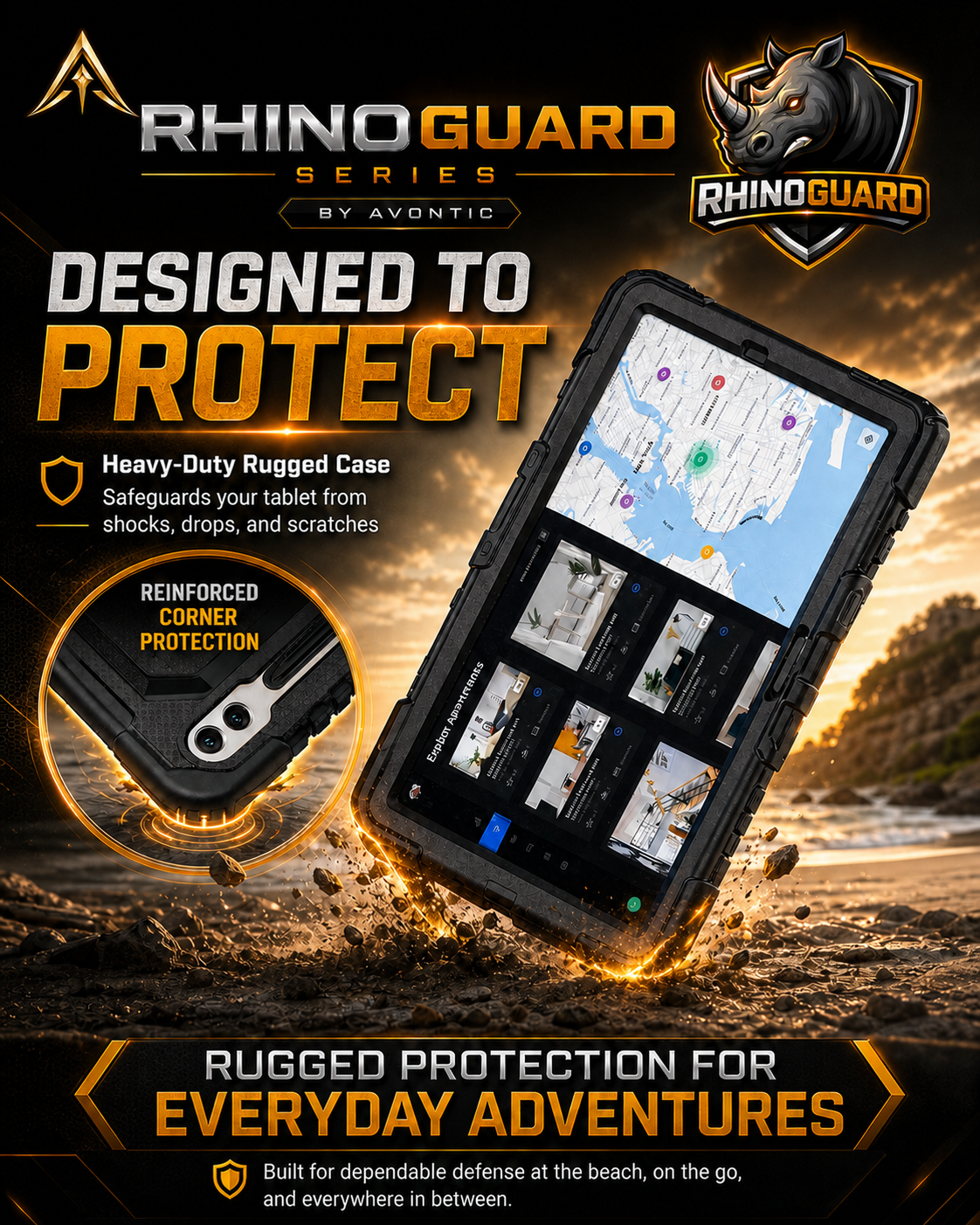

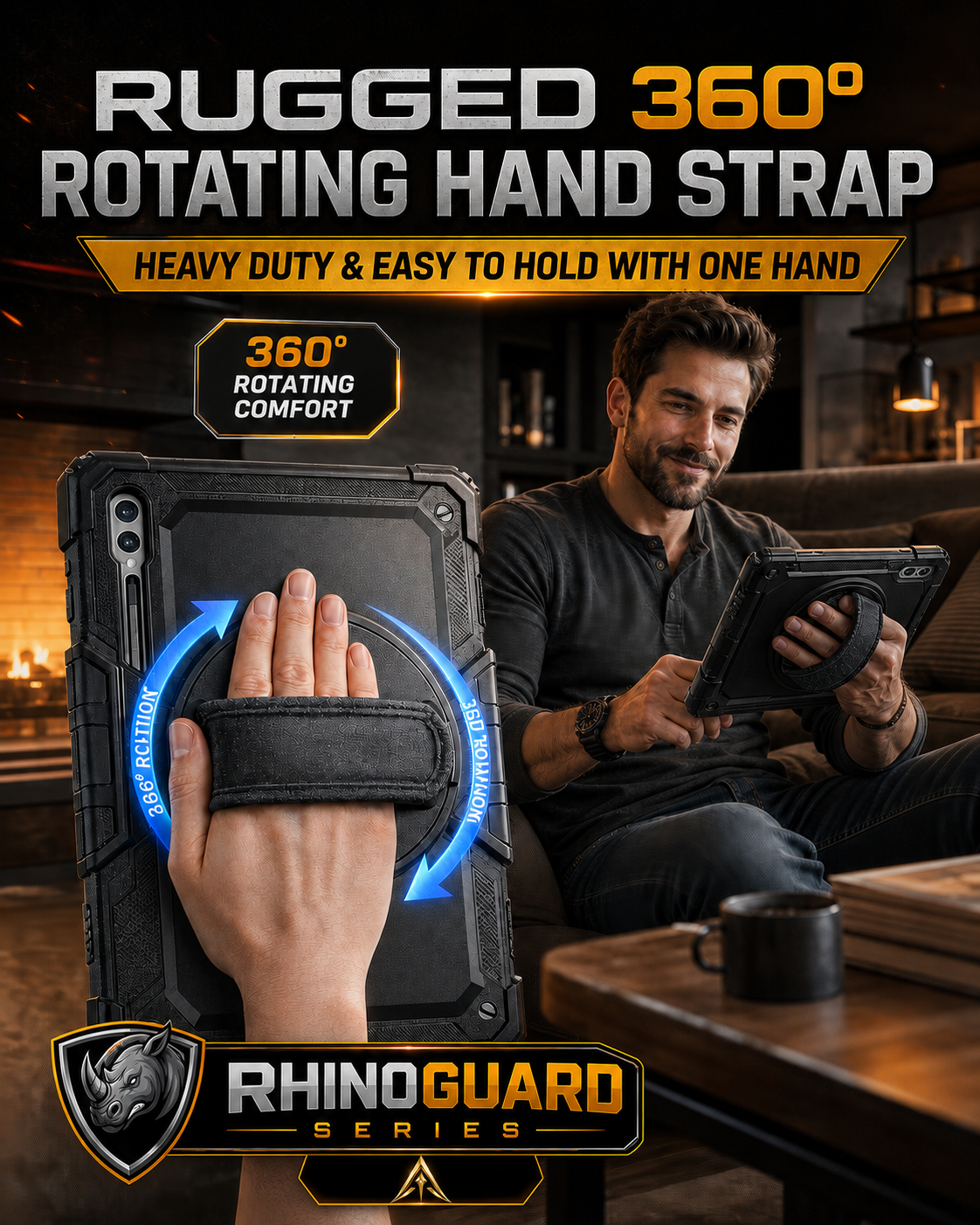
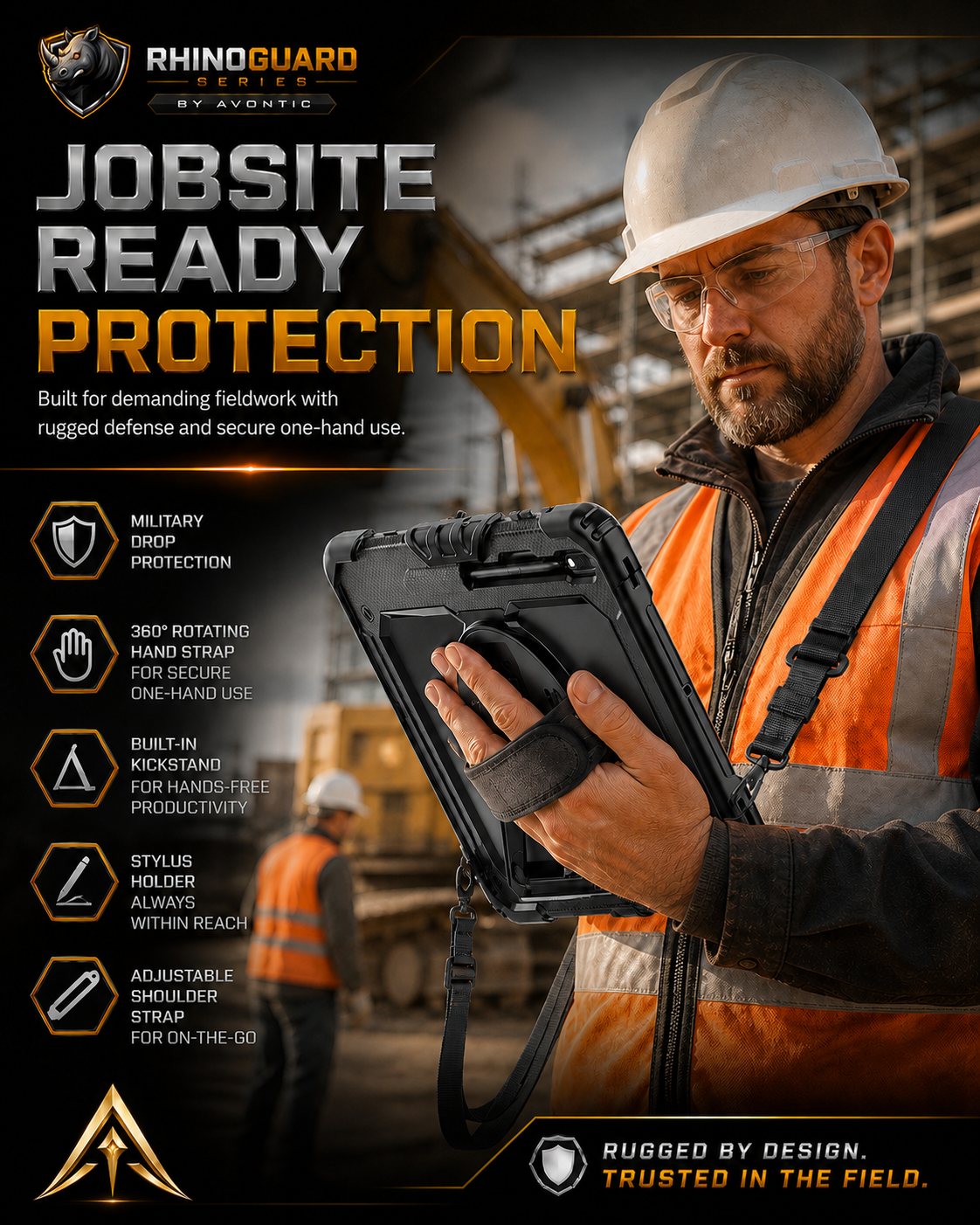
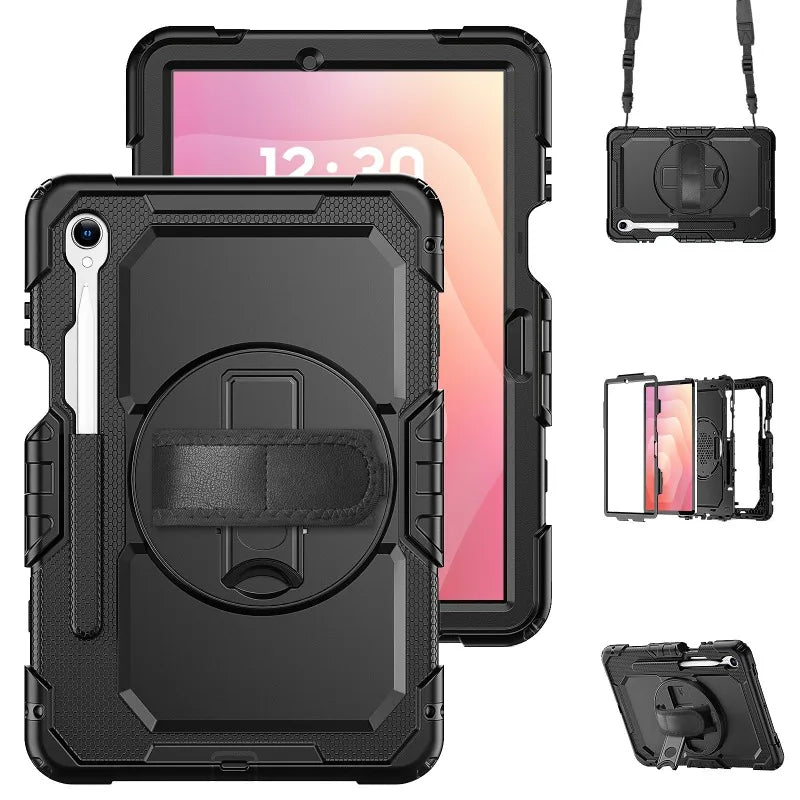
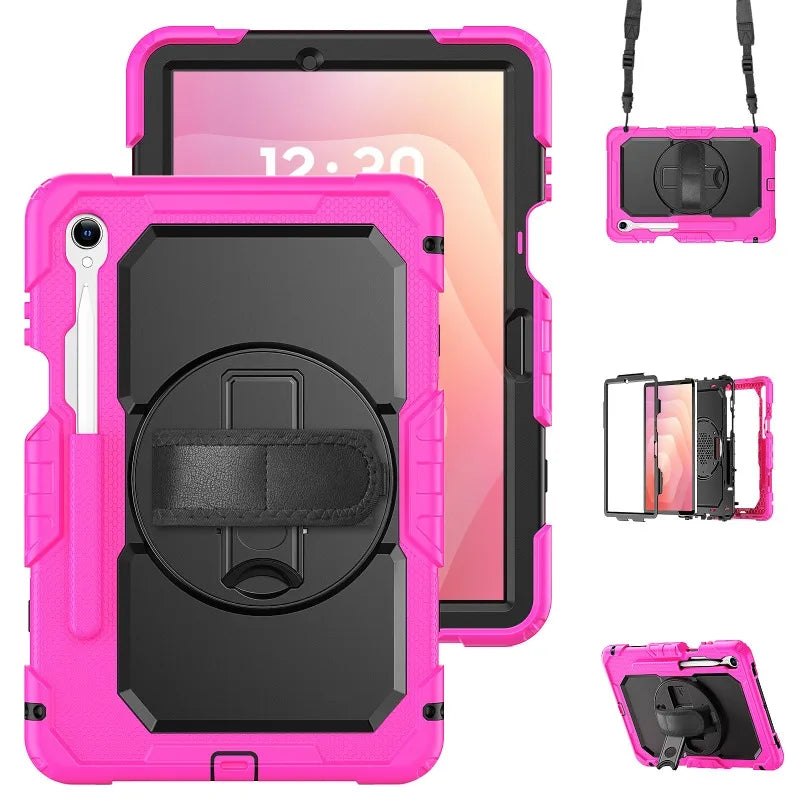
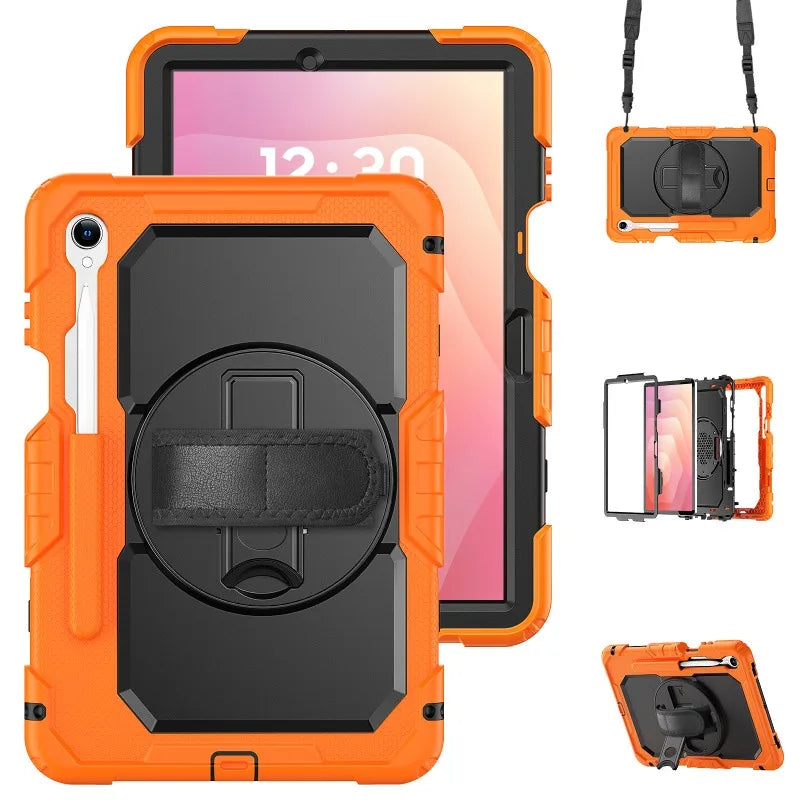
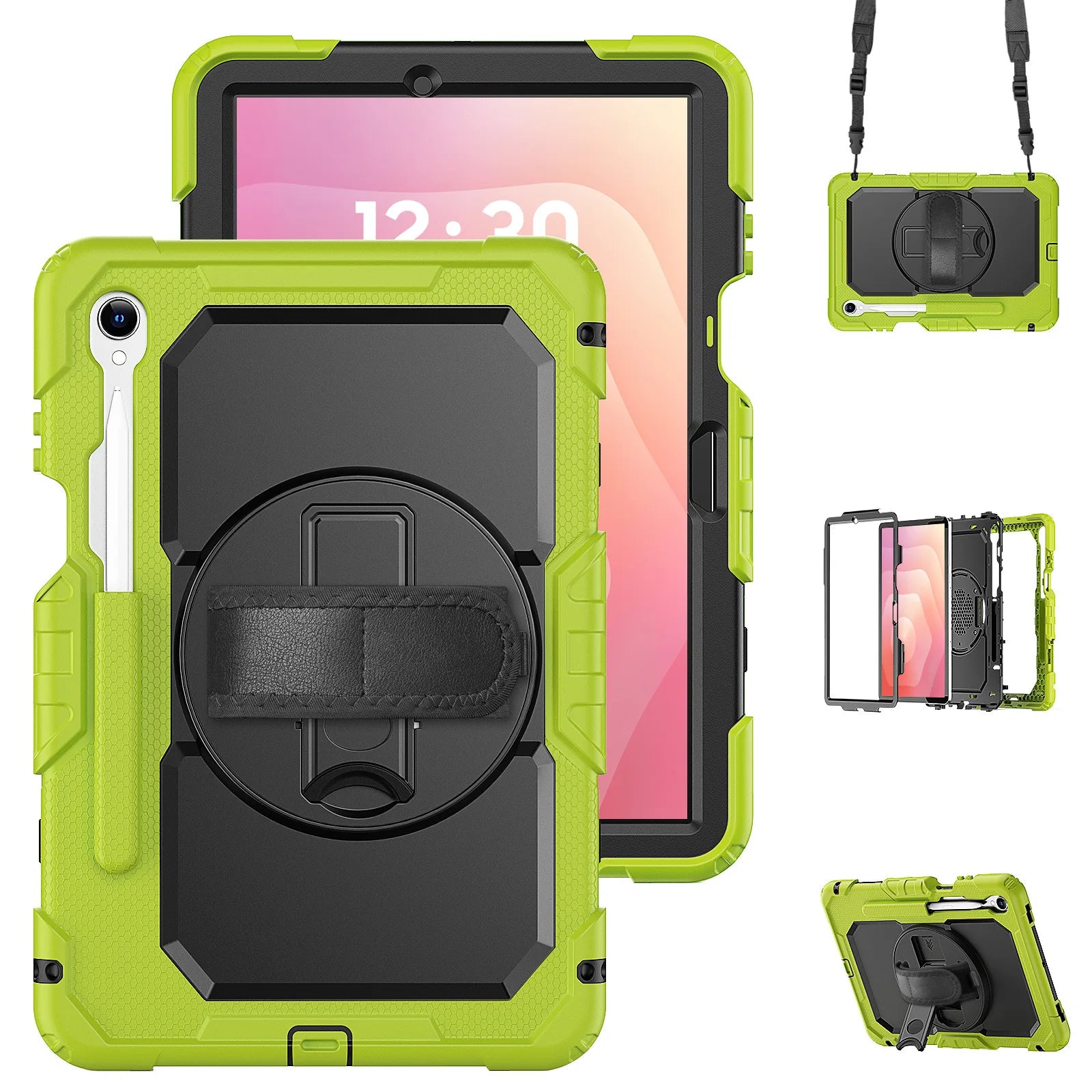
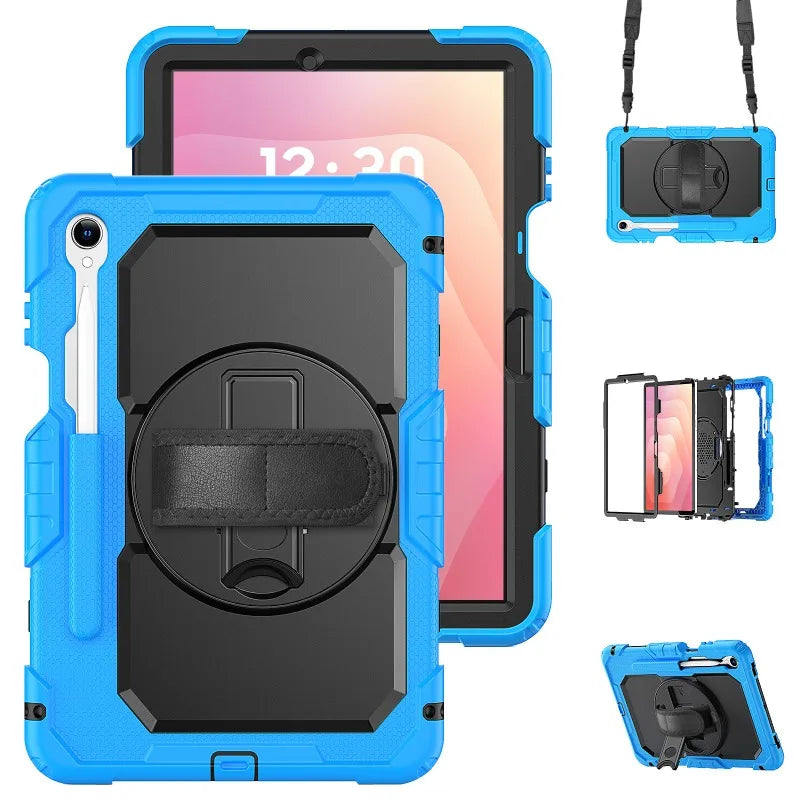
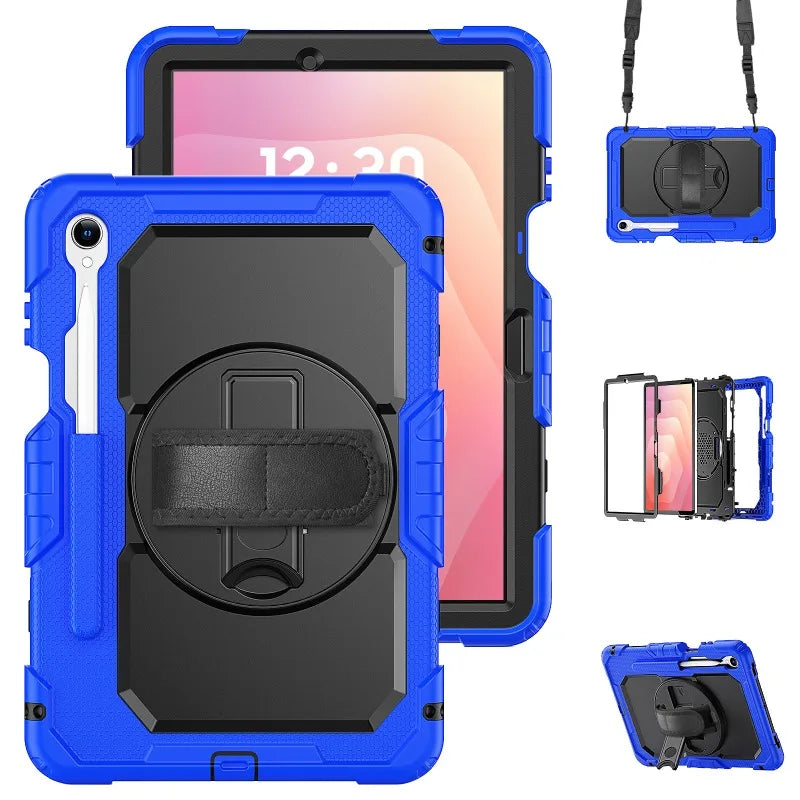
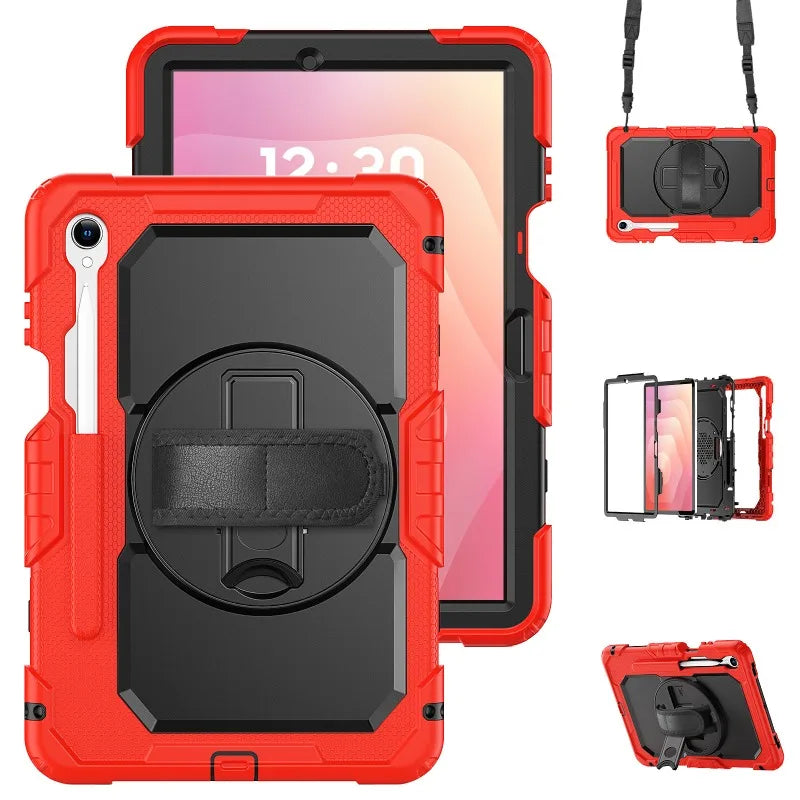
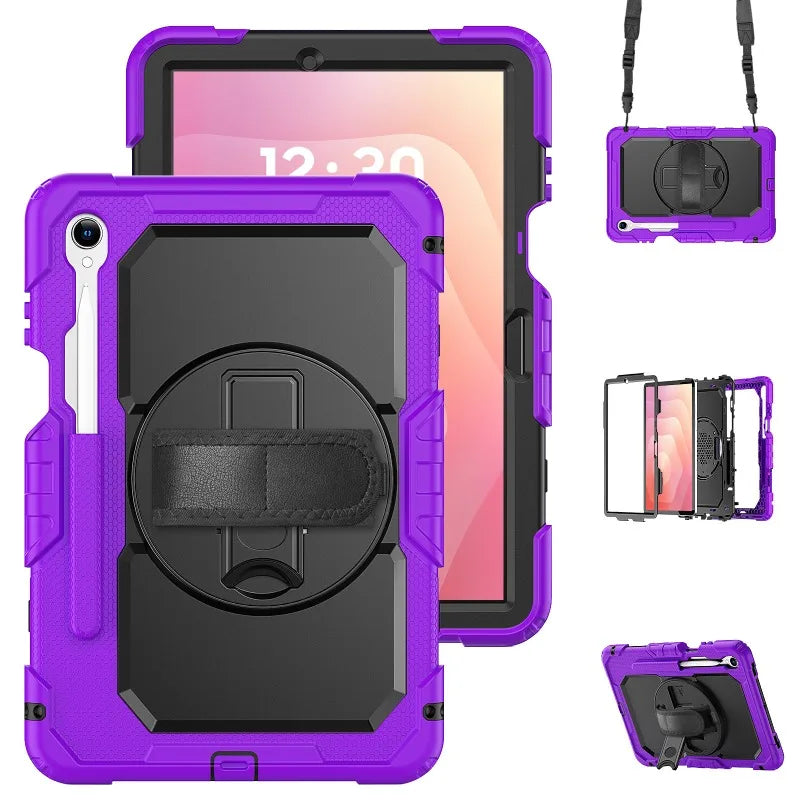
RHINOGUARD ATLAS 360 PRO
Control every angle.Match the model number shown in Settings to the correct case option. Screen size alone cannot confirm fit.
Open Settings → About tablet.
Copy the code beginning with SM-. You can also use the Device name shown there.
Enter it below to select the matching case option.
Do not enter an IMEI or serial number.
Preselected for display — not yet verified.
Your configuration
RhinoGuard Atlas 360 Pro — Heavy-Duty Samsung Galaxy Tab CasePreselected for display. Check the device, model, and size before ordering, or choose another option.

Optional, sold separately. External size: 44 × 32 × 6 cm. Check your cased tablet and packed accessories. View bag & fit details.
Bundle & Save · WorkForce systems · RhinoGuard Atlas 360 Pro
Choose rugged protection, focused typing, or the complete keyboard, mouse and stylus system.
Maximum simplicity with rugged protection, built-in control, stand and carry functions.

Turn the same protection platform into a focused mobile typing station with a separate wireless keyboard.

The complete four-piece mobile-to-desk system for business, field work, school, travel and everyday productivity.
Curated add-ons
Useful extras selected for this product—not substitutes.
Your setup: 0 of 3 complete
Optional accessories are never preselected.A practical addition selected for this product.
A practical addition selected for this product.
A practical addition selected for this product.
Nothing is preselected. Confirm every model, size, or style before adding.
RhinoGuard · exact-device protection
A model-specific case focused on precise fit, everyday protection and clear access to essential controls.
Fit check Match the selected option to your Galaxy Tab’s model and SM-number before ordering.
Team & business orders
One order for every model, color and quantity your team needs — with fit checks, a formal quote and purchase-order support.
Ready-made team packs
Midnight Black PivotGrip cases only. One Galaxy Tab model per pack, with optional keyboards. Tablets, straps, glass, styli and mice are not included. These packs use PivotGrip cases; other case families are alternatives.
List each SM-number in your request and we will confirm fit for every model. Prefer email? info@avontic.com


Armored tablet protection, secure handling, and mobile utility for demanding everyday use.
RhinoGuard Atlas 360 Pro
A model-specific, three-layer case built around how you actually use a compatible Samsung Galaxy Tab—held securely in one hand, positioned on a surface, or carried hands-free between tasks.
The Atlas System
Each component has a clear job—from fitted coverage and hand control to viewing, carrying, and stylus storage—without requiring a pile of separate accessories.
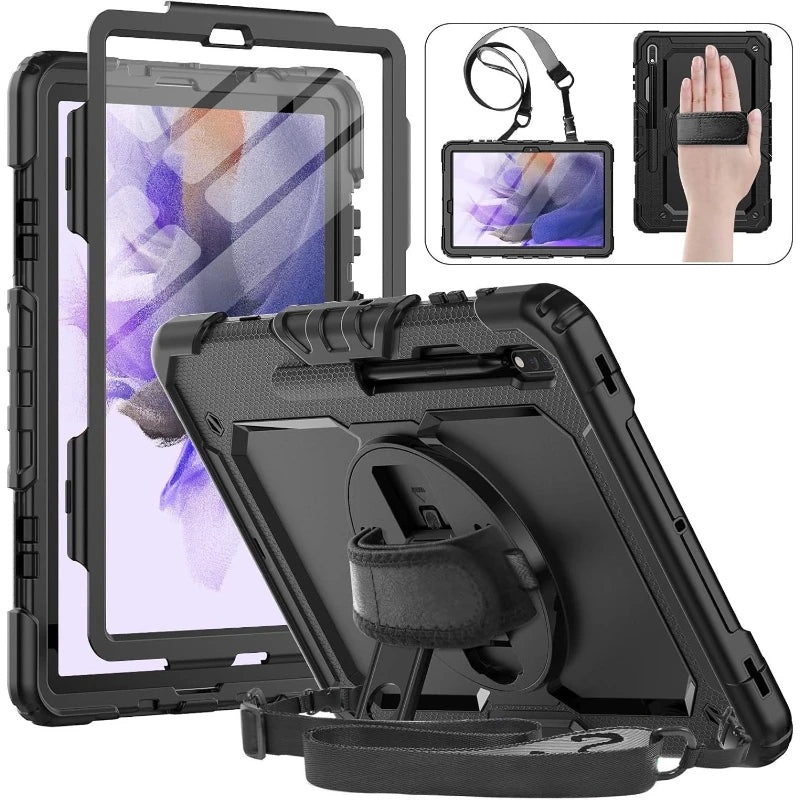
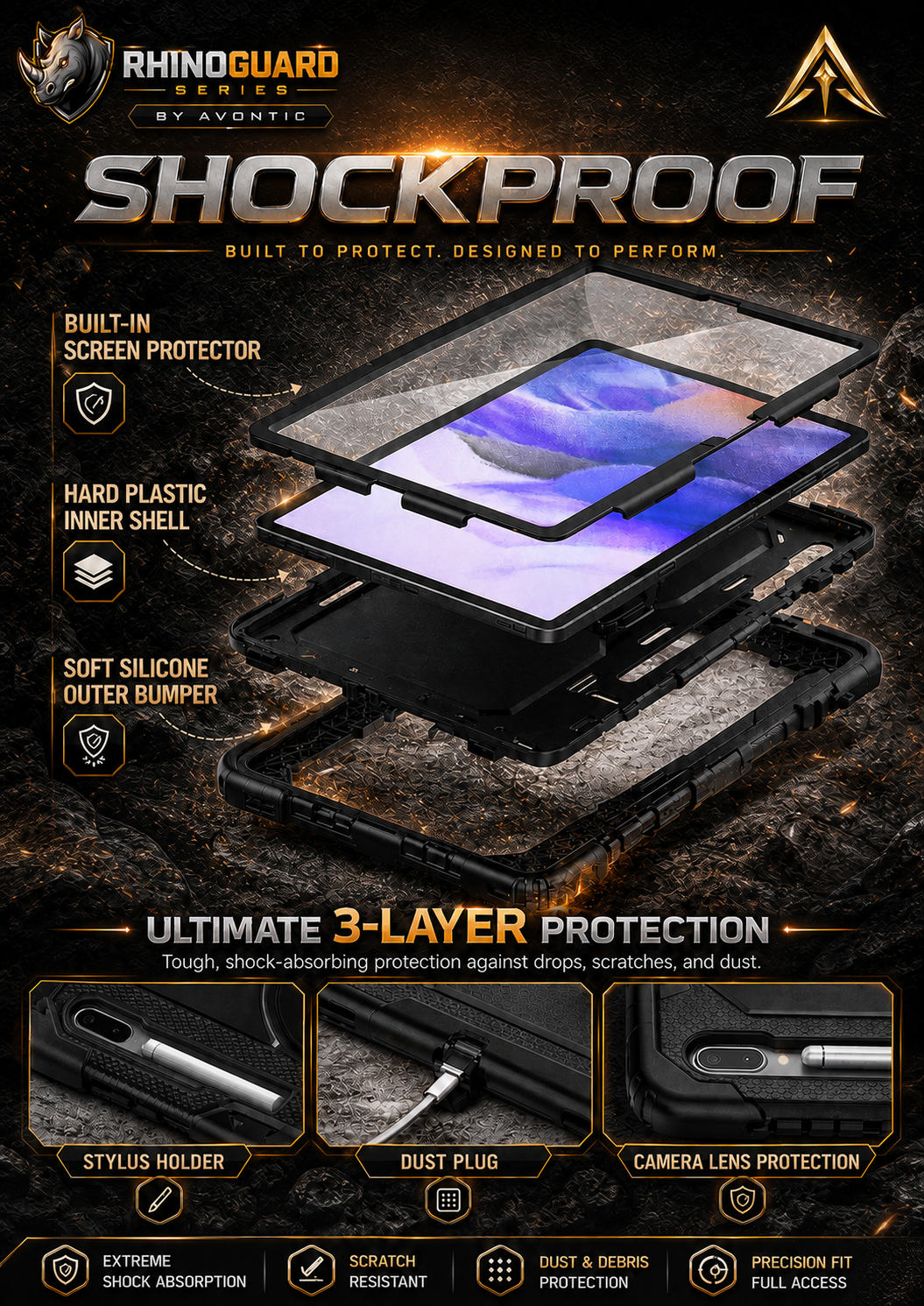
A clear front frame, rigid inner structure, and flexible outer layer surround the display, back, edges, and reinforced corners.
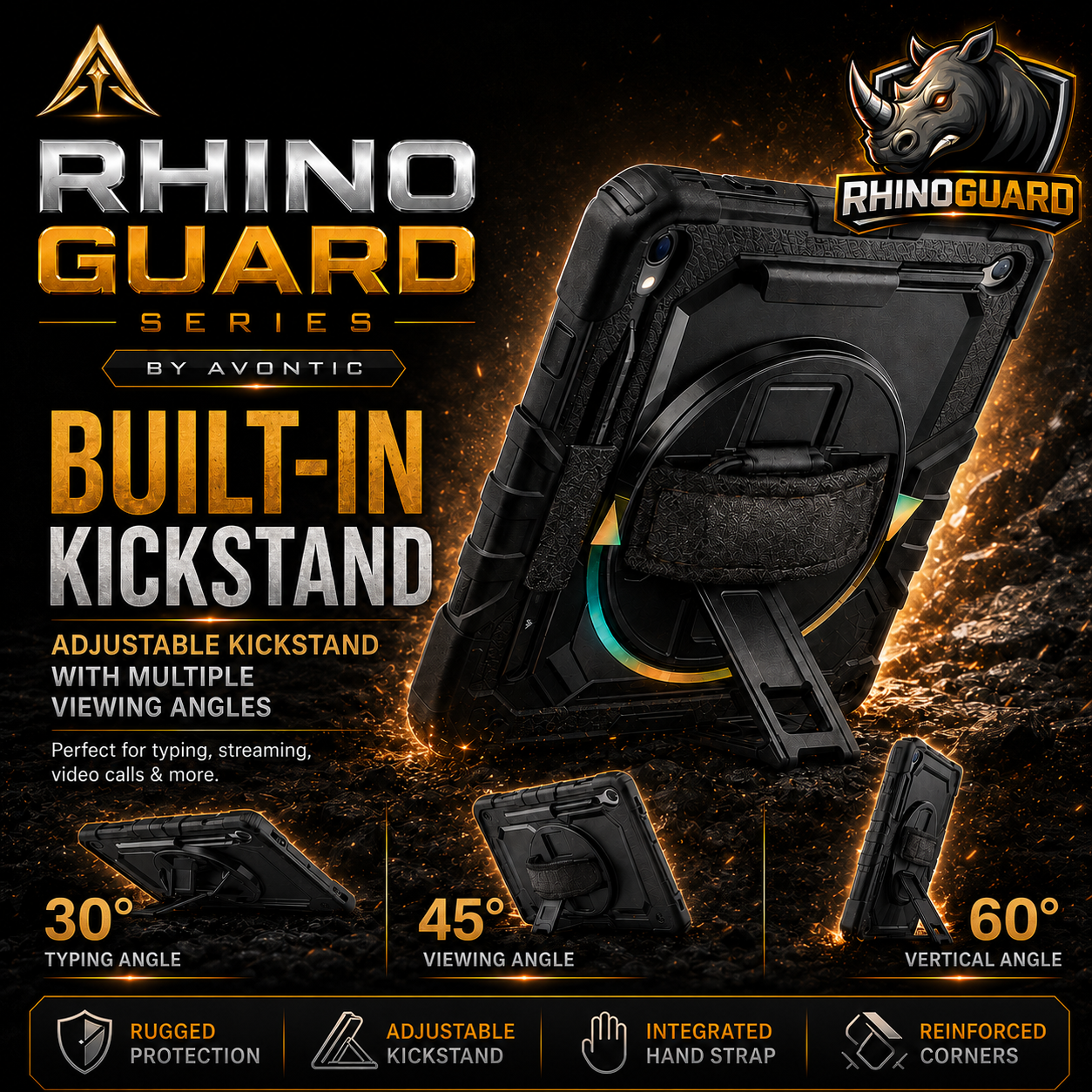
Rotate the rear grip to reposition the tablet in portrait or landscape without having to hold the outer edges.
Move from handheld use to a practical hands-free position for viewing, calls, forms, lessons, or desk work.
Attach the adjustable strap when you need both hands available, then remove it when a cleaner desk setup makes more sense.
The integrated front layer adds everyday screen coverage without requiring a separate protector to complete the case.
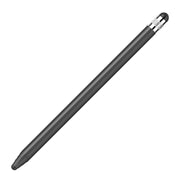
Keep a compatible stylus close to the tablet instead of loose in a bag, vehicle, classroom, or workspace.
Is Atlas Right for You?
The right case depends on how your Galaxy Tab moves through the day.
This is your case
Consider another style
Honest Comparison
Atlas 360 Pro is built for shoppers who want protection, handling, positioning, and carrying in the same fitted system.
| Everyday need | Atlas 360 Pro | Slim folio | Basic rugged shell |
|---|---|---|---|
| Three-layer fitted construction | Included | Typically no | Varies |
| Built-in clear screen protector | Included | Cover flap | Varies |
| Padded 360° rotating hand strap | Built in | Typically no | Varies |
| Adjustable kickstand | Built in | Folded cover | Varies |
| Removable shoulder strap | In the box | Typically no | Often separate |
| Integrated stylus holder | Built in | Varies | Varies |
| Overall profile | Substantial and functional | Light and slim | Varies |
Comparison describes common characteristics of these case styles, not any specific competing product. Features vary by brand and Galaxy Tab model.
Built for Real Routines
Use the rotating grip for forms, maps, service calls, inventory, inspections, and customer-facing work, then attach the strap between locations.
Move between handheld learning, shared viewing, video calls, and a stable surface without carrying a separate stand.
Hold it comfortably, set it down for entertainment or calls, and use the shoulder strap when your hands are occupied.
Exact-Fit Confidence
Galaxy Tab models with similar screen sizes can use different bodies, camera openings, buttons, ports, and stylus layouts. Screen size alone is not enough to confirm fit.
Go to Settings → About tablet on the Galaxy Tab.
Note the complete device name, generation, suffix, screen size, and model number.
Choose the exact listed model. If it is not listed or you are unsure, ask Avontic before ordering.
Current Model Options
Select the exact option shown in the product selector. Ultra, Plus, FE Plus, FE, Lite, and standard models are not interchangeable simply because their screen sizes look similar.
The live selector includes “S9 11 S9 FE 10.9"” and “Tab S7 11 S8 11".” Choose a paired label only when your tablet is one of the models explicitly named in it. If you cannot confirm the match, send Avontic your model number before ordering.
In the Box
Before You Buy
No. Each version is fitted to a specific Galaxy Tab model or an explicitly paired model option. Check Settings → About tablet and match the complete device identity. Do not choose by screen size alone.
It is a clear protective layer built into the front frame. It should not be confused with a separate tempered-glass or privacy protector.
Yes. The padded rear hand strap rotates 360° to support flexible portrait or landscape handling.
Kickstand positions and supported orientations vary by the Galaxy Tab model selected. Review the gallery for the version shown and fully test the stand on a stable surface after installation.
The removable adjustable shoulder strap is included. A stylus is not included; the case provides a holder for a compatible stylus. Charging and pairing behavior vary by tablet and stylus.
No. The three-layer construction, rotating grip, kickstand, screen layer, and strap anchors add substance. Choose Atlas 360 Pro when handling and function matter more than minimum size and weight.
Contact Avontic with the full device name and model number from Settings → About tablet. Orders are covered by 60-Day Returns, but confirming the model before ordering is the fastest path to the right fit.
Avontic provides fast free shipping on every order. Estimated U.S. delivery is 3–5 business days for orders placed by 6:00 PM Eastern Time; orders placed after the cutoff may require one additional business day, Canada delivery is 6–10 business days, while other international delivery is generally 6–12 business days. Tracking is emailed after dispatch. Carrier, customs, weather, and seasonal delays can affect delivery estimates.
Avontic offers 60-Day Returns. Review the current Return Policy for eligibility, available resolutions, and any applicable conditions before sending an item back.
Not sure which option fits? Contact Avontic before ordering and include the exact device model, generation, and size shown in your settings or on the device itself.
Choose options
RHINOGUARD ATLAS 360 PRO
Control every angle.Product details
Review confirmed features, everyday use cases, and fit guidance. Product options and purchasing stay in the primary configuration above.

Confirmed product details
Use the product imagery to confirm the visible case profile and included design details for this exact listing.
Match the complete model and size shown in the option before choosing a color.
Selection context
Review the selected case imagery and product description for the way you plan to use the tablet.
Confirm the exact included components and configuration before ordering for mobile use.
Compatibility guidance
Confirm the exact tablet model, generation, and screen size shown on this page before ordering. Contact Avontic when the required match is not explicit.