
RhinoGuard flagship

My Device
Settings → General → About → tap the part number beside Model Number to reveal the A-number.
Start typing, choose a listed route, or complete all three browse fields. Nothing is assumed.
RhinoGuard flagship

ArmorPro route
RhinoGuard flagship
RhinoGuard route

Privacy glass

TitaniumGuard Ascend
TitaniumGuard Ascend
TitaniumGuard Ascend

Galaxy Watch Ultra metal

47mm protective case

Galaxy Watch 4–6 band collection

TitanForge 22mm
TitanForge 26mm

DuraShield protection

ArmorShield Slide

TitanShield Pro
RhinoGuard flagship
RhinoGuard flagship

RhinoGuard Tactical 360 Pro

RhinoGuard Apex Shield

RhinoGuard Apex Rotation

RhinoGuard Regent

RhinoGuard Vanguard

RhinoGuard Vertex

ChargeStation 7
Live catalog match
Use cases
A heavy-duty Galaxy S26 Ultra setup is more than a bold metal frame. Compare TitanShield Pro’s built-in screen guard and kickstand with Avontic’s rotating-kickstand metal 360 case, then choose the construction and screen coverage that fit your routine.
 Verified product context
Metal armor can add structure and a distinctive technical look, but the strongest buying decision comes from exact details: verified Samsung Galaxy S26 Ultra compatibility, how the case assembles, how its kickstand works and precisely what the product page means by screen coverage.
Short answer: Choose TitanShield Pro Aluminum Defender when you want its verified built-in screen guard and kickstand in an aluminum-defender format. Choose Avontic’s S26 Ultra metal 360 heavy-duty case when its verified kickstand and rotating functionality better match hands-free use. In both cases, select the exact S26 Ultra variant and follow the current installation instructions.
A metal-armored case is chosen as much for its structure and presence as for its appearance. It may feel more substantial than a slim everyday shell, and its multi-piece design can require a deliberate installation sequence. That tradeoff can be worthwhile for customers who want a more assertive format around a premium phone, but it is not automatically the best choice for every pocket, mount or charging setup.
The first rule is simple: buy the option whose live product page and selected variant expressly name Samsung Galaxy S26 Ultra. Do not infer compatibility from another Galaxy S generation, from “Ultra” in a title or from a similar camera layout. Confirm the selected device and color again in the cart before checkout.
| Decision point | TitanShield Pro Aluminum Defender | S26 Ultra metal 360 heavy-duty case |
|---|---|---|
| Core appeal | Aluminum-defender styling with a built-in screen guard | Metal, all-around heavy-duty case format |
| Hands-free feature | Verified built-in kickstand | Verified kickstand with rotating functionality |
| Screen approach | Built-in screen guard; check instructions before adding another layer | Review the live listing for the precise included screen coverage |
| Best starting point | Customers who want integrated front-screen coverage and a technical aluminum presentation | Customers prioritizing a rotating stand function and enveloping metal case format |
| Before purchase | Verify the S26 Ultra variant, included components, assembly sequence and accessory notes | |
These are product-specific features, not blanket promises of invulnerability. “Heavy-duty,” “shockproof” and “360” are part of the product presentation; they do not establish waterproofing, a quantified drop height or an independent certification unless the live listing expressly documents one.

The TitanShield Pro Aluminum Defender is the natural starting point when aluminum-focused styling, a built-in screen guard and a kickstand lead your checklist. Select the S26 Ultra option specifically; the same product page may organize variants for other Galaxy S models, but those fitted versions are not interchangeable.
The integrated front component simplifies the screen-coverage decision because it is part of the case design. It also means you should read the assembly directions before combining the case with any separate glass already installed. Stacking display layers can affect seating, touch response and clarity. Remove or retain an existing protector only as the product instructions direct.
Use the kickstand on a stable, level surface and only in the orientations shown by the listing. A stand supports hands-free viewing; it is not a guarantee against tipping if the phone is bumped or placed on an uneven surface. After installation, test touch response, buttons, cameras, ports and stand movement before daily use.
Avontic’s Galaxy S26 Ultra metal 360 heavy-duty case is the comparison point for shoppers who want a more enveloping metal case format with a verified kickstand and rotating functionality. That rotating action can help reposition the stand for the supported use shown on the product page.
“360” describes the case’s all-around design concept. It does not answer every screen question by itself. Look closely at the display edge, corners, camera surround and port access, and read the package-contents section to determine the precise front-screen treatment. A case can surround the frame without necessarily including the same kind of integrated front layer as TitanShield.
Rotating hardware should be moved as intended and kept clear of grit or debris. Never use the kickstand as a carry handle unless the product instructions expressly identify it for that purpose. When placing the phone in a pocket or bag, return movable components to the storage position shown by the product.
Built-in screen guard means the front layer is integrated into the TitanShield case design. Raised edge means a case lip may sit above part of the display perimeter; it is not itself a screen protector. Included screen protector means a separate protector appears in the package contents. Screen-protector compatible means a case is designed to work with certain protectors, not necessarily every brand, thickness or edge shape.
Before combining any third-party protector with either metal case, check the case listing and protector instructions. Overlapping edges can cause lifting, bubbles, poor case seating or touch issues. Never assume that more layers automatically mean more useful coverage.

Choose TitanShield Pro when a built-in screen guard, fixed case integration and aluminum-defender presentation are central to the decision. Choose the metal 360 case when rotating kickstand functionality and its all-around metal format better match your routine. If you rely on a specific charger, car mount or holder, check that accessory with the fully assembled case rather than assuming every setup will work together.
Browse the current Galaxy S26 Ultra case selection, and visit the Avontic Guides for more compatibility help. Eligible purchases include Avontic’s 60-Day Returns, while standard U.S. shipping is typically 3–5 business days for orders placed by 6:00 PM Eastern Time; orders placed after the cutoff may require one additional business day. Availability, included components and complete policy terms remain those shown on the live product page.
Build from verified details: compare the integrated TitanShield format with the rotating metal 360 option, then choose the S26 Ultra case whose actual features fit your routine.
Shop this setup
Live Avontic products connected to this guide. Confirm the exact device variant on the product page.
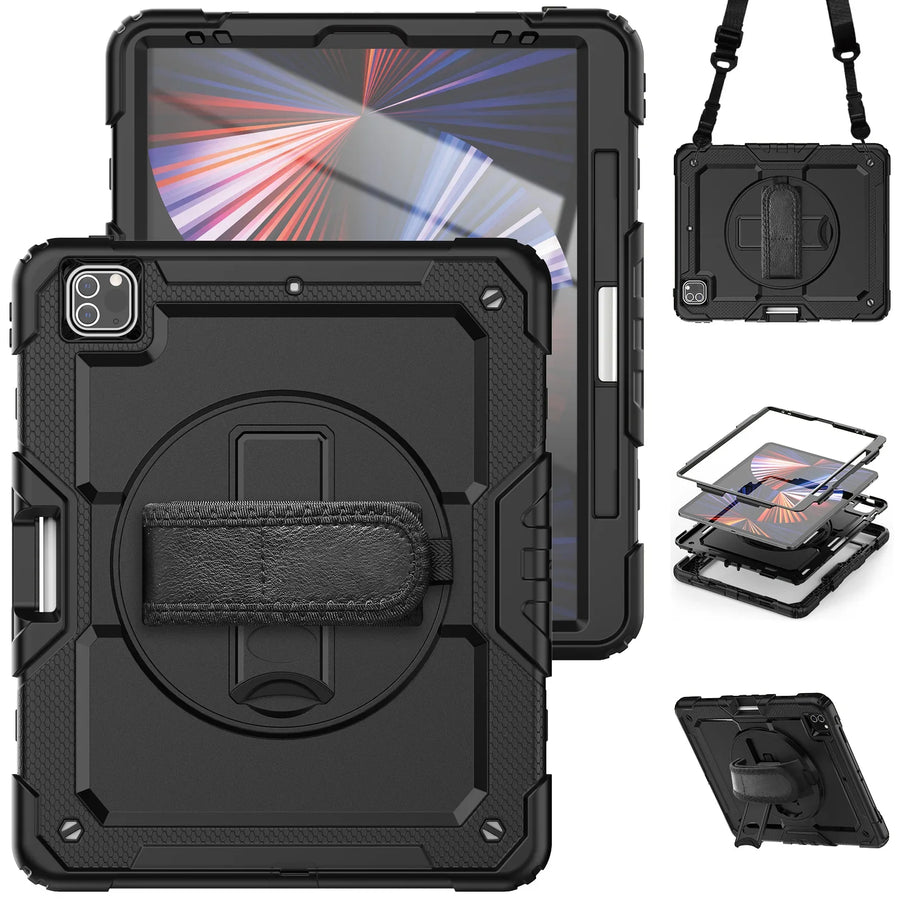
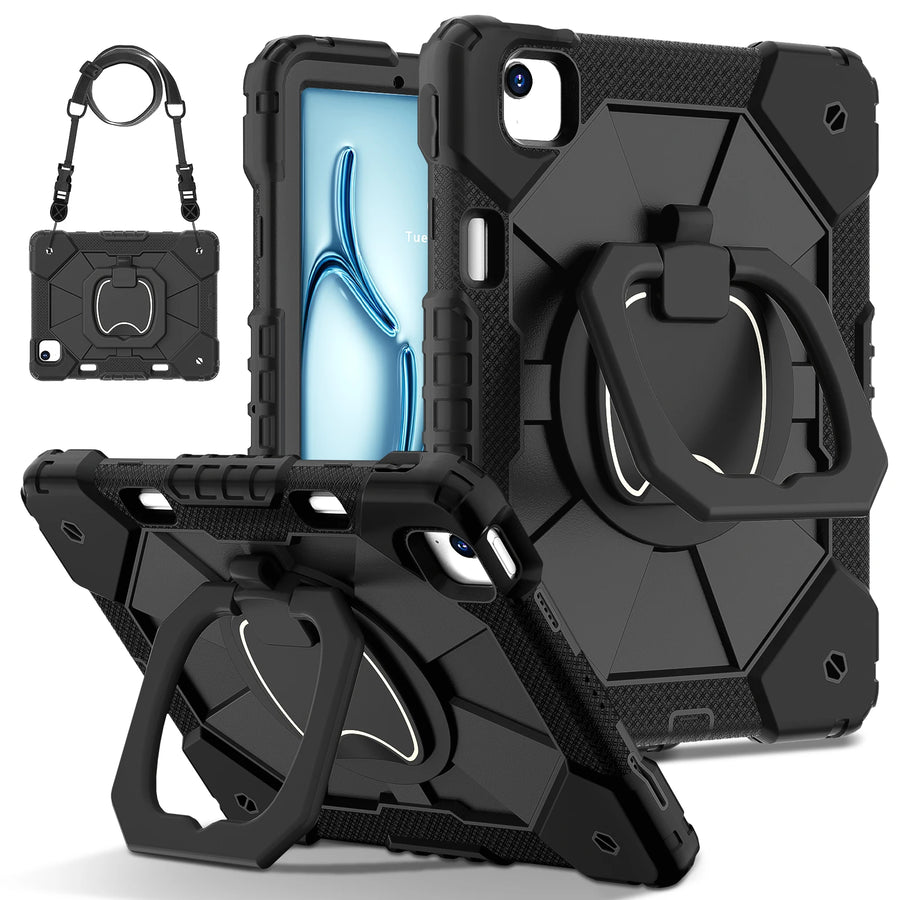
Confirm the exact device and selected variant before purchase. 60-Day Returns.
Continue with Avontic
Device details are verified against official manufacturer references and the live Avontic catalog. Reconfirm the selected product variant before purchasing.