
RhinoGuard flagship

My Device
Settings → General → About → tap the part number beside Model Number to reveal the A-number.
Start typing, choose a listed route, or complete all three browse fields. Nothing is assumed.
RhinoGuard flagship

ArmorPro route
RhinoGuard flagship
RhinoGuard route

Privacy glass

TitaniumGuard Ascend
TitaniumGuard Ascend
TitaniumGuard Ascend

Galaxy Watch Ultra metal

47mm protective case

Galaxy Watch 4–6 band collection

TitanForge 22mm
TitanForge 26mm

DuraShield protection

ArmorShield Slide

TitanShield Pro
RhinoGuard flagship
RhinoGuard flagship

RhinoGuard Tactical 360 Pro

RhinoGuard Apex Shield

RhinoGuard Apex Rotation

RhinoGuard Regent

RhinoGuard Vanguard

RhinoGuard Vertex

ChargeStation 7
Live catalog match
Use cases
A practical guide to grip, carrying, positioning, cleaning and verified device fit on the move.
 Verified product context
The short answerFor field work, prioritize exact fit, a controllable hand-held position, a useful stand, accessible controls and a carrying method that matches the job. Treat the case as workflow equipment—not as permission to expose the iPad to conditions the device itself is not rated to handle.
List the moments when the iPad is held, placed, carried and connected. A site manager who reviews drawings at a table needs a different balance than a technician who records information while standing. The right case keeps those transitions simple without blocking cameras, microphones, charging or buttons.
Evaluate the product against the actual workday rather than a single feature image.
A case does not change the manufacturer’s environmental rating for the iPad. Keep the device away from standing water, fine debris entering openings and prolonged heat inside a vehicle. Clean loose particles before wiping so they are not dragged across the case or screen.
Fit noteUse the carrying component for ordinary transport only. It is not fall-arrest, climbing or personal-safety equipment.
For multiple devices, standardize A-numbers and case variants before ordering. Keep a simple deployment sheet with device model, selected case size, color and assigned user or location. Avontic Business Solutions can help organize a mixed fleet without guessing at compatibility.
Shop this setup
Live Avontic products connected to this guide. Confirm the exact device variant on the product page.
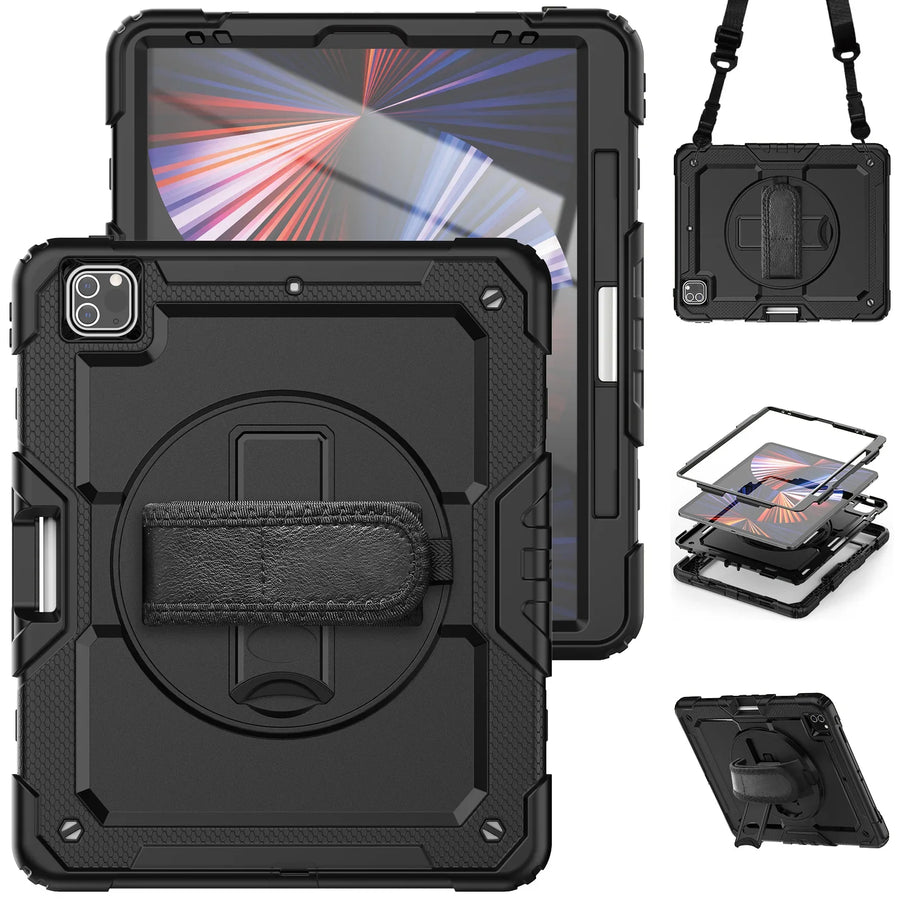
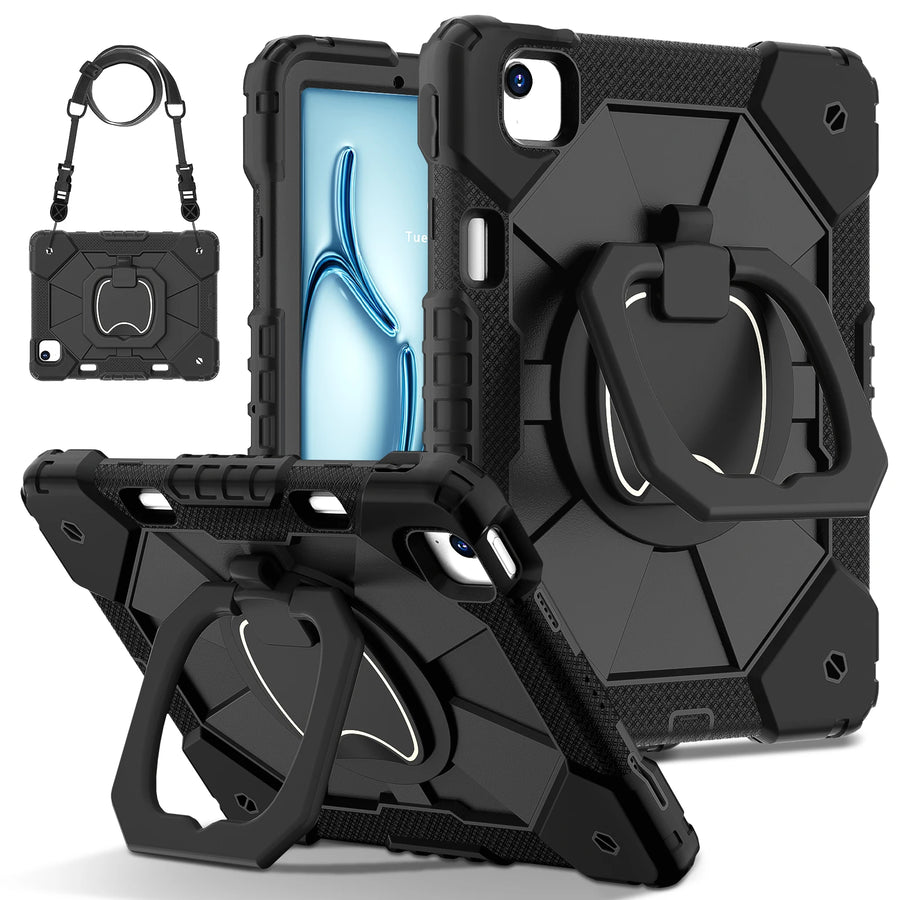
Confirm the exact device and selected variant before purchase. 60-Day Returns.
Continue with Avontic
Device details are verified against official manufacturer references and the live Avontic catalog. Reconfirm the selected product variant before purchasing.