
RhinoGuard flagship

My Device
Settings → General → About → tap the part number beside Model Number to reveal the A-number.
Start typing, choose a listed route, or complete all three browse fields. Nothing is assumed.
RhinoGuard flagship

ArmorPro route
RhinoGuard flagship
RhinoGuard route

Privacy glass

TitaniumGuard Ascend
TitaniumGuard Ascend
TitaniumGuard Ascend

Galaxy Watch Ultra metal

47mm protective case

Galaxy Watch 4–6 band collection

TitanForge 22mm
TitanForge 26mm

DuraShield protection

ArmorShield Slide

TitanShield Pro
RhinoGuard flagship
RhinoGuard flagship

RhinoGuard Tactical 360 Pro

RhinoGuard Apex Shield

RhinoGuard Apex Rotation

RhinoGuard Regent

RhinoGuard Vanguard

RhinoGuard Vertex

ChargeStation 7
Live catalog match
Use cases
Understand what each utility feature contributes—and which combination belongs in your routine.
 Verified product context
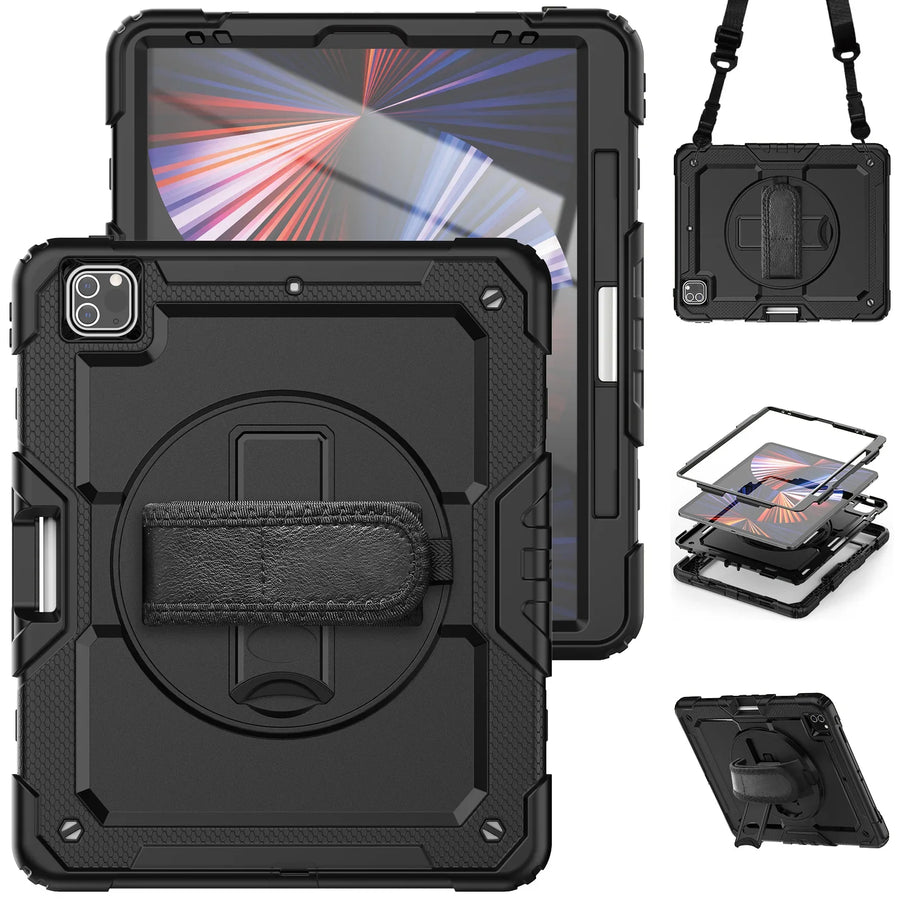
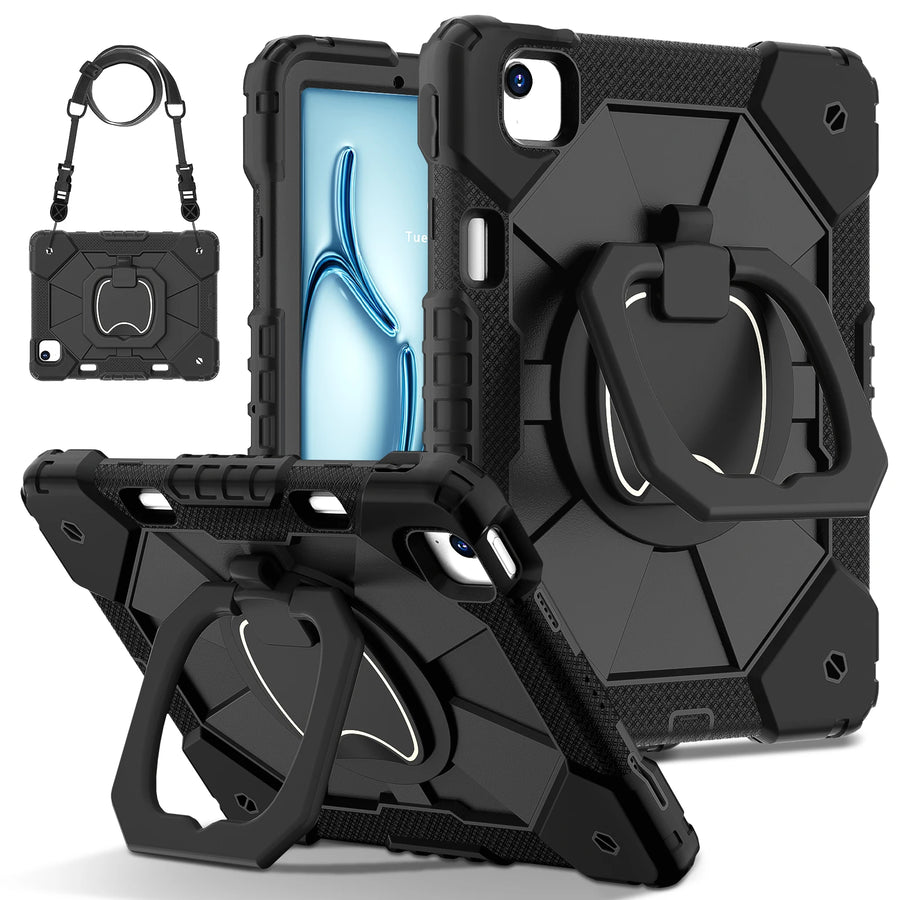
The short answerA hand holder supports control while the iPad is being used, a stand supports viewing or input on a surface, and a shoulder carrying option supports movement between tasks. The best case is the one that combines only the functions you will genuinely use in the correct device variant.
These features are often bundled into one product title, but they solve different moments. A rear hand holder can make it easier to stabilize the device during standing use. A stand turns the case into a viewing station. A detachable shoulder carrying option helps move the device when both hands are needed for another task.
At home, a stand may matter most for recipes, video calls and viewing. In a school or service environment, the hand holder and carrying option can become more important. Travelers should consider the extra size of a utility case as well as how it fits into a bag, seat pocket or workstation.
| Routine | First priority | Useful second feature |
|---|---|---|
| Home | Stand | Hand holder |
| Classroom | Hand holder | Shoulder carrying option |
| Field workflow | Hand holder | Stand |
| Travel | Stand | Detachable carrying option |
A complete feature list does not compensate for the wrong shell. Confirm the A-number, generation and display family, then confirm the selected variant. Pay particular attention to iPad Air and iPad Pro models that share an approximate screen-size label.
Shop this setup
Live Avontic products connected to this guide. Confirm the exact device variant on the product page.
Confirm the exact device and selected variant before purchase. 60-Day Returns.
Continue with Avontic
Device details are verified against official manufacturer references and the live Avontic catalog. Reconfirm the selected product variant before purchasing.