
RhinoGuard flagship

My Device
Settings → General → About → tap the part number beside Model Number to reveal the A-number.
Start typing, choose a listed route, or complete all three browse fields. Nothing is assumed.
RhinoGuard flagship

ArmorPro route
RhinoGuard flagship
RhinoGuard route

Privacy glass

TitaniumGuard Ascend
TitaniumGuard Ascend
TitaniumGuard Ascend

Galaxy Watch Ultra metal

47mm protective case

Galaxy Watch 4–6 band collection

TitanForge 22mm
TitanForge 26mm

DuraShield protection

ArmorShield Slide

TitanShield Pro
RhinoGuard flagship
RhinoGuard flagship

RhinoGuard Tactical 360 Pro

RhinoGuard Apex Shield

RhinoGuard Apex Rotation

RhinoGuard Regent

RhinoGuard Vanguard

RhinoGuard Vertex

ChargeStation 7
Live catalog match
Use cases
A deployment-first framework for model verification, daily use, labeling and repeat ordering.
 Verified product context
The short answerFleet purchasing should begin with a device inventory, not a product list. Group devices by A-number and generation, select the correct case variant for each group, test one representative setup, and only then finalize quantities and colors.
Record the iPad name shown in Settings, the A-number, quantity, intended environment and any accessory that must remain connected. This turns a mixed pile of tablets into purchasing groups. It also creates a reference for replacements later in the year.
| Field | Why it matters |
|---|---|
| A-number | Separates similar-looking generations |
| Quantity | Controls order and spare planning |
| Use location | Guides stand, grip and carrying needs |
| Case variant | Creates a repeatable reorder reference |
| Color | Can support room, team or grade grouping |
Test a representative iPad in the selected case. Confirm camera and port alignment, charging access, stand positions, labeling space and how the device fits existing carts or storage. A short pilot can uncover a workflow mismatch before it is multiplied across an order.
Document how cases will be assigned, cleaned, stored and replaced. Keep a small number of approved spare variants rather than an untracked mix. For shared devices, use removable identification methods that do not cover vents, cameras or controls.
Schools and organizations with several iPad generations benefit from a compatibility review before purchasing. Share the model ledger, desired quantities and timeline so the case plan can be checked as one deployment instead of twelve isolated carts.
Shop this setup
Live Avontic products connected to this guide. Confirm the exact device variant on the product page.
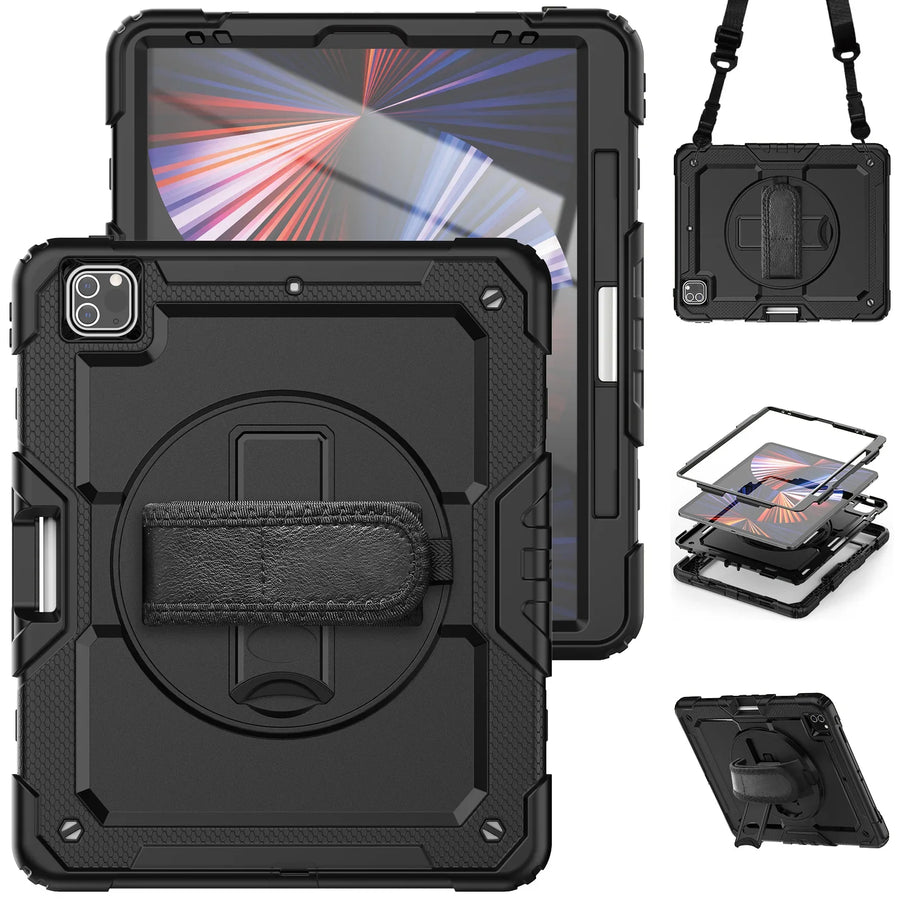
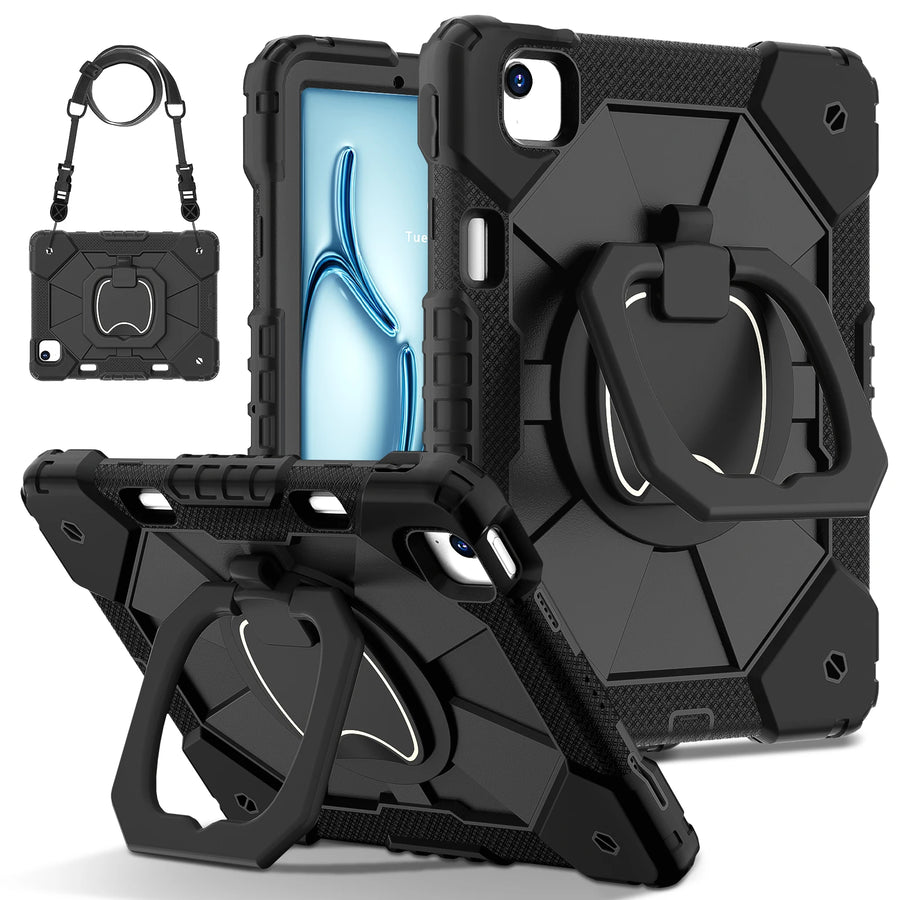
Confirm the exact device and selected variant before purchase. 60-Day Returns.
Continue with Avontic
Device details are verified against official manufacturer references and the live Avontic catalog. Reconfirm the selected product variant before purchasing.