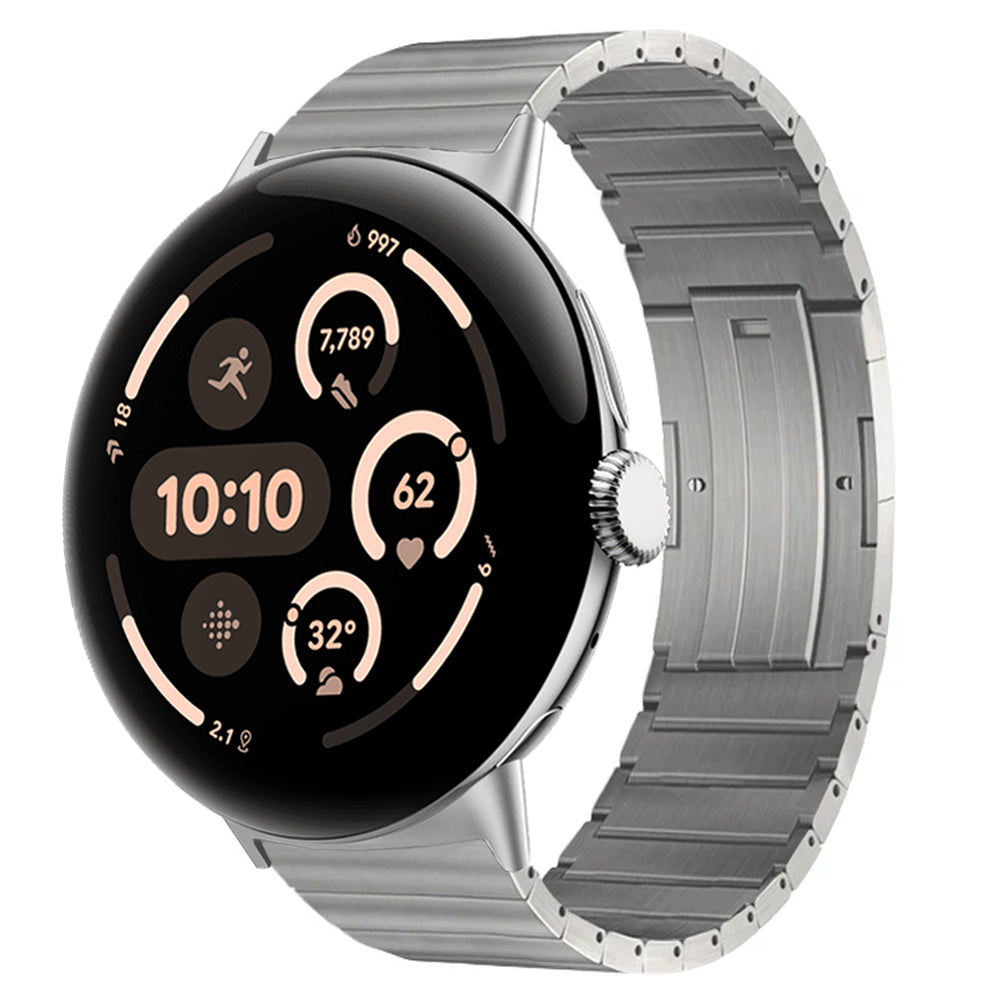
RhinoGuard flagship

My Device
Settings → General → About → tap the part number beside Model Number to reveal the A-number.
Start typing, choose a listed route, or complete all three browse fields. Nothing is assumed.
RhinoGuard flagship

ArmorPro route
RhinoGuard flagship
RhinoGuard route

Privacy glass

TitaniumGuard Ascend
TitaniumGuard Ascend
TitaniumGuard Ascend

Galaxy Watch Ultra metal

47mm protective case

Galaxy Watch 4–6 band collection

TitanForge 22mm
TitanForge 26mm

DuraShield protection

ArmorShield Slide

TitanShield Pro
RhinoGuard flagship
RhinoGuard flagship

RhinoGuard Tactical 360 Pro

RhinoGuard Apex Shield

RhinoGuard Apex Rotation

RhinoGuard Regent

RhinoGuard Vanguard

RhinoGuard Vertex

ChargeStation 7
Live catalog match
Avontic · Titanium Pixel Watch Bands Titanium Bands for Google Pixel Watch 5, 4 & 3 Explore titanium-led bands for compatible Google Pixel Watch 5, 4 and 3 models. Compare bracelet profiles, finishes and available 41mm or 45mm Size selections before choosing...
7 products in this collection

Connected collections
Just released
 New arrival
 New arrival
 New arrival
 New arrival
Device-first discovery
Choose a device family, model, and generation. Close alternatives remain available below.
Use these device controls together with availability, price, and other store filters.

2 colors available

4 colors available
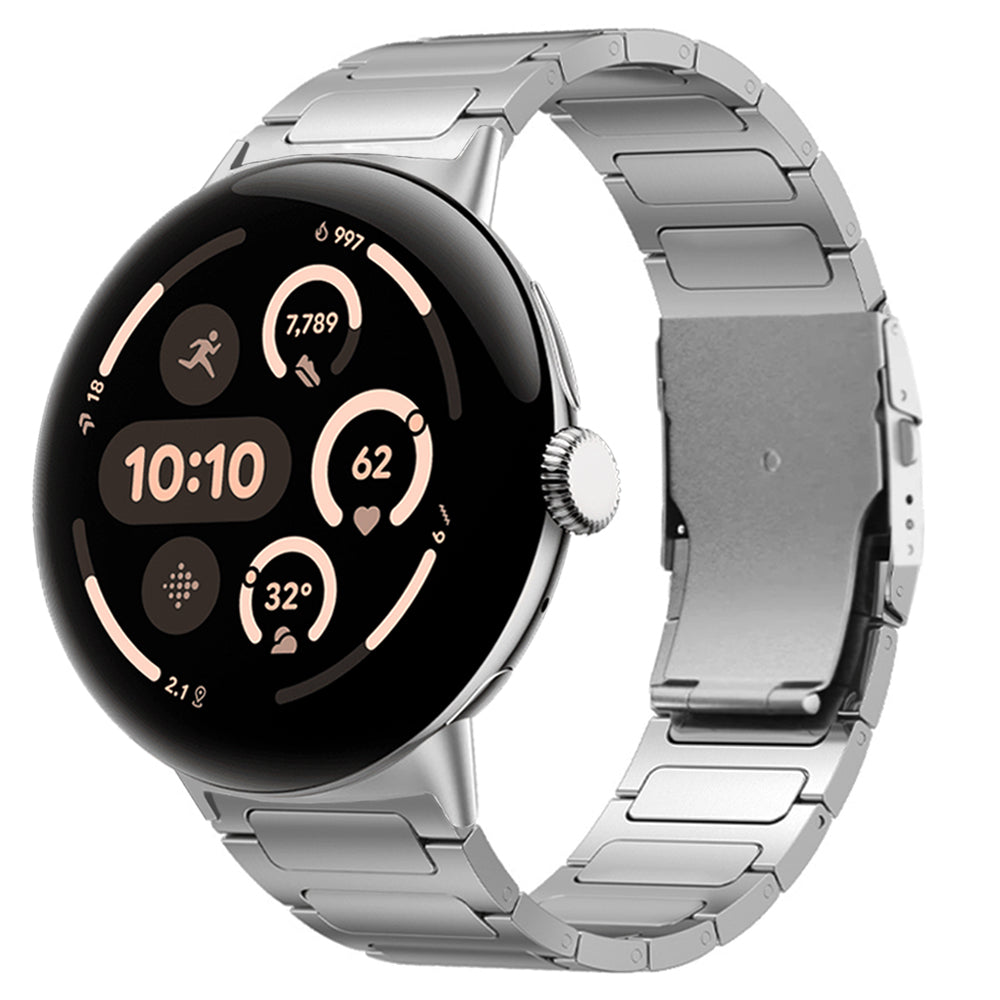
4 colors available
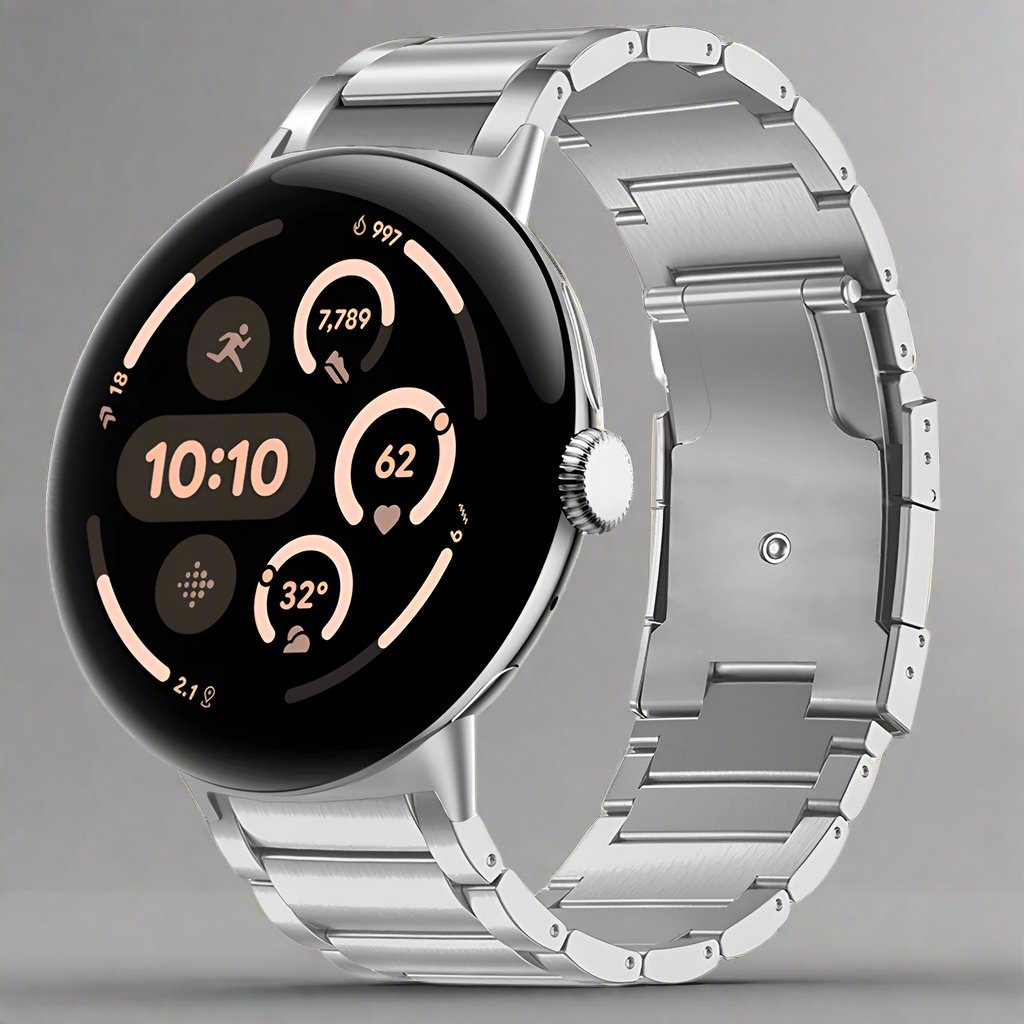
2 colors available

2 colors available
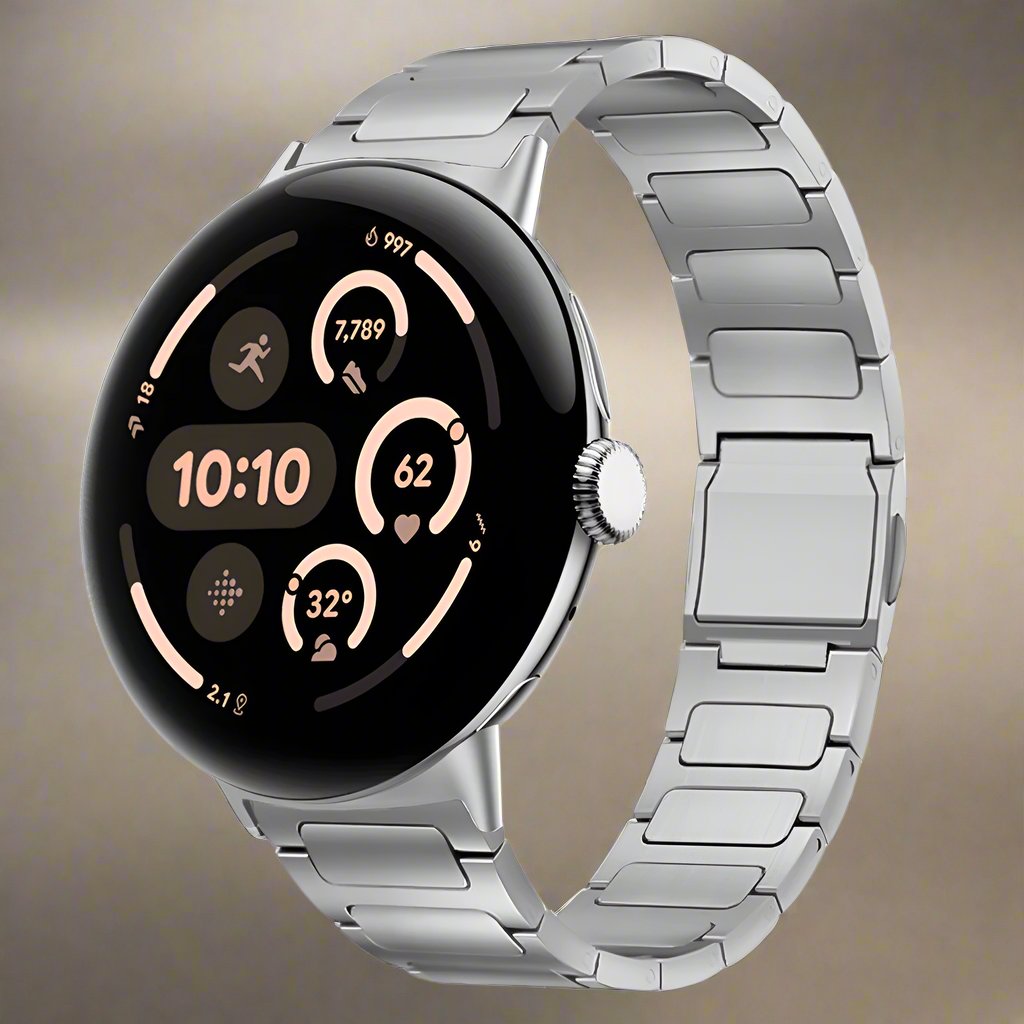
6 colors available