
RhinoGuard flagship

My Device
Settings → General → About → tap the part number beside Model Number to reveal the A-number.
Start typing, choose a listed route, or complete all three browse fields. Nothing is assumed.
RhinoGuard flagship

ArmorPro route
RhinoGuard flagship
RhinoGuard route

Privacy glass

TitaniumGuard Ascend
TitaniumGuard Ascend
TitaniumGuard Ascend

Galaxy Watch Ultra metal

47mm protective case

Galaxy Watch 4–6 band collection

TitanForge 22mm
TitanForge 26mm

DuraShield protection

ArmorShield Slide

TitanShield Pro
RhinoGuard flagship
RhinoGuard flagship

RhinoGuard Tactical 360 Pro

RhinoGuard Apex Shield

RhinoGuard Apex Rotation

RhinoGuard Regent

RhinoGuard Vanguard

RhinoGuard Vertex

ChargeStation 7
Live catalog match
Use cases
No iPad screen protector optimizes every priority. Paper-feel film favors stylus control and glare diffusion; privacy glass limits side-angle visibility; clear tempered glass preserves a familiar glossy view while adding a replaceable surface layer. This guide explains each tradeoff and why exact model selection and clean installation matter.
 Verified product context
A tradeoff-first guide to iPad screen surfaces.
The words “screen protector” make three very different products sound interchangeable. They are not. A matte film changes the way a stylus moves and light reflects. Privacy glass changes what a person can see from the side. Clear tempered glass prioritizes a familiar glossy viewing surface while placing a replaceable glass layer above the original display.
Short answer: Choose PaperTouch Pro for paper-like stylus control and reduced reflections; UltraShield Privacy Pro when side-angle screen visibility is the main concern; or model-matched clear tempered glass when you want a conventional glossy surface and everyday surface protection without a privacy filter. Install one protector directly on the clean display—do not stack them.
The best option is not the one with the most dramatic marketing language. It is the surface whose compromises match the way you actually use the iPad.
| Type | Surface and viewing effect | Primary advantage | Important tradeoff | Best starting point for |
|---|---|---|---|---|
| PaperTouch Pro matte PE film | Textured matte surface that diffuses reflections | More deliberate stylus resistance; two same-size films included | Matte texture can slightly soften clarity and alter color sparkle; not impact glass | Notes, sketching, planning and bright-room work |
| UltraShield Privacy Pro | Privacy-filter tempered glass with clearest view from directly in front | Helps reduce visibility from side angles | Privacy varies with angle, brightness and ambient light; a glass layer can change surface feel | Travel, public spaces and work involving sensitive on-screen information |
| Clear tempered glass | Conventional glossy surface without matte texture or privacy filter | Replaceable glass layer for everyday screen-surface defense | No paper-feel texture and no side-angle privacy; product features vary by listing | General viewing, media and customers who prefer a familiar glossy feel |
PaperTouch Pro uses a soft matte PE film rather than tempered glass. The fine texture adds gentle resistance beneath a compatible stylus, making strokes feel more deliberate than they do on bare glossy glass. The matte finish also diffuses direct reflections, which can make notes, documents and reference material easier to work with in bright rooms.
The current pack contains two films for the same selected iPad fit. Install one and keep the second as a replacement or backup; the pack does not contain two different sizes. The film preserves normal touch interaction, but stylus performance still depends on the iPad, app, stylus and tip condition.
Understand the visual tradeoff before buying. Any matte texture can slightly soften perceived clarity and change color sparkle compared with bare glossy glass. PaperTouch Pro also is not a substitute for impact protection: it is a replaceable surface layer designed for paper-like control, anti-glare viewing and resistance to light everyday scratches and scuffs.

UltraShield Privacy Pro adds model-matched privacy-filter tempered glass over the iPad display. It is intended to help reduce what is visible from side angles while preserving the clearest view from directly in front. That makes it the strongest option here for commuting, shared workspaces, reception areas, travel and other settings where nearby sightlines matter.
Privacy glass is not invisibility glass. Its effect changes with the observer’s angle, screen brightness and ambient light. A person positioned directly behind the user can still share the frontal view, and no screen accessory replaces sensible handling of confidential information. The glass helps reduce scratches, scuffs, fingerprints and routine surface contact, but it cannot make the original display shatter-proof.
Choose the exact iPad generation. Camera openings, corners, sensors and active display dimensions can change across devices that share a similar marketing size. Clean alignment is also essential: dust and trapped debris can create bubbles or lifting, while a misaligned edge can interfere with fit.
A standard clear tempered-glass protector is the straightforward middle path for many owners. It does not deliberately add paper-like drag or a privacy filter. Instead, it keeps a conventional glossy surface while adding a replaceable glass layer above the display. That can suit media viewing, web browsing, games, video calls and mixed everyday use.
Exact features—thickness, included installation tools, edge treatment and pack size—depend on the individual product listing, so compare the actual item rather than assuming every clear protector is identical. Tempered glass can help with routine scratches and direct surface contact, but it does not guarantee that an iPad will survive every drop, pressure event or impact.

Do not plan on stacking these products. PaperTouch Pro is intended to sit directly on a clean display, and stacked protectors can create alignment, touch, edge-lifting or case-clearance problems. If you need a different surface priority, remove the current protector carefully, clean the display and install the new model-matched option according to its instructions.
Work in a dust-free, well-lit area. Wash and dry your hands, power off the iPad, clean the display thoroughly and align around the camera area and edges before lowering the protector. Press outward from the center and avoid forcing corners. After installation, test touch, gestures, stylus input and case clearance before regular use.
Case clearance depends on the exact case and protector geometry. A closely fitted front frame or raised inner edge can meet a misaligned protector and cause lifting. Confirm both products are intended for the same iPad, center the protector carefully and test the case without forcing it. If an edge rises, stop and recheck alignment.
Browse the PaperTouch Pro collection, compare UltraShield Privacy Pro options, or continue through the Avontic Journal for more device-first guidance.
Avontic purchases include 60-Day Returns under the current return policy. Estimated U.S. delivery is 3–5 business days for orders placed by 6:00 PM Eastern Time; orders placed after the cutoff may require one additional business day; destination, carrier conditions, holidays and other factors can affect final timing.
Final advice: protect the experience you care about most—writing control, viewing discretion or glossy clarity—then verify the precise iPad fit before checkout.
Shop this setup
Live Avontic products connected to this guide. Confirm the exact device variant on the product page.
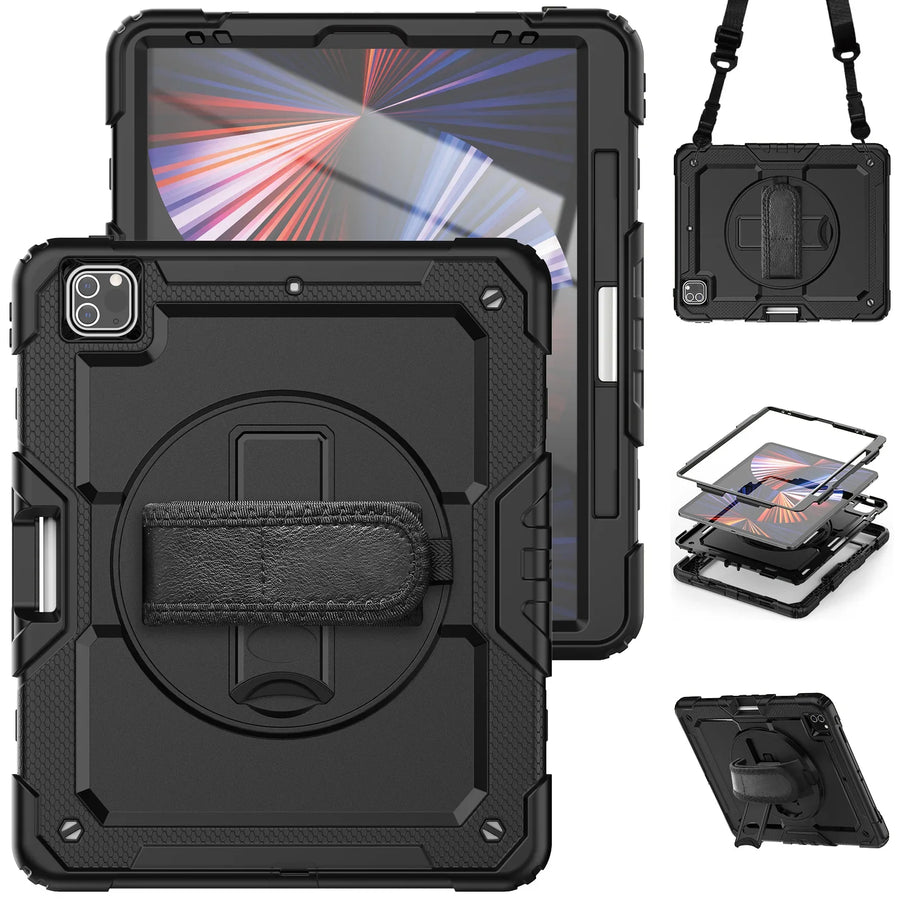
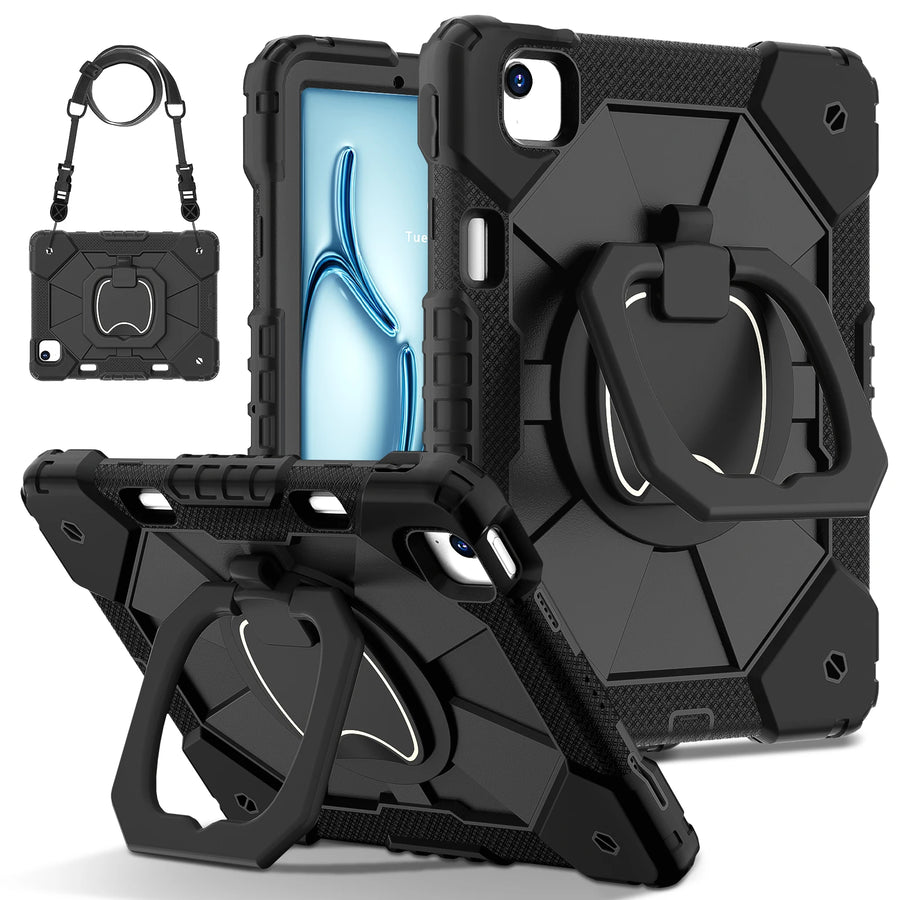
Confirm the exact device and selected variant before purchase. 60-Day Returns.
Continue with Avontic
Device details are verified against official manufacturer references and the live Avontic catalog. Reconfirm the selected product variant before purchasing.