RhinoGuard flagship

My Device
Start typing, choose a listed route, or complete all three browse fields. Nothing is assumed.
RhinoGuard flagship

ArmorPro route
RhinoGuard flagship
RhinoGuard route

Privacy glass

TitaniumGuard Ascend
TitaniumGuard Ascend
TitaniumGuard Ascend

Galaxy Watch Ultra metal

47mm protective case

Galaxy Watch 4–6 band collection

TitanForge 22mm
TitanForge 26mm

DuraShield protection

ArmorShield Slide

TitanShield Pro
RhinoGuard flagship
RhinoGuard flagship

RhinoGuard Tactical 360 Pro

RhinoGuard Apex Shield

RhinoGuard Apex Rotation

RhinoGuard Regent

RhinoGuard Vanguard

RhinoGuard Vertex

ChargeStation 7
Live catalog match
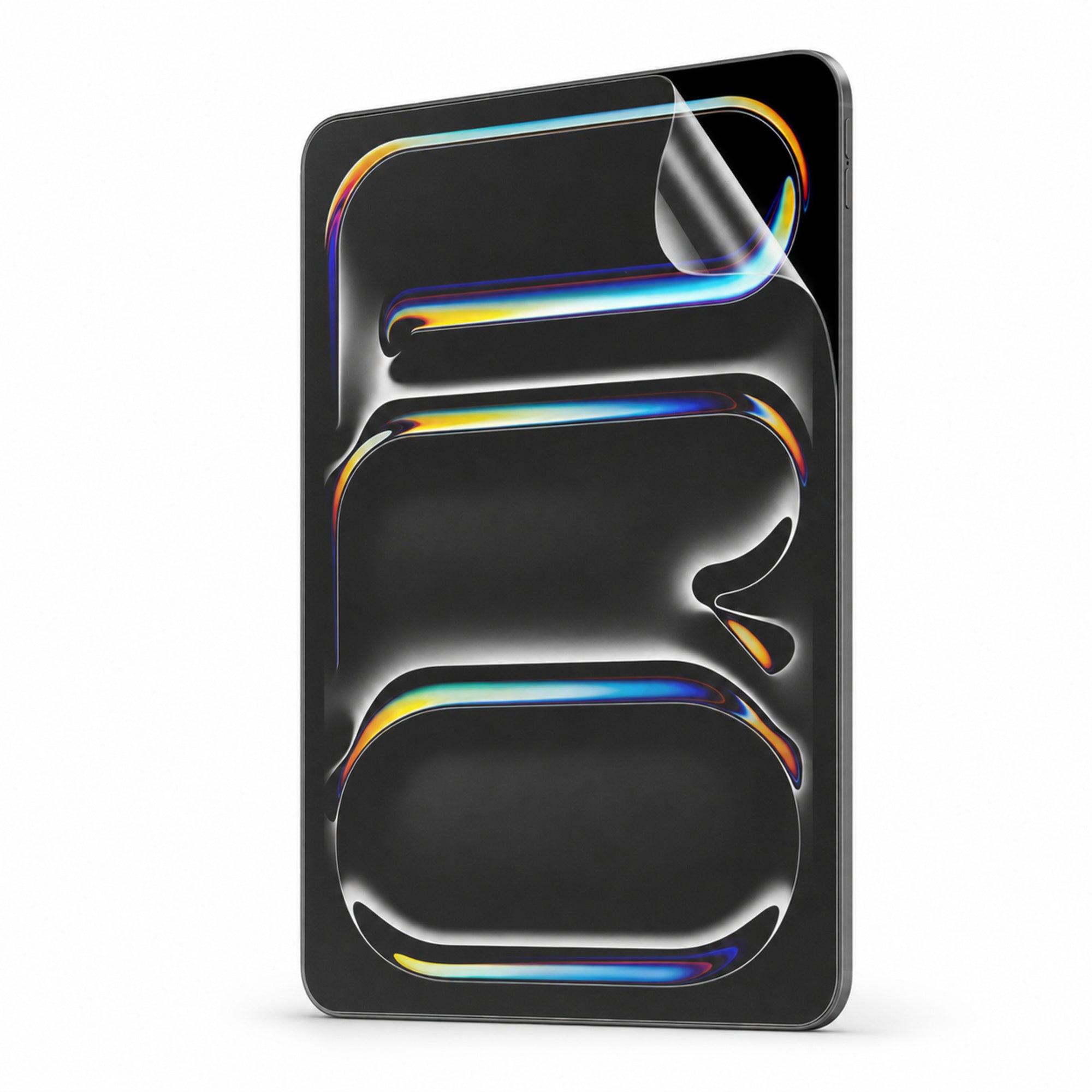
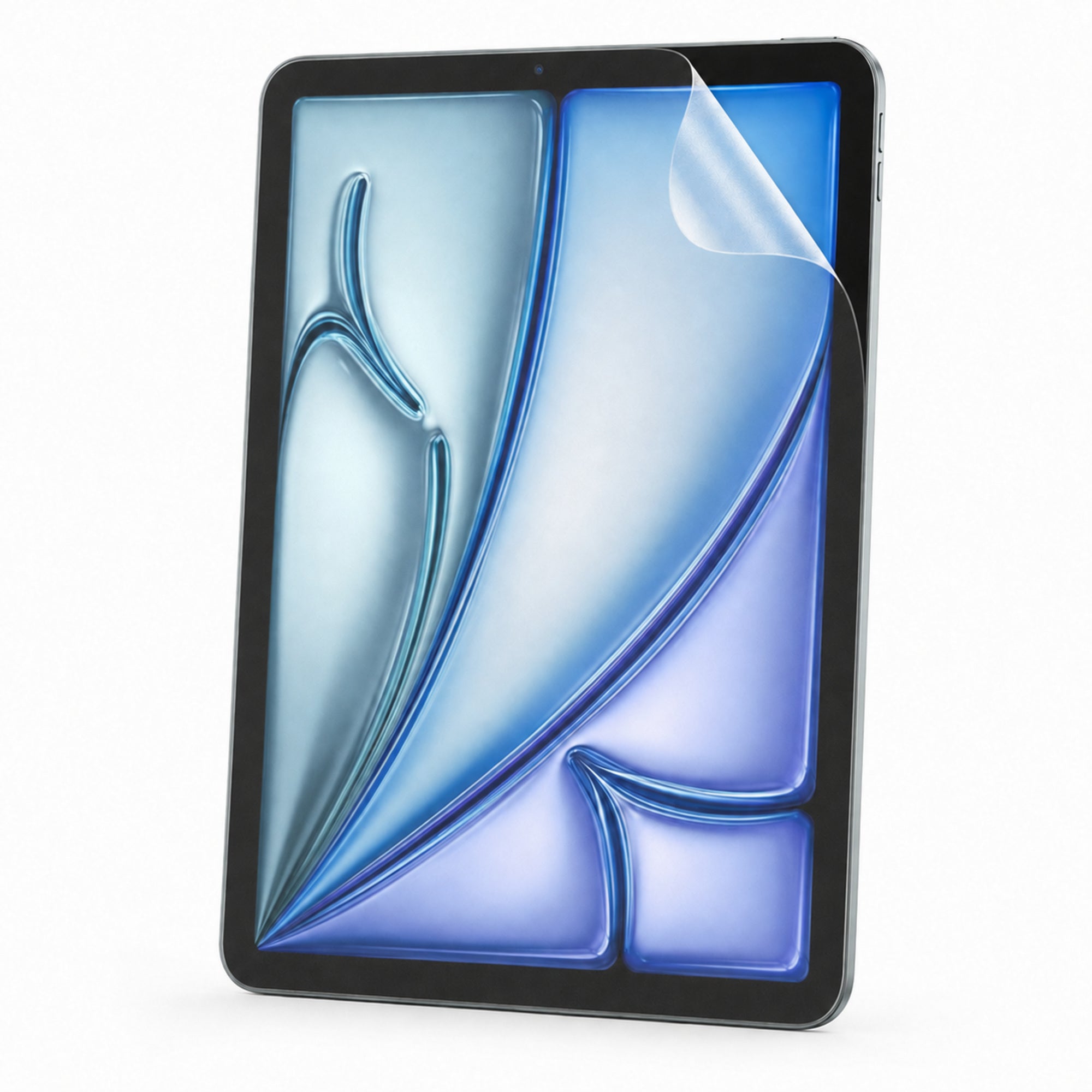
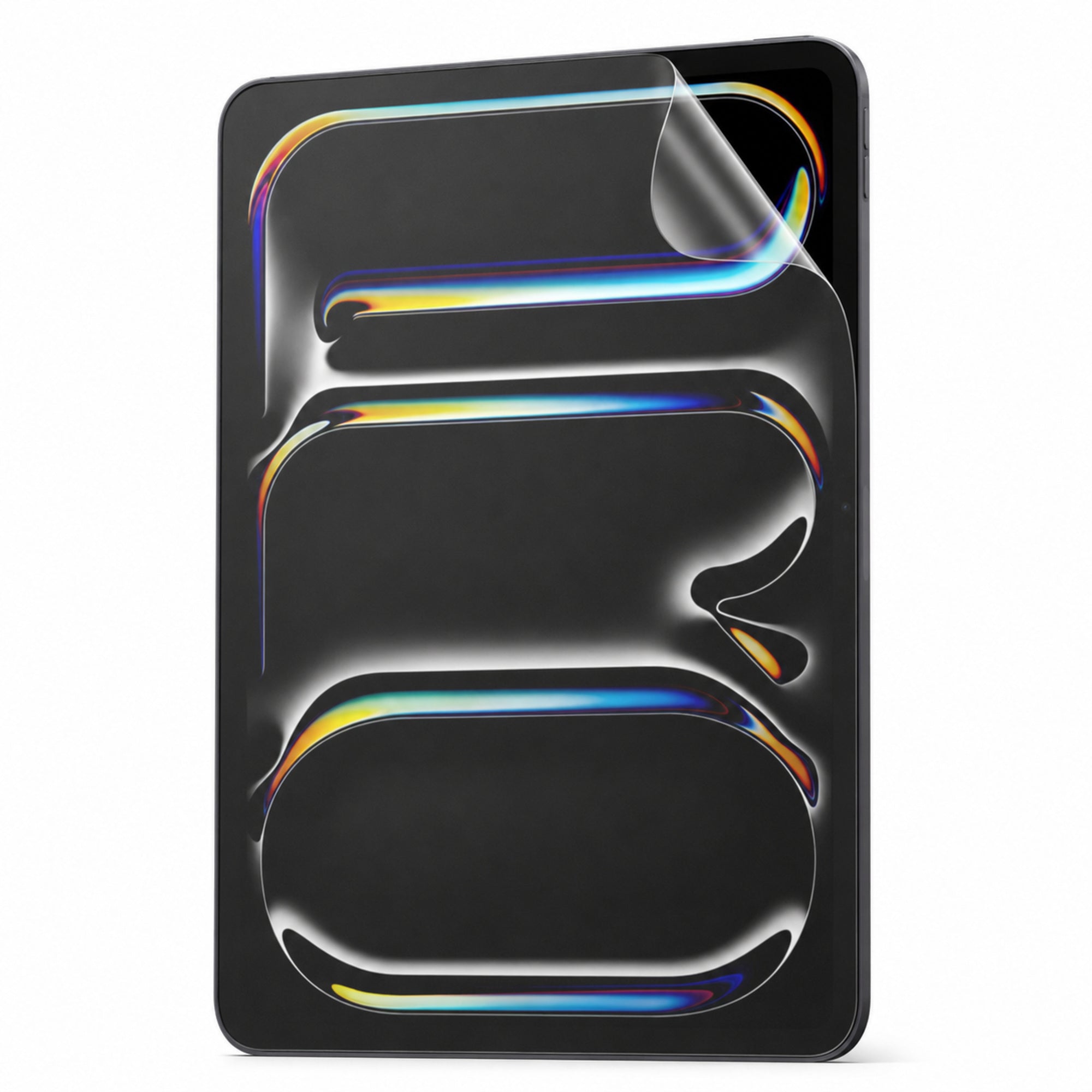
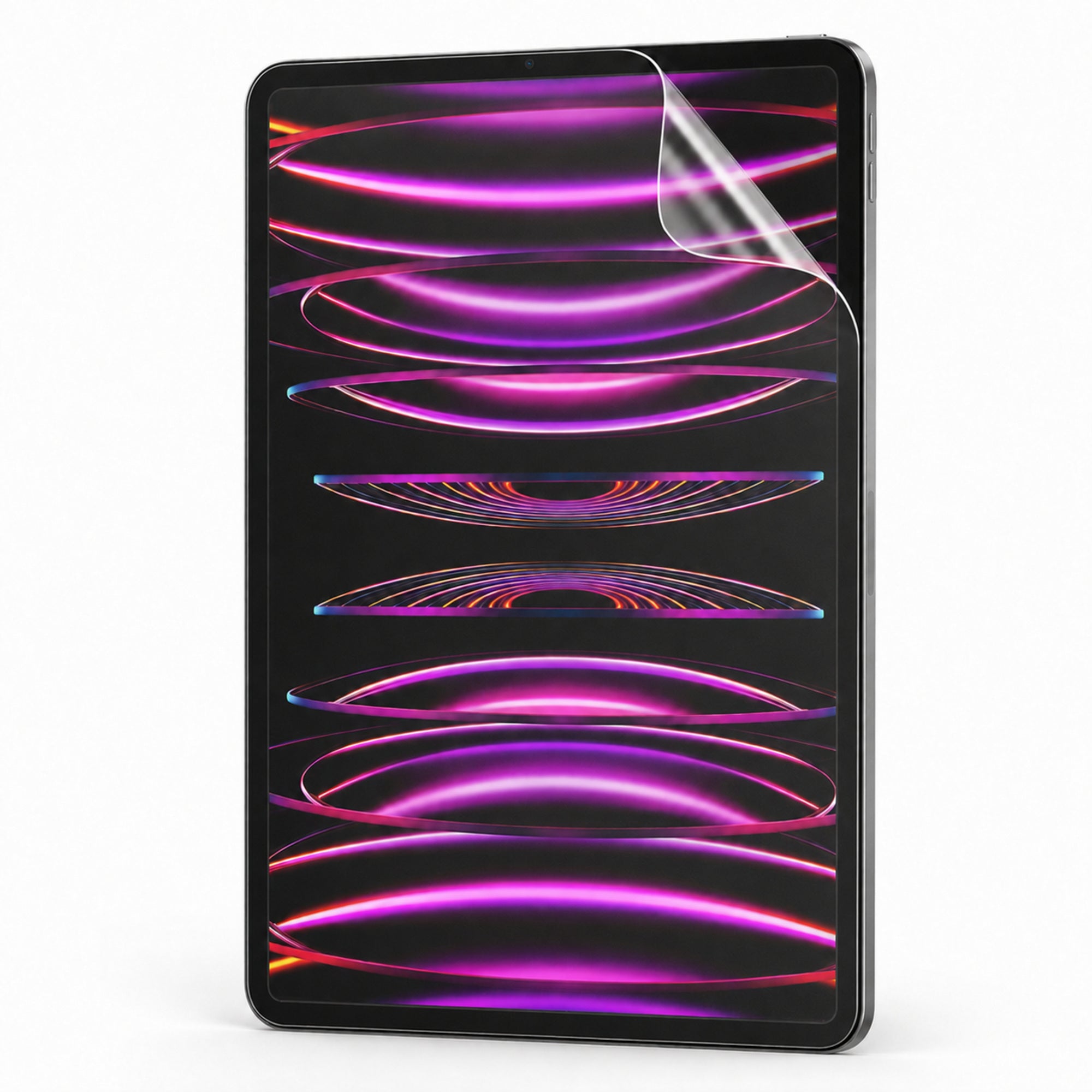
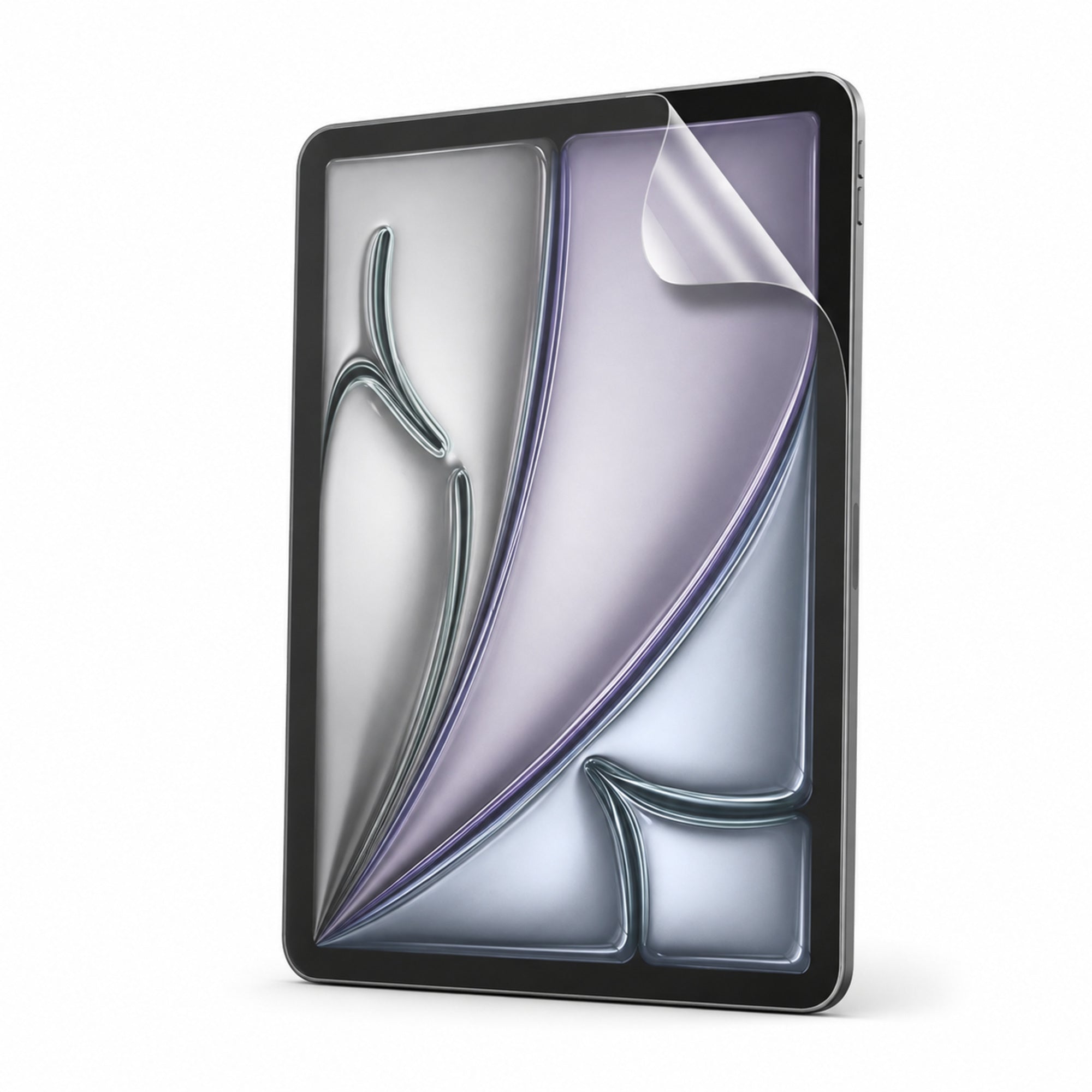
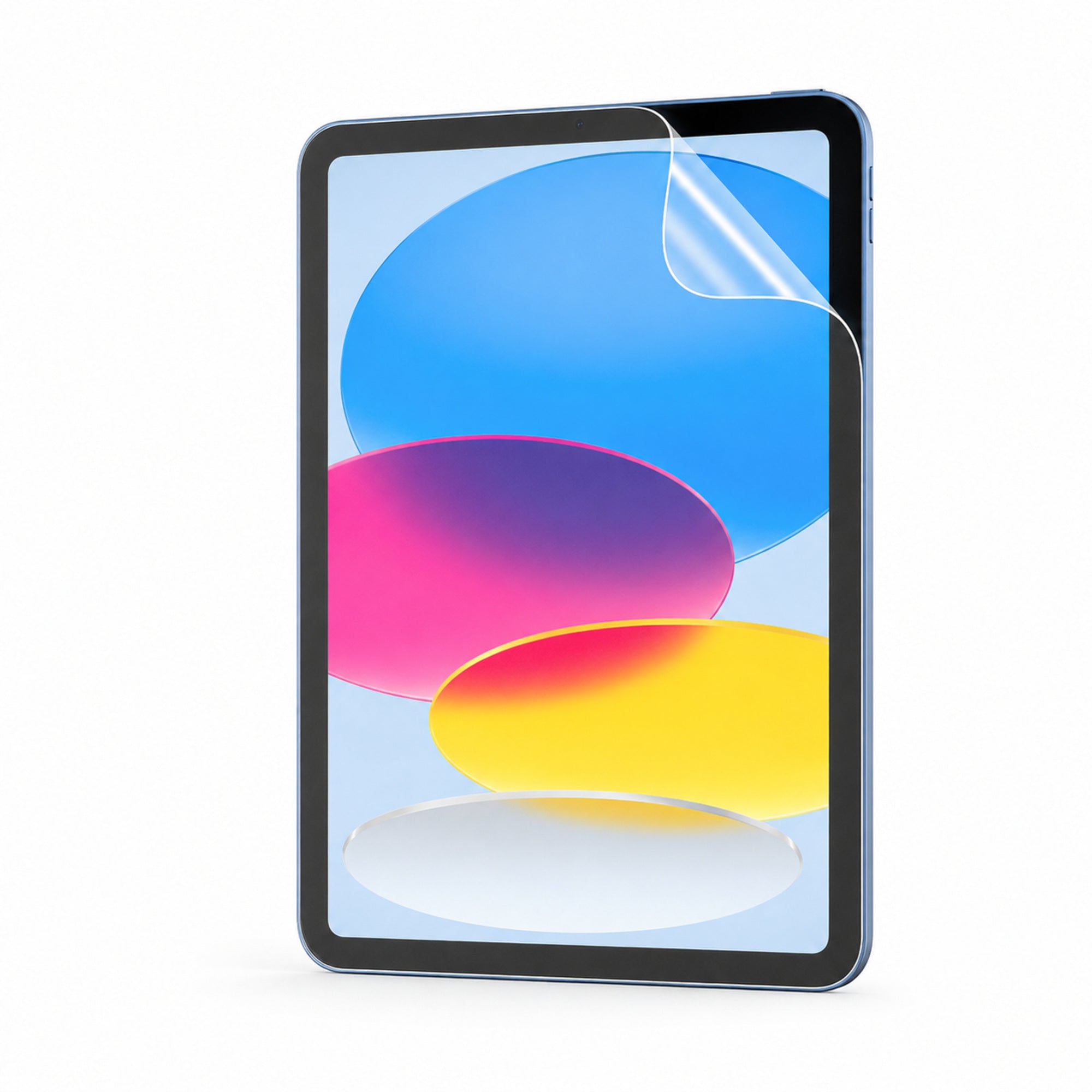
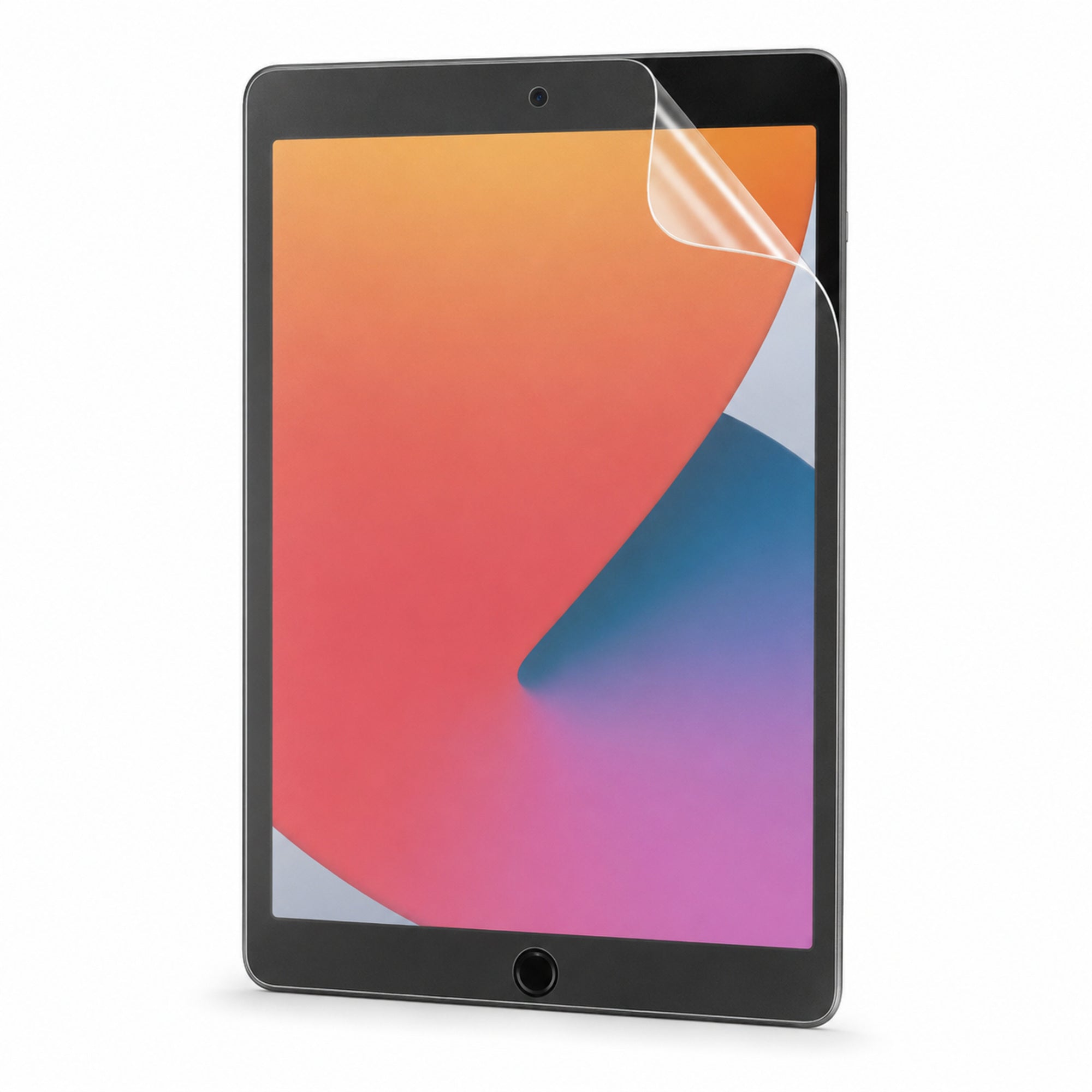
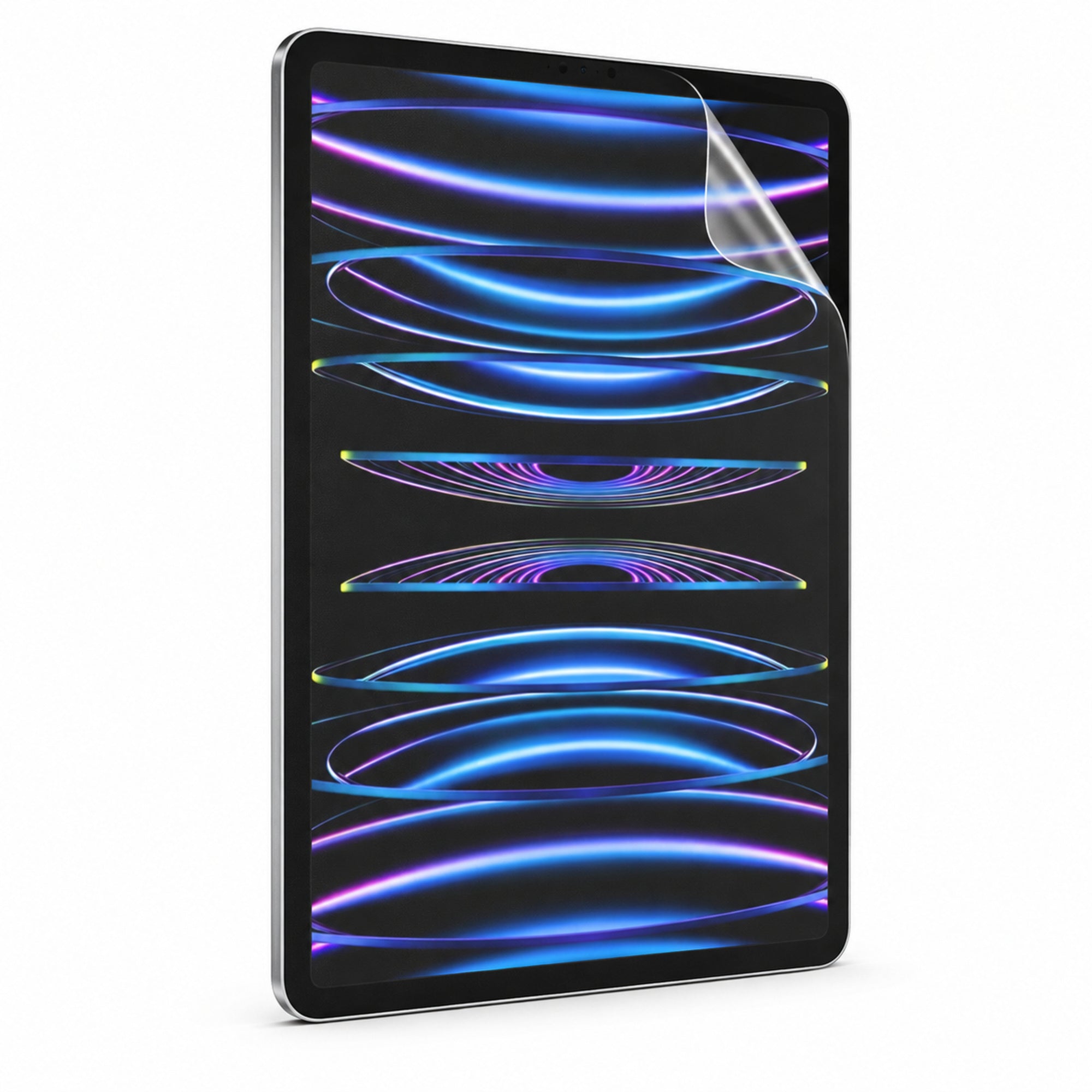
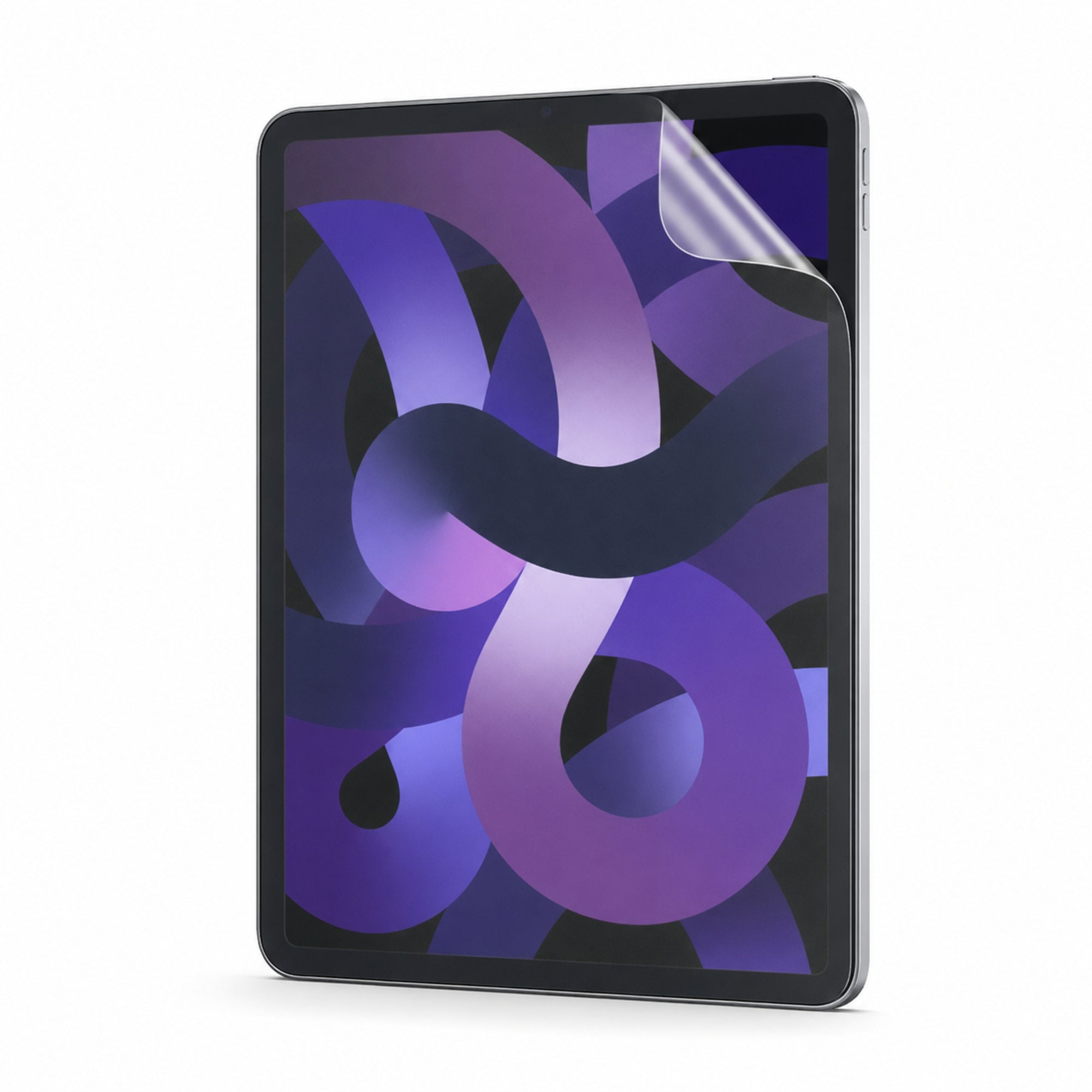
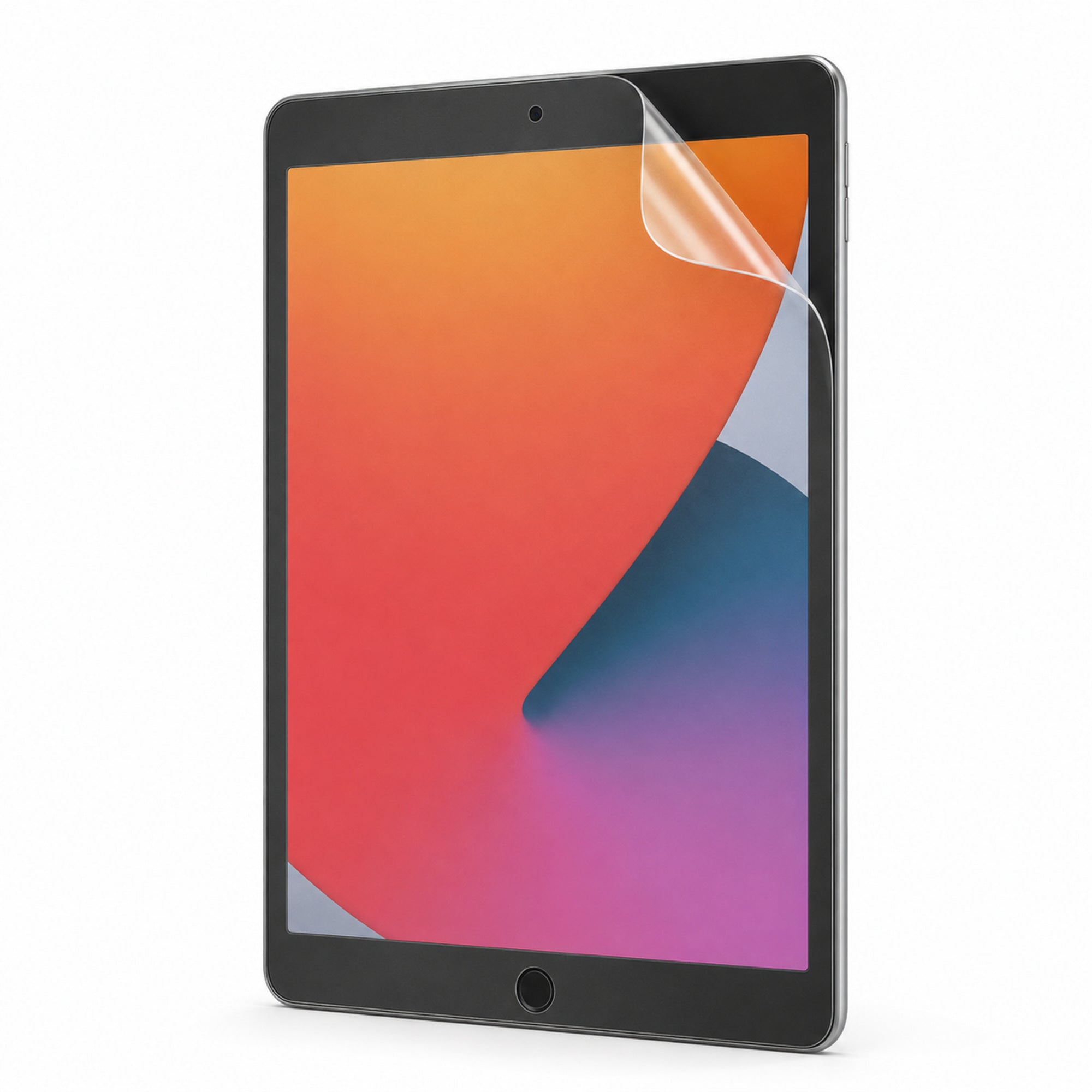
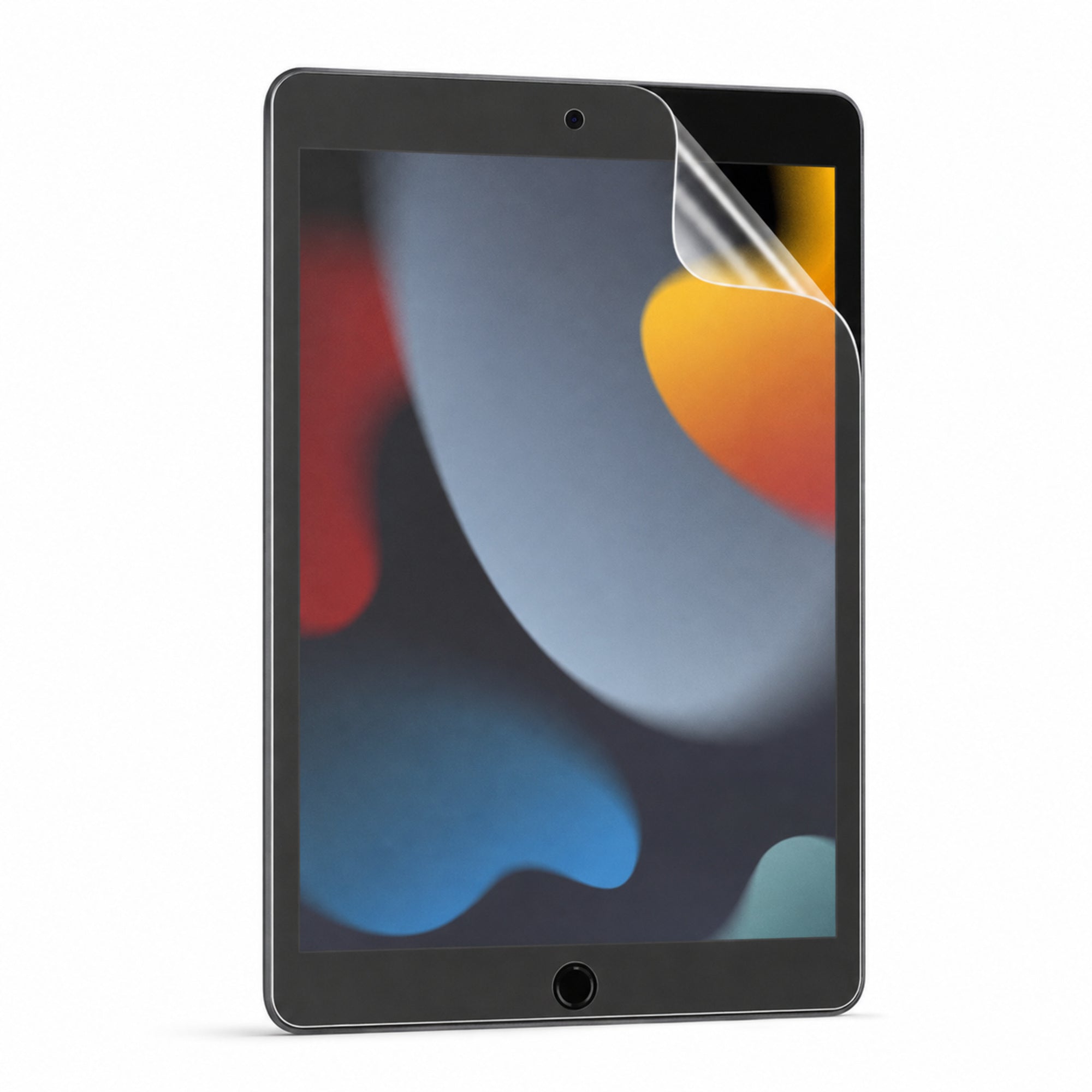
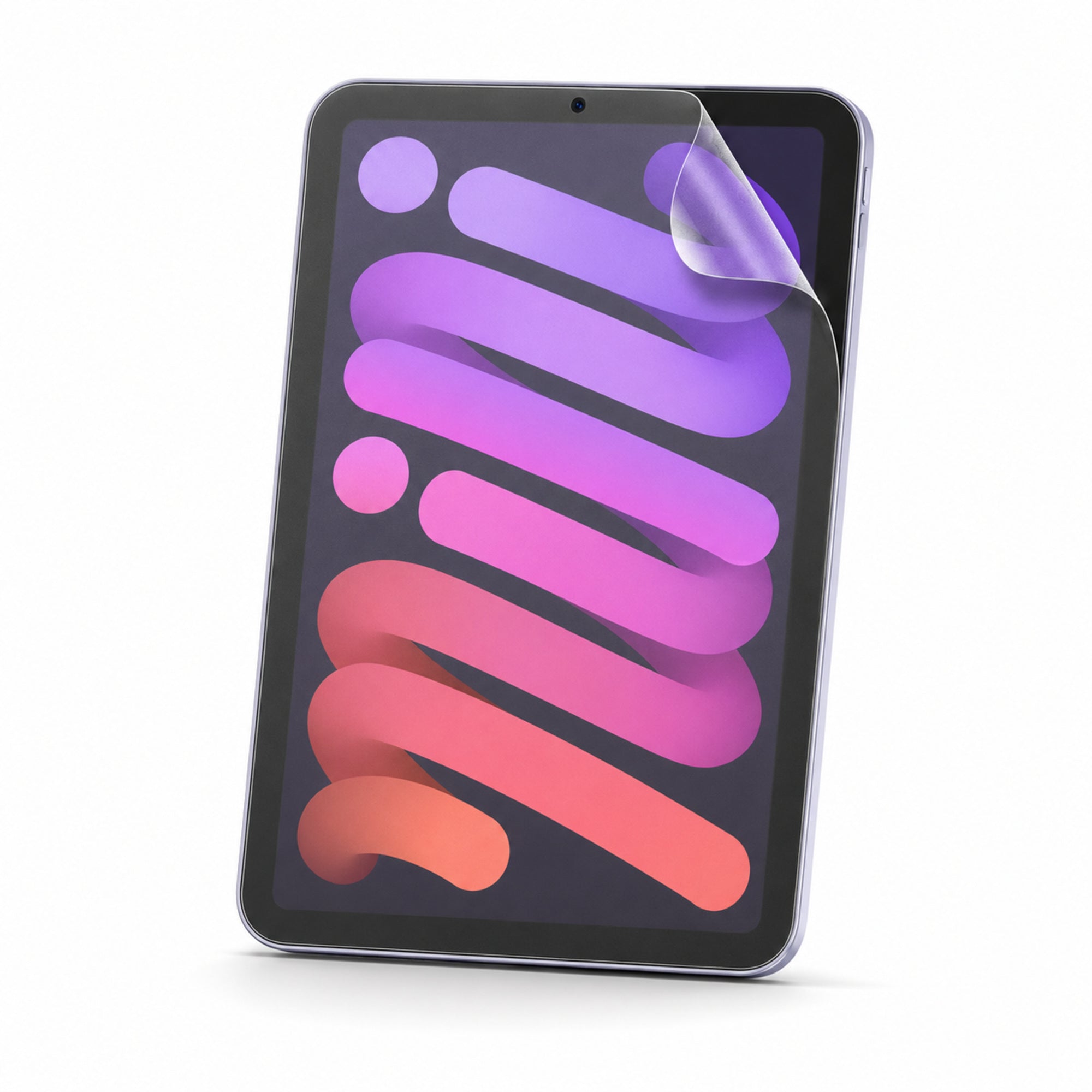

Use the exact model identifier shown in Settings or on the back of your iPad.
Screen size alone is insufficient. This finder checks exact stored compatibility data and will not guess.
Open Settings → General → About, or check the information on the back of your iPad.
Find the model number beginning with A. In Settings, tap the displayed part number when necessary to reveal the A-number.
Enter the A-number and use the exact product option returned by the finder.
Your configuration
PaperTouch Pro Matte Paper-Feel Screen Protector 2-Pack for iPadPreselected for display. Check the device, model, and size before ordering, or choose another option.
Your configuration
PaperTouch Pro Matte Paper-Feel Screen Protector 2-Pack for iPadPreselected for display. Check the device, model, and size before ordering, or choose another option.
Curated add-ons
Useful extras selected for this product—not substitutes.
Your setup: 0 of 2 complete
Optional accessories are never preselected.A slim wireless keyboard for a more capable tablet setup.
Adds cleaner tapping, notes, signatures, and everyday navigation.
Nothing is preselected. Confirm every model, size, or style before adding.


Cases, stands, input tools, and protection selected to make every tablet more capable.
PaperTouch Pro by Avontic
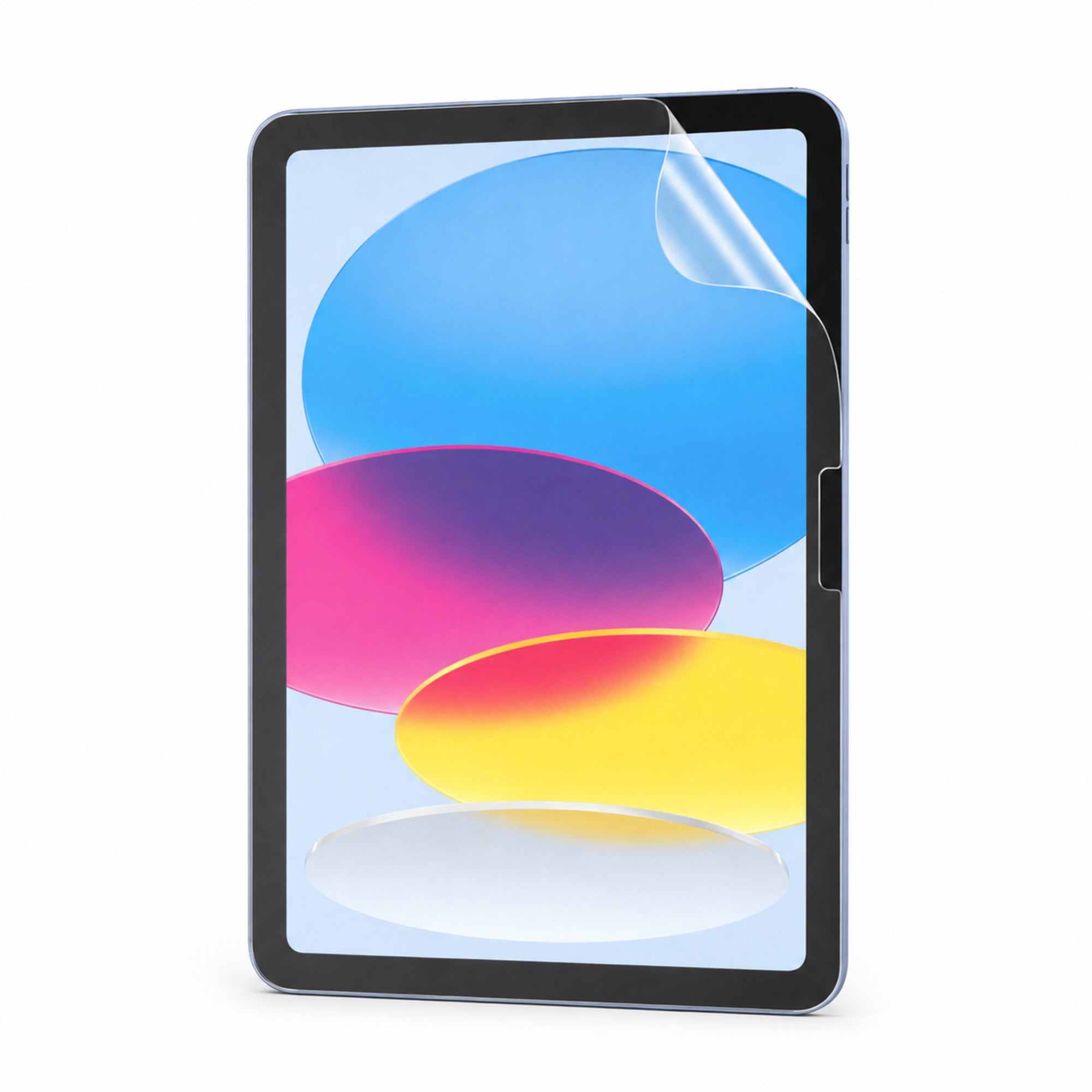
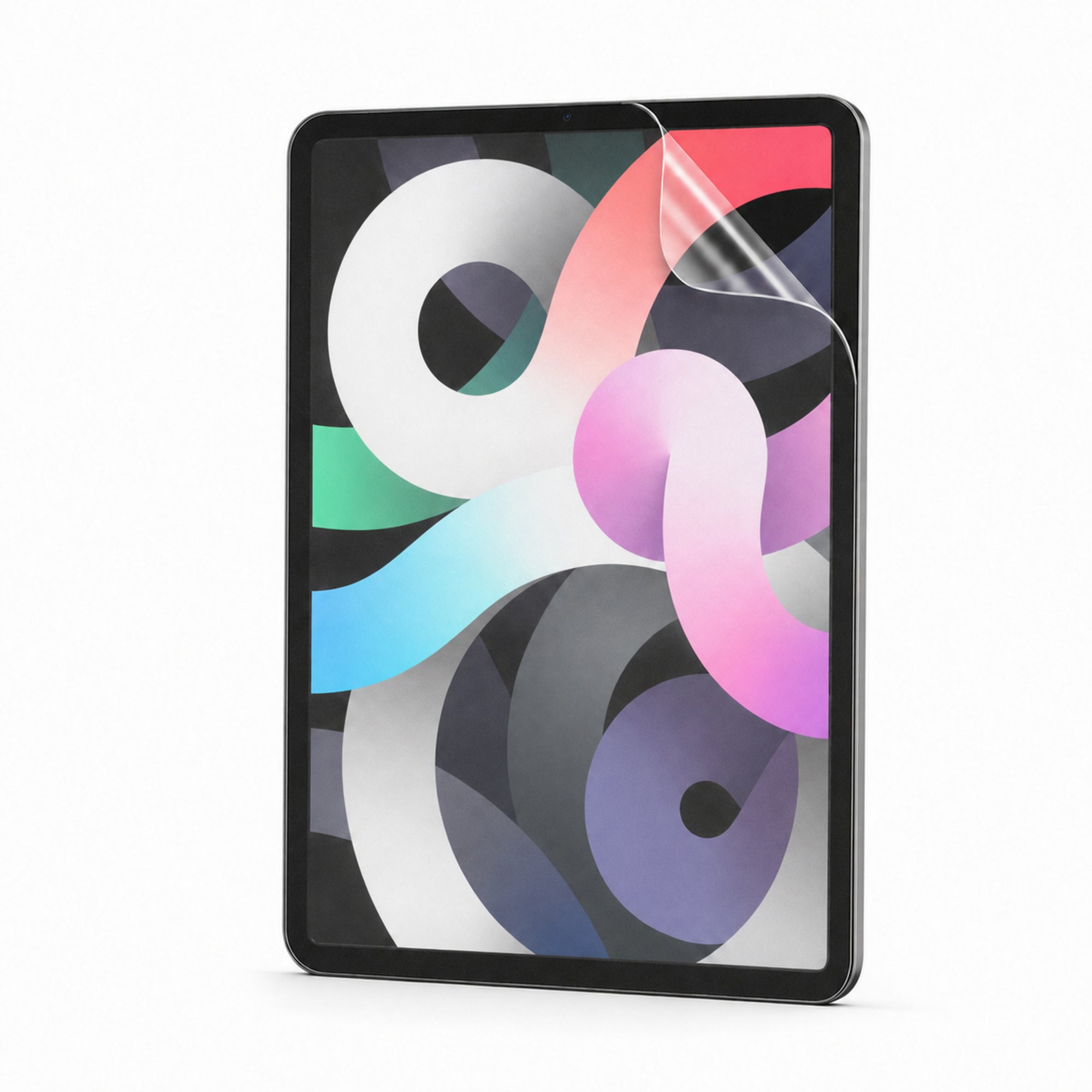
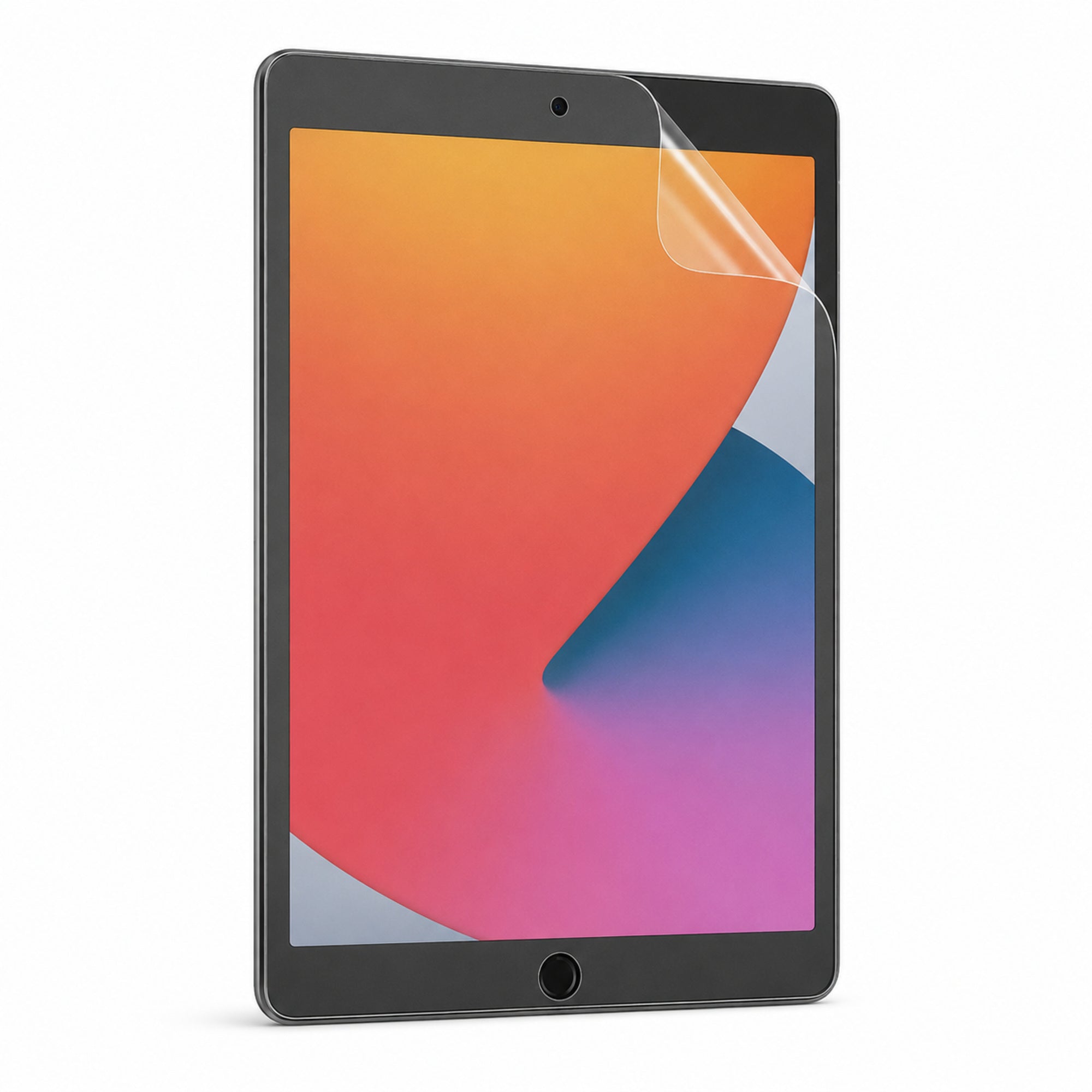
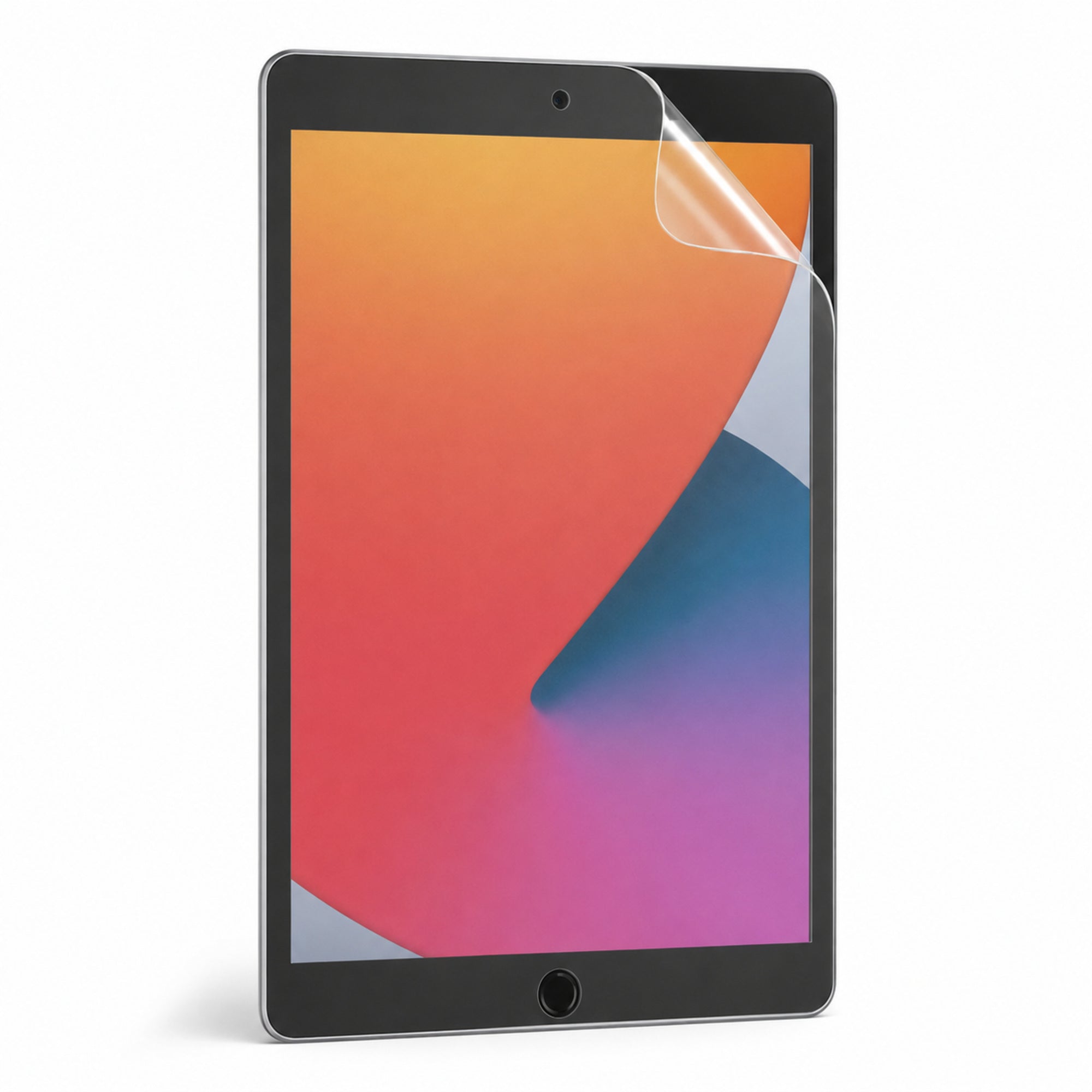
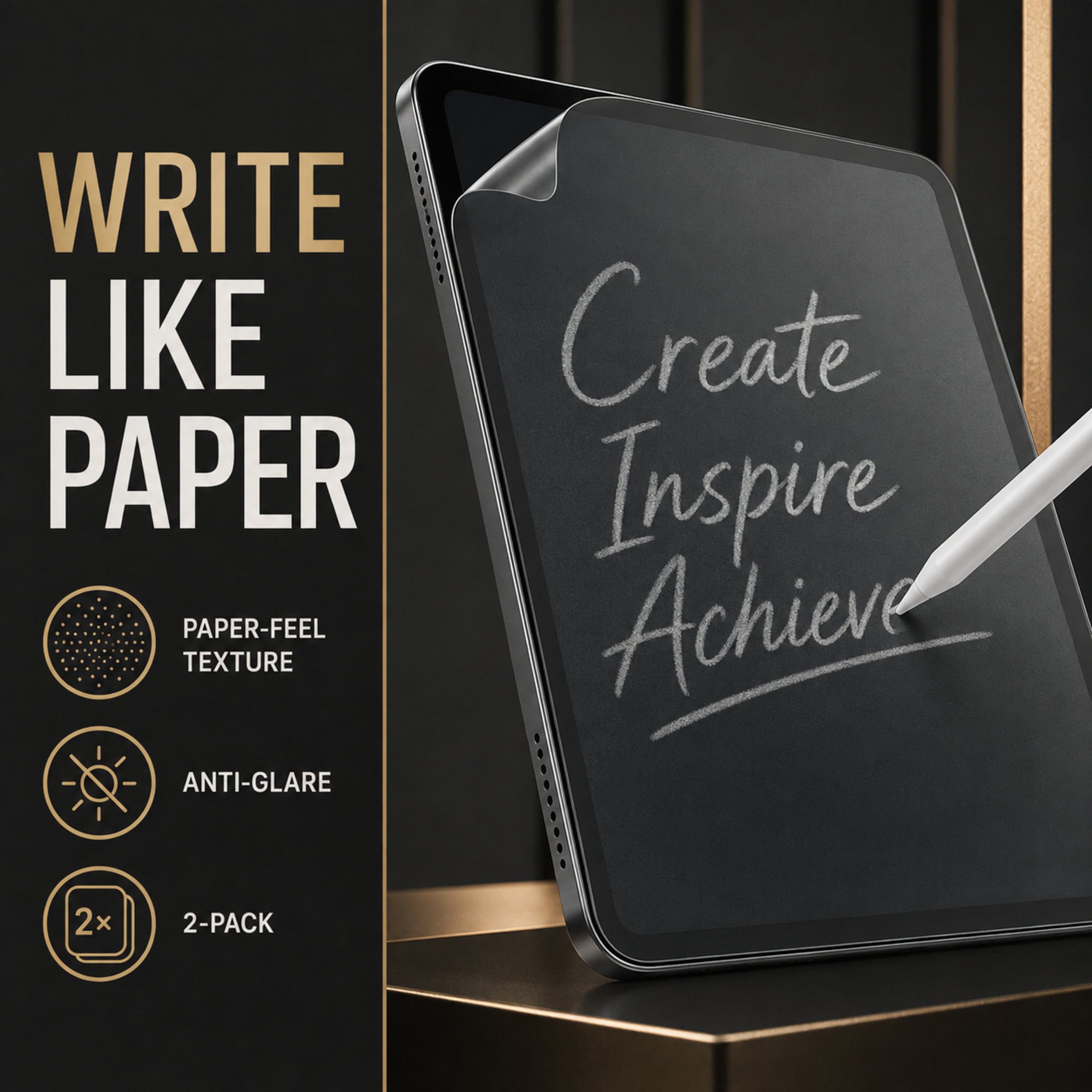
Two soft matte PE films add a finely textured writing surface to your iPad, helping stylus strokes feel more deliberate while reducing reflections during notes, drawing and everyday viewing.
Why it works
PaperTouch Pro is for people who prefer a controlled stylus feel over the slick glide of bare glass, with a matte surface that also makes bright reflections less distracting.
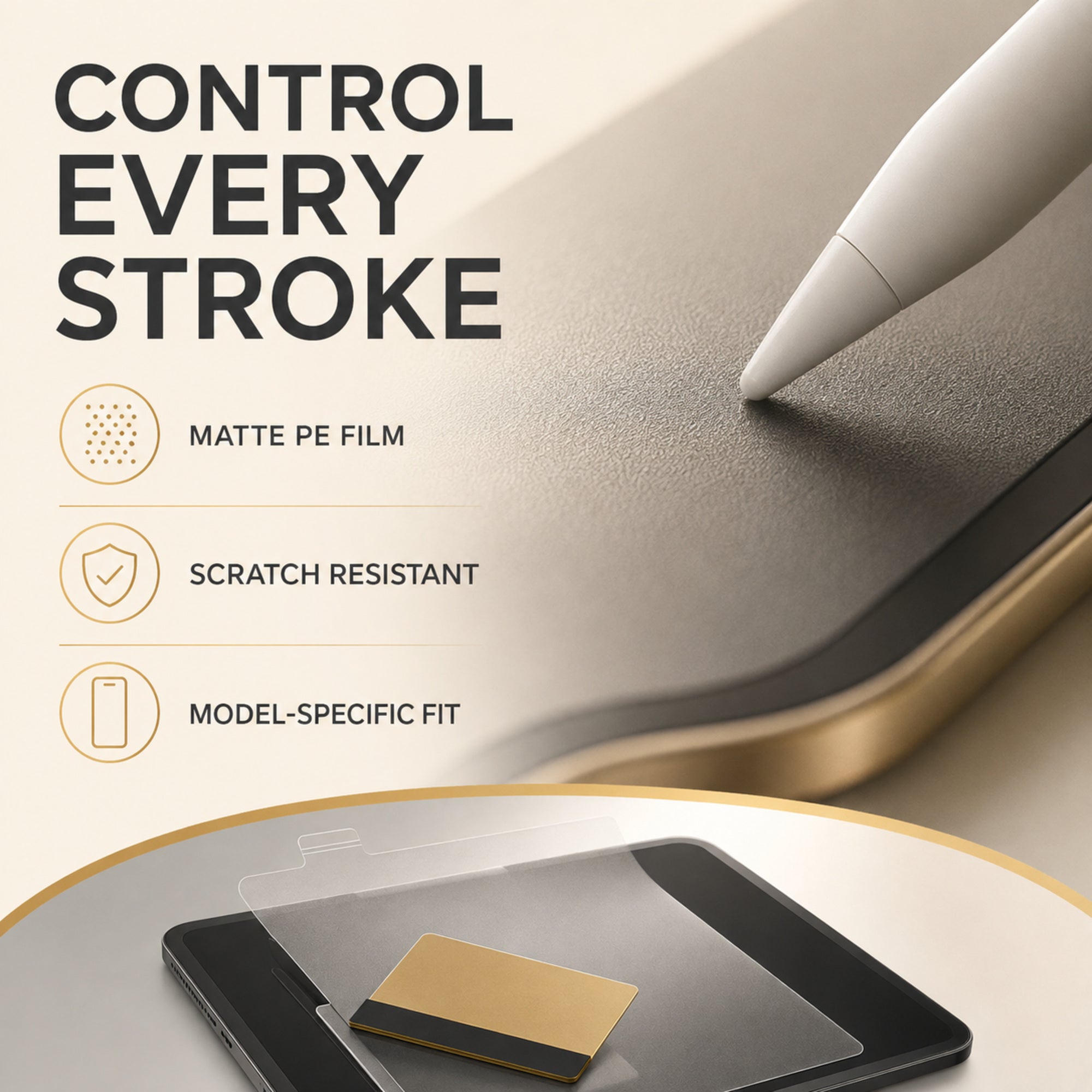
A fine matte texture adds gentle resistance beneath a compatible stylus for more controlled writing and sketching.
The matte finish diffuses direct reflections to support more comfortable work in bright rooms.
The film creates a replaceable surface layer that helps shield the display from light everyday scuffs.
Thin PE film preserves normal touch interaction while changing the feel of the top surface.
Each variant is sized for the named iPad family, including its overall display shape and front-facing details.
Install one now and keep the second as a replacement, backup or second-device film of the same selected size.
Made for real routines
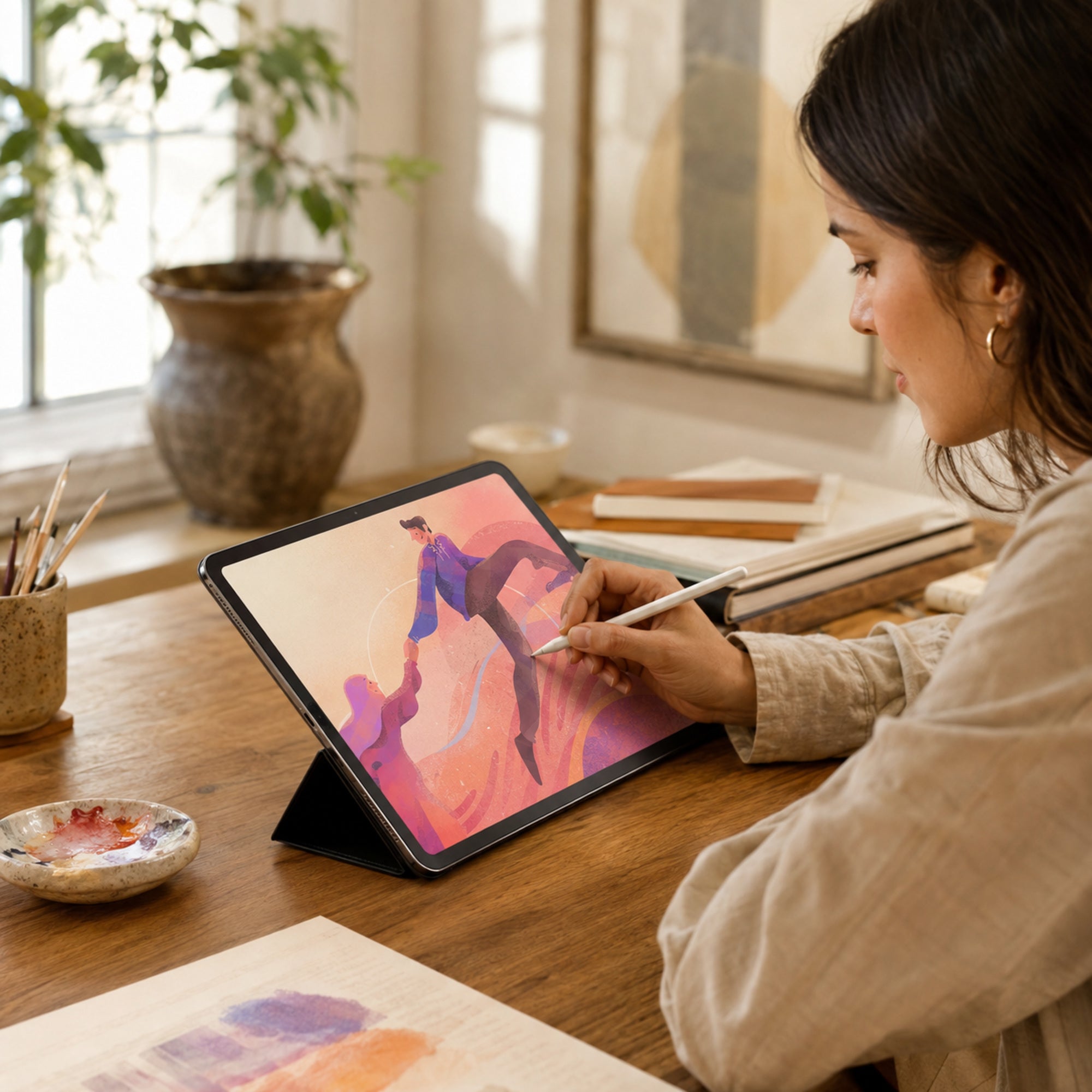
Add tactile control for line work, shading and repeated stylus strokes.
Create a more paper-like feel for lectures, meetings, planning and journaling.
Diffuse harsh reflections while reviewing documents, books and reference material.
Use touch, gestures and a compatible stylus on a matte replaceable surface.
Compatibility
PaperTouch Pro is not a one-size film. Front camera placement, display dimensions and corner shape vary across iPad families.
Check Settings → General → About → Model Name and choose the matching variant. This is a soft matte PE film—not tempered glass and not a substitute for impact protection.
Clean installation
Wash and dry your hands, turn off the iPad and clean the screen in a dust-free, well-lit space.
Use the camera area and display edges as guides, then lower the film slowly from one side.
Work from the center toward the edges with a soft card wrapped in microfiber, lifting only if dust must be removed.
Product details
| Series | PaperTouch Pro by Avontic |
|---|---|
| Product form | Soft matte screen-protector film |
| Material | PE film |
| Finish | Textured matte / anti-glare |
| Pack size | 2 films for the same selected iPad fit |
| Primary use | Stylus writing, drawing, note-taking and glare reduction |
| Protection level | Helps resist light scratches and scuffs; not tempered glass or impact protection |
| Fit | Model-specific; choose the exact iPad model |
| Care | Use a clean microfiber cloth; avoid harsh solvents and sharp scraping tools |
Frequently asked
No. It is a soft matte PE film designed for paper-like stylus feel, anti-glare viewing and light scratch resistance.
Any matte texture can slightly soften clarity and alter color sparkle compared with bare glossy glass; that tradeoff creates the paper-feel surface and glare diffusion.
It is designed for compatible iPad styluses. Stylus performance still depends on your iPad, app, stylus and tip condition.
No. Both films match the single iPad model selected when ordering.
For best alignment and touch performance, apply it directly to a clean display rather than stacking it over another screen protector.
PaperTouch Pro by Avontic
Choose your exact iPad model and give every note, sketch and study session a more controlled surface.
Avontic provides fast free shipping on every order. Estimated U.S. delivery is 3–5 business days for orders placed by 6:00 PM Eastern Time; orders placed after the cutoff may require one additional business day, Canada delivery is 6–10 business days, while other international delivery is generally 6–12 business days. Tracking is emailed after dispatch. Carrier, customs, weather, and seasonal delays can affect delivery estimates.
Avontic offers 60-Day Returns. Review the current Return Policy for eligibility, available resolutions, and any applicable conditions before sending an item back.
Not sure which option fits? Contact Avontic before ordering and include the exact device model, generation, and size shown in your settings or on the device itself.
Choose options
Product details
Review confirmed features, everyday use cases, and fit guidance. Product options and purchasing stay in the primary configuration above.
Compatibility guidance
Confirm the exact tablet model, generation, and screen size shown on this page before ordering. Contact Avontic when the required match is not explicit.