
RhinoGuard flagship

My Device
Settings → General → About → tap the part number beside Model Number to reveal the A-number.
Start typing, choose a listed route, or complete all three browse fields. Nothing is assumed.
RhinoGuard flagship

ArmorPro route
RhinoGuard flagship
RhinoGuard route

Privacy glass

TitaniumGuard Ascend
TitaniumGuard Ascend
TitaniumGuard Ascend

Galaxy Watch Ultra metal

47mm protective case

Galaxy Watch 4–6 band collection

TitanForge 22mm
TitanForge 26mm

DuraShield protection

ArmorShield Slide

TitanShield Pro
RhinoGuard flagship
RhinoGuard flagship

RhinoGuard Tactical 360 Pro

RhinoGuard Apex Shield

RhinoGuard Apex Rotation

RhinoGuard Regent

RhinoGuard Vanguard

RhinoGuard Vertex

ChargeStation 7
Live catalog match
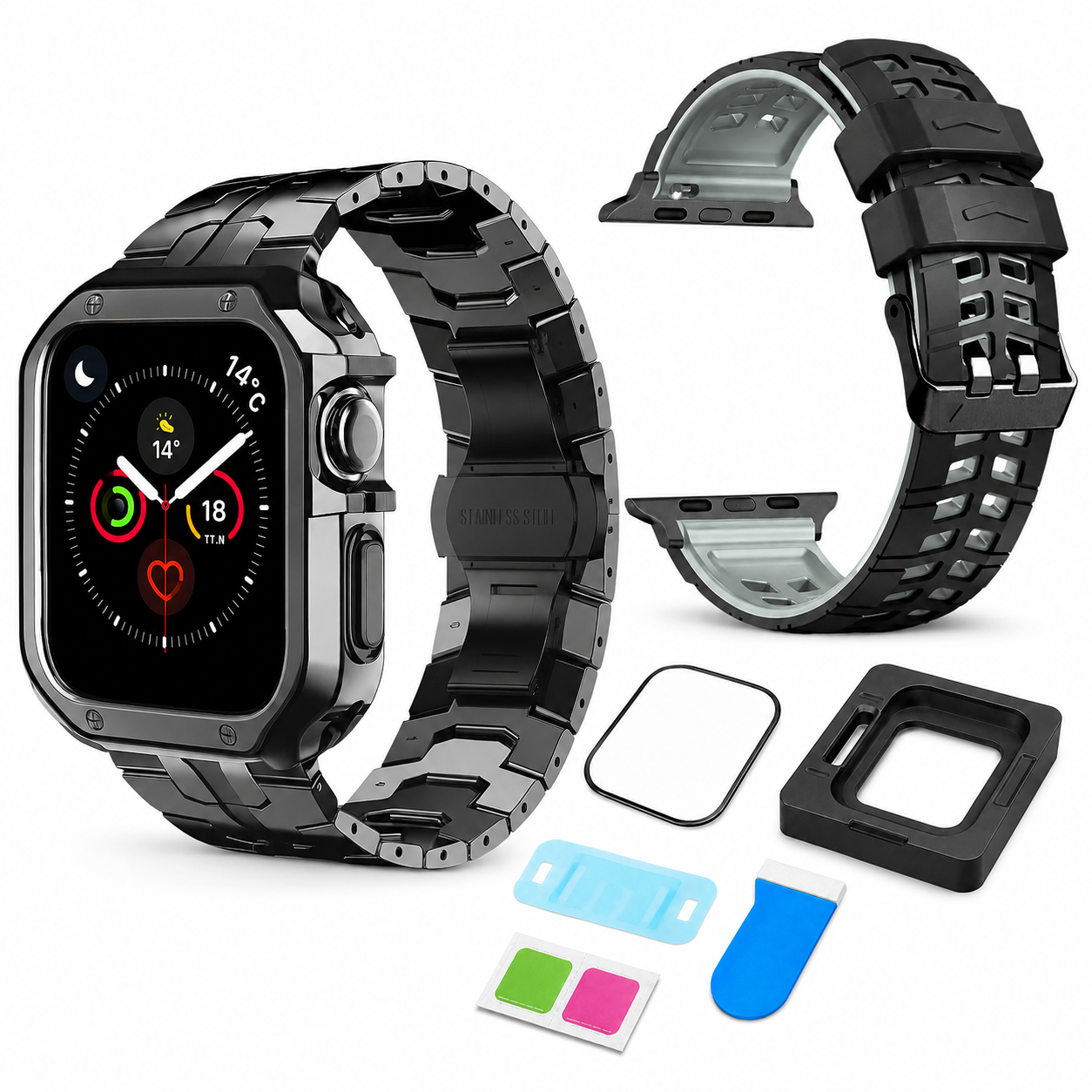
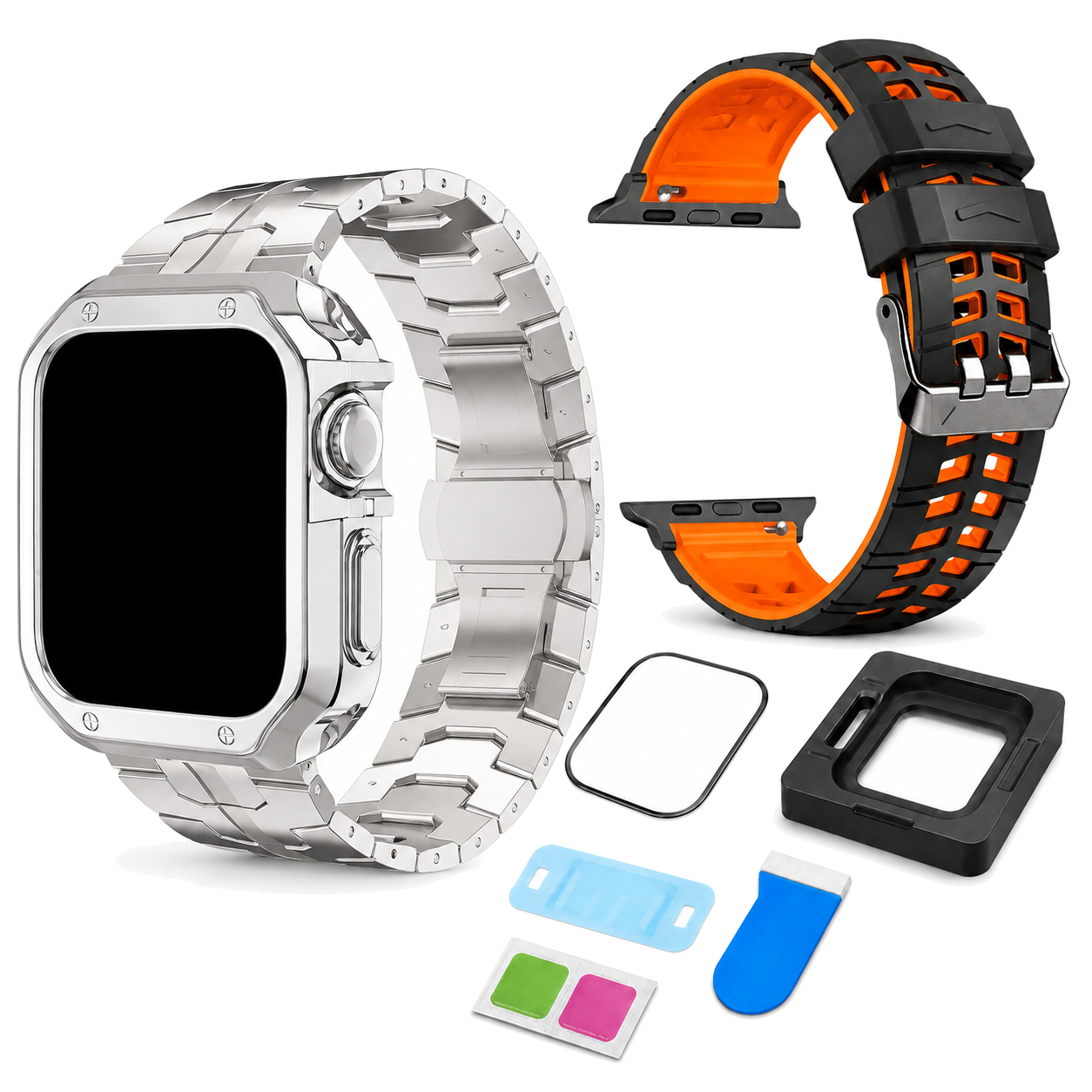
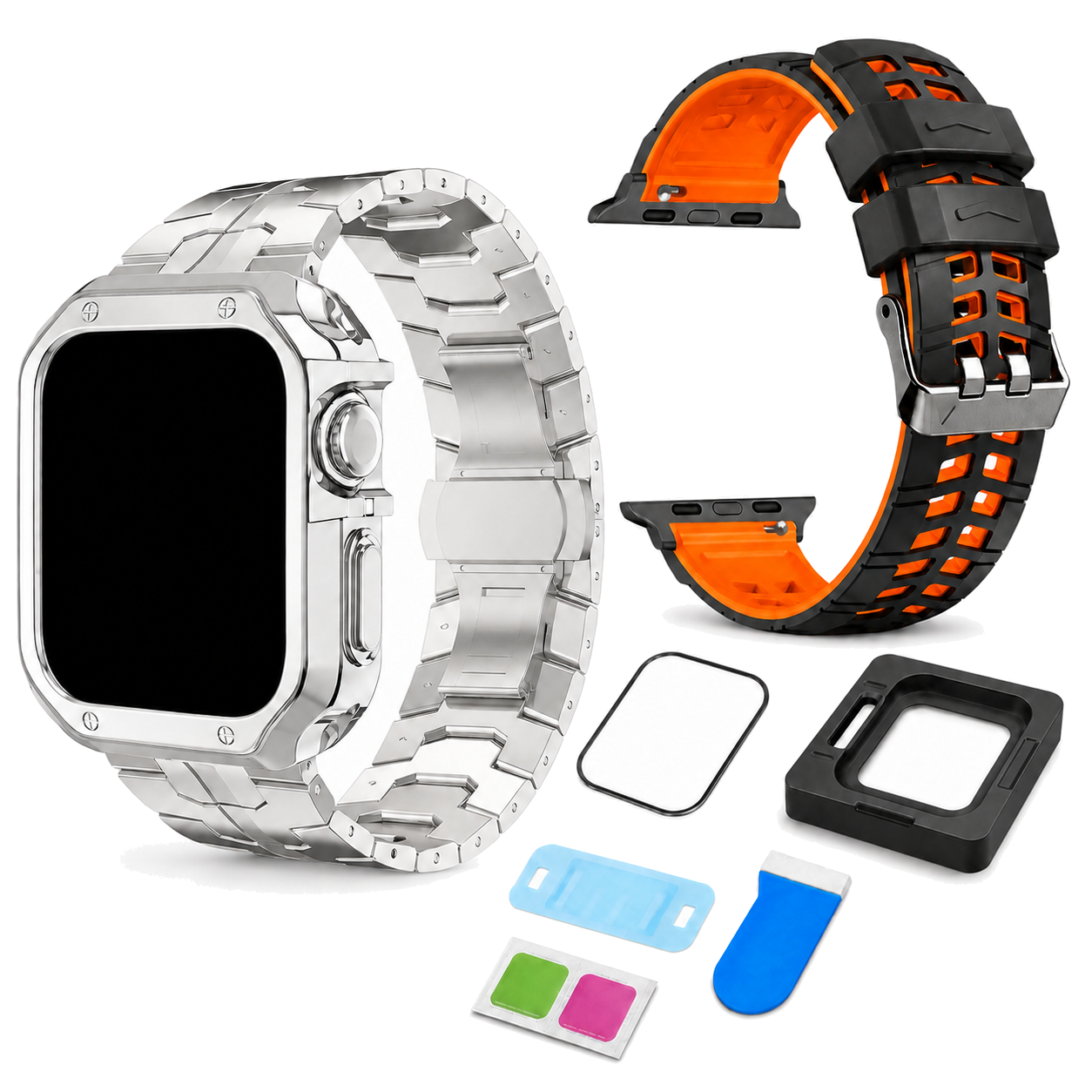
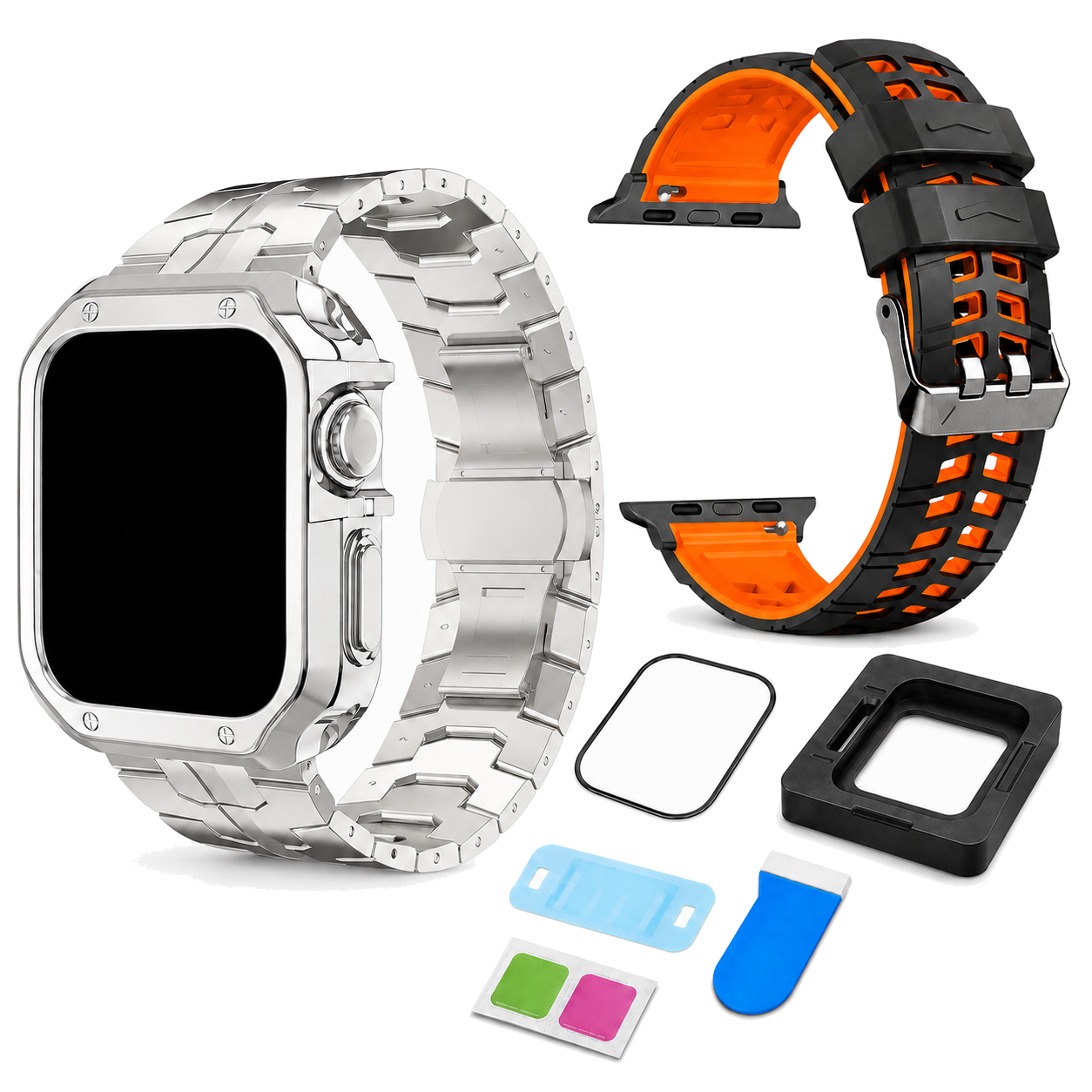
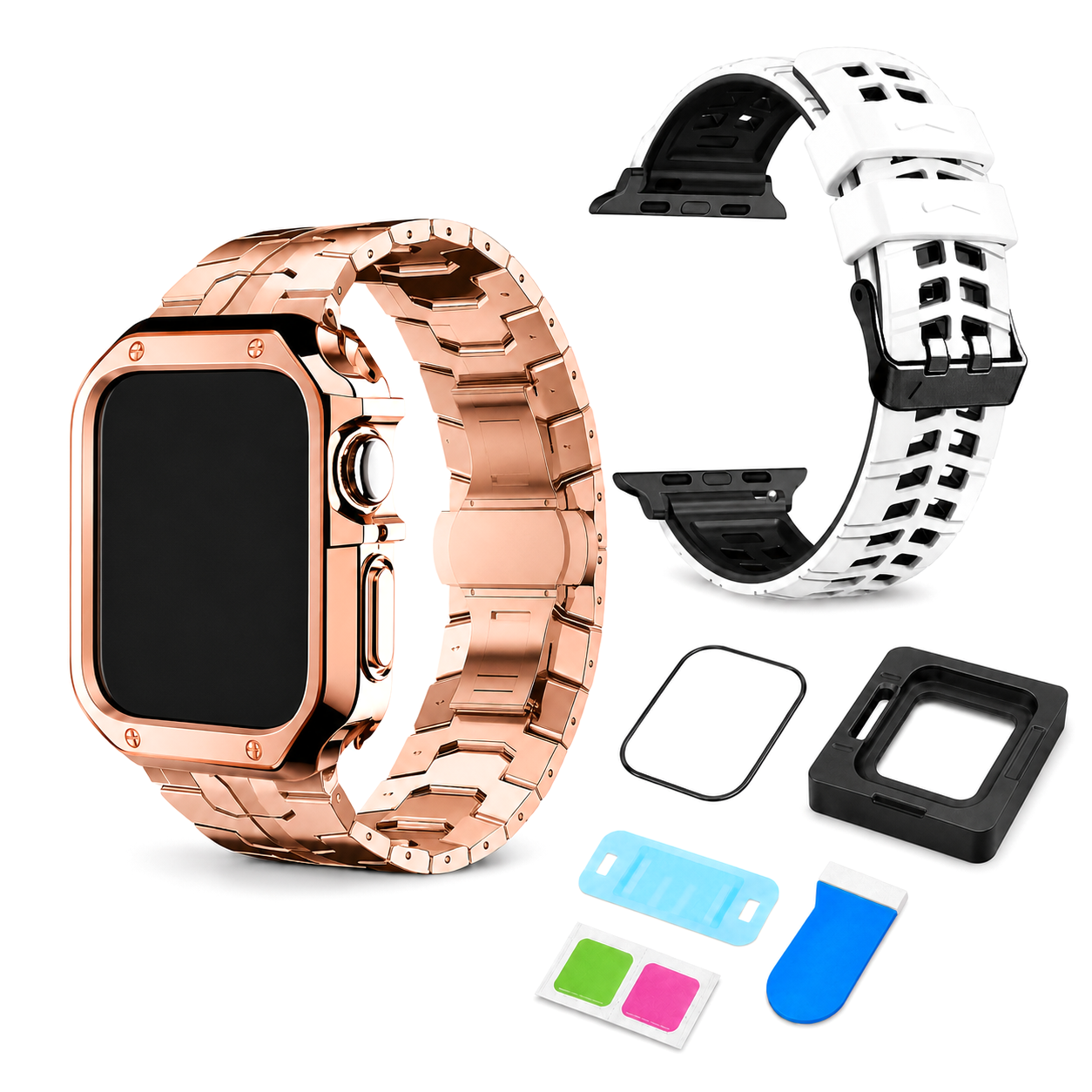
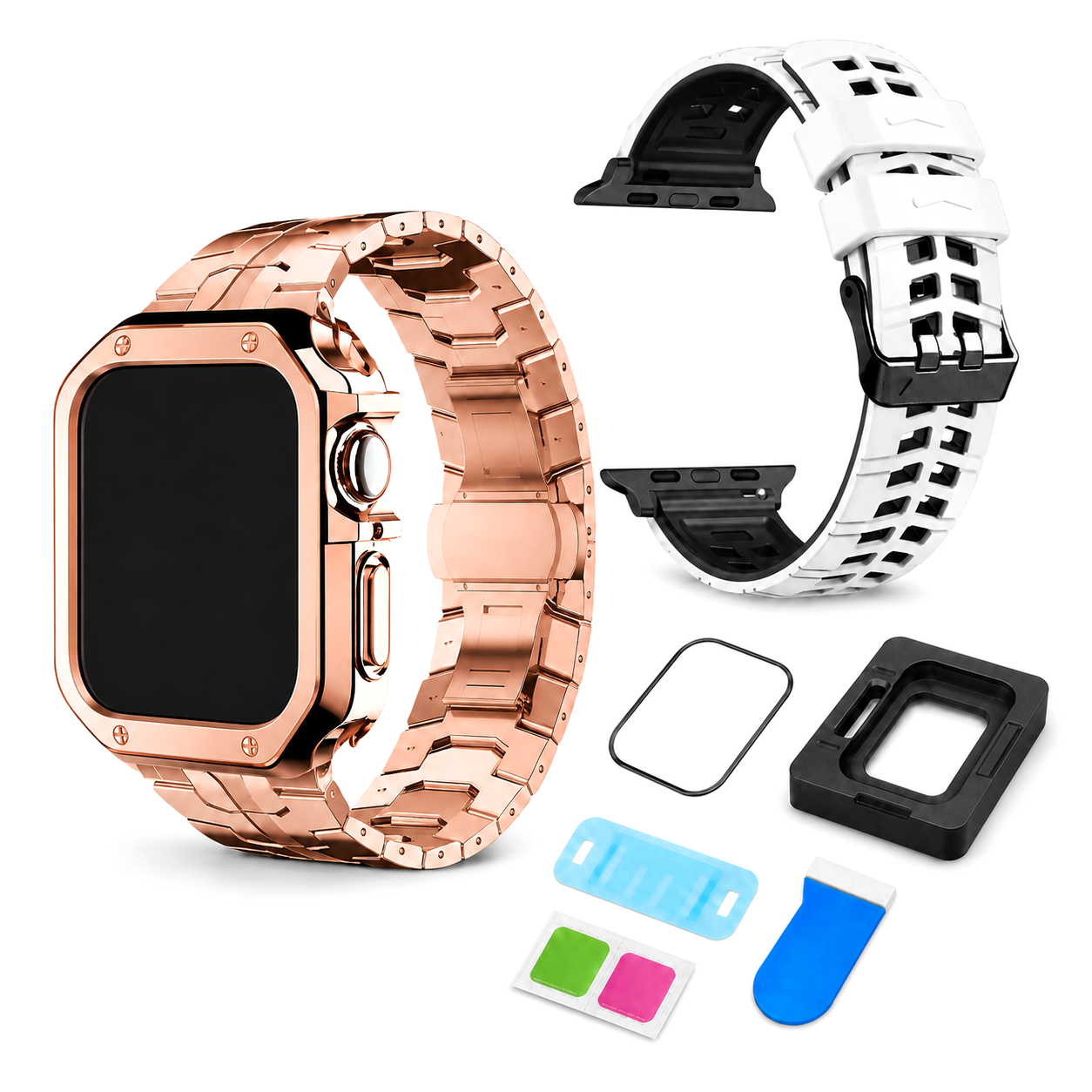
 02 / A closer lookEveryday, elevated
Your configuration
Avontic Ascend DualMode Elite 4-Piece Titanium Apple Watch Bundle - 2 Bands, Case & 5 Screen Protectors · Series 11/10 (42/46mm) & Ultra 4 (49mm)Preselected for display. Check the device, model, and size before ordering, or choose another option.
Your configuration
Avontic Ascend DualMode Elite 4-Piece Titanium Apple Watch Bundle - 2 Bands, Case & 5 Screen Protectors · Series 11/10 (42/46mm) & Ultra 4 (49mm)Preselected for display. Check the device, model, and size before ordering, or choose another option.
Match the watch family and case size shown in this product's options to the markings or device information for your watch before ordering.


Premium band-and-case systems forged around strength, precision, and a commanding finish.
This case has not been verified to fit Apple Watch Series 12. Choose a watch model and size listed for this case.
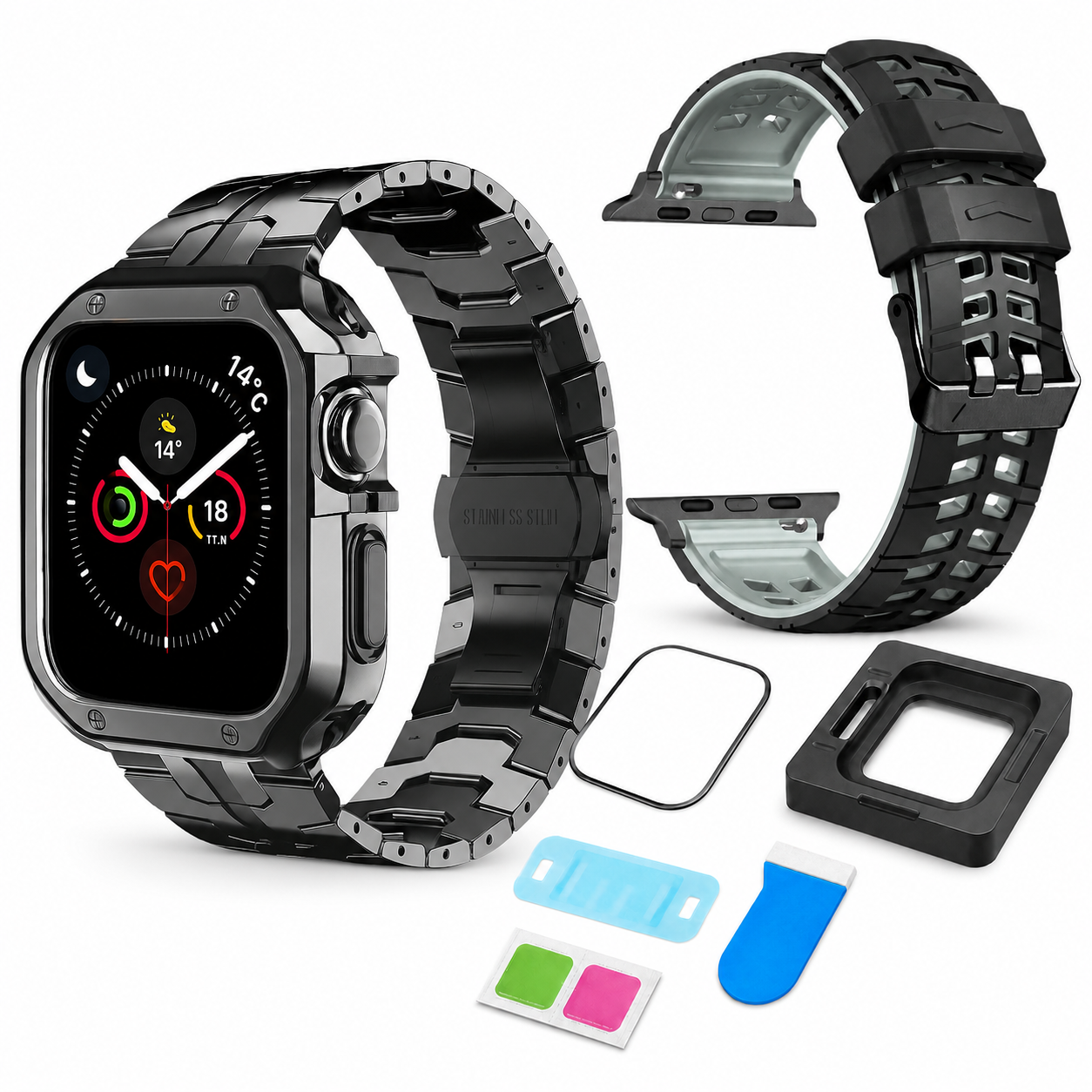
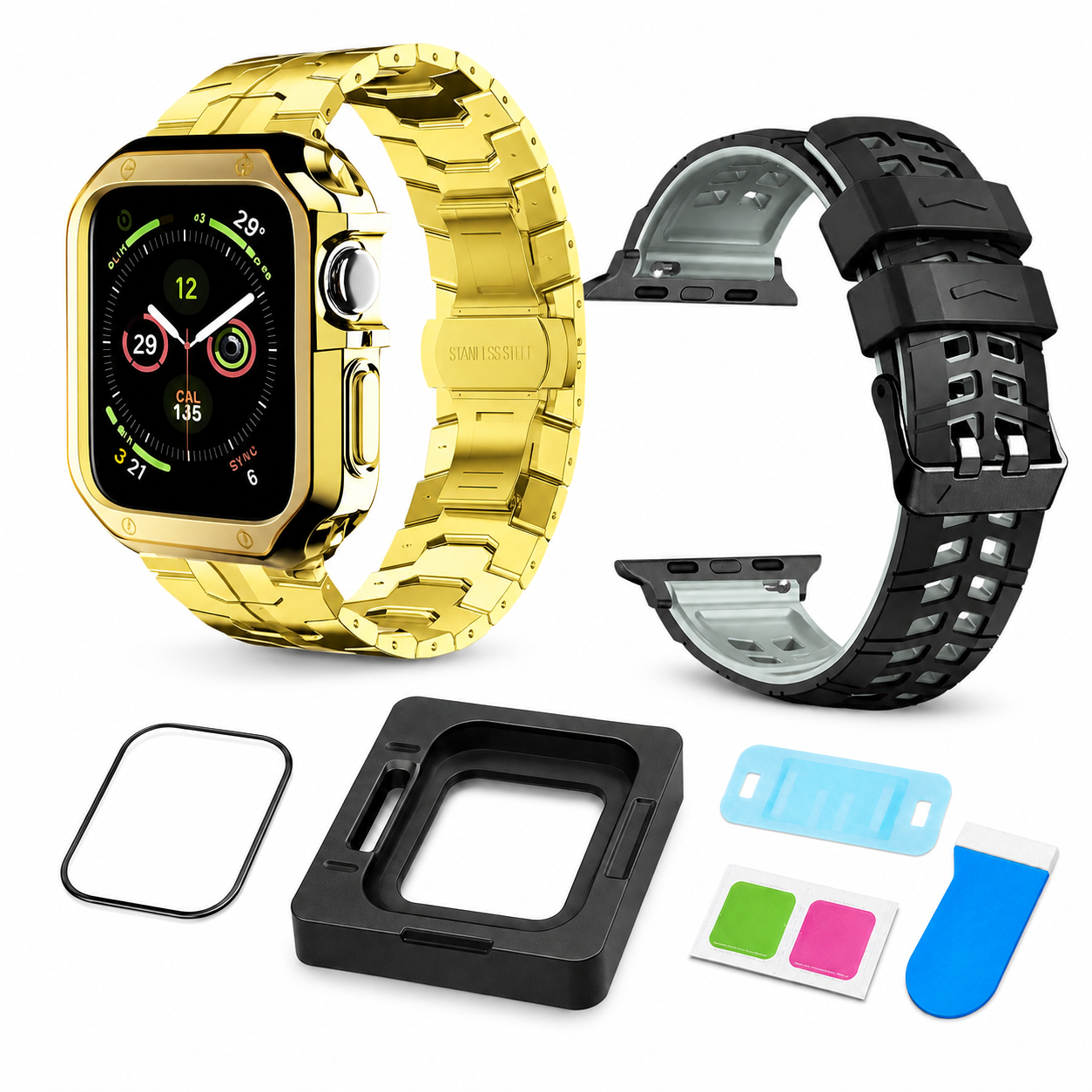
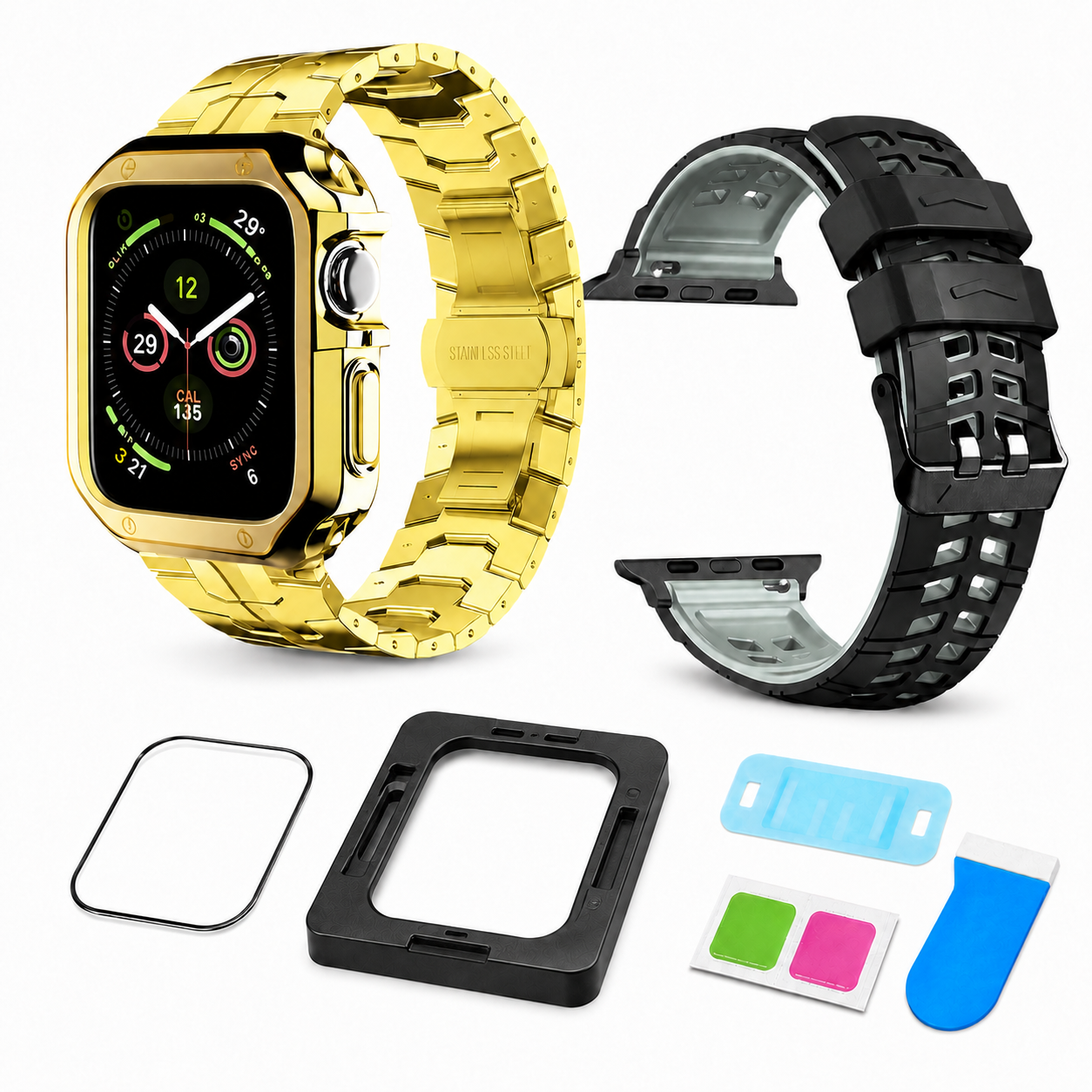
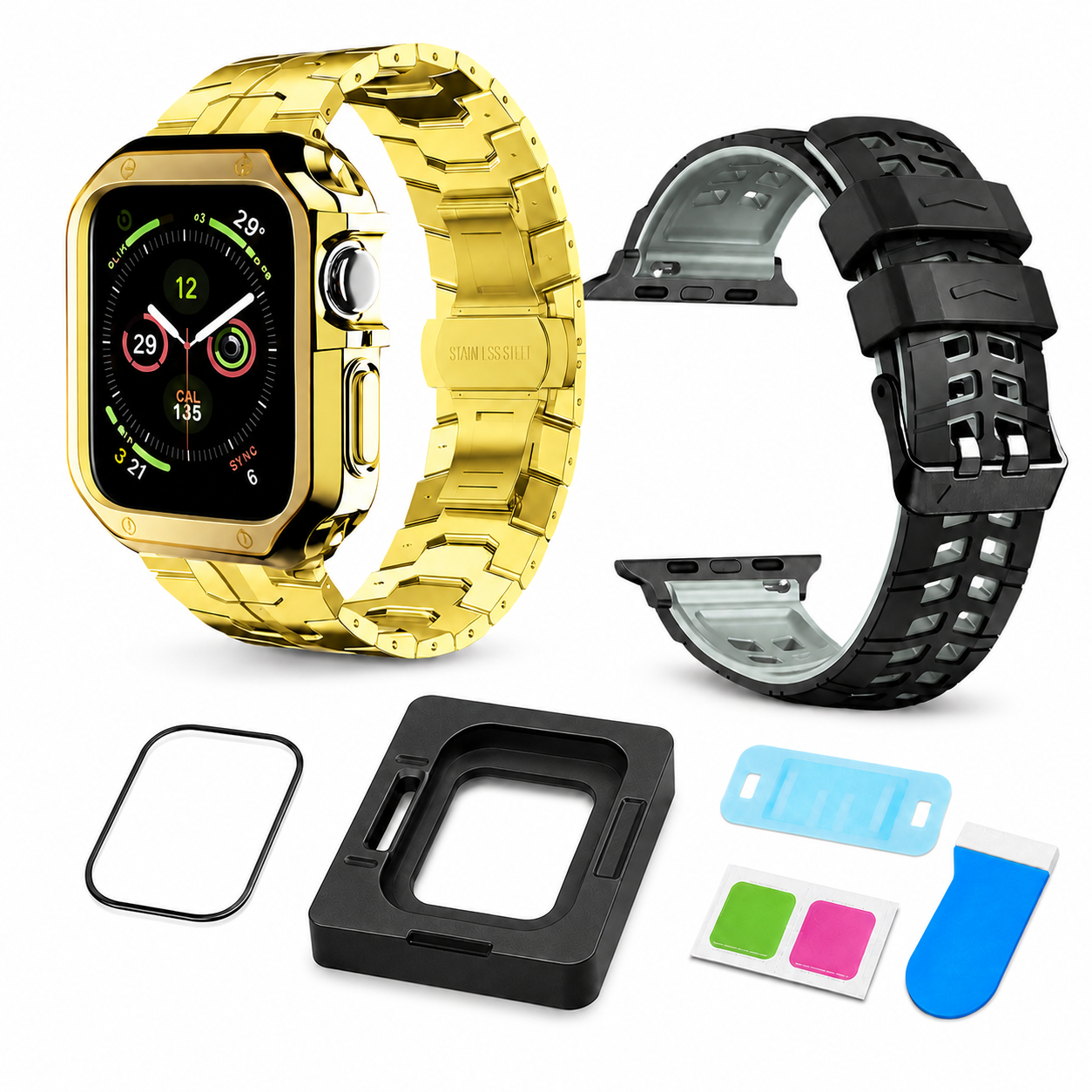
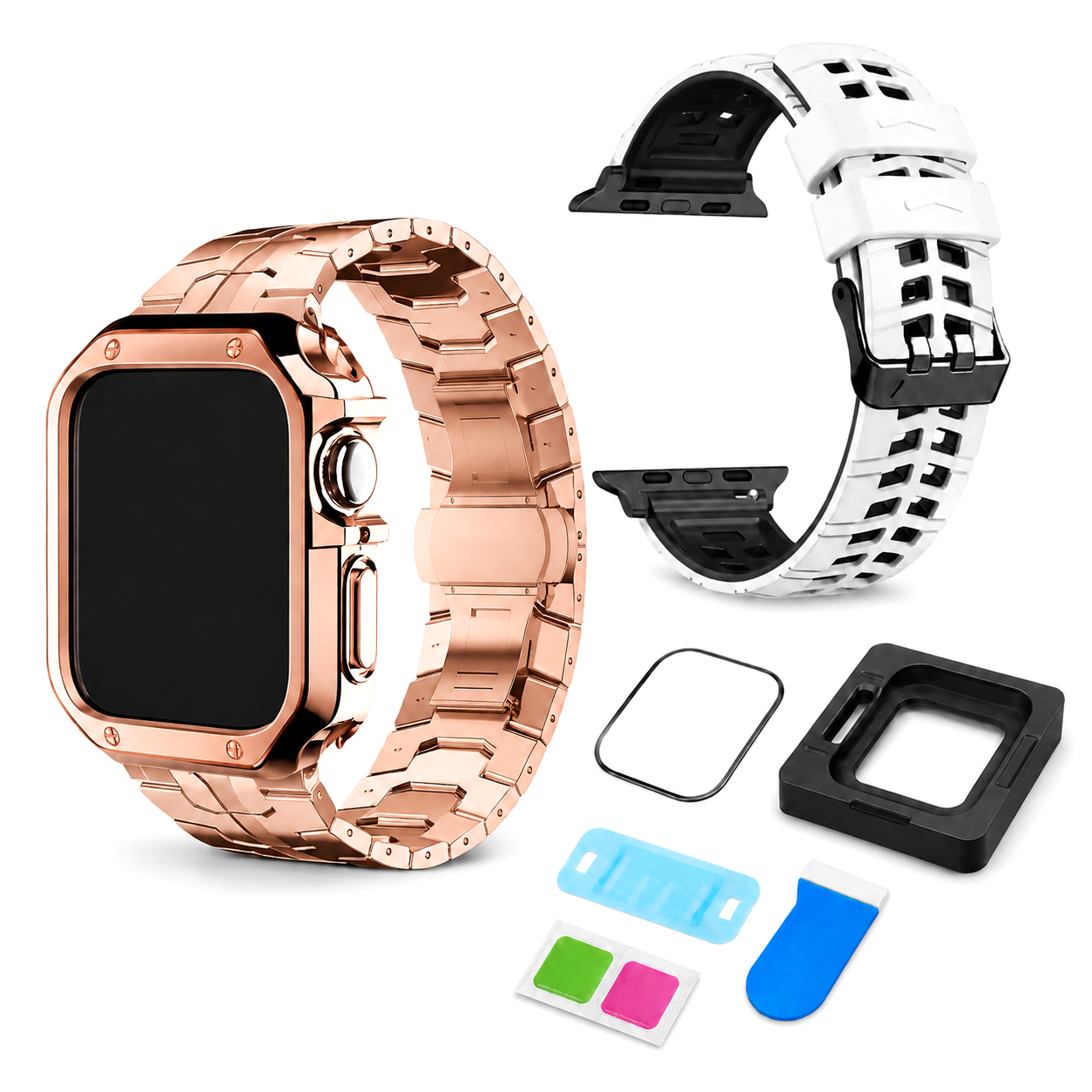
The polished titanium presence you want for work and evenings. The breathable performance band you need for training and travel. Matching frame protection and a five-pack screen system for everything between—all selected to fit one exact Apple Watch body. Available for Apple Watch Series 11/10 (42mm & 46mm) & Ultra 4 (49mm), alongside the earlier-model options listed below.
Most accessory setups force you to choose: refined enough for a meeting or comfortable enough for a workout. DualMode Elite eliminates that compromise. Swap from structured titanium to ventilated silicone while keeping the case, screen and finish direction intentionally coordinated.

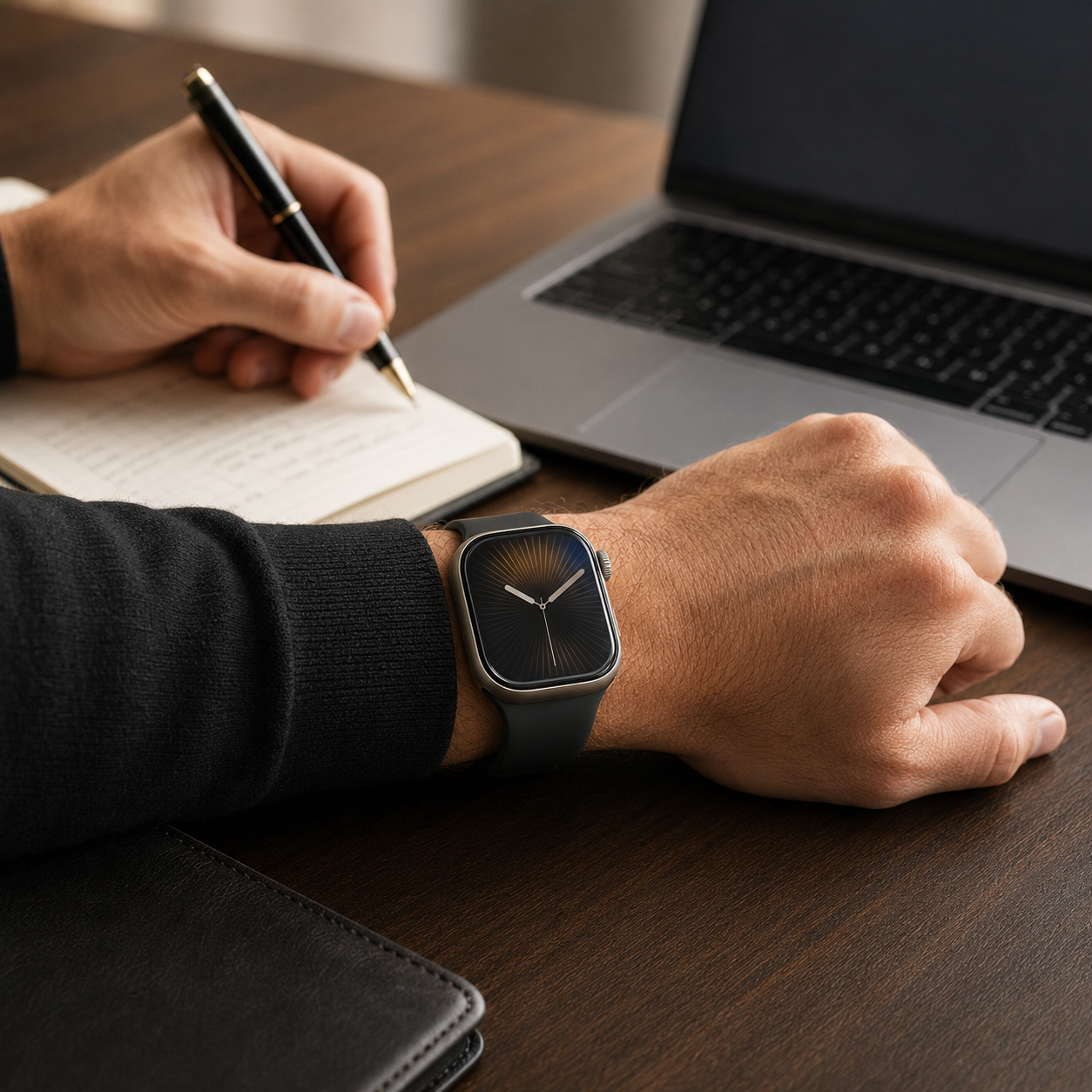
No single band is ideal for every hour. DualMode Elite gives each part of your day the material and feel it deserves.
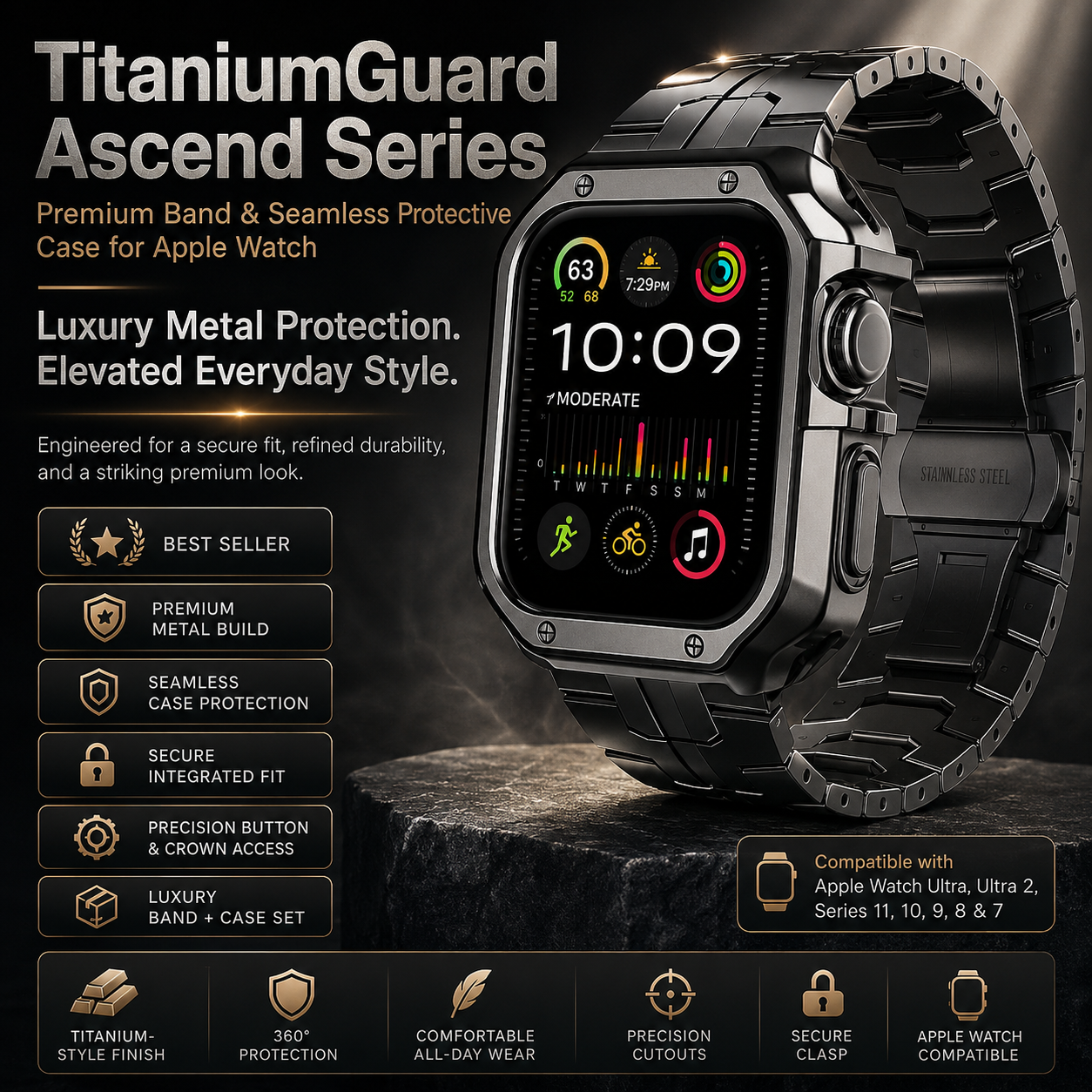
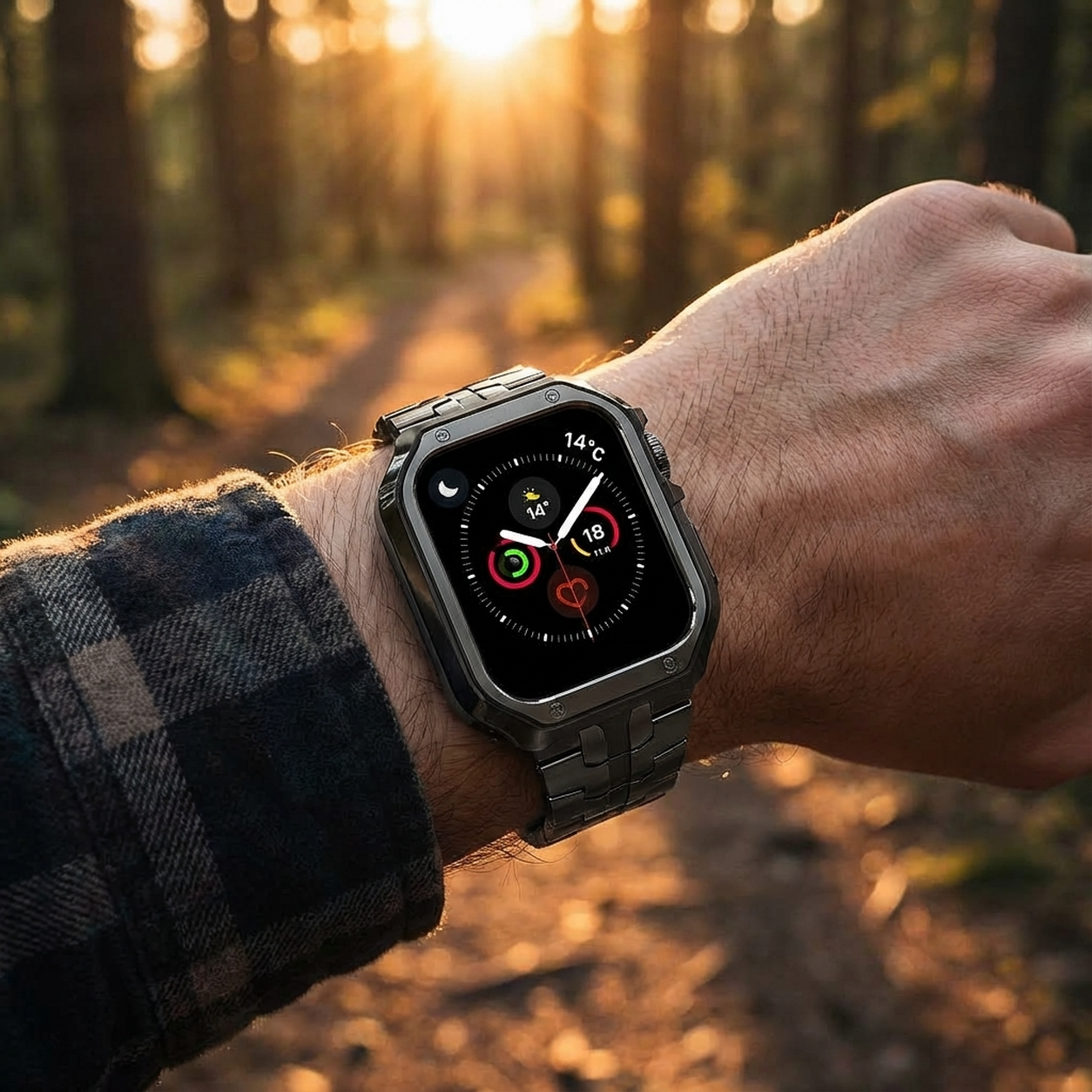
Defined metal links, a coordinated protective frame and an adjustable clasp create a finished timepiece profile for workdays, dinners, presentations and travel.
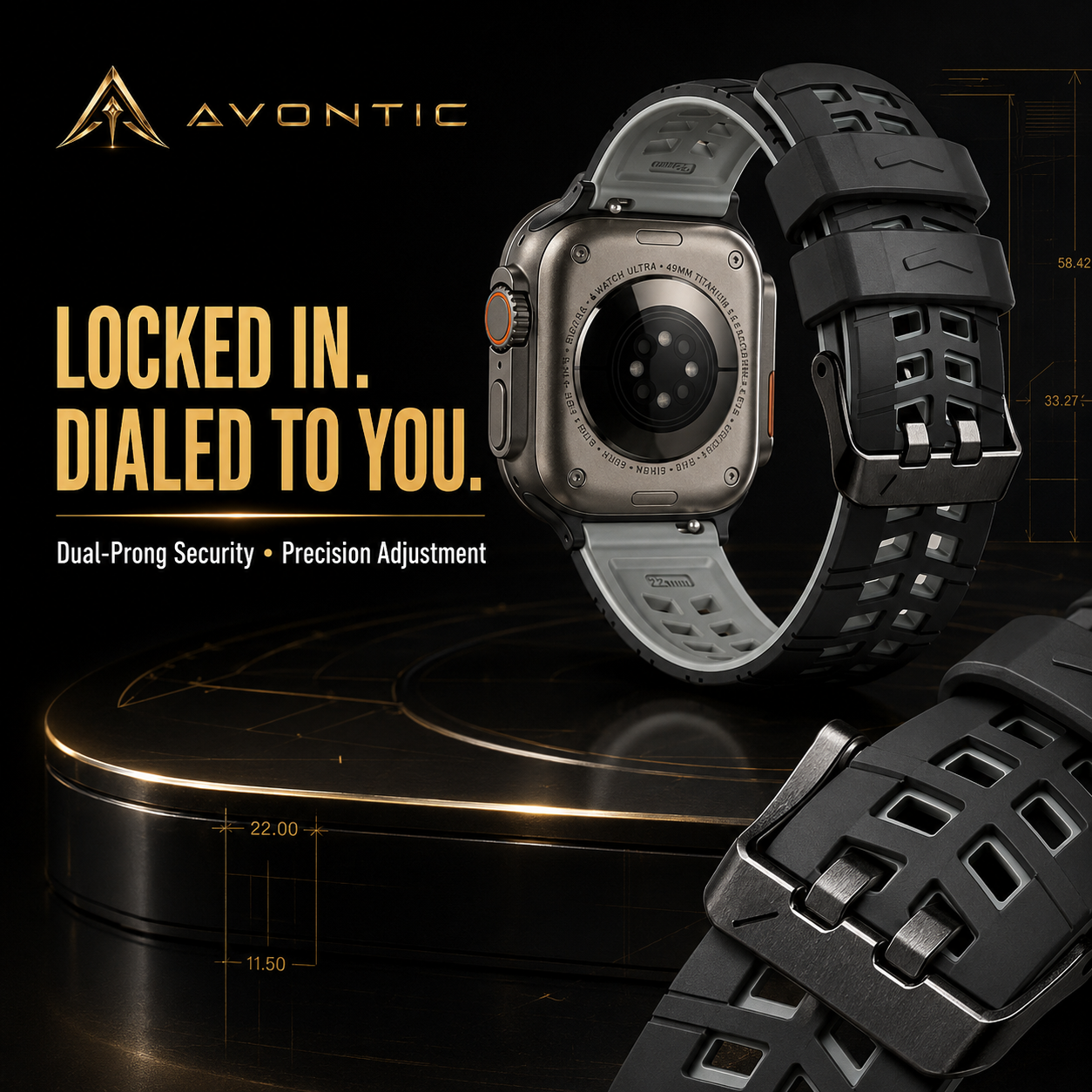
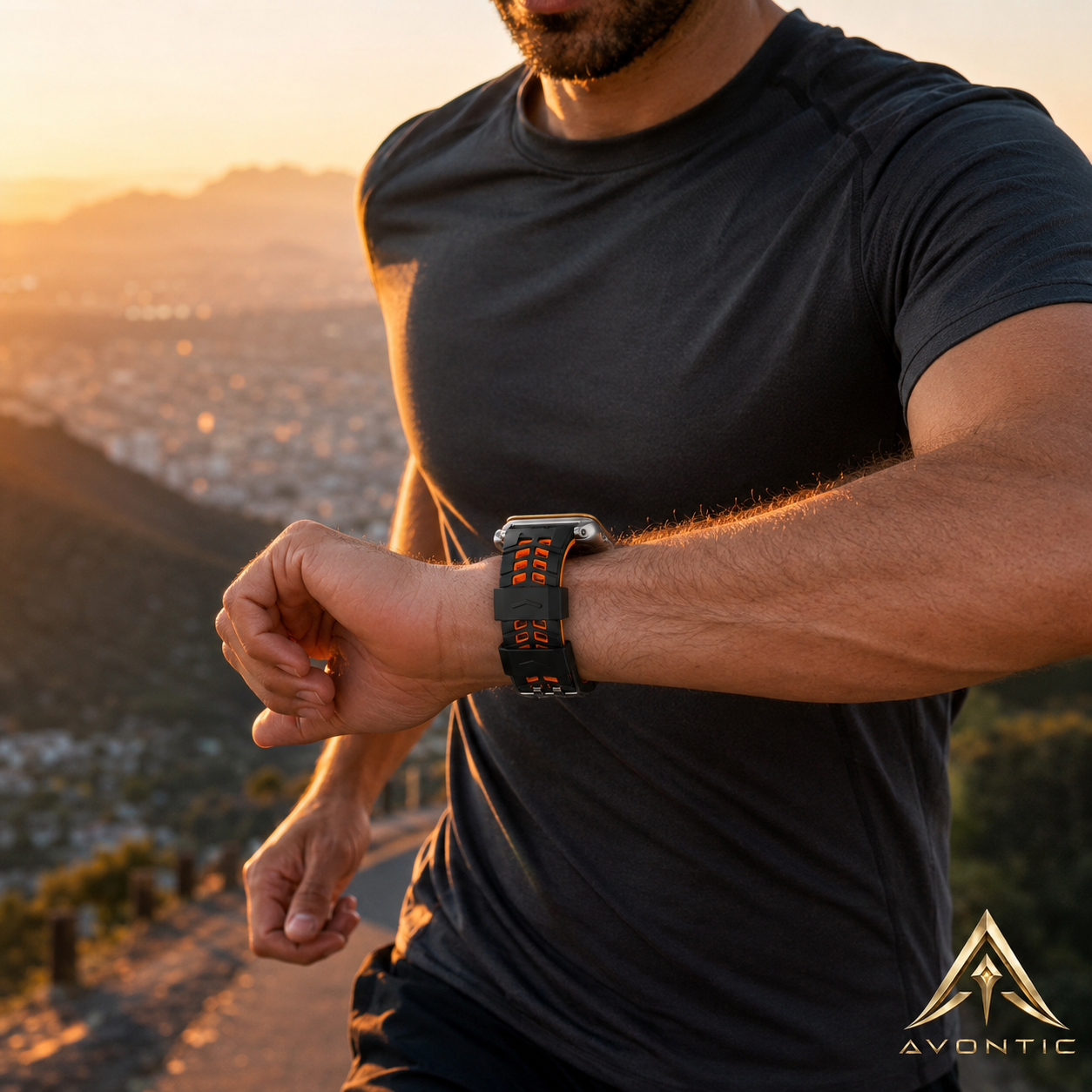
Flexible silicone, open-grid ventilation and secure adjustment support training, walking, commuting and extended everyday wear.

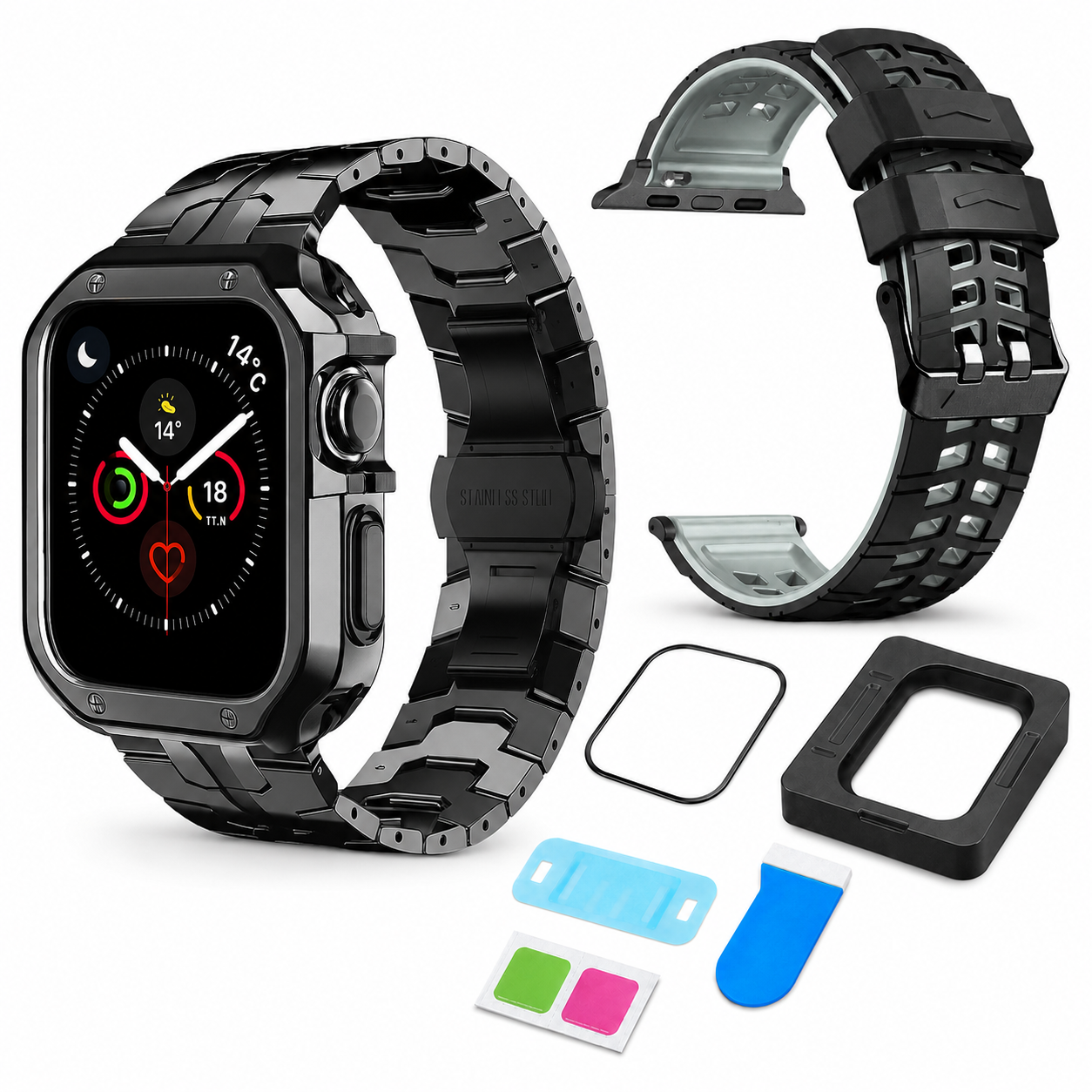
No filler accessories. Each piece solves a different reason Apple Watch owners buy again.
A structured, adjustable bracelet with butterfly clasp for a premium traditional-watch profile.
A coordinated frame shaped for the selected Apple Watch body, crown, button and charging access.
A breathable two-tone silicone sport band designed around movement, ventilation and secure adjustment.
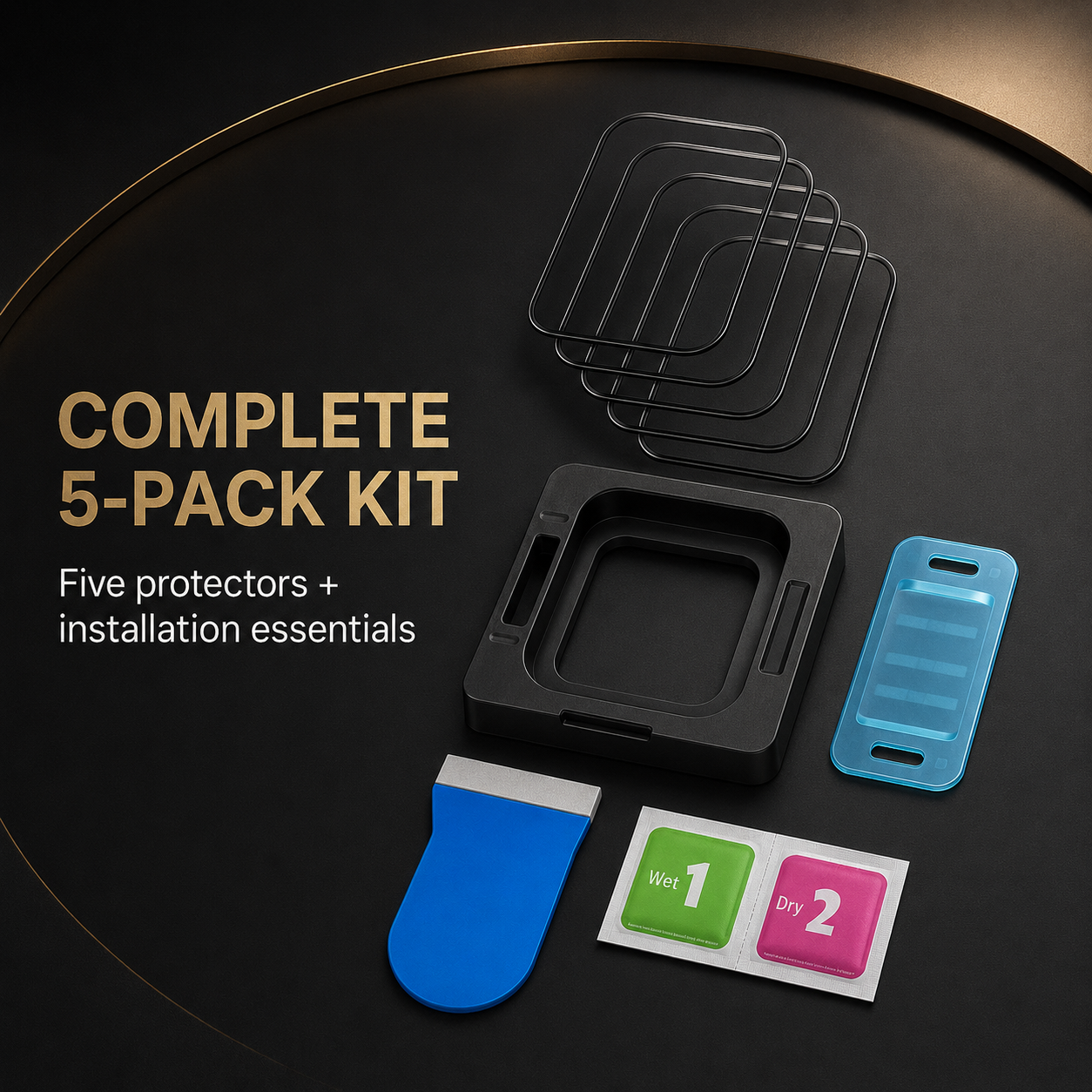
Five exact-size screen protectors plus an installation system for clearer alignment and ready replacements.
The compare-at price is the actual current standalone value of the three Avontic products in this system.
Band connectors can overlap across watch families; protective cases and screen shields cannot be chosen by connector width alone. Read the engraving on the rear of the watch or check Watch app › General › About.
Important: Select the option that names both your Apple Watch generation and case size. A legacy 42mm watch is not the same body or connector family as Series 10/11 42mm.

| Purchase outcome | DualMode Elite | Separate accessories |
|---|---|---|
| Work and training wear | ✓ Two purpose-built bands | Often one compromise band |
| Case and screen sizing | ✓ One exact-model selection | Multiple fit decisions |
| Coordinated finish | ✓ Curated color system | Possible mismatch |
| Tools included | ✓ Sizing + installation | Varies by purchase |
| Complete value | ✓ $179.99 system price | $234.97 separately |
Match the rear-engraved generation and millimeter size to the exact selector option.
Use the included adjustment tool to remove titanium links gradually and keep every removed link and pin.
Install CeramiShield on a clean display, then fit the matching case evenly without forcing the crown or screen edge.
Apple Watch and displayed personal devices are not included. Finish appearance can vary slightly with lighting and screen settings.
Read the generation and millimeter size engraved on the back of the watch, or open the Watch app and go to General › About. Match both pieces of information to the selector.
Yes. The protective case fits the selected Apple Watch body independently of the band, so you can keep the frame installed when changing between titanium and ActiveFlex.
Yes. Remove links slowly on a stable surface, follow pin direction and retain all links, pins and collars for future adjustments.
Each protector is intended for a single clean installation. The five-pack provides replacements for future wear or a less-than-perfect first alignment.
No. This is a complete accessory system compatible with the selected Apple Watch model. The watch itself is shown only for fit and lifestyle context.
Choose the exact watch. Choose the titanium system. Give every part of your day the right band—and every day the protection it deserves.
Tracking is emailed after dispatch. Available shipping options are shown at checkout.
Avontic offers 60-Day Returns. Review the current Return Policy for eligibility, available resolutions, and any applicable conditions before sending an item back.
Not sure which option fits? Contact Avontic before ordering and include the exact device model, generation, and size shown in your settings or on the device itself.
Avontic Ascend DualMode Elite 4-Piece Titanium Apple Watch Bundle - 2 Bands, Case & 5 Screen Protectors · Series 11/10 (42/46mm) & Ultra 4 (49mm)
Make it your own.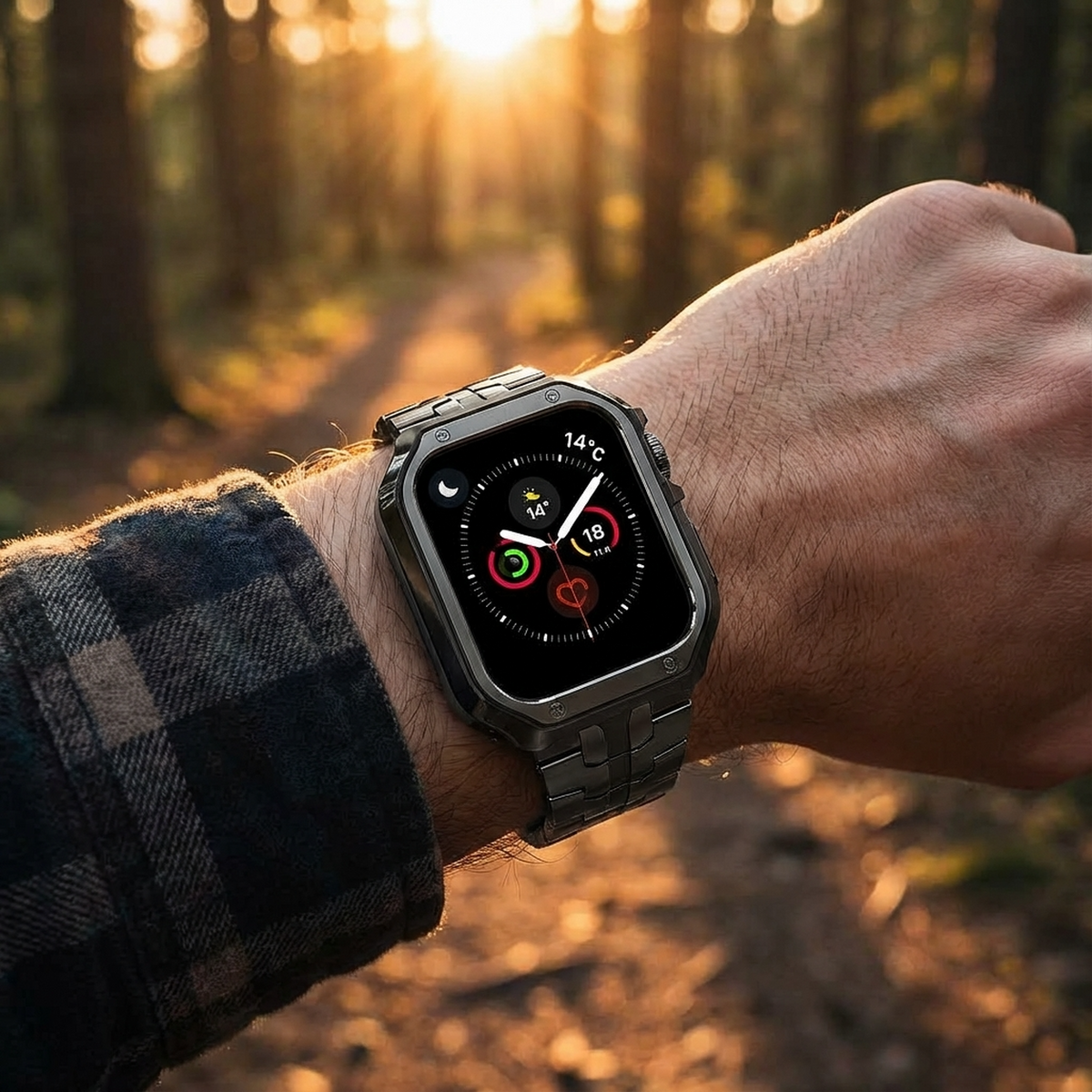

Choose options
02 / A closer lookEveryday, elevated
TitaniumGuard watch studio
Confirm the full watch identity, inspect real product media and rely only on explicitly configured package facts before choosing an option above.
Start with the watch
The Series name can cover more than one case size. Use the engraving on the back of the watch and match the complete option shown on this product.
Read the identification engraved around the rear sensor.
Use the exact case size shown on the watch, including the mm measurement.
Identify the complete Series or Ultra generation. A Series name alone can cover more than one case size.
Select only a native product option that explicitly matches the required generation and case size.
Real product media
The gallery uses this product's existing media and follows the selected variant when variant media is available.
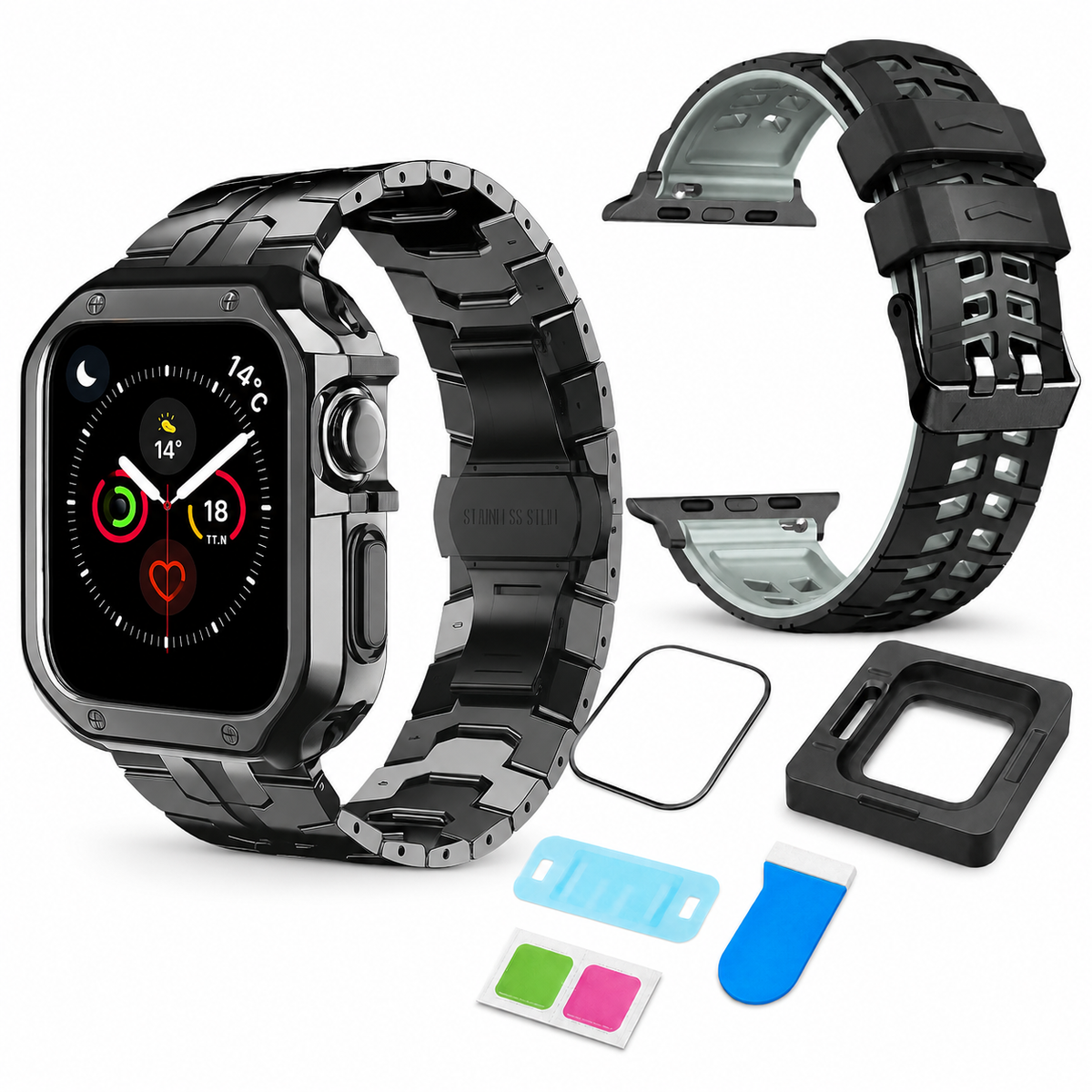
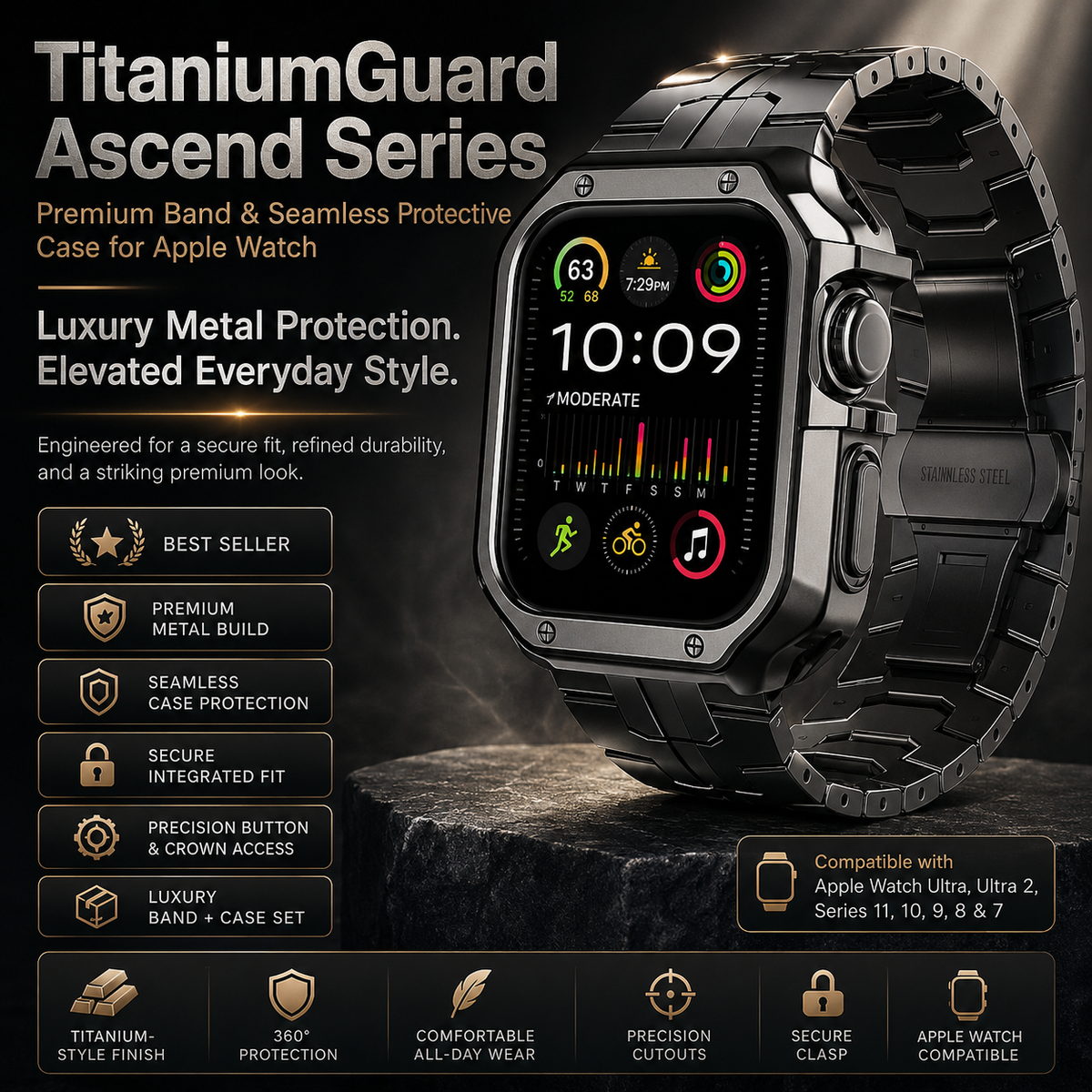
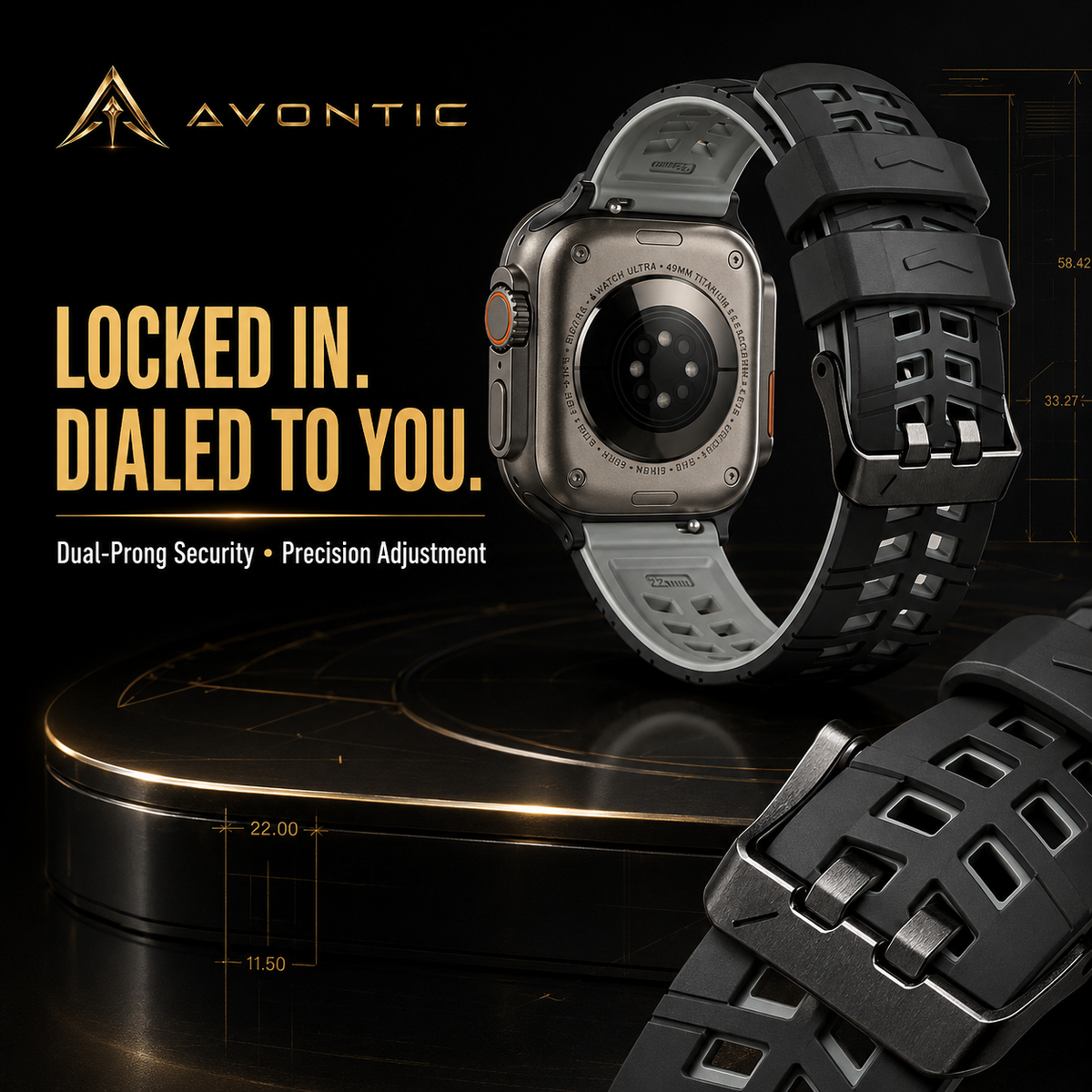
Compare the selected finish with the real product imagery and the watch setup you plan to use most often.
Review the available close-up imagery before choosing the finish you intend to wear for more formal settings.
Adjustment guidance
Use only guidance confirmed for the product and only components explicitly listed with the selected configuration.
Begin only when the selected product explicitly lists the adjustment component and instructions you need.
Follow the product-specific direction markers and keep every removed part organized while adjusting.
Confirm that each connection is secure before wear. Stop and contact Avontic if a connection does not seat cleanly.
If the required component or direction is not explicit, stop and contact Avontic before changing the band.