
RhinoGuard flagship

My Device
Start typing, choose a listed route, or complete all three browse fields. Nothing is assumed.
RhinoGuard flagship

ArmorPro route
RhinoGuard flagship
RhinoGuard route

Privacy glass

TitaniumGuard Ascend
TitaniumGuard Ascend
TitaniumGuard Ascend

Galaxy Watch Ultra metal

47mm protective case

Galaxy Watch 4–6 band collection

TitanForge 22mm
TitanForge 26mm

DuraShield protection

ArmorShield Slide

TitanShield Pro
RhinoGuard flagship
RhinoGuard flagship

RhinoGuard Tactical 360 Pro

RhinoGuard Apex Shield

RhinoGuard Apex Rotation

RhinoGuard Regent

RhinoGuard Vanguard

RhinoGuard Vertex

ChargeStation 7
Live catalog match





Use the exact model identifier shown in Settings or on the back of your iPad.
Enter your iPad’s A-number to find the matching configuration.
Open Settings → General → About, or check the information on the back of your iPad.
Find the model number beginning with A. In Settings, tap the displayed part number when necessary to reveal the A-number.
Enter the A-number and use the exact product option returned by the finder.
FormaLift Air · MATCHING SETUPS
Compare this exact family below. Your selected model and color carry across when a matching option is available.
 Base setup
Sleeve + folding stand
FormaLift Air sleeve with its folding stand. Accessories sold separately.
$89.99
View option →
Base setup
Sleeve + folding stand
FormaLift Air sleeve with its folding stand. Accessories sold separately.
$89.99
View option →
 Create
iPad Sleeve + Stylus
1 × FormaLift Air iPad sleeve and stand · 1 × ApexTouch stylus
Select the exact iPad model on each bundle. Available fits vary by tier. iPad sold separately.
$109.99
Current setup
Create
iPad Sleeve + Stylus
1 × FormaLift Air iPad sleeve and stand · 1 × ApexTouch stylus
Select the exact iPad model on each bundle. Available fits vary by tier. iPad sold separately.
$109.99
Current setup
 Work
iPad Sleeve + Keyboard
1 × FormaLift Air iPad sleeve and stand · 1 × 10-inch RhinoKeys keyboard
Select the exact iPad model on each bundle. Available fits vary by tier. iPad sold separately.
$119.99
View option →
Work
iPad Sleeve + Keyboard
1 × FormaLift Air iPad sleeve and stand · 1 × 10-inch RhinoKeys keyboard
Select the exact iPad model on each bundle. Available fits vary by tier. iPad sold separately.
$119.99
View option →
 Complete
iPad Sleeve + Keyboard, Stylus, Privacy Glass
1 × FormaLift Air iPad sleeve and stand · 1 × 10-inch RhinoKeys keyboard · 1 × ApexTouch stylus · 1 × privacy glass
Select the exact iPad model on each bundle. Available fits vary by tier. iPad sold separately.
$169.99
View option →
Complete
iPad Sleeve + Keyboard, Stylus, Privacy Glass
1 × FormaLift Air iPad sleeve and stand · 1 × 10-inch RhinoKeys keyboard · 1 × ApexTouch stylus · 1 × privacy glass
Select the exact iPad model on each bundle. Available fits vary by tier. iPad sold separately.
$169.99
View option →
Choose options
AVONTIC · FormaLift Air · Create
FormaLift Air Create pairs a sleeve that unfolds into a stand with a black ApexTouch capacitive stylus. Choose the exact iPad model, settle into your preferred position and keep the tools for your routine together.
iPad sleeve and stand + ApexTouch stylus. iPad sold separately.
Compare-at reflects the current total price of the included items sold separately.
THE BUNDLE, AT A GLANCE
One FormaLift Air sleeve with folding stand in your selected color and iPad configuration.
One black universal capacitive touchscreen stylus with rounded tips. For tapping, marking and light touchscreen notes; no pairing or charging required.
The included stylus is a passive capacitive tool, not an Apple Pencil. It does not provide pressure sensitivity, palm rejection or Apple Pencil features. A separate mouse is not included. iPad, Apple Pencil, charging adapter and scene props are not included. Carry the separate accessories securely alongside the sleeve.
THE FORMALIFT AIR FOUNDATION
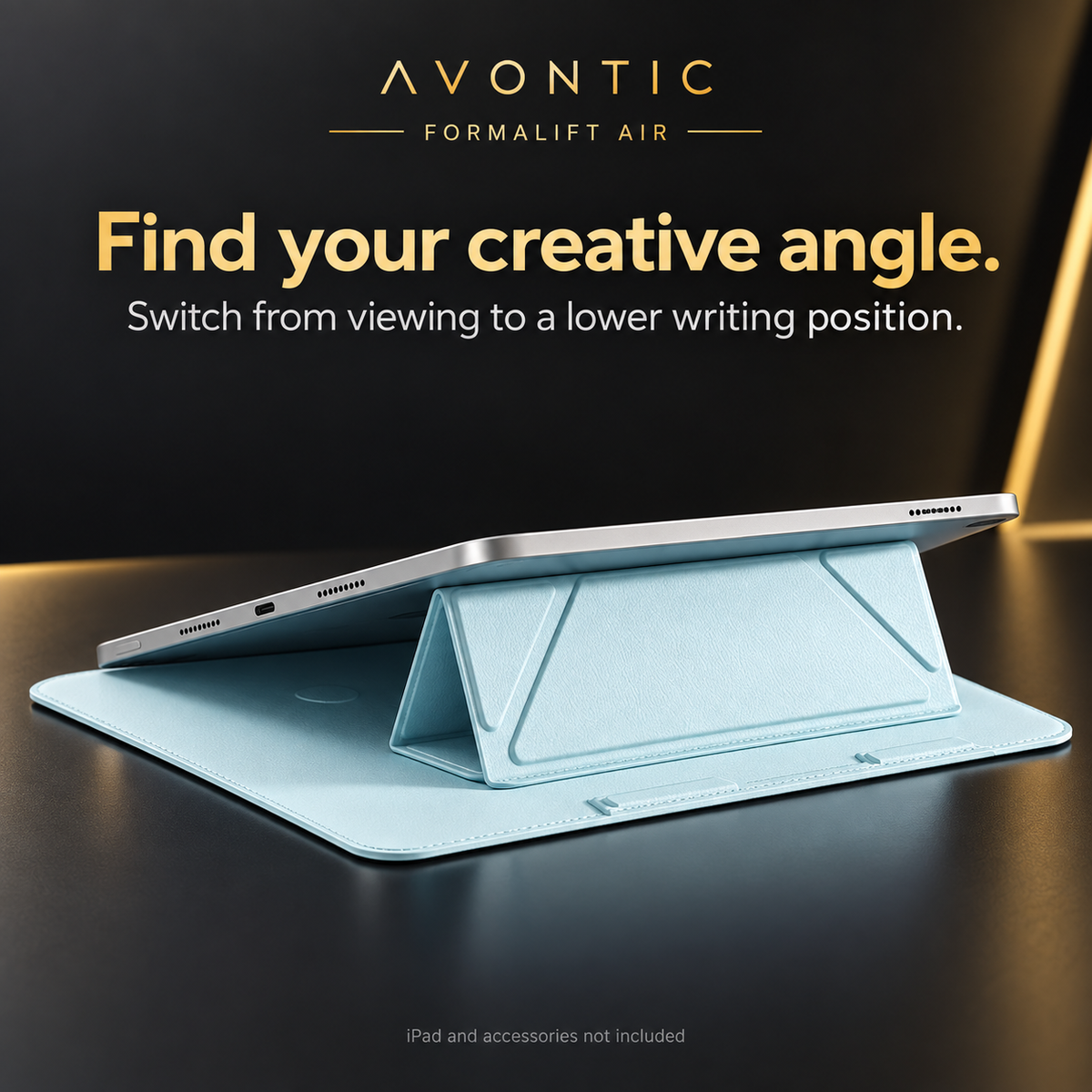
Unfold the cover and form the Y-shaped support when you arrive. Fold it away again when your day moves on.
Choose the upright viewing position for reading or the lower supported position for writing and drawing.
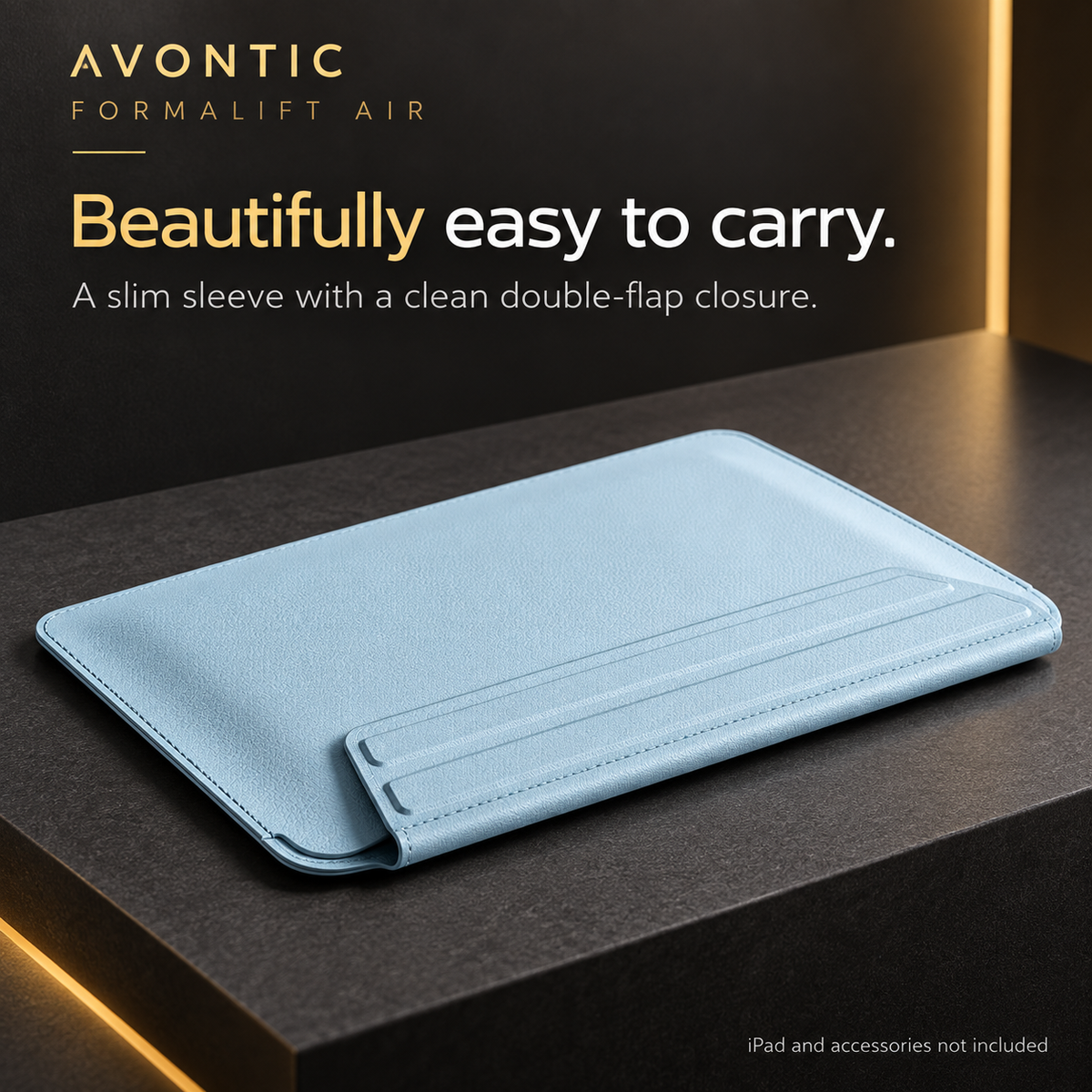
The folio-style sleeve wraps around your iPad between uses. A choice of six colors brings personality to a practical daily essential.


Sleeve detail photography shows representative configurations and may show other sleeve colors. Your order follows the color and exact iPad model selected.
FROM FIRST TASK TO LAST STOP
Use the stand for supported viewing, then reach for ApexTouch when you want a capacitive tip for forms, marking or touchscreen navigation. App behavior and screen sensitivity can vary.


CONFIRM YOUR EXACT IPAD
Open Settings → General → About. Check Model Name, then tap Model Number to reveal the A-number. Match the full generation below; screen size alone is not enough.
Sleeve dimensions vary by the selected iPad model. Product photography illustrates the folding design. For help, contact Avontic with your A-number or consult Apple’s iPad model guide.
BEFORE YOU CHOOSE
One FormaLift Air sleeve with folding stand in your selected color and iPad configuration. One black universal capacitive touchscreen stylus with rounded tips. For tapping, marking and light touchscreen notes; no pairing or charging required.
RhinoKeys and ApexTouch, when listed in the bundle contents above, are separate accessories. They do not mechanically attach to the sleeve. Carry the separate accessories securely alongside the sleeve.
ApexTouch is a passive capacitive stylus for general touchscreen input. It has no active Apple Pencil features, pressure sensing or palm rejection. Fine handwriting and app response depend on the screen, settings and application.
Send Avontic your iPad model names, A-numbers and quantities through our contact page. We can help check the listed configurations before you choose.
FormaLift Air Create
Confirm the model, choose the color and review the included pieces before adding the bundle to your cart.
60-Day Returns · Return policy · Shipping information