
RhinoGuard flagship

My Device
Settings → General → About → tap the part number beside Model Number to reveal the A-number.
Start typing, choose a listed route, or complete all three browse fields. Nothing is assumed.
RhinoGuard flagship

ArmorPro route
RhinoGuard flagship
RhinoGuard route

Privacy glass

TitaniumGuard Ascend
TitaniumGuard Ascend
TitaniumGuard Ascend

Galaxy Watch Ultra metal

47mm protective case

Galaxy Watch 4–6 band collection

TitanForge 22mm
TitanForge 26mm

DuraShield protection

ArmorShield Slide

TitanShield Pro
RhinoGuard flagship
RhinoGuard flagship

RhinoGuard Tactical 360 Pro

RhinoGuard Apex Shield

RhinoGuard Apex Rotation

RhinoGuard Regent

RhinoGuard Vanguard

RhinoGuard Vertex

ChargeStation 7
Live catalog match


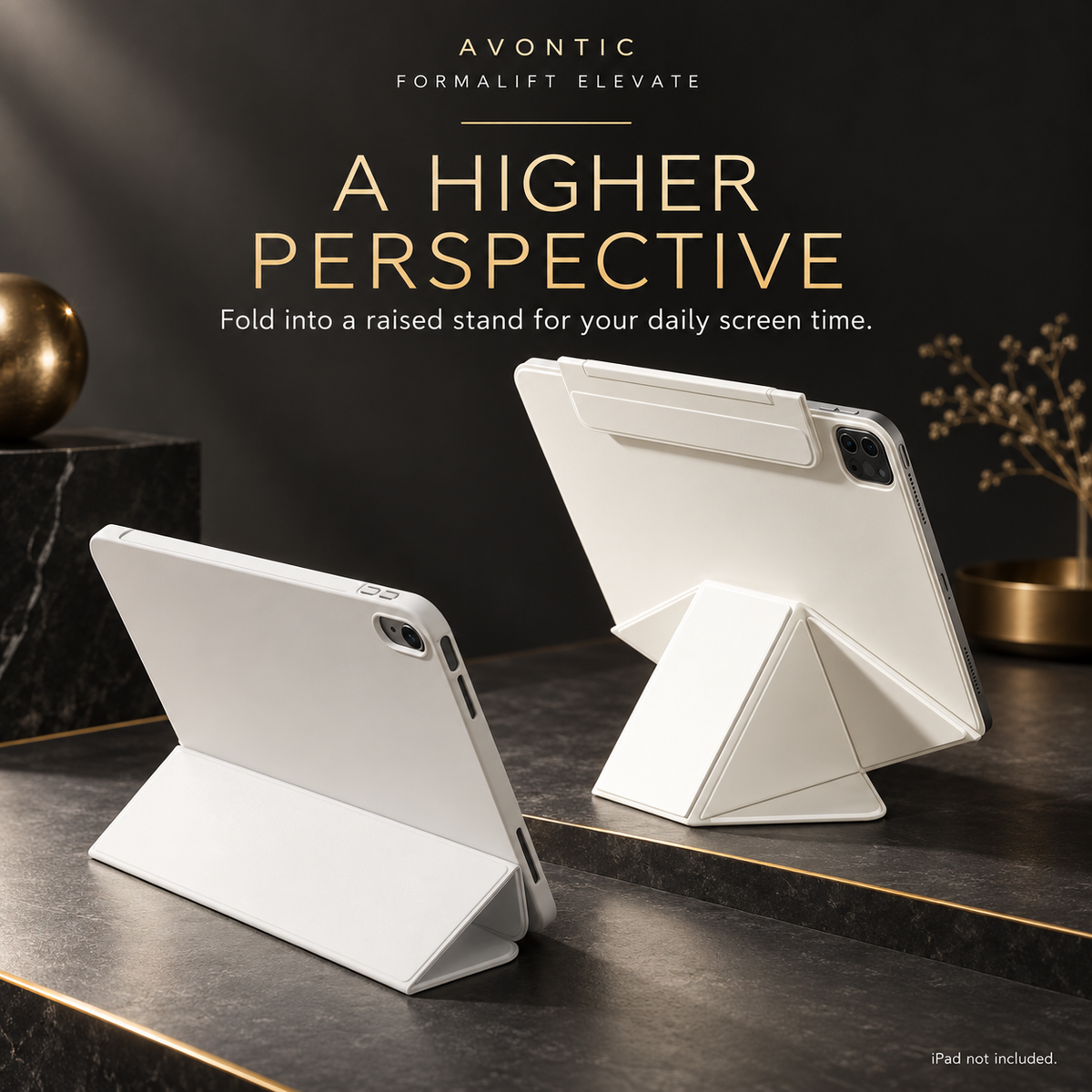
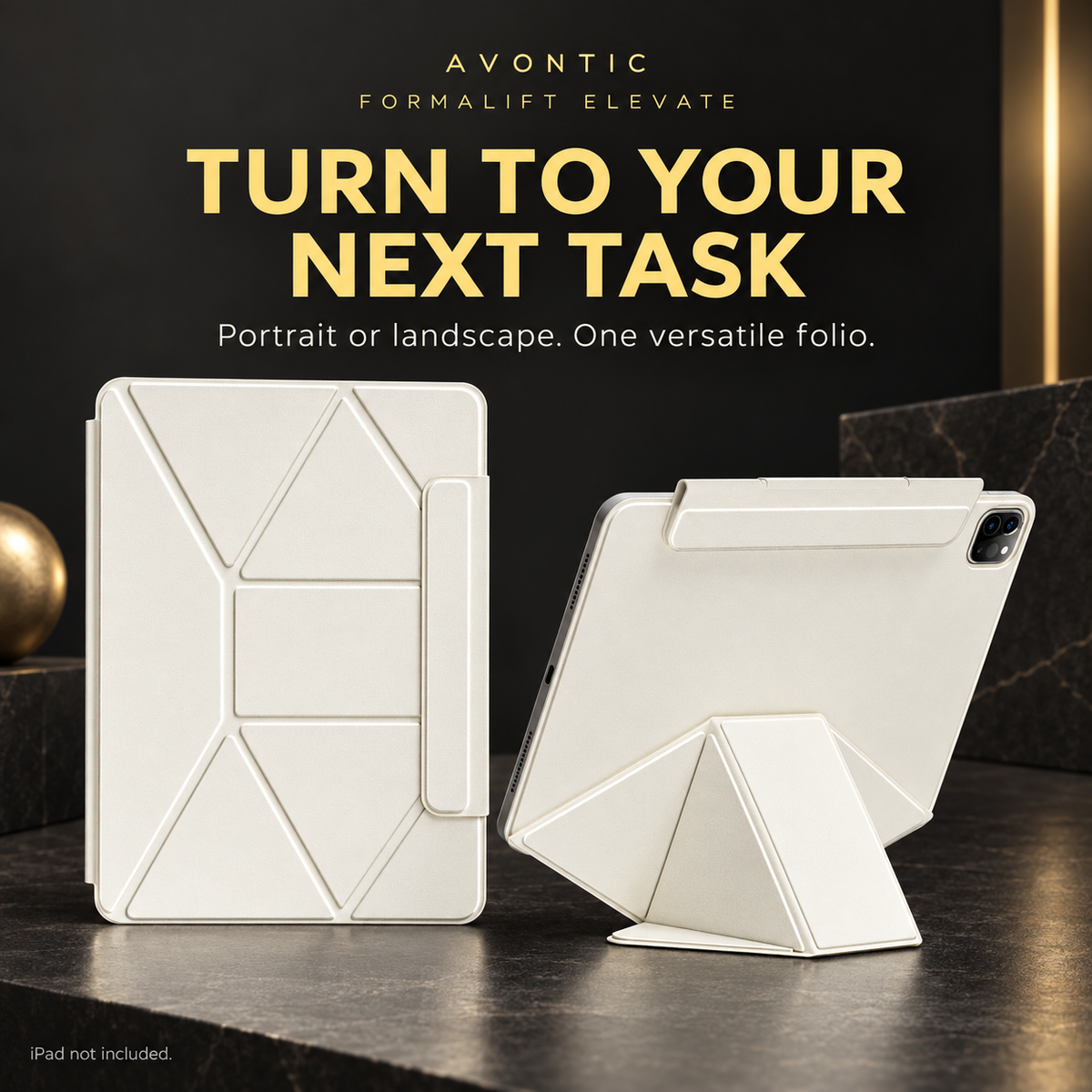
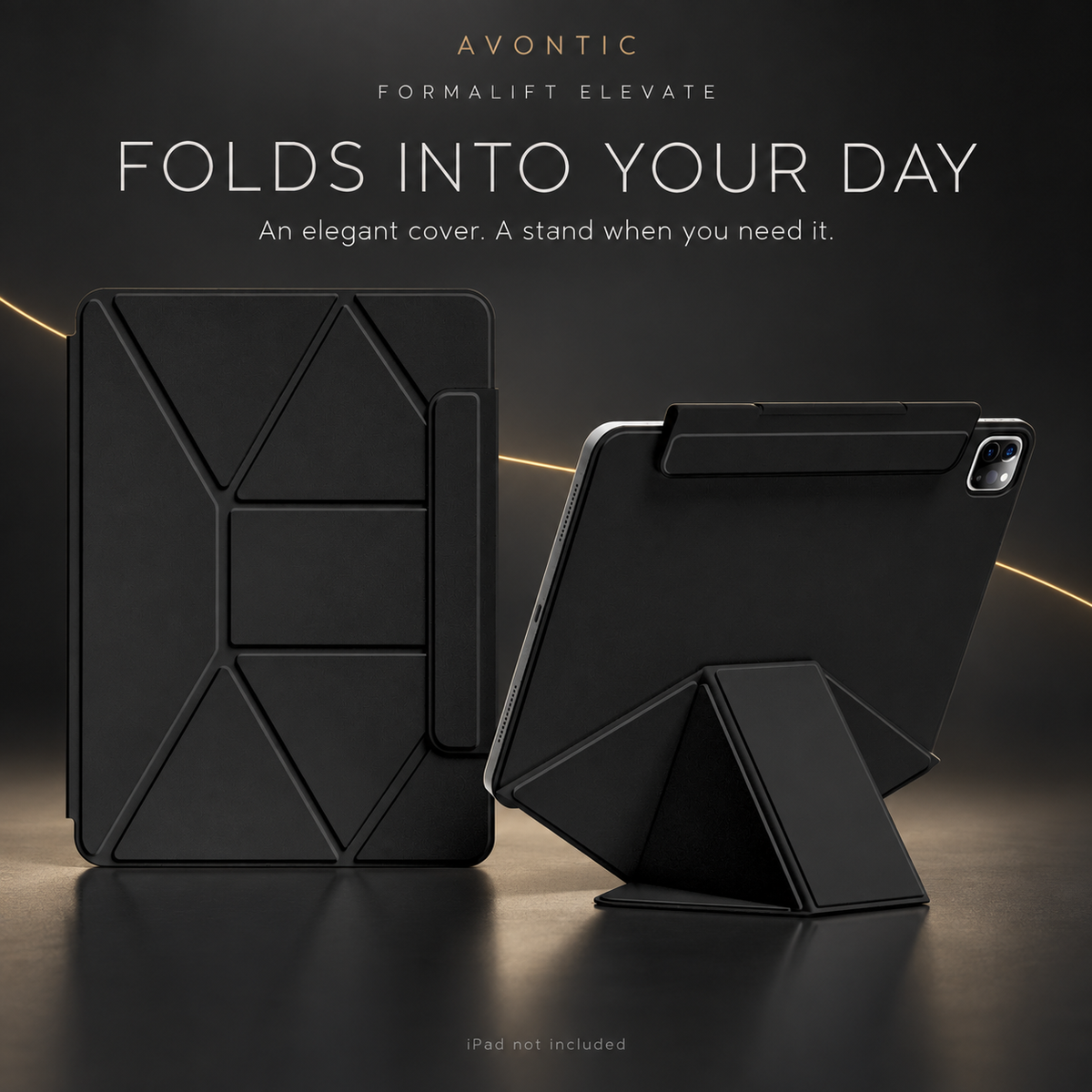
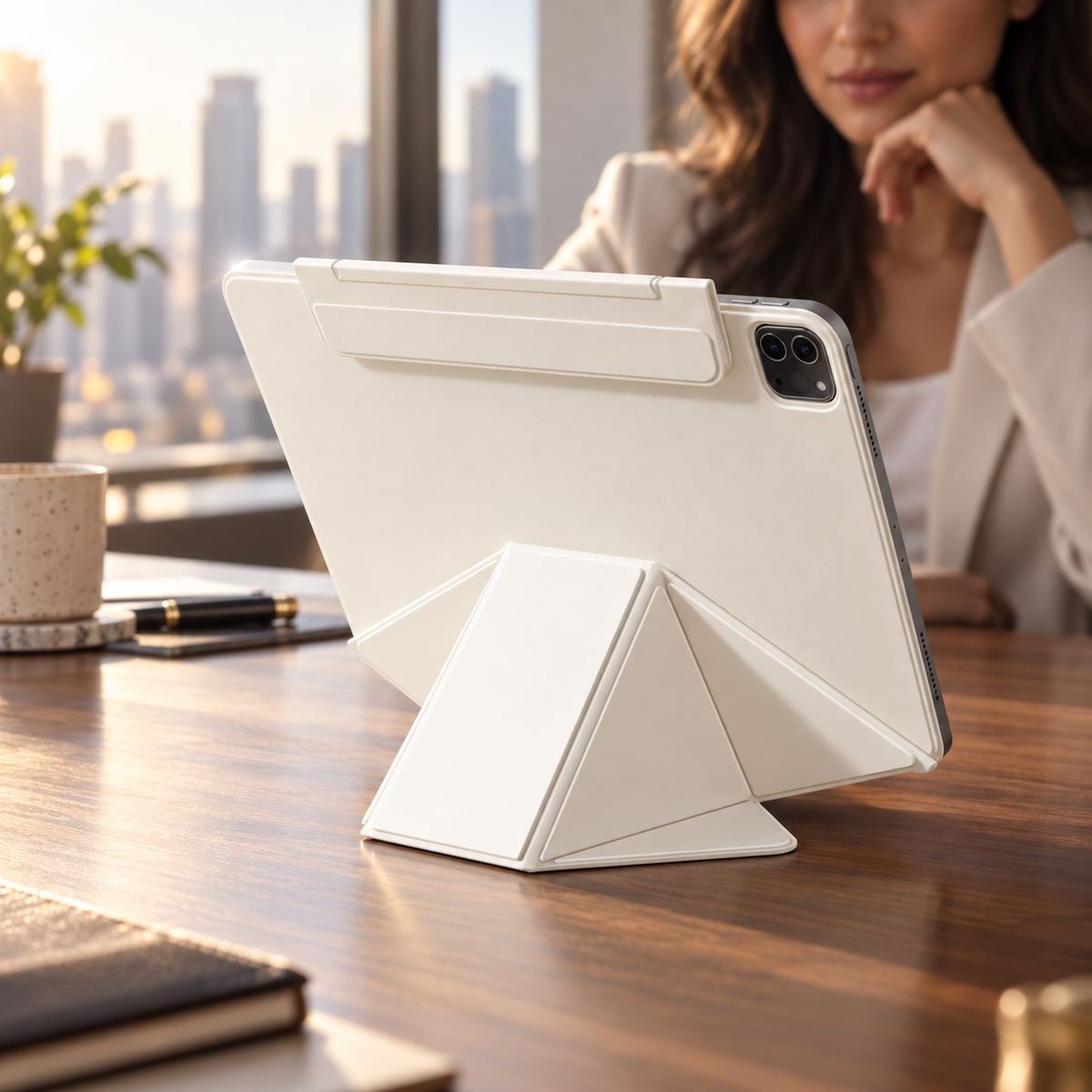
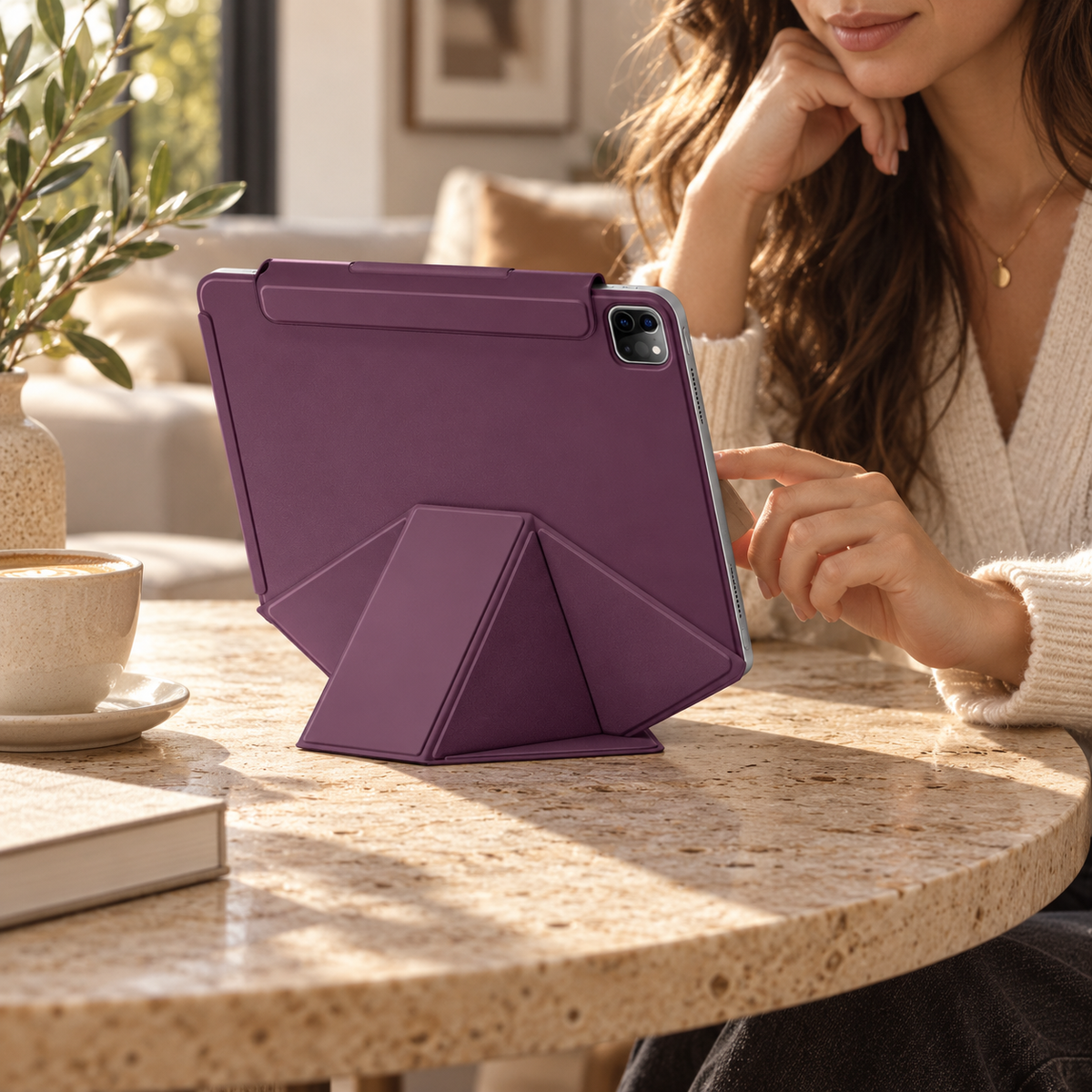
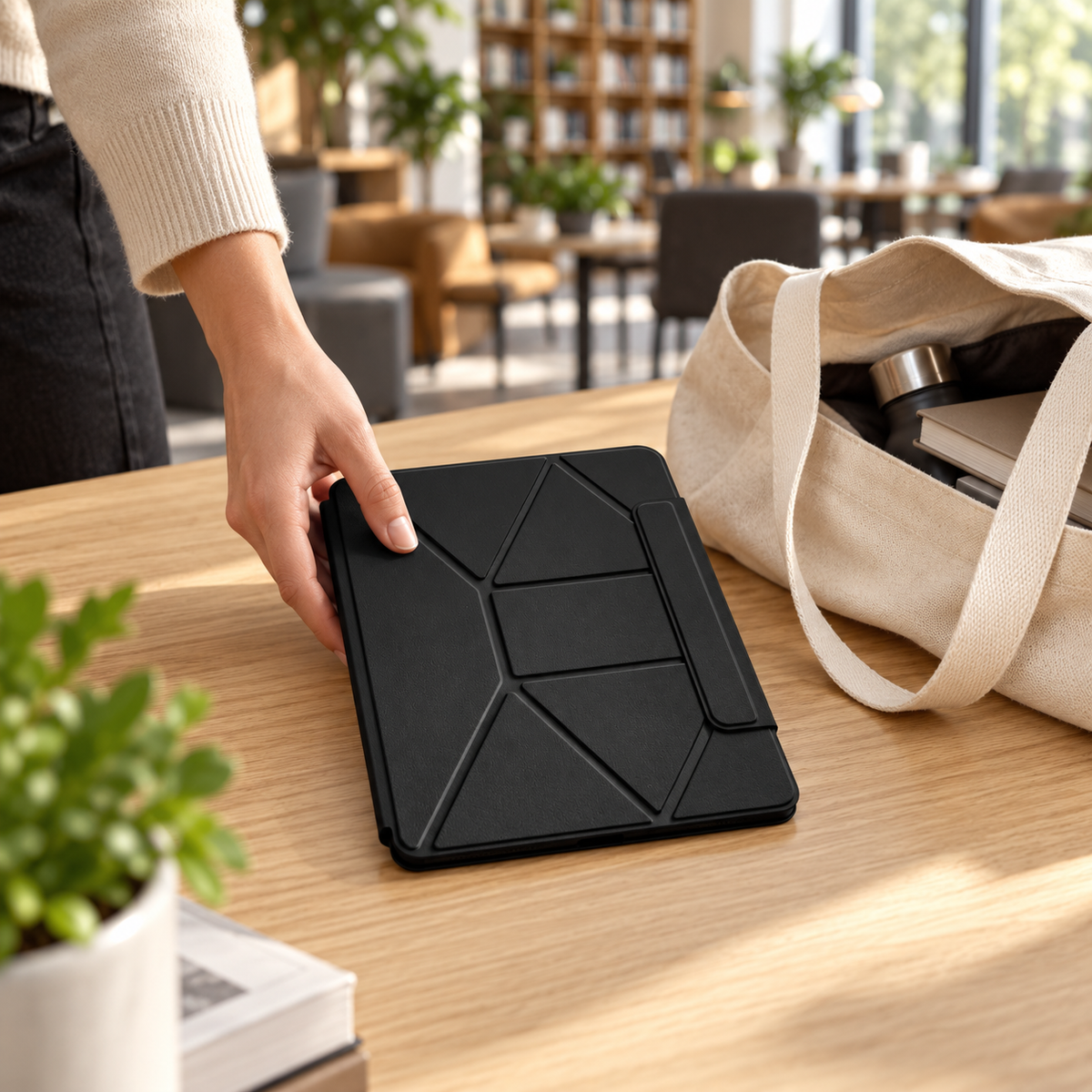
 02 / A closer lookEveryday, elevated
FormaLift Elevate case + passive stylus. iPad not included.
Settings → General → About → tap the part number beside Model Number to reveal the A-number.
Made for your tablet.
Choose your exact model, then your finish.Your selection
AvailableBlackiPad mini (A17 Pro, 2024)
FormaLift Elevate
Explore the options in this case family. We’ll check your model and finish before you switch.
 Case only
Fitted case and its standard included accessories
$119.99
Case only
Fitted case and its standard included accessories
$119.99
 Case + keyboard
Case + separate wireless keyboard
$149.99
Case + keyboard
Case + separate wireless keyboard
$149.99
 Create setup
Case + stylus
$139.99
Create setup
Case + stylus
$139.99
 Complete setup
Case + keyboard + stylus + privacy glass
$199.99
Complete setup
Case + keyboard + stylus + privacy glass
$199.99
 Study essentials
Case + PaperTouch screen protectors
From $149.99
Study essentials
Case + PaperTouch screen protectors
From $149.99
Select your exact device above. Model, finish and availability are confirmed before continuing.
Your tablet. Your setup.
Start with this case or bundle. Choose your exact tablet, then add the finishing touches that fit.

FormaLift Elevate Create — iPad Case + Stylus Bundle
Already selected for you.FormaLift Elevate
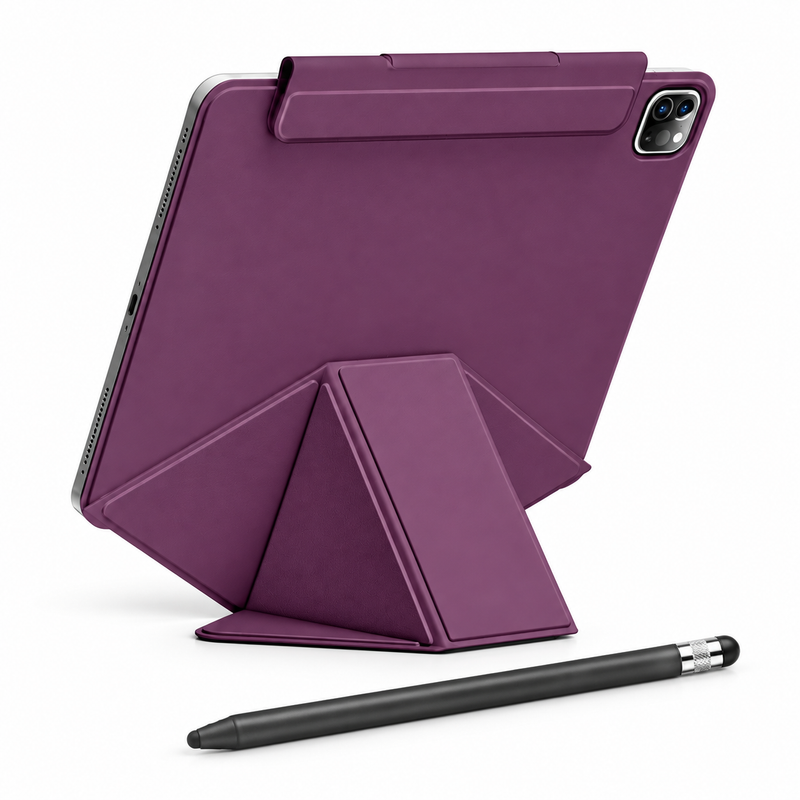
FormaLift Elevate Create pairs a magnetic folio with raised folding support with a black ApexTouch passive stylus. Choose the exact iPad configuration and your preferred case color.
Choose your setup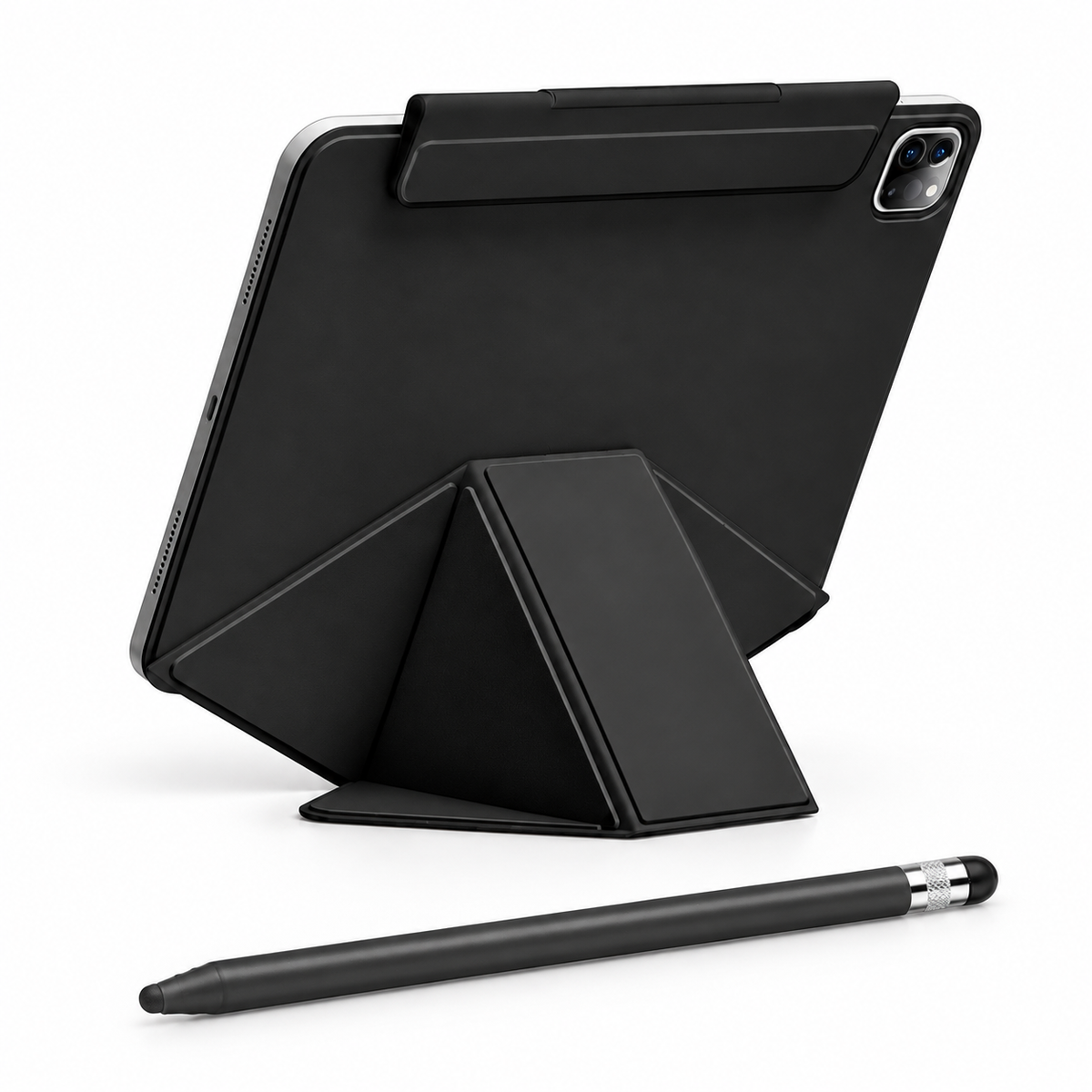
Considered, down to the detail
Unfold the integrated bracket to lift the screen above your desk.
Arrange the folding folio for supported portrait or landscape viewing.
Fold the solid-color panels flat and arrange the removable pencil flap for carrying.
Your order, clearly defined
Check your selected model, finish and package above. Optional items are included only when you choose them.
iPad and display props are not included. Only the items listed for your selected package are supplied.
Confidence before checkout
Open Settings → General → About on your iPad. Tap Model Number to reveal its A-number. Match the exact model and generation in the options above; screen size alone is not enough.
Review my selection ↑Ask Avontic for help ↗Match the exact iPad model and generation in the selector. In Settings → General → About, tap Model Number to reveal the A-number. Screen size alone does not establish fit.
ApexTouch is a passive capacitive stylus with no pressure sensitivity, palm rejection or active Apple Pencil features. Touch response and fine handwriting vary by app, screen and settings.
Carry the separate stylus securely. Fit in any pencil flap or holder varies.
iPad, Apple Pencil, separate mouse, charging adapter and scene props are not included.
Keyboard and screen protector are not included.
Use the folding support fully opened on a flat, stable surface. Product images show representative configurations; proportions, camera openings and fit vary by the selected iPad model.
Free shipping and 60-day returns. Delivery estimates depend on your destination. Return authorization is required; free return shipping applies to eligible returns.
Shipping policy · Return policyComplete your setup
Turn your screen. Lift your view. Make room for more.
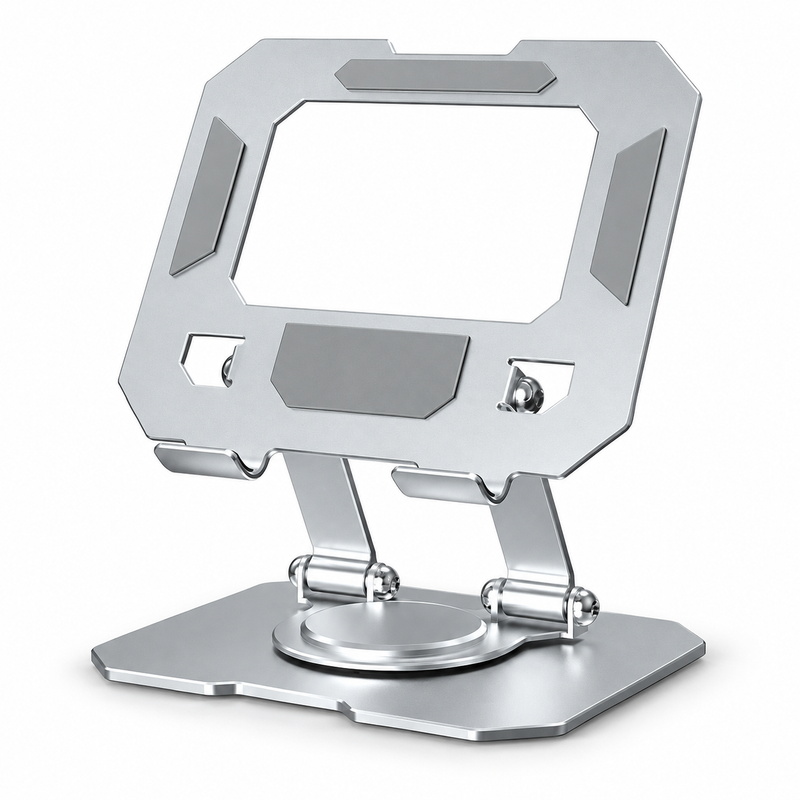
A fresh angle. A simple turn.
$49.99 USD
Turn your tablet to share a screen, follow a recipe or settle into a call. Adjust the angle, then fold it away.
4.7–12″ device guide. Larger tablets are not confirmed. Check case thickness; bulky cases may need removal.
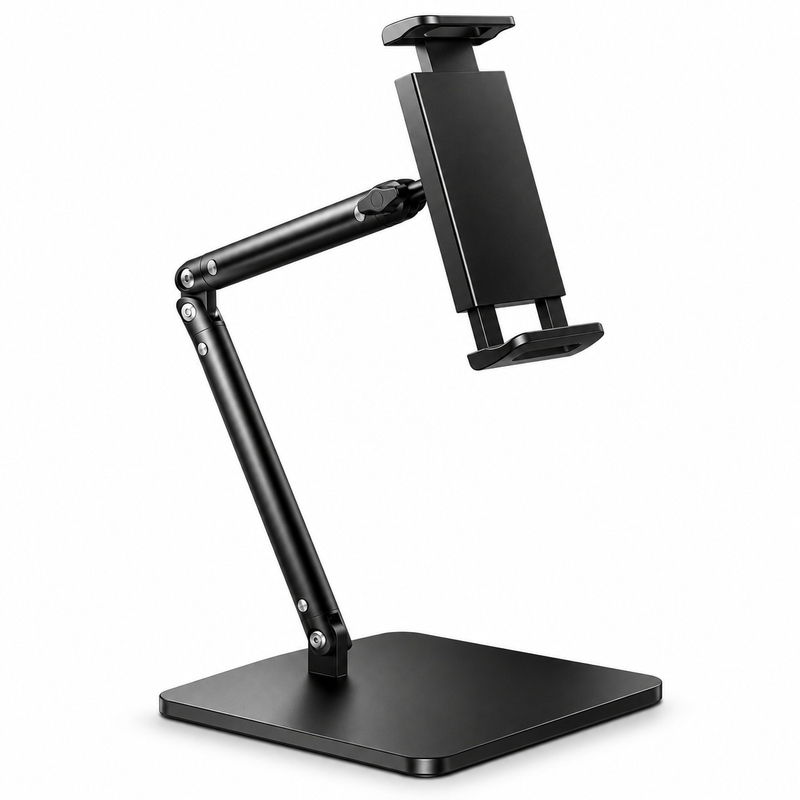
A little lift for your everyday.
$59.99 USD
A compact metal stand with an adjustable arm. Give your screen a dedicated place for work, calls and viewing.
Choose the tablet version for your tablet. Check device dimensions and case clearance before ordering.

More freedom. Anywhere in the room.
$59.99 USD
An adjustable tripod stand for presentations, calls and comfortable viewing from your favourite seat.
Choose the holder for your device. Check device dimensions and case clearance before ordering.
Optional accessories, sold separately. Check device dimensions and case clearance before ordering. Devices not included.
FormaLift Elevate Create — iPad Case + Stylus Bundle
Make it your own.
Choose options
02 / A closer lookEveryday, elevated
FormaLift Elevate case + passive stylus. iPad not included.
Business, bulk & team orders
From a shared workspace to a multi-site rollout, bring your tablet requirements to Avontic. We’ll help you review the right cases, bundles and quantities for the way your team works.
Review exact tablet models and mixed-device requirements.
Discuss quantities, configurations and your target timeline.
Ask about formal quotes, purchase orders and tax-exempt requirements.
A conversation, then a plan
Send us a few details through our dedicated business page.
Fit, availability and order terms are confirmed with your inquiry.
Prefer to choose every piece? Create a custom setup around your exact iPad, your favorite case and the accessories you want.

FormaLift Studio Magnetic Stand iPad Case
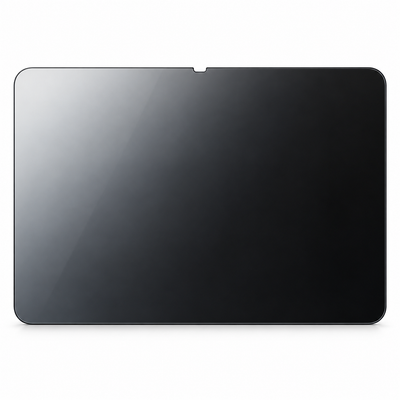

Accessories shown for inspiration. Available options depend on your exact iPad and case. Each addition is optional. iPad not included.