RhinoGuard flagship

My Device
Start typing, choose a listed route, or complete all three browse fields. Nothing is assumed.
RhinoGuard flagship

ArmorPro route
RhinoGuard flagship
RhinoGuard route

Privacy glass

TitaniumGuard Ascend
TitaniumGuard Ascend
TitaniumGuard Ascend

Galaxy Watch Ultra metal

47mm protective case

Galaxy Watch 4–6 band collection

TitanForge 22mm
TitanForge 26mm

DuraShield protection

ArmorShield Slide

TitanShield Pro
RhinoGuard flagship
RhinoGuard flagship

RhinoGuard Tactical 360 Pro

RhinoGuard Apex Shield

RhinoGuard Apex Rotation

RhinoGuard Regent

RhinoGuard Vanguard

RhinoGuard Vertex

ChargeStation 7
Live catalog match
Your configuration
Fortify360 Military Grade Heavy Duty Case for Microsoft Surface TabletPreselected for display. Check the device, model, and size before ordering, or choose another option.
Curated add-ons
Useful extras selected for this product—not substitutes.
Your setup: 0 of 2 complete
Optional accessories are never preselected.A slim wireless keyboard for a more capable tablet setup.
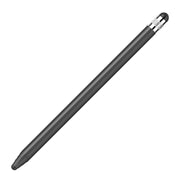
Adds cleaner tapping, notes, signatures, and everyday navigation.
Nothing is preselected. Confirm every model, size, or style before adding.
Match the exact device, size, or fit option shown on this page to your product before ordering. Contact Avontic if the required match is not explicit.


Protection and workstation essentials designed for focused work wherever the day moves.
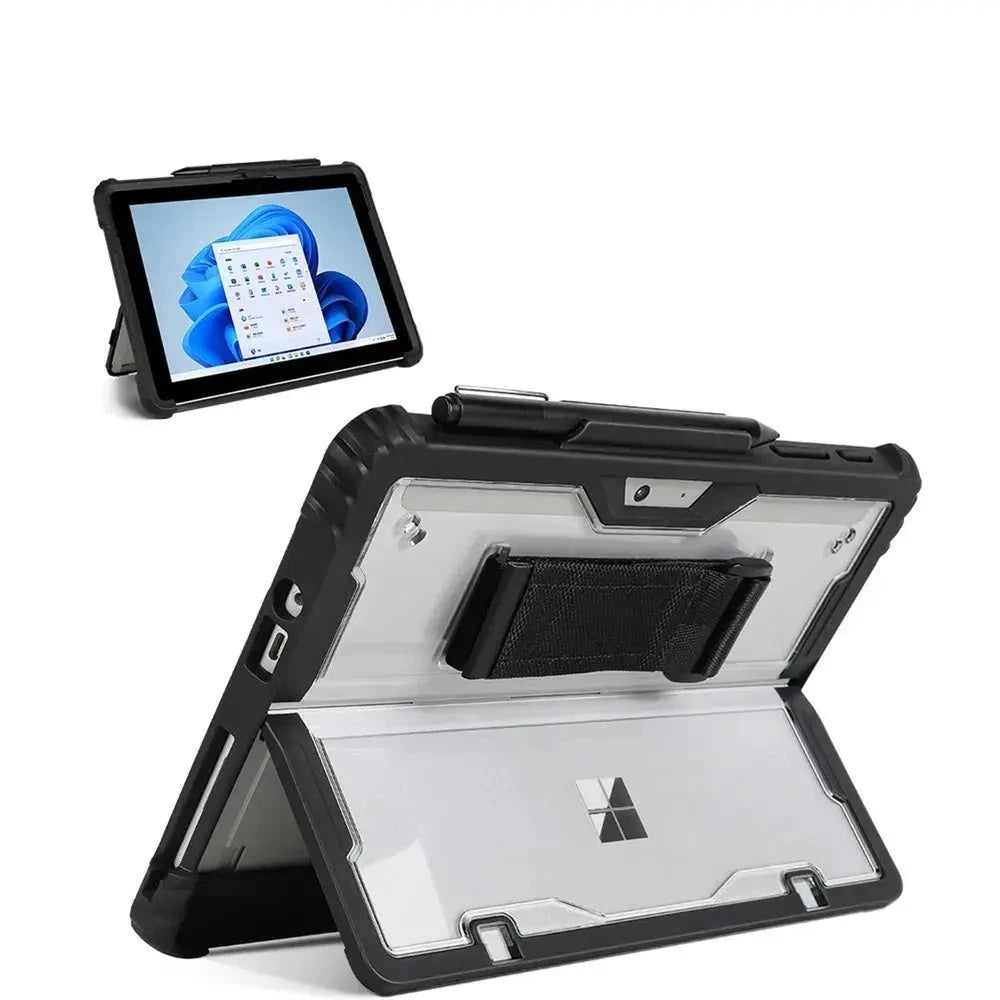
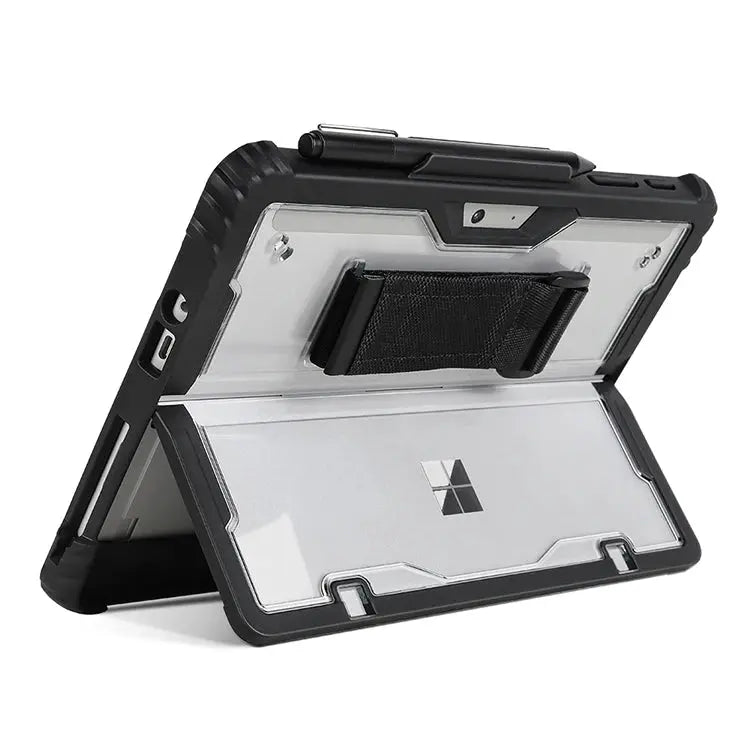
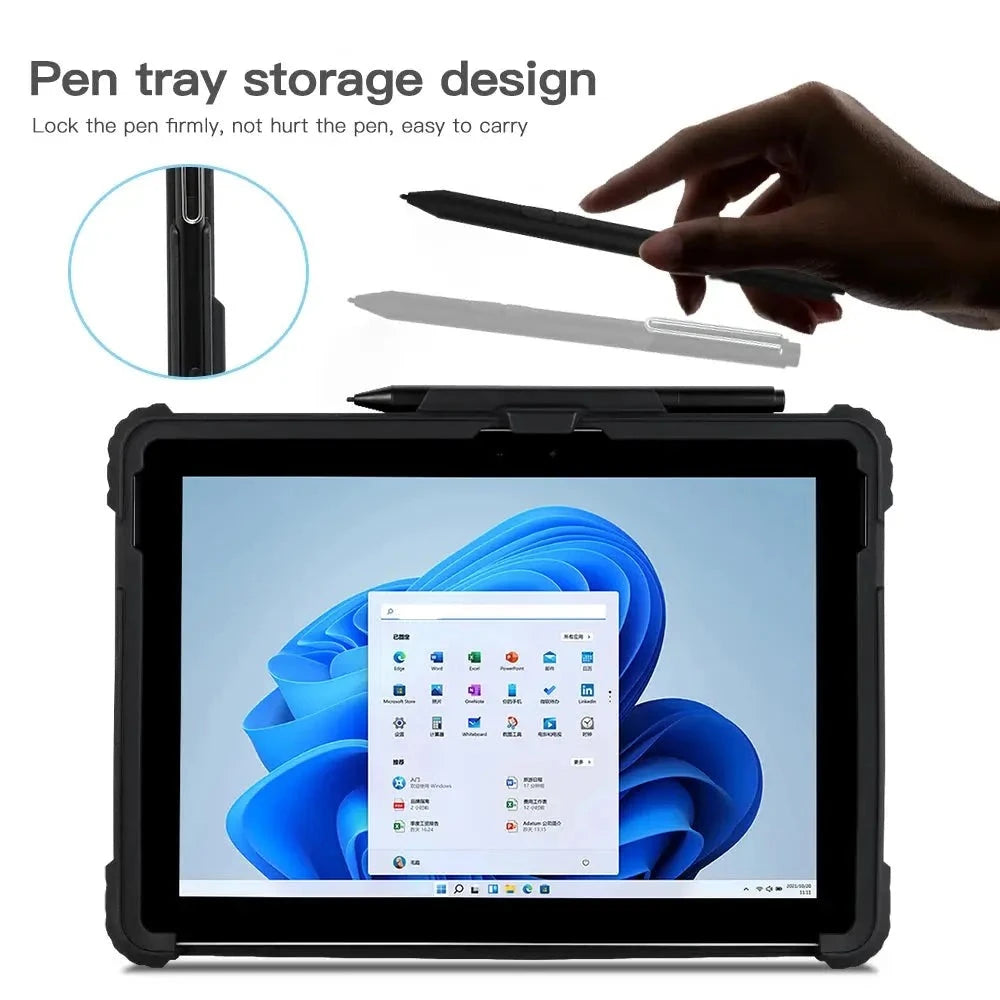
Fortify360 combines a reinforced transparent-back case, adjustable hand control, flexible stand access, Surface Pen storage, and Type Cover-friendly geometry for selected Surface Go and Surface Pro generations.
A Surface is more than a tablet—it is often a compact workstation with a removable keyboard, pen, stand, cameras, and model-specific ports. Fortify360 protects the perimeter and rear body while keeping those everyday functions accessible. Its clear rear panel preserves the Surface look, the hand strap improves handheld control, and the case geometry supports desk positioning without turning productivity into a complicated setup.
Every component has a clear purpose—from protection and control to positioning, storage, privacy, or mobility.
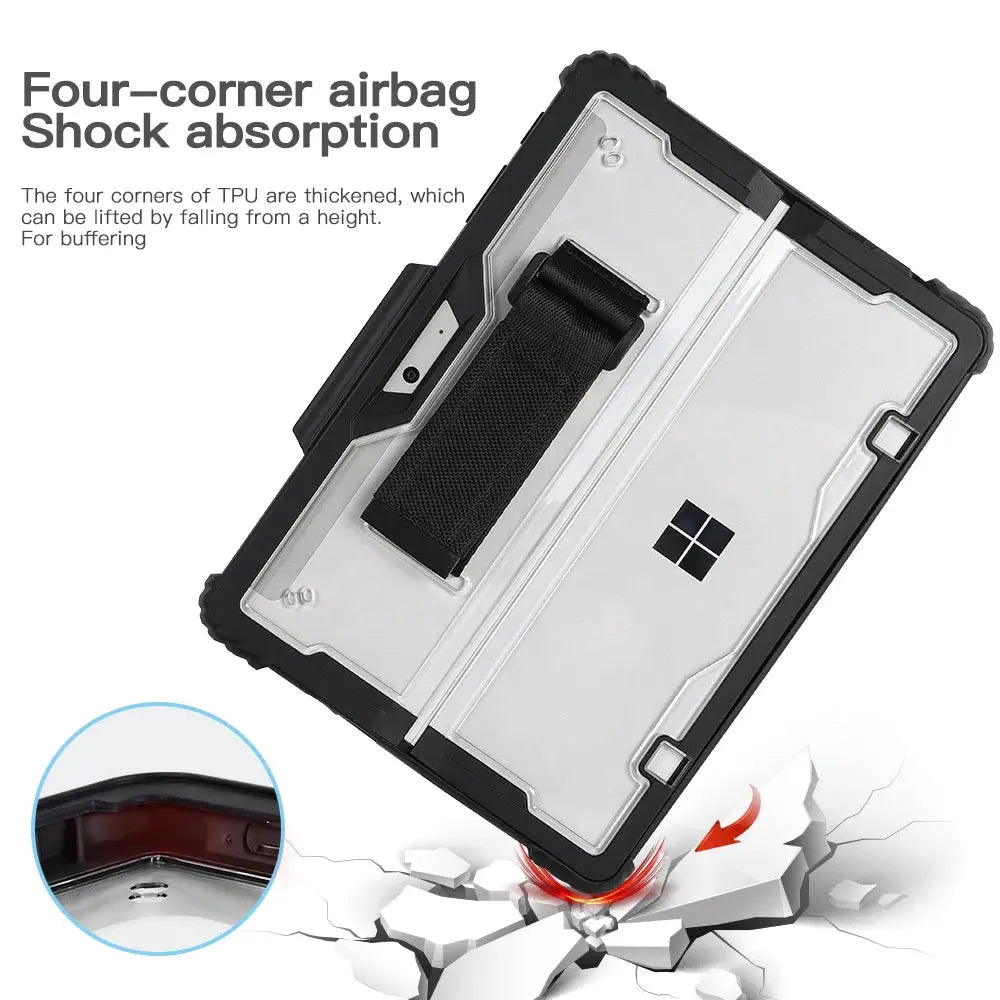
A durable outer bumper and rigid transparent rear structure add fitted coverage around corners, edges, and the back while keeping the Microsoft design visible.
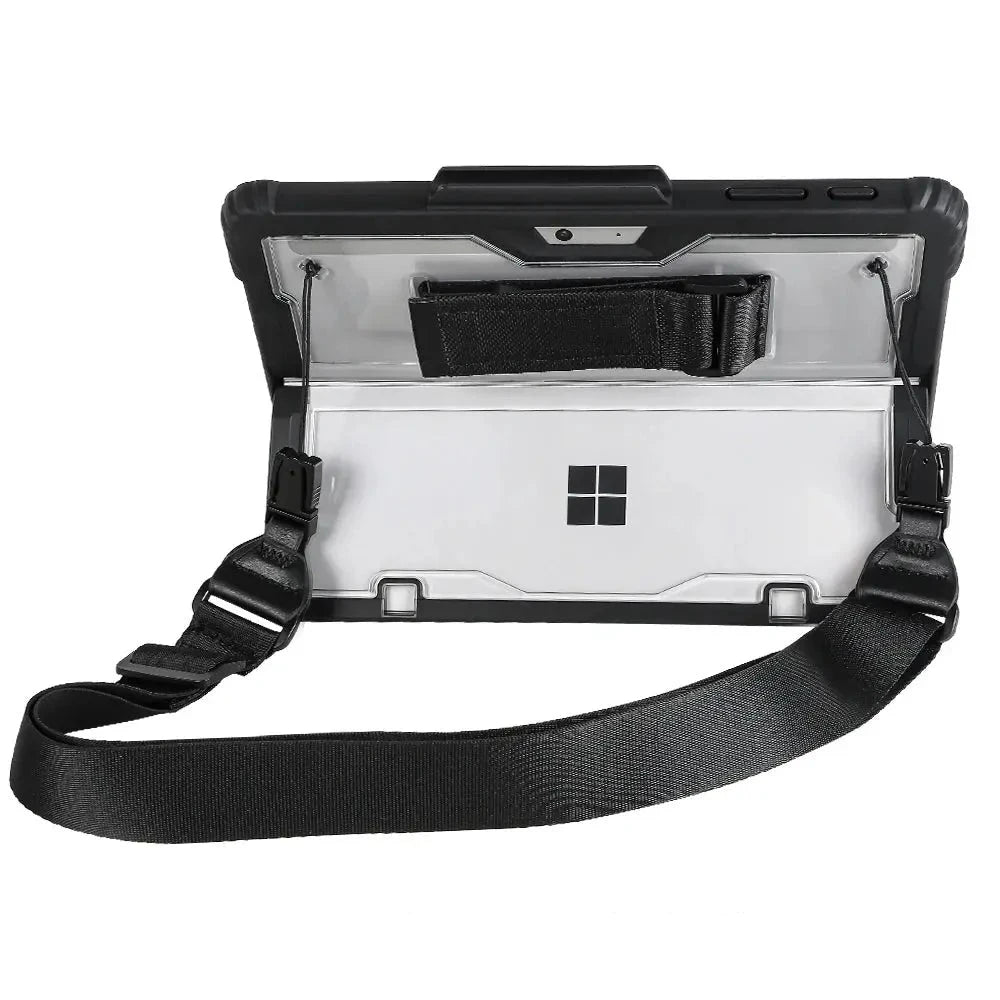
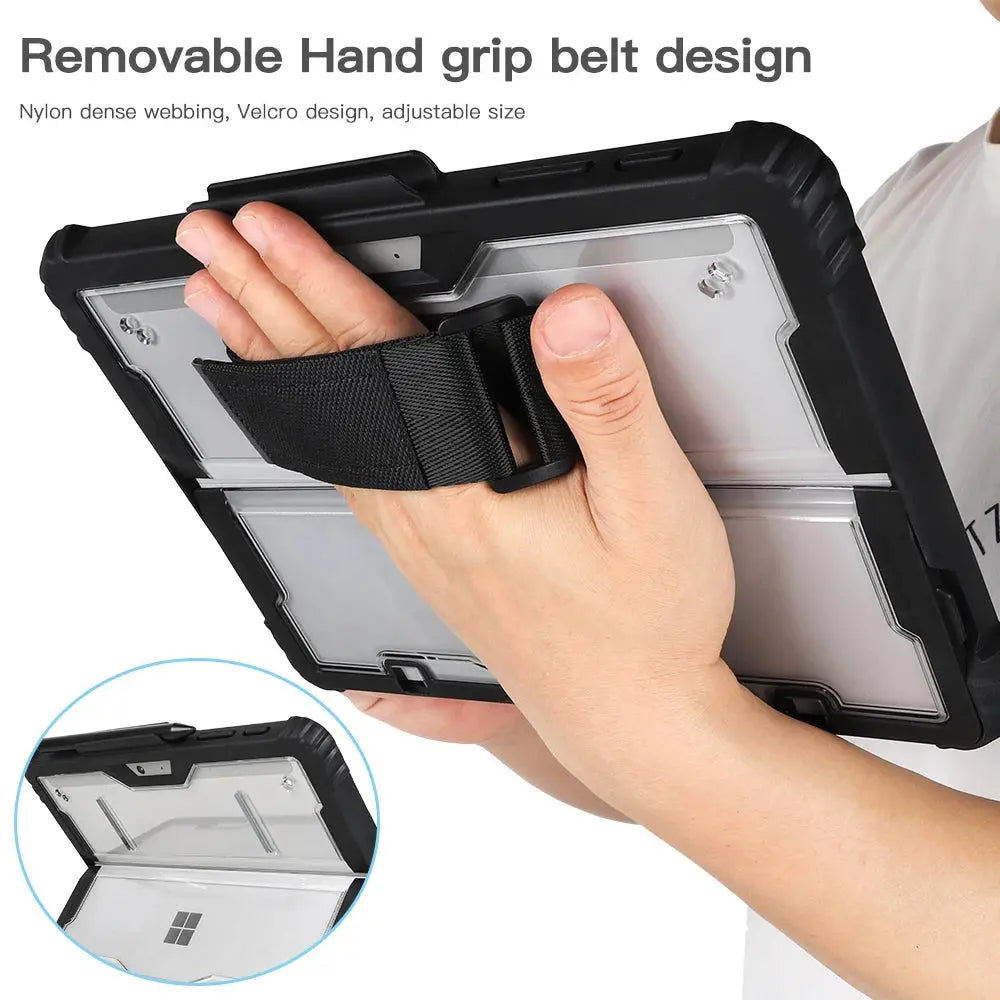
Slide a hand beneath the padded rear strap for a steadier hold during reading, forms, meetings, inspections, or shared tablet use.
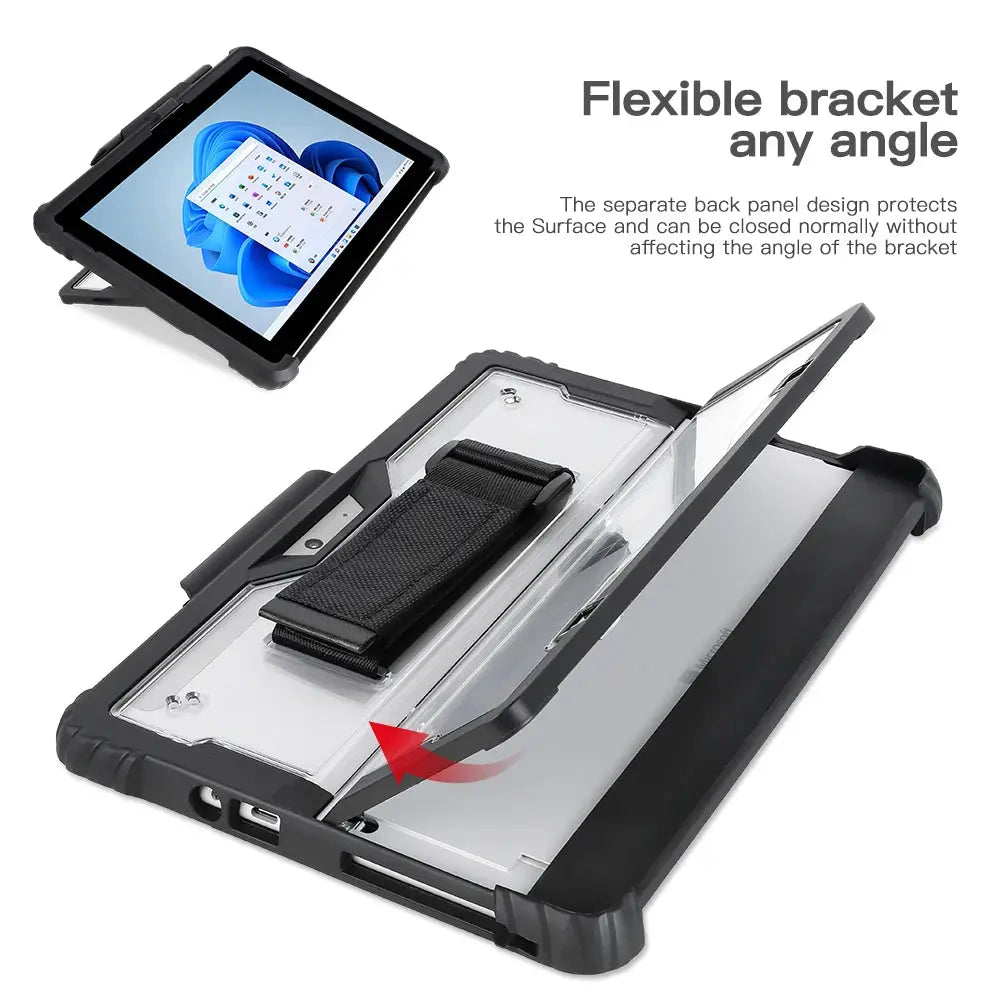
The split rear bracket follows the Surface stand area so the device can be positioned at practical viewing and working angles on a stable surface.
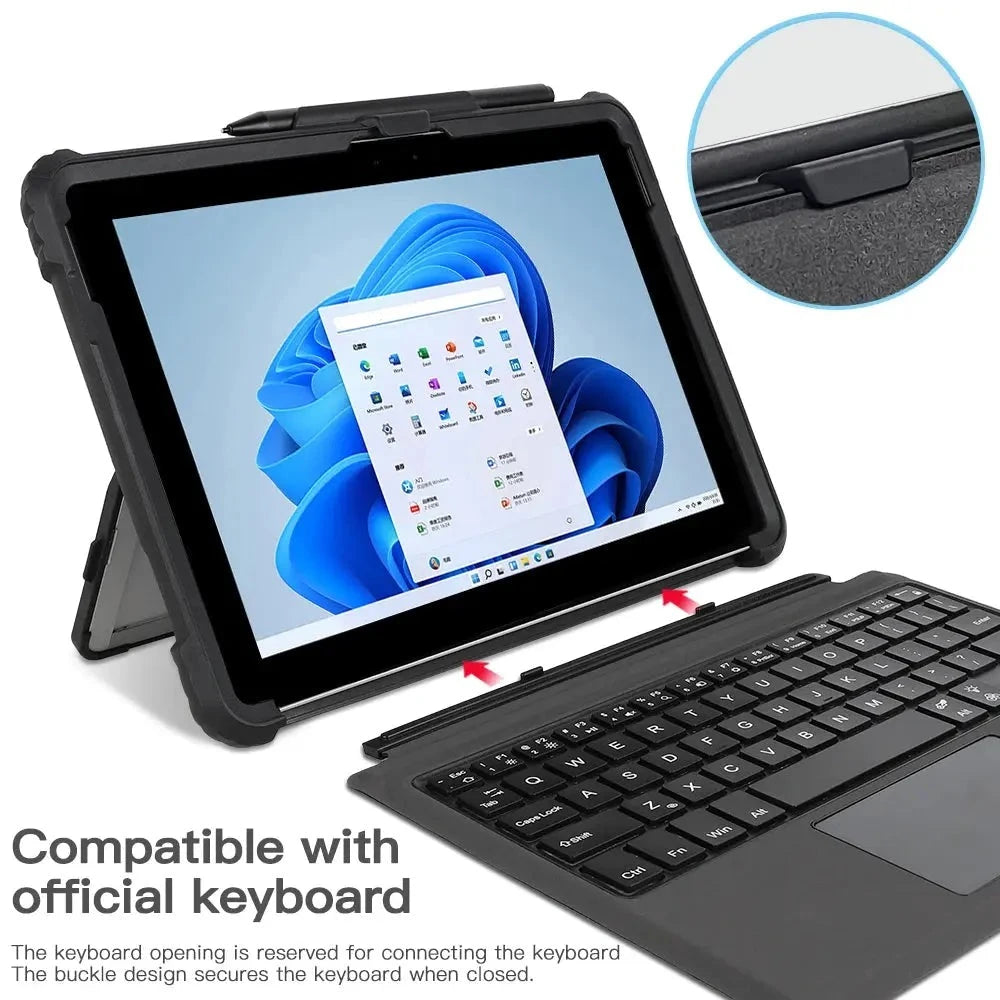
The lower edge is shaped to preserve connection access for a compatible Microsoft Type Cover. Keyboard compatibility still depends on the exact case and device selection.
A fitted top tray stores a compatible Surface Pen close to the device. Confirm pen generation, dimensions, and charging requirements before use.
The gallery does not show a built-in clear screen layer. The display remains directly accessible; a separate device-specific protector can be added if preferred.
Move from handheld review to keyboard work without carrying a separate stand or generic tablet grip.
Use the rear support for calls, demonstrations, dashboards, and note review while keeping the Surface Pen close.
Add more perimeter protection and a steadier grip for homework, reading, recipes, entertainment, and shared use.
Surface Pro 9, Surface Pro 8, Surface Pro 4–7, and Surface Go 1–3 use different camera layouts, dimensions, port positions, kickstands, and keyboard interfaces. Choose the exact device group shown in Settings › System › About.
Selection guidance: The color selector includes “black with strap” and “black.” The removable shoulder strap should be expected only with the “black with strap” selection; the hand strap and case structure are integrated features. Review the chosen package before checkout.
Use Windows Settings › System › About or the Microsoft serial-number lookup to confirm the complete model.
Select the exact Surface generation first, followed by either the standard black package or black-with-strap package.
After installation, confirm Type Cover connection, stand travel, charging, cameras, speakers, buttons, and pen storage.
A model-specific accessory works best when alignment and every intended device function are checked before daily use.
Verify the Surface option and whether your selected package includes the removable shoulder strap.
Release the case at its designated tabs without bending the clear rear panel or flexible stand section.
Seat the Surface, check the keyboard connector edge and kickstand area, then press the bumper evenly into place.
Test touch, charging, cameras, audio, controls, Type Cover, stand angles, pen storage, hand strap, and optional strap anchors.
Microsoft Surface, Surface Pen, Type Cover, charger, dock, and other accessories are not included.
Realistic expectations: This accessory is designed to improve the everyday setup described above, but it cannot eliminate every risk, prevent all damage, or replace careful device handling.
Keep grit out of the clear panel and device contact points. Inspect the bumper, rear bracket, strap stitching, pen tray, and optional shoulder-strap anchors regularly. Do not force the Type Cover, kickstand, or case if alignment is incorrect.
Avontic provides fast free shipping on every order. Estimated U.S. delivery is 3–6 business days, while international delivery is generally 6–12 business days. Tracking is emailed after dispatch. Carrier, customs, weather, and seasonal delays can affect delivery estimates.
Avontic offers 60-Day Returns. Review the current Return Policy for eligibility, available resolutions, and any applicable conditions before sending an item back.
Not sure which option fits? Contact Avontic before ordering and include the exact device model, generation, and size shown in your settings or on the device itself.
Choose options
Product details
Review confirmed features, everyday use cases, and fit guidance. Product options and purchasing stay in the primary configuration above.

Confirmed product details
Use the imagery to confirm the visible case, cover, or screen-layer design included with this exact product.
Match the complete model and generation shown in the option rather than choosing by screen size alone.
Selection context
Review the selected configuration against the way you intend to use the device at a desk.
Confirm the exact product design and included components before ordering for travel or mobile use.
Compatibility guidance
Confirm the exact tablet model, generation, and screen size shown on this page before ordering. Contact Avontic when the required match is not explicit.