
RhinoGuard flagship

My Device
Settings → General → About → tap the part number beside Model Number to reveal the A-number.
Start typing, choose a listed route, or complete all three browse fields. Nothing is assumed.
RhinoGuard flagship

ArmorPro route
RhinoGuard flagship
RhinoGuard route

Privacy glass

TitaniumGuard Ascend
TitaniumGuard Ascend
TitaniumGuard Ascend

Galaxy Watch Ultra metal

47mm protective case

Galaxy Watch 4–6 band collection

TitanForge 22mm
TitanForge 26mm

DuraShield protection

ArmorShield Slide

TitanShield Pro
RhinoGuard flagship
RhinoGuard flagship

RhinoGuard Tactical 360 Pro

RhinoGuard Apex Shield

RhinoGuard Apex Rotation

RhinoGuard Regent

RhinoGuard Vanguard

RhinoGuard Vertex

ChargeStation 7
Live catalog match
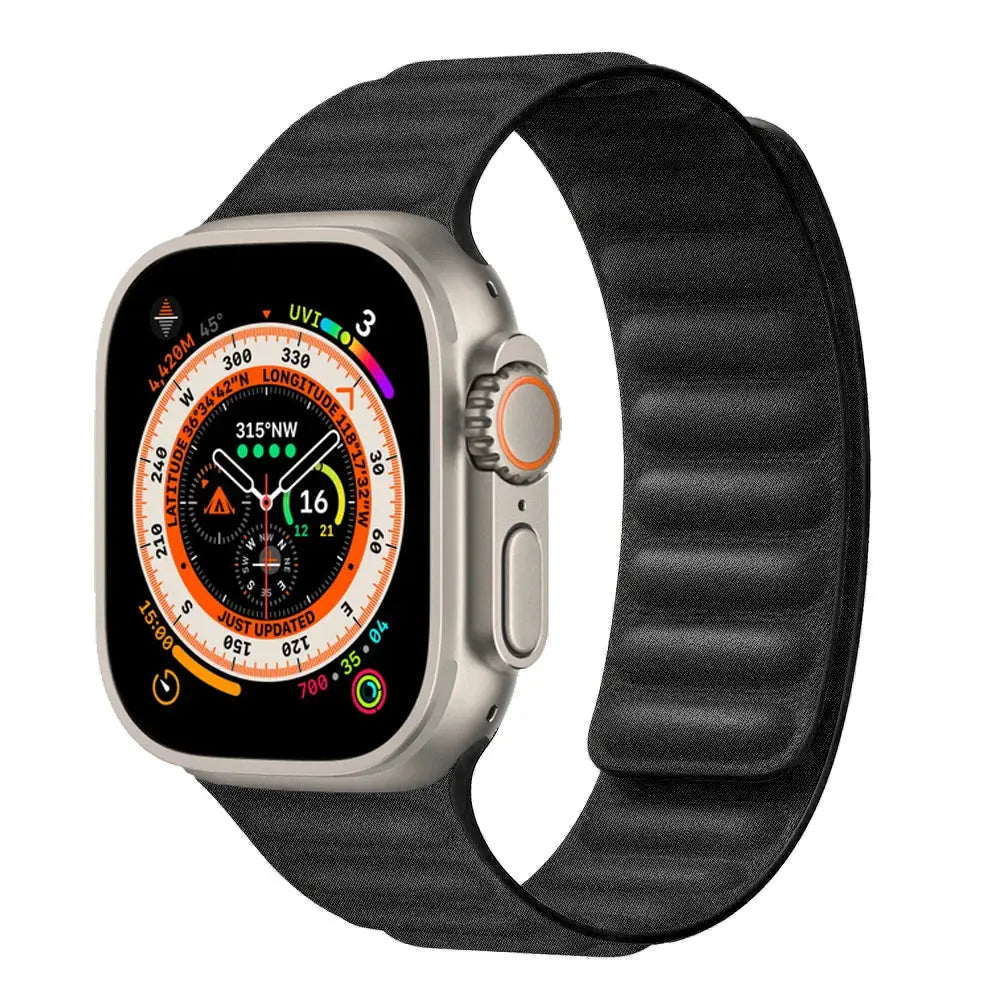
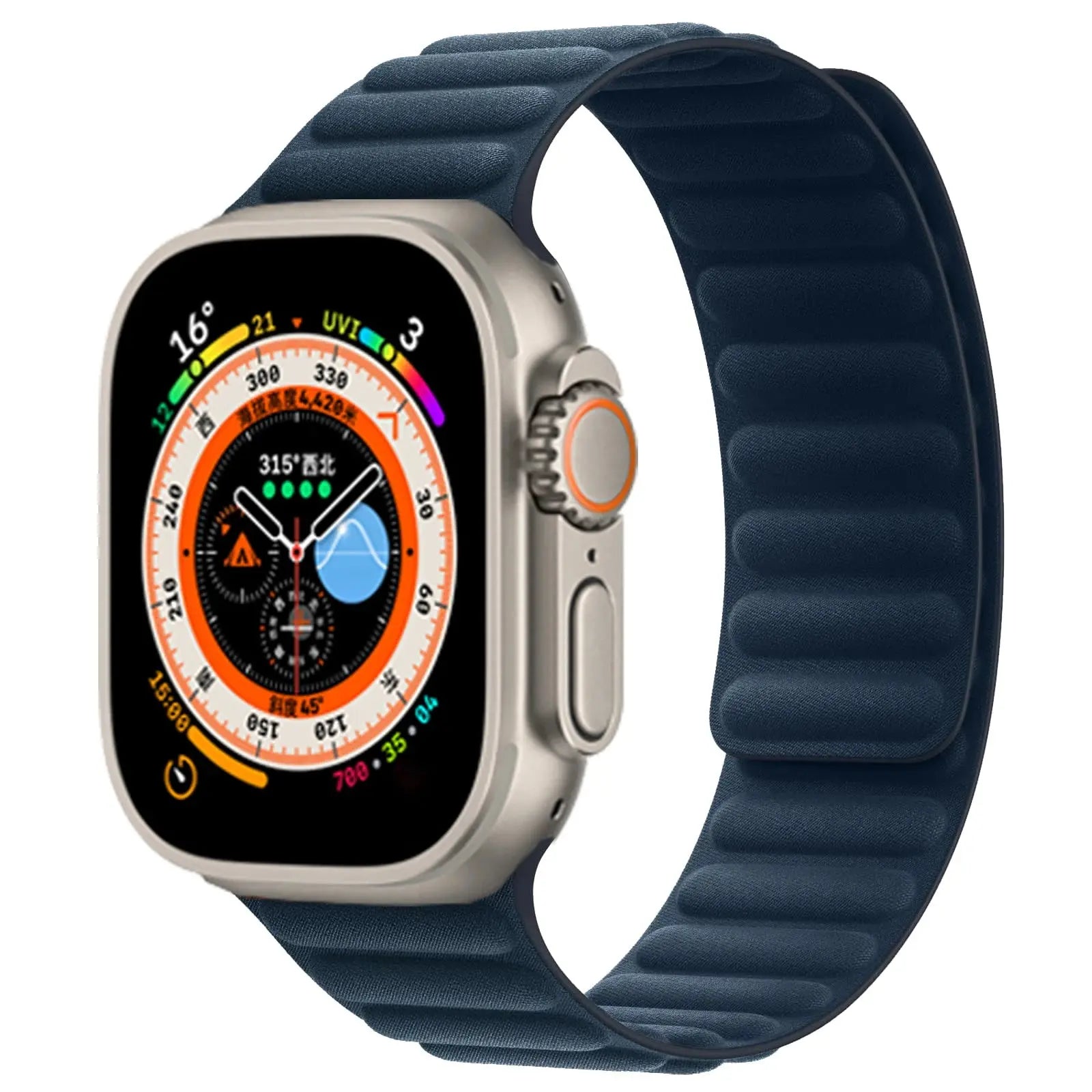
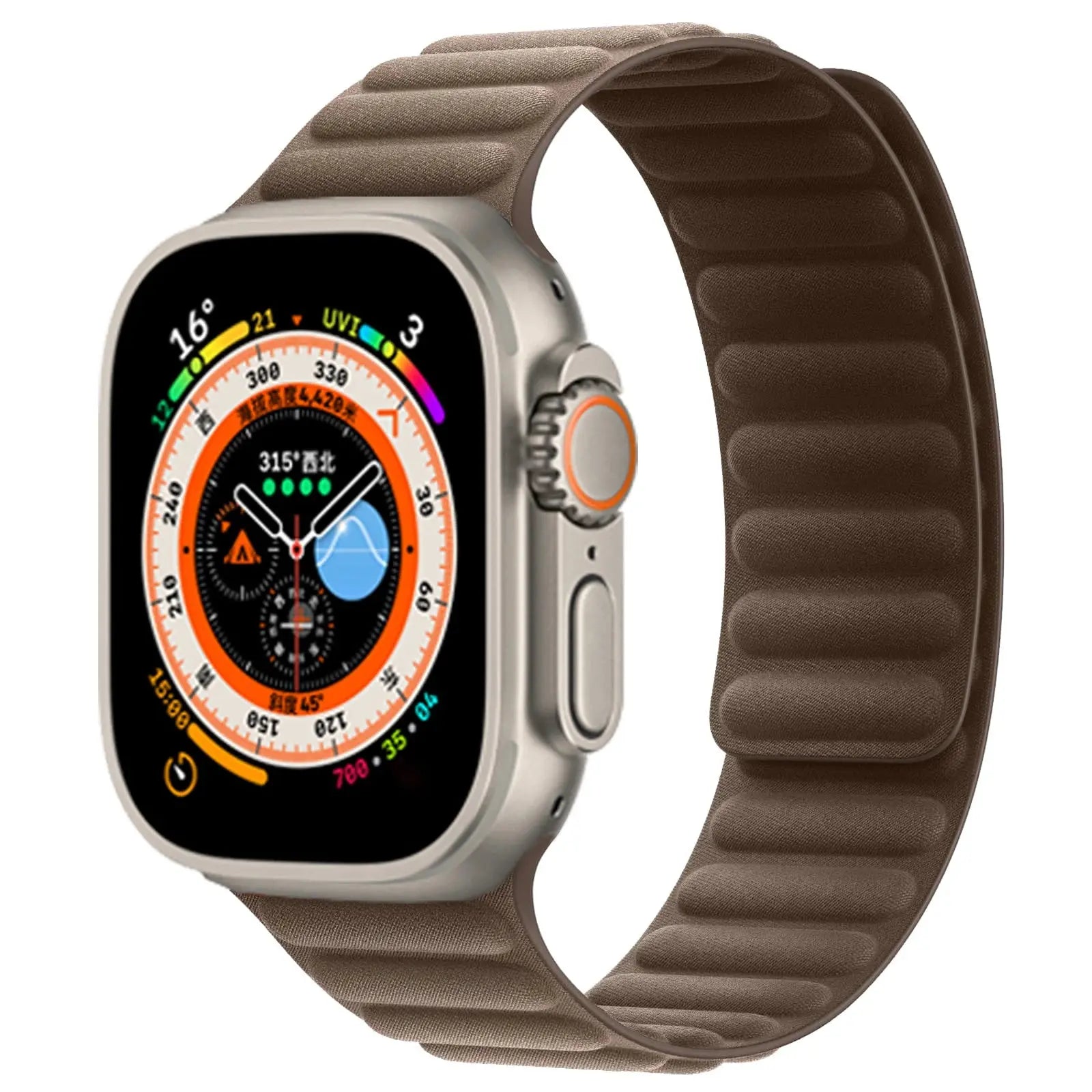
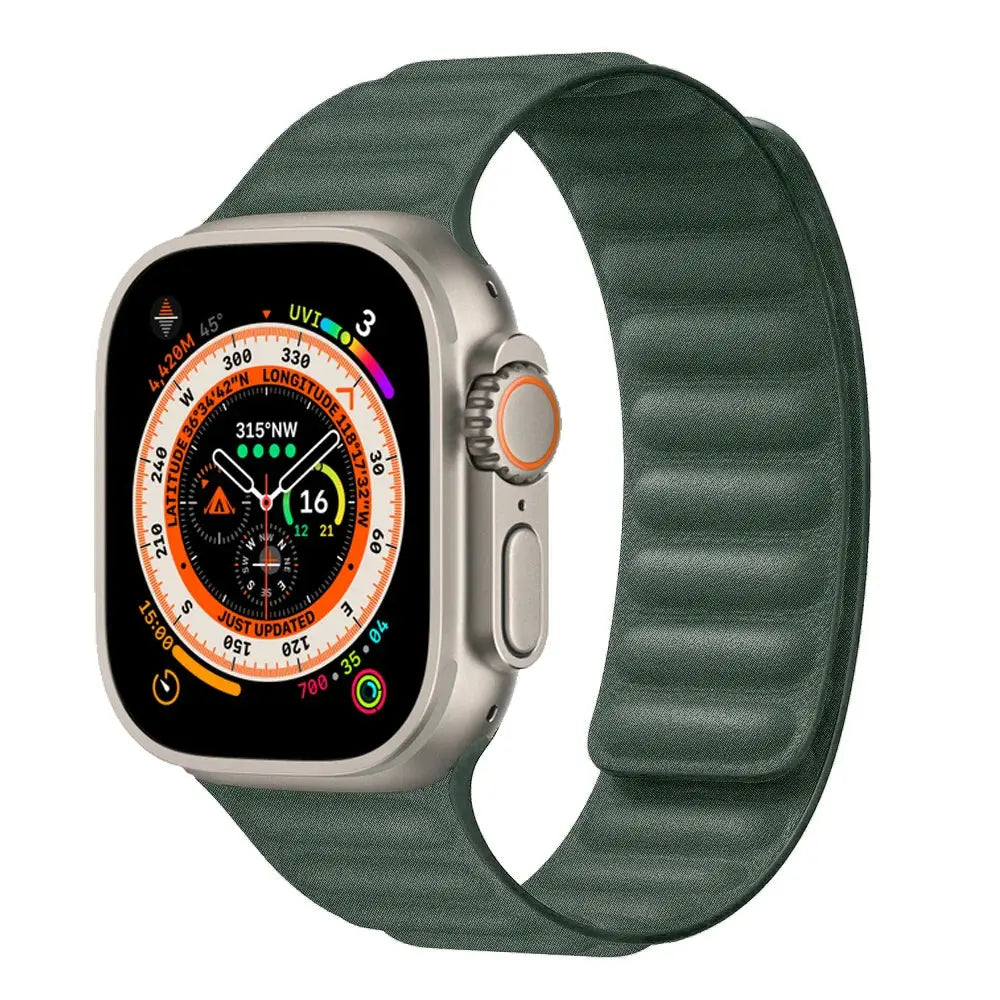
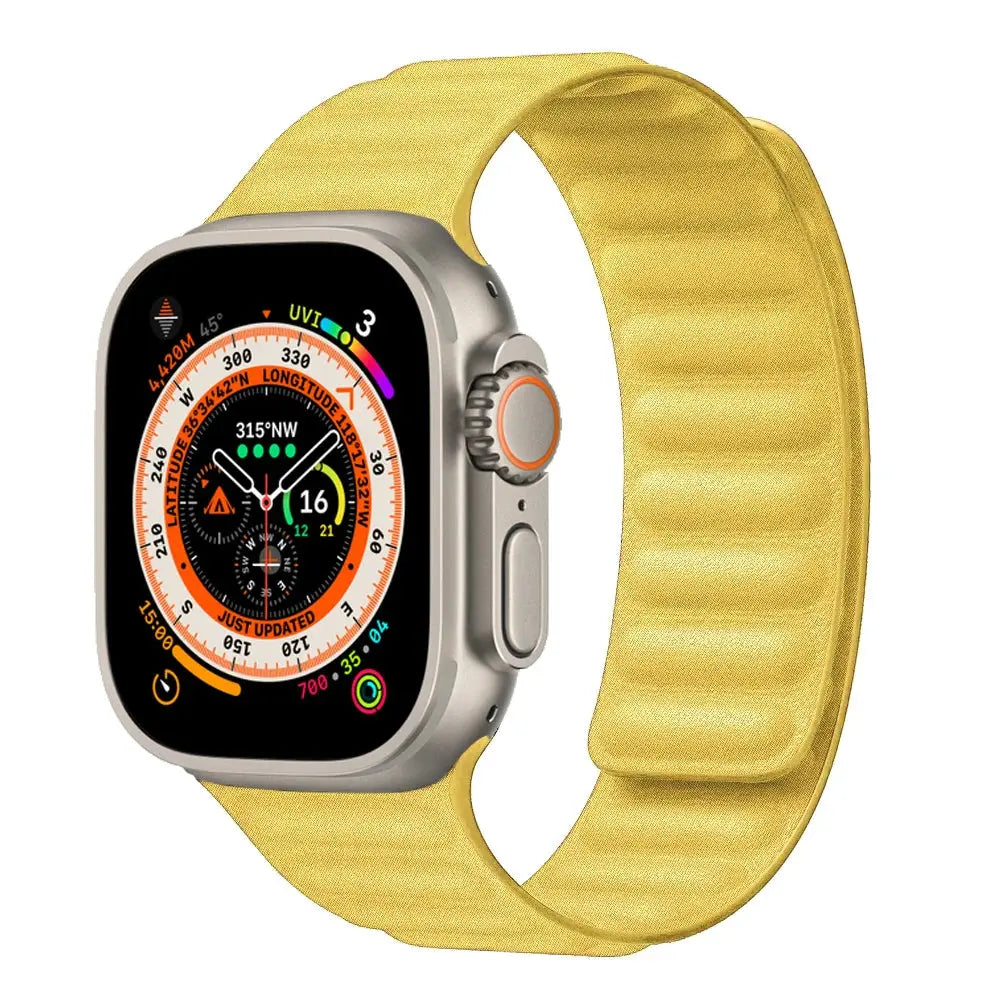
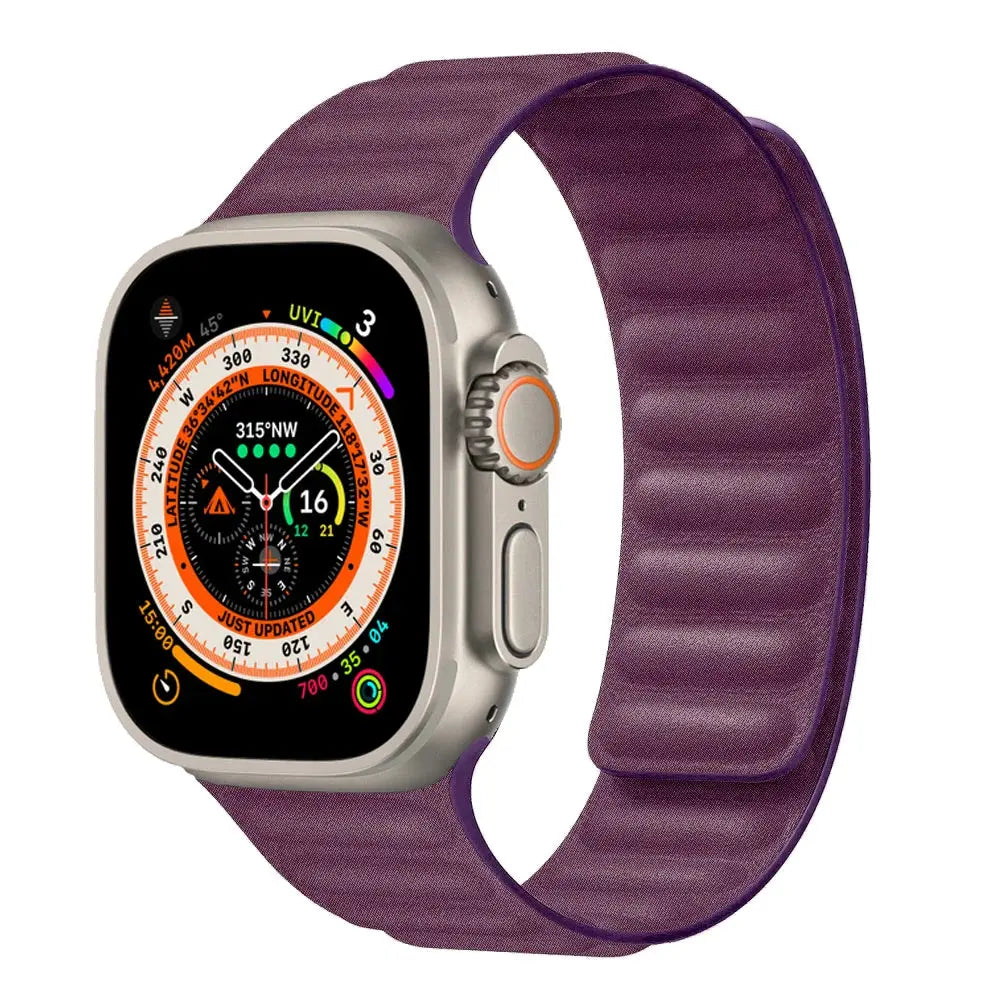
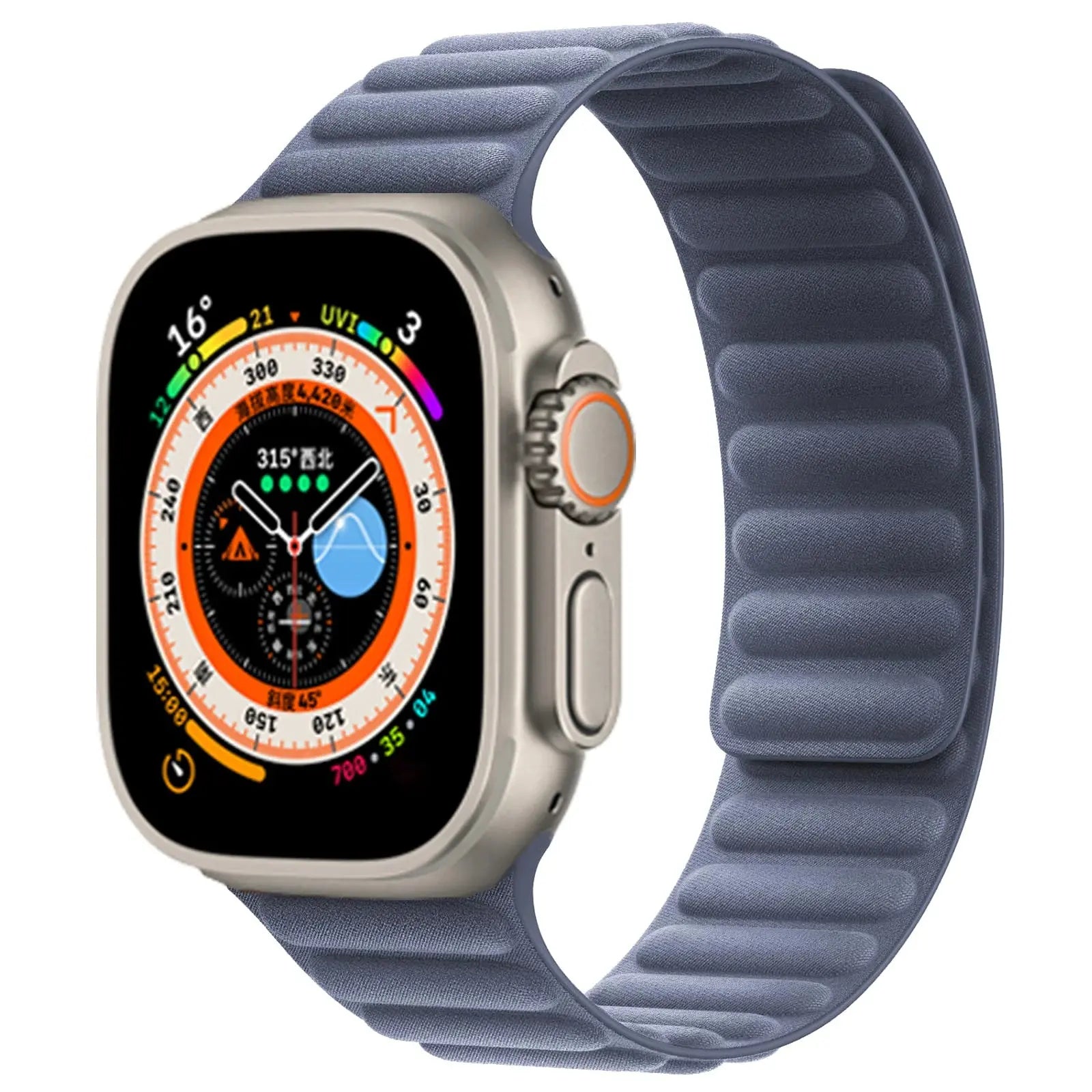
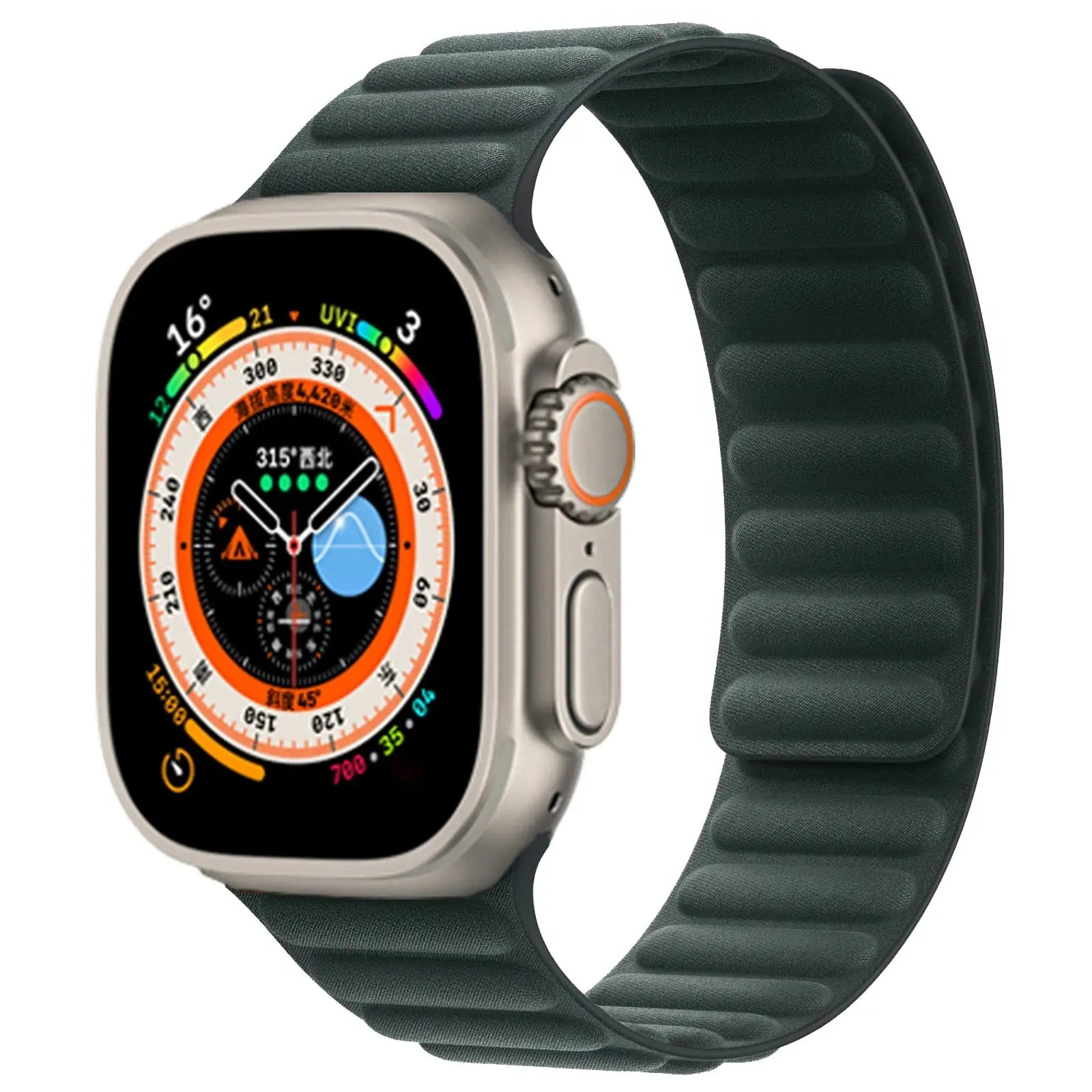
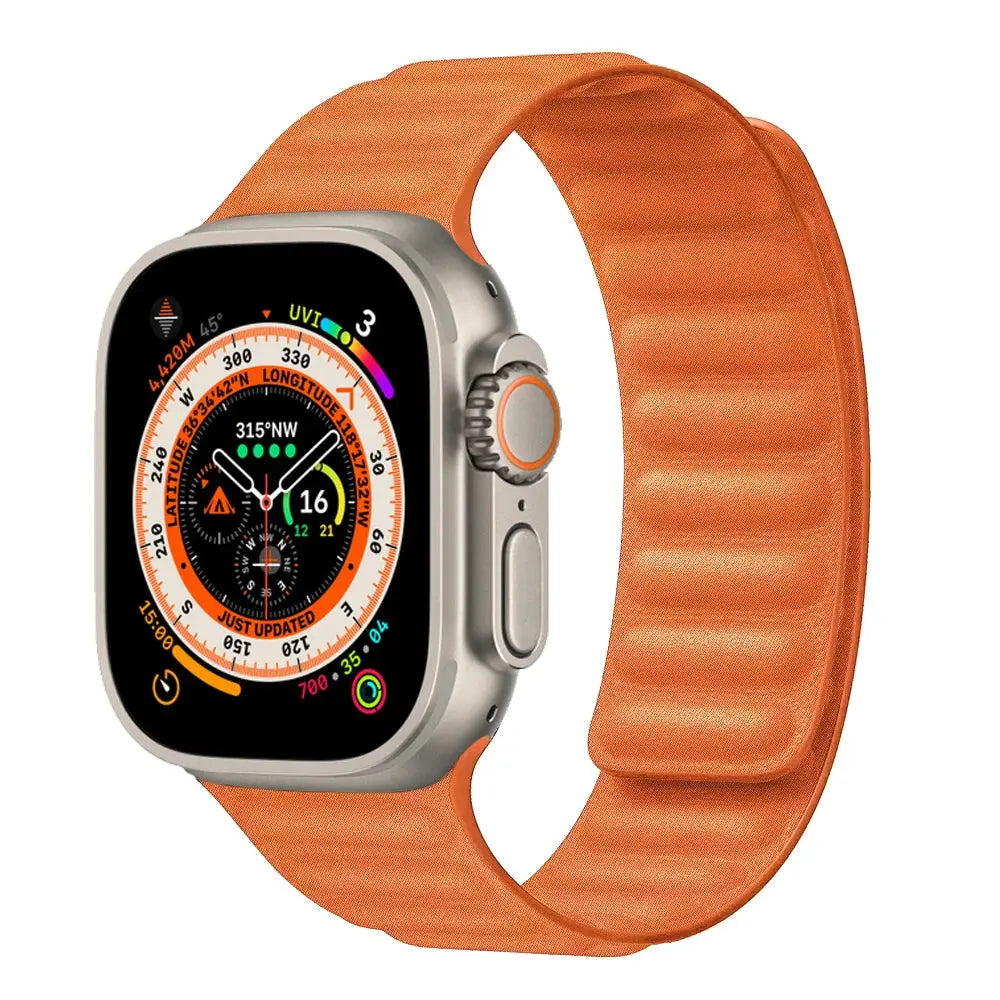
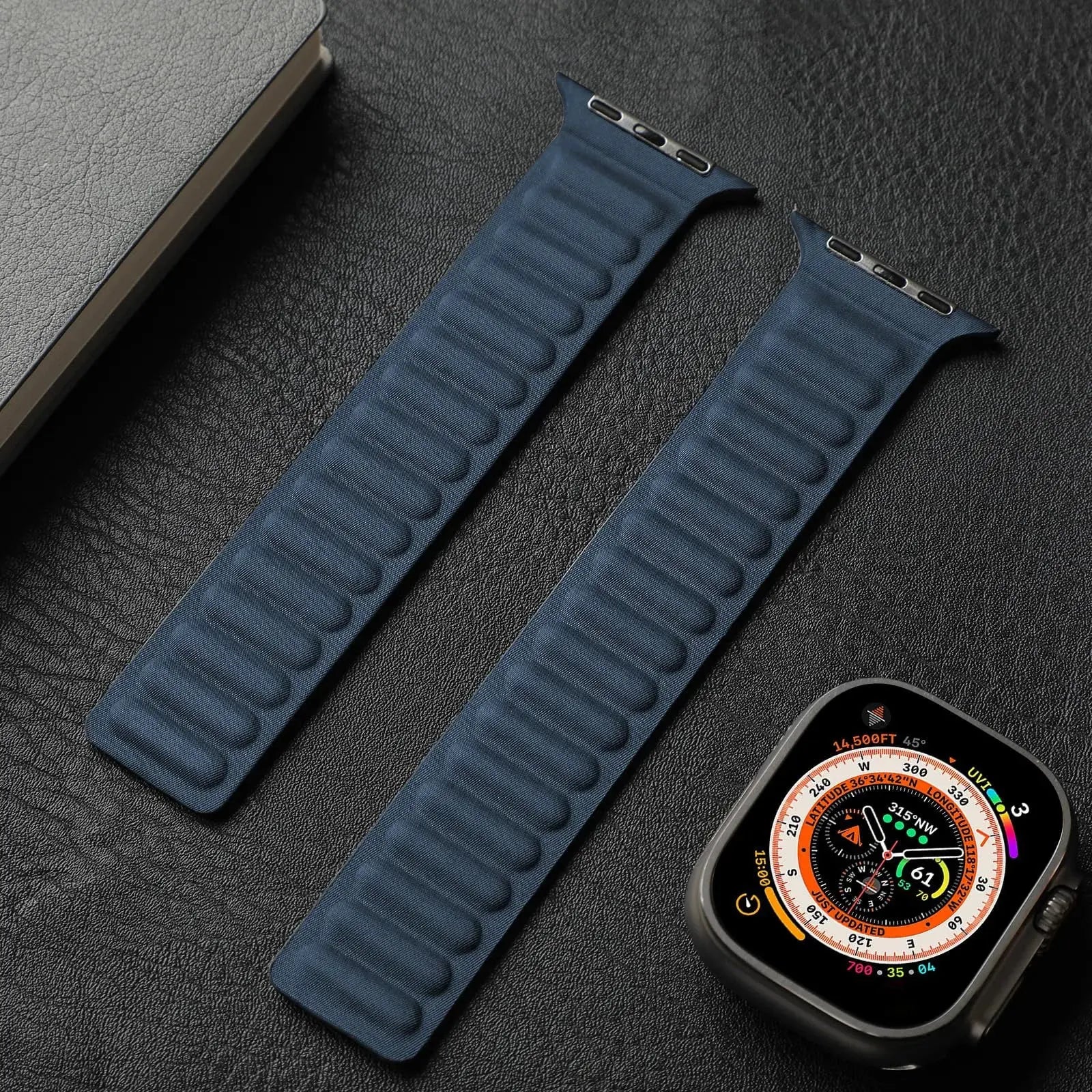
Your configuration
Magnetic Loop FineWoven Band for Apple Watch Series 12 (42/46mm) & Ultra 4 (49mm)Preselected for display. Check the device, model, and size before ordering, or choose another option.
Your configuration
Magnetic Loop FineWoven Band for Apple Watch Series 12 (42/46mm) & Ultra 4 (49mm)Preselected for display. Check the device, model, and size before ordering, or choose another option.
Match the watch family and case size shown in this product's options to the markings or device information for your watch before ordering.
Choose the small or large connector option that matches your watch, then choose your finish and wrist fit.
| Apple Watch model | Band selection |
|---|---|
| Apple Watch Series 12 / 11 / 10 — 42mm | Select the small-connector option labeled Series 12 42mm. |
| Apple Watch Series 12 / 11 / 10 — 46mm | Select the large-connector option labeled Series 12 46mm. |
| Apple Watch Ultra 4 / 3 / 2 / 1 — 49mm | Select the large-connector option labeled Ultra 4 49mm. |
| Earlier Apple Watch models | Earlier supported model and size selections are retained in the selector. Match your watch generation and connector size before choosing a finish. |
42mm size guide: Series 1–3 42mm uses the legacy large connector. Series 10/11/12 42mm uses the modern small connector. These are different selections even though both are labeled 42mm.
Band compatibility concerns the connector and your wrist fit; it does not establish protective-case, bezel or screen-protector compatibility. Apple Watch is not included.
Magnetic Loop FineWoven Band for Apple Watch Series 12 (42/46mm) & Ultra 4 (49mm)
Give Series 12 / 11 / 10 (42mm or 46mm), Ultra 4 / 3 / 2 / 1 (49mm), and the listed legacy models a more intentional fit and finish. This band is organized around its stated materials, closure, sizing, and activity profile so you can choose confidently and wear it comfortably.
The most important benefits are organized below so you can compare protection, comfort, function, materials, and fit with the clearest purchase-ready details first.
Promotes airflow and a lighter feel during workouts, travel, and extended wear.
Allows convenient wrist adjustment through the magnetic or mesh-style closure identified for this band.
Creates a warmer, more traditional watch profile for work, travel, and refined everyday wear.
Designed to simplify installation or band changes after exact compatibility is confirmed.
Changes the feel and visual character of Apple Watch while keeping connector family, case size, and wrist fit central to the decision.
This product highlights Leather, giving the band its specific balance of structure, finish, and comfort.
Compatibility is treated as a purchase requirement, not an afterthought. Match the model, generation, millimeter size, connector family, and configuration shown in your selector.
Confirm both the Apple Watch case size and the band connector family shown in the selector. Apple Watch 38/40/41mm, Series 12/11/10 42mm, earlier 42mm, 44/45/46mm, and Ultra 4 / 3 / 2 / 1 49mm products can follow different compatibility groupings; rely on the exact option stated for this band.
Confirm both the Apple Watch case size and the band connector family shown in the selector. Apple Watch 38/40/41mm, Series 12/11/10 42mm, earlier 42mm, 44/45/46mm, and Ultra 4 / 3 / 2 / 1 49mm products can follow different compatibility groupings; rely on the exact option stated for this band.
An accessory does not increase Apple Watch’s official water-resistance rating. Follow Apple’s guidance for your watch model and dry both the watch and accessory after moisture exposure.
Choose the exact compatible configuration above. Then review the curated add-ons on this product page for model-matched cases, bands, protectors, chargers, or stands that complement this setup.
Tracking is emailed after dispatch. Available shipping options are shown at checkout.
Avontic offers 60-Day Returns. Review the current Return Policy for eligibility, available resolutions, and any applicable conditions before sending an item back.
Not sure which option fits? Contact Avontic before ordering and include the exact device model, generation, and size shown in your settings or on the device itself.
Magnetic Loop FineWoven Band for Apple Watch Series 12 (42/46mm) & Ultra 4 (49mm)
Make it your own.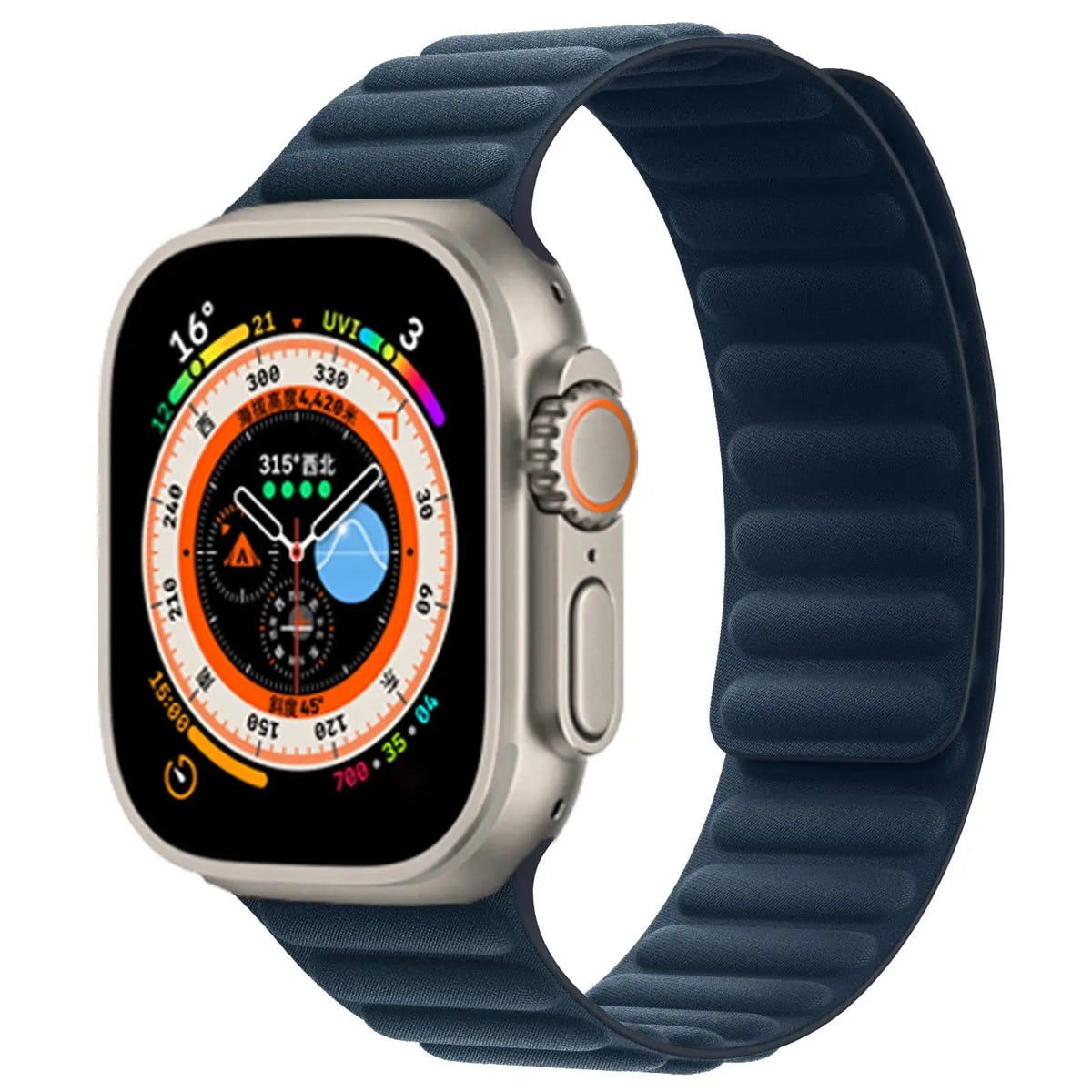
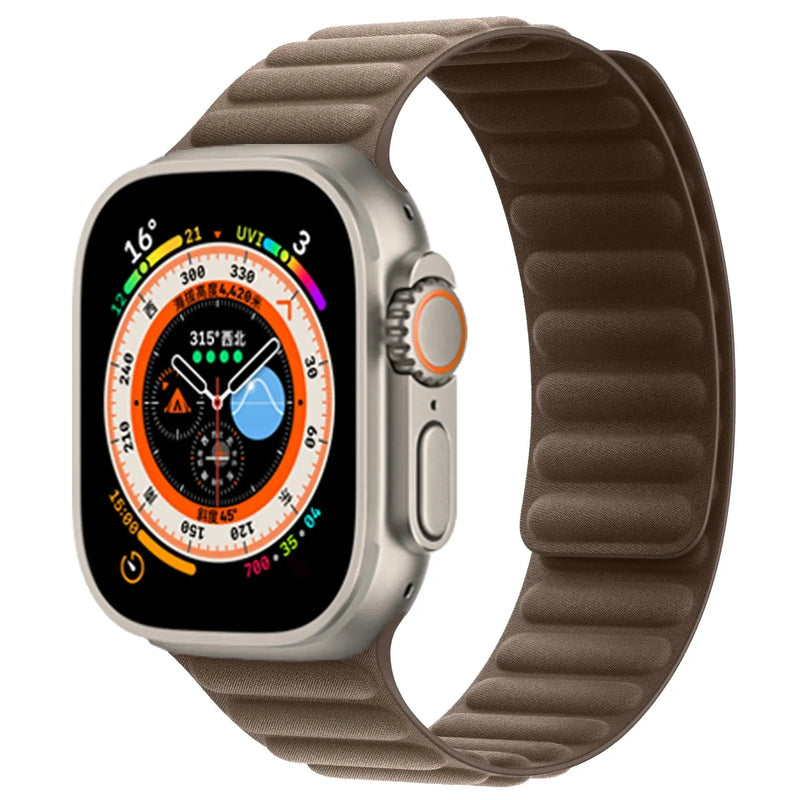
Choose options
Apple Watch fit studio
Confirm the full watch identity, inspect the current product media and compare only explicitly configured facts before choosing an option above.
Start with the watch
The Series name can cover more than one case size. Use the engraving on the back of the watch and match the complete option shown on this product.
Read the identification engraved around the rear sensor.
Use the exact case size shown on the watch, including the mm measurement.
Identify the complete Series or Ultra generation. A Series name alone can cover more than one case size.
Select only a native product option that explicitly matches the required generation and case size.
Real product media
The gallery uses this product's existing media and follows the selected variant when variant media is available.
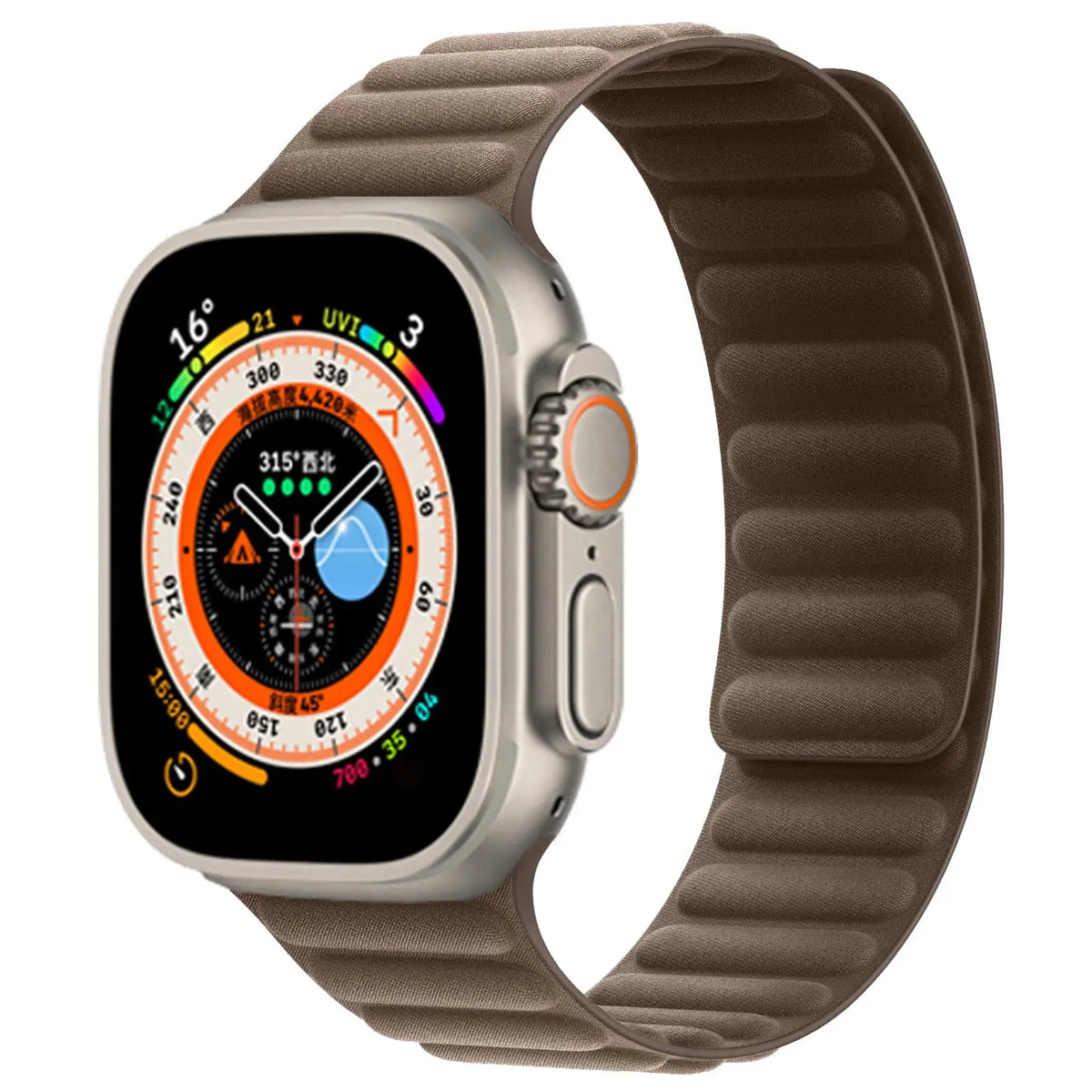
Compare the selected finish with the real product imagery and the watch setup you plan to use most often.
Review the available close-up imagery before choosing the finish you intend to wear for more formal settings.
Adjustment guidance
Use only guidance confirmed for the product and only components explicitly listed with the selected configuration.
Begin only when the selected product explicitly lists the adjustment component and instructions you need.
Follow the product-specific direction markers and keep every removed part organized while adjusting.
Confirm that each connection is secure before wear. Stop and contact Avontic if a connection does not seat cleanly.
If the required component or direction is not explicit, stop and contact Avontic before changing the band.