
RhinoGuard flagship

My Device
Settings → General → About → tap the part number beside Model Number to reveal the A-number.
Start typing, choose a listed route, or complete all three browse fields. Nothing is assumed.
RhinoGuard flagship

ArmorPro route
RhinoGuard flagship
RhinoGuard route

Privacy glass

TitaniumGuard Ascend
TitaniumGuard Ascend
TitaniumGuard Ascend

Galaxy Watch Ultra metal

47mm protective case

Galaxy Watch 4–6 band collection

TitanForge 22mm
TitanForge 26mm

DuraShield protection

ArmorShield Slide

TitanShield Pro
RhinoGuard flagship
RhinoGuard flagship

RhinoGuard Tactical 360 Pro

RhinoGuard Apex Shield

RhinoGuard Apex Rotation

RhinoGuard Regent

RhinoGuard Vanguard

RhinoGuard Vertex

ChargeStation 7
Live catalog match




Your configuration
PixelWave Smartwatch Charging DockWireless charging requires a supported Qi phone. Apple Watch and wireless-earbud compatibility must be listed. The integrated stand holds an iPad, while the iPad charges through its own cable; the iPad itself does not charge wirelessly.


Protective cases, wallet systems, and display essentials designed around modern mobile life.
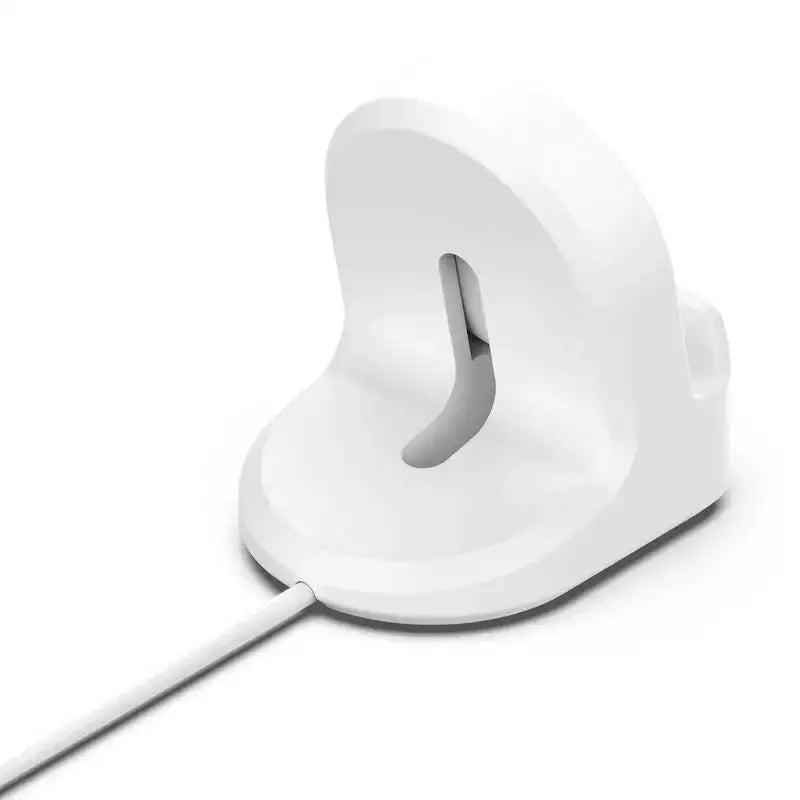
PixelWave Smartwatch Charging Dock
PixelWave Smartwatch Charging Dock is a holder for the customer’s existing Pixel Watch charging hardware. It organizes the charging puck and cable into a more stable display position; it does not generate power by itself and does not include a charger unless the selected package explicitly states otherwise.
Designed around the actual device
Every feature below is connected to this product’s actual category, current variants and device-fit requirements so customers can make a more confident selection.
PixelWave holds compatible Pixel Watch charging hardware in a cleaner position. The charging puck, cable and power adapter remain separate unless the package explicitly includes them.
The soft holder supports the watch and helps create a stable bedside or desk charging position without a rigid metal contact surface.
A shaped cable path keeps the charging lead more organized. Avoid sharp bends, trapped connectors and tension at the puck.
Choose a finish that coordinates with the charging area while keeping the watch visible during its normal charging routine.
Charging accessories can change between watch generations. Test the customer’s exact puck and cable fit before relying on the dock.
Current compatibility selections
Use the full model and size label as the final authority. Similar names, shared release years and matching measurements do not make Pixel accessories interchangeable.
Available finishes
Three-step setup protocol
A correct model choice and careful installation prevent more dissatisfaction than any oversized protection claim.
Product specifications
Category, construction, compatibility and included-item clarity help the selected configuration arrive with the right expectations.
Use and care
Disconnect the charging puck before cleaning. Keep the cable path free of tension, wipe the silicone holder and allow every component to dry before reconnecting power.
Questions, answered
These answers address the fit, package and performance questions most likely to determine satisfaction after delivery.
No. It is a silicone holder for compatible charging hardware. The watch charger, cable and power source are separate unless the selected package explicitly states otherwise.
Not automatically. Charging-puck geometry and cable routing can vary; compare the exact charger before ordering.
Disconnect charging hardware, remove the puck and wipe the silicone holder with a soft lightly damp cloth. Dry completely before reassembly.
Avontic expert selection
Confirm the exact charging puck, select the preferred dock finish and create a more stable Pixel Watch charging position.
Google, Pixel, Pixel Watch and related marks are trademarks of Google LLC. Avontic is not affiliated with or endorsed by Google. Apple and MagSafe are trademarks of Apple Inc.; magnetic-accessory wording does not imply Apple certification. Devices shown in product images are not included.
Tracking is emailed after dispatch. Available shipping options are shown at checkout.
Avontic offers 60-Day Returns. Review the current Return Policy for eligibility, available resolutions, and any applicable conditions before sending an item back.
Not sure which option fits? Contact Avontic before ordering and include the exact device model, generation, and size shown in your settings or on the device itself.
PixelWave Smartwatch Charging Dock
Make it your own.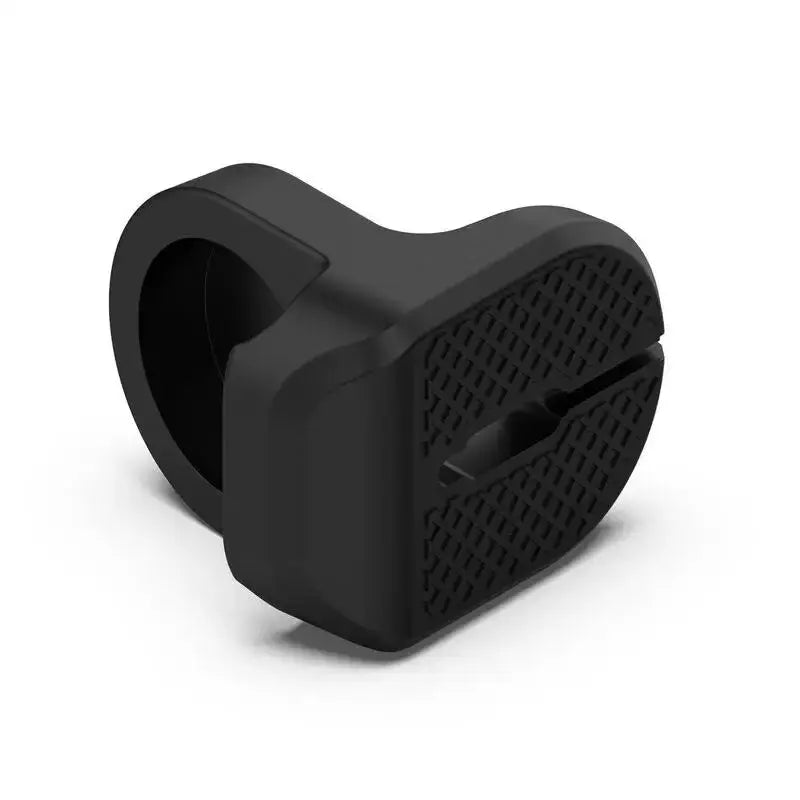
Choose options
Product details
Review confirmed features, everyday use cases, and fit guidance. Product options and purchasing stay in the primary configuration above.
Compatibility guidance
Order only when your device and required connector or charging standard are explicitly listed on this page. Contact Avontic when the required match is not explicit.