
RhinoGuard flagship

My Device
Settings → General → About → tap the part number beside Model Number to reveal the A-number.
Start typing, choose a listed route, or complete all three browse fields. Nothing is assumed.
RhinoGuard flagship

ArmorPro route
RhinoGuard flagship
RhinoGuard route

Privacy glass

TitaniumGuard Ascend
TitaniumGuard Ascend
TitaniumGuard Ascend

Galaxy Watch Ultra metal

47mm protective case

Galaxy Watch 4–6 band collection

TitanForge 22mm
TitanForge 26mm

DuraShield protection

ArmorShield Slide

TitanShield Pro
RhinoGuard flagship
RhinoGuard flagship

RhinoGuard Tactical 360 Pro

RhinoGuard Apex Shield

RhinoGuard Apex Rotation

RhinoGuard Regent

RhinoGuard Vanguard

RhinoGuard Vertex

ChargeStation 7
Live catalog match

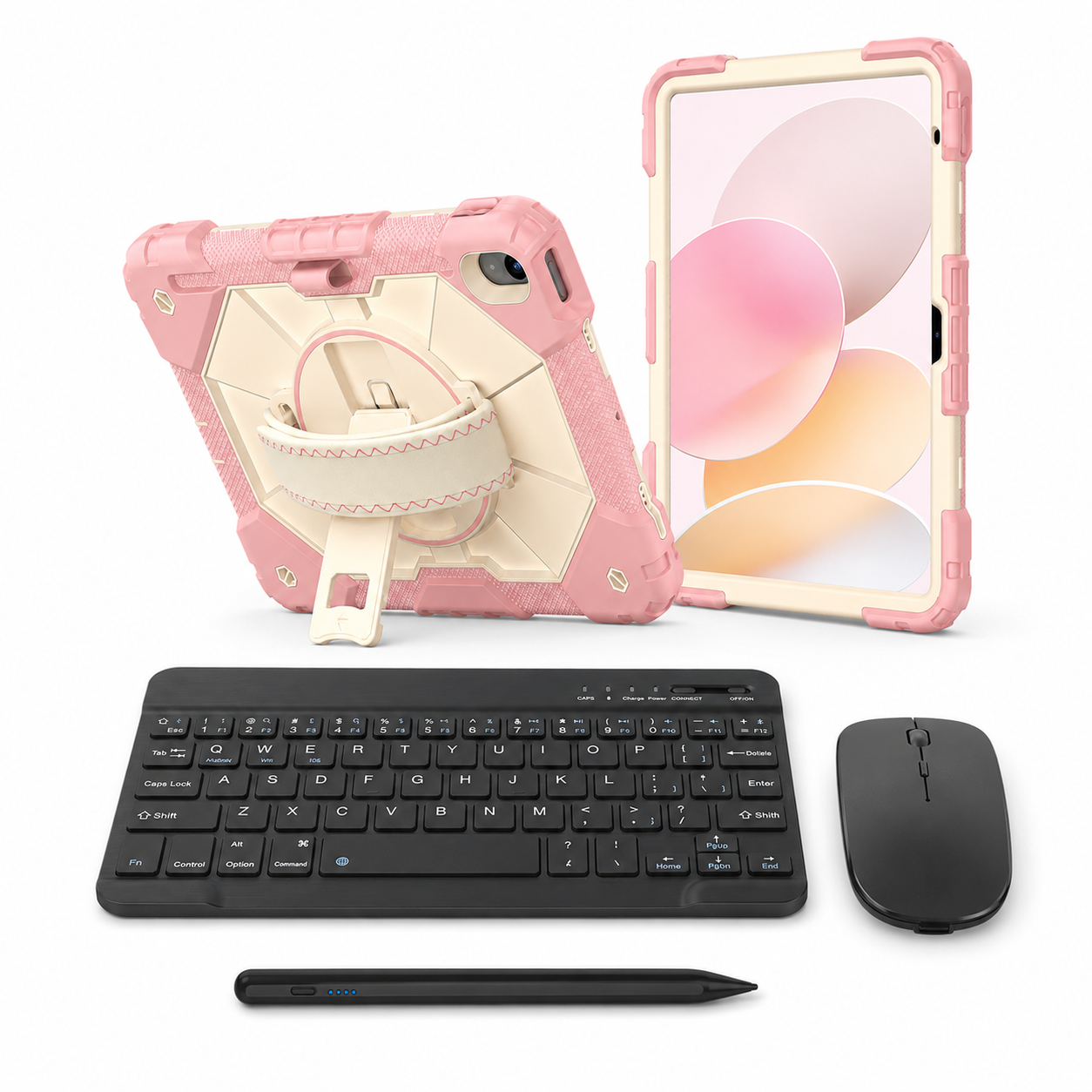
 02 / A closer lookEveryday, elevated
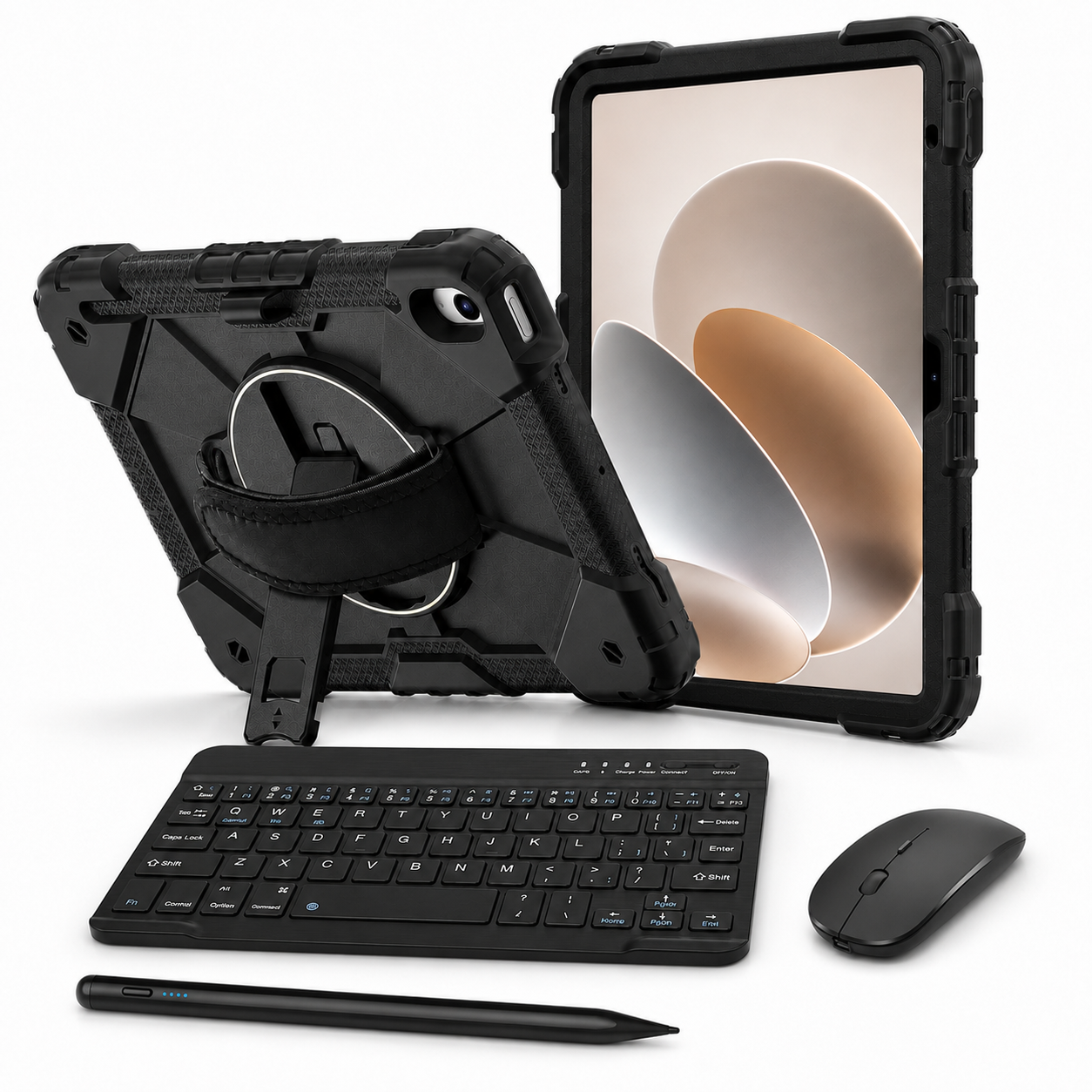
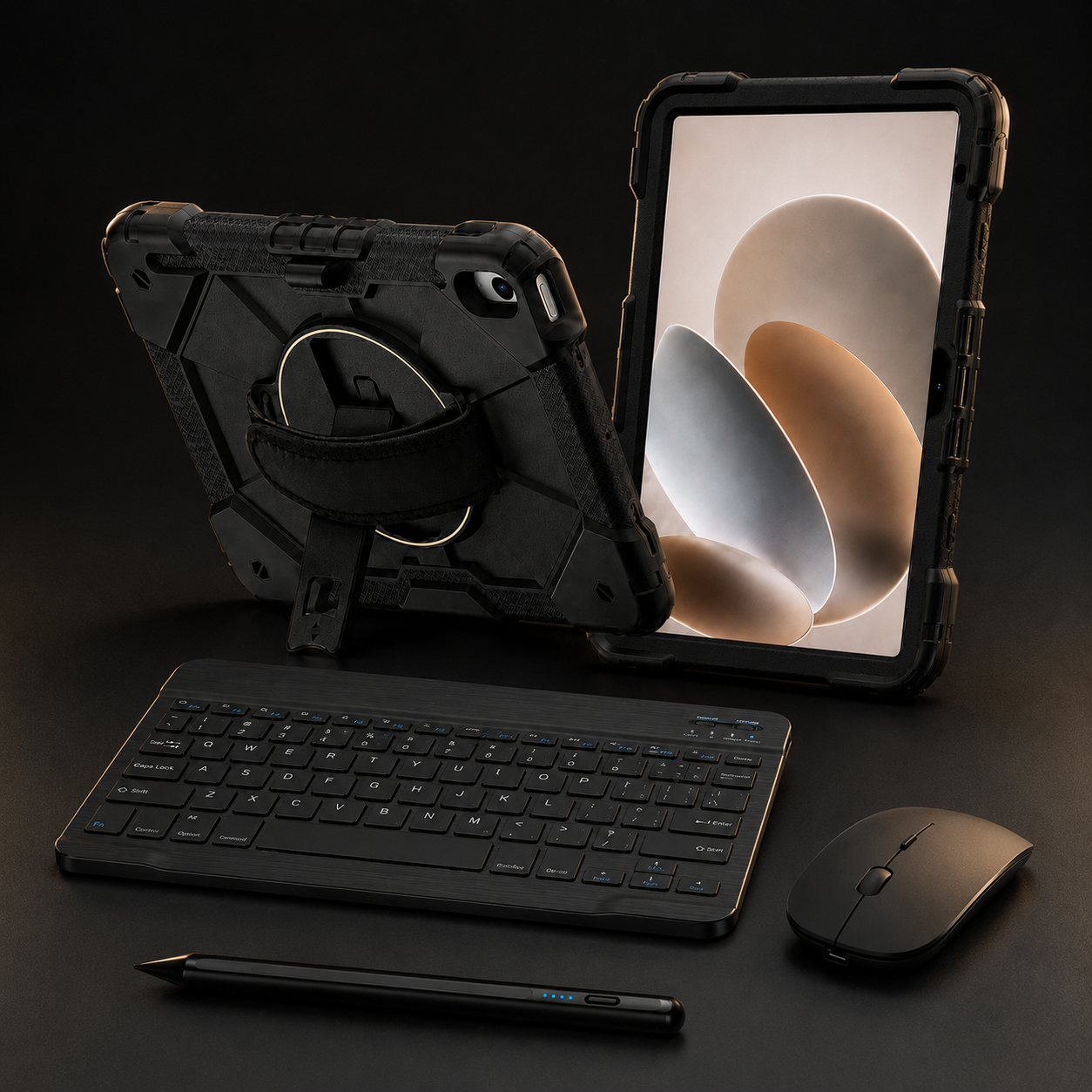
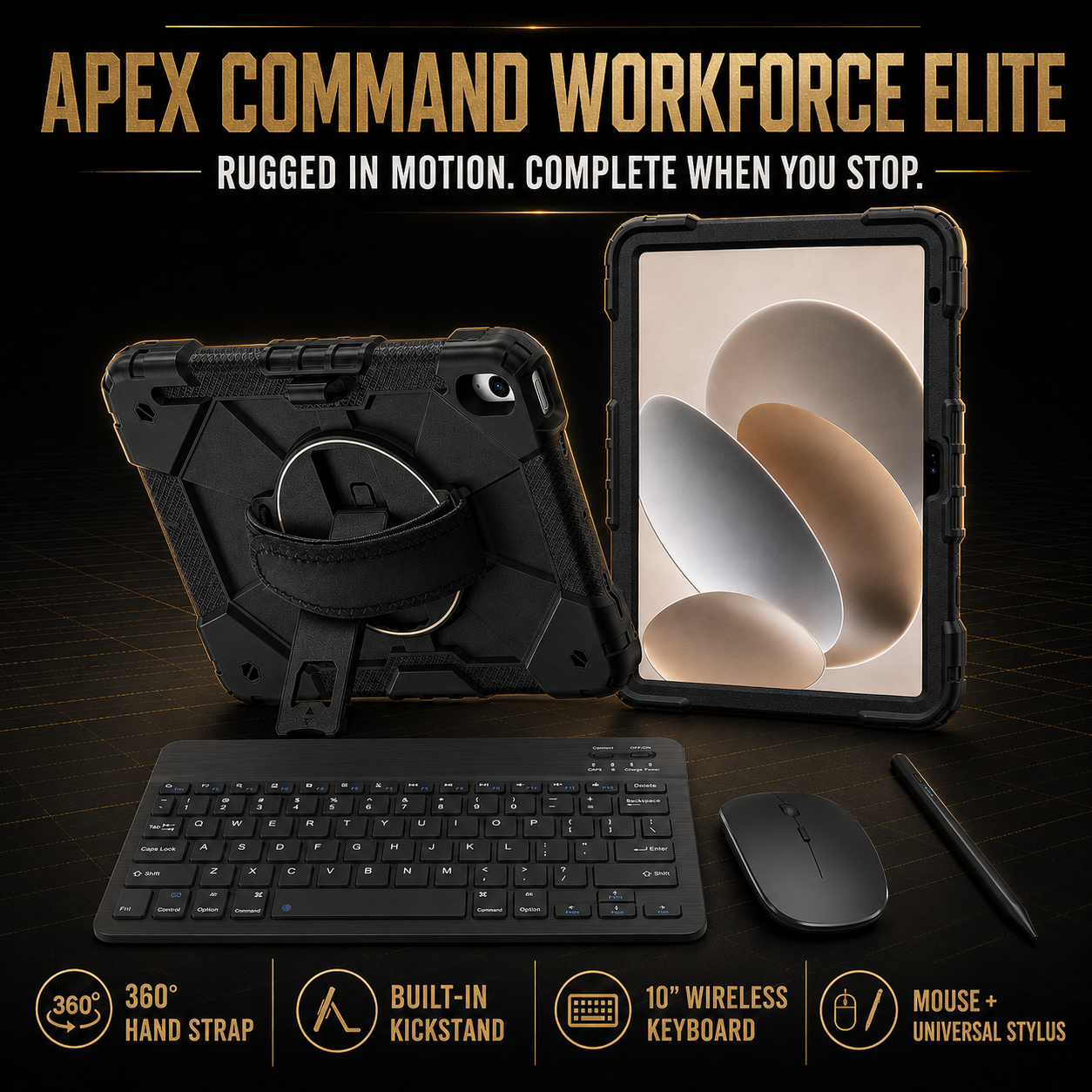
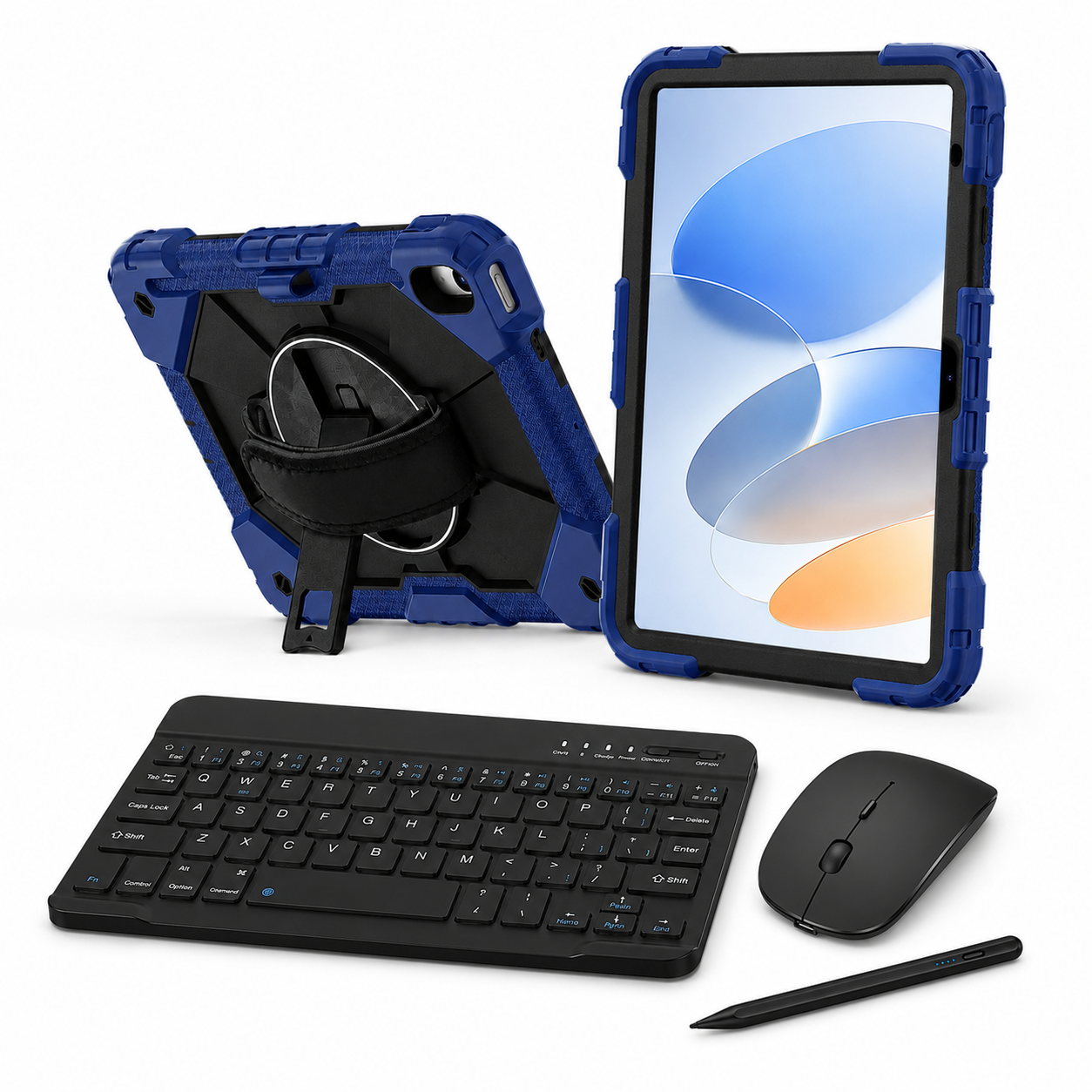
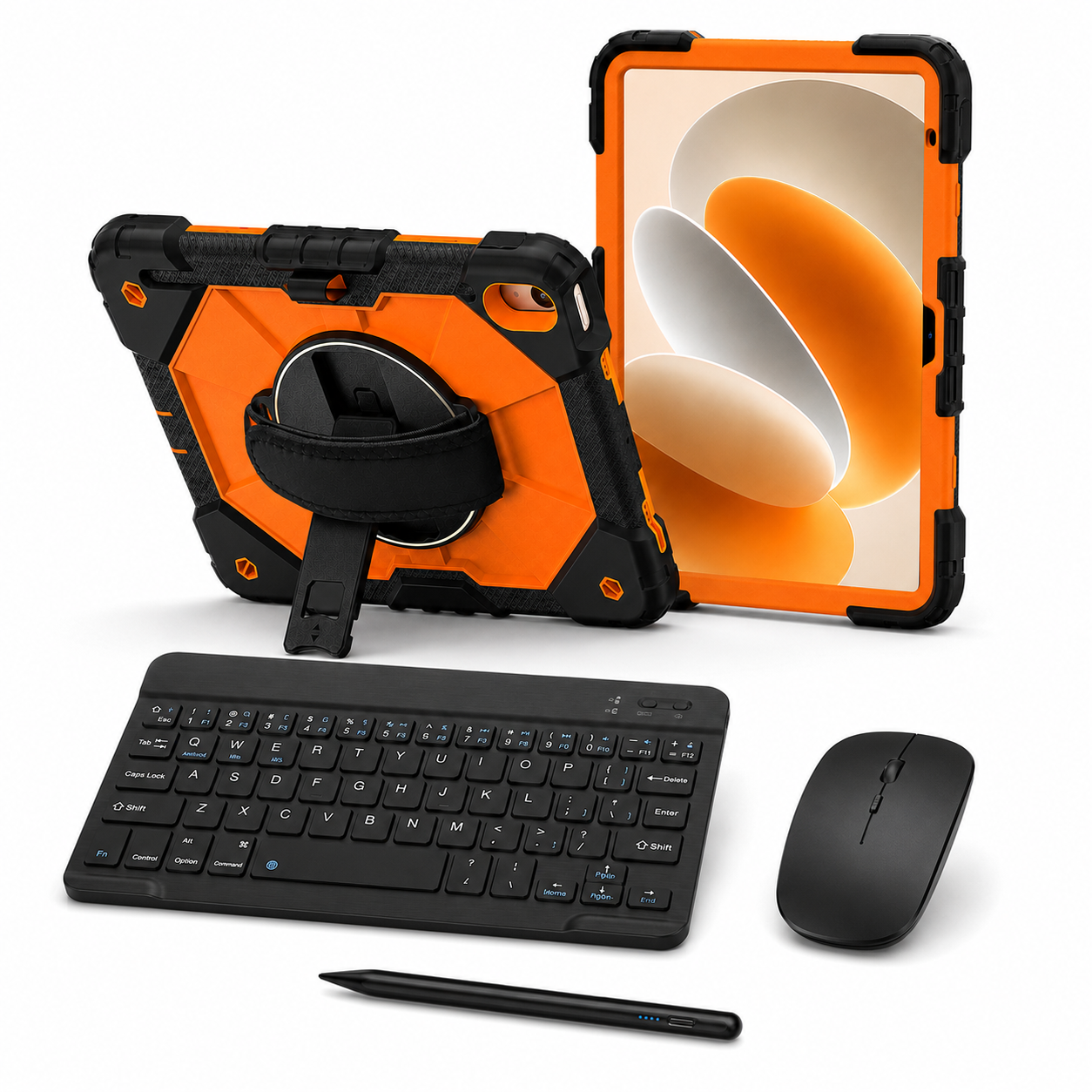
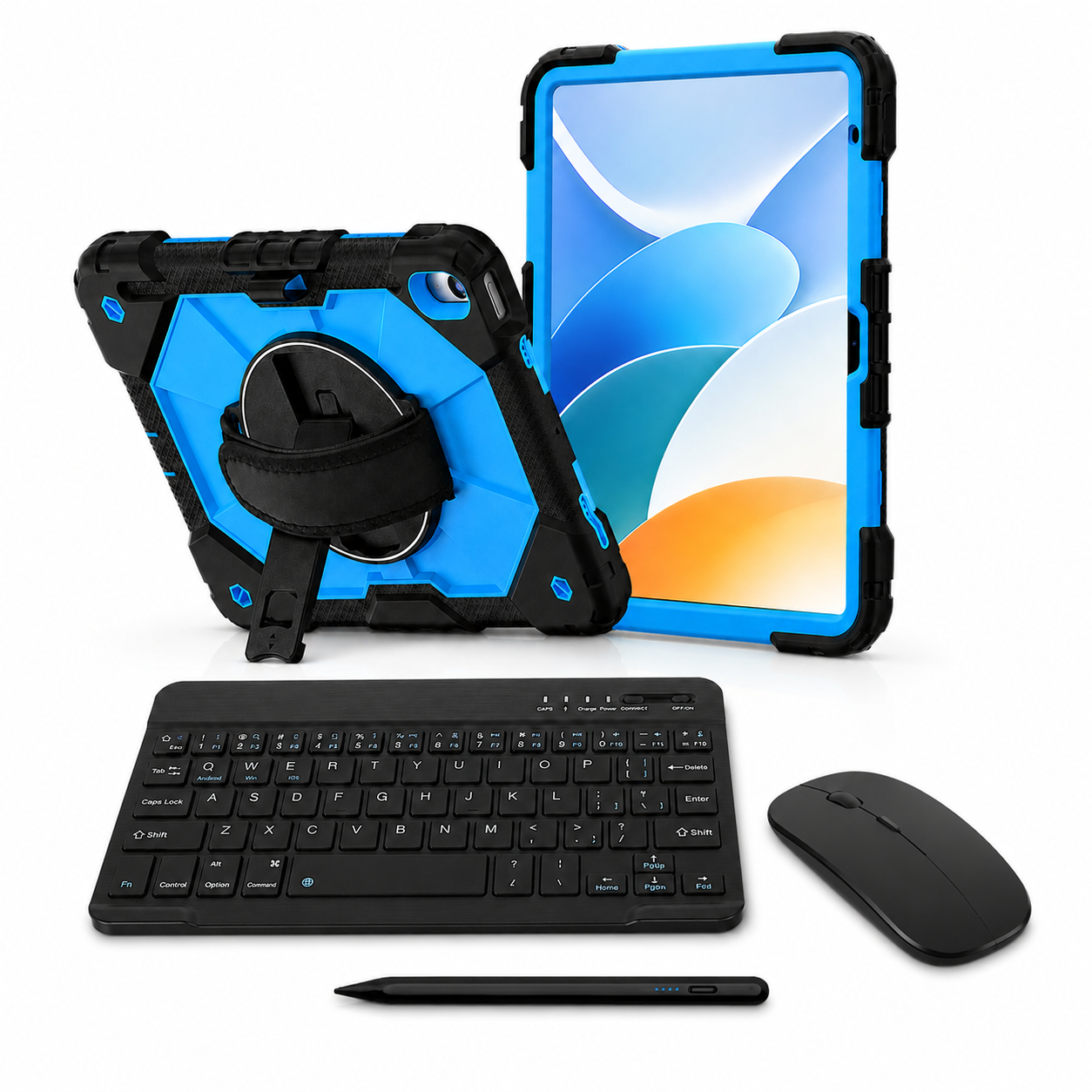
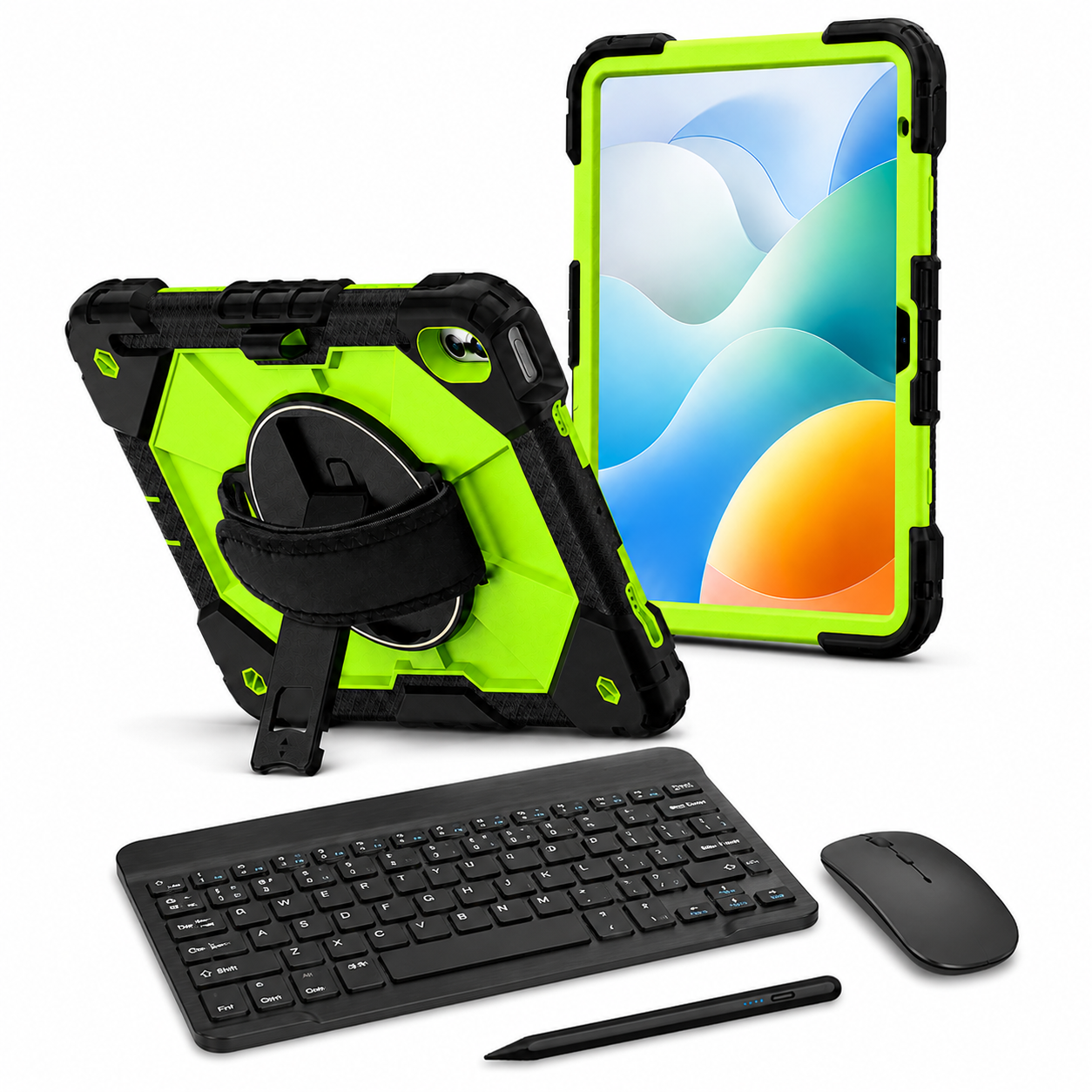
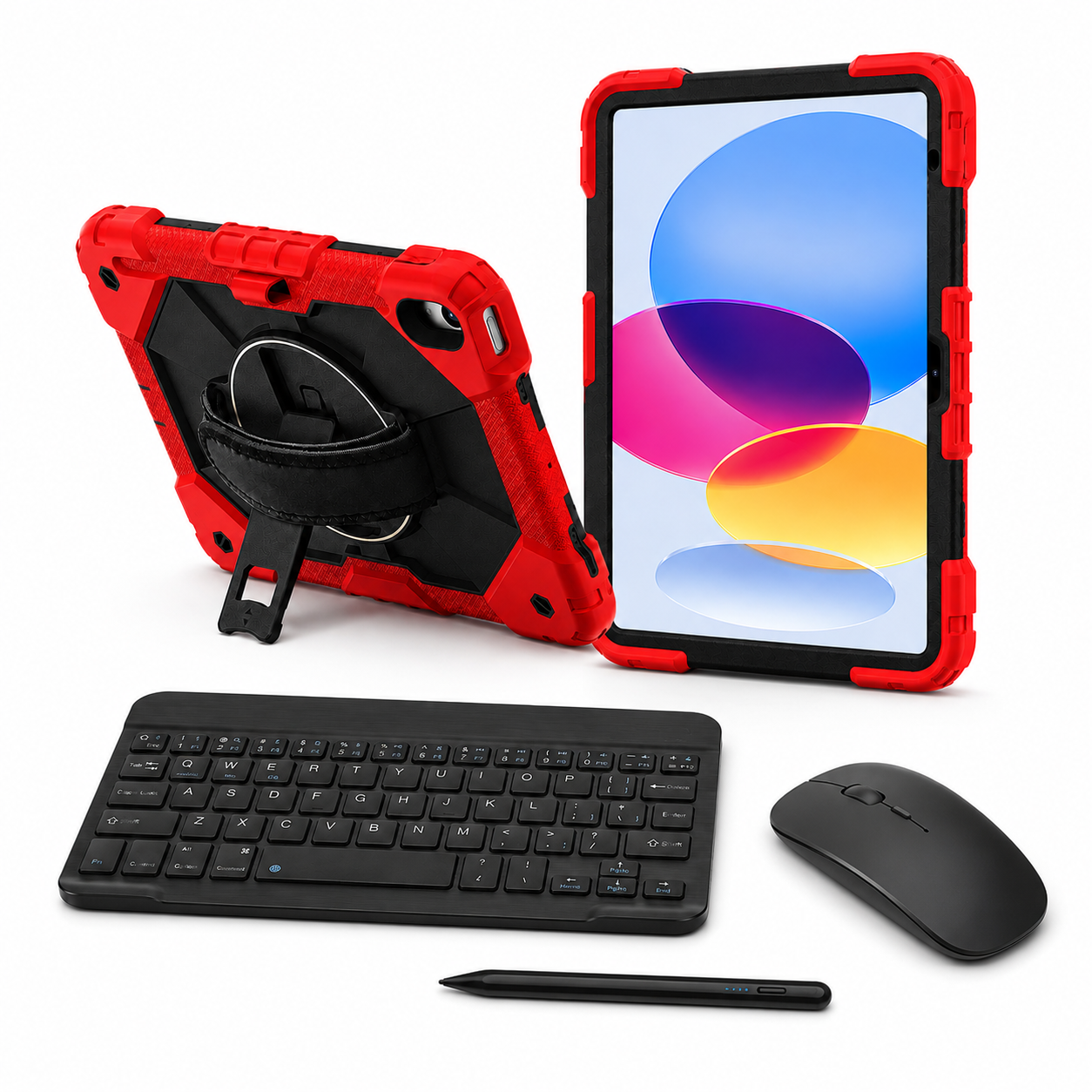
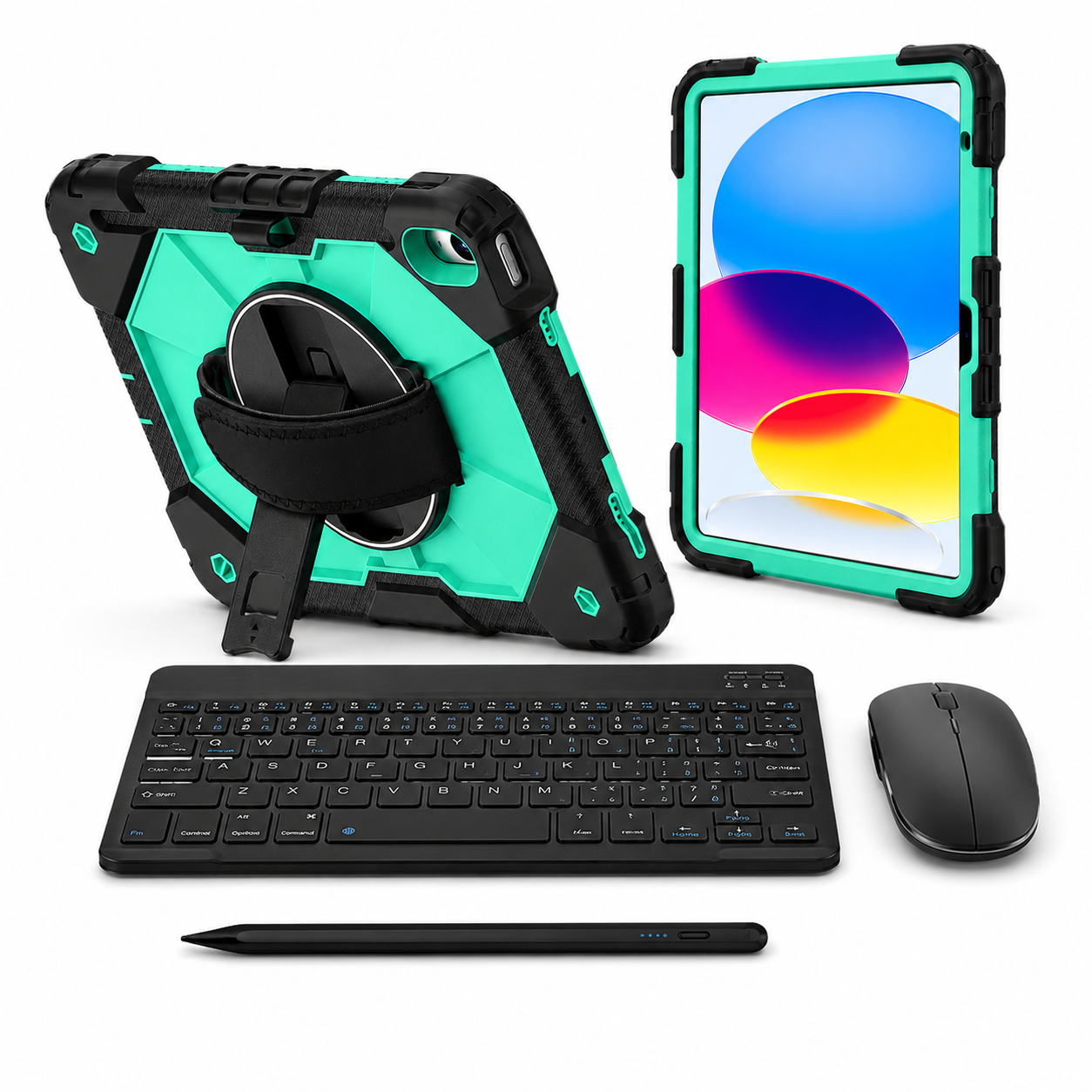
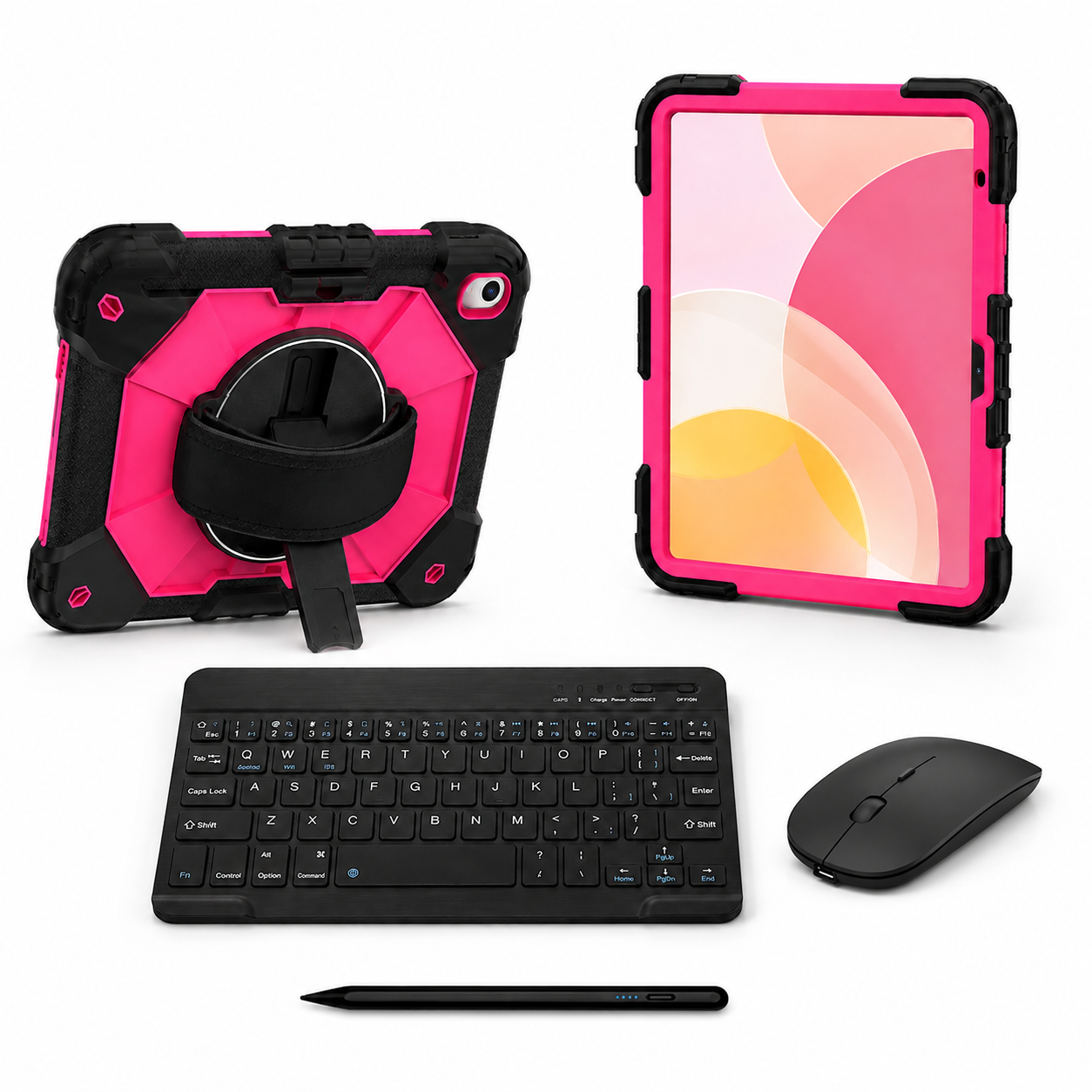
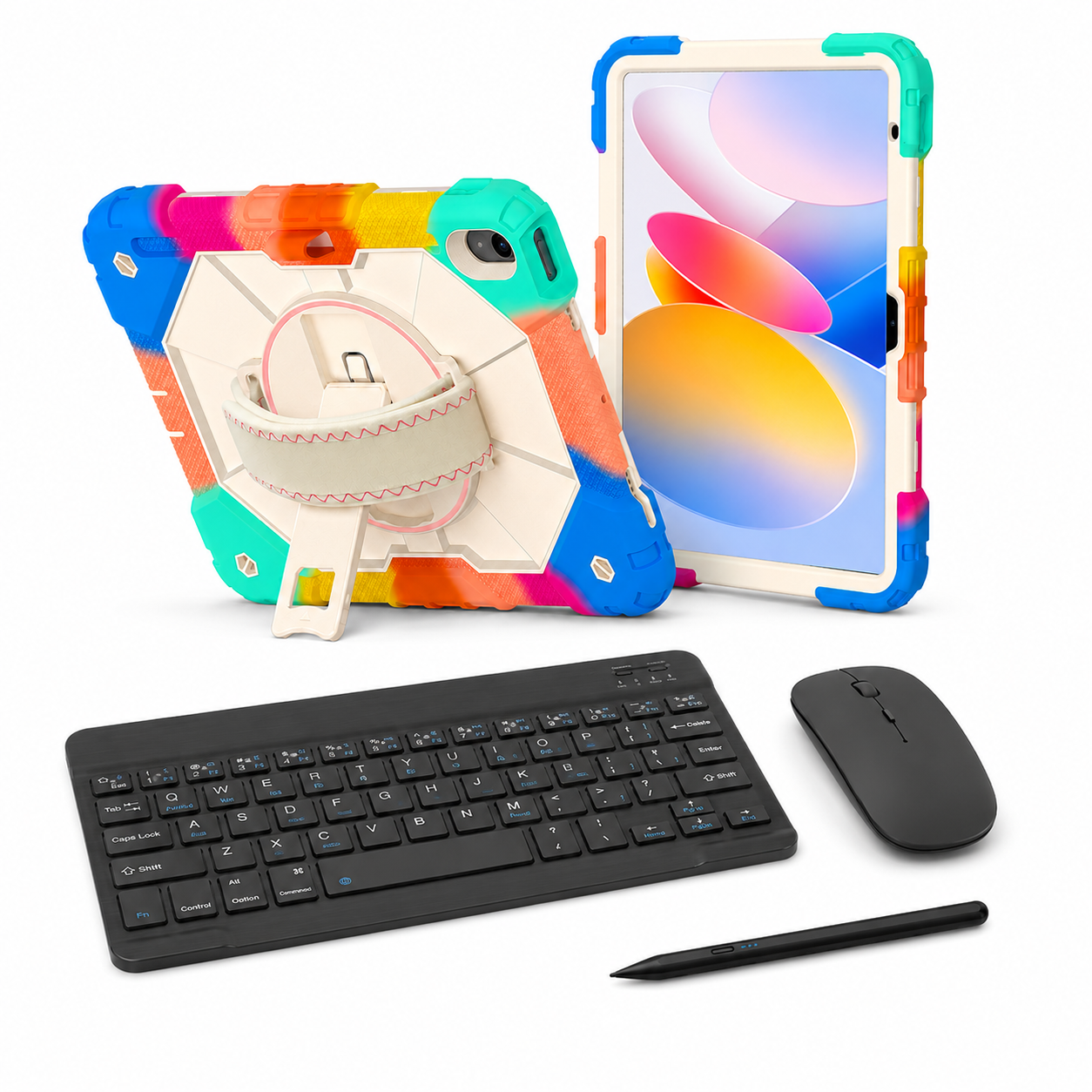
Apex case + 10-inch keyboard + wireless mouse + passive stylus. Four pieces; no shoulder strap.
Settings → General → About → tap the part number beside Model Number to reveal the A-number.
Made for your tablet.
Choose your exact model, then your finish.Your selection
AvailableBlack / BlackiPad Air 13" — M4 (2026) / M3 (2025) / M2 (2024)
RhinoGuard Apex Command
Explore the options in this case family. We’ll check your model and finish before you switch.
Select your exact device above. Model, finish and availability are confirmed before continuing.
Team & business orders
One order for every model, color and quantity your team needs — with fit checks, a formal quote and purchase-order support.
List each A-number in your request and we will confirm fit for every model. Prefer email? info@avontic.com
RhinoGuard Apex Command WorkForce Elite
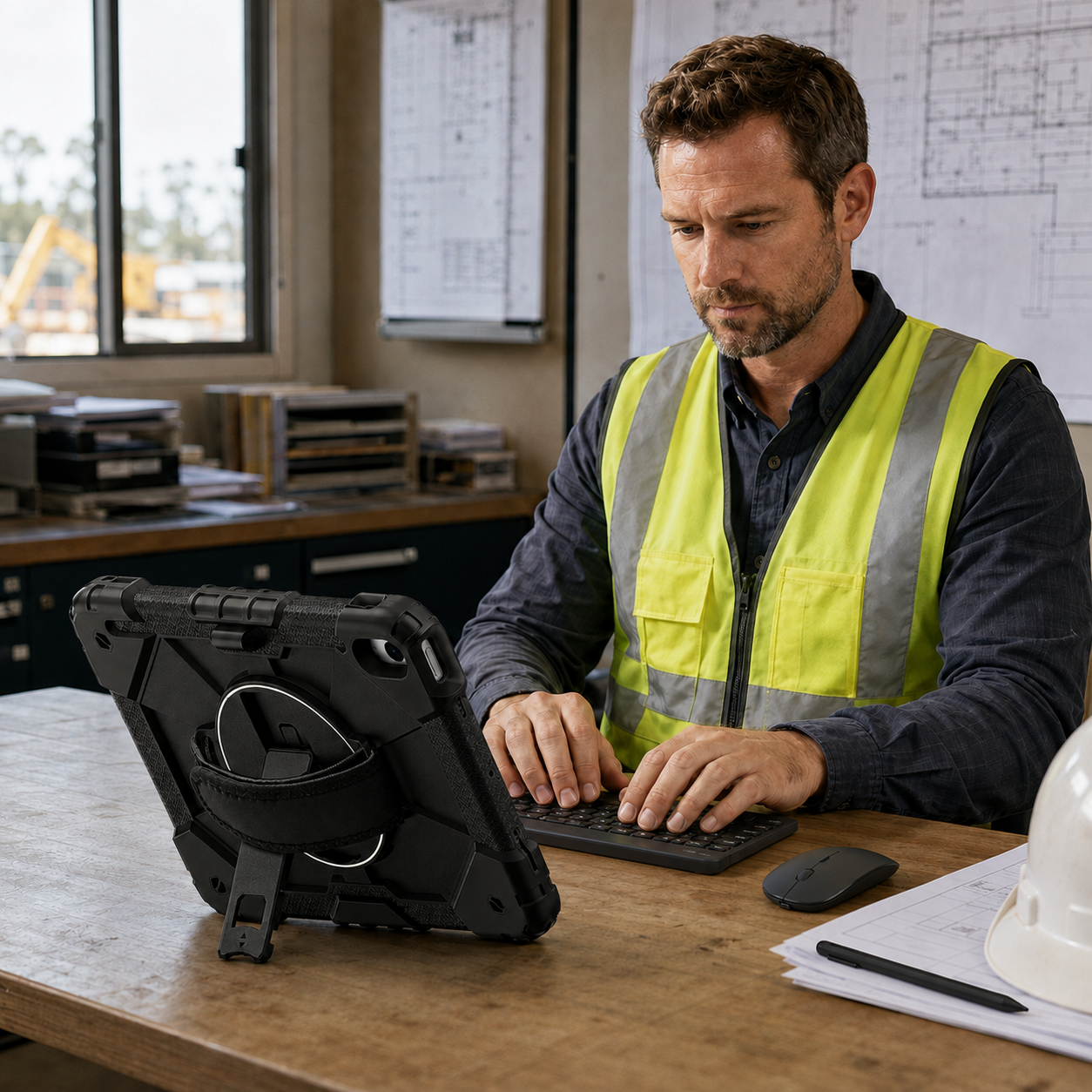
Apex Command pairs a fitted rugged case with a separate 10-inch keyboard, wireless mouse and universal stylus. Arrange the tools around your next task, then keep the iPad protected as you move.
Choose your setup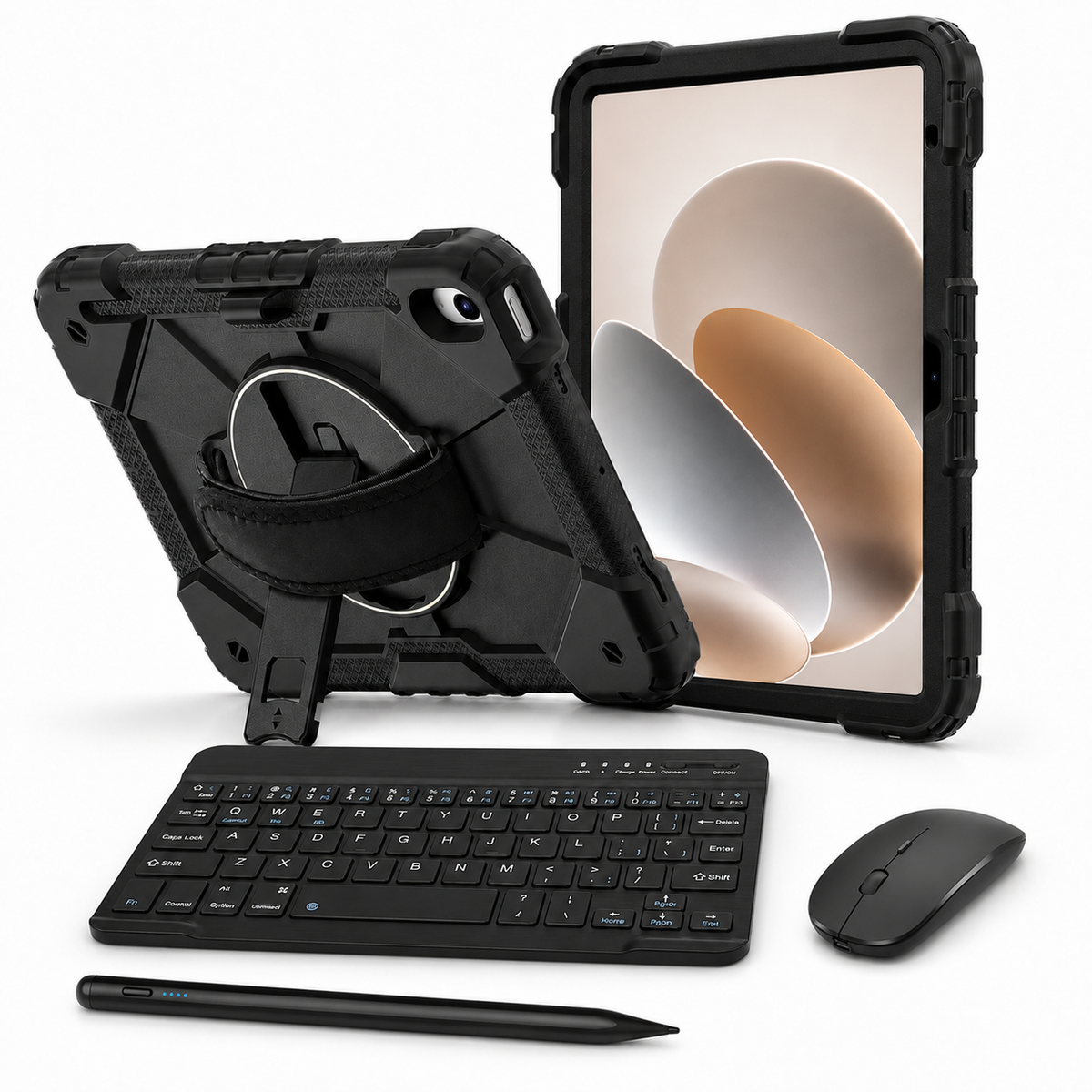
Considered, down to the detail
Use the integrated 360° rotating hand strap for portrait or landscape handling.
Open the built-in kickstand on a stable surface for reading, viewing or calls.
Position the keyboard and mouse independently for supported typing and pointer workflows.
Use the included capacitive stylus for everyday taps, forms and light notes.
Your order, clearly defined
Check your selected model, finish and package above. Optional items are included only when you choose them.
iPad and display props are not included. Only the items listed for your selected package are supplied.
Confidence before checkout
Open Settings → General → About on your iPad. Tap Model Number to reveal its A-number. Match the exact model and generation in the options above; screen size alone is not enough.
Review my selection ↑Ask Avontic for help ↗Match your exact iPad model and generation in the selector. In Settings → General → About, tap Model Number to reveal the A-number. Screen size alone does not establish fit.
The stylus is passive capacitive. It does not provide pressure sensitivity, palm rejection or Apple Pencil features.
No shoulder strap, iPad, charging accessories or active pen is included. The keyboard, mouse and stylus do not attach to the case.
Free shipping and 60-day returns. Delivery estimates depend on your destination. Return authorization is required; free return shipping applies to eligible returns.
Shipping policy · Return policyRhinoGuard Apex Command WorkForce Elite — iPad Case + 10″ Wireless Keyboard, Mouse & Universal Stylus Bundle
Make it your own.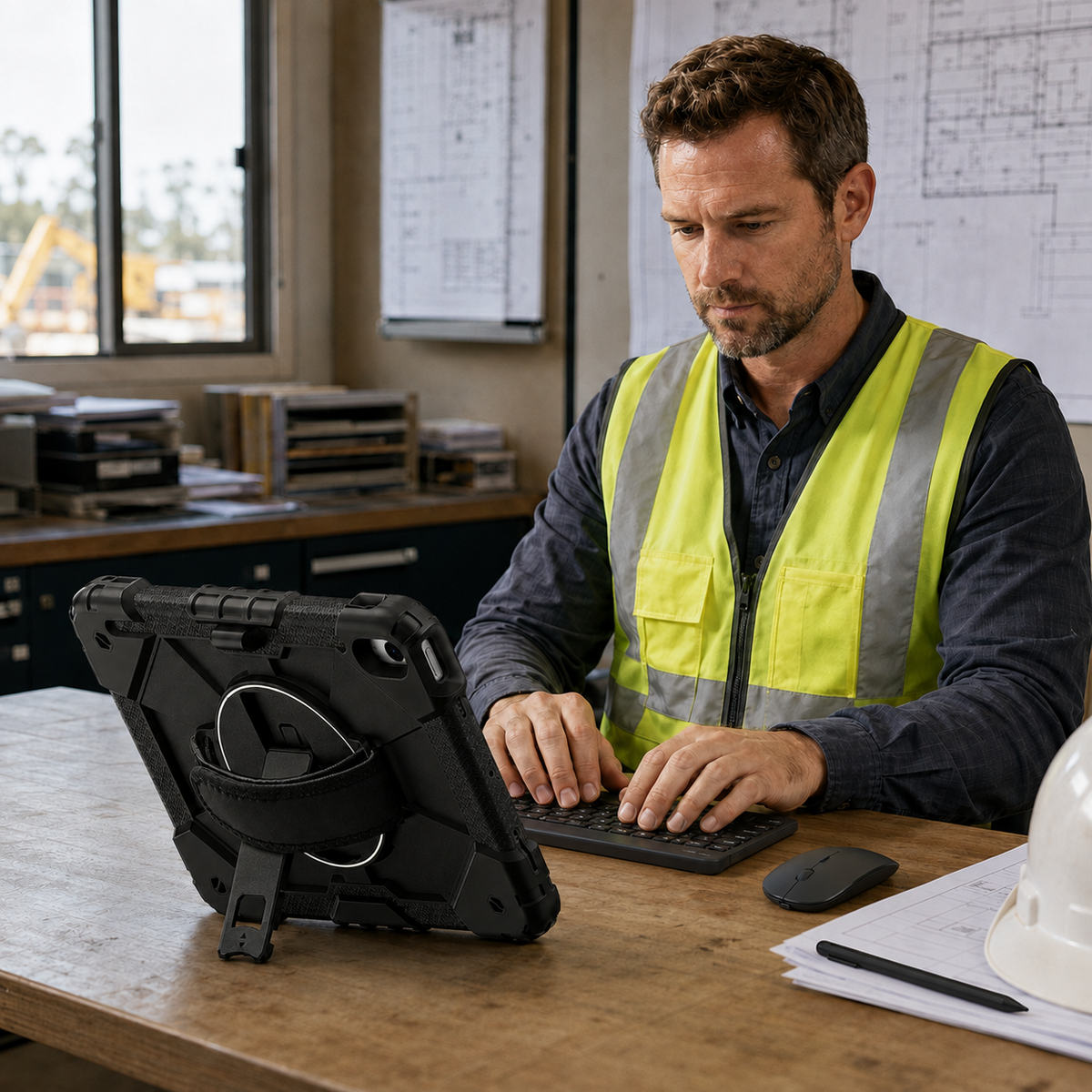

Choose options
Apex case + 10-inch keyboard + wireless mouse + passive stylus. Four pieces; no shoulder strap.
Prefer to choose every piece? Create a custom setup around your exact iPad, your favorite case and the accessories you want.

FormaLift Studio Magnetic Stand iPad Case


Accessories shown for inspiration. Available options depend on your exact iPad and case. Each addition is optional. iPad not included.
NEW · RHINOGUARD WORKFORCE COLOR
Two rugged case styles. Twelve case colors. Five keyboard colors. Build an iPad setup that feels like yours.
Explore WorkForce Color
CASE + BLUETOOTH KEYBOARD + GLASS
A padded fabric hand strap for a comfortable handheld grip, with a separate kickstand.

CASE + BLUETOOTH KEYBOARD + GLASS
A rigid rotating ring grip and faceted rear shell for a distinctive handheld setup.
ONE KEYBOARD. YOUR COLOR.
BlackWhiteGreenPinkBlue
Each bundle includes one case, one separate 10-inch keyboard, a shoulder strap and standard glass. The privacy option adds matching privacy glass; install one protector at a time. Select your exact iPad model before ordering. iPad not included.


