
RhinoGuard flagship

My Device
Settings → General → About → tap the part number beside Model Number to reveal the A-number.
Start typing, choose a listed route, or complete all three browse fields. Nothing is assumed.
RhinoGuard flagship

ArmorPro route
RhinoGuard flagship
RhinoGuard route

Privacy glass

TitaniumGuard Ascend
TitaniumGuard Ascend
TitaniumGuard Ascend

Galaxy Watch Ultra metal

47mm protective case

Galaxy Watch 4–6 band collection

TitanForge 22mm
TitanForge 26mm

DuraShield protection

ArmorShield Slide

TitanShield Pro
RhinoGuard flagship
RhinoGuard flagship

RhinoGuard Tactical 360 Pro

RhinoGuard Apex Shield

RhinoGuard Apex Rotation

RhinoGuard Regent

RhinoGuard Vanguard

RhinoGuard Vertex

ChargeStation 7
Live catalog match
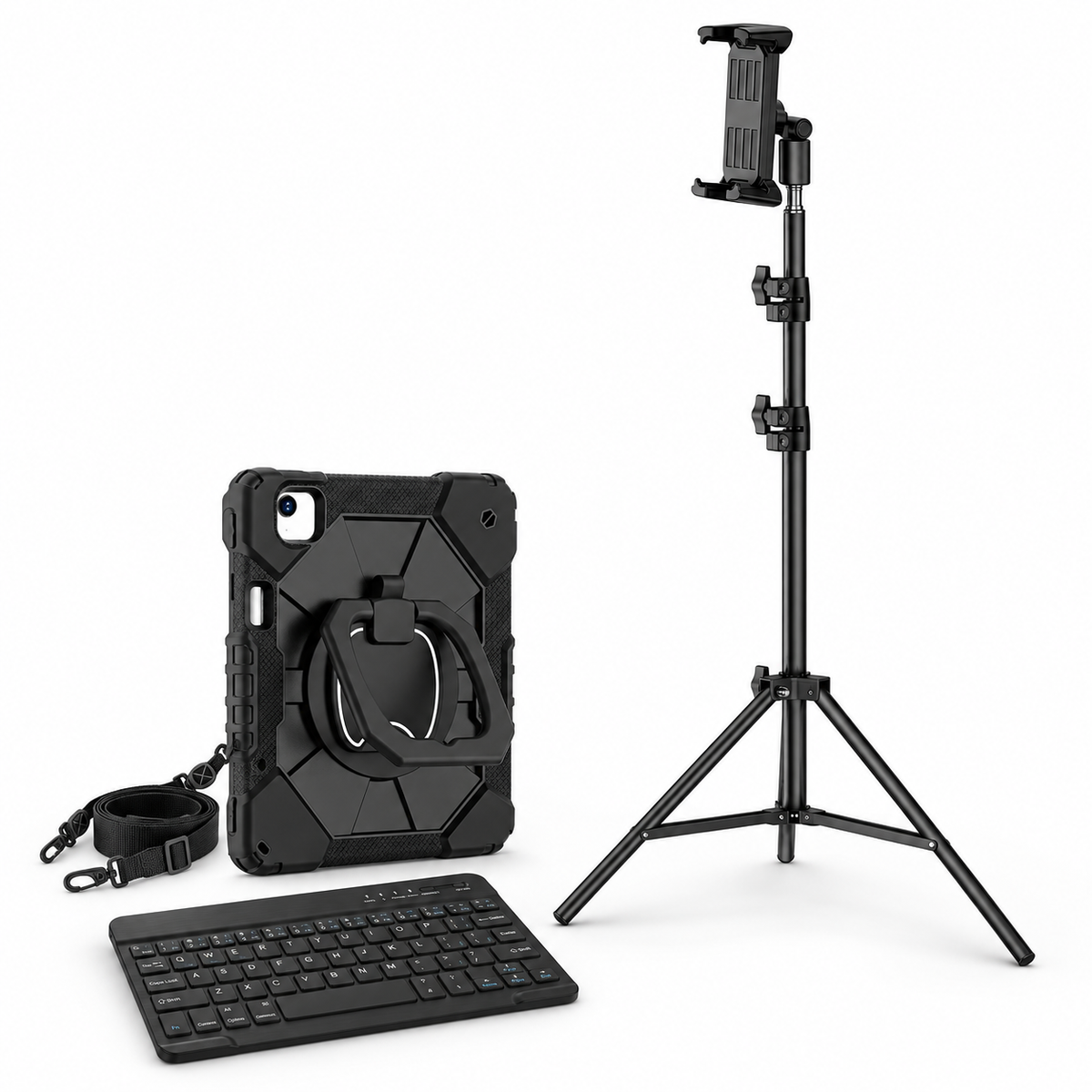
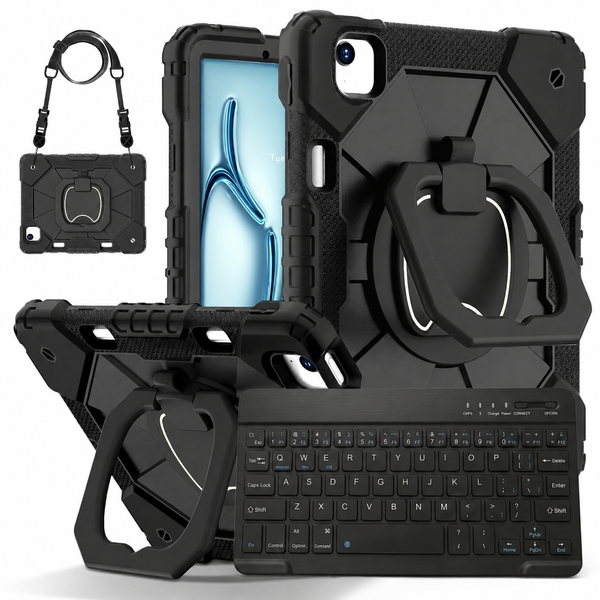
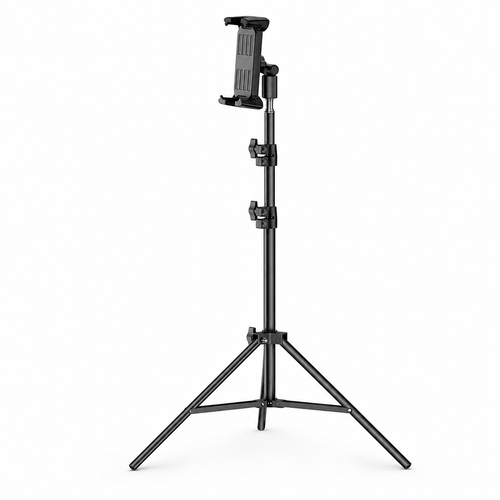
AVONTIC / RHINOGUARD ARMORPRO
Take your screen beyond the desktop. A rugged case, wireless keyboard and adjustable tripod for a more flexible workspace.
Includes your selected case, Black 10-inch RhinoKeys Pro keyboard and one stand.
iPad, Apple Pencil, mouse and charger are not included. Shipping and taxes are calculated at checkout.
Avontic has confirmed case-on fit with these stand options. Fold the rear grip or kickstand flat and position straps clear of the stand before seating your iPad.
RHINOGUARD ARMORPRO / FLOOR
Keep reference material, a call or a presentation in view without using a corner of the desk. RhinoStand brings an adjustable tripod into your setup while the separate keyboard stays wherever you work.

THREE ESSENTIALS. ONE CONSIDERED SETUP.

A rotating ring grip, built-in kickstand and detachable shoulder strap give your iPad useful ways to hold, carry and stand.

The included Black 10-inch RhinoKeys Pro keyboard pairs wirelessly over Bluetooth. Position it independently of the screen, then recharge it when needed. This version is not backlit.

Adjust the tripod height and holder for your viewing position. The Black Pro version gives your screen its own place beside the desk on a stable, level floor.
YOUR COMPLETE BUNDLE
One case, one keyboard and one stand per bundle. iPad, Apple Pencil, mouse and charger are not included. Images illustrate the setup; case camera openings and cutouts vary with your chosen iPad model.
GOOD TO KNOW
Choose the exact iPad model in the selector above. On your iPad, open Settings → General → About and tap Model Number to reveal the A-number. Match that number to the selected model’s details. Screen size alone is not enough to choose a case.
Yes. Avontic has confirmed case-on fit for these stand options. Fold the case’s rear grip or kickstand flat, keep straps clear and seat the device securely before use. Use the exact case and iPad model selected with the included stand.
No. The included Black 10-inch RhinoKeys Pro is a separate Bluetooth keyboard. It works alongside the stand and case, so you can position your hands and screen independently. It is not a keyboard cover, docking keyboard or backlit keyboard.
No. The stand is a mechanical support with no built-in charging function. The iPad, charger, Apple Pencil and mouse are not included.
Place the tripod on a stable, level floor with all three legs fully spread and adjustments secured. Keep it clear of walkways. Remove the iPad before folding or moving the stand.
Your station contains the matching case-and-keyboard bundle plus the selected stand. The components can appear separately in the cart or order summary so the correct items are fulfilled together. Your displayed bundle price is the total for the included setup.