RhinoGuard flagship

My Device
Start typing, choose a listed route, or complete all three browse fields. Nothing is assumed.
RhinoGuard flagship

ArmorPro route
RhinoGuard flagship
RhinoGuard route

Privacy glass

TitaniumGuard Ascend
TitaniumGuard Ascend
TitaniumGuard Ascend

Galaxy Watch Ultra metal

47mm protective case

Galaxy Watch 4–6 band collection

TitanForge 22mm
TitanForge 26mm

DuraShield protection

ArmorShield Slide

TitanShield Pro
RhinoGuard flagship
RhinoGuard flagship

RhinoGuard Tactical 360 Pro

RhinoGuard Apex Shield

RhinoGuard Apex Rotation

RhinoGuard Regent

RhinoGuard Vanguard

RhinoGuard Vertex

ChargeStation 7
Live catalog match

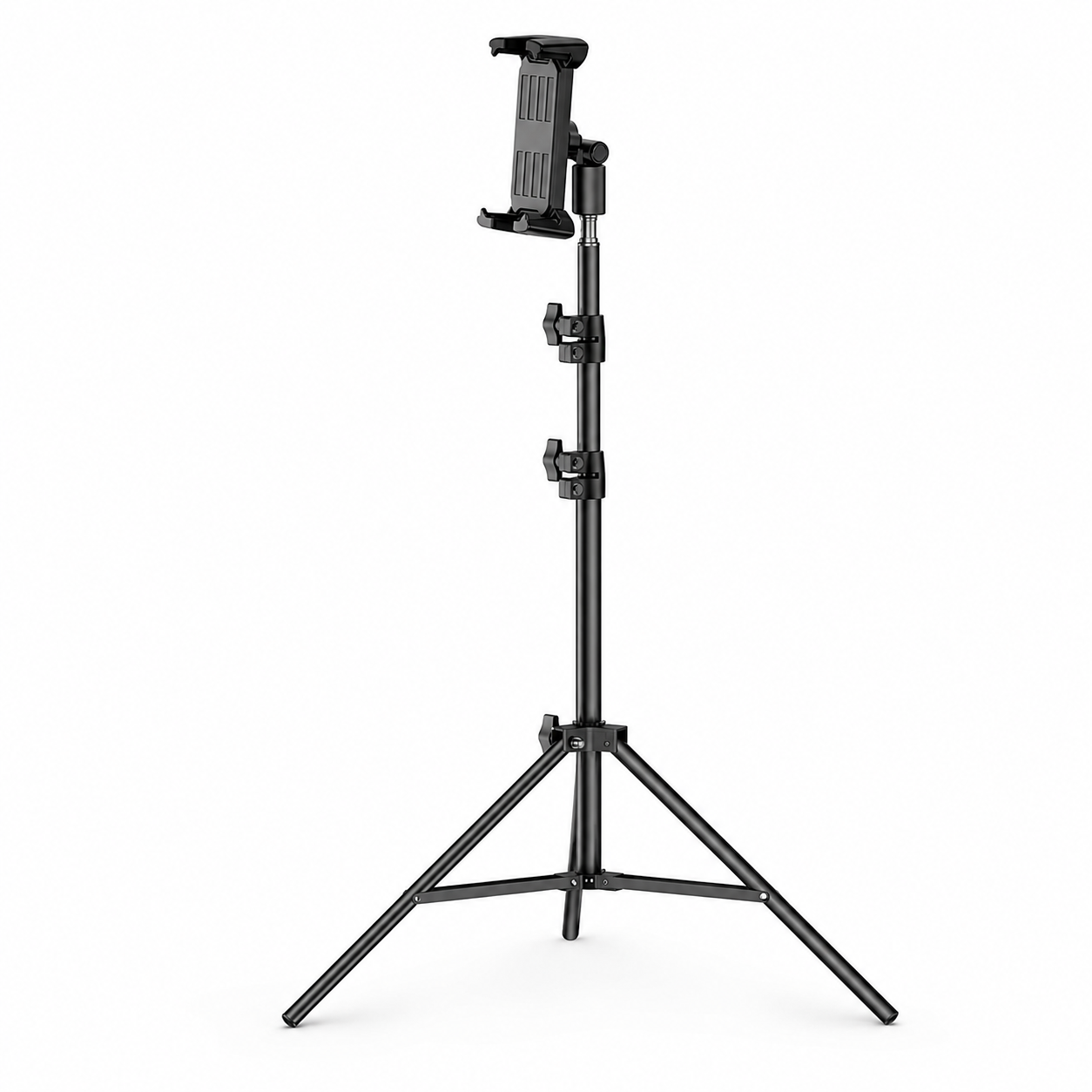
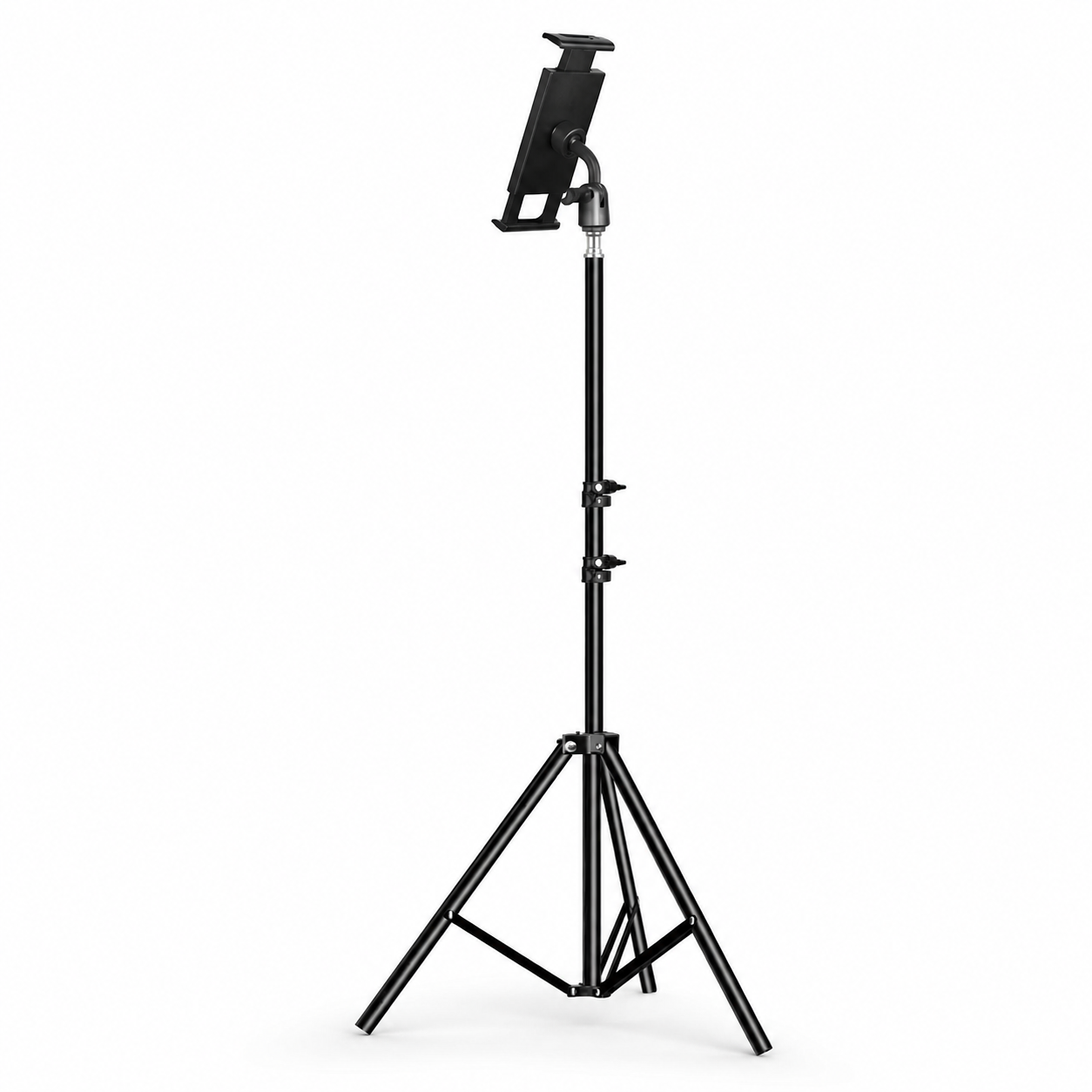
Your configuration
RhinoStand Pro 360 Adjustable iPad & Tablet Tripod StandSetup Studio
Keep your chosen design. Explore the accessories that complete your day.
Build your setupYour configuration
RhinoStand Pro 360 Adjustable iPad & Tablet Tripod StandCurated add-ons
Useful extras selected for this product—not substitutes.
Your setup: 0 of 2 complete
Optional accessories are never preselected.A slim wireless keyboard for a more capable tablet setup.
Adds cleaner tapping, notes, signatures, and everyday navigation.
Nothing is preselected. Confirm every model, size, or style before adding.


Cases, stands, input tools, and protection selected to make every tablet more capable.
RhinoStand Pro 360 Adjustable iPad & Tablet Tripod Stand
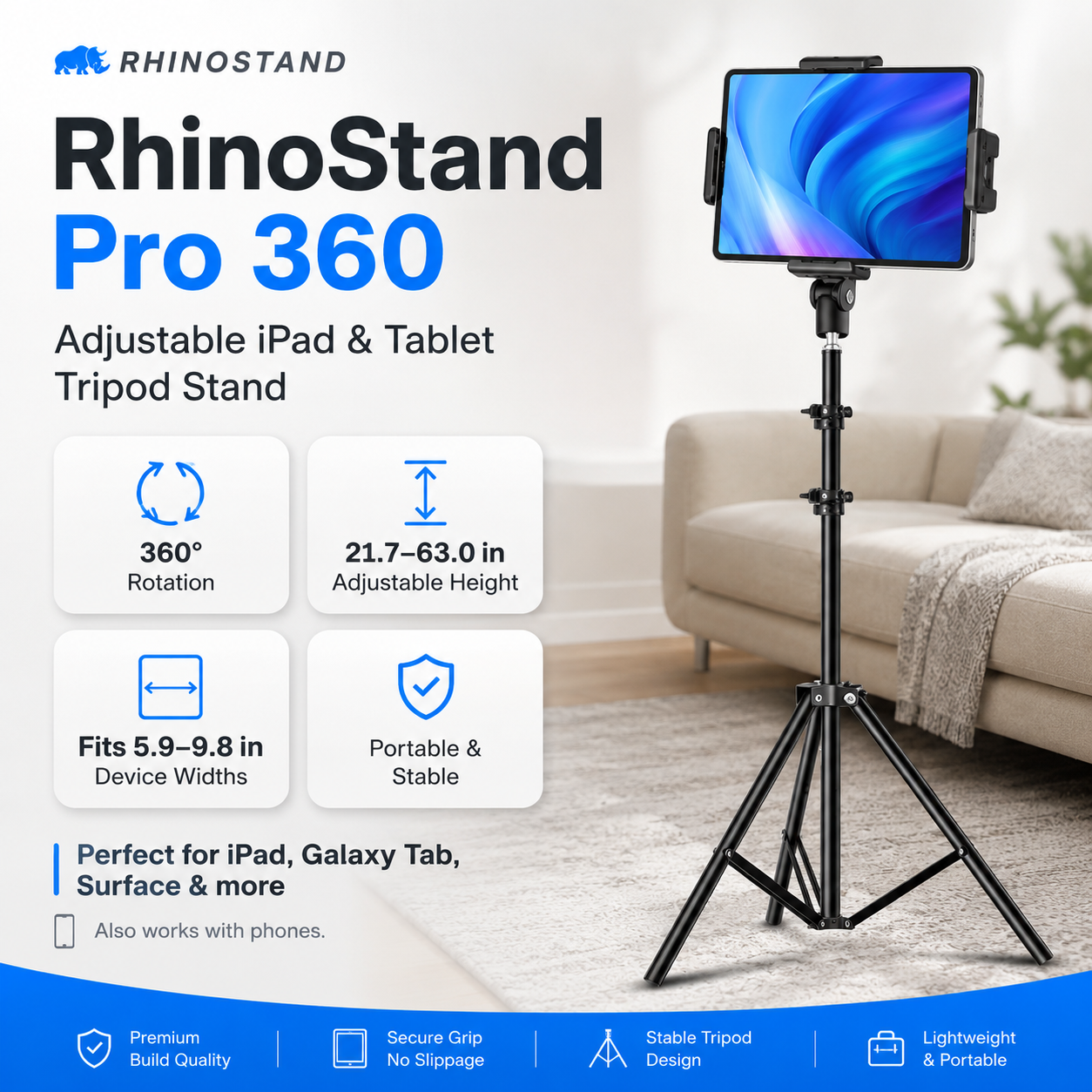
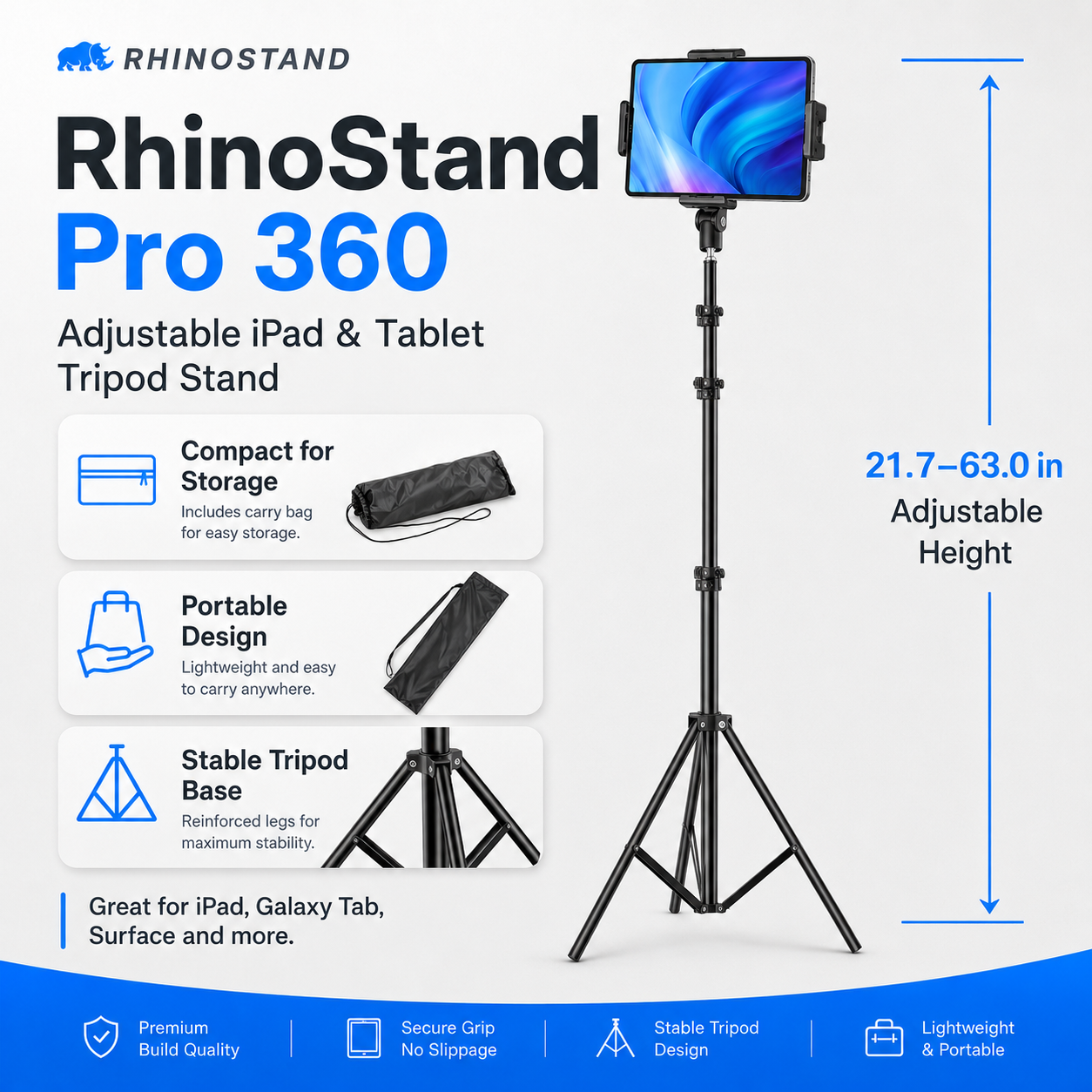
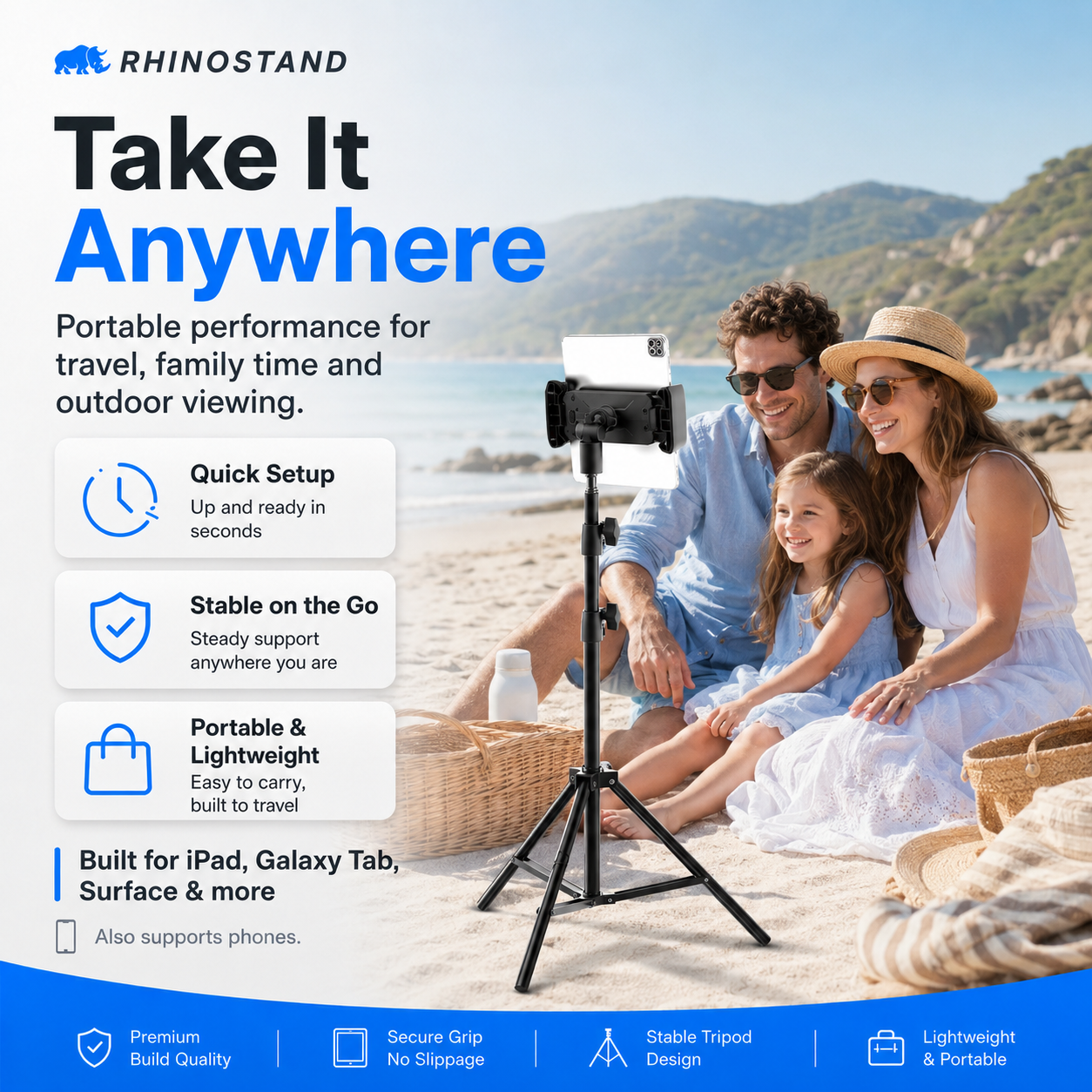
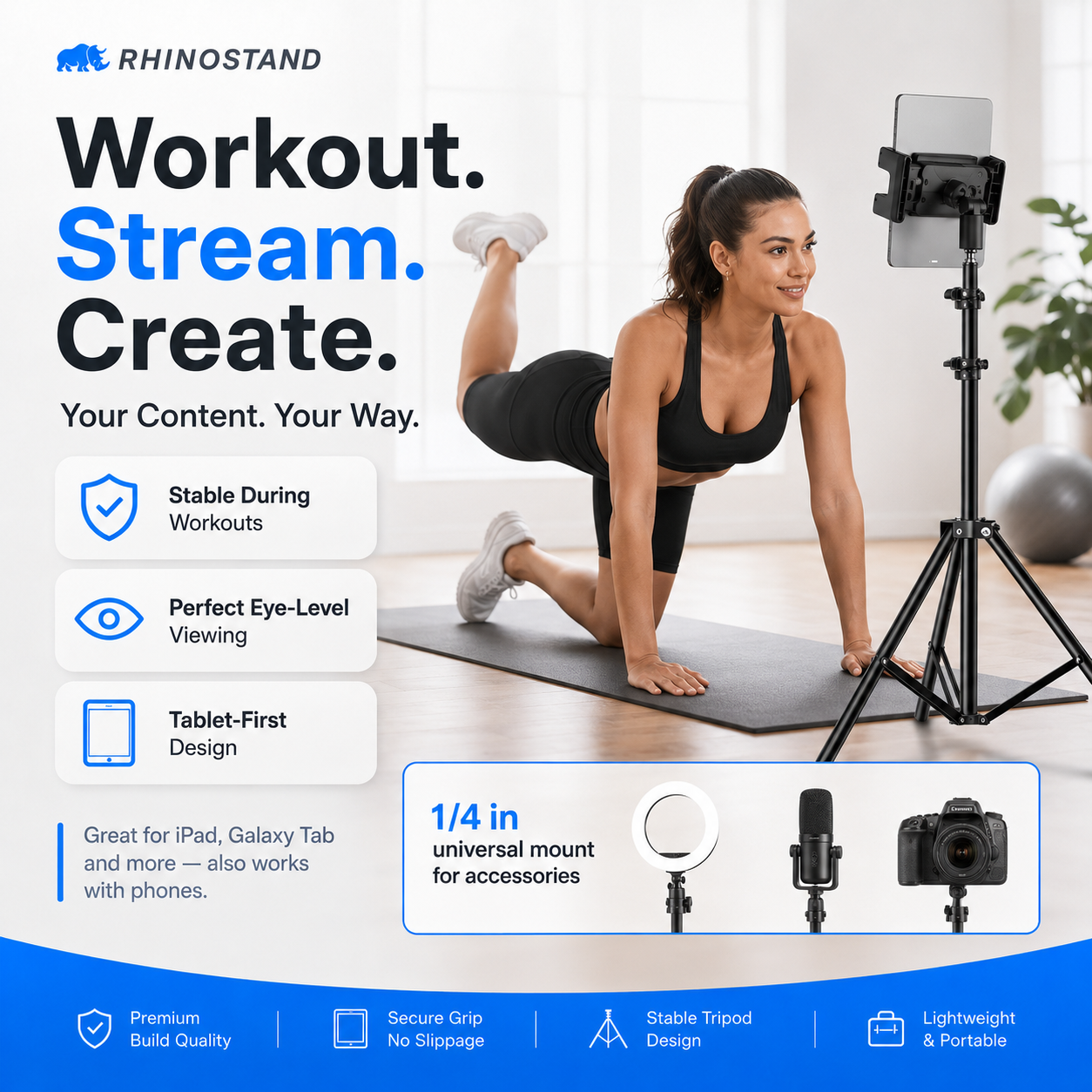
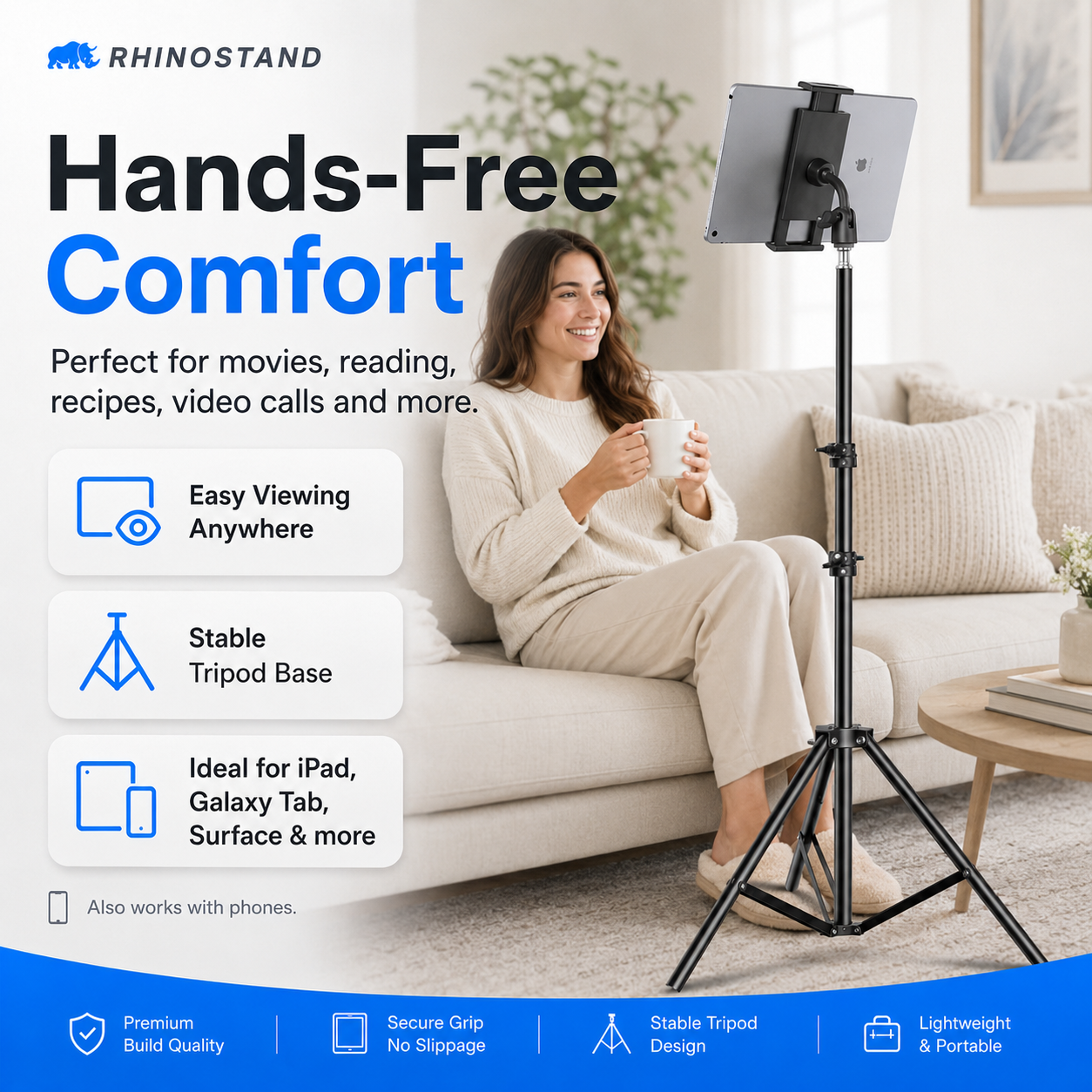
RhinoStand Pro 360 Adjustable iPad & Tablet Tripod Stand creates an elevated, adjustable hands-free tablet setup for calls, work, streaming, teaching, workouts and content. Device dimensions, case thickness, clamp clearance and floor placement matter more than an iPad generation name, so those checks lead the decision.
Designed around the real setup
A good tablet stand is not only adjustable; it must also fit, balance and stay clear of the device controls.
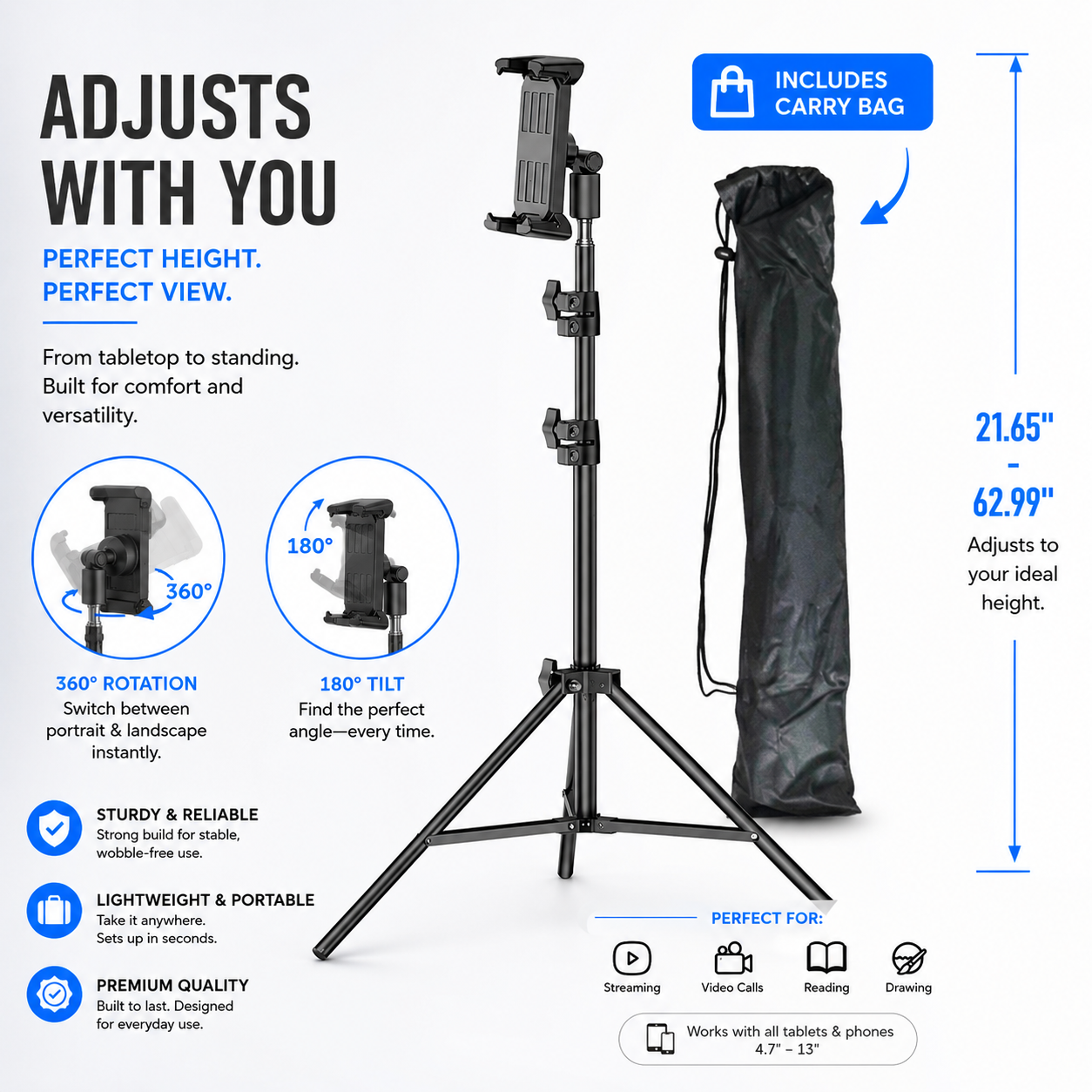
Raise or lower the tablet for seated work, standing presentations, recipes, workouts or a more comfortable camera position.
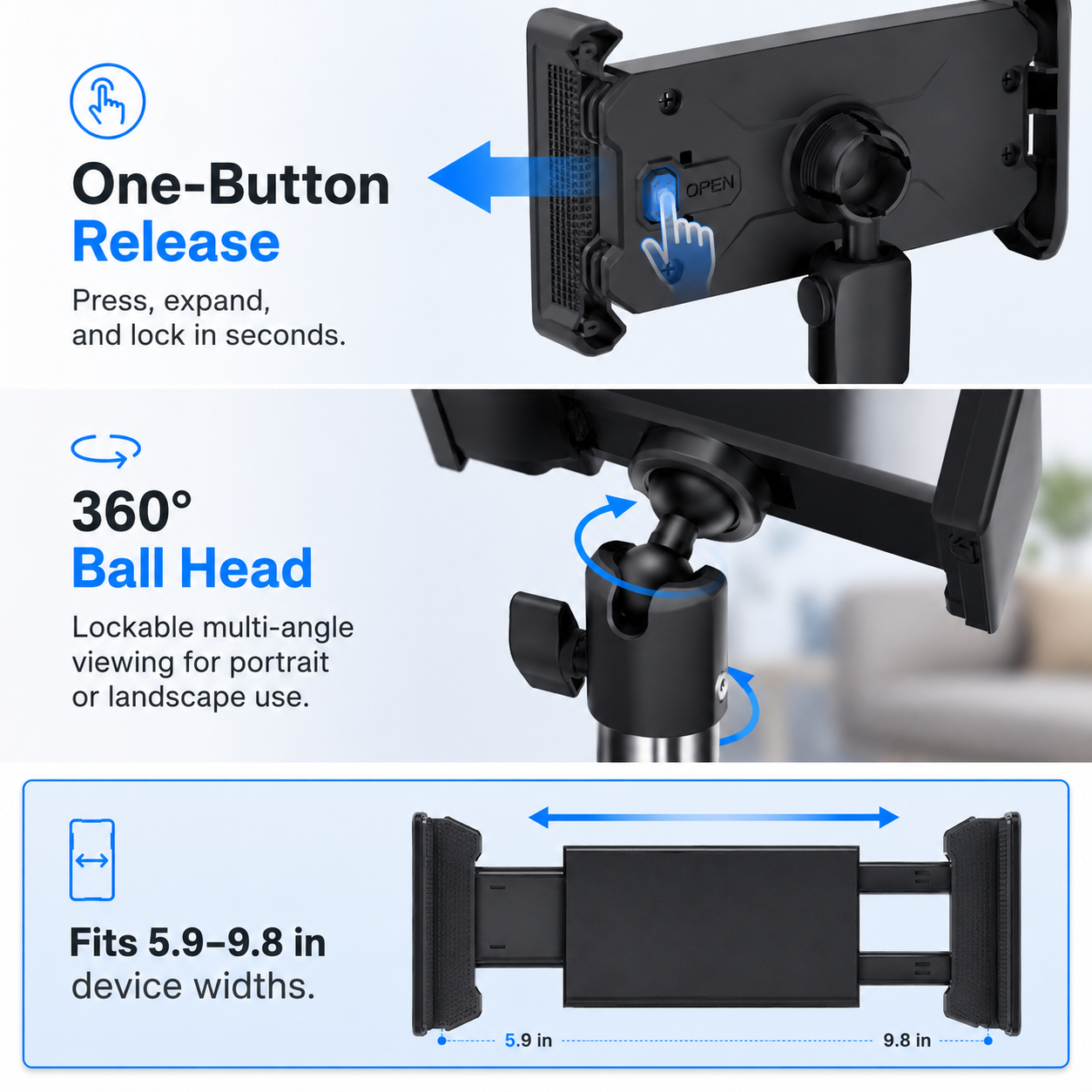
The 360° holder supports orientation changes for calls, filming, reading, teaching and streaming. Recheck clamp balance after rotating.
A wide support footprint creates a more useful hands-free setup when the floor is level and the tablet is centered within the holder.
Measure the device with its case installed. Clamp range, thickness, button placement and weight distribution determine compatibility.
Useful in offices, kitchens, classrooms, studios, home gyms and content areas where holding a tablet becomes distracting or tiring.
Current fit selections
Confirm the physical and charging requirements described below before choosing the available finish.
Available finishes
Three-step setup protocol
Most accessory dissatisfaction begins with a fit assumption or a rushed installation. These checks make the selected setup more predictable.
Product specifications
Clear category, construction, compatibility and included-item language helps the customer understand exactly what the selected configuration is designed to do.
Use and care
Inspect the clamp, joints and tripod contact before each setup. Keep the base out of walkways and support the device by hand whenever changing height or orientation.
Questions, answered
These answers address the fit, protection and package questions most likely to affect satisfaction after delivery.
No universal holder fits every combination. Device width, height, thickness, case bulk, button location and weight distribution must fall within the holder’s supported range.
Yes where the 360° joint permits, but hold the device while rotating and recheck the clamp and tripod balance before letting go.
Use only on a level surface with the legs fully deployed. Keep the stand out of traffic paths and supervise it where a collision or pull could tip the device.
Avontic expert selection
Measure the tablet with its case, confirm clamp clearance, choose the preferred stand version and create a more useful hands-free workspace.
Apple, iPad, iPad Air, iPad mini, iPad Pro, Apple Pencil, Apple Watch and related marks are trademarks of Apple Inc. Avontic is not affiliated with or endorsed by Apple. Compatibility references identify intended device fit only. Devices shown in product images are not included.
Avontic provides fast free shipping on every order. Estimated U.S. delivery is 3–5 business days for orders placed by 6:00 PM Eastern Time; orders placed after the cutoff may require one additional business day, Canada delivery is 6–10 business days, while other international delivery is generally 6–12 business days. Tracking is emailed after dispatch. Carrier, customs, weather, and seasonal delays can affect delivery estimates.
Avontic offers 60-Day Returns. Review the current Return Policy for eligibility, available resolutions, and any applicable conditions before sending an item back.
Not sure which option fits? Contact Avontic before ordering and include the exact device model, generation, and size shown in your settings or on the device itself.
Choose options
From your favorite case to the finishing touches. Create a personal setup with model-matched options, considered colors and accessories chosen by you.

RhinoStand Pro 360 Adjustable iPad & Tablet Tripod Stand


Accessories shown for inspiration. Available options depend on your exact iPad and case. Each addition is optional. iPad not included.
NEW · RHINOGUARD WORKFORCE COLOR
Two rugged case styles. Twelve case colors. Five keyboard colors. Build an iPad setup that feels like yours.
Explore WorkForce Color
CASE + BLUETOOTH KEYBOARD + GLASS
A padded fabric hand strap for a comfortable handheld grip, with a separate kickstand.

CASE + BLUETOOTH KEYBOARD + GLASS
A rigid rotating ring grip and faceted rear shell for a distinctive handheld setup.
ONE KEYBOARD. YOUR COLOR.
BlackWhiteGreenPinkBlue
Each bundle includes one case, one separate 10-inch keyboard, a shoulder strap and standard glass. The privacy option adds matching privacy glass; install one protector at a time. Select your exact iPad model before ordering. iPad not included.
Product details
Review confirmed features, everyday use cases, and fit guidance. Product options and purchasing stay in the primary configuration above.
Compatibility guidance
Confirm the exact tablet model, generation, and screen size shown on this page before ordering. Contact Avontic when the required match is not explicit.