RhinoGuard flagship

My Device
Start typing, choose a listed route, or complete all three browse fields. Nothing is assumed.
RhinoGuard flagship

ArmorPro route
RhinoGuard flagship
RhinoGuard route

Privacy glass

TitaniumGuard Ascend
TitaniumGuard Ascend
TitaniumGuard Ascend

Galaxy Watch Ultra metal

47mm protective case

Galaxy Watch 4–6 band collection

TitanForge 22mm
TitanForge 26mm

DuraShield protection

ArmorShield Slide

TitanShield Pro
RhinoGuard flagship
RhinoGuard flagship

RhinoGuard Tactical 360 Pro

RhinoGuard Apex Shield

RhinoGuard Apex Rotation

RhinoGuard Regent

RhinoGuard Vanguard

RhinoGuard Vertex

ChargeStation 7
Live catalog match
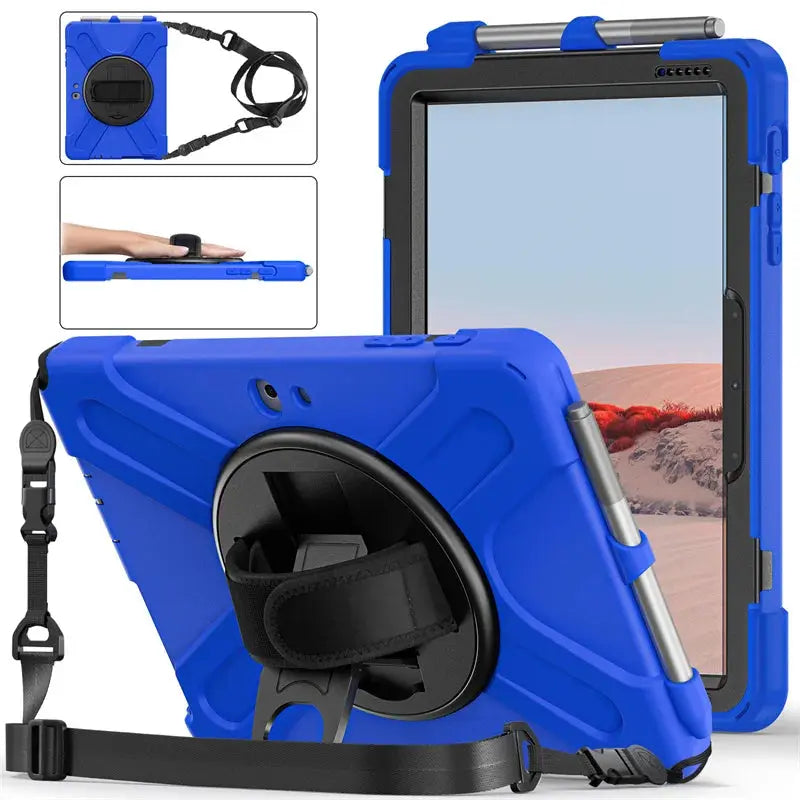
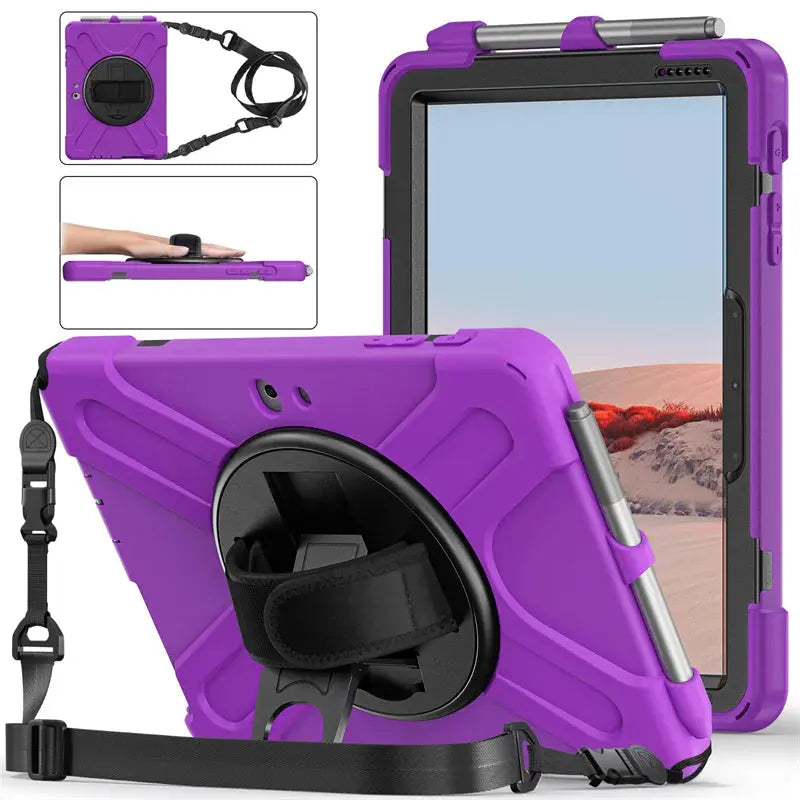
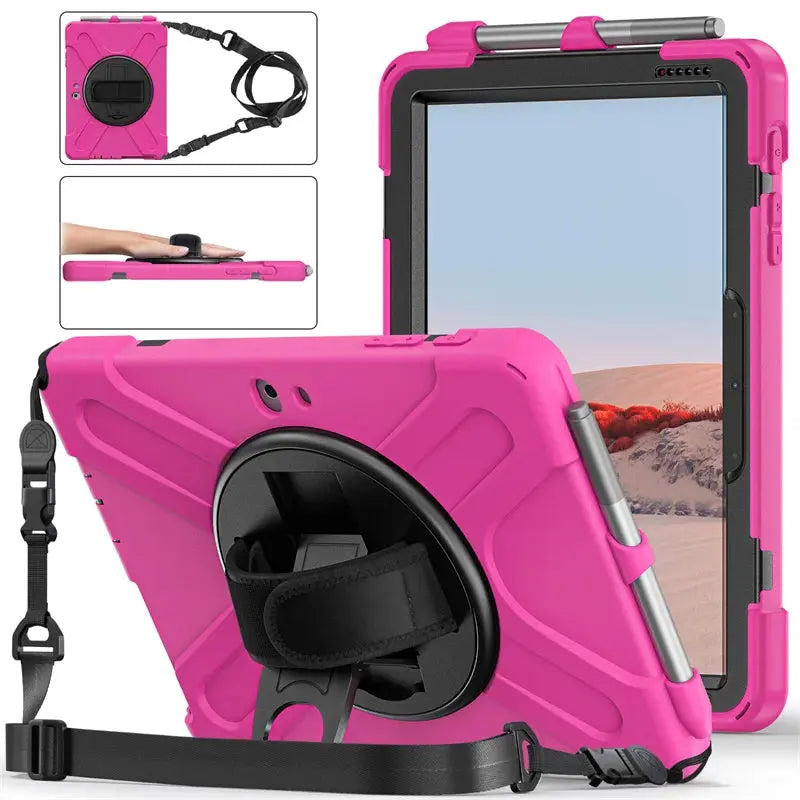
Your configuration
ShieldGuard 360 Military Grade Heavy Duty Case for Microsoft Surface TabletPreselected for display. Check the device, model, and size before ordering, or choose another option.
Curated add-ons
Useful extras selected for this product—not substitutes.
Your setup: 0 of 2 complete
Optional accessories are never preselected.A slim wireless keyboard for a more capable tablet setup.
Adds cleaner tapping, notes, signatures, and everyday navigation.
Nothing is preselected. Confirm every model, size, or style before adding.
Match the exact device, size, or fit option shown on this page to your product before ordering. Contact Avontic if the required match is not explicit.
Avontic · exact-device tablet protection
A model-specific case focused on precise fit, everyday protection and clear access to essential controls.
Fit check Match the selected option to the exact Surface model and generation before ordering.
Build one order with the models, colors and quantities your team needs. We can help with fit, formal quotes and purchasing requirements.
Tax-exempt purchasing, W-9 and vendor-document support available.
Prefer email? Contact info@avontic.com

Protection and workstation essentials designed for focused work wherever the day moves.
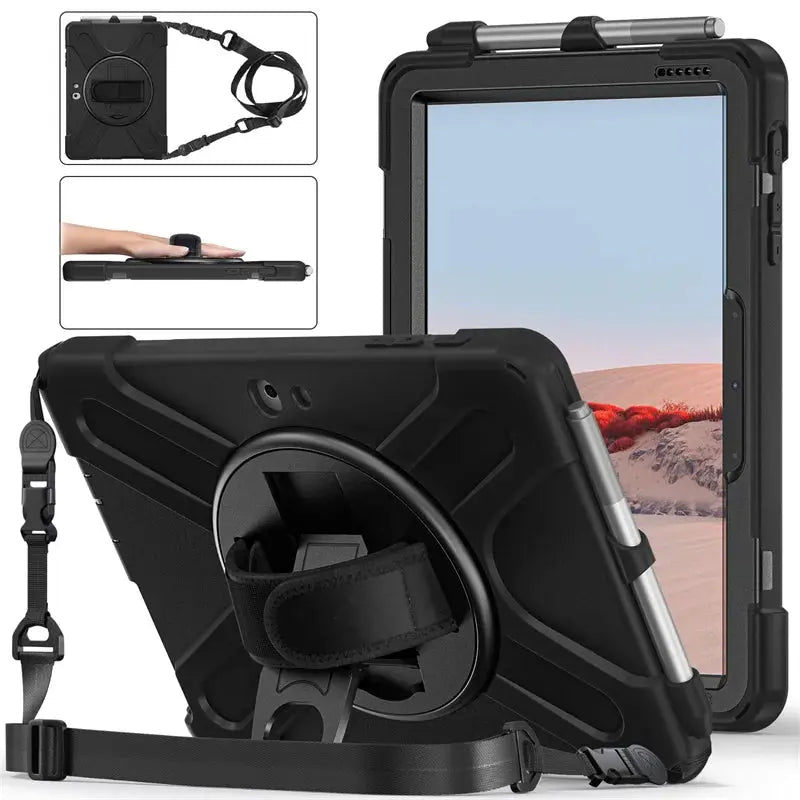
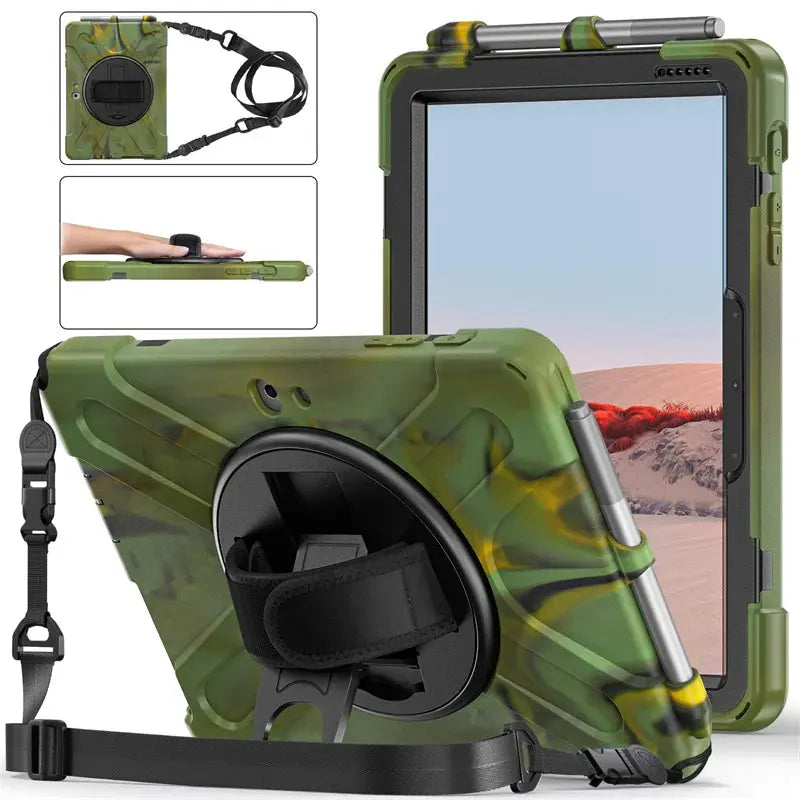
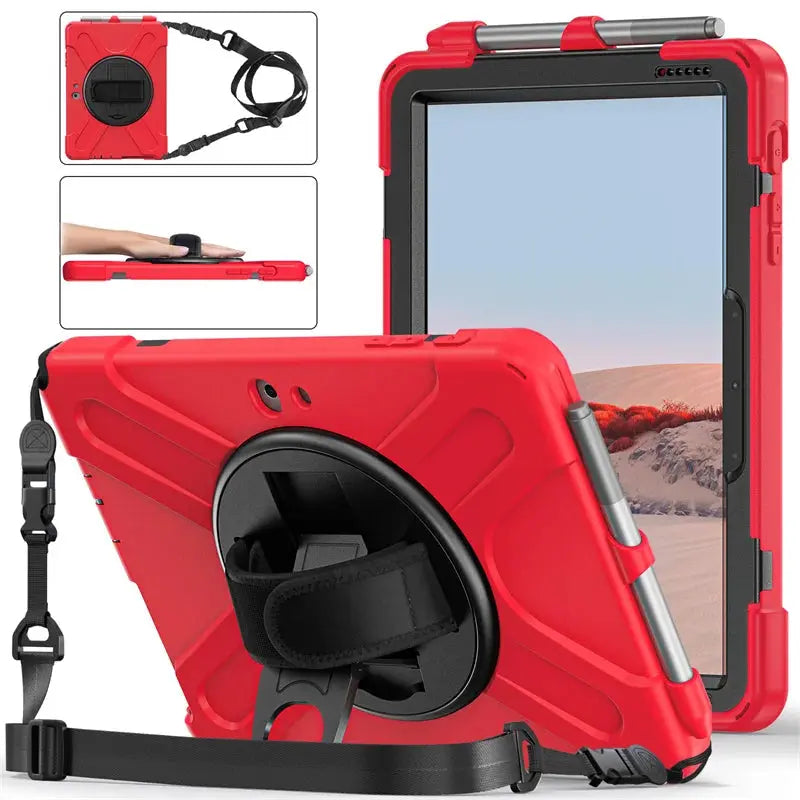
ShieldGuard 360 brings a layered protective frame, rotating rear hand control, integrated kickstand, pen storage, and a removable shoulder strap to selected Microsoft Surface Go, Surface Pro, and Surface Pro X models.
Surface devices move between desk work, classrooms, field visits, counters, meetings, and travel. ShieldGuard 360 adds fitted structure around the tablet while giving you practical ways to hold, position, and carry it. The rotating strap helps steady the device in portrait or landscape, the rear stand supports hands-free use, and the removable shoulder strap helps when both hands need to stay available.
Every component has a clear purpose—from protection and control to positioning, storage, privacy, or mobility.
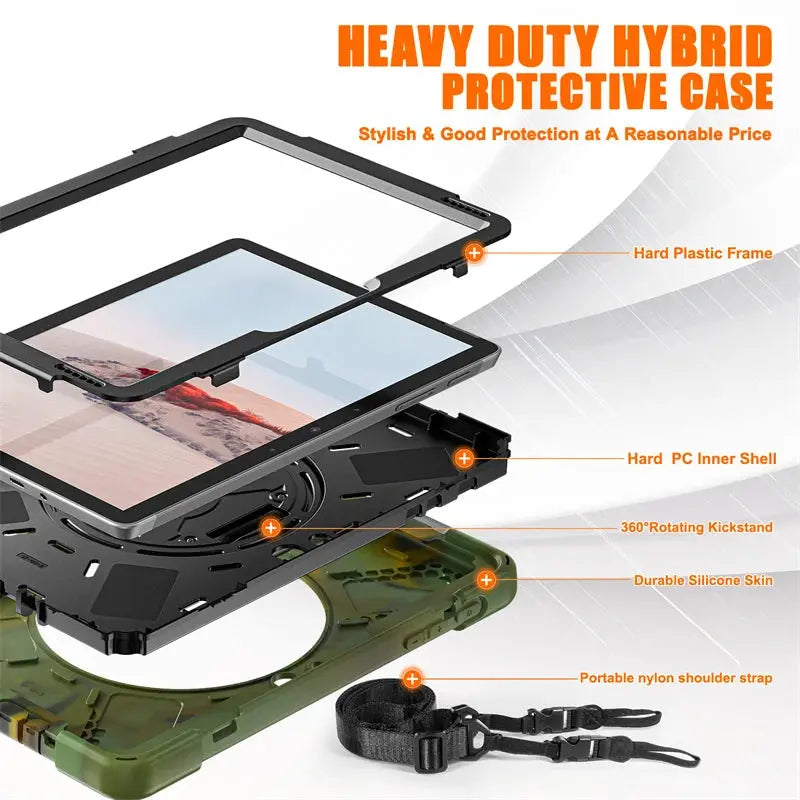
A rigid front frame, hard inner shell, and durable flexible outer skin create fitted coverage around the back, edges, and corners while preserving the device-specific shape.
Rotate the padded rear grip to find a comfortable portrait or landscape hold. The adjustable strap helps different users maintain steadier one-handed control.
Fold out the rear support for reading, streaming, presentations, video calls, forms, or desk work on a stable surface.
Attach the included nylon strap for over-shoulder or cross-body carrying. Inspect both clips and anchor points before lifting the Surface.
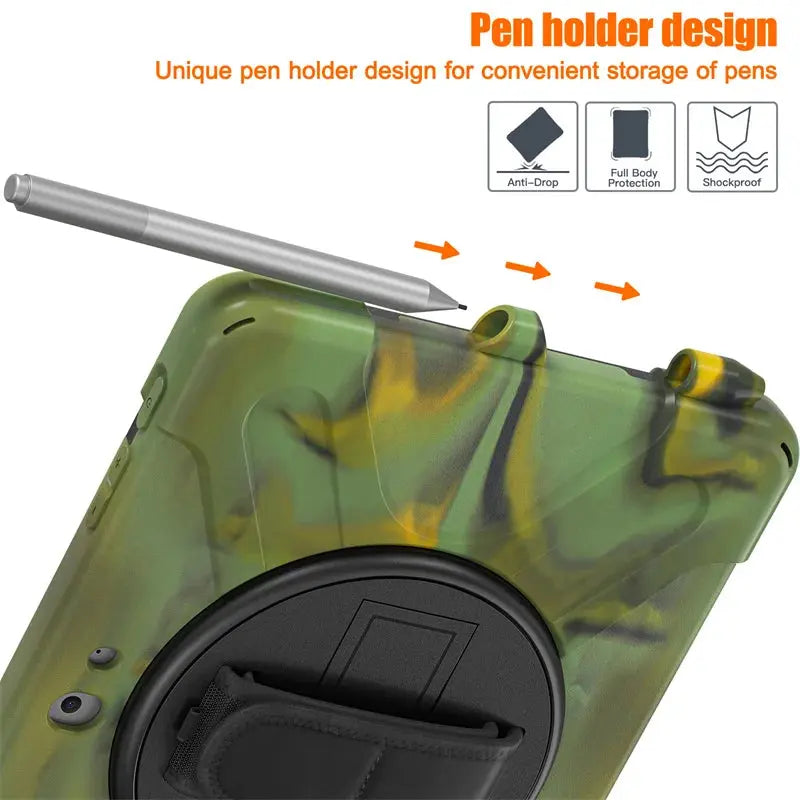
A fitted top channel keeps a compatible Surface Pen within reach. Pen dimensions, charging, and magnetic behavior differ by model and pen generation.
The case uses a structural front frame rather than a stated built-in screen film, keeping the display directly accessible. Add a separate compatible screen protector if desired.
Keep a controlled grip for forms, walkthroughs, inventory, or client conversations, then carry between tasks with the strap.
Move from secure handheld activities to hands-free lessons, calls, entertainment, or group viewing.
Use the stand for compact viewing and the shoulder strap for short-distance movement when your hands are occupied.
ShieldGuard shells are molded around Surface-specific cameras, speakers, ports, buttons, dimensions, and kickstand geometry. Match the exact Surface family and generation shown in Windows Settings or on the device—not the screen size alone.
Selection guidance: Surface Pro 4/5/6/7, Surface Pro 7 Plus, Surface Pro X, and Surface Go use different fitted shells. Even closely sized devices should not be treated as interchangeable. Confirm the complete model before choosing the color.
Open Settings › System › About and record the Surface model. A Microsoft serial lookup can also help identify an uncertain device.
Choose the complete Surface Go, Pro, Pro 7 Plus, or Pro X option before selecting a finish.
After installation, test charging, cameras, controls, Surface Pen storage, and any Type Cover or dock you plan to use.
A model-specific accessory works best when alignment and every intended device function are checked before daily use.
Compare the Surface model and generation with the selected case option before separating any layers.
Release the retaining tabs without sharply bending the rigid frame, kickstand, or rotating rear assembly.
Place the Surface into the fitted shell, align every camera, speaker, port, and button, then close the frame evenly around all edges.
Check touch, charging, audio, cameras, controls, pen access, stand stability, grip rotation, strap clips, and anchor points.
Microsoft Surface, Surface Pen, Type Cover, charger, dock, and other accessories are not included.
Realistic expectations: This accessory is designed to improve the everyday setup described above, but it cannot eliminate every risk, prevent all damage, or replace careful device handling.
Remove trapped dust or moisture periodically. Inspect the frame tabs, outer skin, rotating joint, hand strap, kickstand, shoulder-strap clips, and anchor points before carrying. The case is not waterproof and cannot prevent every type of device damage.
Avontic provides fast free shipping on every order. Estimated U.S. delivery is 3–5 business days for orders placed by 6:00 PM Eastern Time; orders placed after the cutoff may require one additional business day, Canada delivery is 6–10 business days, while other international delivery is generally 6–12 business days. Tracking is emailed after dispatch. Carrier, customs, weather, and seasonal delays can affect delivery estimates.
Avontic offers 60-Day Returns. Review the current Return Policy for eligibility, available resolutions, and any applicable conditions before sending an item back.
Not sure which option fits? Contact Avontic before ordering and include the exact device model, generation, and size shown in your settings or on the device itself.
Choose options
Product details
Review confirmed features, everyday use cases, and fit guidance. Product options and purchasing stay in the primary configuration above.

Confirmed product details
Use the imagery to confirm the visible case, cover, or screen-layer design included with this exact product.
Match the complete model and generation shown in the option rather than choosing by screen size alone.
Selection context
Review the selected configuration against the way you intend to use the device at a desk.
Confirm the exact product design and included components before ordering for travel or mobile use.
Compatibility guidance
Confirm the exact tablet model, generation, and screen size shown on this page before ordering. Contact Avontic when the required match is not explicit.