
RhinoGuard flagship

My Device
Settings → General → About → tap the part number beside Model Number to reveal the A-number.
Start typing, choose a listed route, or complete all three browse fields. Nothing is assumed.
RhinoGuard flagship

ArmorPro route
RhinoGuard flagship
RhinoGuard route

Privacy glass

TitaniumGuard Ascend
TitaniumGuard Ascend
TitaniumGuard Ascend

Galaxy Watch Ultra metal

47mm protective case

Galaxy Watch 4–6 band collection

TitanForge 22mm
TitanForge 26mm

DuraShield protection

ArmorShield Slide

TitanShield Pro
RhinoGuard flagship
RhinoGuard flagship

RhinoGuard Tactical 360 Pro

RhinoGuard Apex Shield

RhinoGuard Apex Rotation

RhinoGuard Regent

RhinoGuard Vanguard

RhinoGuard Vertex

ChargeStation 7
Live catalog match
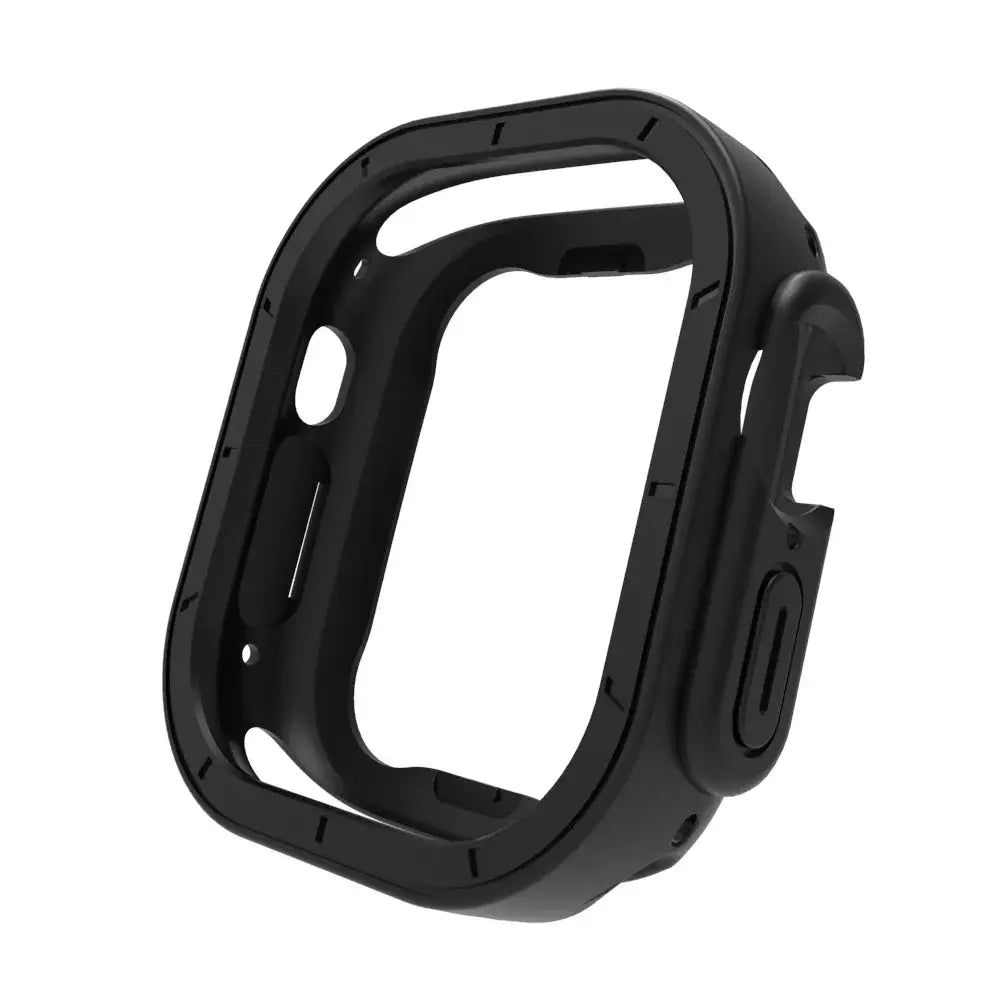
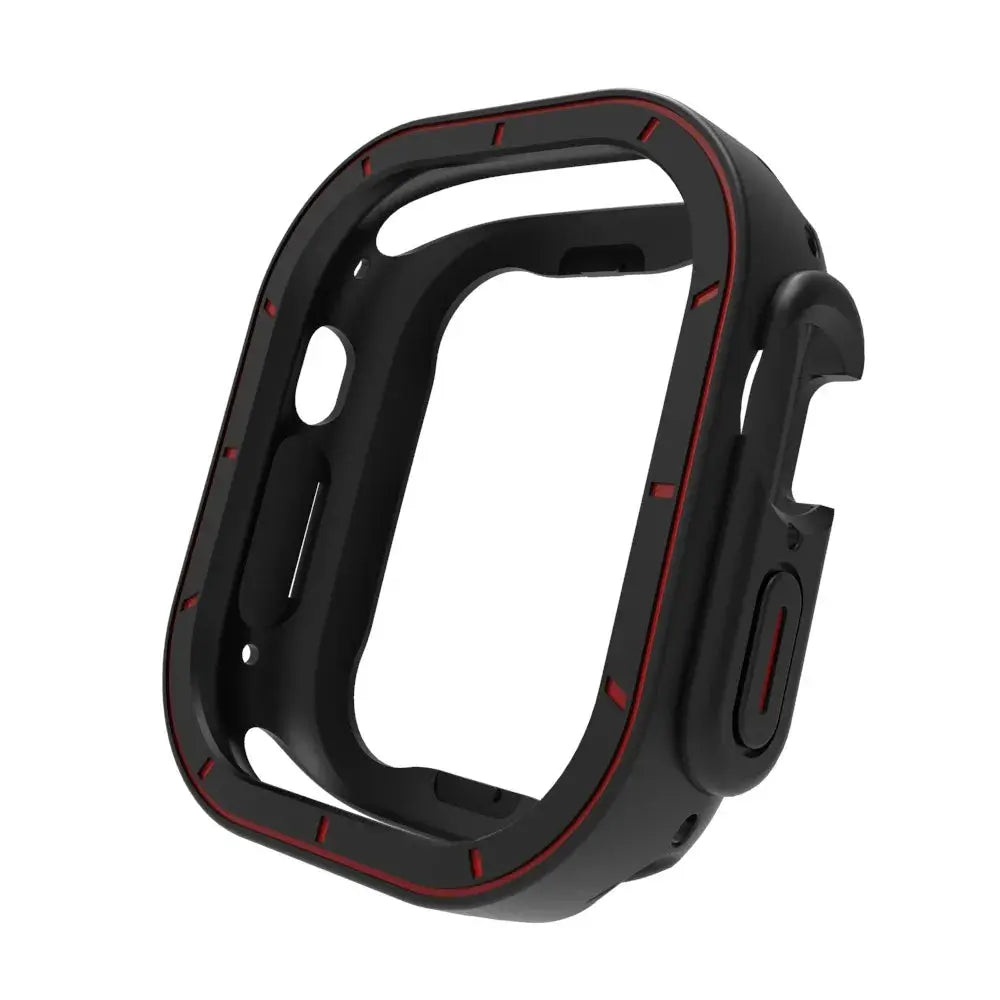
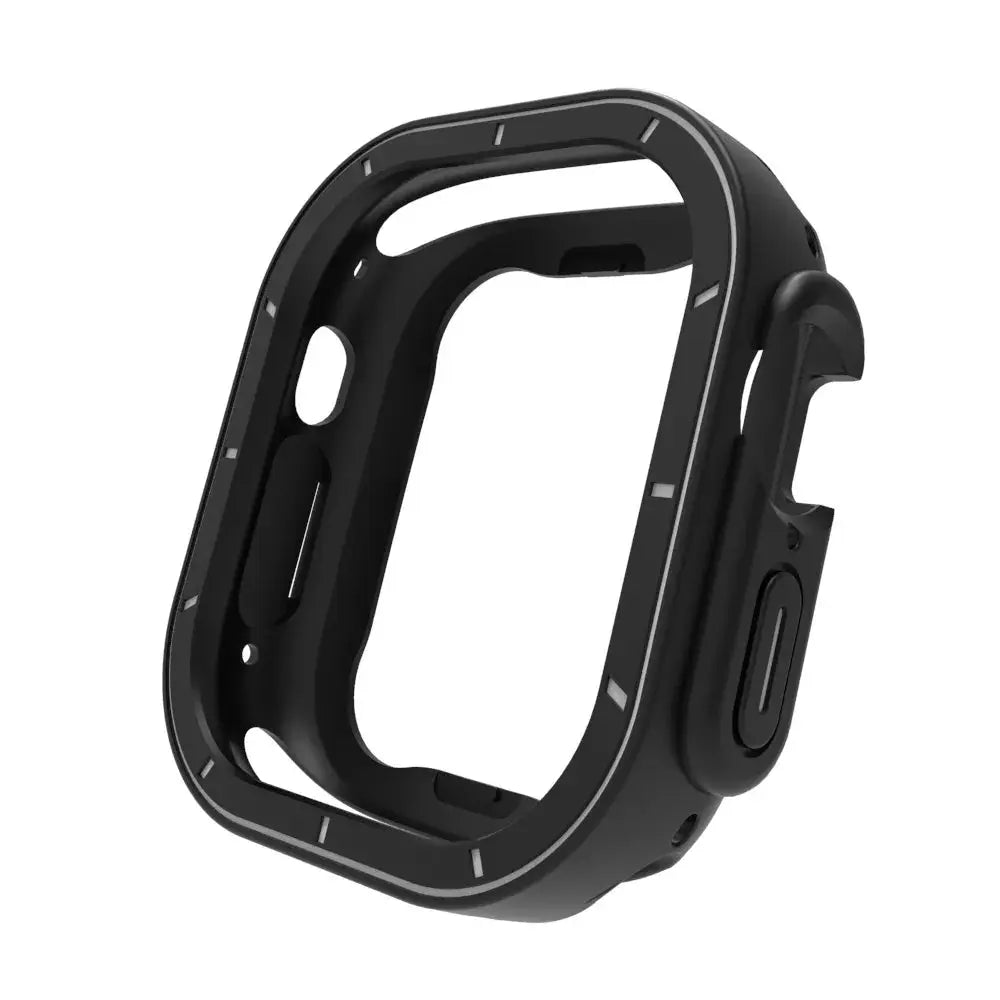
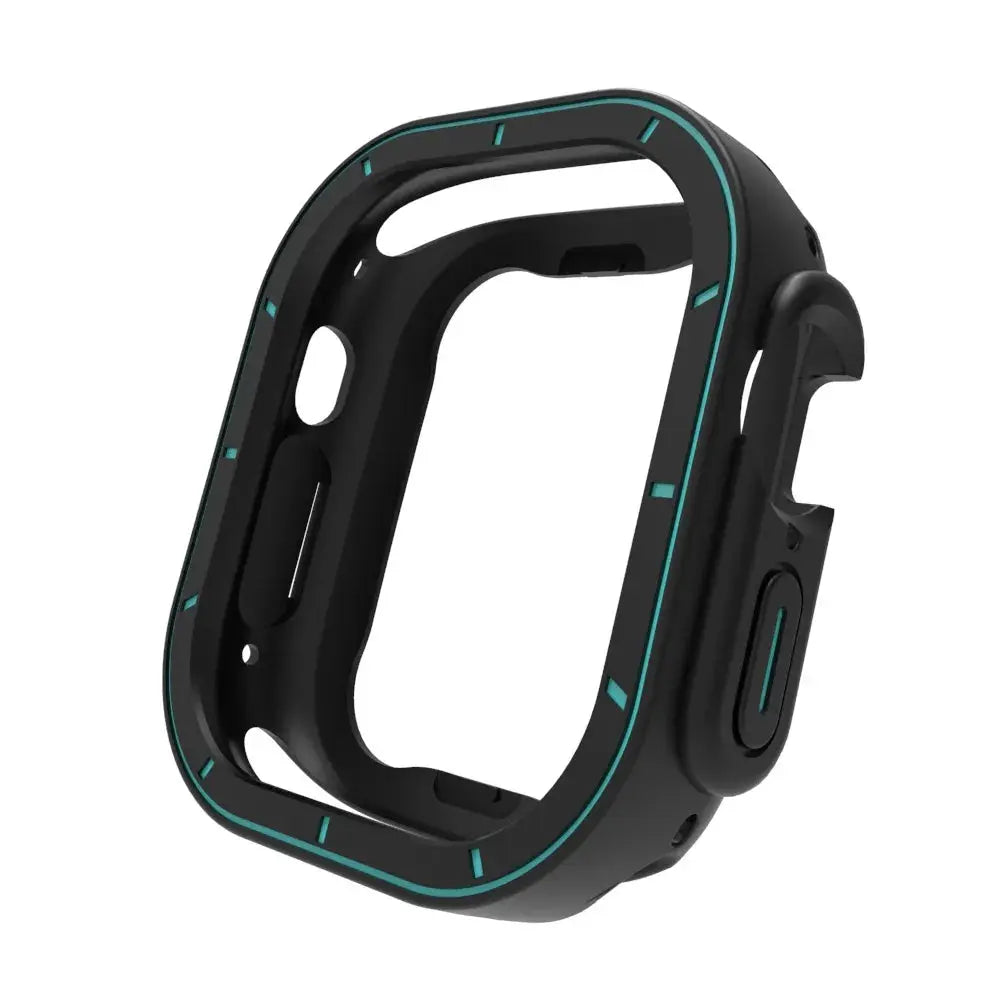
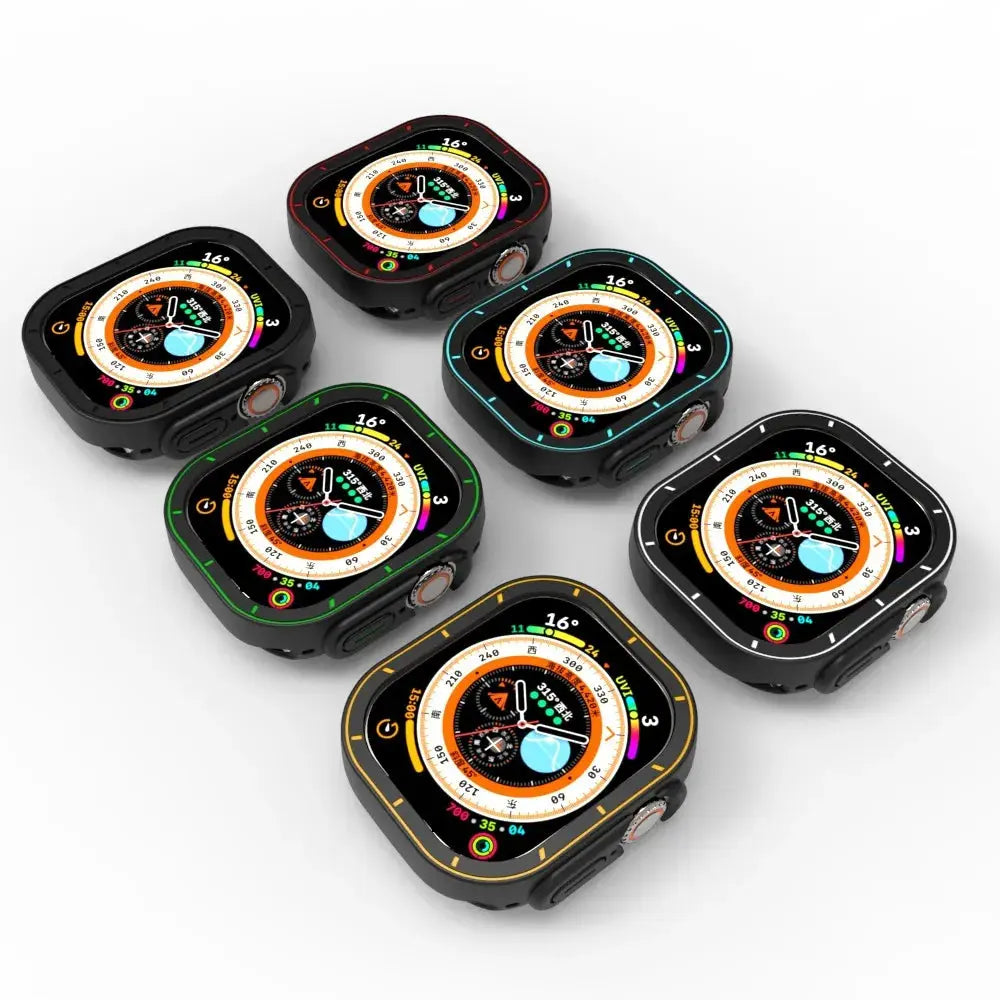
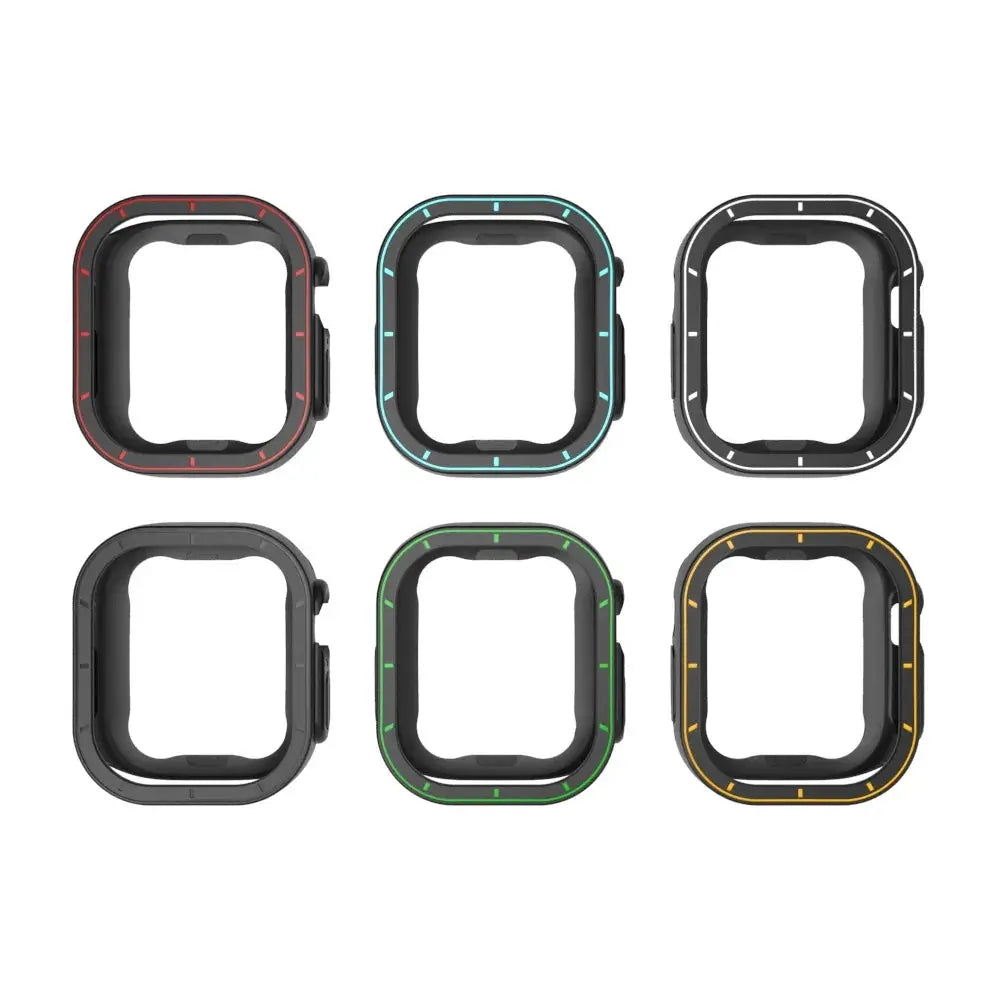
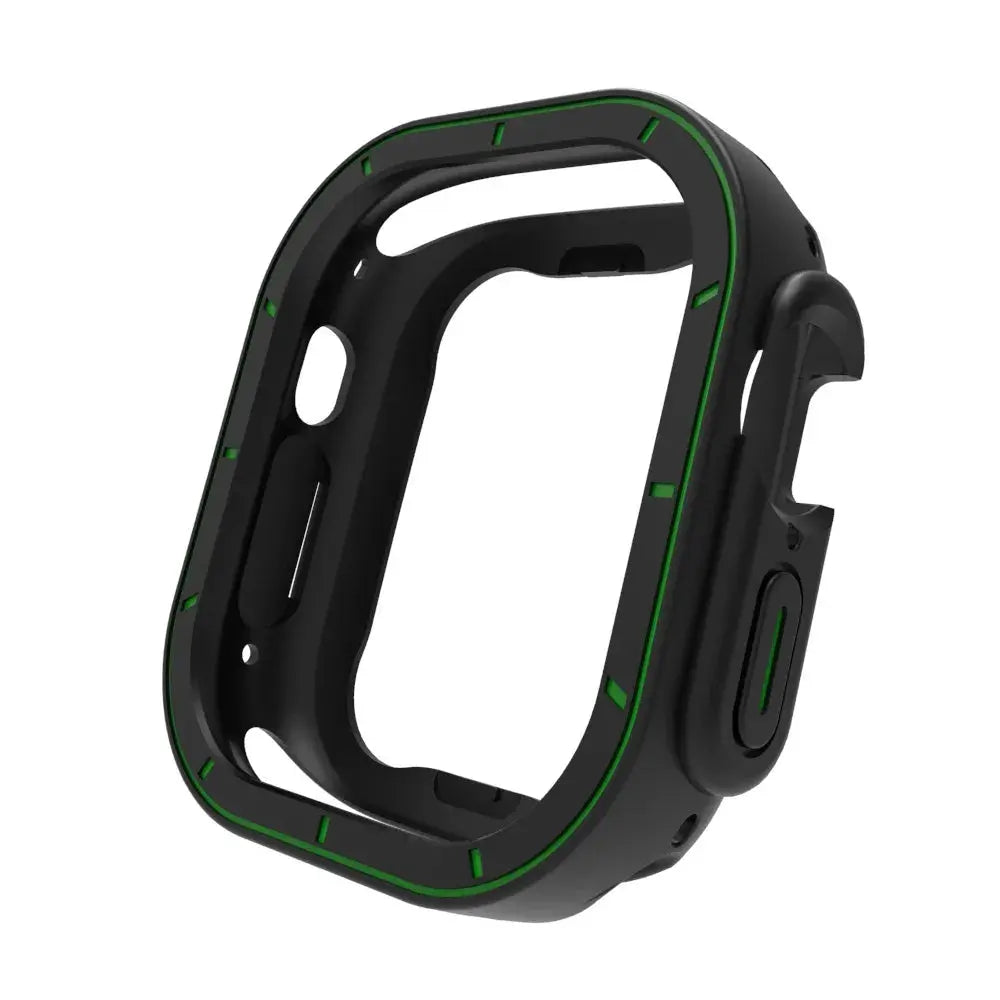
Your configuration
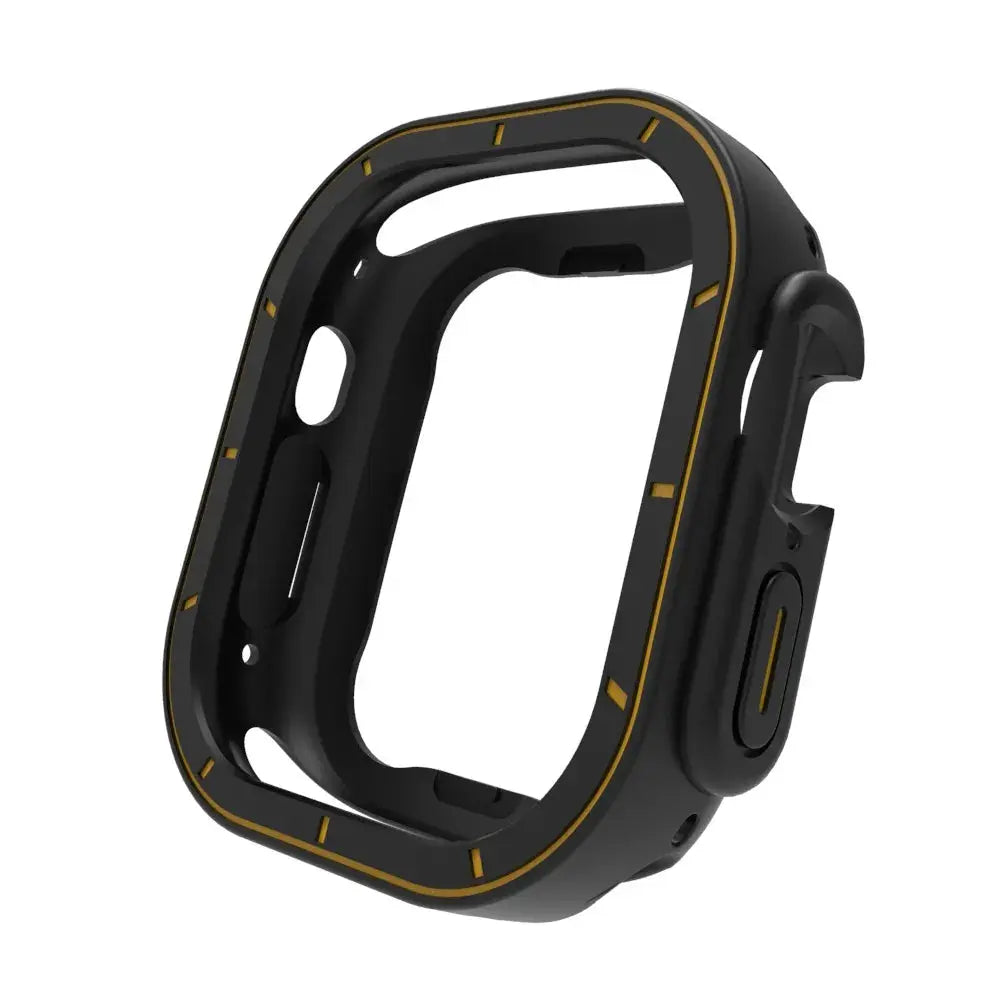
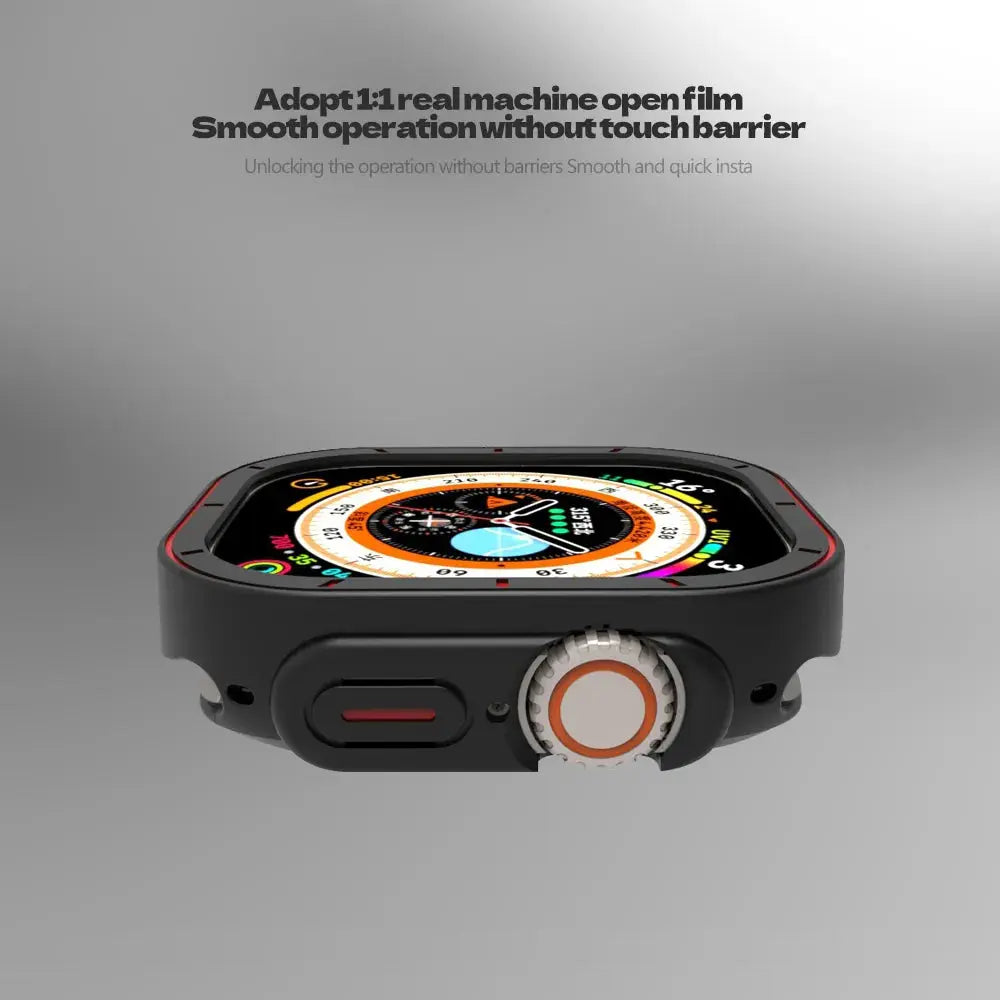
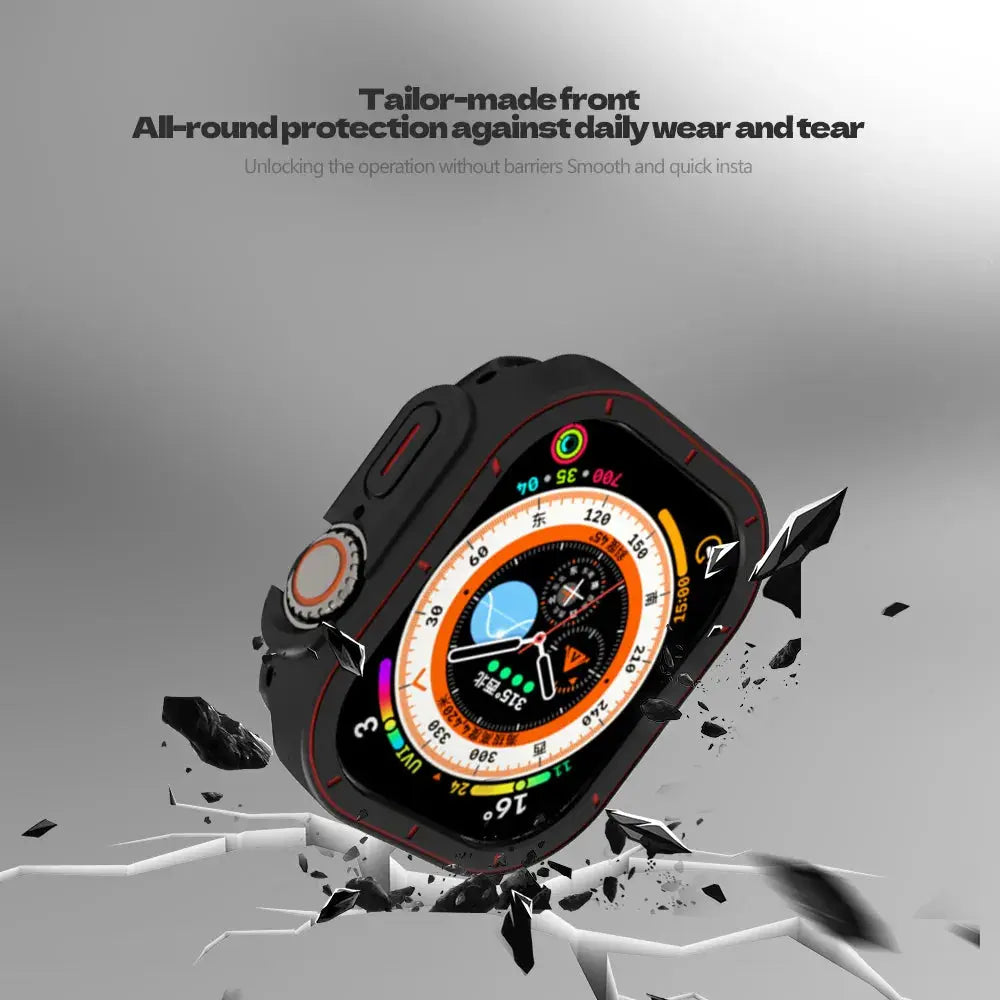
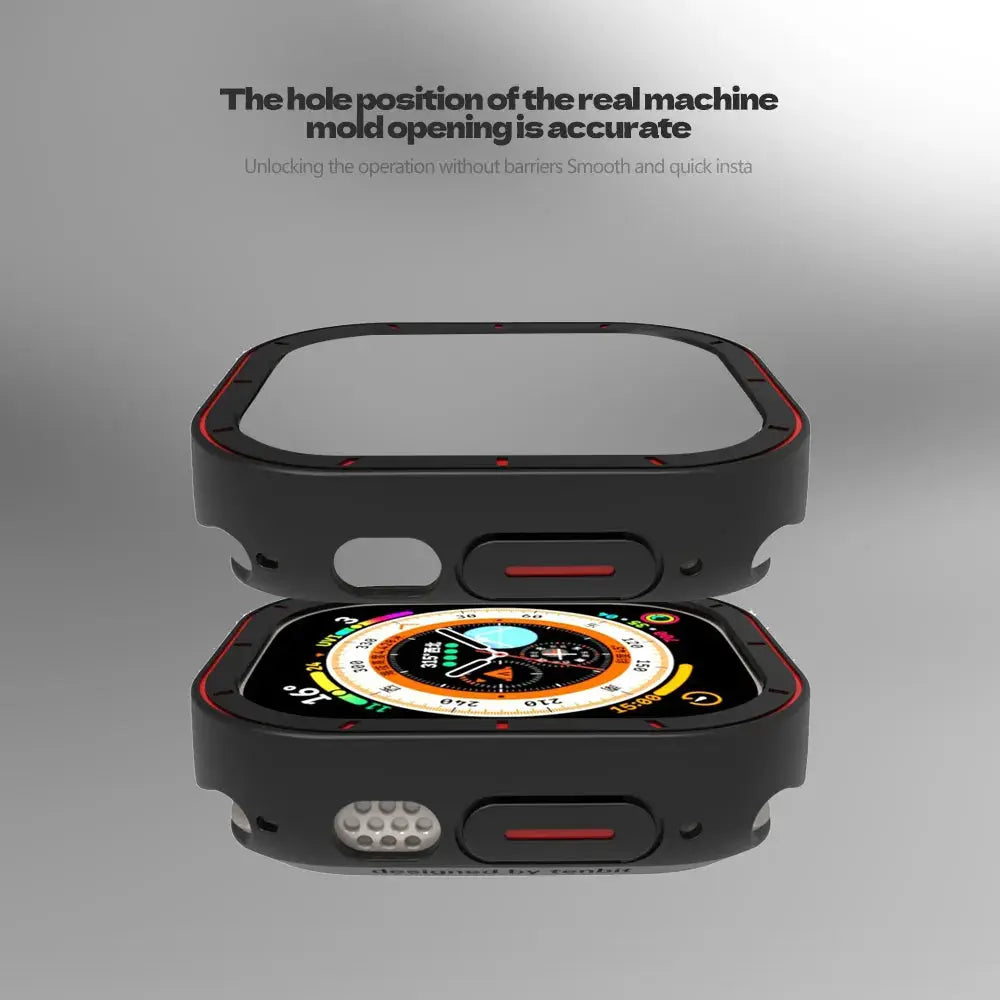
Avontic SecureShield Apple Watch TPU Bumper Case with Screen Safeguard for Apple Watch Ultra 4/3/2/1 (49mm)Your configuration
Avontic SecureShield Apple Watch TPU Bumper Case with Screen Safeguard for Apple Watch Ultra 4/3/2/1 (49mm)Match the watch family and case size shown in this product's options to the markings or device information for your watch before ordering.
The 49mm case or protector configuration fits Apple Watch Ultra 4, Ultra 3, Ultra 2 and the original Apple Watch Ultra.
Choose an Ultra 4 49mm option in the size selector, then select your preferred finish. Only the selected configuration determines the supplied case or protector.
Avontic SecureShield Apple Watch TPU Bumper Case with Screen Safeguard for Apple Watch Ultra 4 / 3 / 2 / 1 (49mm)
Protect the exposed areas of 49mm for Ultra and 49mm for Ultra 4 / 3 / 2 / 1 with coverage built around the correct generation and millimeter size. The focus is practical protection, control access, and a finish that complements the watch.
The most important benefits are organized below so you can compare protection, comfort, function, materials, and fit with the clearest purchase-ready details first.
Adds product-specific coverage around the watch body, bezel, or display while preserving the intended wearable form.
Built around 49mm for Ultra and 49mm for Ultra 4 / 3 / 2 / 1; visually similar Apple Watch generations can use different dimensions, crown positions, or display profiles.
Designed to retain practical access to the screen, Digital Crown, side button, sensors, and charging area when correctly installed.
This product highlights TPU, allowing protection to feel intentional rather than added as an afterthought.
Compatibility is treated as a purchase requirement, not an afterthought. Match the model, generation, millimeter size, connector family, and configuration shown in your selector.
Protective cases and screen protectors are more size-specific than bands. Confirm the exact Apple Watch generation and case size: Series 10/11 commonly use 42mm or 46mm, Series 7/8/9 use 41mm or 45mm, Series 4/5/6/SE commonly use 40mm or 44mm, and Ultra models use 49mm.
Protective cases and screen protectors are more size-specific than bands. Confirm the exact Apple Watch generation and case size: Series 10/11 commonly use 42mm or 46mm, Series 7/8/9 use 41mm or 45mm, Series 4/5/6/SE commonly use 40mm or 44mm, and Ultra models use 49mm.
Choose the exact compatible configuration above. Then review the curated add-ons on this product page for model-matched cases, bands, protectors, chargers, or stands that complement this setup.
Tracking is emailed after dispatch. Available shipping options are shown at checkout.
Avontic offers 60-Day Returns. Review the current Return Policy for eligibility, available resolutions, and any applicable conditions before sending an item back.
Not sure which option fits? Contact Avontic before ordering and include the exact device model, generation, and size shown in your settings or on the device itself.
Avontic SecureShield Apple Watch TPU Bumper Case with Screen Safeguard for Apple Watch Ultra 4/3/2/1 (49mm)
Make it your own.
Choose options
Apple Watch fit studio
Confirm the full watch identity, inspect the current product media and compare only explicitly configured facts before choosing an option above.
Start with the watch
The Series name can cover more than one case size. Use the engraving on the back of the watch and match the complete option shown on this product.
Read the identification engraved around the rear sensor.
Use the exact case size shown on the watch, including the mm measurement.
Identify the complete Series or Ultra generation. A Series name alone can cover more than one case size.
Select only a native product option that explicitly matches the required generation and case size.
Real product media
The gallery uses this product's existing media and follows the selected variant when variant media is available.
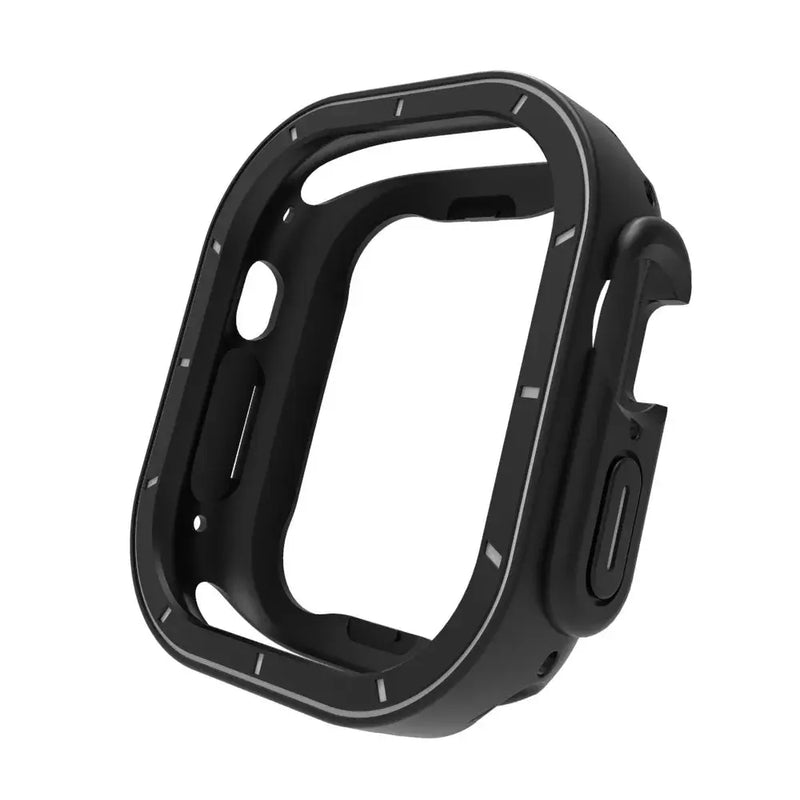
Compare the selected finish with the real product imagery and the watch setup you plan to use most often.
Review the available close-up imagery before choosing the finish you intend to wear for more formal settings.
Adjustment guidance
Use only guidance confirmed for the product and only components explicitly listed with the selected configuration.
Begin only when the selected product explicitly lists the adjustment component and instructions you need.
Follow the product-specific direction markers and keep every removed part organized while adjusting.
Confirm that each connection is secure before wear. Stop and contact Avontic if a connection does not seat cleanly.
If the required component or direction is not explicit, stop and contact Avontic before changing the band.