
RhinoGuard flagship

My Device
Settings → General → About → tap the part number beside Model Number to reveal the A-number.
Start typing, choose a listed route, or complete all three browse fields. Nothing is assumed.
RhinoGuard flagship

ArmorPro route
RhinoGuard flagship
RhinoGuard route

Privacy glass

TitaniumGuard Ascend
TitaniumGuard Ascend
TitaniumGuard Ascend

Galaxy Watch Ultra metal

47mm protective case

Galaxy Watch 4–6 band collection

TitanForge 22mm
TitanForge 26mm

DuraShield protection

ArmorShield Slide

TitanShield Pro
RhinoGuard flagship
RhinoGuard flagship

RhinoGuard Tactical 360 Pro

RhinoGuard Apex Shield

RhinoGuard Apex Rotation

RhinoGuard Regent

RhinoGuard Vanguard

RhinoGuard Vertex

ChargeStation 7
Live catalog match
Your configuration
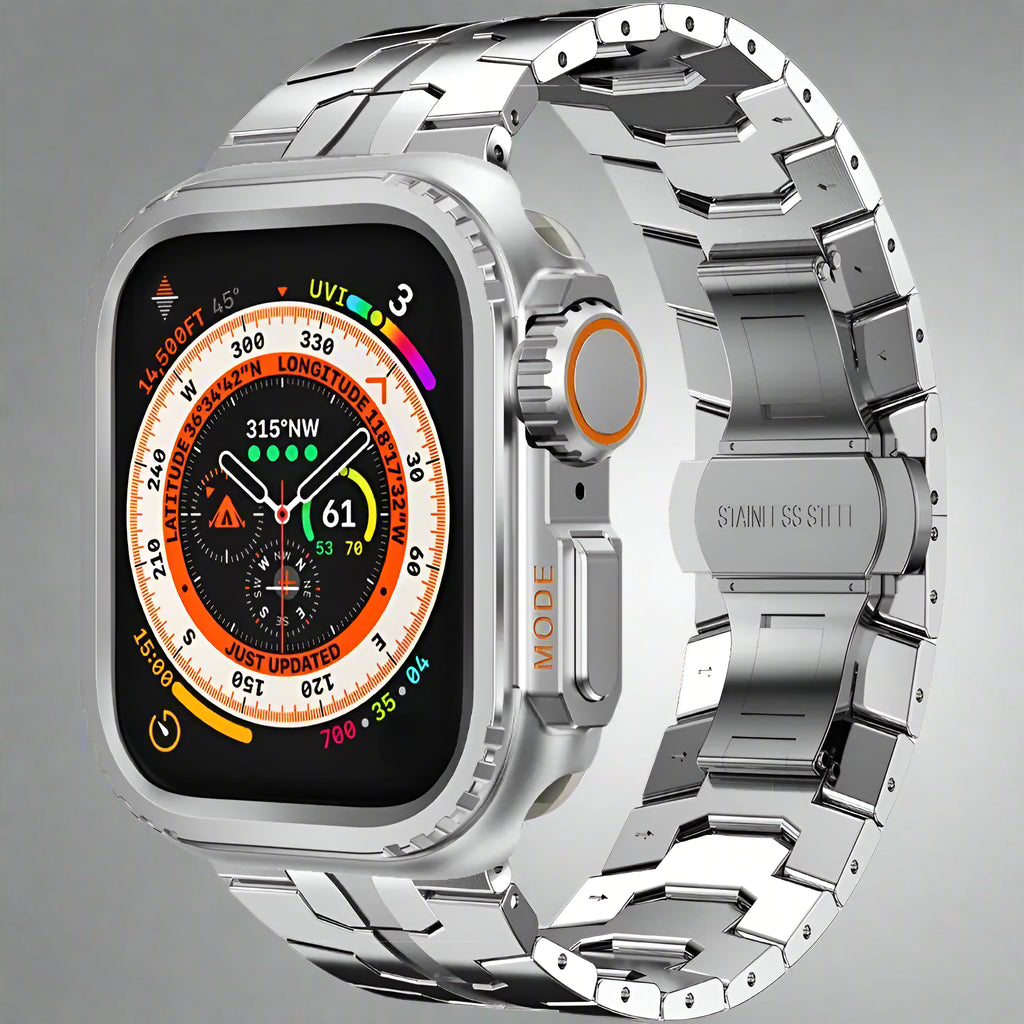
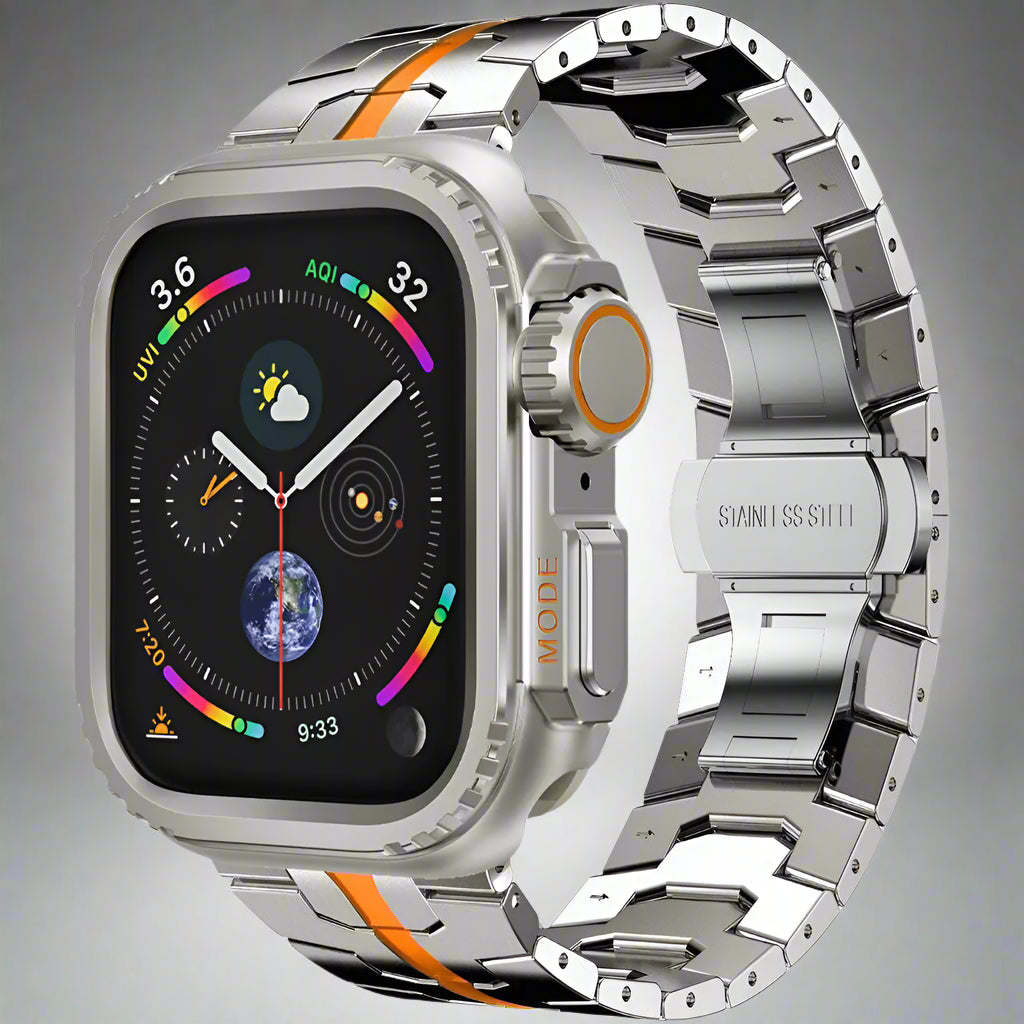
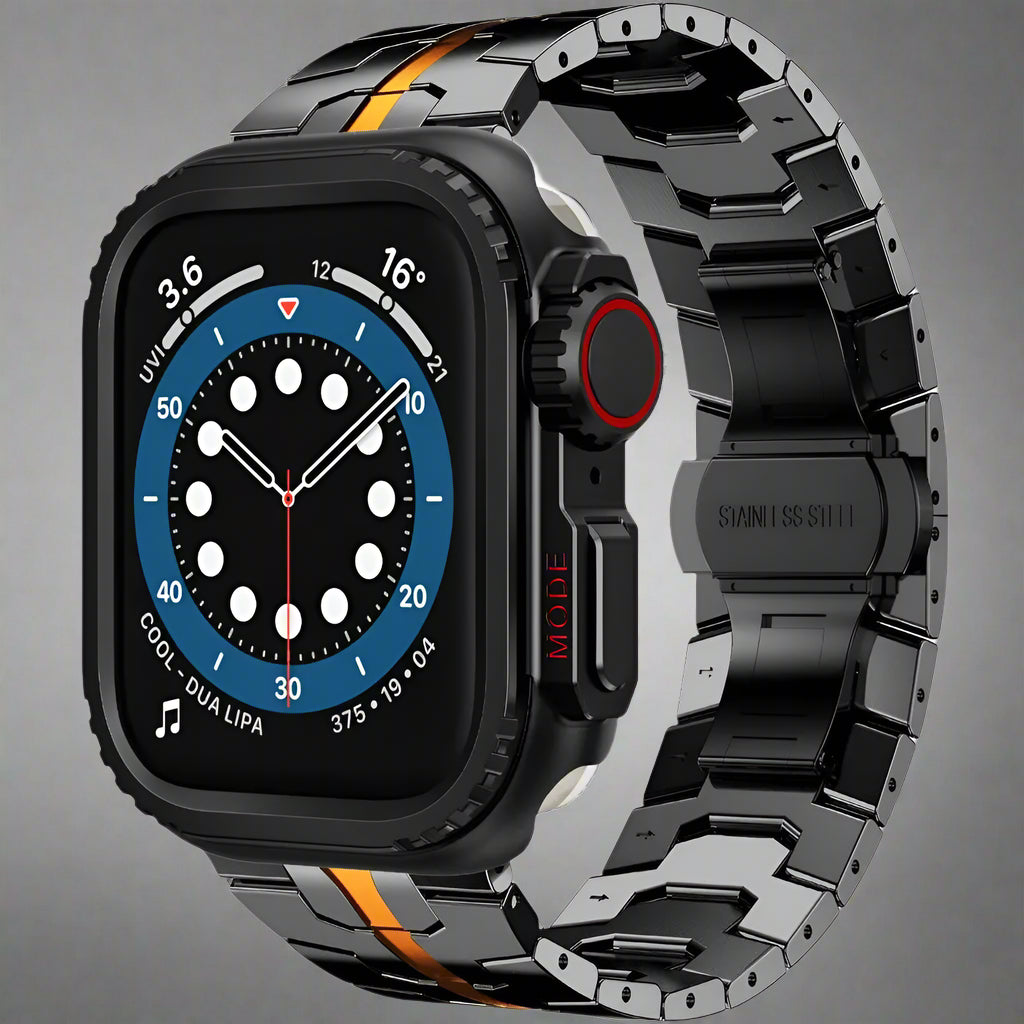
TitaniumForce Series – Elite Band & Protective Case for Apple Watch Ultra 4/3/2/1 (49mm) & Selected Series ModelsPreselected for display. Check the device, model, and size before ordering, or choose another option.
Your configuration
TitaniumForce Series – Elite Band & Protective Case for Apple Watch Ultra 4/3/2/1 (49mm) & Selected Series ModelsPreselected for display. Check the device, model, and size before ordering, or choose another option.
Match the watch family and case size shown in this product's options to the markings or device information for your watch before ordering.


Premium band-and-case systems forged around strength, precision, and a commanding finish.
The 49mm band-and-case configuration fits Apple Watch Ultra 4, Ultra 3, Ultra 2 and the original Apple Watch Ultra.
Choose an Ultra 4 49mm option in the size selector, then select your preferred finish. Earlier Series options remain available; their cases must match the exact watch model and body size. Only the selected configuration determines the supplied band, case and any expressly included screen protector.
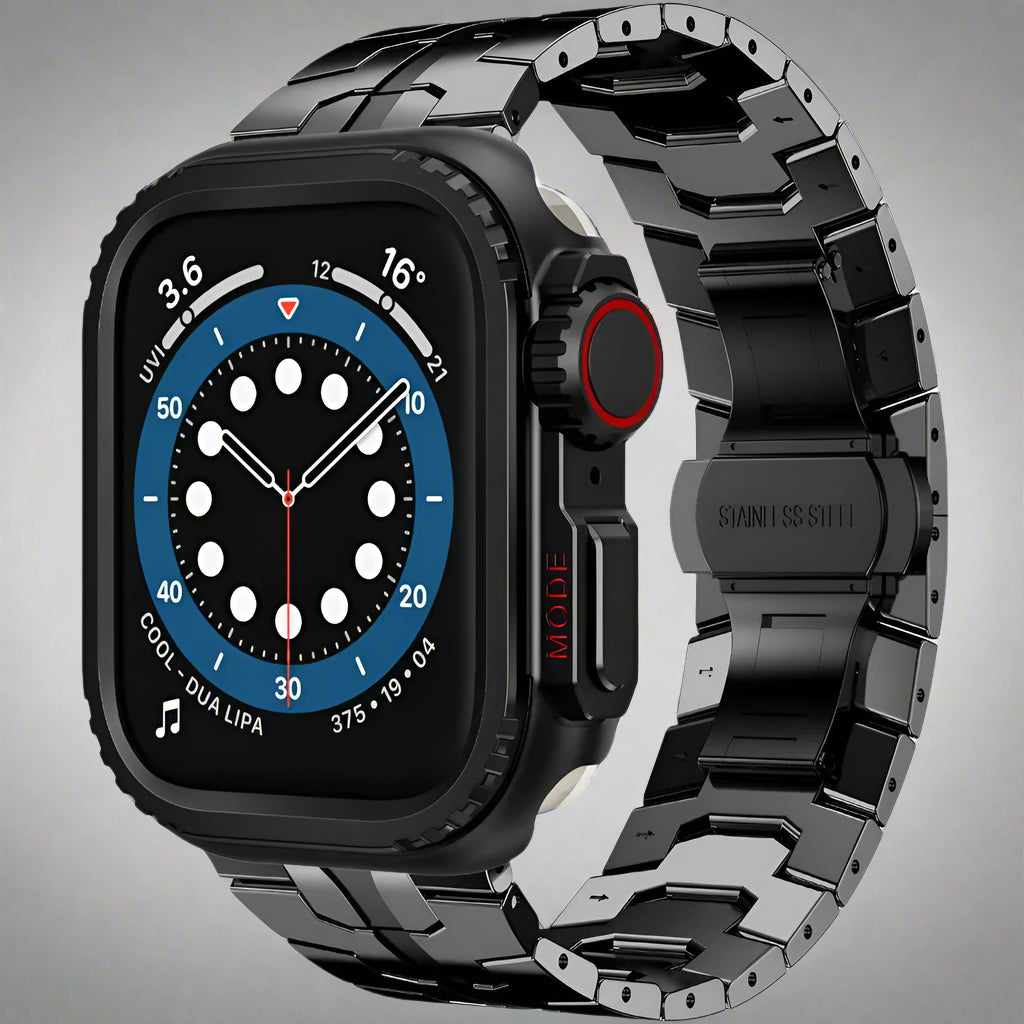
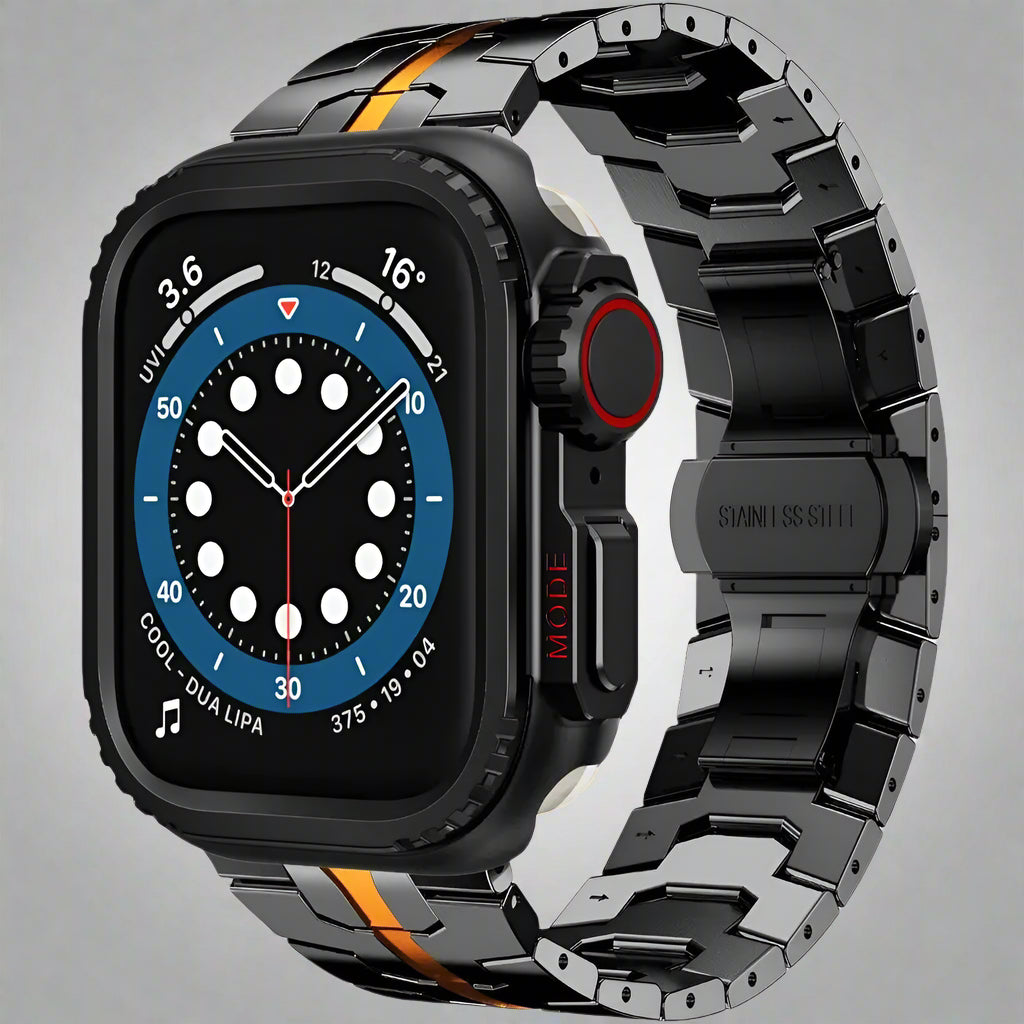
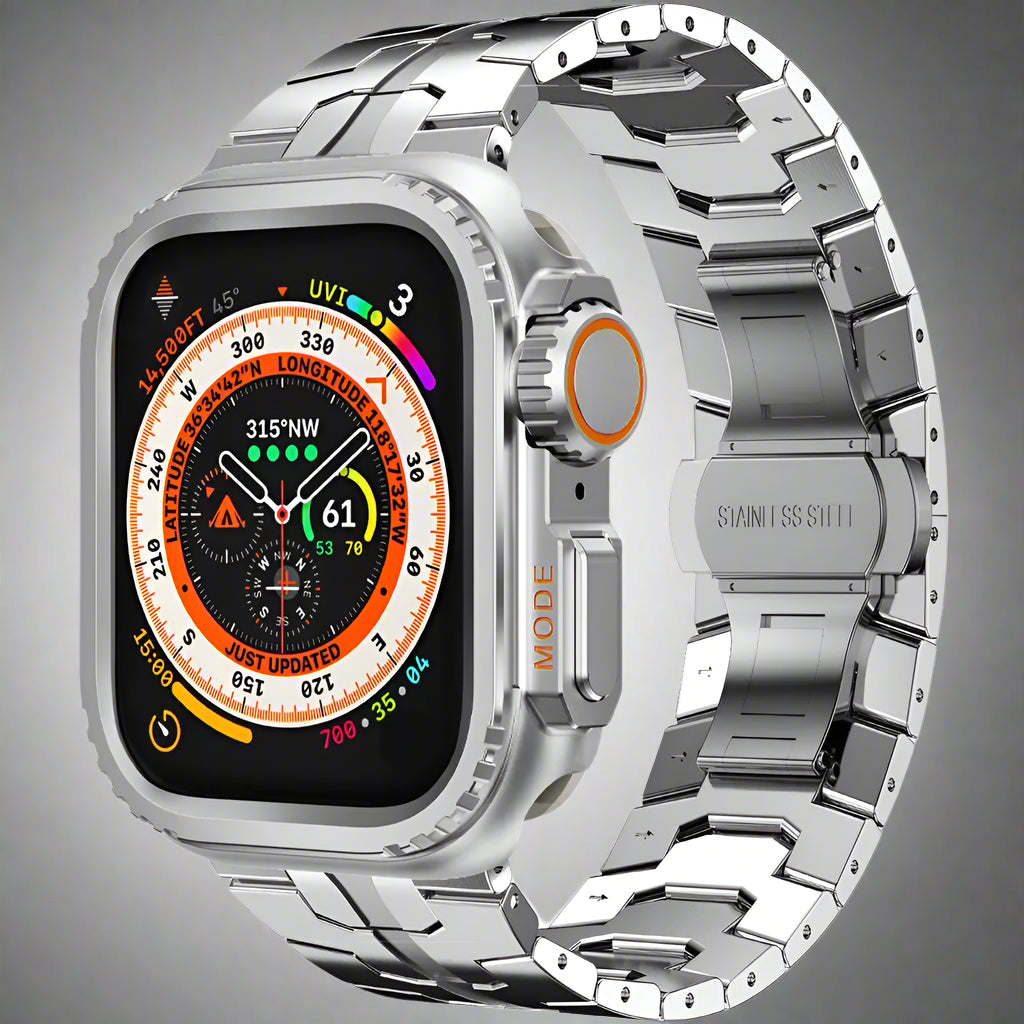
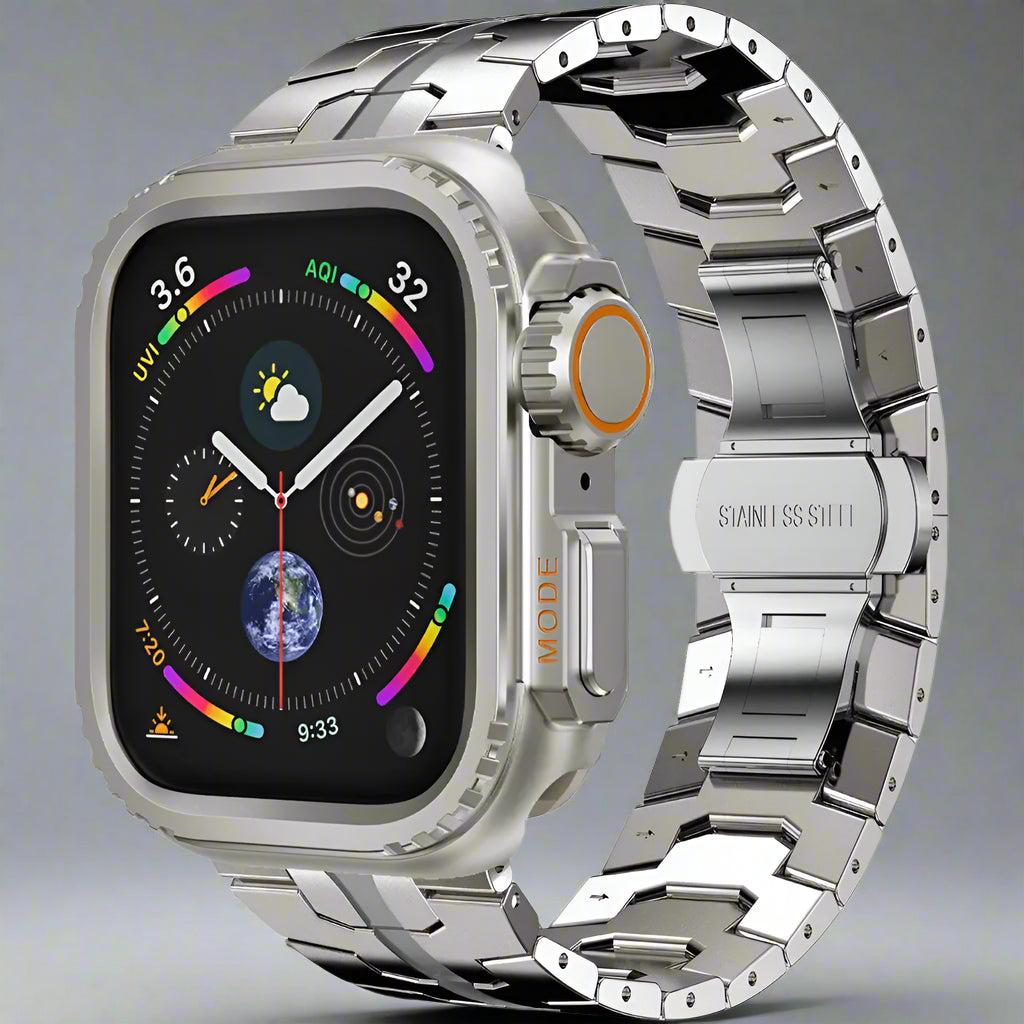
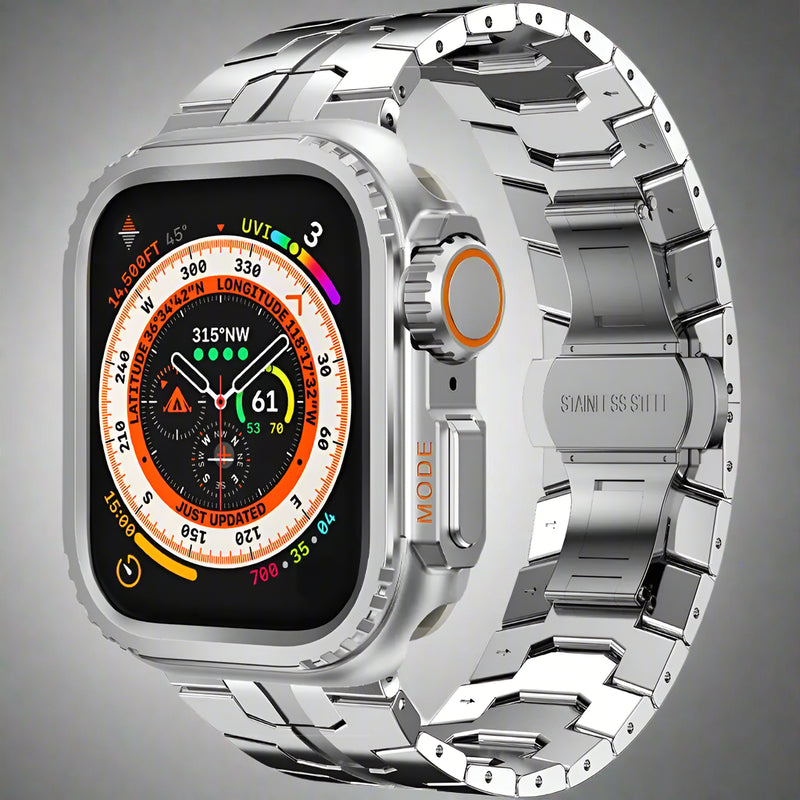
TitaniumForce Series pairs a sculpted metal link bracelet with a coordinated metal protective case for selected 44mm, 45mm, 46mm, and 49mm Apple Watch bodies—creating a bold, unified instrument-watch profile.
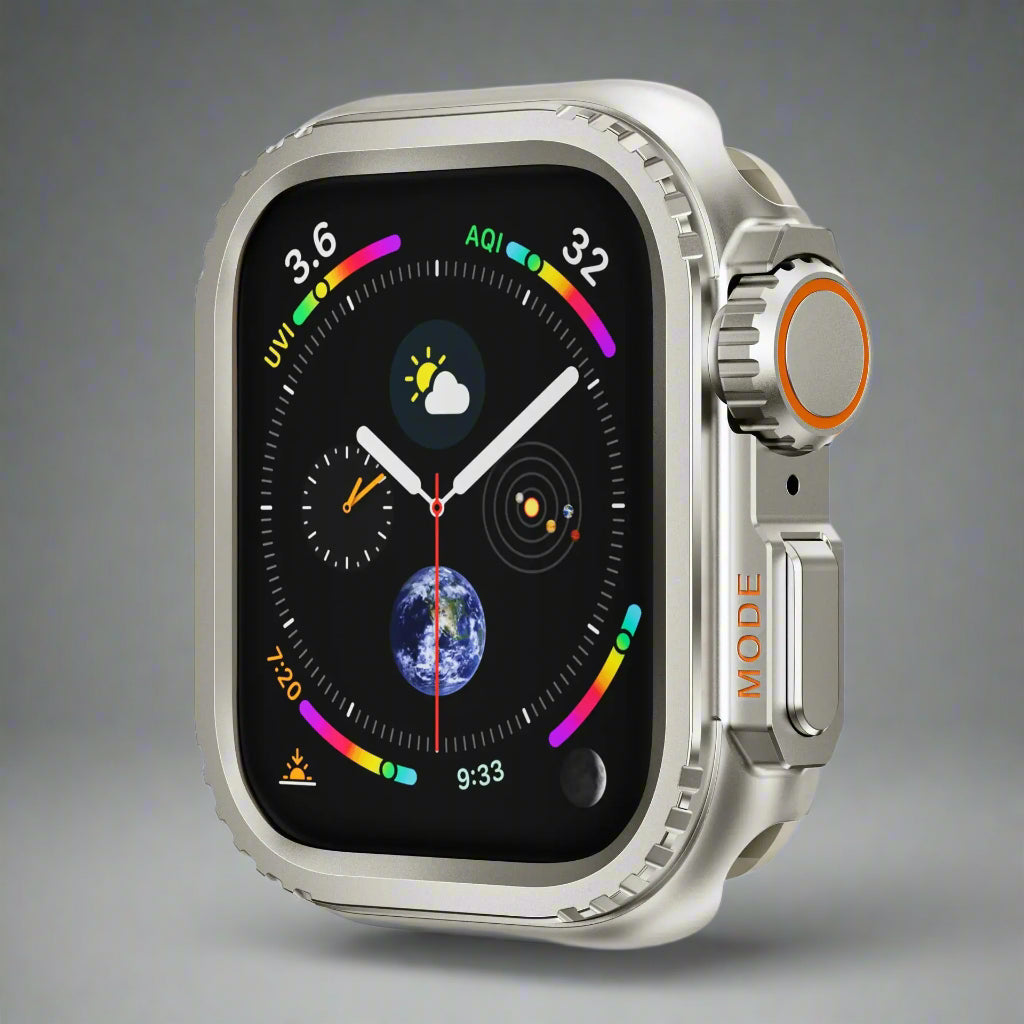
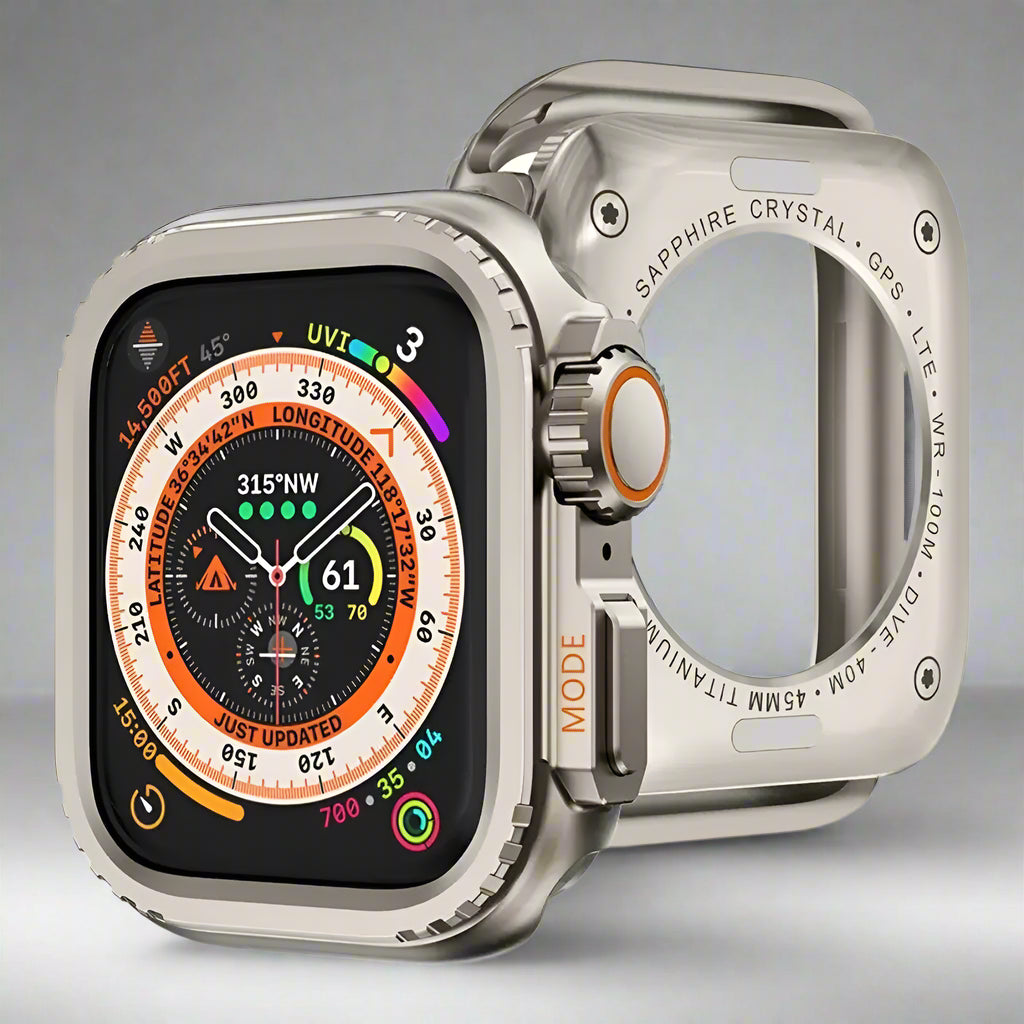
TitaniumForce builds the bracelet and case as one visual system. The wide, articulated metal links create a substantial wrist profile, while the fitted protective frame surrounds the watch bezel and rear perimeter and leaves essential sensors and charging access available. The result is a more complete look than pairing a metal band with an uncovered Apple Watch body.
Every component has a defined purpose—from bracelet presence and tailored sizing to frame coverage and preserved watch functionality.
Sculpted links combine brushed and polished visual details for a technical bracelet profile with a deliberate, substantial presence.
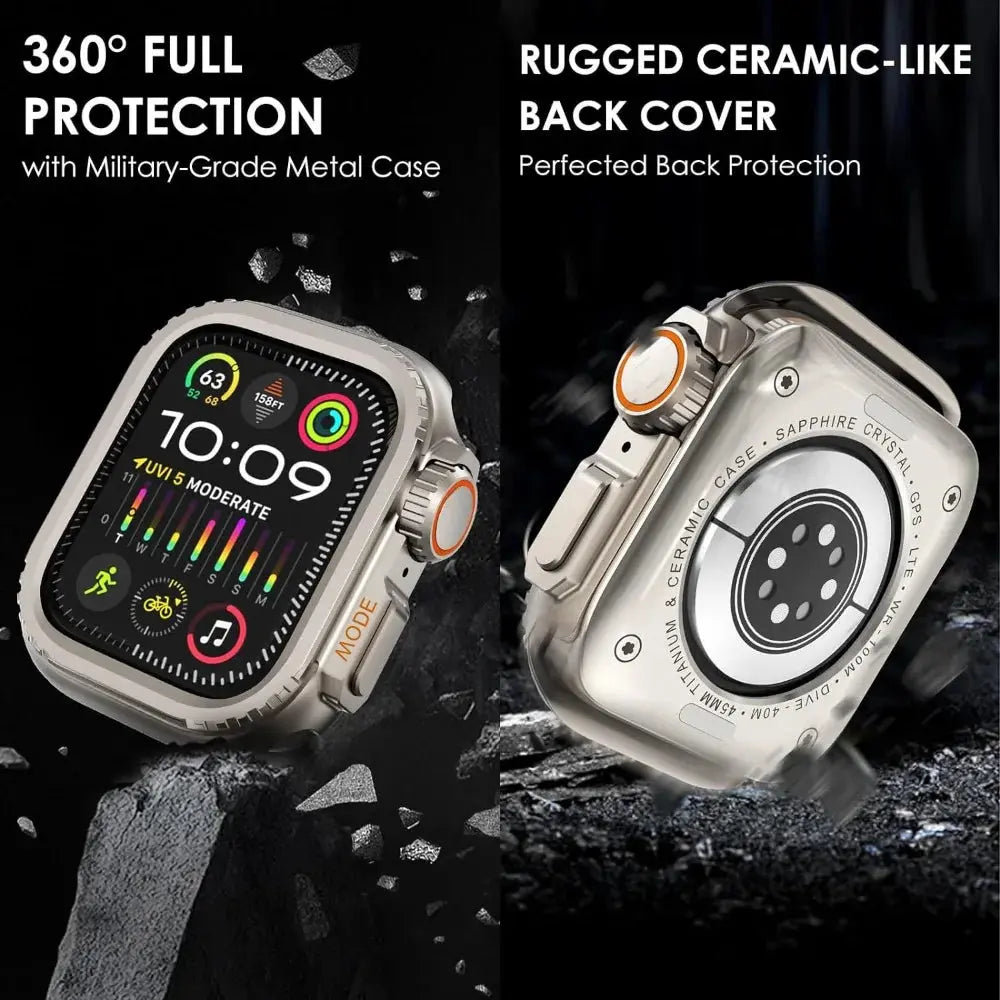
The protective frame carries the bracelet finish around the Apple Watch body and adds coverage around exposed corners, bezel, and rear perimeter.
The display remains directly accessible without a built-in clear film, preserving normal touchscreen interaction after correct installation.
The clasp closes beneath the wrist for a clean exterior silhouette and secure fastening when fully engaged and properly sized.
Bracelet links can be removed to tailor the circumference. Use a compatible link tool and preserve every pin, collar, and removed link.
The correct case preserves crown, button, speaker, microphone, rear sensor, charging, and band-connector access.
Creates a bold metal timepiece profile for meetings, presentations, client work, and professional travel.
The structured links and protective frame deliver an instrument-watch appearance for everyday adventures and casual wear.
Offers a coordinated band-and-case transformation for celebrations, dinners, milestone gifts, and personal upgrades.
The live selector contains four case-size groups: Series 10 46mm, Ultra 4 / 3 / 2 / 1 49mm, Apple Watch 45mm, and Apple Watch 44mm. These protective cases are not interchangeable. Match the rear-engraved case size and watch family exactly.
Selector guidance: “TitaniumForce” is the collection name. The gallery and legacy catalog describe a metal or steel-style band-and-case construction but do not establish a verified solid-titanium grade for every component. This description therefore avoids unsupported alloy and weight claims.
Read the millimeter engraving and verify the Apple Watch generation in Watch app › General › About.
Select Series 10 46mm, Ultra 4 / 3 / 2 / 1 49mm, Apple Watch 45mm, or Apple Watch 44mm only when it exactly matches the device.
Choose black, silver, titanium-tone, titanium-orange, or black-orange after case compatibility is certain.
Resize slowly, install the case without force, and test the complete watch before regular wear.
Confirm watch size, band, protective case, clasp, links, pins, fasteners, and any included adjustment accessories.
Remove links in balanced increments on a stable surface; do not make the band tight enough to impair comfort or sensor contact.
Follow the case separation points, align the crown and buttons, and secure the watch without pressing on the display.
Test touch, crown, buttons, audio, microphones, sensors, charging, case fasteners, band connectors, and clasp release.
Apple Watch, charger, front screen protector, and link-adjustment tool are not included unless explicitly shown with the selected configuration.
Realistic protection: The case helps reduce exposure to everyday scratches, scuffs, light bumps, and surface contact, but no accessory can prevent every impact or device failure.
Metal accessories can show normal finish wear and may feel more substantial than sport bands. Remove sweat, salt, lotion, sunscreen, and trapped moisture regularly. Dry all parts fully and inspect case hardware, links, pins, connectors, and clasp before wear.
Tracking is emailed after dispatch. Available shipping options are shown at checkout.
Avontic offers 60-Day Returns. Review the current Return Policy for eligibility, available resolutions, and any applicable conditions before sending an item back.
Not sure which option fits? Contact Avontic before ordering and include the exact device model, generation, and size shown in your settings or on the device itself.
TitaniumForce Series – Elite Band & Protective Case for Apple Watch Ultra 4/3/2/1 (49mm) & Selected Series Models
Make it your own.
Choose options
TitaniumGuard watch studio
Confirm the full watch identity, inspect real product media and rely only on explicitly configured package facts before choosing an option above.
Start with the watch
The Series name can cover more than one case size. Use the engraving on the back of the watch and match the complete option shown on this product.
Read the identification engraved around the rear sensor.
Use the exact case size shown on the watch, including the mm measurement.
Identify the complete Series or Ultra generation. A Series name alone can cover more than one case size.
Select only a native product option that explicitly matches the required generation and case size.
Real product media
The gallery uses this product's existing media and follows the selected variant when variant media is available.
Compare the selected finish with the real product imagery and the watch setup you plan to use most often.
Review the available close-up imagery before choosing the finish you intend to wear for more formal settings.
Adjustment guidance
Use only guidance confirmed for the product and only components explicitly listed with the selected configuration.
Begin only when the selected product explicitly lists the adjustment component and instructions you need.
Follow the product-specific direction markers and keep every removed part organized while adjusting.
Confirm that each connection is secure before wear. Stop and contact Avontic if a connection does not seat cleanly.
If the required component or direction is not explicit, stop and contact Avontic before changing the band.