
RhinoGuard flagship

My Device
Settings → General → About → tap the part number beside Model Number to reveal the A-number.
Start typing, choose a listed route, or complete all three browse fields. Nothing is assumed.
RhinoGuard flagship

ArmorPro route
RhinoGuard flagship
RhinoGuard route

Privacy glass

TitaniumGuard Ascend
TitaniumGuard Ascend
TitaniumGuard Ascend

Galaxy Watch Ultra metal

47mm protective case

Galaxy Watch 4–6 band collection

TitanForge 22mm
TitanForge 26mm

DuraShield protection

ArmorShield Slide

TitanShield Pro
RhinoGuard flagship
RhinoGuard flagship

RhinoGuard Tactical 360 Pro

RhinoGuard Apex Shield

RhinoGuard Apex Rotation

RhinoGuard Regent

RhinoGuard Vanguard

RhinoGuard Vertex

ChargeStation 7
Live catalog match




Your configuration
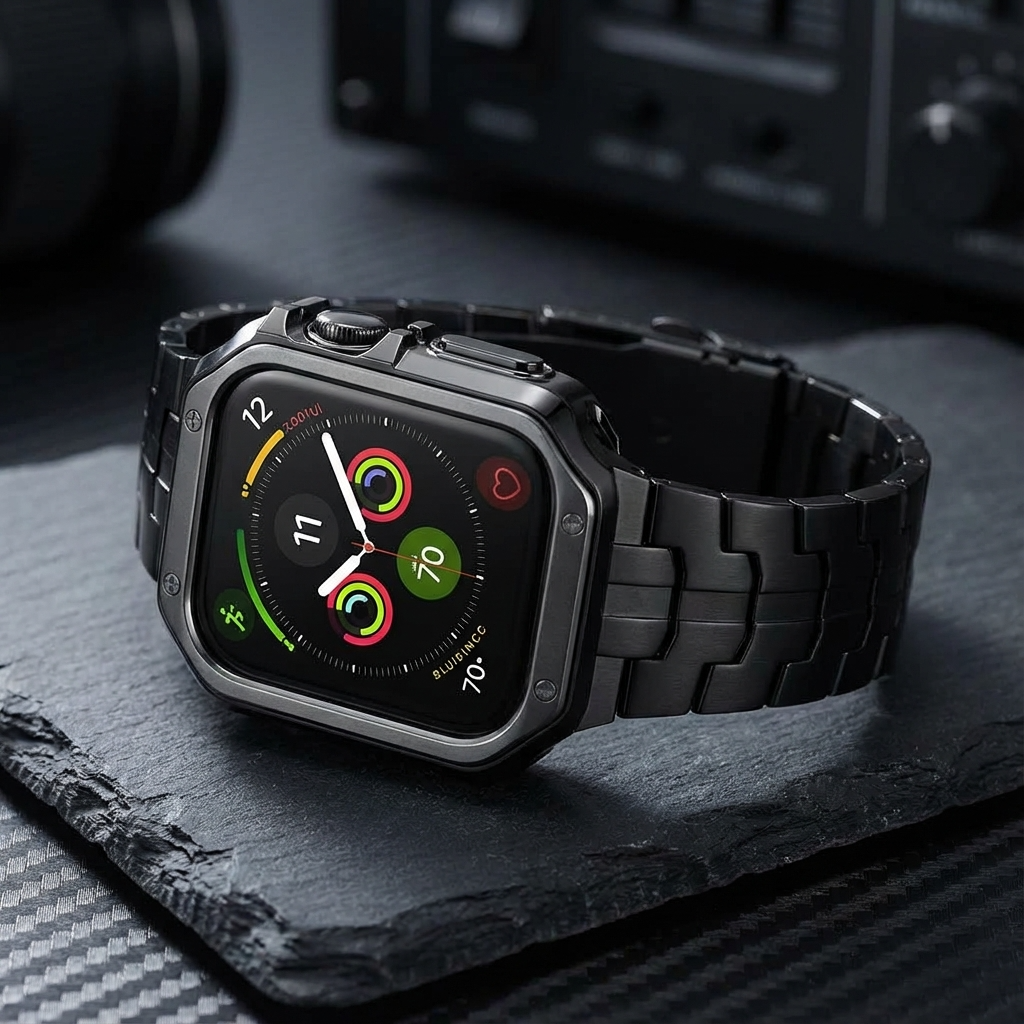
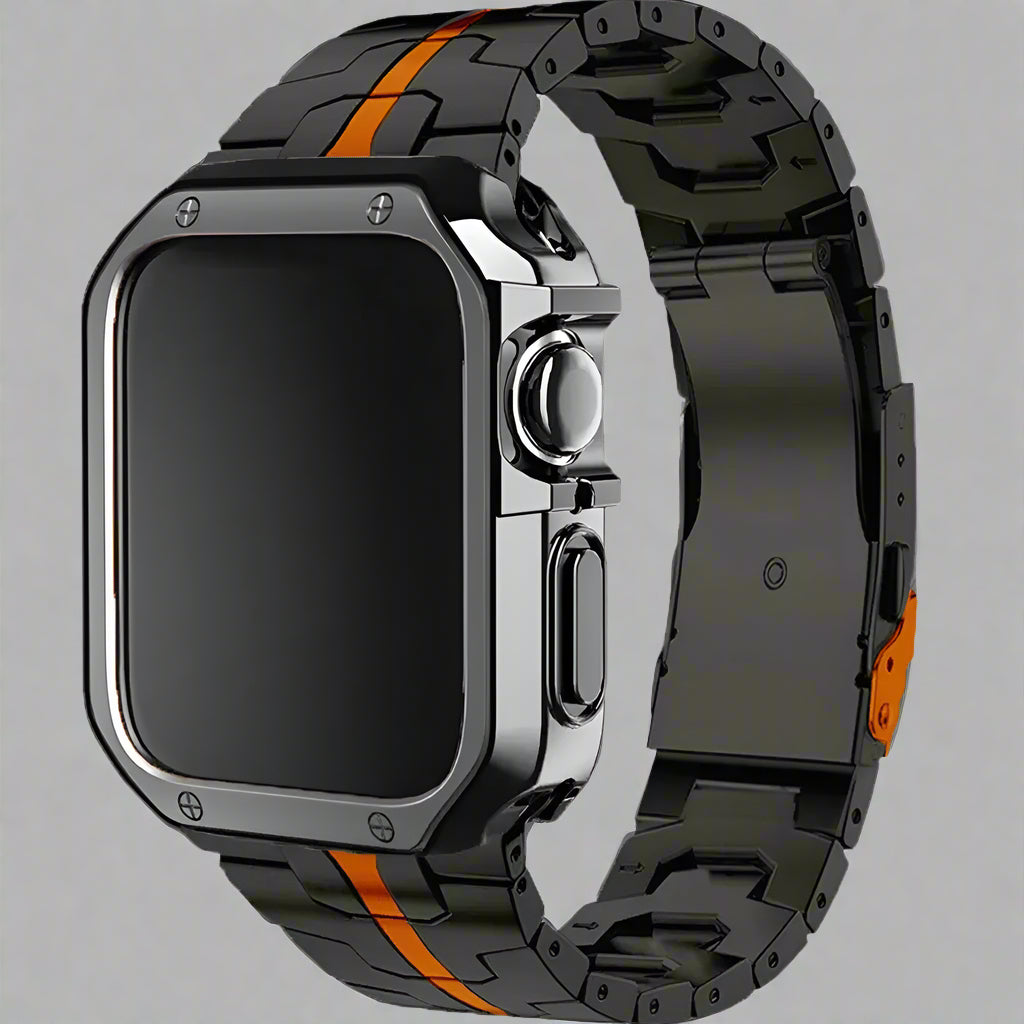
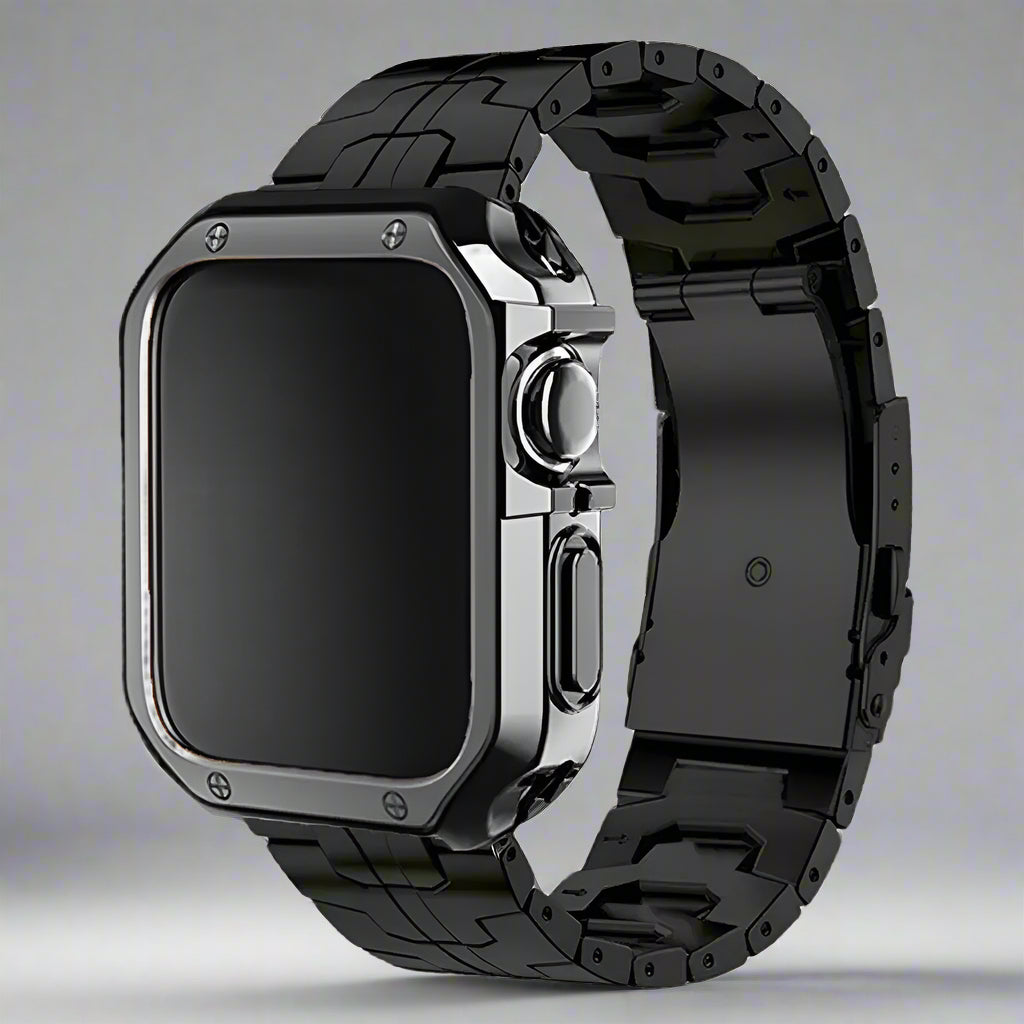
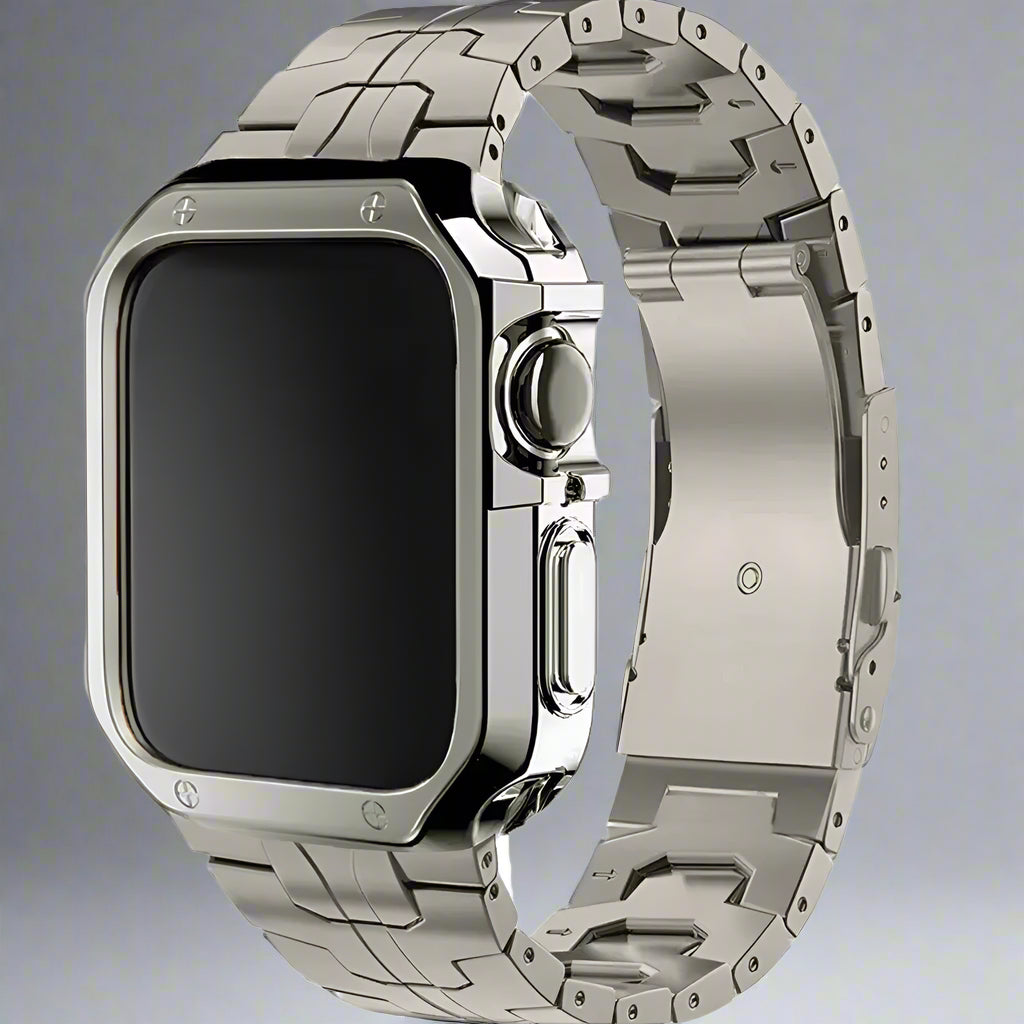
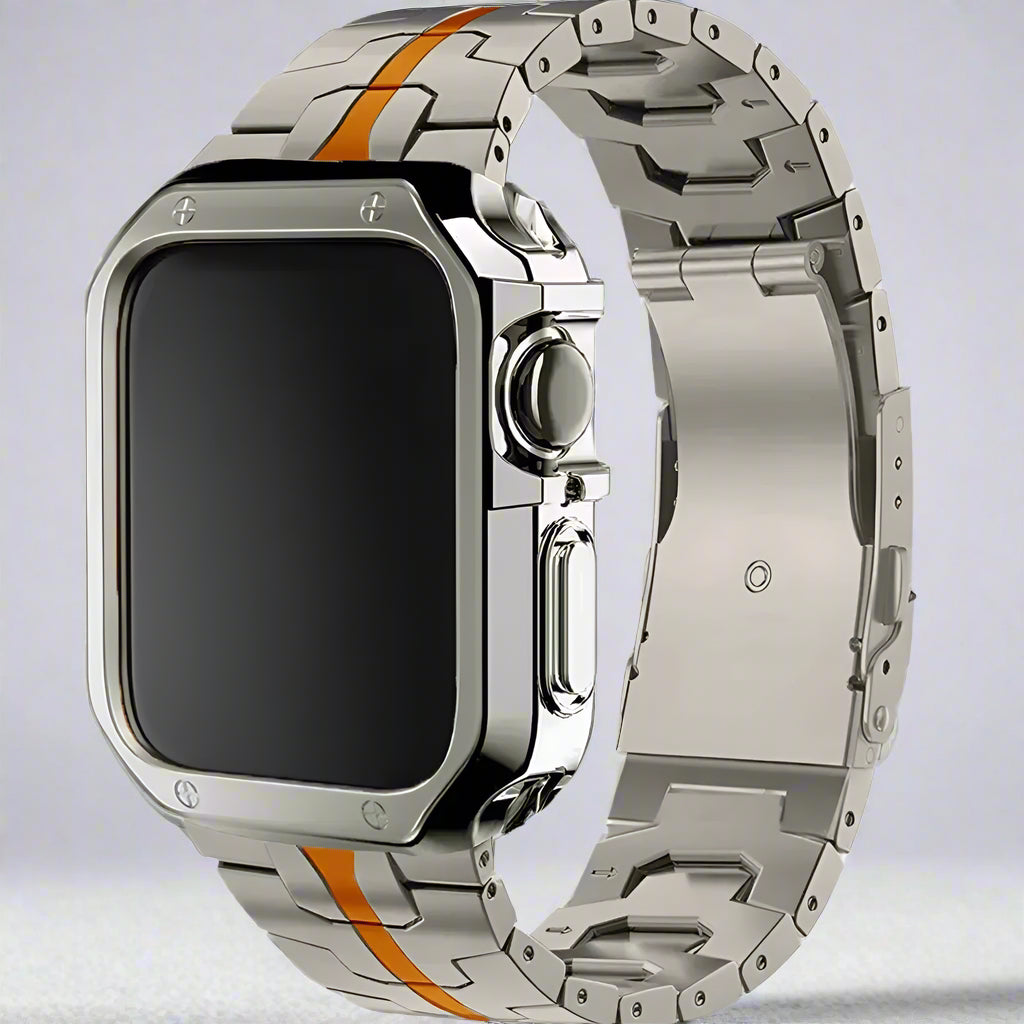
TitaniumGuard Forged in Fire Prestige Band + Case for Apple Watch Ultra 4 & Earlier Ultra (49mm) & Series 11/10 (46mm/42mm)Preselected for display. Check the device, model, and size before ordering, or choose another option.
Your configuration
TitaniumGuard Forged in Fire Prestige Band + Case for Apple Watch Ultra 4 & Earlier Ultra (49mm) & Series 11/10 (46mm/42mm)Preselected for display. Check the device, model, and size before ordering, or choose another option.
Forged in Fire · titanium bracelet + case
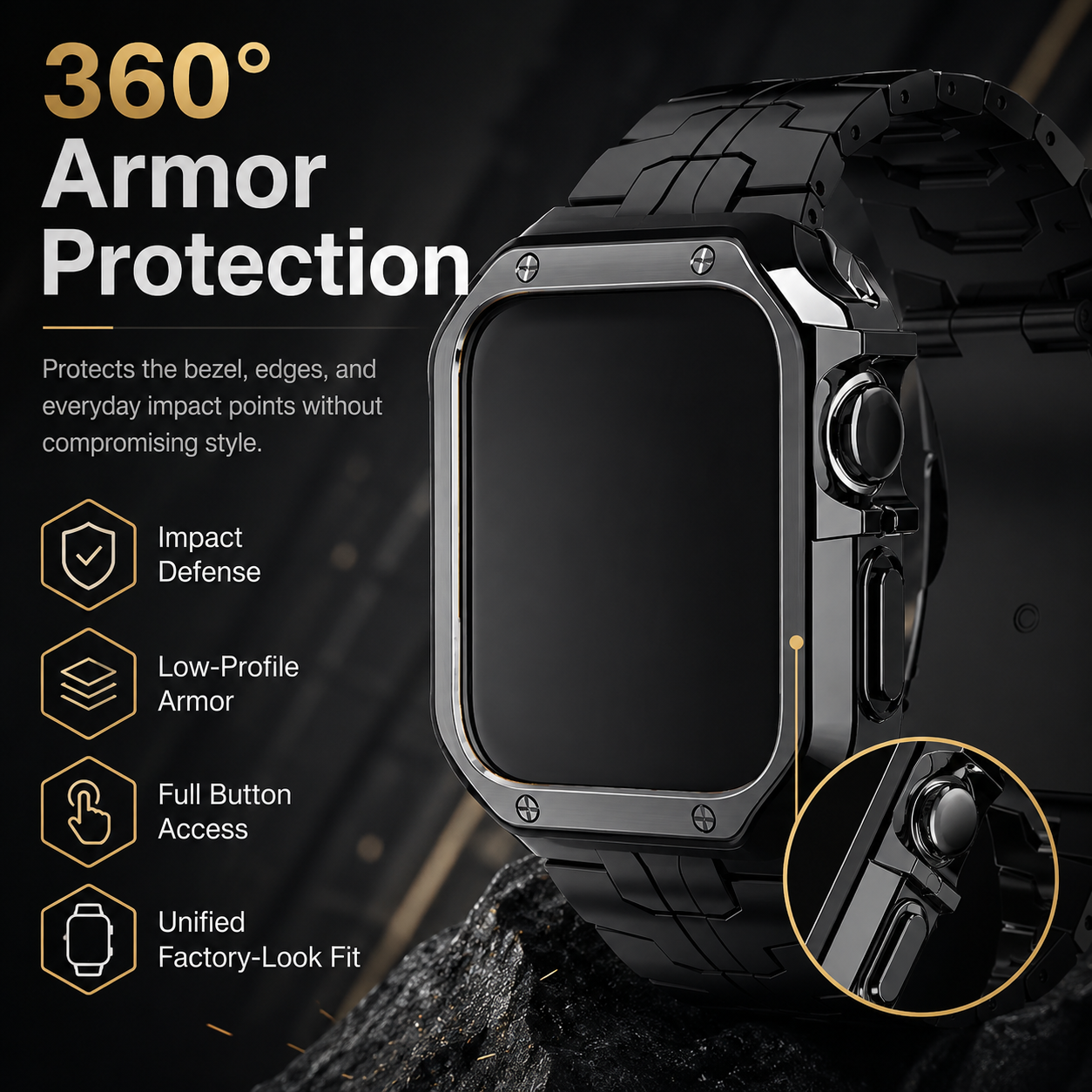
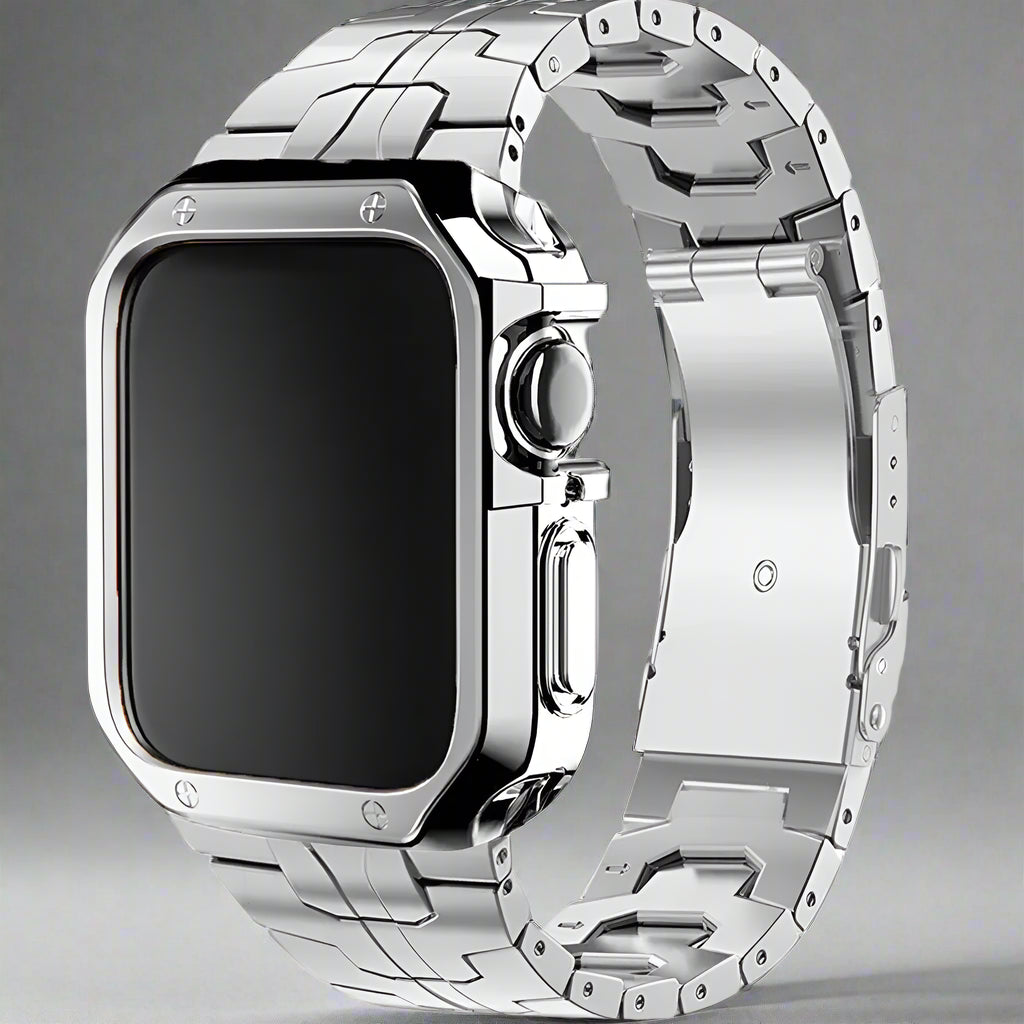
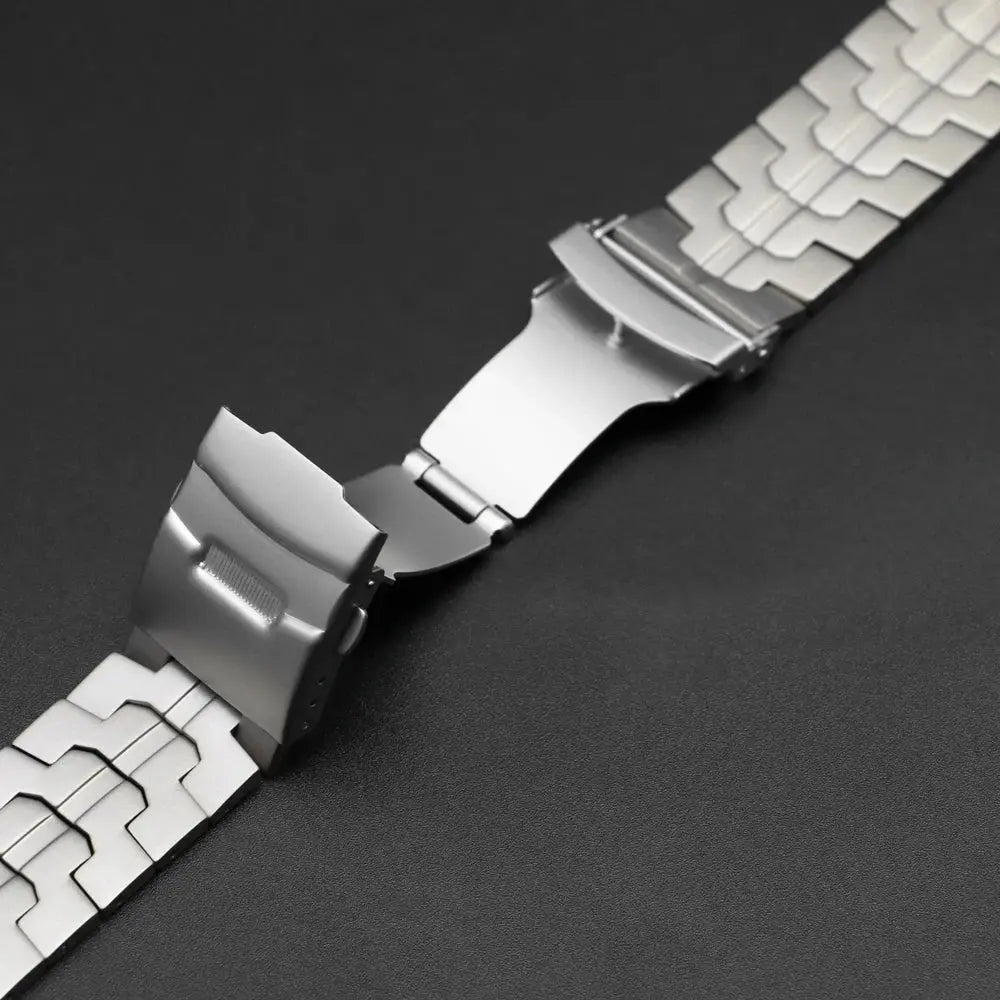
Forged in Fire brings together a titanium link bracelet, a coordinated flexible armor-style case and a butterfly clasp. The structured links and defined outer frame change the whole watch’s appearance, while the open face leaves the touchscreen directly accessible. Your link-adjustment tool is included.
Choose your fit
Made to be worn
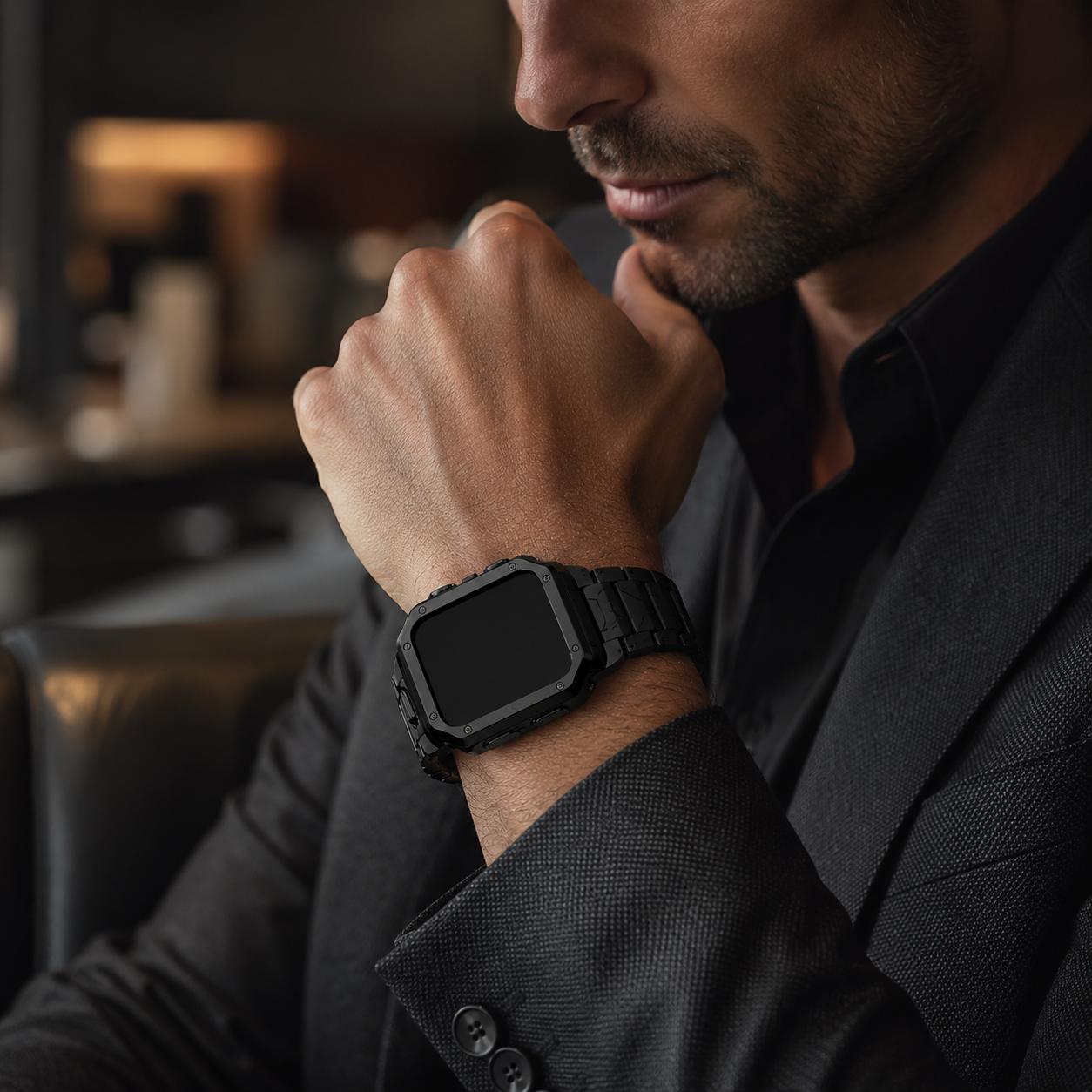
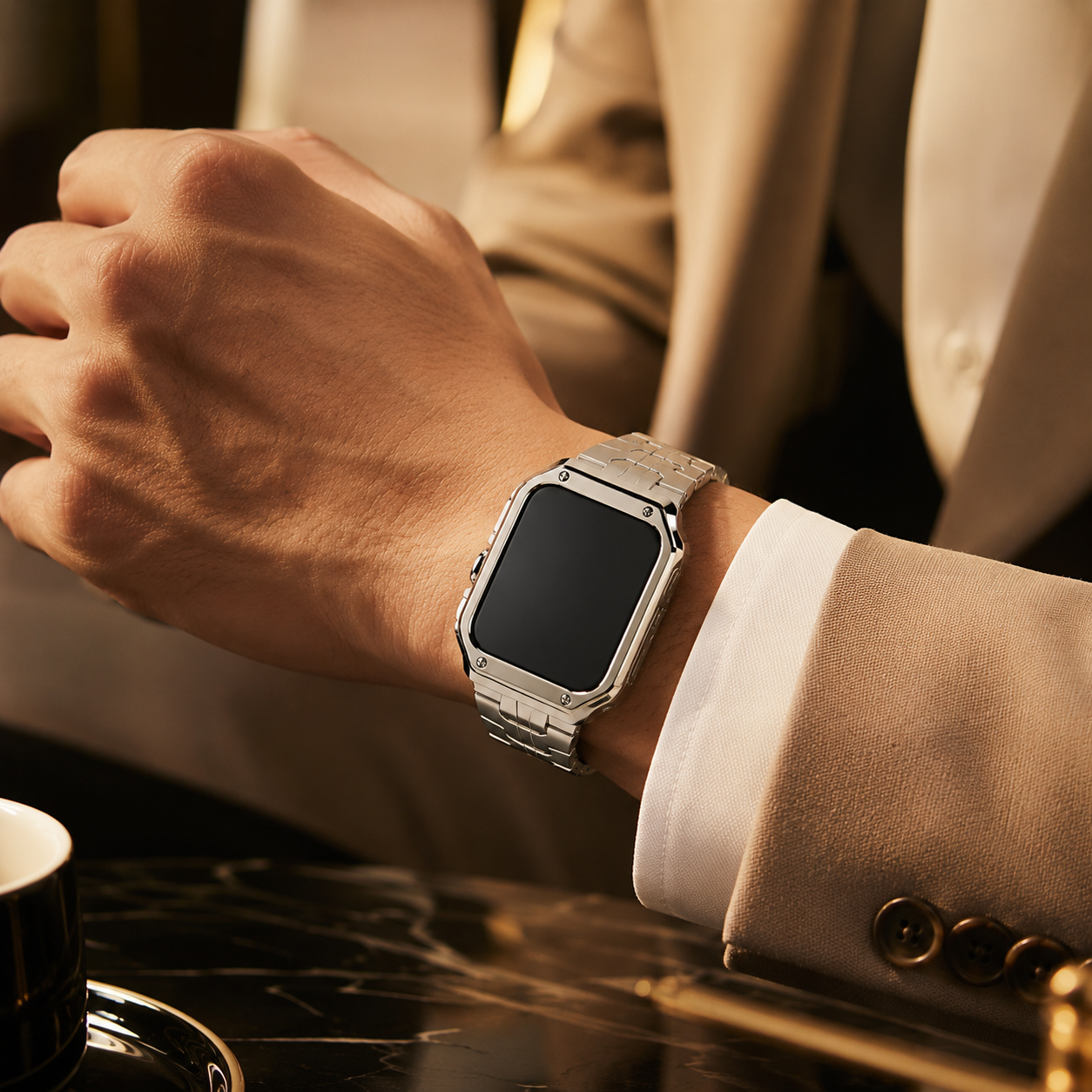
The linked bracelet brings a structured, traditional watch profile to Apple Watch. Its defined surfaces make the finish part of the design, giving the watch a different character from a soft sport strap or woven mesh band.
The coordinated flexible case carries the bracelet’s finish around the watch body. It adds coverage for routine outer-edge contact while leaving the touchscreen uncovered, so you interact directly with the display instead of an added front layer.
Use the included adjustment tool to remove links gradually. The butterfly clasp folds beneath the wrist for a streamlined bracelet profile. Keep spare links, pins and collars together, then check the closure and both connectors after sizing.
Why this design
The bracelet, case and adjustment tool each have a practical part to play. Take the setup in two stages: establish the correct watch-body fit, then refine how the bracelet sits around your wrist.
Align the frame with the correct watch body and check the controls without forcing the fit.
Use the included tool in small steps, keeping the removed links for future adjustments.
Fit first
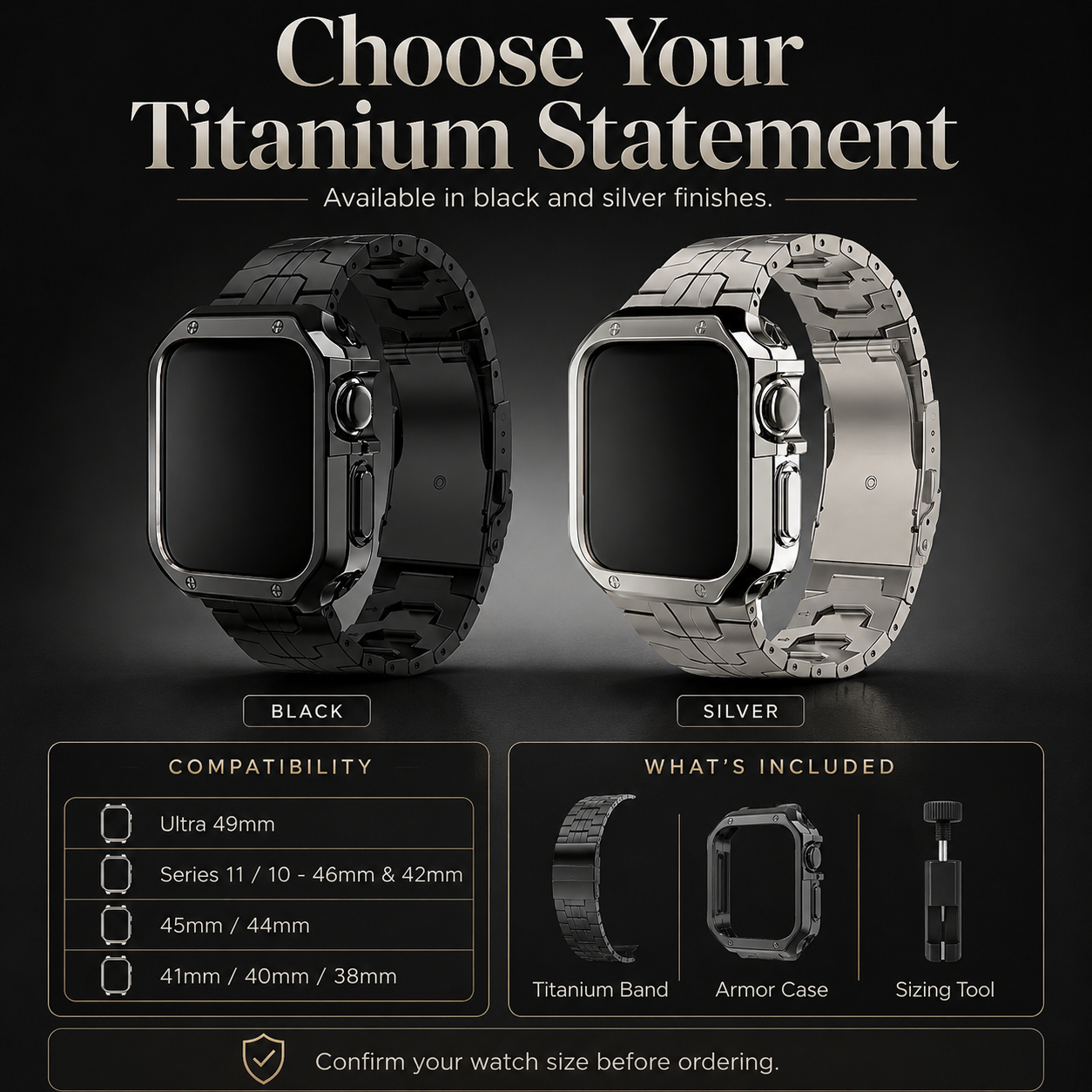
Match the watch generation and rear-engraved size. Series 11/10 42mm and 46mm and the listed Ultra 49mm option are explicitly named. For legacy options labeled only by millimeters, confirm the generation with us before ordering. Series 12 case fit is not verified.
Get help with fitFind your finish

Metal links · coordinated frame · included sizing tool
$149.99 USD
Explore this option
You are viewing
Titanium links · flexible armor-style case · included sizing tool
$149.99 USD
Before you choose
Clean beneath the case and between the links regularly so moisture and grit do not remain trapped. Dry the bracelet, case, clasp and connections completely. Check touch, controls, charging and connector security after installation or resizing.
Forged in Fire specifies a titanium link bracelet with a flexible armor-style protective case. Ascend uses metal links with a titanium-inspired finish and a coordinated frame. Both include a butterfly clasp and sizing tool; choose the construction and finish you prefer, then verify exact case fit.
The case is open-face. It surrounds the outer watch body without an added transparent layer over the touchscreen. A front screen protector is not included. The case also does not make the watch impact-proof or increase its water-resistance rating.
The bracelet links are described as titanium and the case as a flexible protective frame. The exact titanium grade, clasp and case composition, physical weight and measured wrist range are not published. Contact us if those details are essential to your choice.
If your option is labeled only 38mm, 40mm, 41mm, 44mm or 45mm, confirm the watch generation with us before ordering. The case must match the actual watch body. A band connector that fits does not prove that its accompanying case will fit.
The set includes the titanium link bracelet with butterfly clasp, coordinated protective case and link-adjustment tool. Remove links in small steps and keep all spare parts. The Apple Watch, charger and front screen protector are excluded; ask about wrist sizing before purchase if needed.
Choose options
The finishing touches
Thoughtful details for the moments on and off your wrist. Explore screen protection and storage suited to your routine, with the fit details made clear.
A fresh screen layer
Five screen protectors and an installation tool, with distinct options for Apple Watch generations and case sizes.
Match generation and engraved size. Check case-edge clearance and apply to a bare screen, never over an integrated front layer.
Considered off-wrist storage
A dedicated place for your watch collection between outings. Explore the single, four-watch and eight-watch options.
Confirm cushion and compartment dimensions for your watch case and fitted band. Capacity labels do not guarantee fit.
Optional accessories, sold separately. Match your exact device and selected accessory options before ordering. Pictured devices and other props are not included.
Help me choose the right fit
