
RhinoGuard flagship

My Device
Start typing, choose a listed route, or complete all three browse fields. Nothing is assumed.
RhinoGuard flagship

ArmorPro route
RhinoGuard flagship
RhinoGuard route

Privacy glass

TitaniumGuard Ascend
TitaniumGuard Ascend
TitaniumGuard Ascend

Galaxy Watch Ultra metal

47mm protective case

Galaxy Watch 4–6 band collection

TitanForge 22mm
TitanForge 26mm

DuraShield protection

ArmorShield Slide

TitanShield Pro
RhinoGuard flagship
RhinoGuard flagship

RhinoGuard Tactical 360 Pro

RhinoGuard Apex Shield

RhinoGuard Apex Rotation

RhinoGuard Regent

RhinoGuard Vanguard

RhinoGuard Vertex

ChargeStation 7
Live catalog match
Protection, planned for your organization
A guided purchasing experience for schools, businesses, healthcare teams, field operations, and public-sector programs sourcing tablet protection, phone accessories, wearables, and charging setups.
Compare protection systems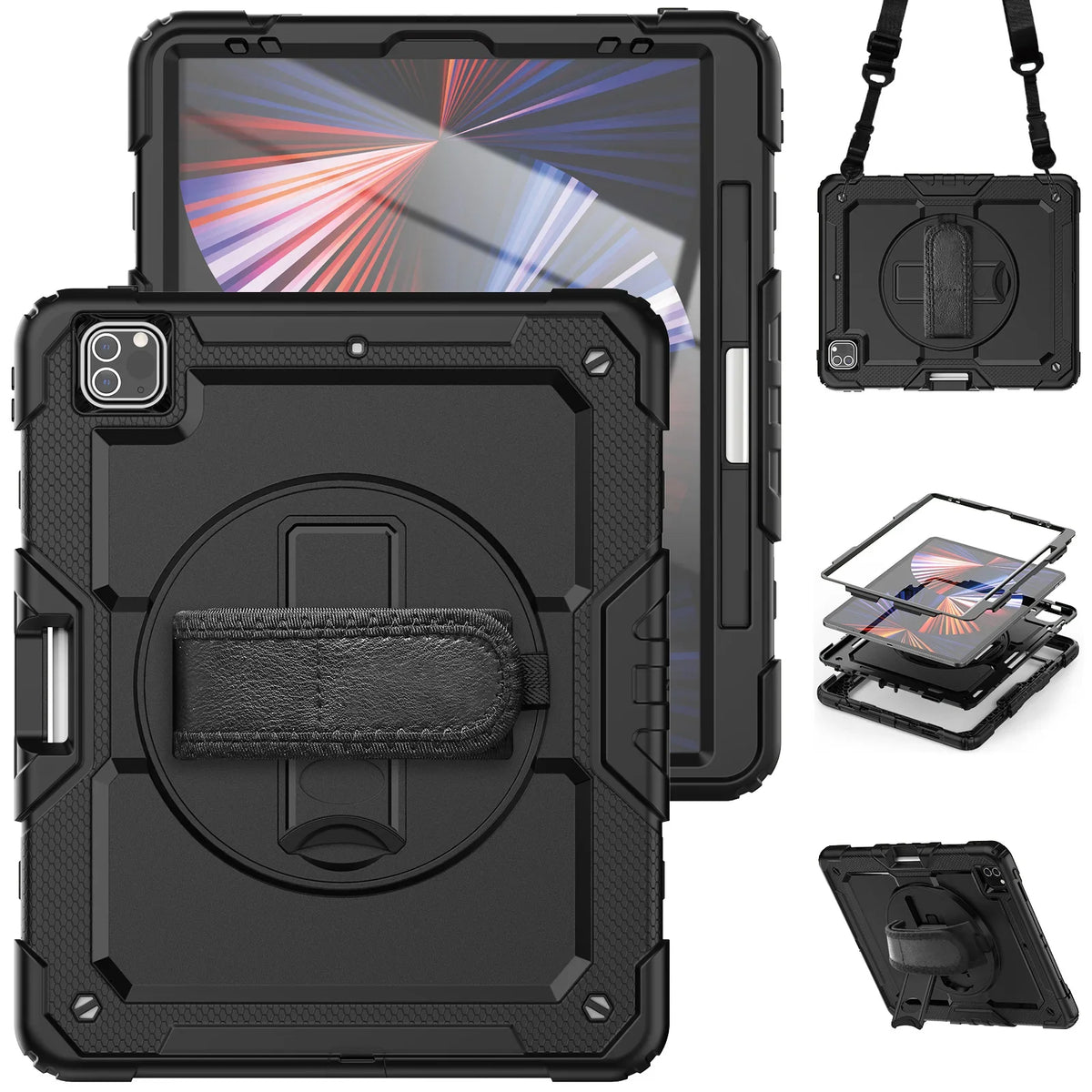
Tablet & Business Specialist
Bring us the exact model, product question, quantity, or purchasing requirement. Ask about fit, compare protection, or plan a multi-device order with Business Solutions.
Flagship tablet deployment systems
Standardize protected tablet-and-keyboard configurations across iPad, Galaxy Tab and Microsoft Surface. Shop 15 ready-to-configure systems or send Avontic a mixed-model deployment request.

Choose the purchasing path that fits
Place a standard order directly, send a fast quote request, or use the full deployment planner when your purchasing requirements are more complex.
For standard products and configurations, add the quantity you need and complete checkout on the website. Ordering more than 100 cases? Request a bulk shipping timeline through the quick quote first.
Shop WorkForce systemsSend the essentials in about a minute. A business specialist will review the device, quantity, and purchasing details you provide.
Start the quick quoteUse the full planner for multiple models, accessories, timelines, fit review, RFPs, or detailed procurement needs.
Open deployment plannerVolume pricing guidance
Volume savings scale with order size. Share your quantity and we'll confirm your tier pricing on the quote.
Tier pricing on standard configurations
Larger-order pricing plus mixed-model fit review
Deployment-scale pricing with priority quoting
Program pricing for large deployments, including 1,000+ units
Final pricing is confirmed on your quote. Mixed-model and mixed-product orders are welcome, and volume tiers apply across the full catalog.
Large deployments
Use the business quote path to plan large or mixed-device rollouts. Device fit, quantity, pricing, availability, purchasing requirements, and fulfillment timing are reviewed against the submitted deployment before an order is finalized.
One-minute quote request
Only the essentials are required. You can add model details or procurement notes now, or review them with our business team after we respond. For orders over 100 cases, we'll confirm your bulk shipping timeline in our reply.
Fleet-ready categories
Source protection and accessories for tablets, phones, watches and shared charging setups, with fit review when your fleet spans multiple models.
Business device directory
Browse the business catalog by category, brand, and device generation. Current models appear first so purchasing teams can reach the right collection with less searching.
Every linked results page opens newest products first. Older device generations remain directly available below the current model.
Built for real deployments
Every environment asks something different of an iPad. We help translate your devices, workflows, carrying needs, and purchasing requirements into a cleaner protection plan.
Classroom, take-home, and shared-device fleets with clear model matching and durable daily handling.
Standardized protection for mobile teams, training programs, executive kits, and distributed workforces.
Purposeful configurations for clinical mobility, check-in, rounding, and patient-facing workflows.
Secure carrying and flexible viewing for technicians, inspectors, crews, and mobile operations.
Rugged, repeatable protection for scanning, inventory, dispatch, and warehouse environments.
A procurement-aware path for state, local, and federal agencies, defense programs, libraries, and community organizations.
Choose your protection profile
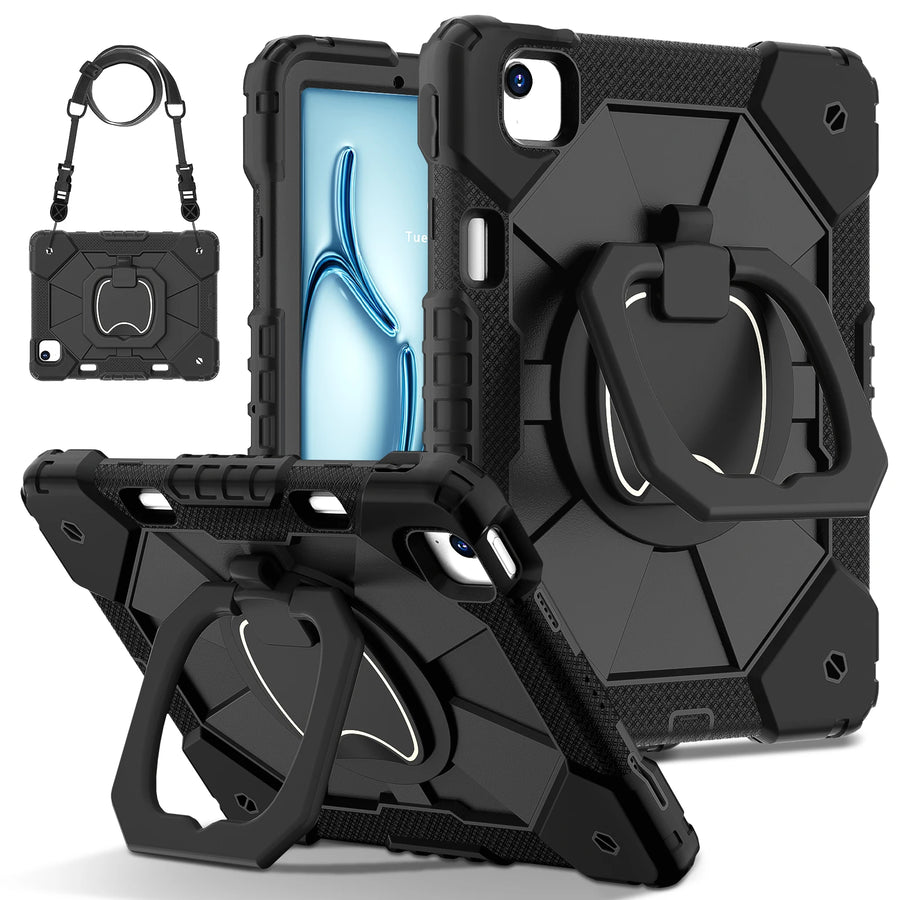
Start with the workflow. RhinoGuard Pro prioritizes carry flexibility and hands-on use; ArmorPro emphasizes a streamlined stand-and-handle format.
Maximum versatility
A multi-mode protection system for teams that carry, present, inspect, teach, and work on the move.
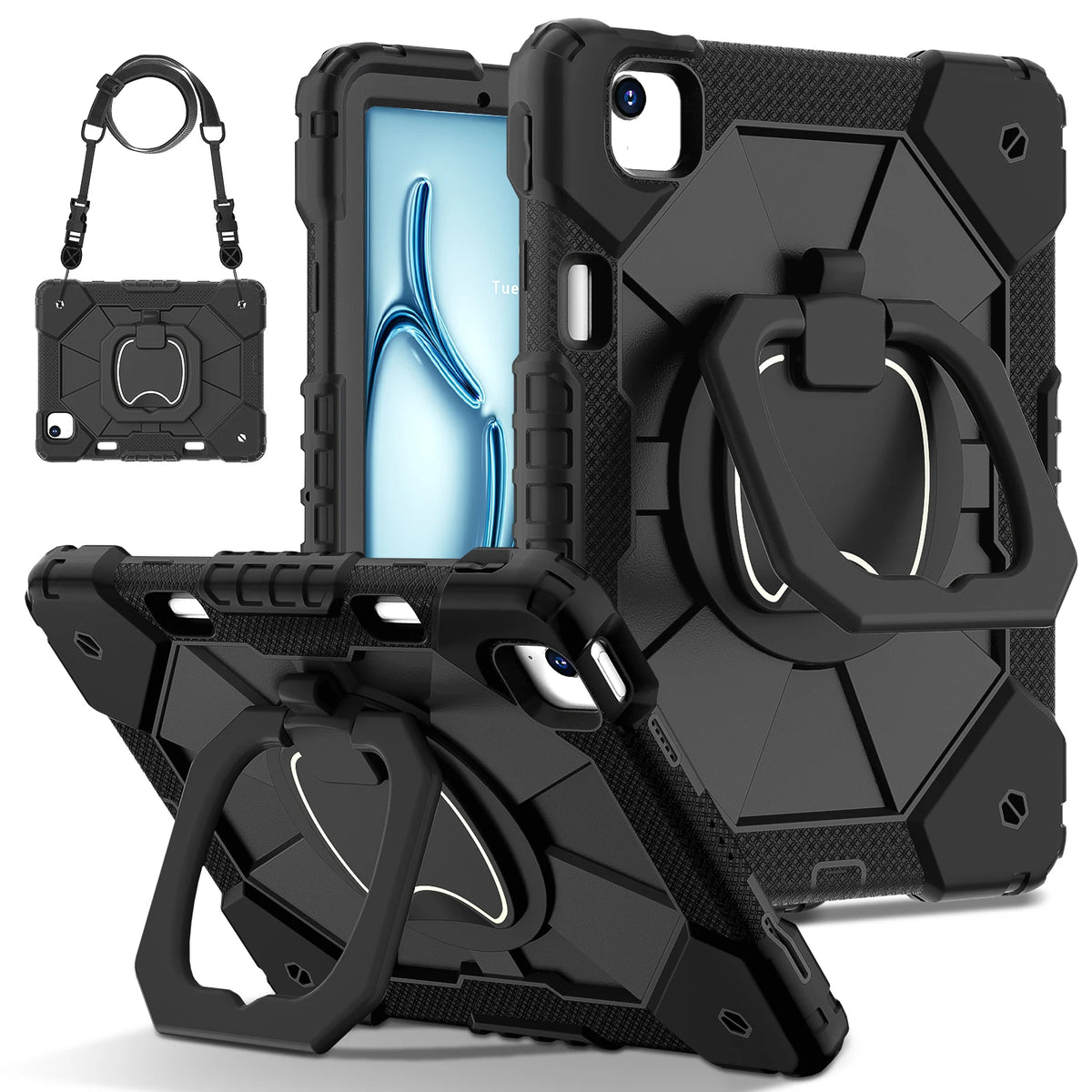
Focused everyday protection
A clean, rugged configuration for repeatable desk, counter, classroom, and shared-device use.
Share the exact iPad model or A-number for each device group. Our team can review compatibility before the order moves forward.
A cleaner procurement path
The guided request below captures the details that matter up front, so review can begin with a useful scope instead of a back-and-forth email chain.
Start your requestTell us who will use the devices, where they work, and what the cases need to support.
Provide each iPad model or A-number so the correct case configuration can be reviewed.
Add quantities, preferred colors, accessories, timeframes, and purchasing requirements.
Our team reviews the request and follows up on compatibility, availability, or open decisions.
Once the configuration is confirmed, the formal quote can support your internal purchasing workflow.
Guided quote builder
Save the email chain for later. Share the deployment details once, and we will start with a structured scope.
Business purchasing FAQ
The quote builder handles the essentials. These answers cover the most common planning questions.
Email the business team ↗Or text the business team (bulk orders): (973) 370-0215
Yes. Add a separate device line for each model and quantity so compatibility can be reviewed clearly.
Yes. Choose Help me choose and describe the workflow. The team can review the intended use and discuss the best-aligned configuration.
You can flag purchase-order and tax-exempt review in the request. Eligibility, documentation, and terms are confirmed during follow-up.
Select RFP review in the procurement step. Supporting files can be shared securely when the team follows up.
No. It creates a business inquiry for review. Pricing, availability, fit, and purchasing terms are not final until confirmed by Avontic.
Purchase orders are reviewed case by case. Payment terms are confirmed with the quote and order details; net-30 terms are not automatically offered.
Yes. Request the vendor packet for Avontic’s W-9, remit details, and company information. The business team can review any additional onboarding requirements with you.
Share dock, appointment, freight, receiving, or delivery-window requirements in the quote request. The team will confirm available shipping options and timing before the order is finalized.
Samples may be reviewed for qualified volume inquiries. They are not automatically free, and availability, pricing, and shipping are confirmed by the quote team.
Business and bulk purchases follow Avontic’s 60-Day Returns policy. Contact the quote team before returning a large order so eligibility, condition, quantities, and the return path can be reviewed.
Yes. Avontic supports orders from 10 units to 1,000+ units, including multi-model deployments for large companies and government and defense purchasing programs. For larger orders, availability and fulfillment timelines are confirmed during quoting so delivery can be planned against your rollout schedule.
Ready when your device list is
Build a structured request in a few minutes and let the Avontic team take it from there.
Build your quoteNew deployment-ready systems
Standardize protected mobile work across mixed devices, with exact-model case configurations and coordinated wireless input in one purchasing path.

Apex 360° case control paired with the RhinoKeys 10-inch wireless keyboard for protected typing on the move.

A rugged Apex Command iPad foundation with coordinated wireless typing, pointer control and a universal tablet stylus.

Avontic’s most-ordered iPad case becomes a complete mobile workstation with wireless typing, mouse control and universal stylus input.

Structured ArmorPro protection pairs with a separate 10-inch keyboard, wireless mouse and universal stylus for a polished deployment-ready setup.

Rotating hand control, kickstand positioning and shoulder carry meet a complete independent wireless input setup.

The complete Galaxy Tab workstation adds a three-layer case route and built-in screen guard for higher-duty protection.

Apex Shield protection and stable positioning pair with independent wireless input across verified Surface generations.
Business & Bulk · Deployment planning
Organize a mixed-device order around the models you actually manage, then align product choices, quantities, and purchasing requirements before the order is placed.
Final availability, pricing, fit, and purchasing terms are confirmed against the submitted device list and order requirements.
Share the model, generation, screen size, and quantity for each group in the deployment.
Avontic can organize suitable product and variant choices against the device list supplied.
Confirm quantities, finishes, quote requirements, purchase-order needs, and tax-exempt documentation.
Carry model and quantity decisions into a clear order summary for the purchasing team.
Published case studies require an organization-approved source, defined deployment scope, and documented outcome.
A deployment appears here only when organization approval, defined scope, a documented outcome, and a public source record are all present.