
RhinoGuard flagship

My Device
Settings → General → About → tap the part number beside Model Number to reveal the A-number.
Start typing, choose a listed route, or complete all three browse fields. Nothing is assumed.
RhinoGuard flagship

ArmorPro route
RhinoGuard flagship
RhinoGuard route

Privacy glass

TitaniumGuard Ascend
TitaniumGuard Ascend
TitaniumGuard Ascend

Galaxy Watch Ultra metal

47mm protective case

Galaxy Watch 4–6 band collection

TitanForge 22mm
TitanForge 26mm

DuraShield protection

ArmorShield Slide

TitanShield Pro
RhinoGuard flagship
RhinoGuard flagship

RhinoGuard Tactical 360 Pro

RhinoGuard Apex Shield

RhinoGuard Apex Rotation

RhinoGuard Regent

RhinoGuard Vanguard

RhinoGuard Vertex

ChargeStation 7
Live catalog match


 02 / A closer lookEveryday, elevated
Settings → About tablet
Enter the model number beginning with SM-.
Do not enter an IMEI or serial number.
Preselected for display — not yet verified.
Made for your tablet.
Choose your exact model, then your finish.Your configuration
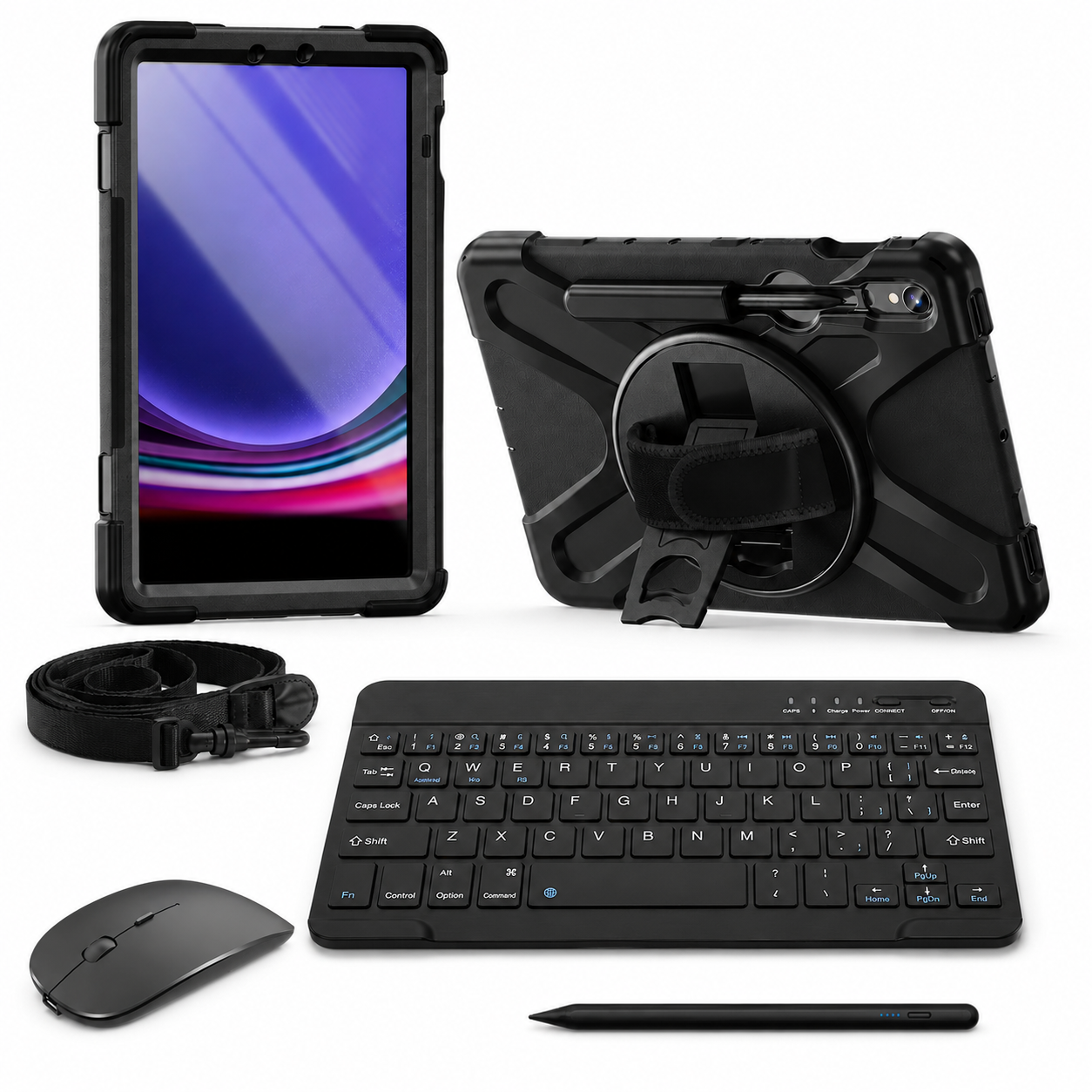
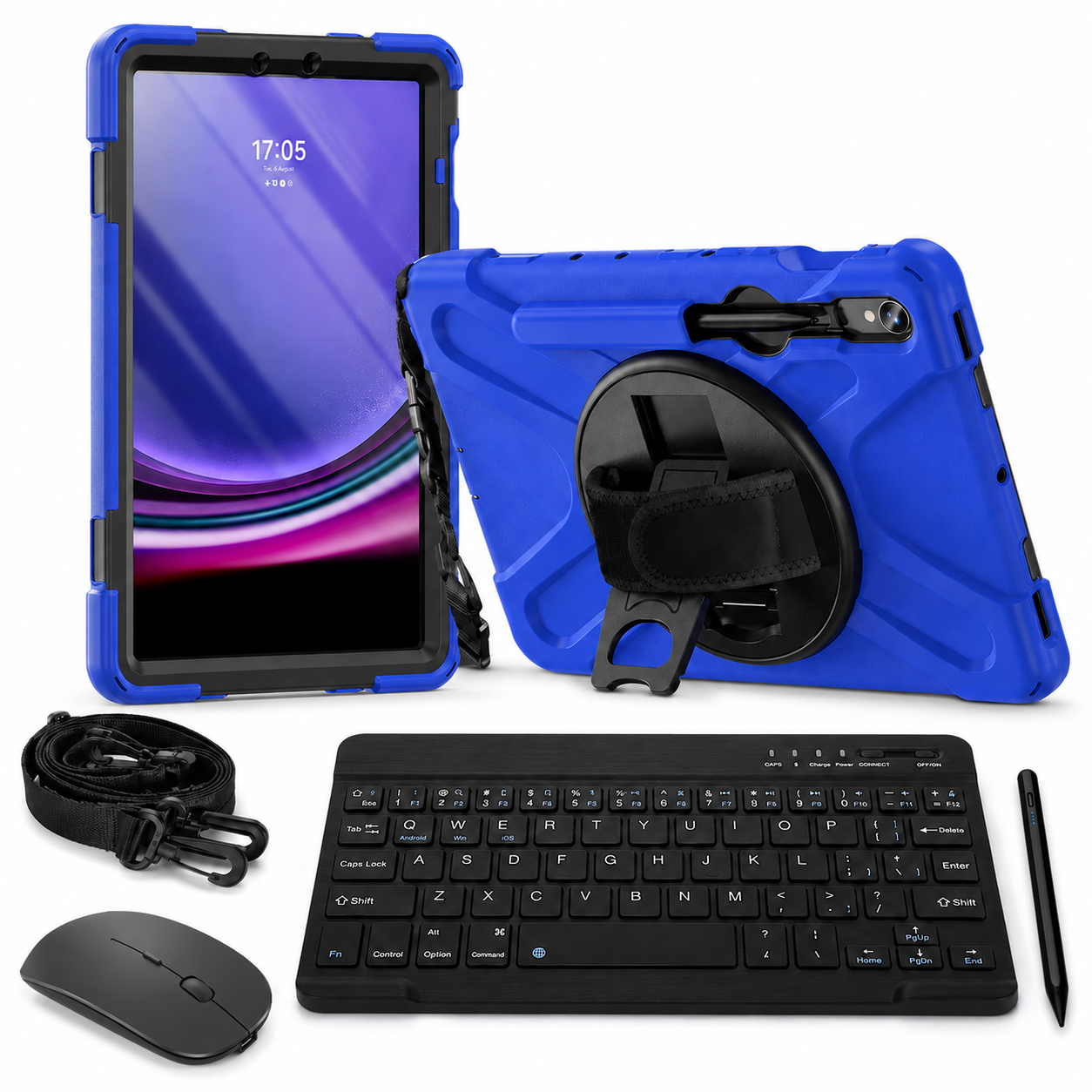
RhinoGuard Galaxy WorkForce Elite 360° — Galaxy Tab Case + 10″ Wireless Keyboard, Mouse & Universal Stylus BundlePreselected for display. Check the device, model, and size before ordering, or choose another option.
RhinoGuard Galaxy 360°
Explore the options in this case family. We’ll check your model and finish before you switch.
Select your exact device above. Model, finish and availability are confirmed before continuing.
Team & business orders
One order for every model, color and quantity your team needs — with fit checks, a formal quote and purchase-order support.
Ready-made team packs
Midnight Black PivotGrip cases only. One Galaxy Tab model per pack, with optional keyboards. Tablets, straps, glass, styli and mice are not included. These packs use PivotGrip cases; other case families are alternatives.
List each SM-number in your request and we will confirm fit for every model. Prefer email? info@avontic.com
RhinoGuard Galaxy WorkForce Elite 360°
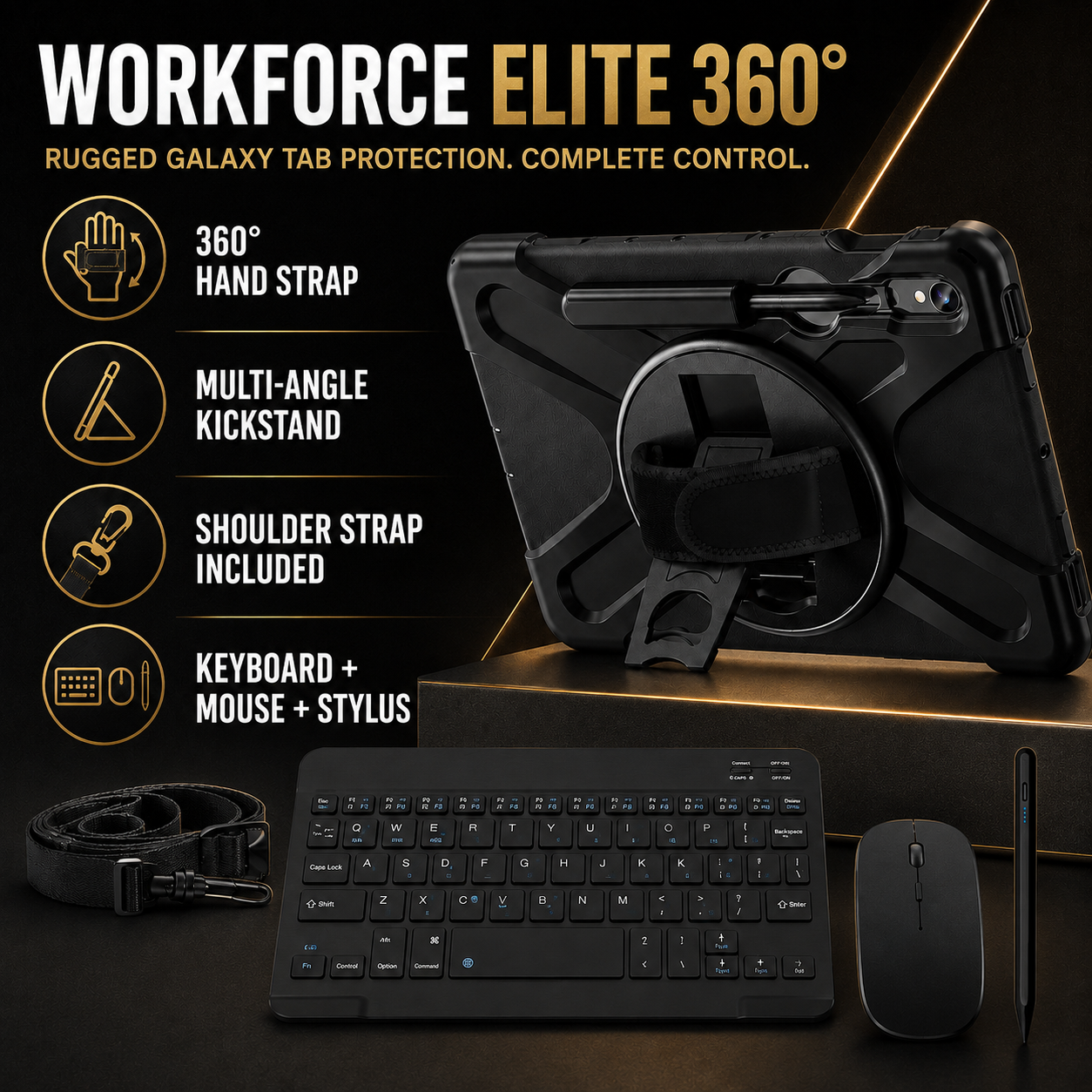
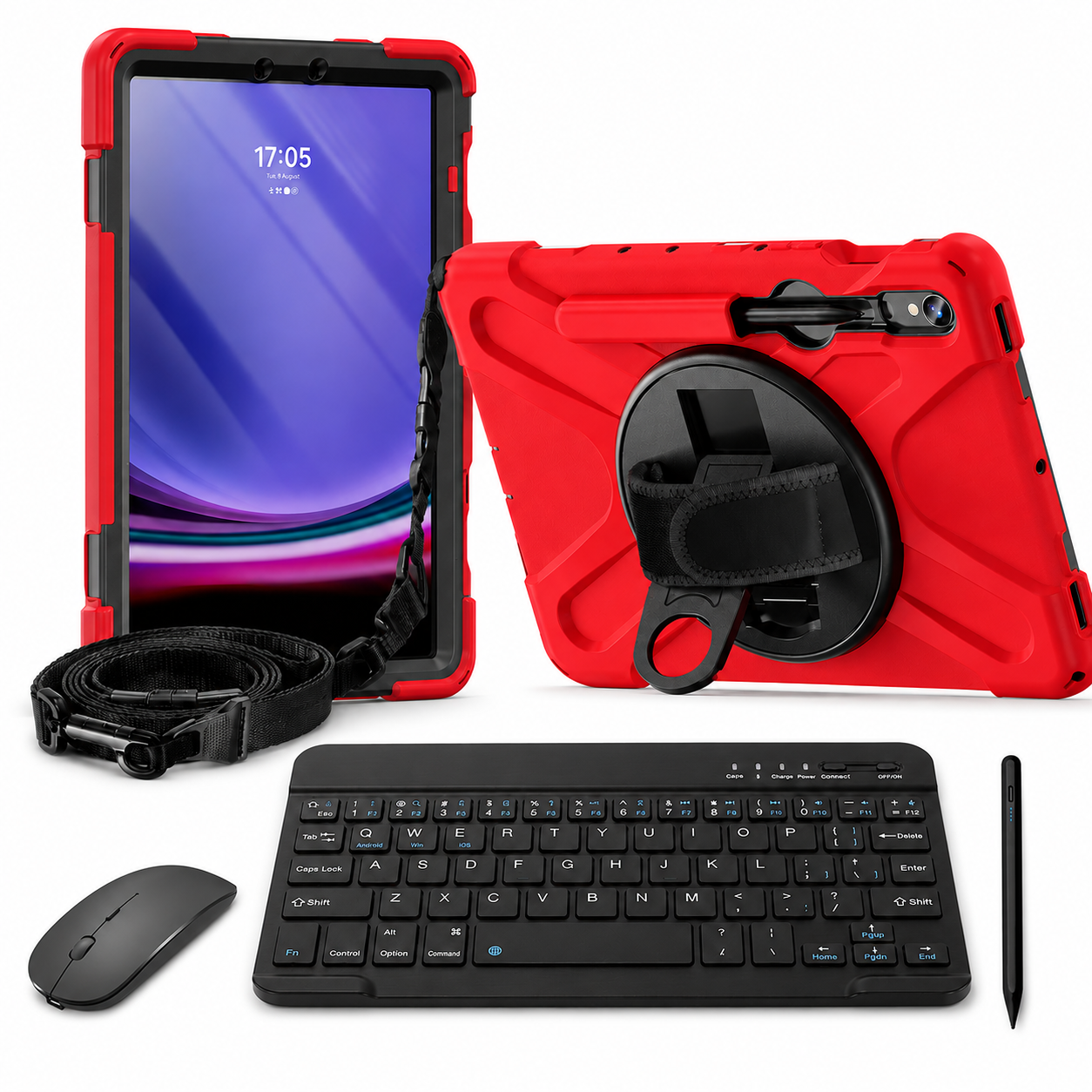
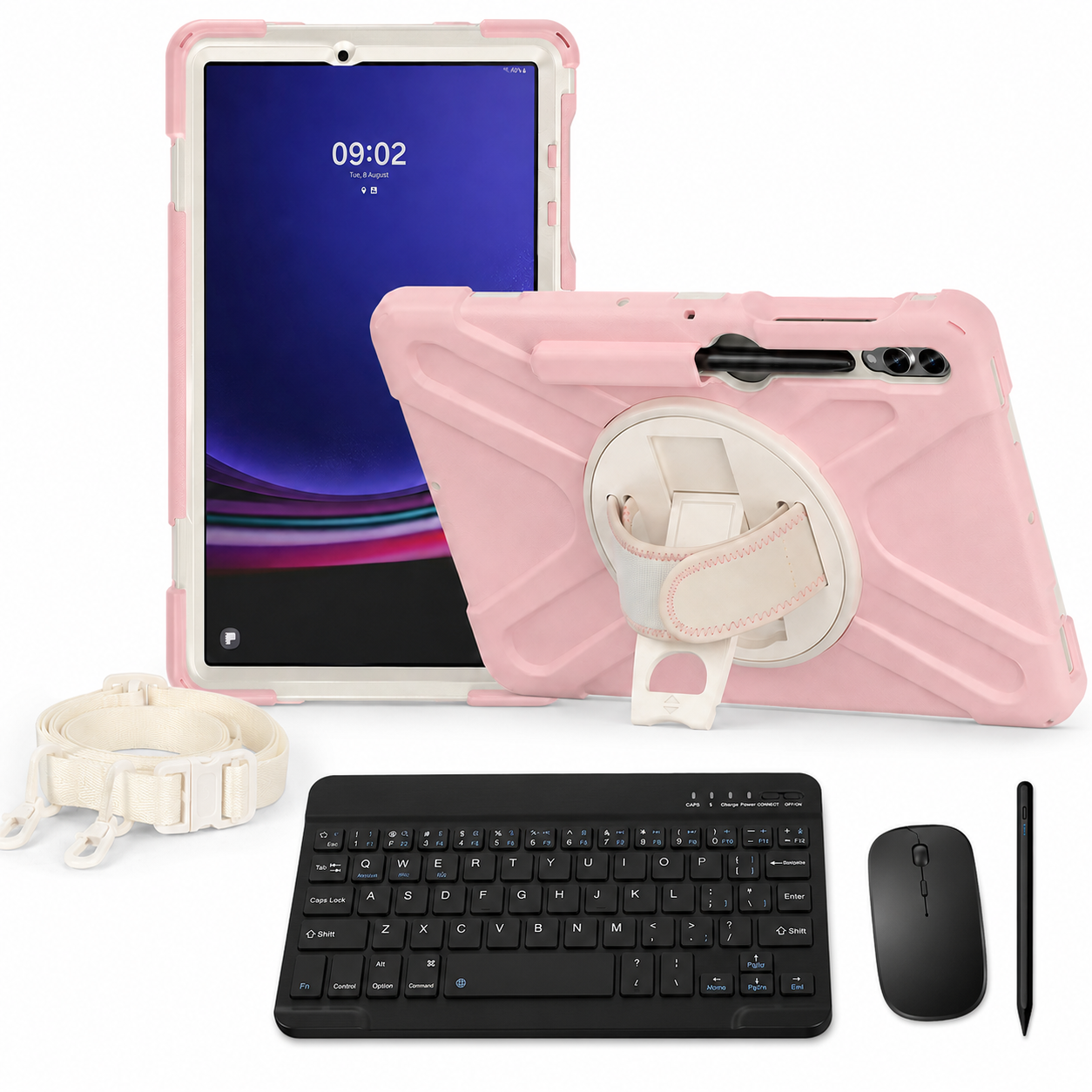
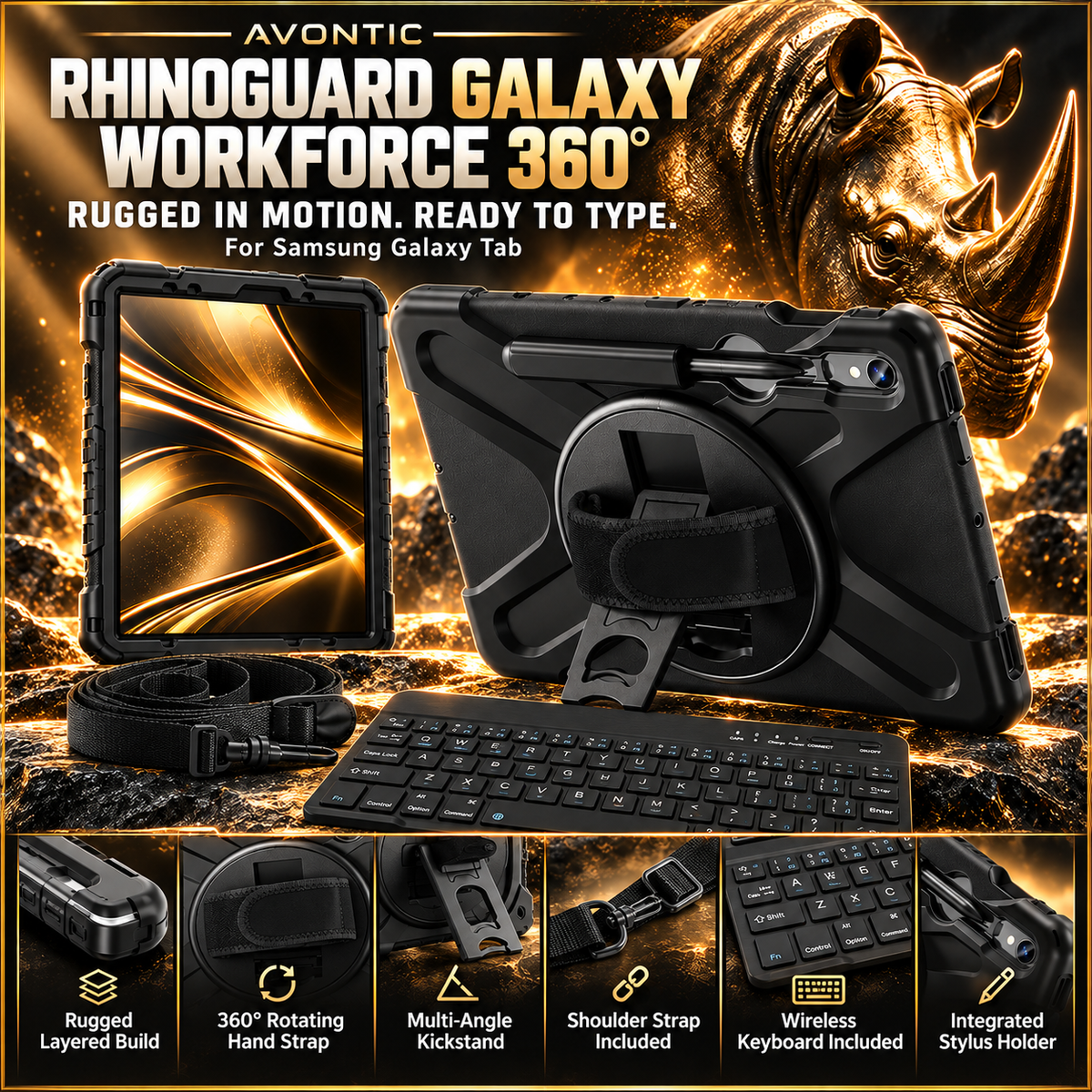
Give your Galaxy Tab a workspace that travels. Open the built-in kickstand, position the separate keyboard and mouse, and get on with reports, forms and everyday tasks. The rotating hand strap and shoulder strap help you move between them.
Choose your setup
Considered, down to the detail
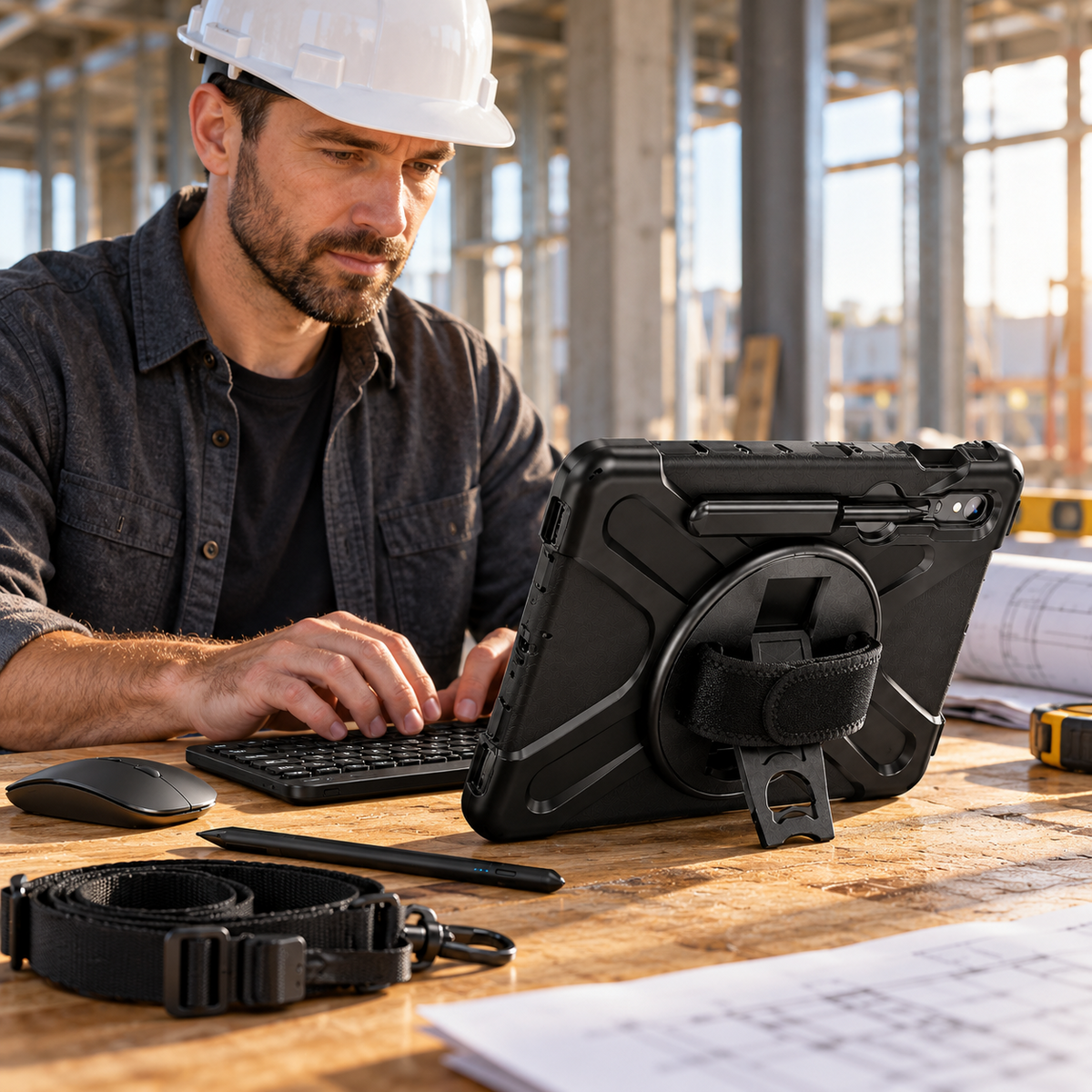
The rotating hand strap helps you hold the Galaxy Tab for forms, reading and presentations.
Use the integrated stand and place the separate wireless keyboard where typing feels natural.
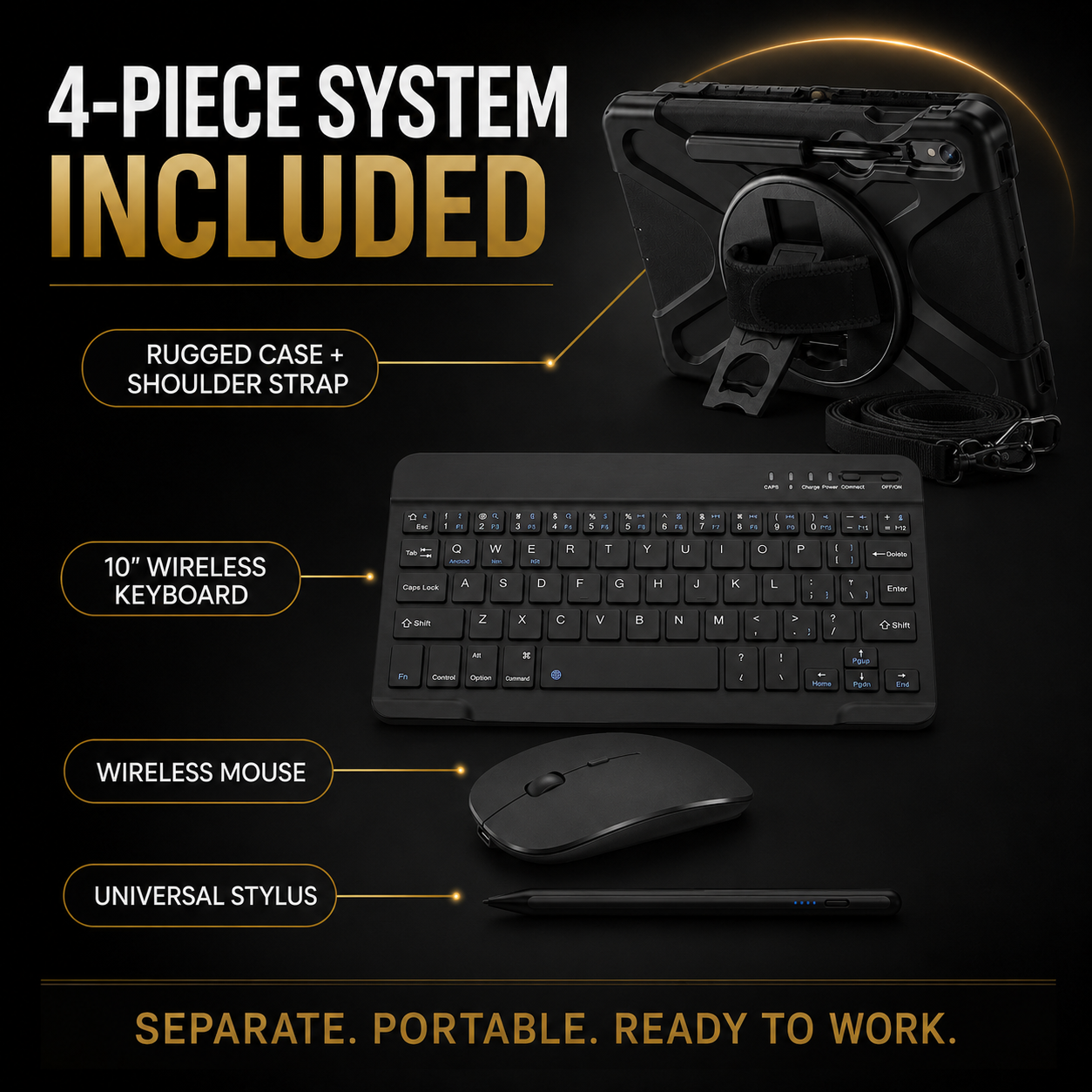
A detachable shoulder strap comes with the selected case system.
A wireless mouse and universal stylus add pointer control and general touchscreen input.
Everyday work · Your way
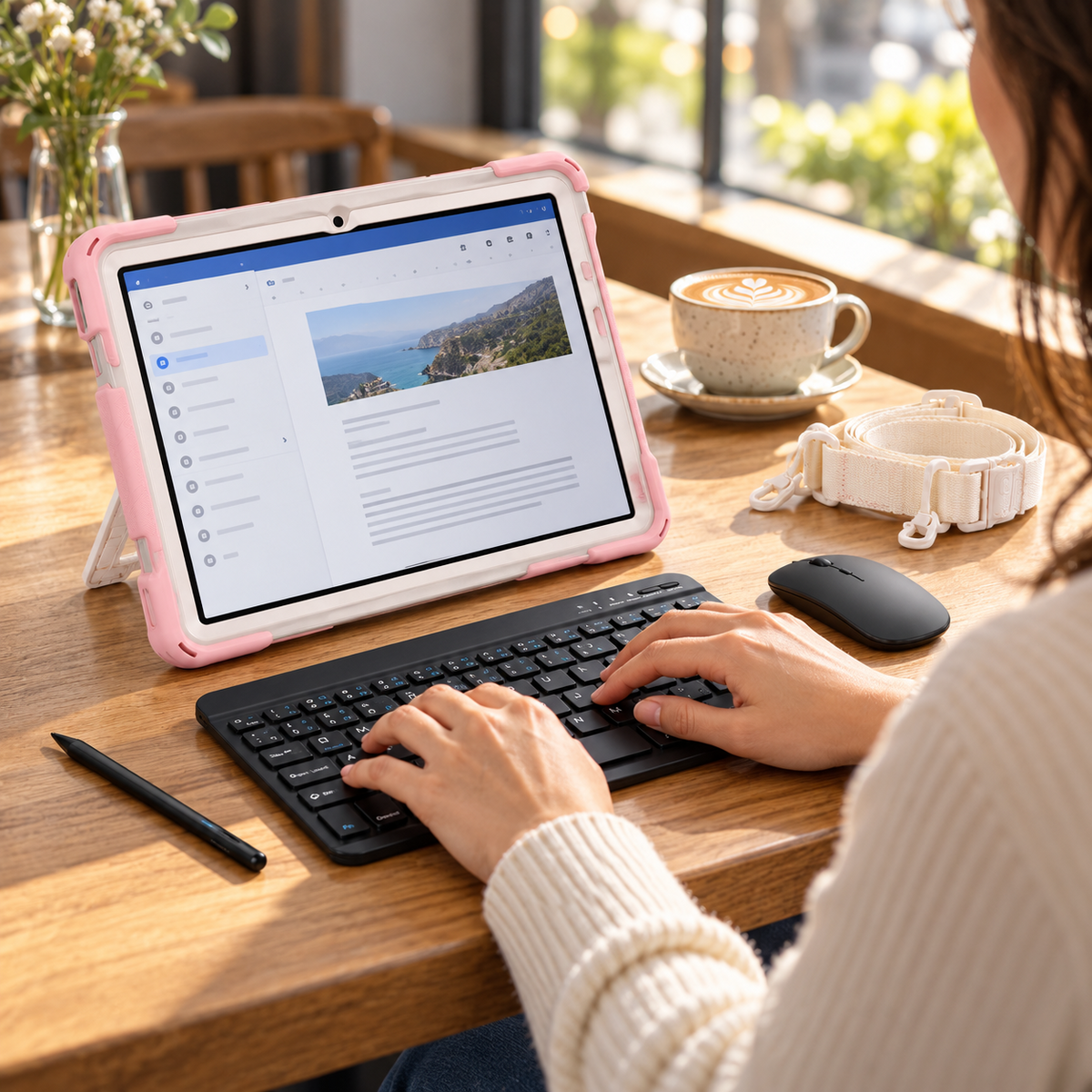
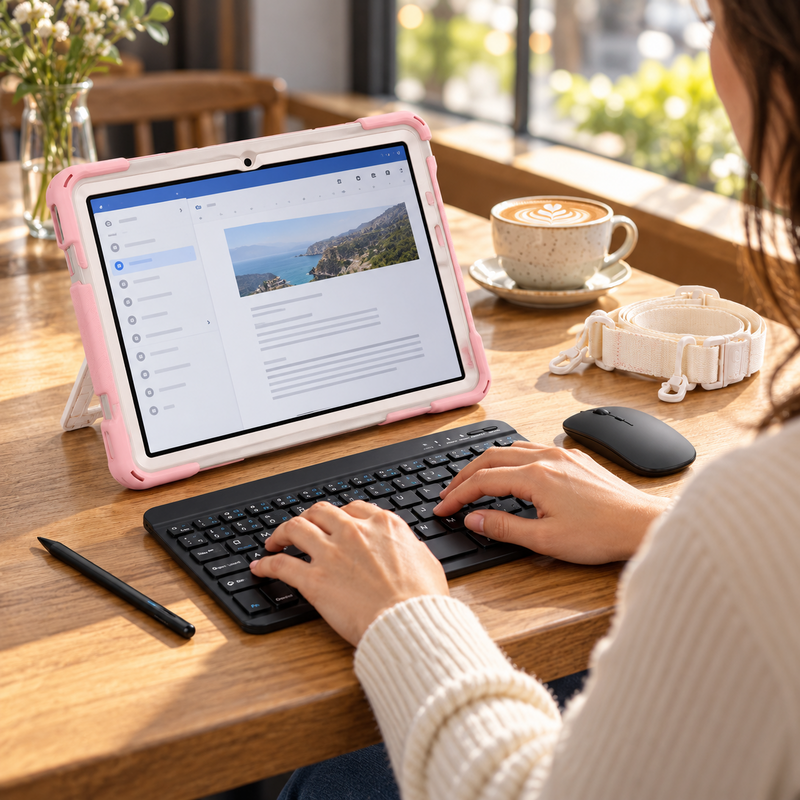
Turn a café break or a quiet corner into time to get things done. Place the compact 10-inch wireless keyboard where typing feels natural, use the mouse for supported apps, and keep the universal stylus close for quick touchscreen tasks.
Your order, clearly defined
Your bundle includes the model-specific case with hand strap, kickstand and shoulder strap, plus all three black input accessories listed here. Select your exact Galaxy Tab model and preferred case finish above.
Tablet and display props are not included. Only the items listed for your selected package are supplied.
Between meetings · Between destinations
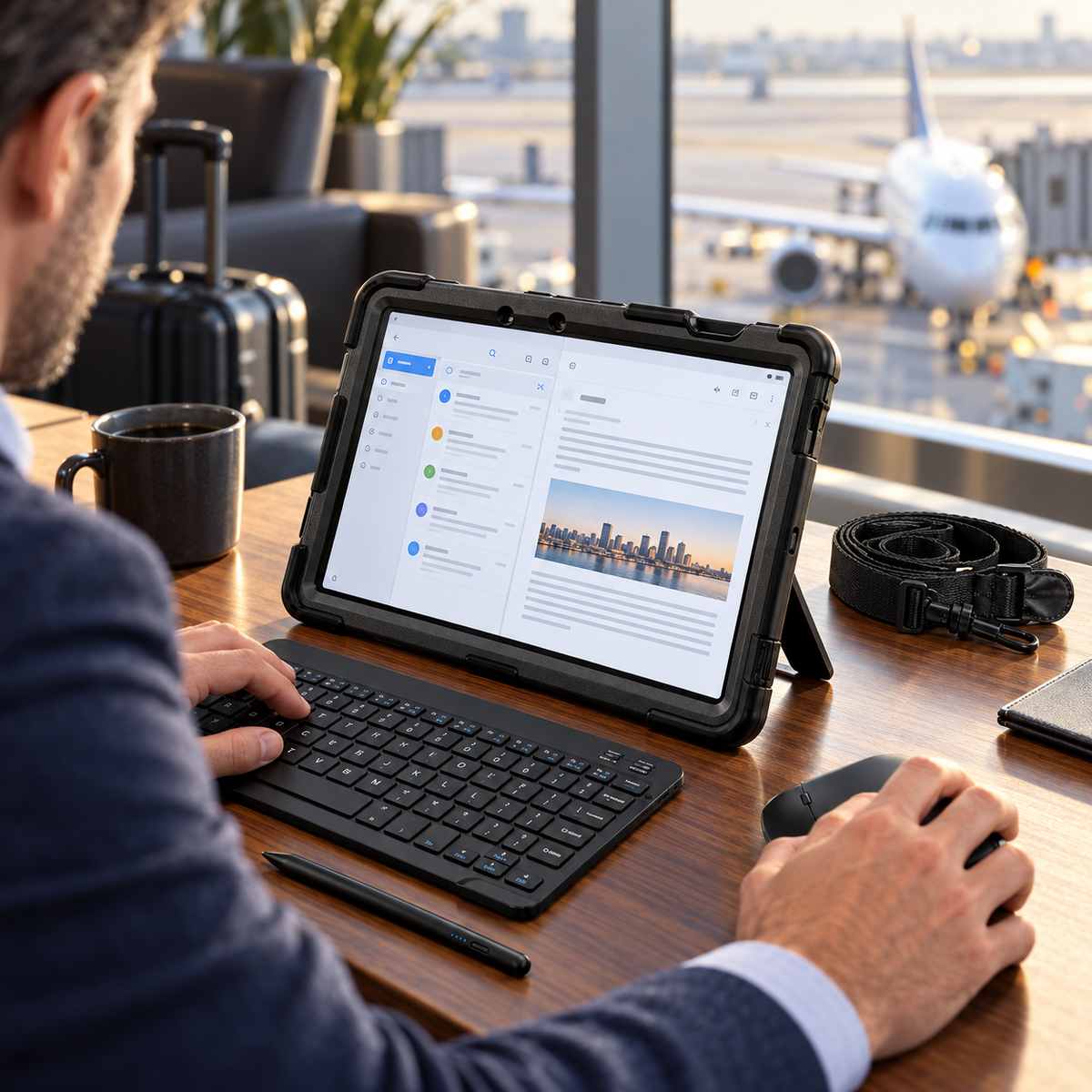
Set up for emails and planning while you wait, then pack the separate accessories when it is time to go. The built-in stand supports desk use, while the rotating hand strap and detachable shoulder strap give you ways to carry and hold your protected tablet.
Confidence before checkout
On your Galaxy Tab, open Settings → About tablet and check the model name and model number. Match the exact SM-X or SM-T code and generation in the options above; screen size alone is not enough.
Review my selection ↑Ask Avontic for help ↗Find the full Galaxy Tab name and SM-X or SM-T model number in Settings → About tablet. Match the exact option above; screen size alone does not establish fit.
The keyboard sits separately from the case and does not mechanically attach.
The included universal stylus is for general touchscreen use. Pressure sensitivity, palm rejection and S Pen or Surface Pen features are not promised.
Input support varies by tablet, software and app. Galaxy Tab, S Pen, charger and scene props are not included.
Check camera, port and button alignment after installation. Inspect the stand, grip and any strap attachments before use. No case prevents every kind of damage.
Free shipping and 60-day returns. Delivery estimates depend on your destination. Return authorization is required; free return shipping applies to eligible returns.
Shipping policy · Return policyTracking is emailed after dispatch. Available shipping options are shown at checkout.
Avontic offers 60-Day Returns. Review the current Return Policy for eligibility, available resolutions, and any applicable conditions before sending an item back.
Not sure which option fits? Contact Avontic before ordering and include the exact device model, generation, and size shown in your settings or on the device itself.
RhinoGuard Galaxy WorkForce Elite 360° — Galaxy Tab Case + 10″ Wireless Keyboard, Mouse & Universal Stylus Bundle
Make it your own.
Choose options
02 / A closer lookEveryday, elevated
Case + keyboard + mouse + universal stylus. Shoulder strap included.
Choose your exact device model and configuration. Tablet not included.


