
RhinoGuard flagship

Avontic exact-fit command
Start typing to search Avontic’s live device catalog and verified compatibility routes.
RhinoGuard flagship

ArmorPro route
RhinoGuard flagship
RhinoGuard route

Privacy glass

TitaniumGuard Ascend
TitaniumGuard Ascend
TitaniumGuard Ascend

Galaxy Watch Ultra metal

47mm protective case

Galaxy Watch 4–6 band collection

TitanForge 22mm
TitanForge 26mm

DuraShield protection

ArmorShield Slide

TitanShield Pro
RhinoGuard flagship
RhinoGuard flagship

RhinoGuard Tactical 360 Pro

RhinoGuard Apex Shield

RhinoGuard Apex Rotation

RhinoGuard Regent

RhinoGuard Vanguard

RhinoGuard Vertex

ChargeStation 7
Live catalog match
Match the exact device, size, or fit option shown on this page to your product before ordering. Contact Avontic if the required match is not explicit.
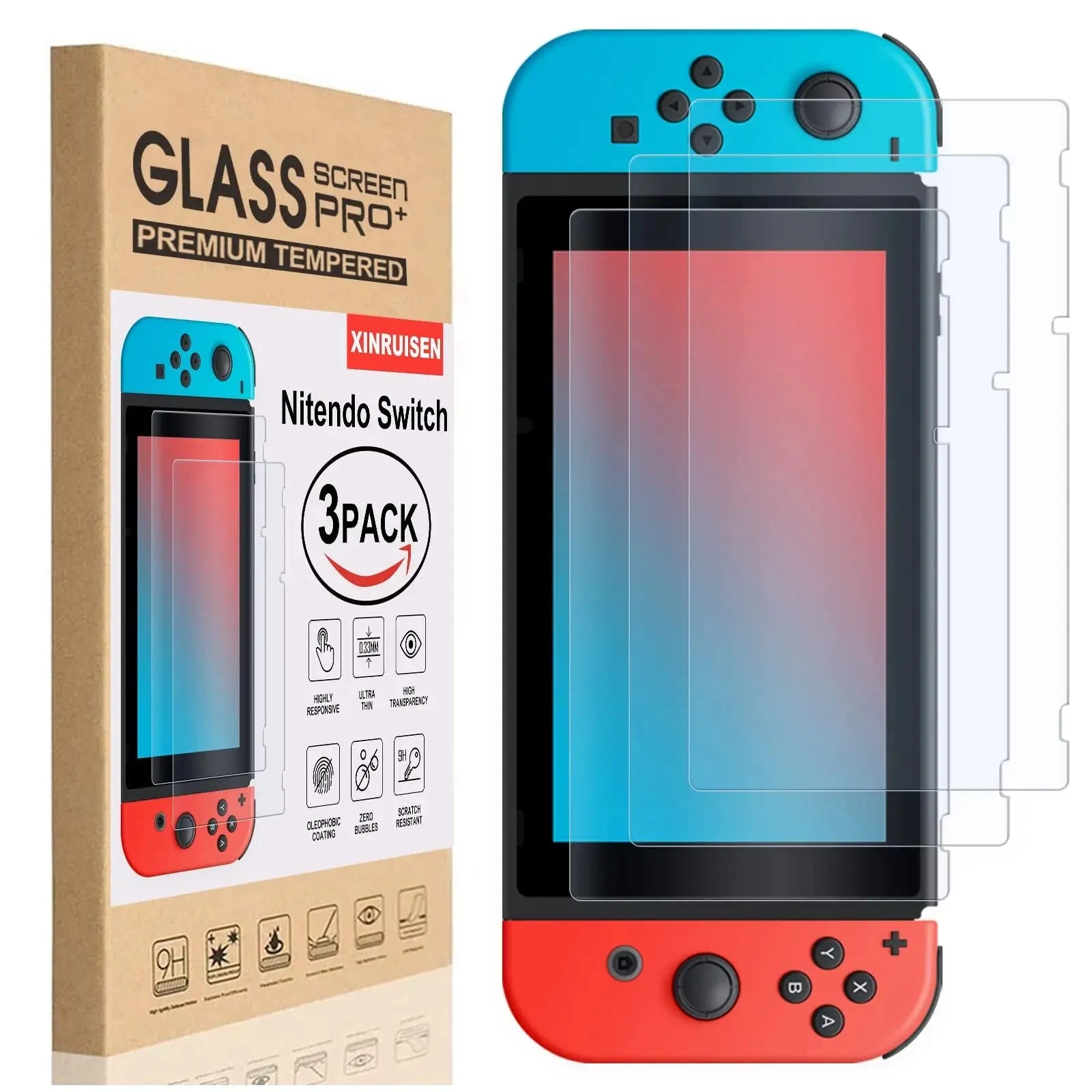
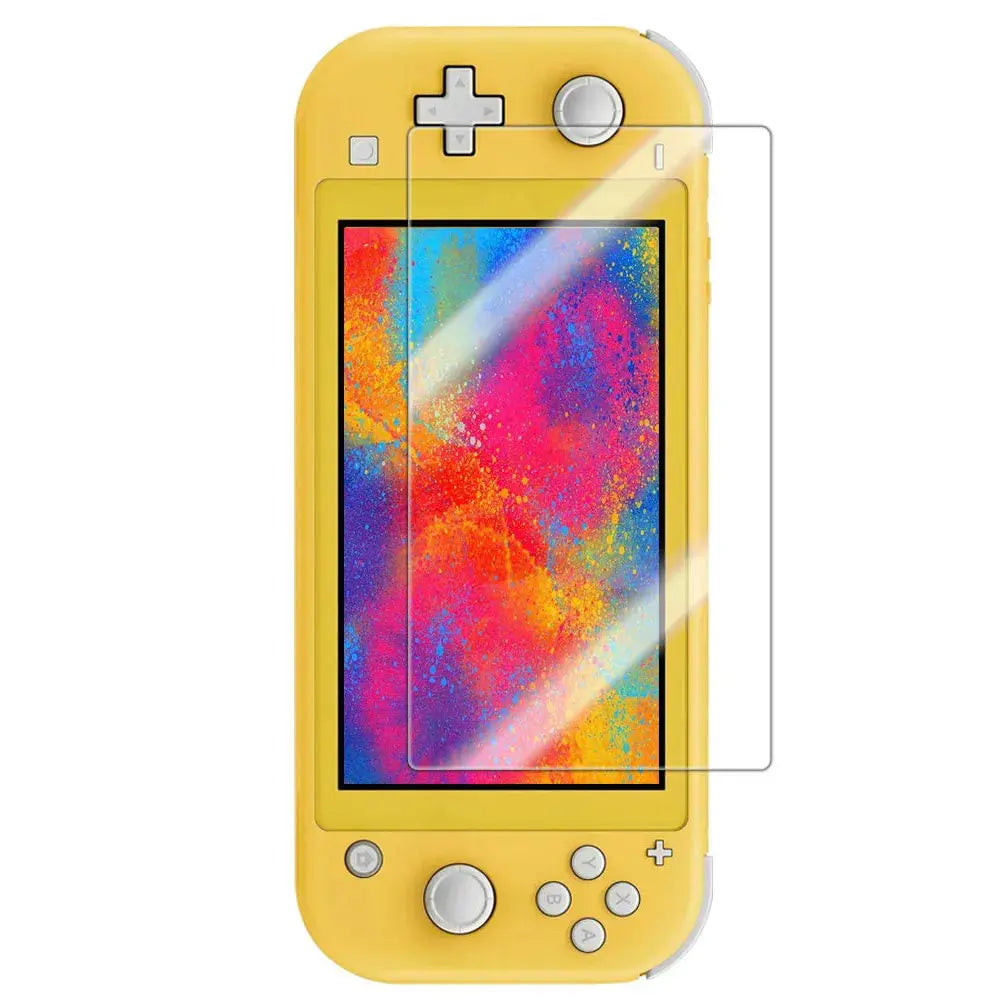
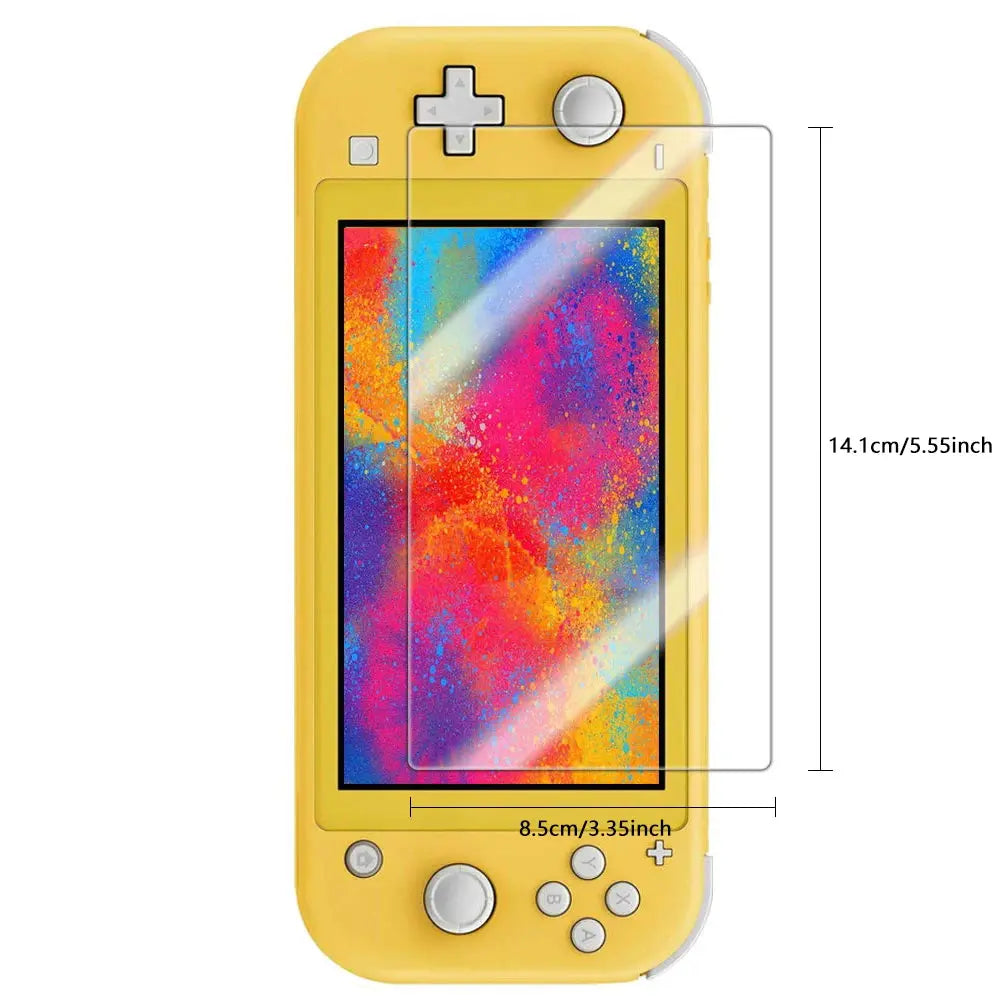
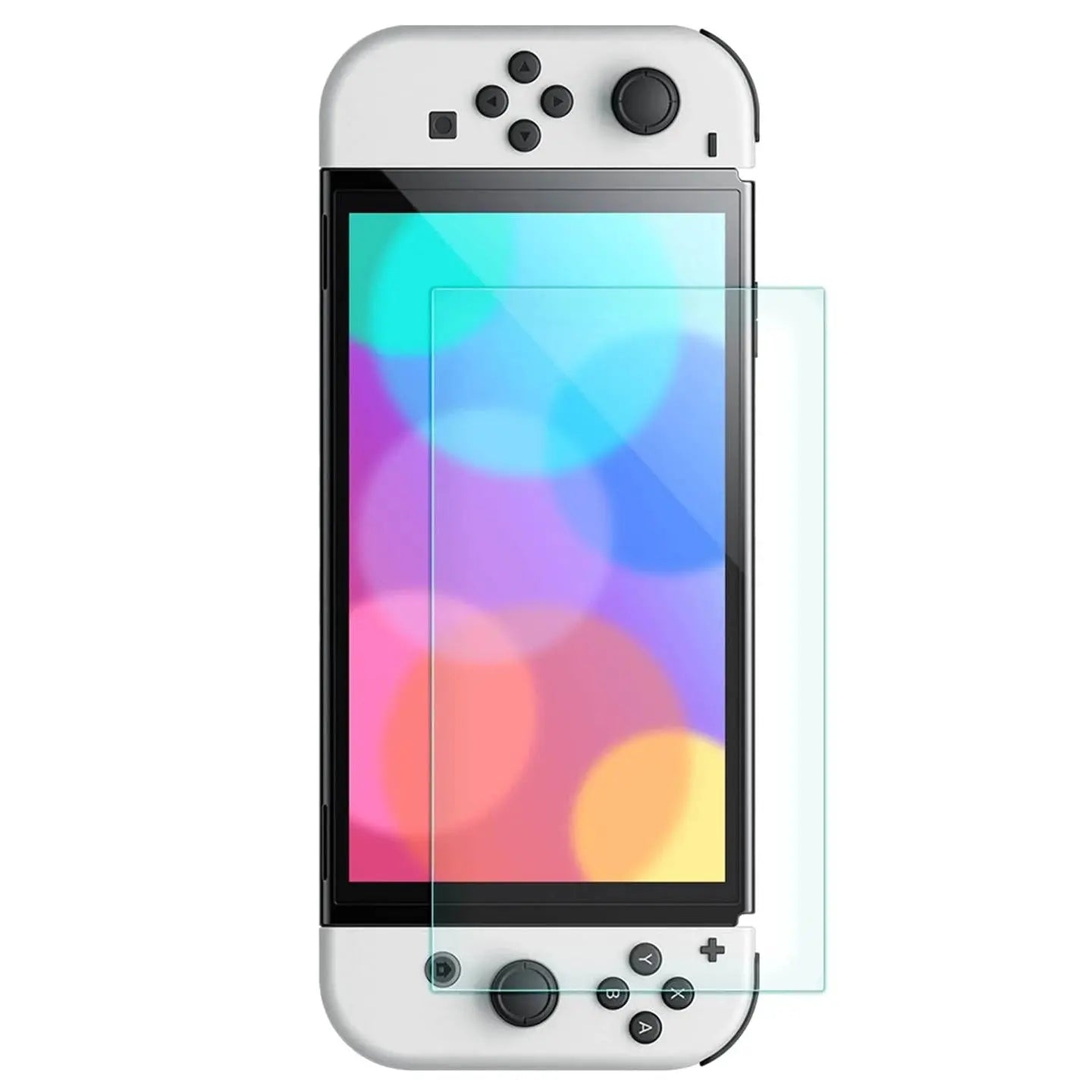
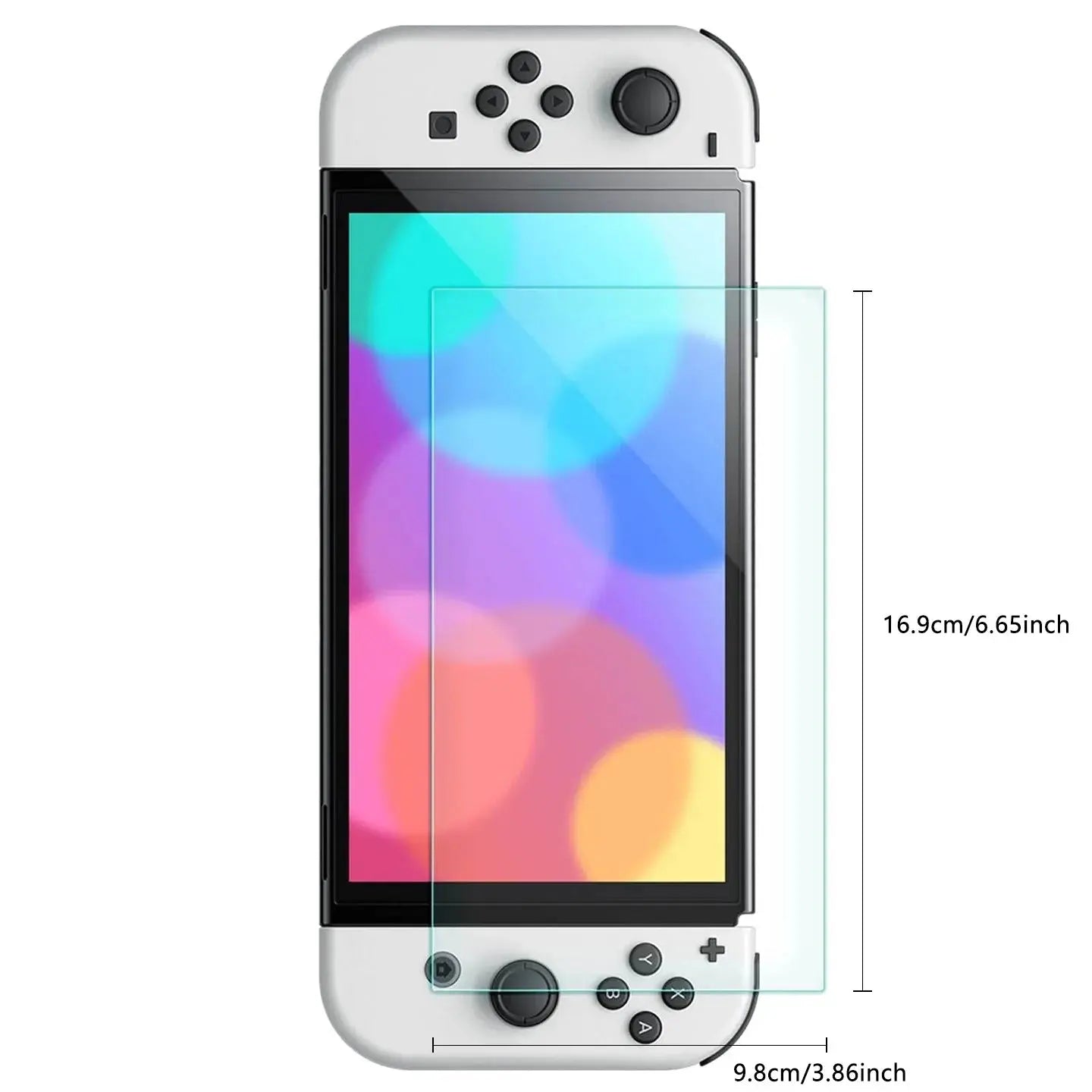
CrystalVue Nintendo Switch OLED Tempered Glass Screen Protectors - 3 Pack is a gaming accessory selected for customers who want the practical details settled before checkout. It is designed to support a compatible gaming device with correctly matched protection, handling, storage, or display coverage while keeping controls, ports, sensors, docks, and everyday play routines in view. The live option selector remains the source of truth for the exact color, size, model, material, pack, and configuration being purchased.
Strong product copy should answer the questions that decide whether an accessory belongs in the cart: what it does, what it fits, which configuration is selected, what arrives, and how the complete setup should be checked.
Gaming devices can share a family name while using different screen dimensions, controller rails, vents, ports, docks, and shell geometry. Match the exact console edition and accessory type shown; a Switch, Switch Lite, Switch OLED, Steam Deck, or PlayStation Portal accessory is not automatically interchangeable.
Images help show form and finish, but the selected live variant controls the item supplied. Review every option value and inspect the delivered configuration before removing films, altering links, applying adhesive, or placing the product into extended use.
These six advantages focus on the real ownership experience and the checks that protect fit, function, and confidence. They describe the intended role of the selected configuration without promising that any accessory can prevent every impact, loss, scratch, or misuse.
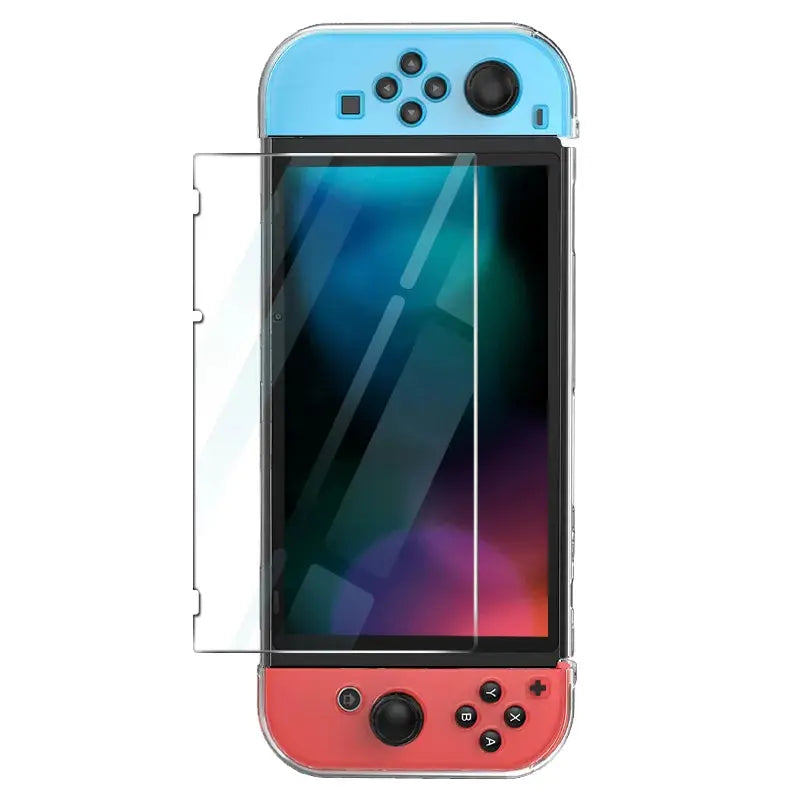
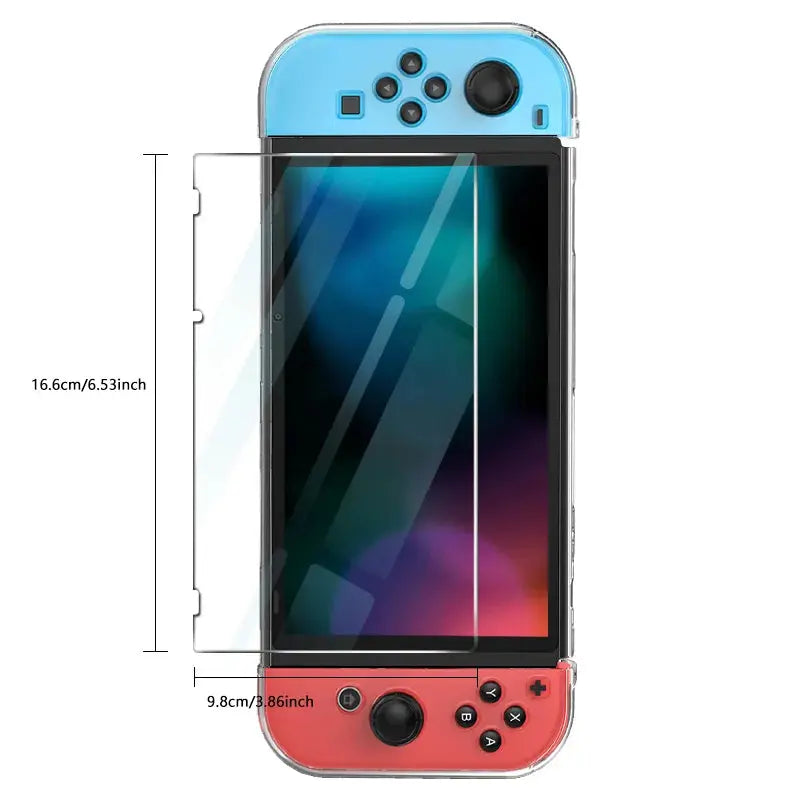
The protector is cut for the named console display; confirm the exact OLED, standard, Lite, or other device edition.
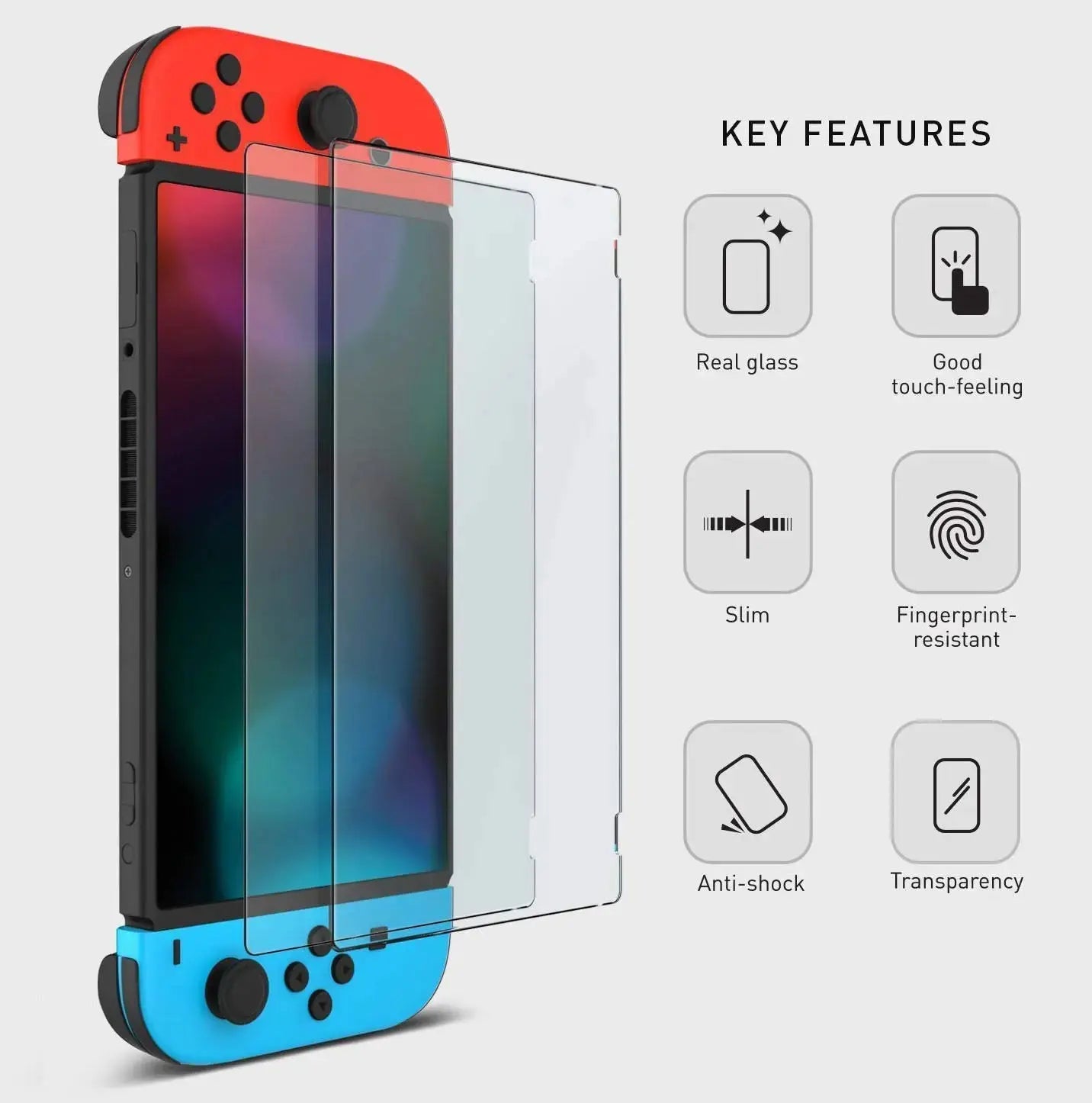
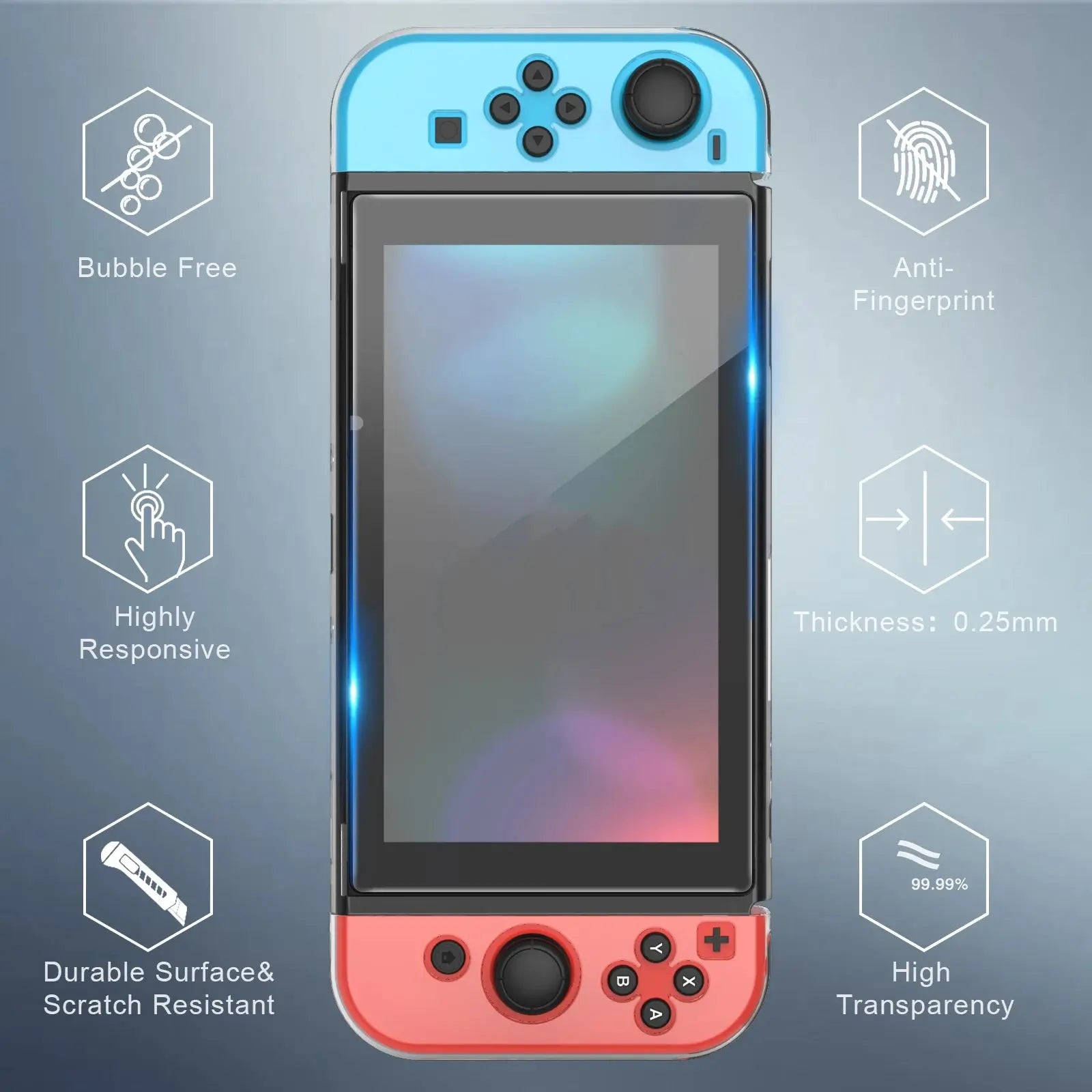
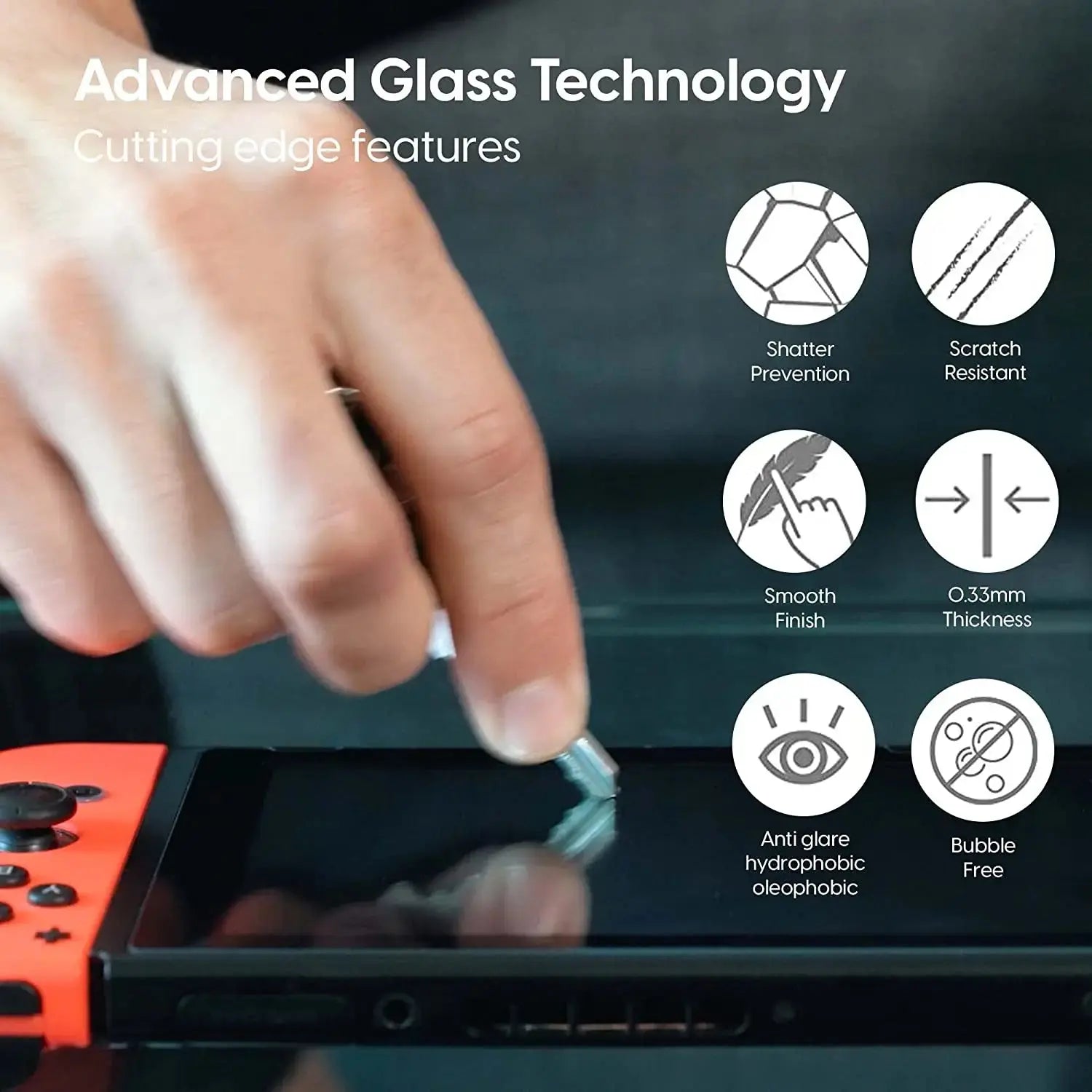
The surface layer helps manage routine abrasion and fingerprints while leaving the original display beneath it.
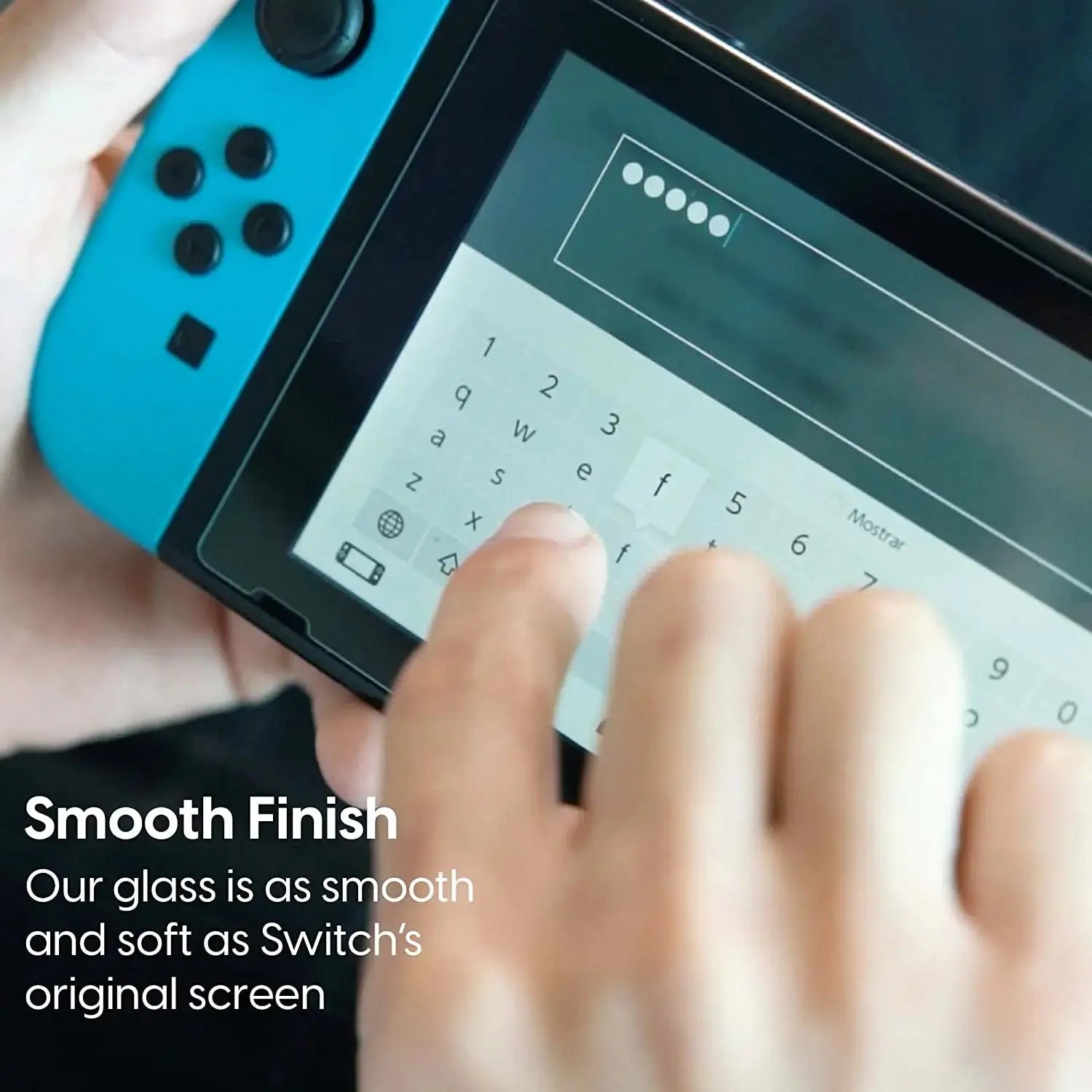
Careful alignment is intended to preserve normal viewing and touch interaction for the compatible console.
Dry-fit the perimeter, sensors, speakers, and display edges before exposing or pressing adhesive.
Protective shells and raised bezels can contact the protector edge, so test the complete setup before final pressure.
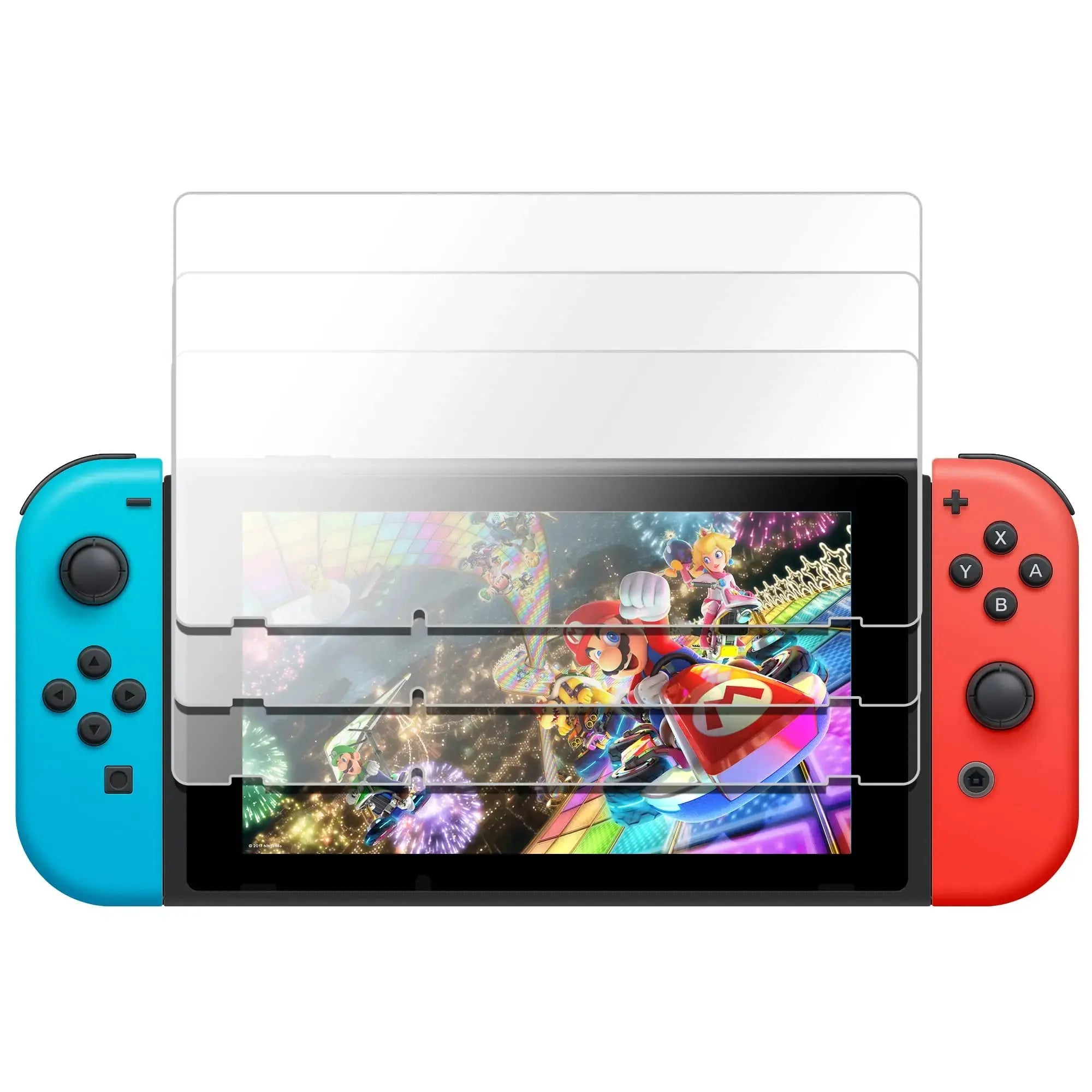
Verify protector quantity and included cleaning or alignment materials in the exact selected package.
The best configuration is the one that matches the compatible device, the way it will be carried or worn, and the functions that matter after installation—not merely the color shown first.
Adds purpose-built protection or organization without ignoring access to the controls, display, speakers, ports, and ventilation areas used during play.
Helps prepare a compatible device for travel between rooms, commutes, trips, or shared spaces after every closure and fit point is checked.
Creates a more deliberate place for the selected device or screen layer while package-specific extras remain easy to identify.
The option names and values below mirror the current Shopify product record. Availability can vary by combination, and the selected variant controls the item you receive. Similar names can represent different dimensions or component mixes, so verify the selection shown in the cart.
Selection rule: Choose compatibility first, then functional configuration, size or capacity, material, color, pack quantity, and shipping-origin option where present. A photograph may illustrate more than one variation.
Match the exact console family and edition, including OLED/Lite/standard distinctions and any screen-size difference.
Confirm whether the listing is a screen protector, shell, carry case, card holder, or multi-piece kit; these functions are not substitutes.
Review pack count, included tools, dock clearance, controller clearance, and protective-case compatibility before installation.
A careful first-use check protects the product, the compatible device, and the intended workflow. Work in good light, keep packaging and small pieces together until the fit is confirmed, and stop if any part requires unusual force.
Verify the exact model and screen or shell dimensions before opening adhesive materials.
For a display product, power down and remove oil, lint, and dust with appropriate non-abrasive materials.
Dry-position every screen edge, cutout, rail, port, or shell section before committing the fit.
Confirm touch, controls, audio, charging, docking where applicable, ventilation clearance, and case closure.
The console, controllers, games, dock, charger, and unrelated accessories are not included unless the selected package explicitly states otherwise. Pack quantity and installation materials follow the live variant.
Keep the product clean and dry using methods appropriate for its material. Avoid abrasive chemicals, extreme heat, prolonged moisture, forced movement, and loads beyond the intended everyday function. Inspect connectors, closures, edges, moving parts, adhesive areas, cables, fasteners, and contact points regularly.
No accessory makes a device, watch, collection, card, or carried item indestructible or loss-proof. Replace or stop using any component that is cracked, bent, loose, sharply chipped, overheated, unstable, separating, or interfering with normal function. Follow the compatible product manufacturer’s guidance whenever it is more specific.
Confirm compatibility, dimensions, selected options, and package contents before checkout. On arrival, inspect the fit and every functional feature before regular use so the product in hand matches the setup you intended to buy.
Avontic provides fast free shipping on every order. Estimated U.S. delivery is 3–6 business days, while international delivery is generally 6–12 business days. Tracking is emailed after dispatch. Carrier, customs, weather, and seasonal delays can affect delivery estimates.
Avontic offers 60-Day Returns. Review the current Return Policy for eligibility, available resolutions, and any applicable conditions before sending an item back.
Not sure which option fits? Contact Avontic before ordering and include the exact device model, generation, and size shown in your settings or on the device itself.
Choose options
Product details
Review confirmed features, everyday use cases, and fit guidance. Product options and purchasing stay in the primary configuration above.
Compatibility guidance
Product types and option names vary across this catalog. Match every selected value to the exact item you intend to purchase. If a model or compatibility detail is not explicitly listed, contact Avontic before ordering.