RhinoGuard flagship

My Device
Settings → General → About → tap the part number beside Model Number to reveal the A-number.
Start typing, choose a listed route, or complete all three browse fields. Nothing is assumed.
RhinoGuard flagship

ArmorPro route
RhinoGuard flagship
RhinoGuard route

Privacy glass

TitaniumGuard Ascend
TitaniumGuard Ascend
TitaniumGuard Ascend

Galaxy Watch Ultra metal

47mm protective case

Galaxy Watch 4–6 band collection

TitanForge 22mm
TitanForge 26mm

DuraShield protection

ArmorShield Slide

TitanShield Pro
RhinoGuard flagship
RhinoGuard flagship

RhinoGuard Tactical 360 Pro

RhinoGuard Apex Shield

RhinoGuard Apex Rotation

RhinoGuard Regent

RhinoGuard Vanguard

RhinoGuard Vertex

ChargeStation 7
Live catalog match


Settings → General → About → tap the part number beside Model Number to reveal the A-number.
Made for your tablet.
Choose your exact model, then your finish.Your selection
AvailableBlack BlackiPad Air 13 2024 2025 2026
Your tablet. Your setup.
Start with this case or bundle. Choose your exact tablet, then add the finishing touches that fit.

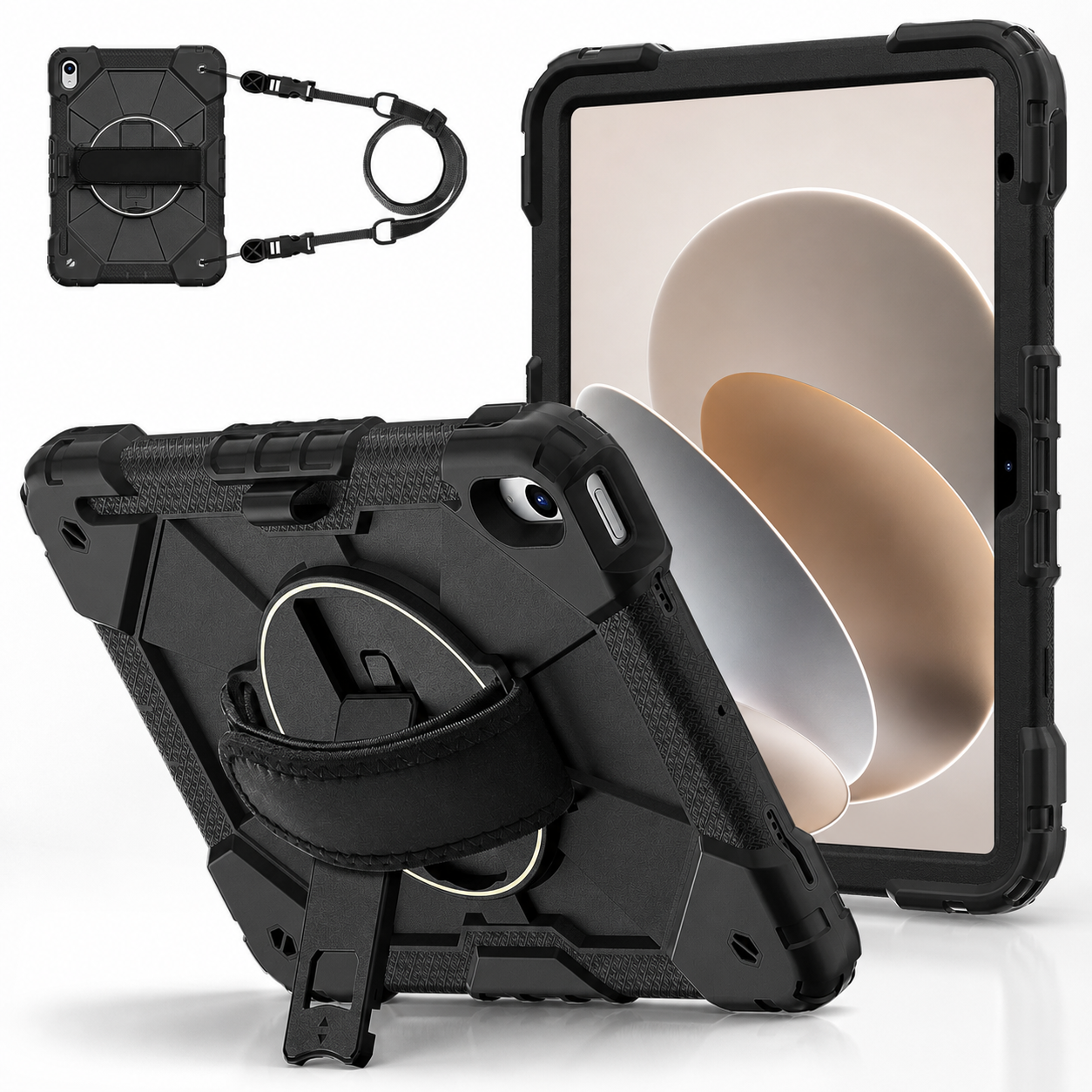
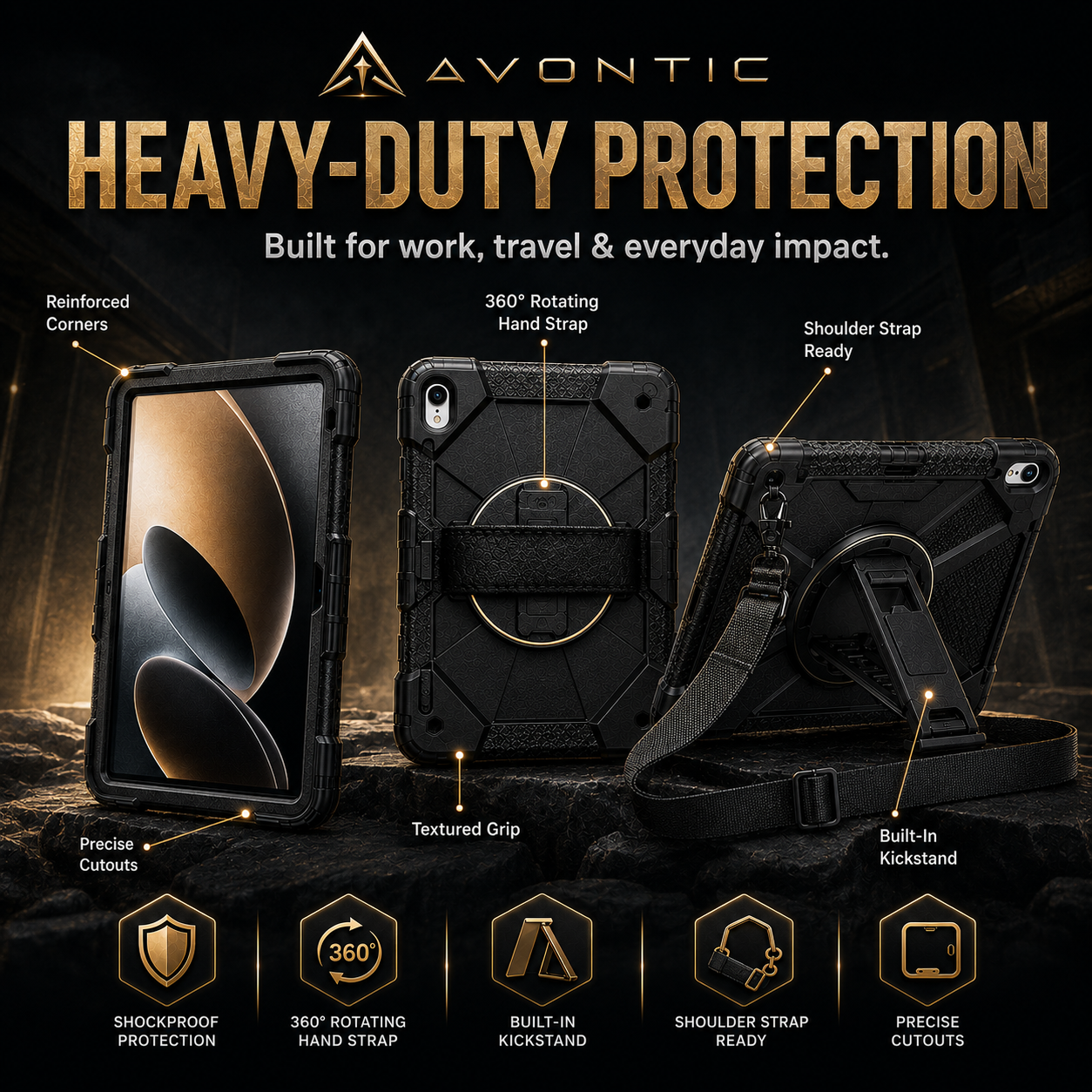
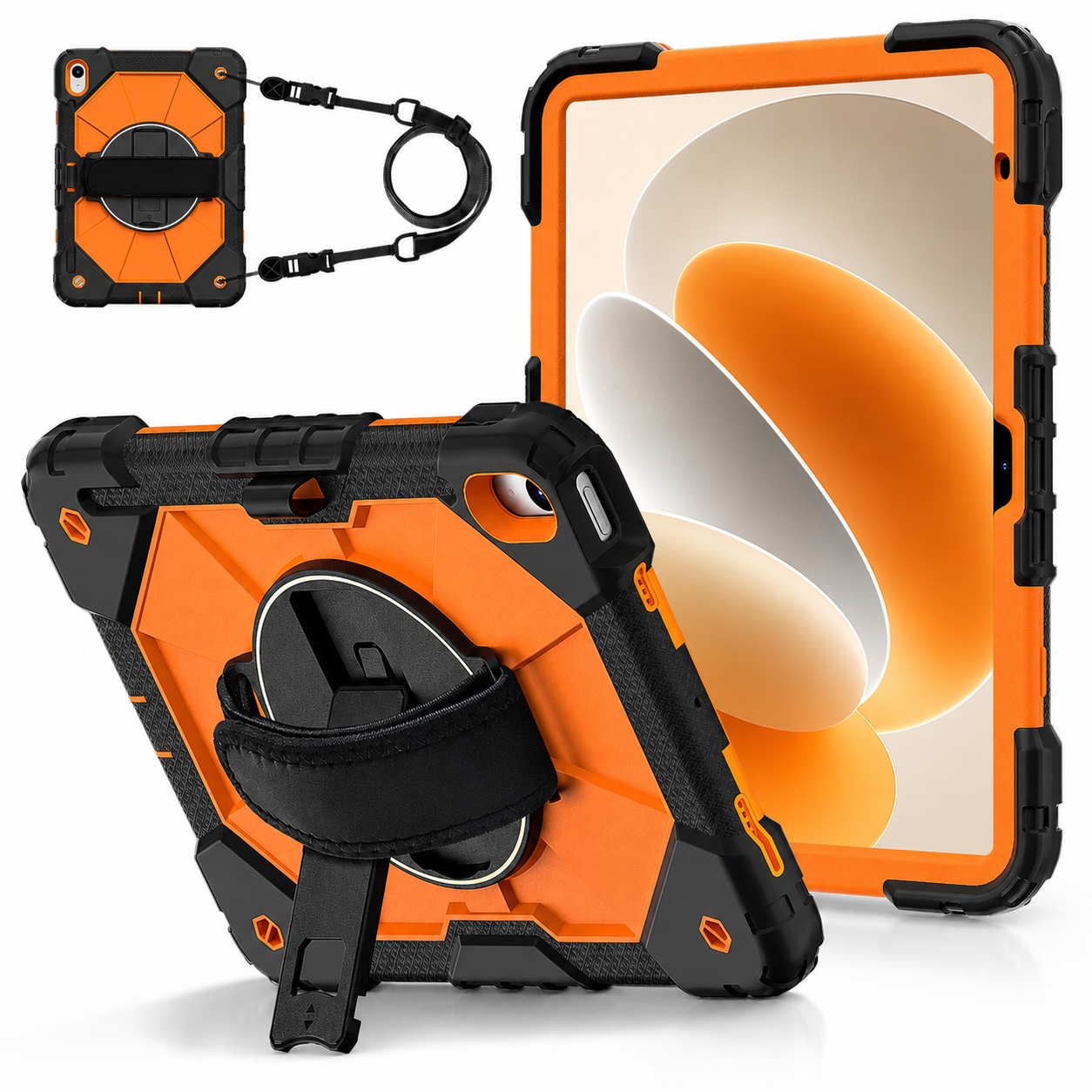
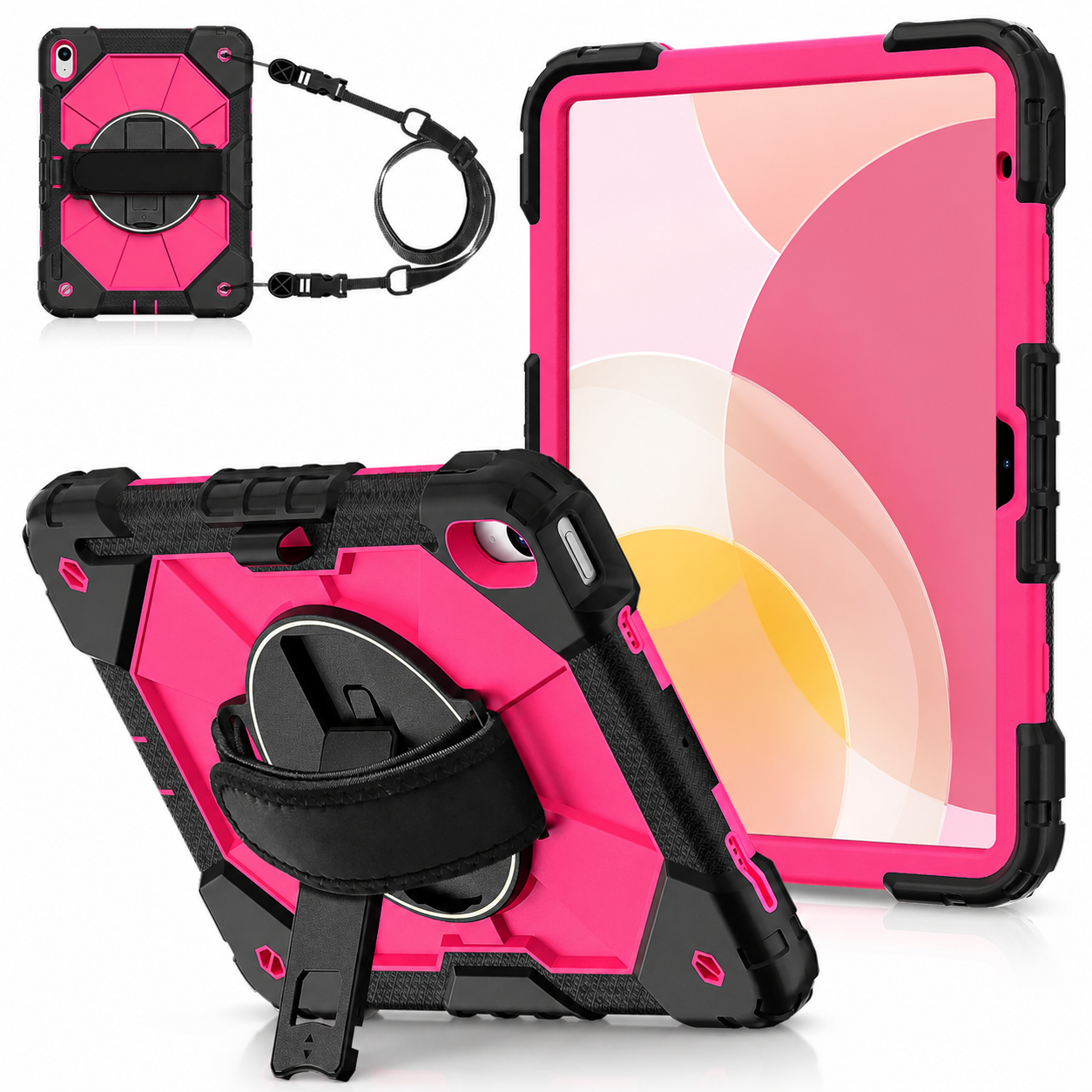
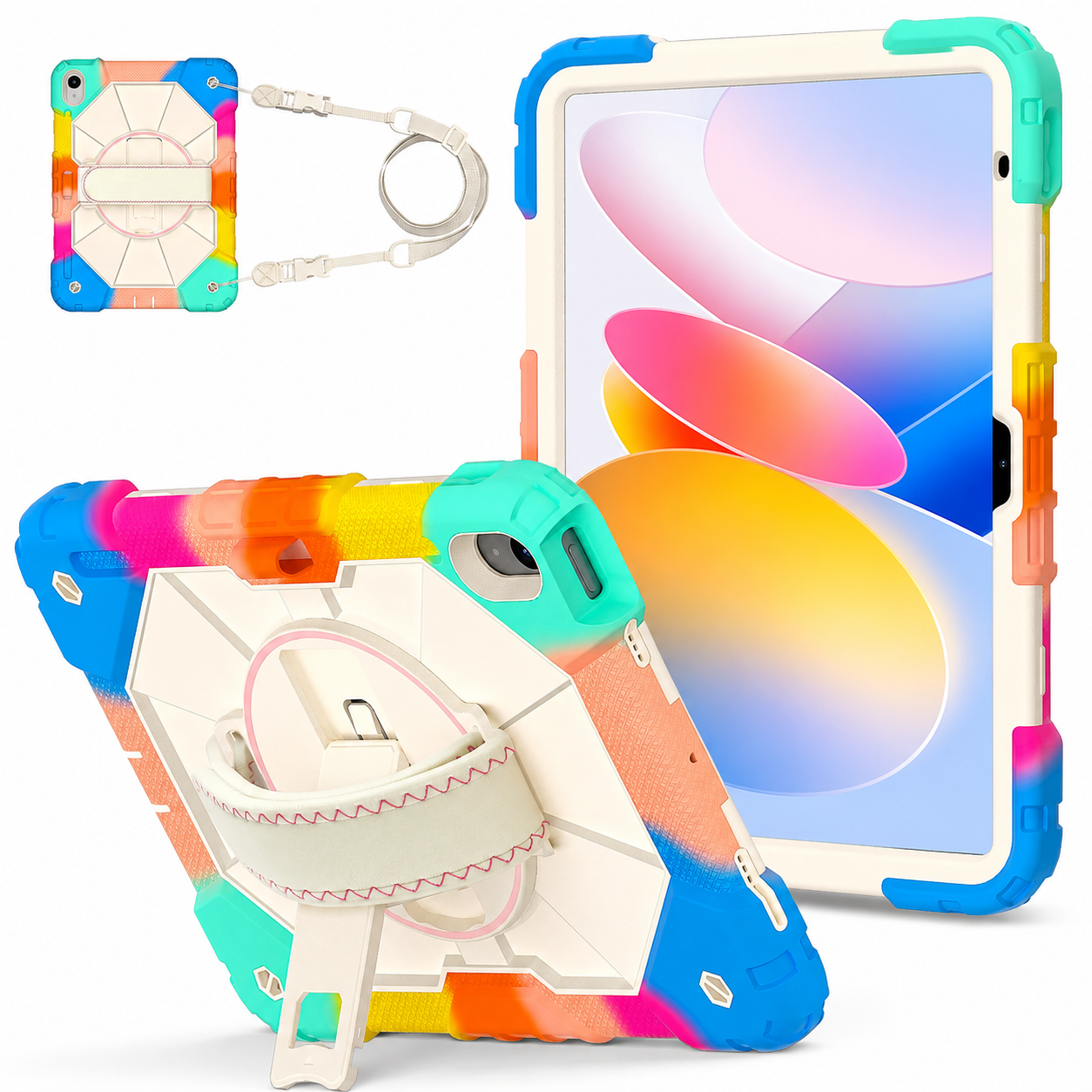
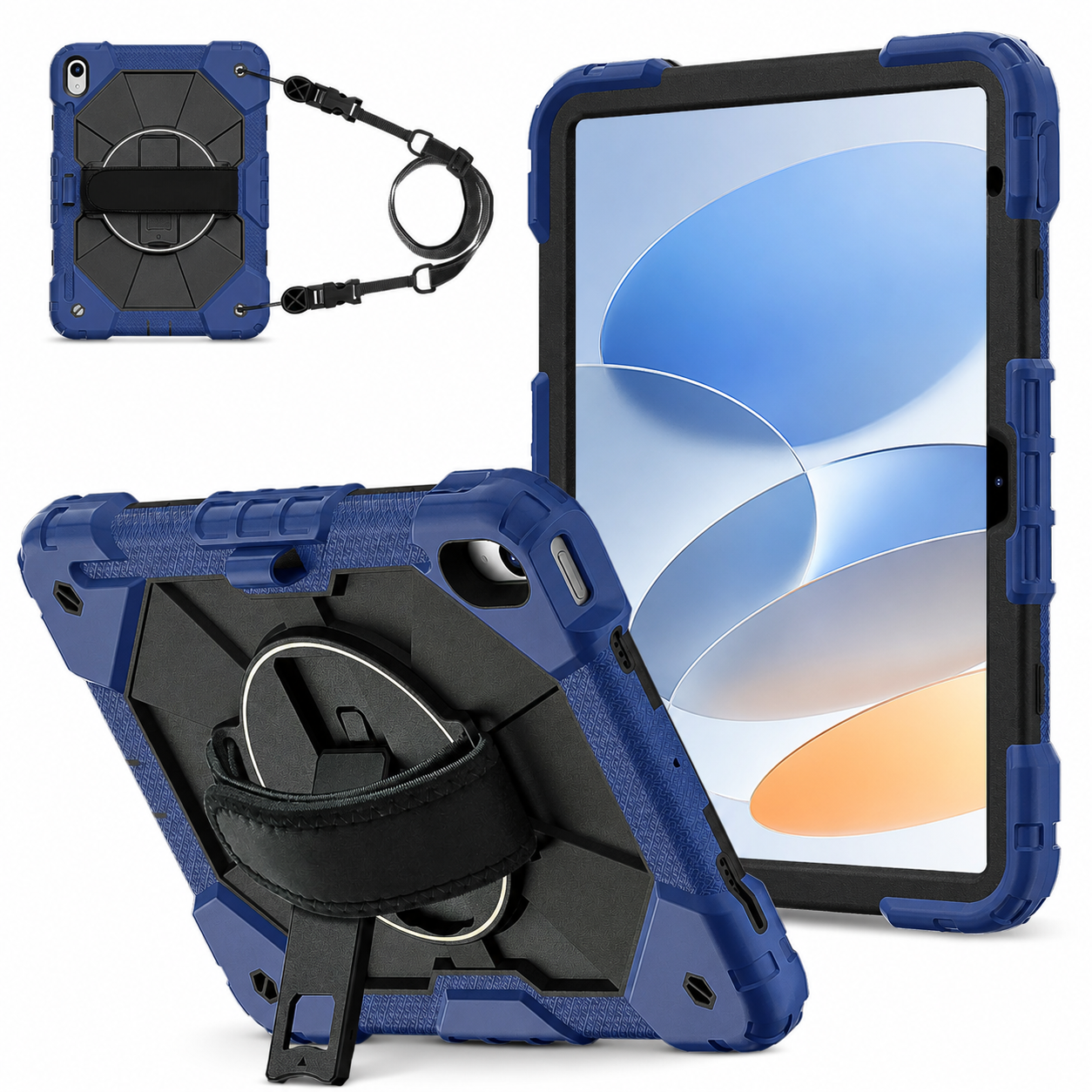
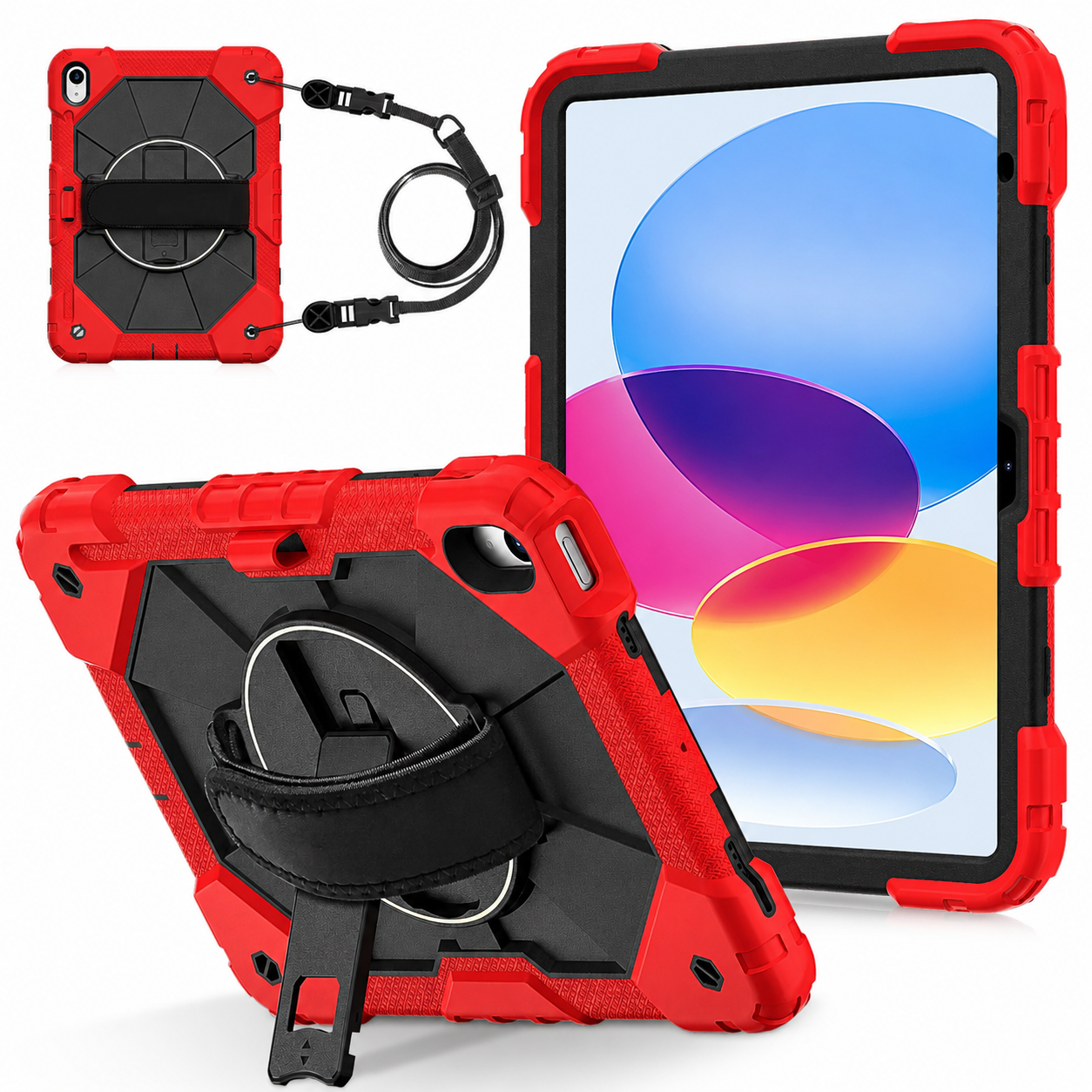
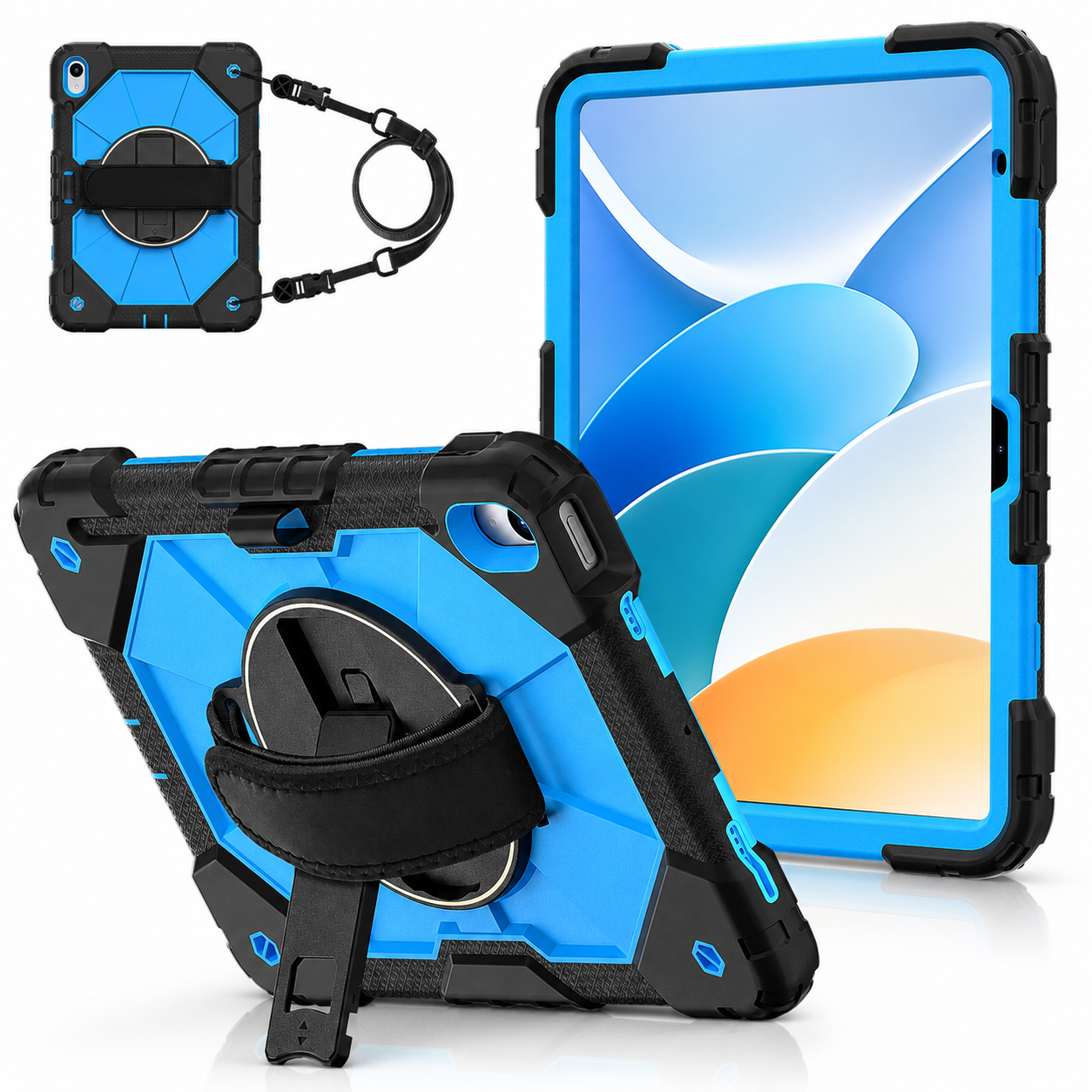
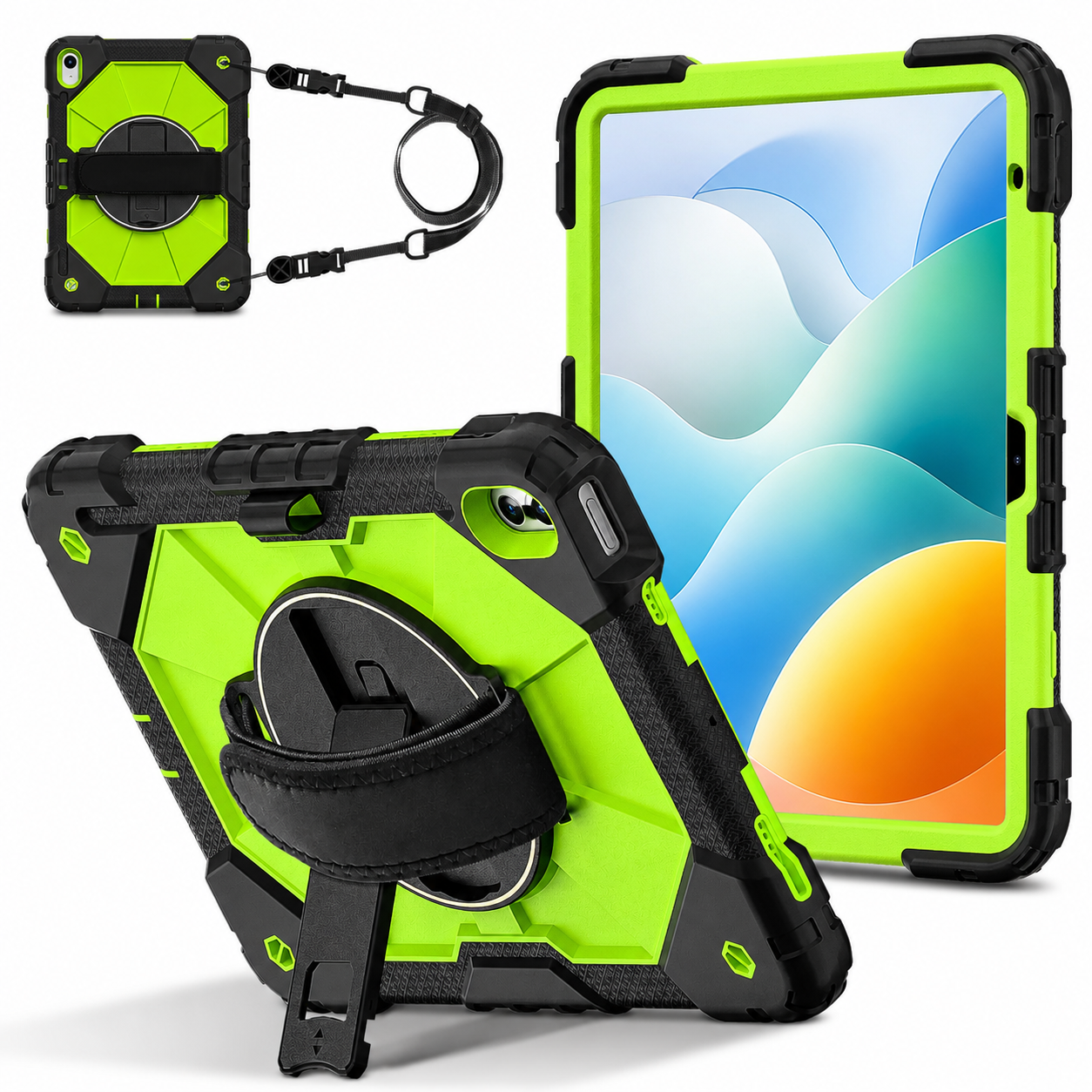
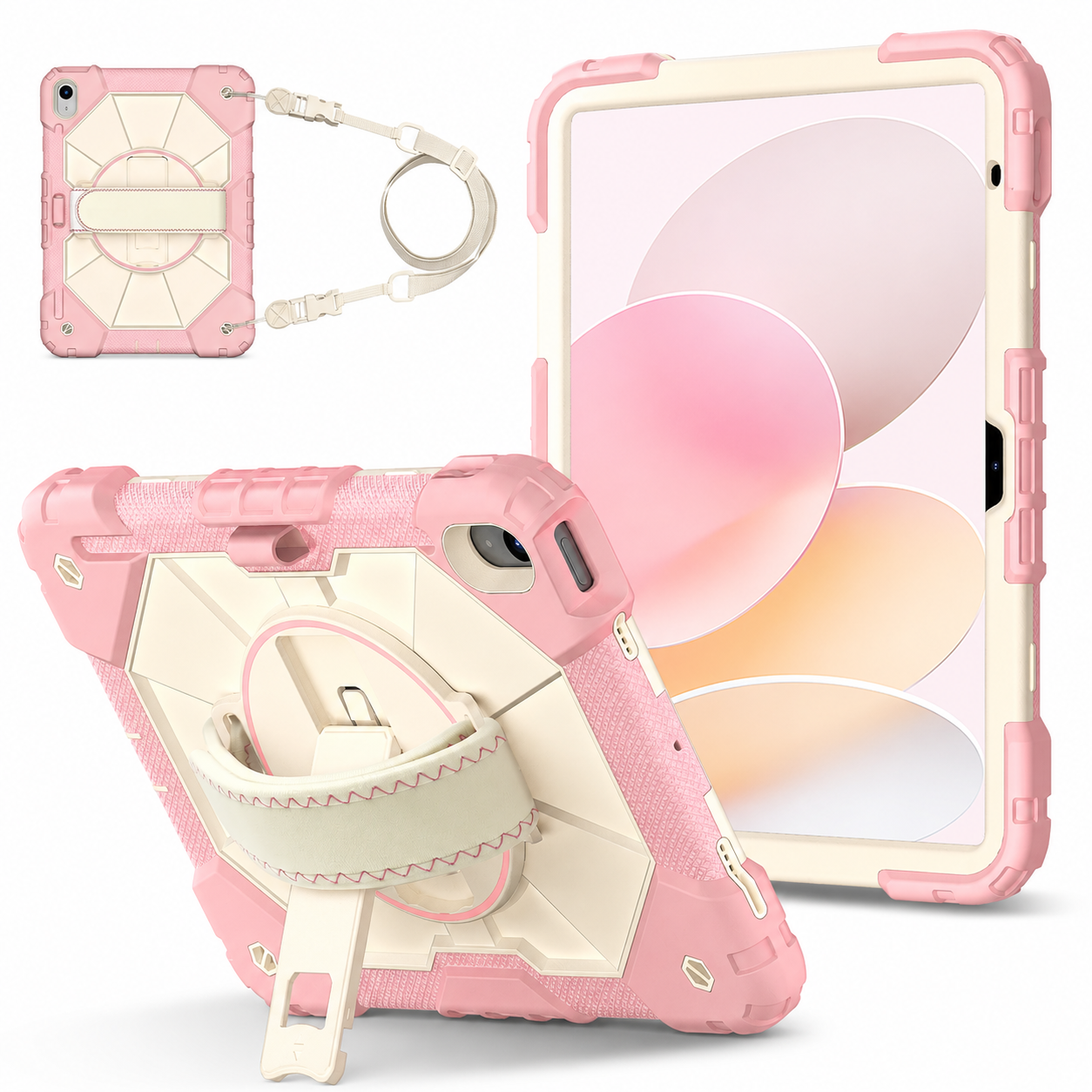
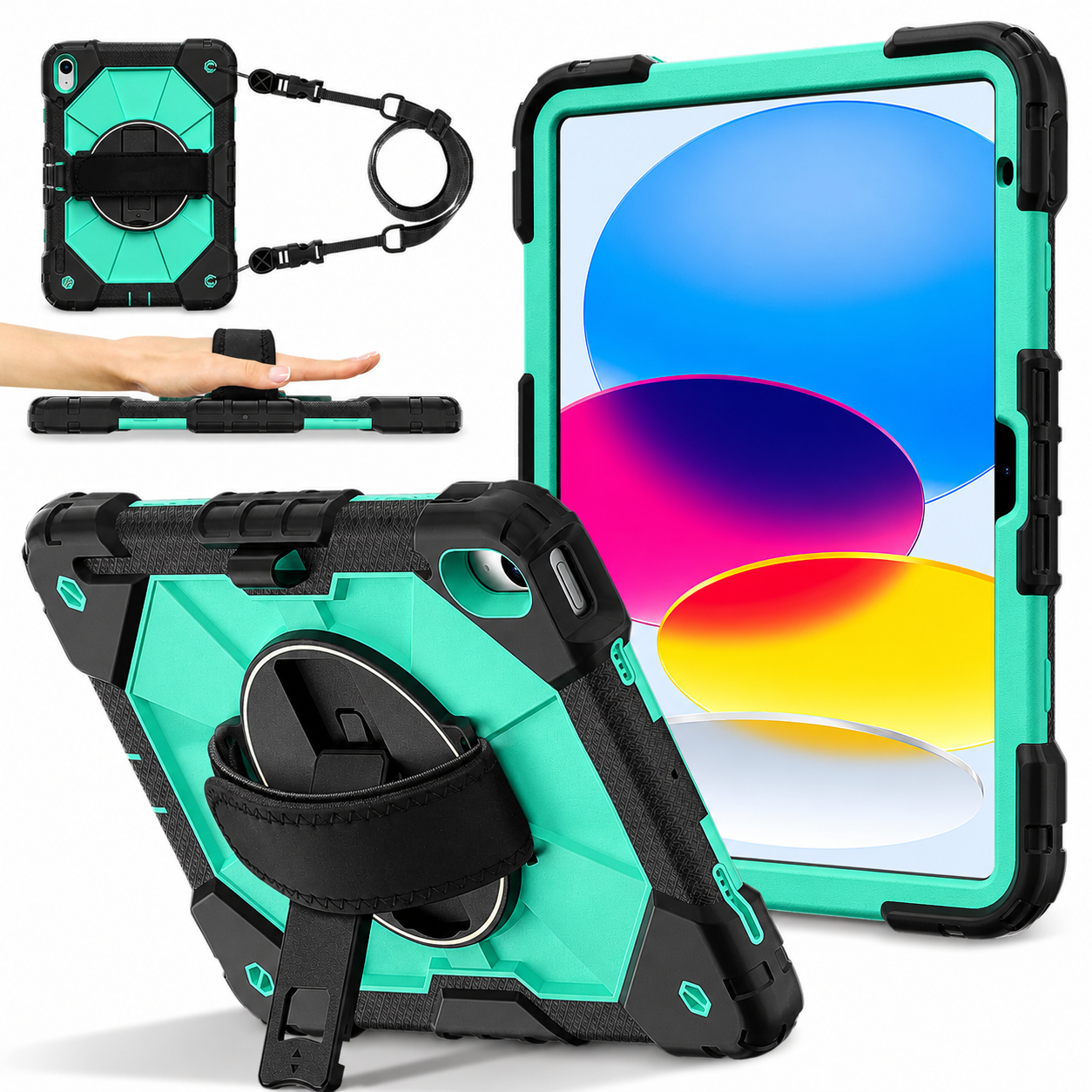
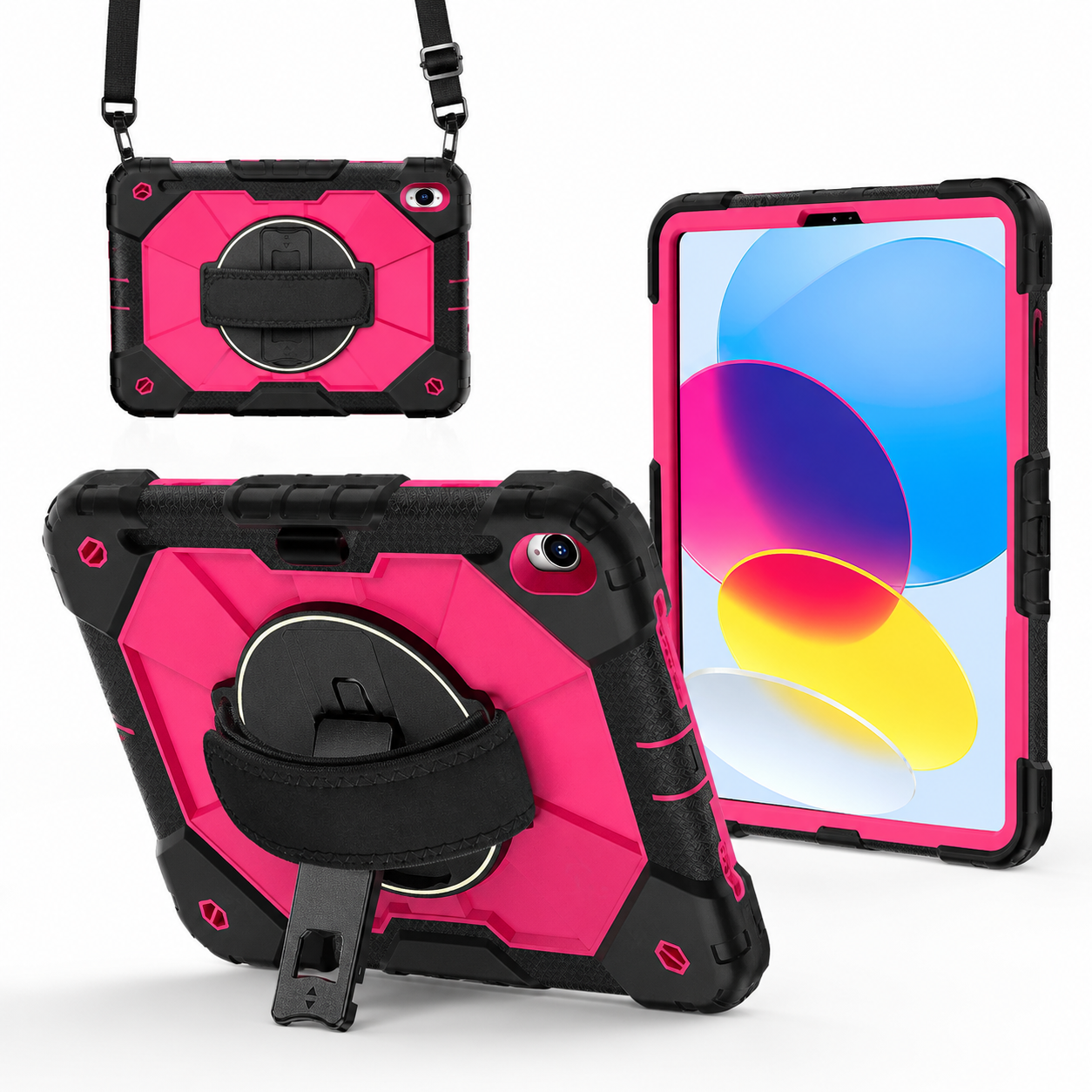
RhinoGuard Apex 360 Command Rugged iPad Case with Kickstand & Hand Strap
Already selected for you.Structured shell · integrated hand strap · built-in stand
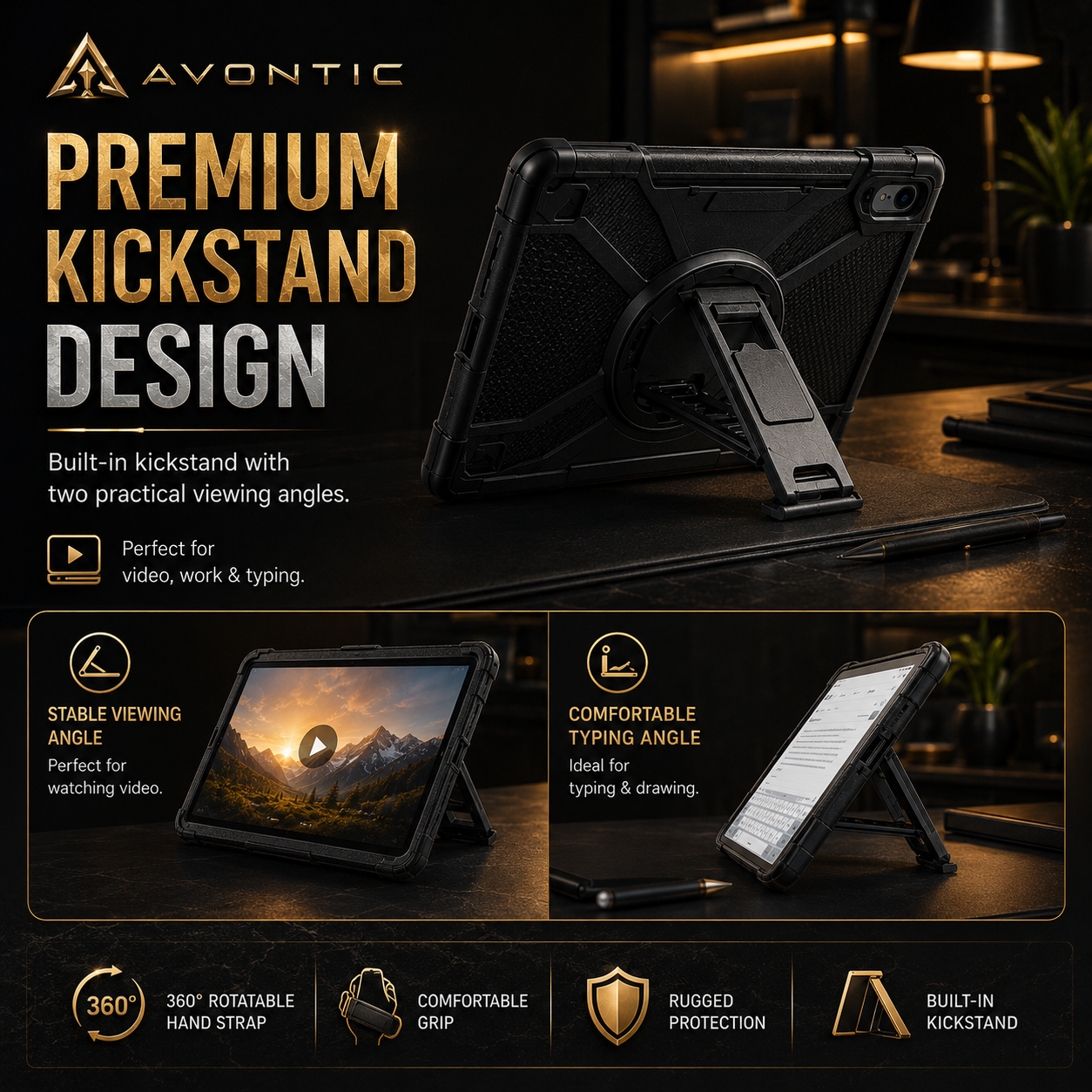
Apex 360 Command pairs a structured, textured design with a rear hand strap and built-in kickstand. Hold your iPad for a lesson or form, then set it down for a call. Both handling features stay with the case.
Choose my model & color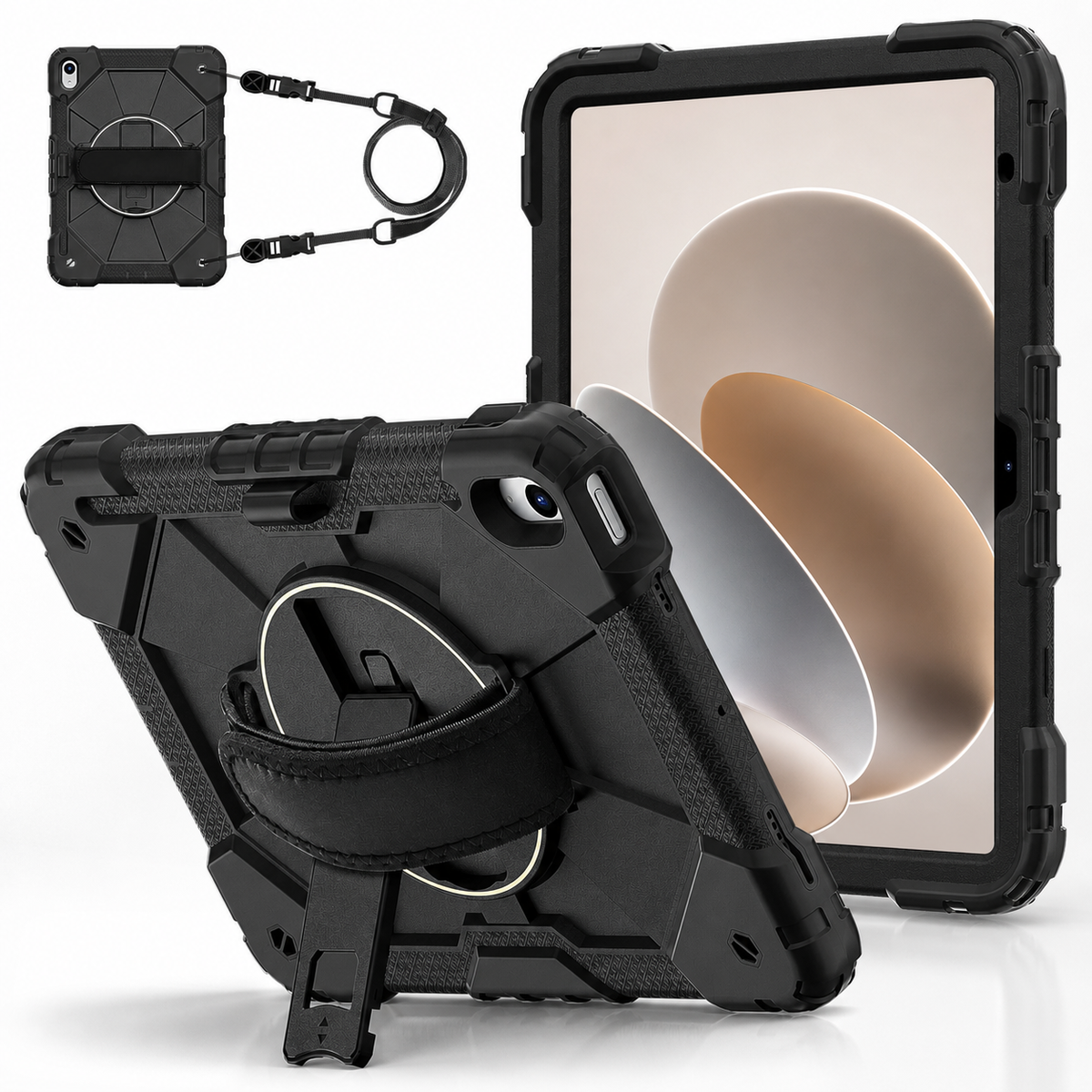
The integrated rear strap supports one-handed viewing and handling. Read a form, talk through a lesson or present a screen with a dedicated handhold behind the iPad.
Open the built-in kickstand on a stable table for calls, reading or reference. The integrated stand stays with the case as your iPad moves between a counter and a desk.
Reinforced corner areas, textured grip zones and raised screen and camera edges add coverage for routine contact. Model-specific options account for your iPad’s cameras, controls, speakers and charging-port layout.
Purpose in every detail
Apex earns your consideration through its shape, textured grip zones and integrated handling details. The hand strap and kickstand give the structured shell a practical role at home, in a classroom or at a counter. Choose the design you want to handle every day, in the model and color that suit you.
Made for the way you use it
A shared iPad might move from a reading lesson to a family call, then become a reference screen at a table. Apex keeps a hand strap and viewing stand on the device for those everyday changes of person and place.
Hold the iPad while reviewing a form with someone, then place it on its kickstand for a longer discussion at a stable counter. The integrated arrangement suits a workspace where the tablet regularly alternates between being held and displayed.
Apex 360 Command
iPad, Apple Pencil, keyboard, charger and shoulder strap are not included. The listed package does not include a separate screen protector.
Match the full iPad model and A-number from Settings → General → About to the selector. Two iPads can share a screen size but have different hardware layouts. Openings and integrated details vary with the selected case.
Ask Avontic about my fitWhy this setup
Choose Apex for its textured styling, integrated hand strap and built-in stand. It brings handheld support and table viewing together in one structured case for your selected iPad.
Apex 360 Command
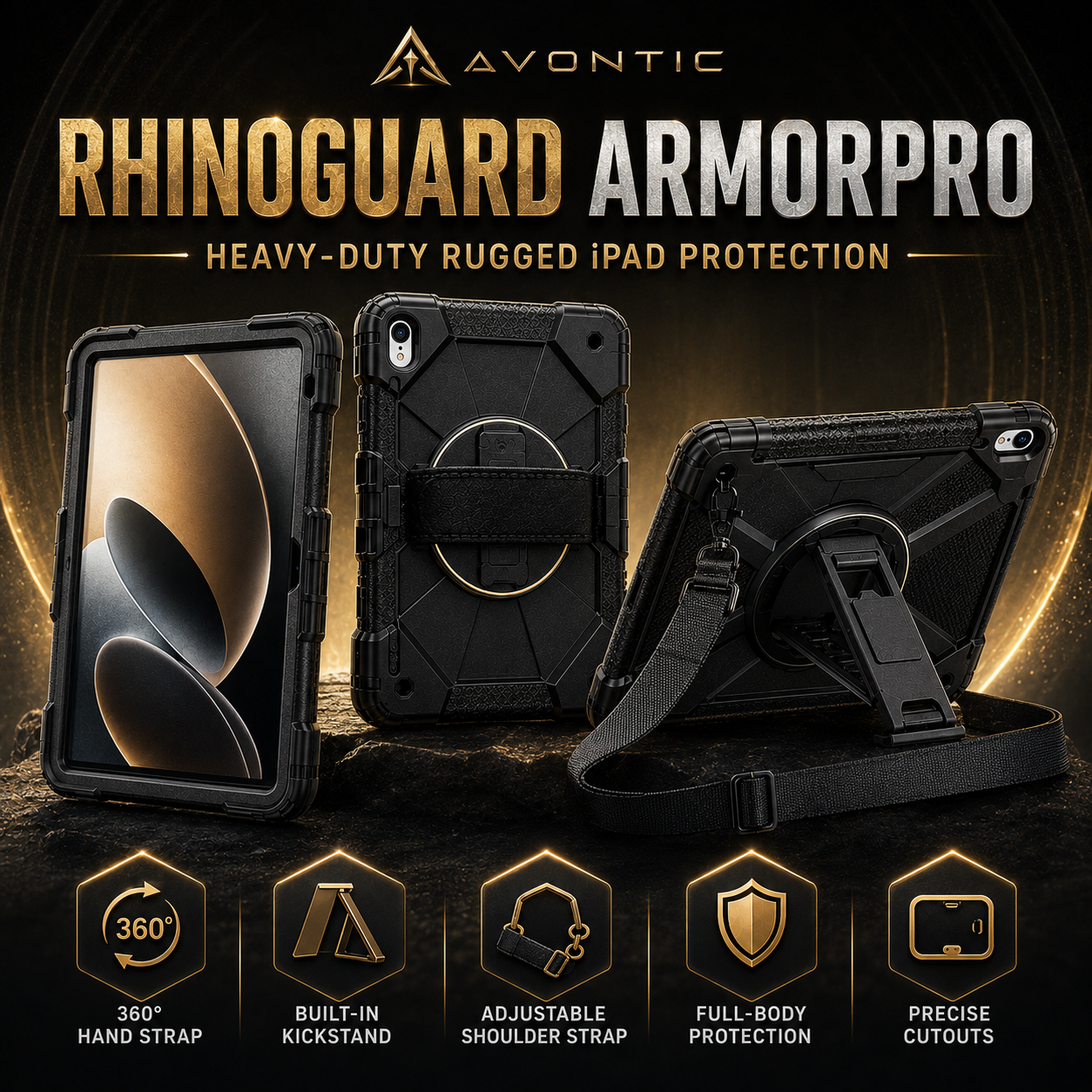
Apex combines its structured, textured shell with an integrated hand strap and kickstand. RhinoGuard Pro uses a padded rotating strap and includes a shoulder strap and tempered glass. Compare the selected designs and included items to choose your preferred setup.
No. Apex includes the rear hand strap built into the case, which is different from a shoulder strap. Choose this package for handheld support and stand use; consider the Pro package if shoulder carry is a priority.
No separate screen protector is listed in this package. The raised edges are part of the case structure. They do not make a separate glass protector an included item; add only a protector compatible with your exact setup.
Apex uses a substantial structure with integrated grip and viewing features. Choose it for that design and utility, and allow for extra case bulk if you use a fitted sleeve.
Kickstand details can vary by model. Use it on a level, stable surface and review your option’s gallery for the supported setup. Match the device before choosing a color.
Choose options
Rugged case + rotating hand strap + built-in kickstand. No shoulder strap.
Business, bulk & team orders
From a shared workspace to a multi-site rollout, bring your tablet requirements to Avontic. We’ll help you review the right cases, bundles and quantities for the way your team works.
Review exact tablet models and mixed-device requirements.
Discuss quantities, configurations and your target timeline.
Ask about formal quotes, purchase orders and tax-exempt requirements.
A conversation, then a plan
Send us a few details through our dedicated business page.
Fit, availability and order terms are confirmed with your inquiry.
The finishing touches
More privacy in shared spaces. A screen at the right height. A simpler way to tap and type. Choose the extras that make your everyday setup feel complete.
Privacy in shared spaces
One model-specific tempered-glass privacy protector to help reduce casual side-angle viewing on your iPad.
Choose an explicitly listed iPad model. A privacy upgrade replaces existing screen protection; do not stack layers.
Tap, navigate and fill in
A dual-tip capacitive stylus for everyday touchscreen input, without charging or Bluetooth pairing.
Passive touch input, without pressure sensitivity or palm rejection. Not an Apple Pencil or S Pen replacement.
A screen beyond the desk
An adjustable tripod stand for calls, presentations and viewing. Choose the Black Pro or Black Classic version for your setup.
Check clamp clearance with your device, case and rear attachments before ordering. Tablet and case sold separately.
Room for longer thoughts
A separate Bluetooth keyboard that lets you position your screen and typing space independently. Choose your size and finish.
Requires Bluetooth keyboard support. Only the Colorful Backlit 10-inch option is backlit; other listed options are not.
Optional accessories, sold separately. Match your exact device and selected accessory options before ordering. Pictured devices and other props are not included.
Help me choose the right fit