RhinoGuard flagship

My Device
Settings → General → About → tap the part number beside Model Number to reveal the A-number.
Start typing, choose a listed route, or complete all three browse fields. Nothing is assumed.
RhinoGuard flagship

ArmorPro route
RhinoGuard flagship
RhinoGuard route

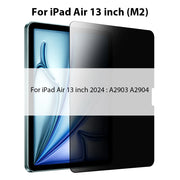
Privacy glass

TitaniumGuard Ascend
TitaniumGuard Ascend
TitaniumGuard Ascend

Galaxy Watch Ultra metal

47mm protective case

Galaxy Watch 4–6 band collection

TitanForge 22mm
TitanForge 26mm

DuraShield protection

ArmorShield Slide

TitanShield Pro
RhinoGuard flagship
RhinoGuard flagship

RhinoGuard Tactical 360 Pro

RhinoGuard Apex Shield

RhinoGuard Apex Rotation

RhinoGuard Regent

RhinoGuard Vanguard

RhinoGuard Vertex

ChargeStation 7
Live catalog match
Settings → General → About → tap the part number beside Model Number to reveal the A-number.
Made for your tablet.
Choose your exact model, then your finish.Your configuration
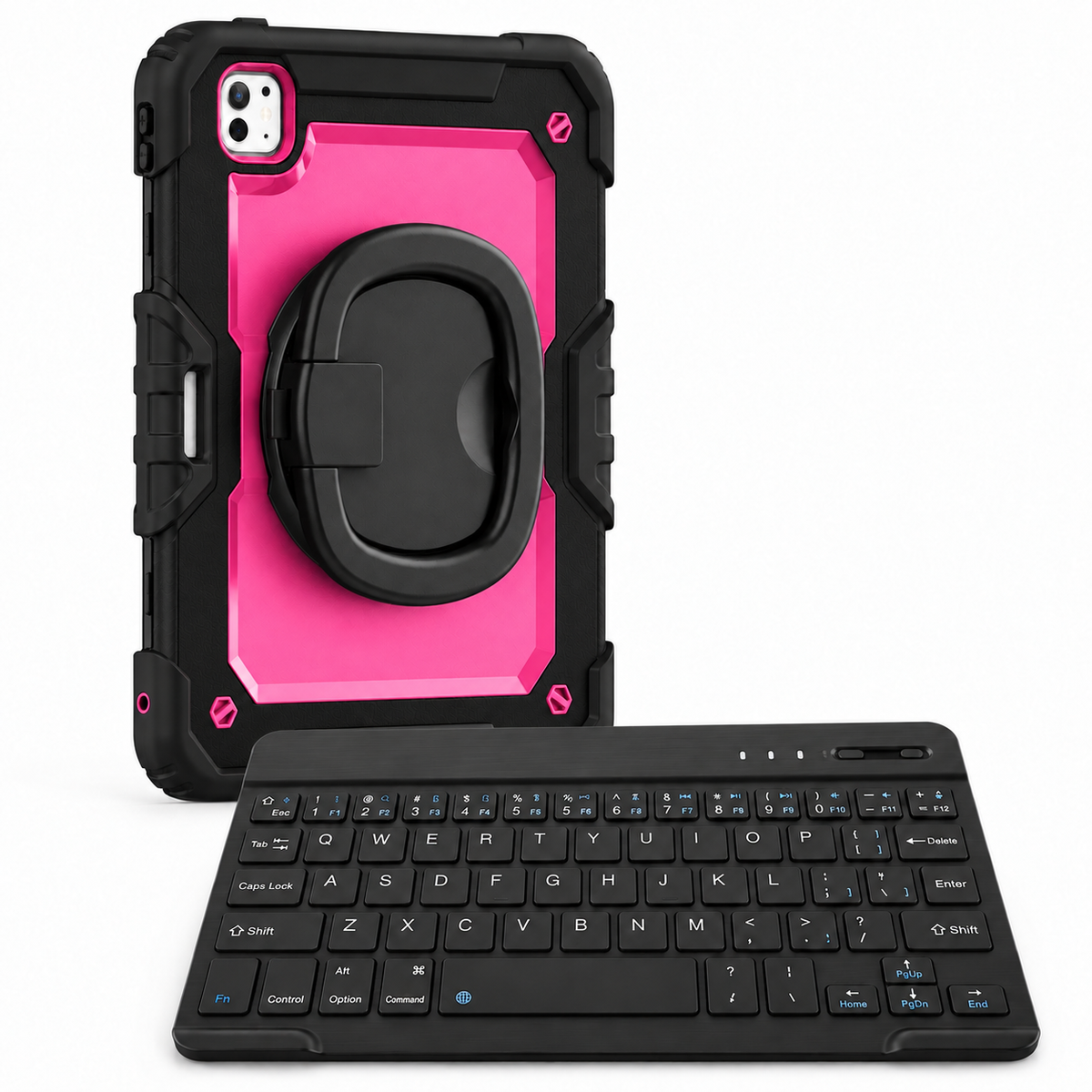
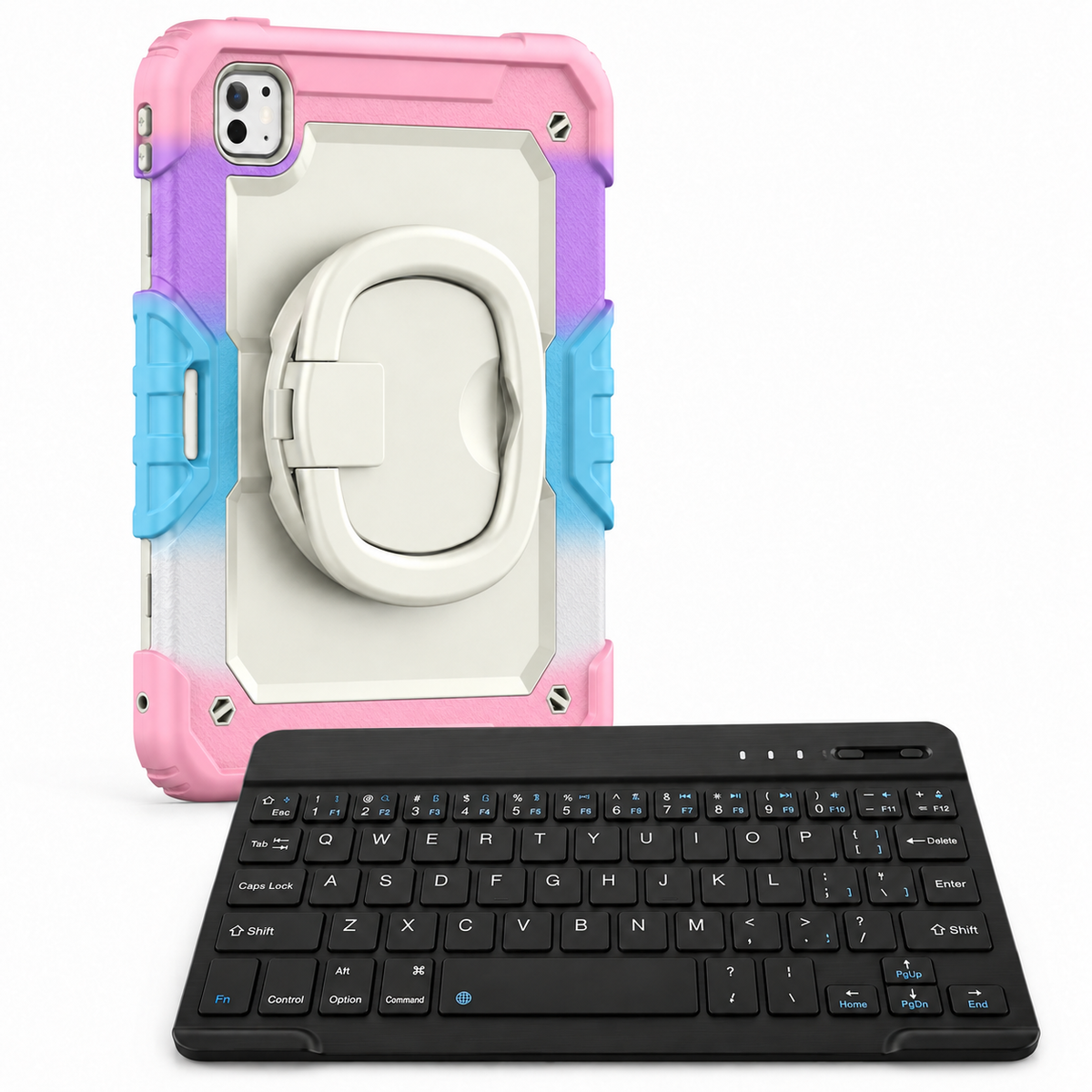
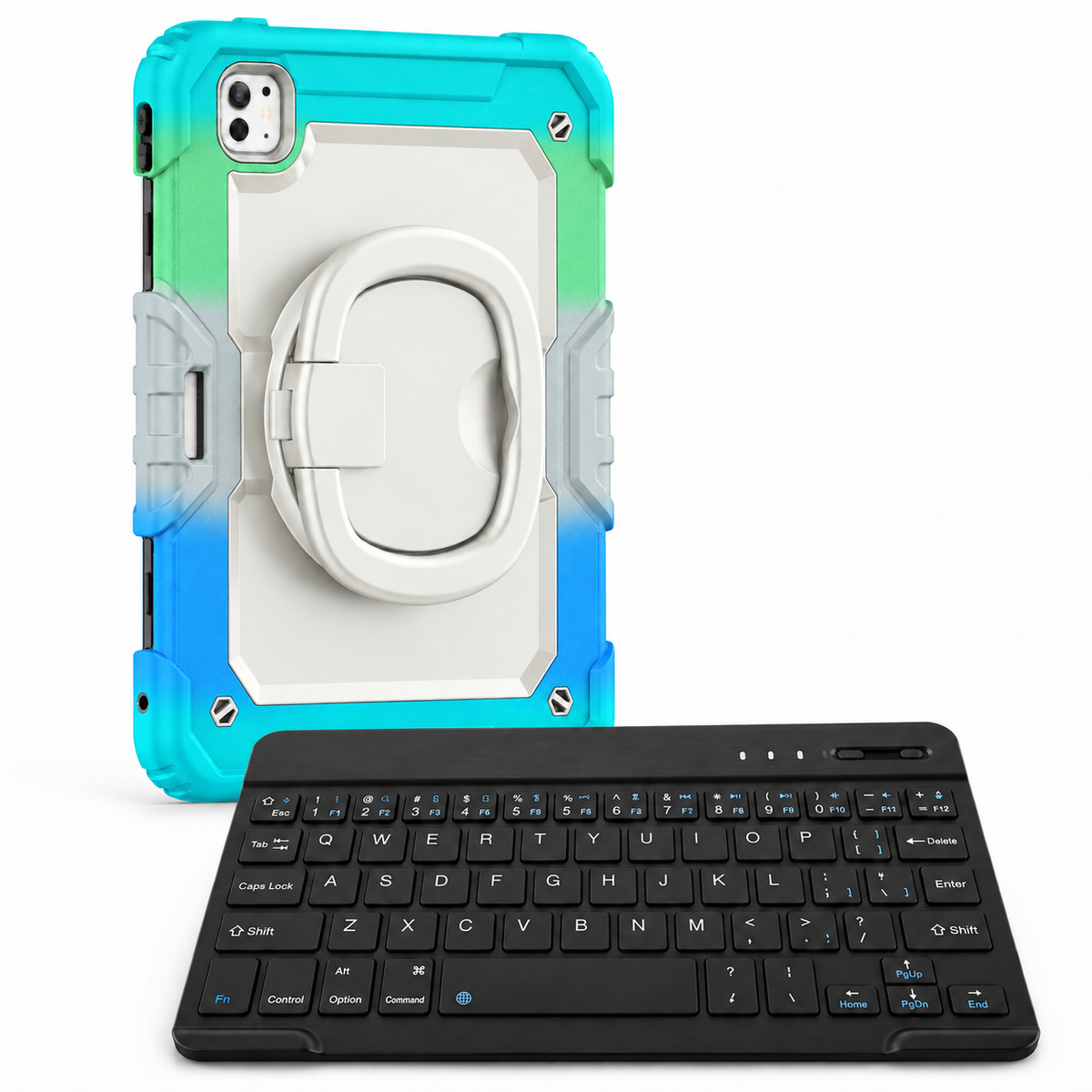
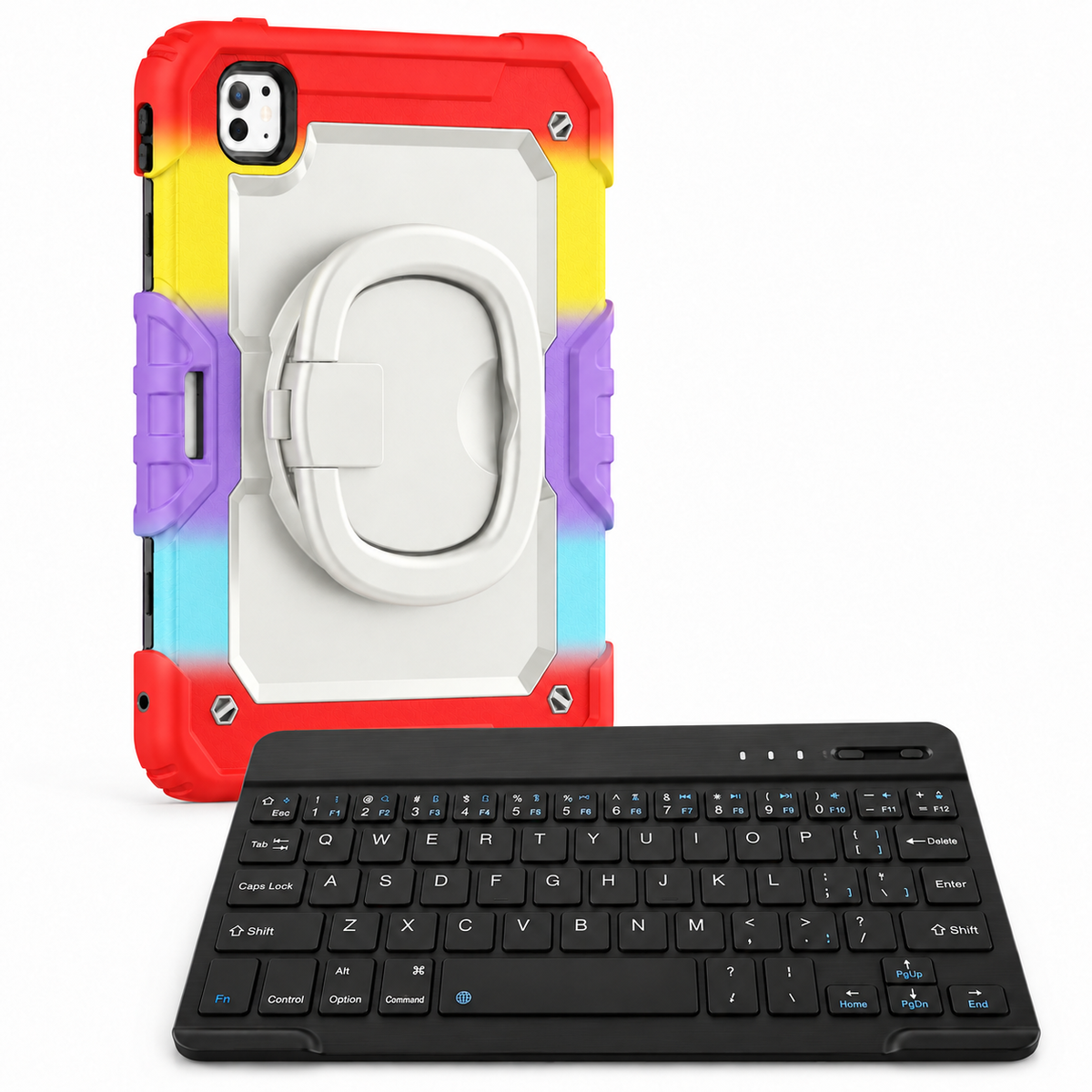
RhinoGuard Traverse 360 WorkForce — iPad Case + 10-inch Wireless Keyboard BundleRhinoGuard · exact-device protection
A model-specific case focused on precise fit, everyday protection and clear access to essential controls.
Fit check Match the selected option to your iPad’s model and A-number before ordering.
AVONTIC / Traverse 360 WorkForce
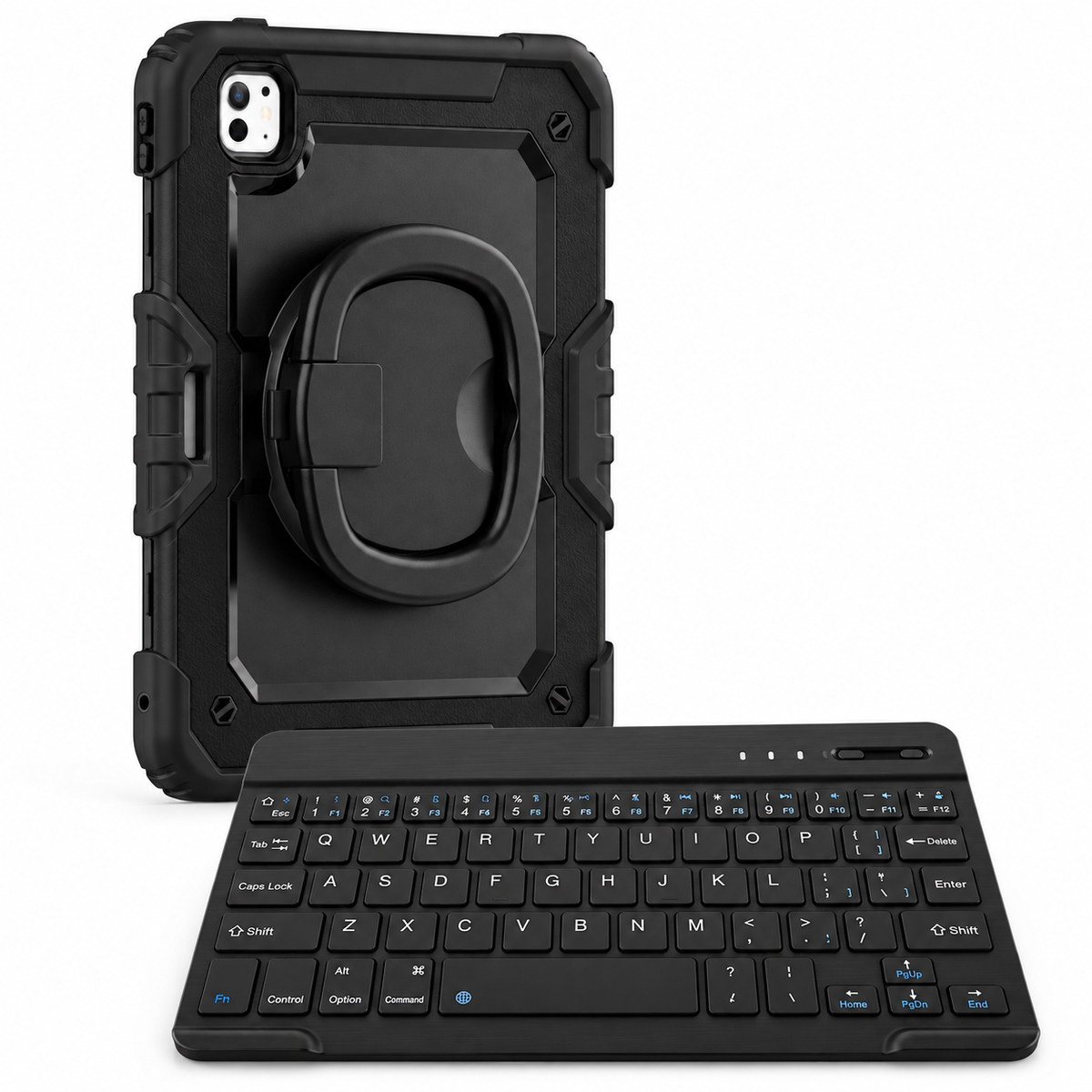
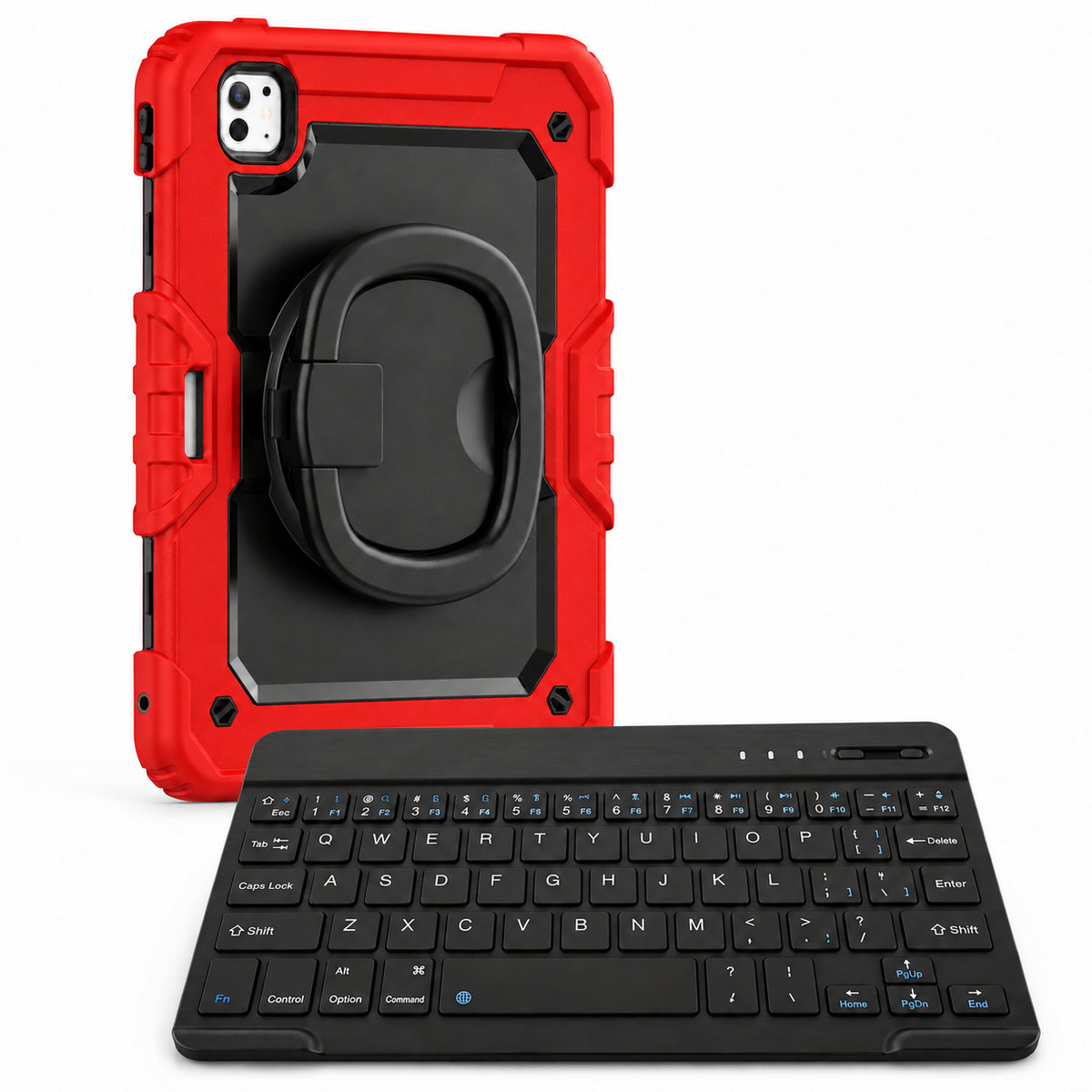
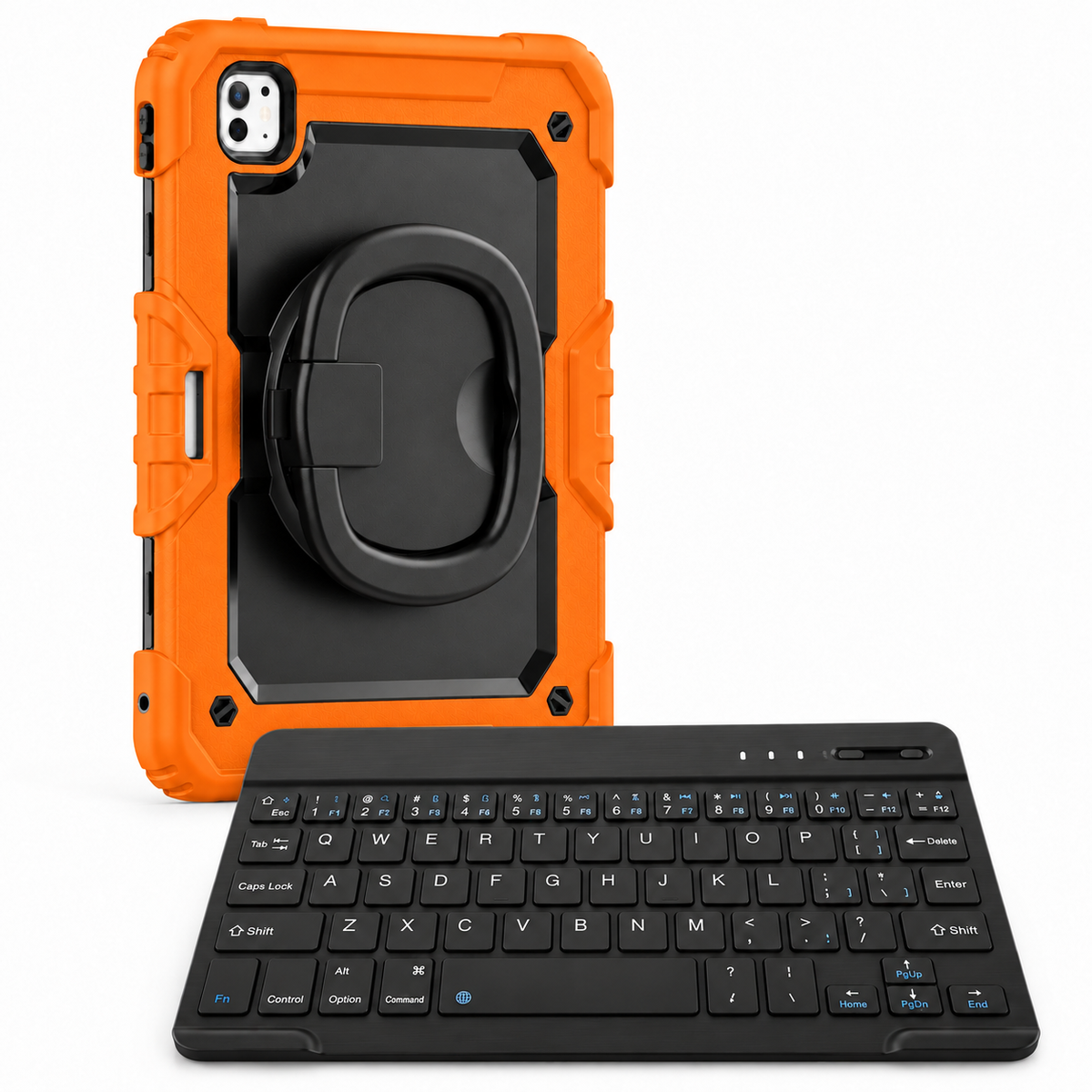
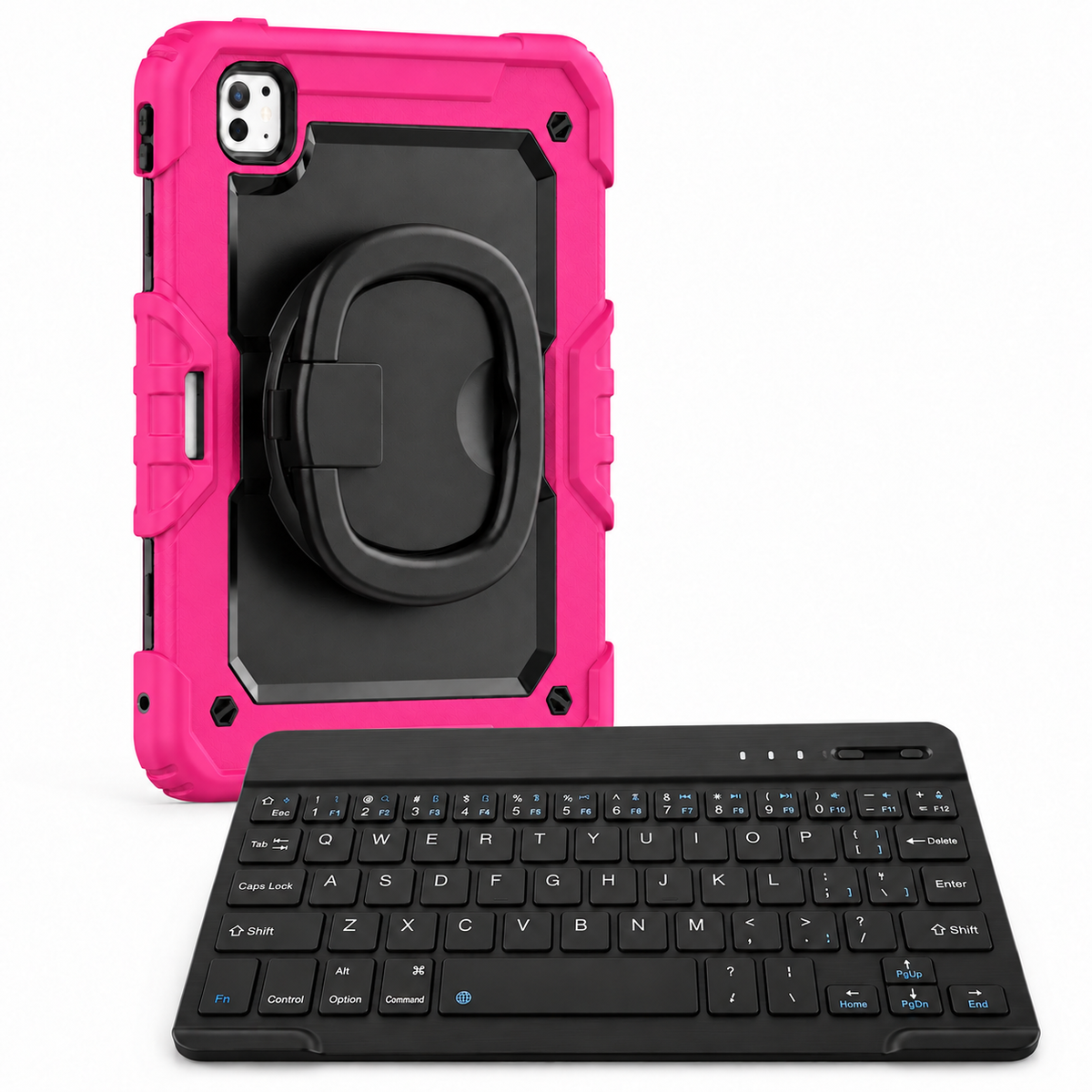
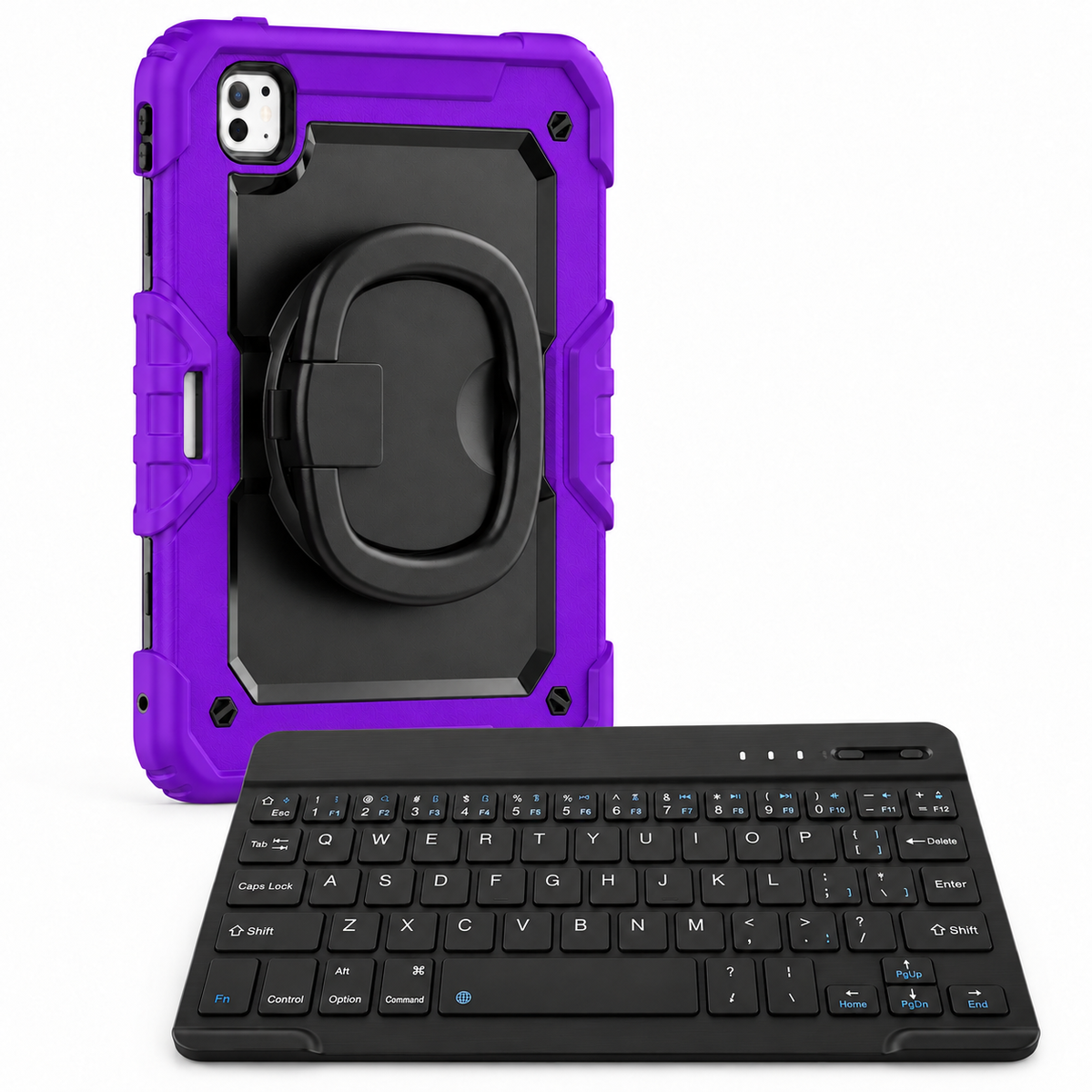
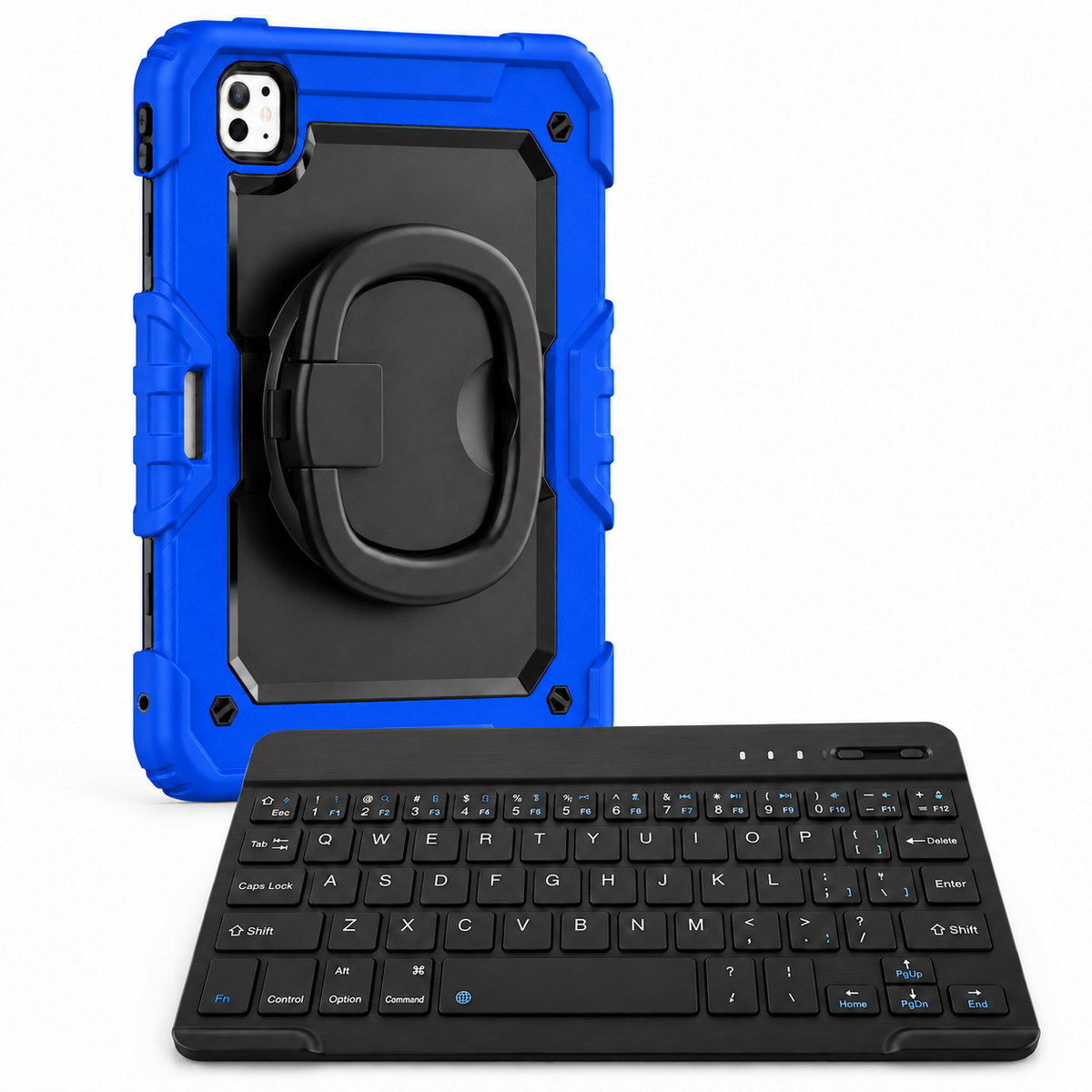
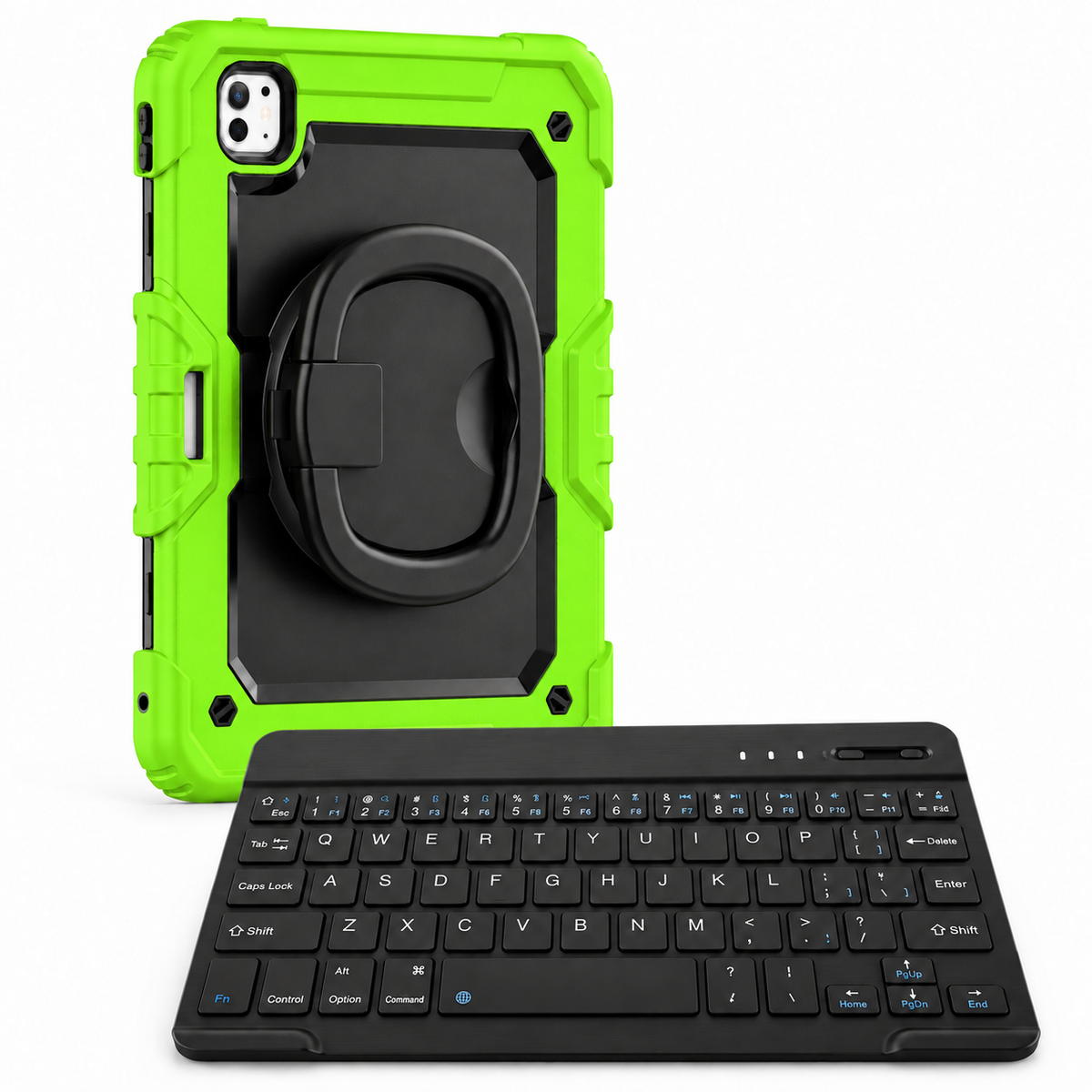
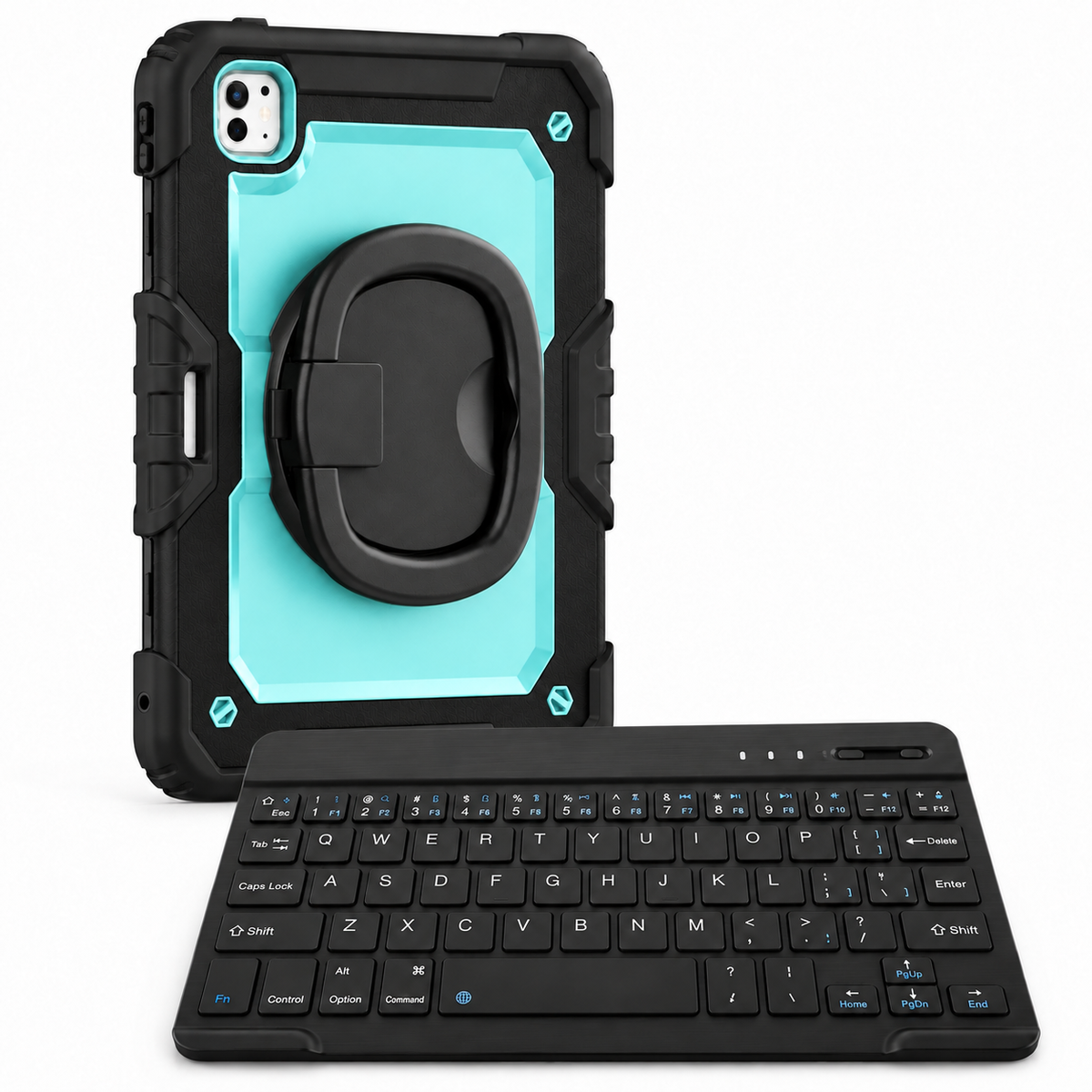
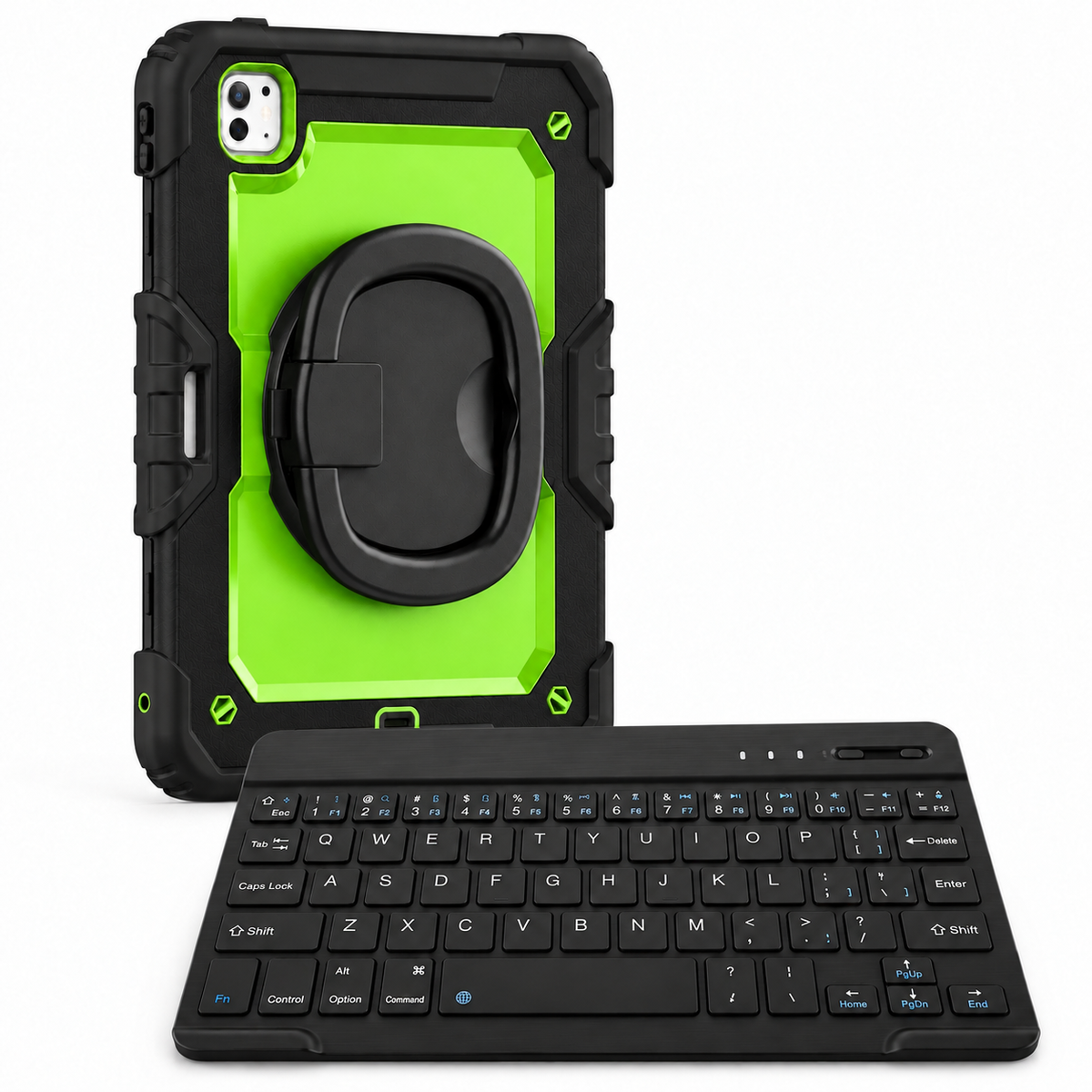
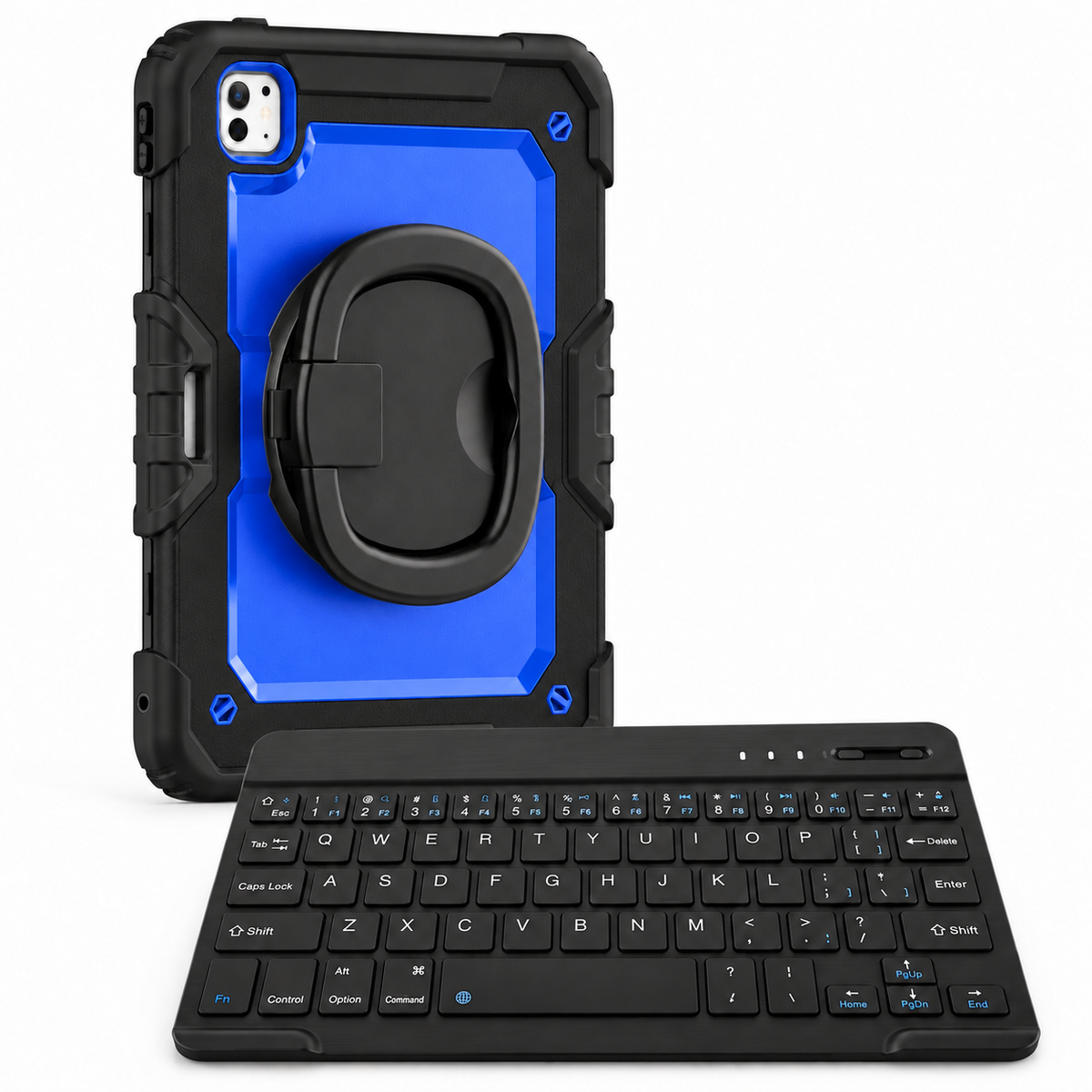
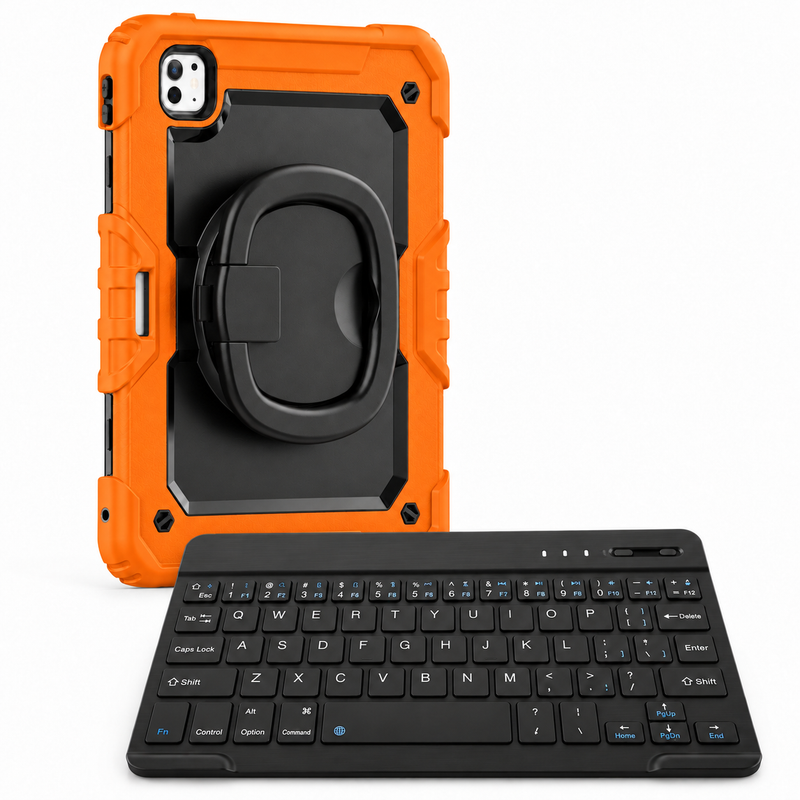
Move from checking a document to writing one. Traverse 360 WorkForce pairs the carry-handle case and shoulder strap with a Black 10-inch RhinoKeys Pro keyboard. Set the iPad on its ring stand, place the separate keyboard where it feels right, and give emails, notes and everyday work their own space.
CARRY-HANDLE CASE · 10-INCH BLUETOOTH KEYBOARD
iPad, Apple Pencil, stylus, mouse, separate screen protector and power adapter are not included. The keyboard is a separate accessory and does not attach to the case.
THE TRAVERSE FOUNDATION
The rear ring opens into a carry handle and rotates to suit your hold. Move from reading a portrait document to sharing a landscape view without changing cases.
Position the ring for supported viewing on a stable, level surface. Use it for a call, recipe or presentation, then fold it back when it is time to move.
A substantial shell and reinforced corners surround the selected device. Model-specific openings keep the case matched to your iPad’s camera, controls and connections.
WHY THIS SETUP
A separate keyboard gives you control over the arrangement. Keep the case on your iPad, open its stand on a stable table and move the keyboard independently to suit the task. When the typing is finished, put the keyboard away and return to the case’s handle or shoulder strap. One setup supports both parts of your day.
PICTURE YOUR DAY
Carry the iPad into a discussion, use it to review the details, then place the keyboard in front of you to write the follow-up. Physical keys give longer messages a dedicated place in your setup.
Review course material on the supported screen, then use the separate keyboard for an outline, assignment or set of notes. Position the screen and keys independently on your desk.
THE RIGHT CASE STARTS WITH THE RIGHT MODEL
Find your iPad in Settings → General → About, then match its model and generation to the selector above. Screen size alone is not enough: an 11-inch iPad Air and an 11-inch iPad Pro use different cases. Each selection is a fitted case, not one universal shell.
Choose from 14 case colors. Rainbow Pink, Rainbow Blue and Rainbow Red have white ring handles; the other colorways have black handles. Camera openings, proportions and button positions vary with the selected iPad.
The included keyboard and shoulder strap are Black. Your color selection changes the case.
iPad Air 11" (M2 2024 / M3 2025)
iPad Air 5 10.9" (2022)
iPad Pro 11" (2018 / 2020)
iPad Air 13" (M2 2024 / M3 2025)
iPad Air 4 10.9" (2020)
iPad Pro 12.9" 5th Gen (2021)
iPad Pro 12.9" 4th Gen (2020)
iPad Pro 13" M4 (2024)
iPad Pro 12.9" 6th Gen (2022)
iPad Pro 11" M4 (2024)
iPad Pro 11" (M1 2021 / M2 2022)
iPad Pro 12.9" 3rd Gen (2018)
iPad Pro 11" M5 (2025)
iPad mini 6 8.3" (2021)
iPad Pro 13" M5 (2025)
iPad mini A17 Pro 8.3" (2024)
Select only the exact model offered above. If a listed generation does not match your device, ask Avontic for fit help before ordering.
ONE CASE FAMILY. THREE WAYS TO SET UP.
Choose WorkForce for a straightforward typing setup with the 10-inch keyboard. Choose WorkForce Fold if a keyboard that folds for packing, a built-in touchpad and one passive stylus better suit your routine.
EXPLORE THE RANGE
Case, rotating handle/stand and detachable shoulder strap. For carrying and supported viewing.
Explore Traverse 360 →YOU’RE VIEWING
Everything in the case setup, plus a Black 10-inch Bluetooth keyboard. For everyday typing.
Review this setup ↑EXPLORE THE RANGE
Everything in the case setup, plus a Black folding touchpad keyboard and one Black ApexTouch stylus. For a setup that packs down.
Explore WorkForce Fold →USEFUL ANSWERS BEFORE YOU ORDER
Each option is made for the stated iPad model and generation. Choose your exact device before choosing a color. If you are unsure, send Avontic the model name or A-number from Settings → General → About before ordering.
Yes. The rotating rear ring provides a handhold and can support the iPad on a stable, level surface. Supported viewing angles depend on the selected case. Adjust it while supporting the iPad and check that it is stable before letting go.
It pairs with your iPad over Bluetooth. Charge and pair it following the supplied instructions, then select it in your iPad’s Bluetooth settings. It does not attach to the case or use Apple’s Smart Connector.
This bundle includes the Black 10-inch RhinoKeys Pro with an English layout and no backlighting or touchpad. The WorkForce Fold bundle includes a different keyboard with a built-in touchpad.
No. The color selection changes the case. The included keyboard and detachable shoulder strap remain Black.
A separate screen protector is not included in this Traverse setup. The package contents below the headline list the included case and accessories; an iPad and Apple Pencil are sold separately.
Traverse is a substantial case with a rear ring, reinforced corners and strap attachment points. Choose it when carrying and supported viewing matter more to you than the smallest possible profile.
No waterproof rating or certified drop height is claimed. The case adds everyday coverage, but no case prevents every type of damage. Keep the iPad away from liquids.
RhinoGuard Traverse 360 WorkForce — iPad Case + 10-inch Wireless Keyboard Bundle
Make it your own.
Choose options
Business, bulk & team orders
From a shared workspace to a multi-site rollout, bring your tablet requirements to Avontic. We’ll help you review the right cases, bundles and quantities for the way your team works.
Review exact tablet models and mixed-device requirements.
Discuss quantities, configurations and your target timeline.
Ask about formal quotes, purchase orders and tax-exempt requirements.
A conversation, then a plan
Send us a few details through our dedicated business page.
Fit, availability and order terms are confirmed with your inquiry.
Curated add-ons
Useful extras selected for this product—not substitutes.
Your setup: 0 of 3 complete
Optional accessories are never preselected.Add model-matched tempered privacy protection to your iPad.
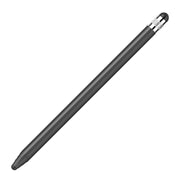
Adds cleaner tapping, notes, signatures, and everyday navigation.
A slim wireless keyboard for a more capable tablet setup.
Nothing is preselected. Confirm every model, size, or style before adding.
Prefer to choose every piece? Create a custom setup around your exact iPad, your favorite case and the accessories you want.

FormaLift Studio Magnetic Stand iPad Case


Accessories shown for inspiration. Available options depend on your exact iPad and case. Each addition is optional. iPad not included.
NEW · RHINOGUARD WORKFORCE COLOR
Two rugged case styles. Twelve case colors. Five keyboard colors. Build an iPad setup that feels like yours.
Explore WorkForce Color
CASE + BLUETOOTH KEYBOARD + GLASS
A padded fabric hand strap for a comfortable handheld grip, with a separate kickstand.

CASE + BLUETOOTH KEYBOARD + GLASS
A rigid rotating ring grip and faceted rear shell for a distinctive handheld setup.
ONE KEYBOARD. YOUR COLOR.
BlackWhiteGreenPinkBlue
Each bundle includes one case, one separate 10-inch keyboard, a shoulder strap and standard glass. The privacy option adds matching privacy glass; install one protector at a time. Select your exact iPad model before ordering. iPad not included.