RhinoGuard flagship

Avontic exact-fit command
Start typing to search Avontic’s live device catalog and verified compatibility routes.
RhinoGuard flagship

ArmorPro route
RhinoGuard flagship
RhinoGuard route

Privacy glass

TitaniumGuard Ascend
TitaniumGuard Ascend
TitaniumGuard Ascend

Galaxy Watch Ultra metal

47mm protective case

Galaxy Watch 4–6 band collection

TitanForge 22mm
TitanForge 26mm

DuraShield protection

ArmorShield Slide

TitanShield Pro
RhinoGuard flagship
RhinoGuard flagship

RhinoGuard Tactical 360 Pro

RhinoGuard Apex Shield

RhinoGuard Apex Rotation

RhinoGuard Regent

RhinoGuard Vanguard

RhinoGuard Vertex

ChargeStation 7
Live catalog match
Curated add-ons
Useful extras selected for this product—not substitutes.
Your setup: 0 of 2 complete
Optional accessories are never preselected.A slim wireless keyboard for a more capable tablet setup.
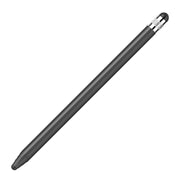
Adds cleaner tapping, notes, signatures, and everyday navigation.
Nothing is preselected. Confirm every model, size, or style before adding.
Match the exact device, size, or fit option shown on this page to your product before ordering. Contact Avontic if the required match is not explicit.


Armored tablet protection, secure handling, and mobile utility for demanding everyday use.
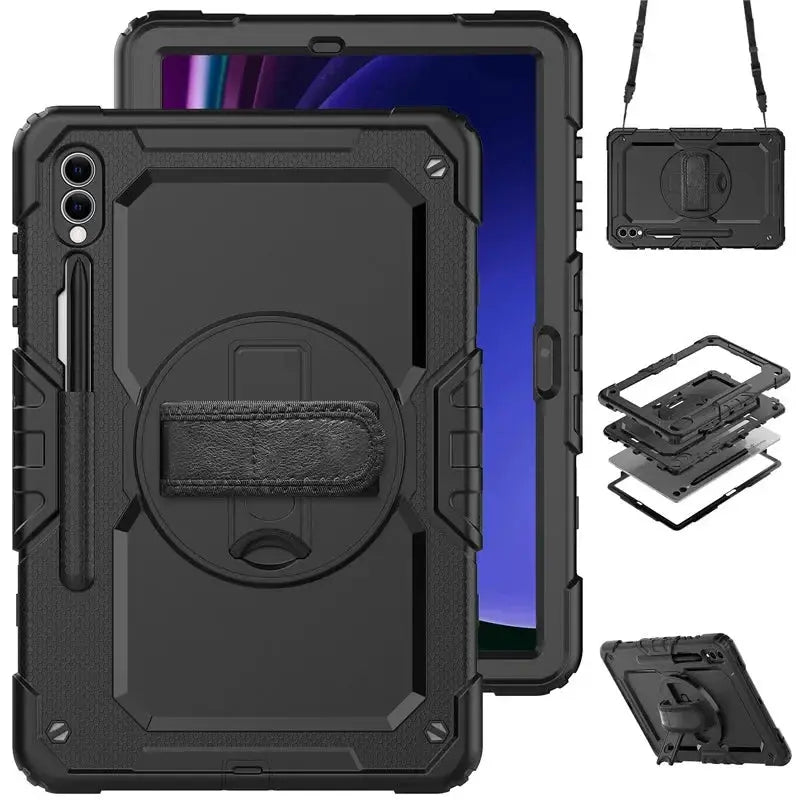
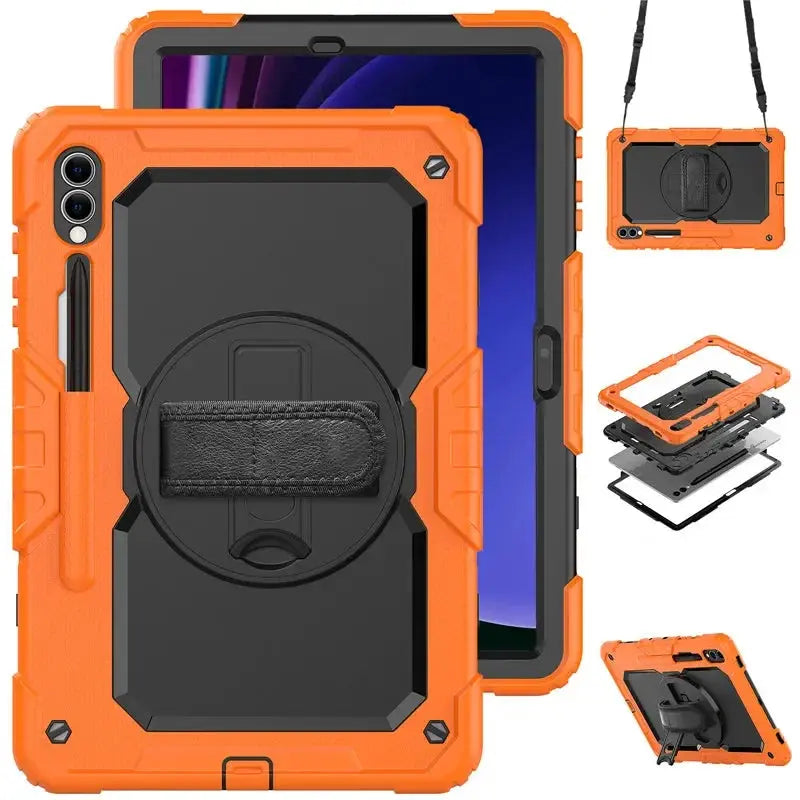
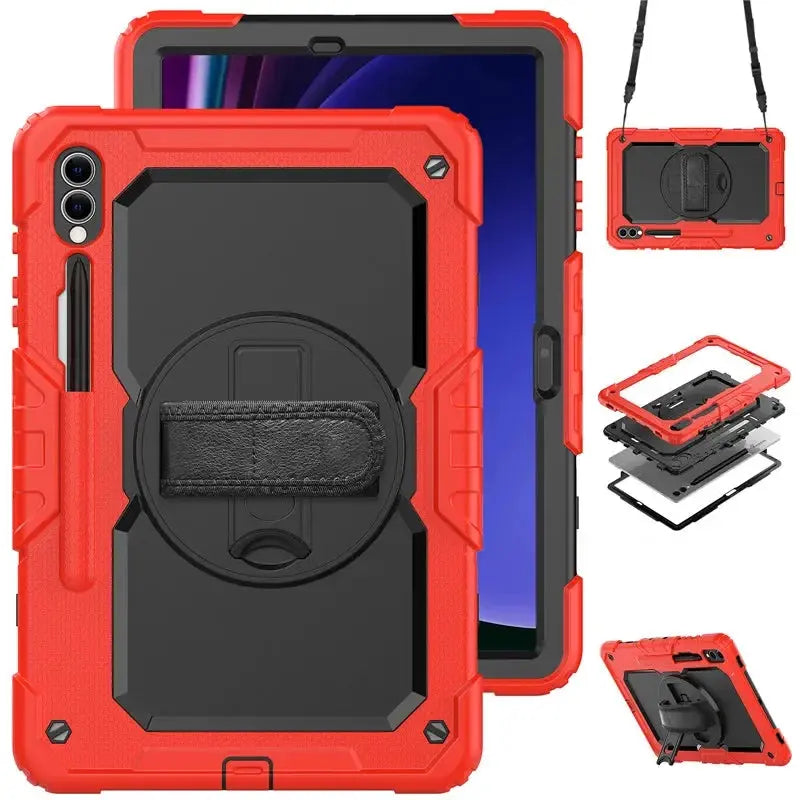
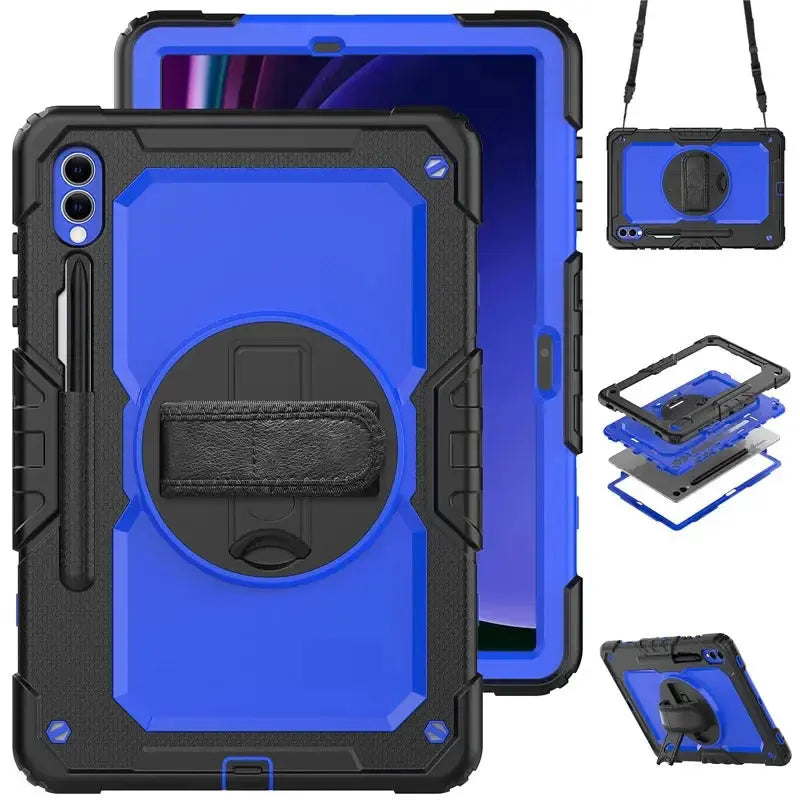
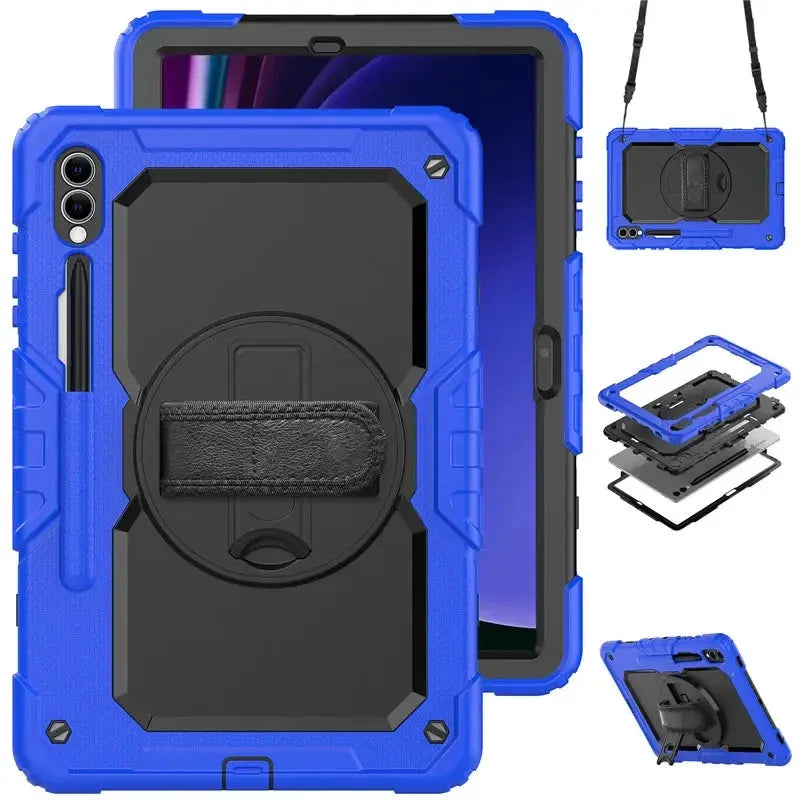
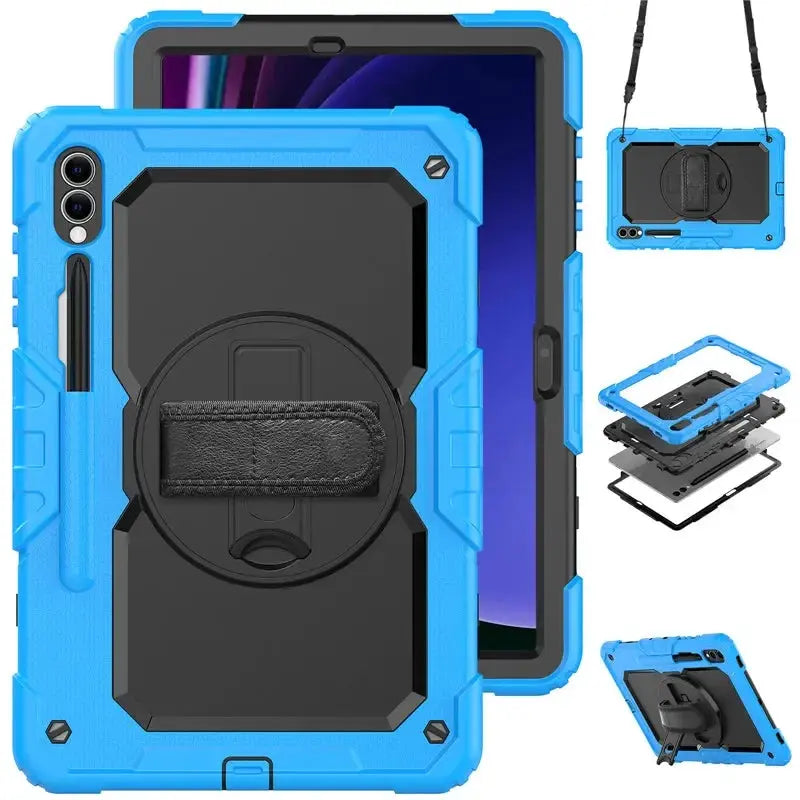
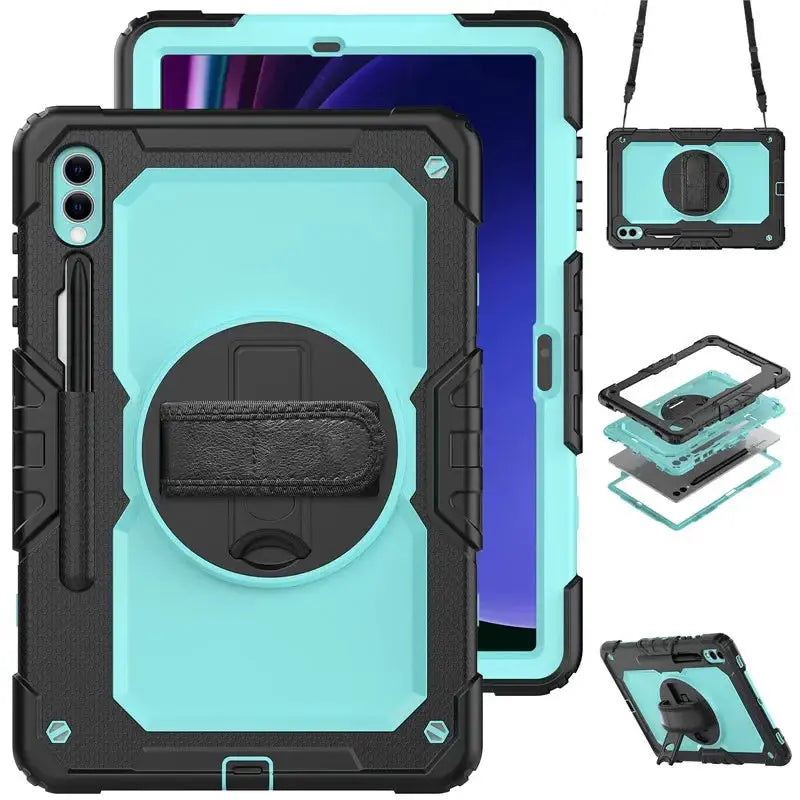
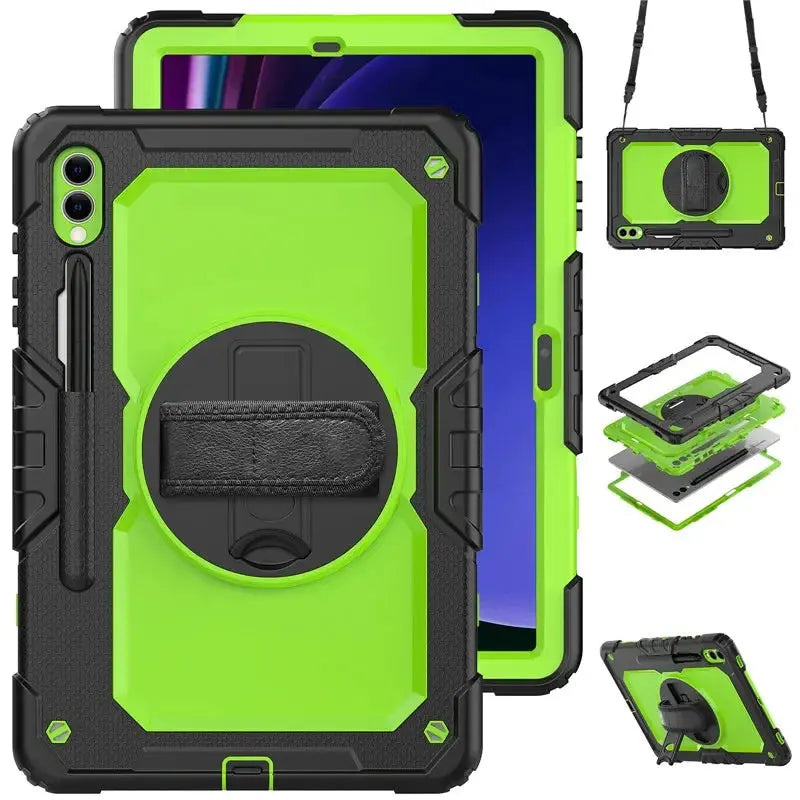
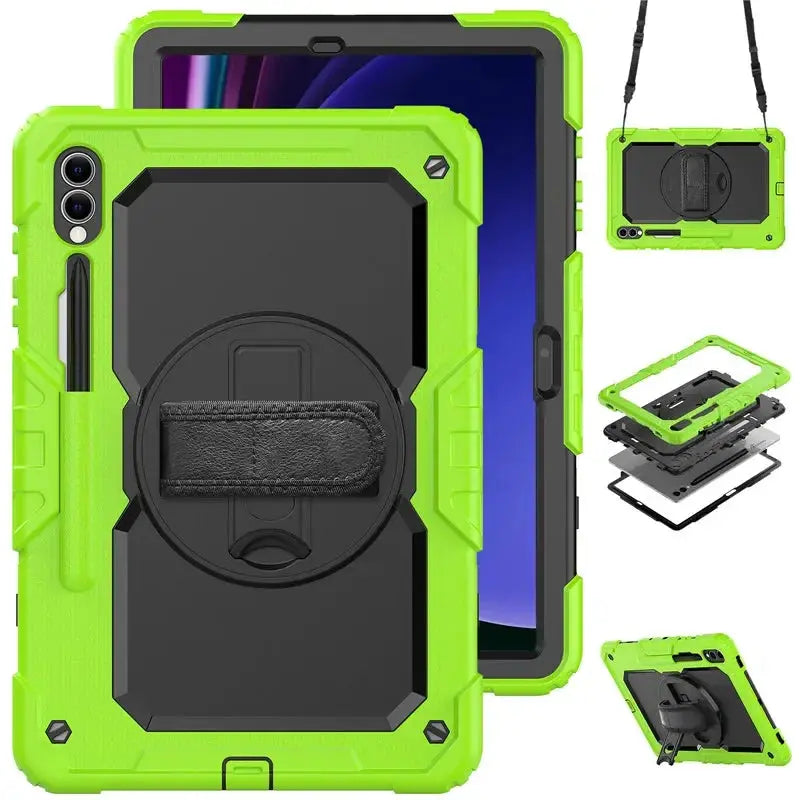
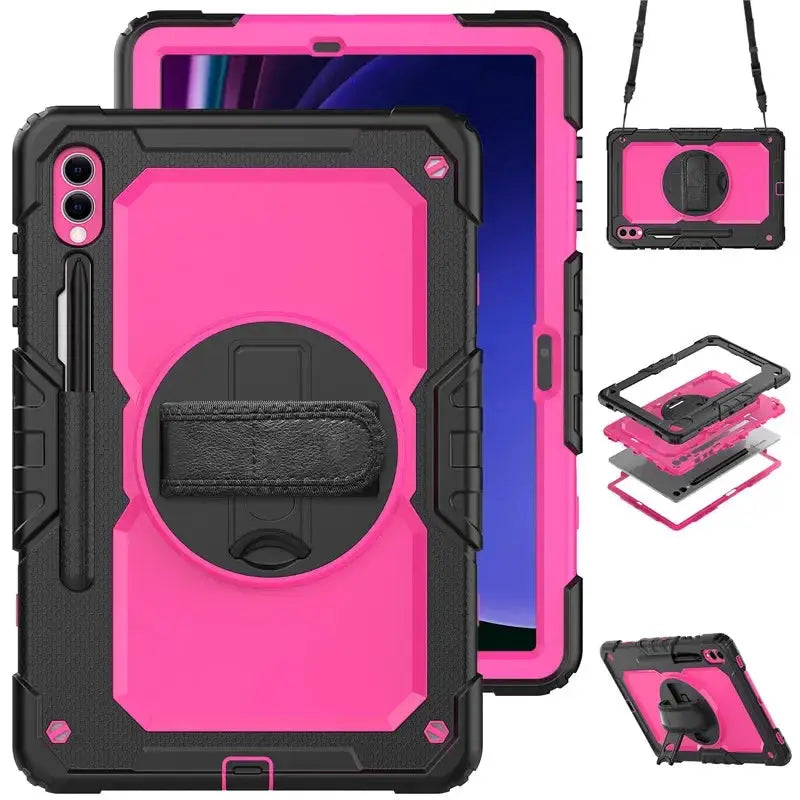
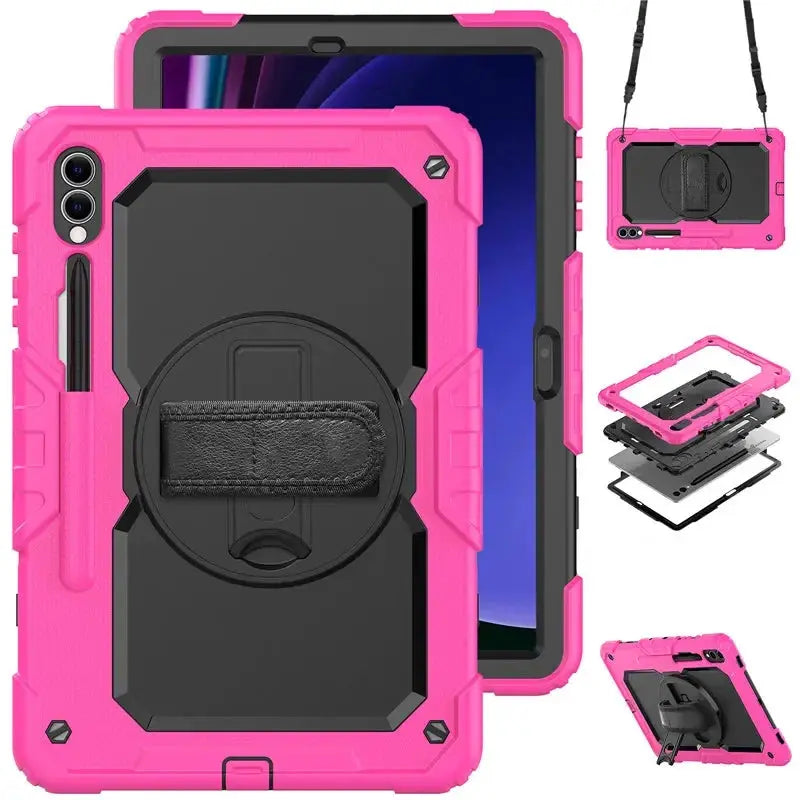
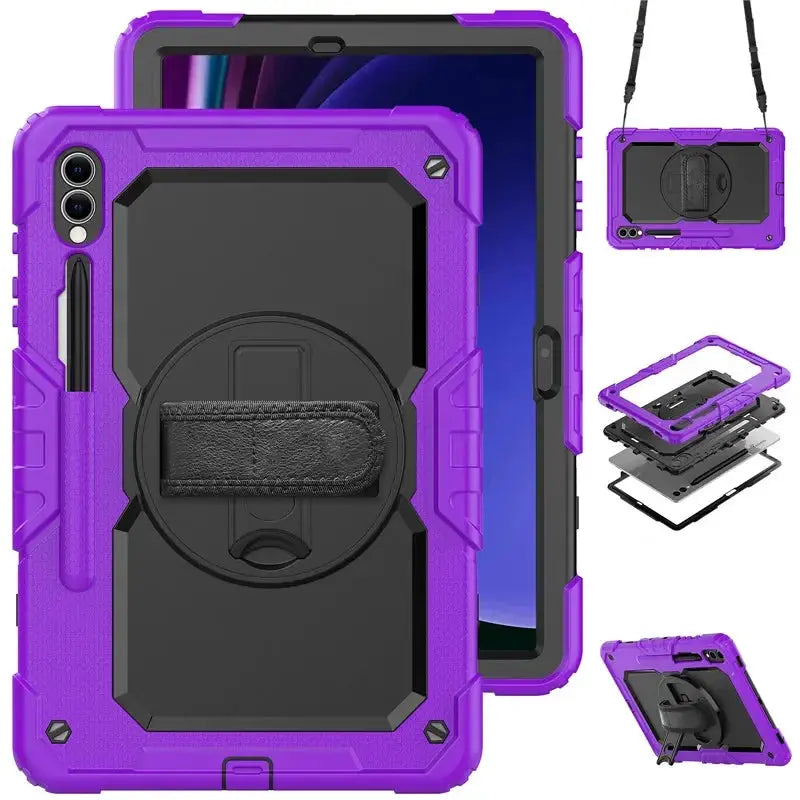
Guardian360 brings a built-in screen cover, rotating hand strap, folding kickstand, stylus storage, and an adjustable shoulder strap into one fitted system for selected Galaxy Tab S9 and S8 models.
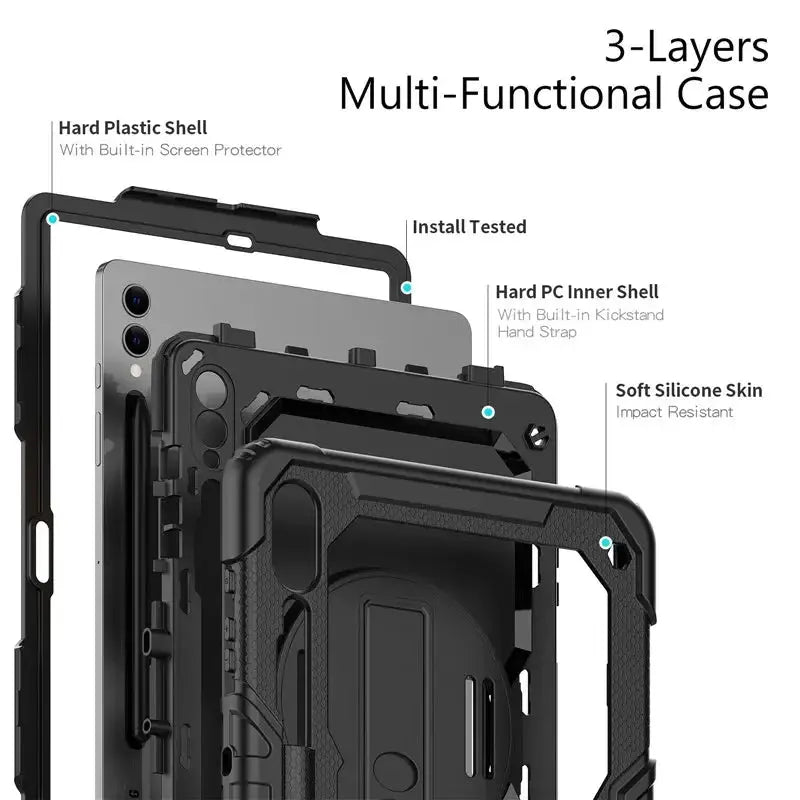
Guardian360 is designed for larger Galaxy Tab S-series tablets that need more than basic back coverage. A rigid front frame, hard rear shell, and flexible outer layer create a complete fitted assembly. The rear hand strap improves control in either orientation, the kickstand supports desk use, and the removable shoulder strap gives you another way to carry the tablet between work areas, classrooms, appointments, or rooms.
Every component has a practical role—from fitted protection and hand control to positioning, storage, and mobility.
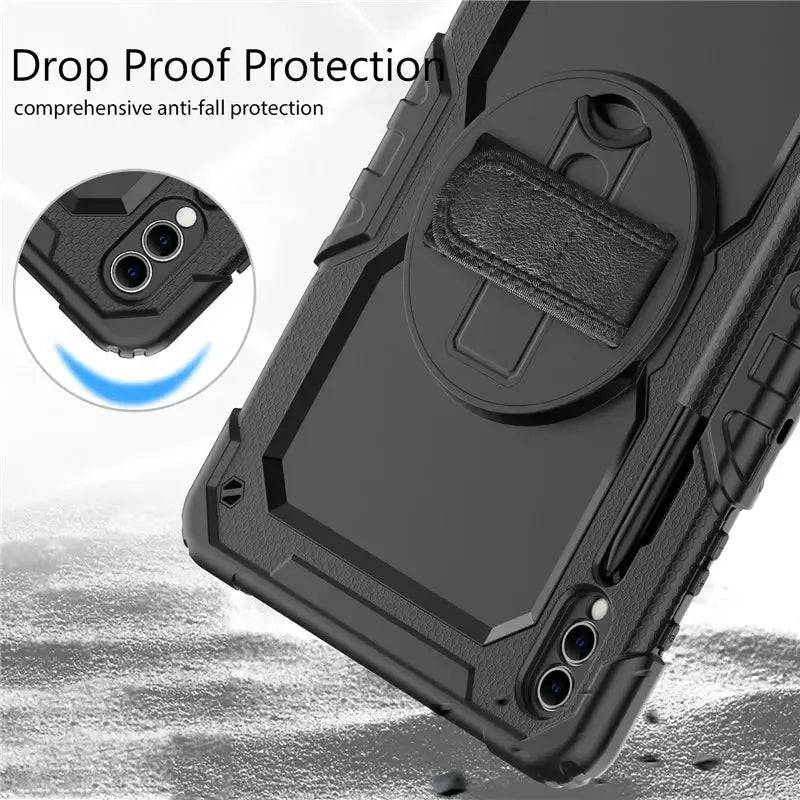
A rigid front perimeter, hard structural rear shell, and flexible silicone-style outer bumper combine coverage, shape retention, and everyday impact management.
The clear front layer helps guard against scratches, dust, and routine contact while preserving touchscreen access. Clean beneath it periodically for the best feel and clarity.
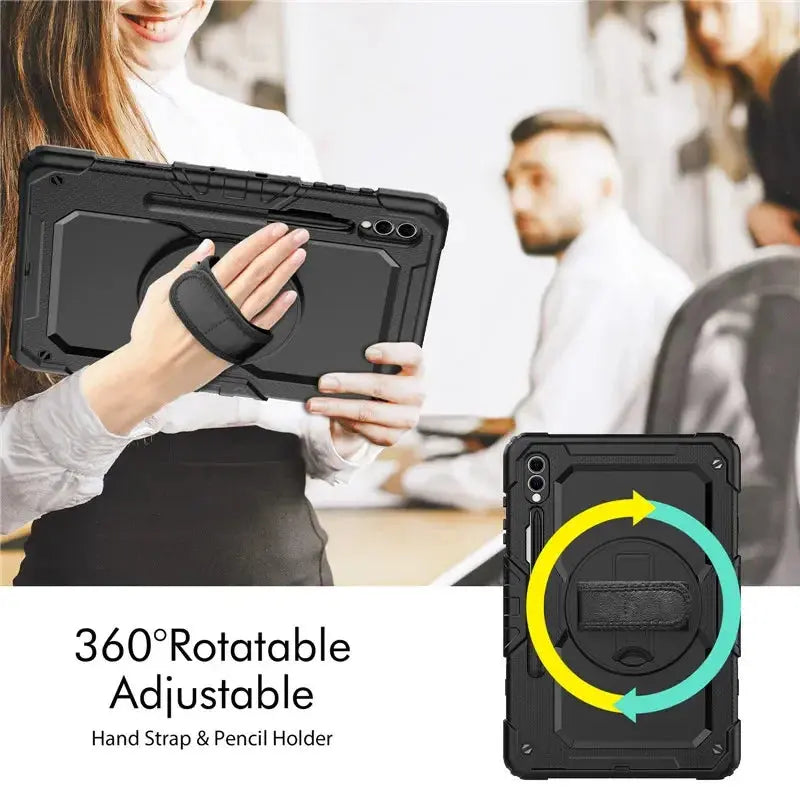
Rotate the padded rear grip to hold the tablet in portrait or landscape with a more controlled, balanced hand position.
Open the integrated stand for viewing, calls, lessons, recipes, presentations, or typing on a stable surface.
Attach the included strap for shoulder or cross-body carrying. Confirm that both clips and anchor points are fully seated before lifting the tablet.
A fitted side channel keeps a compatible S Pen close to the tablet. Charging and magnetic behavior depend on the specific Galaxy Tab model.
Keep a controlled grip for forms, walkthroughs, inspections, or customer-facing work, then stand the tablet for review.
The hand strap and adjustable stand make it easier to move between active handling, desk work, and group viewing.
Use the removable shoulder strap for short-distance carrying while the layered assembly protects against routine contact.
Galaxy Tab S9 and S8 models can share a diagonal screen size while using different dimensions, cameras, button layouts, speaker positions, and S Pen locations. Match the full device name and SM‑X model number in Settings › About tablet.
Model-label guidance: Samsung names the standard Galaxy Tab S9 FE display as 10.9 inches and the 12.4-inch model as Galaxy Tab S9 FE+. If the live selector uses shortened labels such as “S9 FE 11 inch” or “S9 FE 12.4 inch,” verify the full SM‑X model number before ordering; never rely on the rounded screen size alone.
Confirm whether the device is Ultra, Plus, FE Plus, FE, or standard Galaxy Tab.
Use Settings › About tablet to verify the identifier before choosing a case shell.
An S9+, S9 FE+, and S8+ can all be described as 12.4-inch tablets but are not automatically case-compatible.
A device-specific case performs best when every opening, layer, and moving part is aligned before regular use.
Verify the selected device option and lay out the front frame, rear shell, outer layer, and shoulder strap.
Open the retaining tabs gently and keep the clear screen layer flat, clean, and free of grit.
Seat the tablet in the rear shell, align every opening, fit the front frame, then wrap the flexible outer layer around all edges.
Check touch, cameras, speakers, charging, buttons, S Pen access, grip rotation, kickstand stability, strap clips, and anchor points.
Galaxy Tab, S Pen, charger, keyboard, and other accessories are not included.
Realistic protection: The case helps reduce exposure to scratches, scuffs, everyday bumps, and routine contact, but no case can guarantee against all drops, crushing forces, liquid exposure, or misuse.
Remove trapped grit or moisture regularly and inspect every tab, seam, moving joint, strap clip, and anchor. A built-in screen layer can change touchscreen feel or biometric operation; test all functions after installation. The case is not waterproof.
Avontic provides fast free shipping on every order. Estimated U.S. delivery is 3–6 business days, while international delivery is generally 6–12 business days. Tracking is emailed after dispatch. Carrier, customs, weather, and seasonal delays can affect delivery estimates.
Avontic offers 60-Day Returns. Review the current Return Policy for eligibility, available resolutions, and any applicable conditions before sending an item back.
Not sure which option fits? Contact Avontic before ordering and include the exact device model, generation, and size shown in your settings or on the device itself.
Choose options
Product details
Review confirmed features, everyday use cases, and fit guidance. Product options and purchasing stay in the primary configuration above.

Confirmed product details
Use the product imagery to confirm the visible case profile and included design details for this exact listing.
Match the complete model and size shown in the option before choosing a color.
Selection context
Review the selected case imagery and product description for the way you plan to use the tablet.
Confirm the exact included components and configuration before ordering for mobile use.
Compatibility guidance
Confirm the exact tablet model, generation, and screen size shown on this page before ordering. Contact Avontic when the required match is not explicit.