RhinoGuard flagship

My Device
Start typing, choose a listed route, or complete all three browse fields. Nothing is assumed.
RhinoGuard flagship

ArmorPro route
RhinoGuard flagship
RhinoGuard route

Privacy glass

TitaniumGuard Ascend
TitaniumGuard Ascend
TitaniumGuard Ascend

Galaxy Watch Ultra metal

47mm protective case

Galaxy Watch 4–6 band collection

TitanForge 22mm
TitanForge 26mm

DuraShield protection

ArmorShield Slide

TitanShield Pro
RhinoGuard flagship
RhinoGuard flagship

RhinoGuard Tactical 360 Pro

RhinoGuard Apex Shield

RhinoGuard Apex Rotation

RhinoGuard Regent

RhinoGuard Vanguard

RhinoGuard Vertex

ChargeStation 7
Live catalog match


Your configuration
FormaLift Air Travel Office — iPad Sleeve + Compact Touchpad KeyboardPreselected for display. Check the device, model, and size before ordering, or choose another option.
Curated add-ons
Useful extras selected for this product—not substitutes.
Your setup: 0 of 2 complete
Optional accessories are never preselected.A slim wireless keyboard for a more capable tablet setup.
Adds cleaner tapping, notes, signatures, and everyday navigation.
Nothing is preselected. Confirm every model, size, or style before adding.
Match the exact device, size, or fit option shown on this page to your product before ordering. Contact Avontic if the required match is not explicit.
FORMALIFT AIR · TRAVEL OFFICE
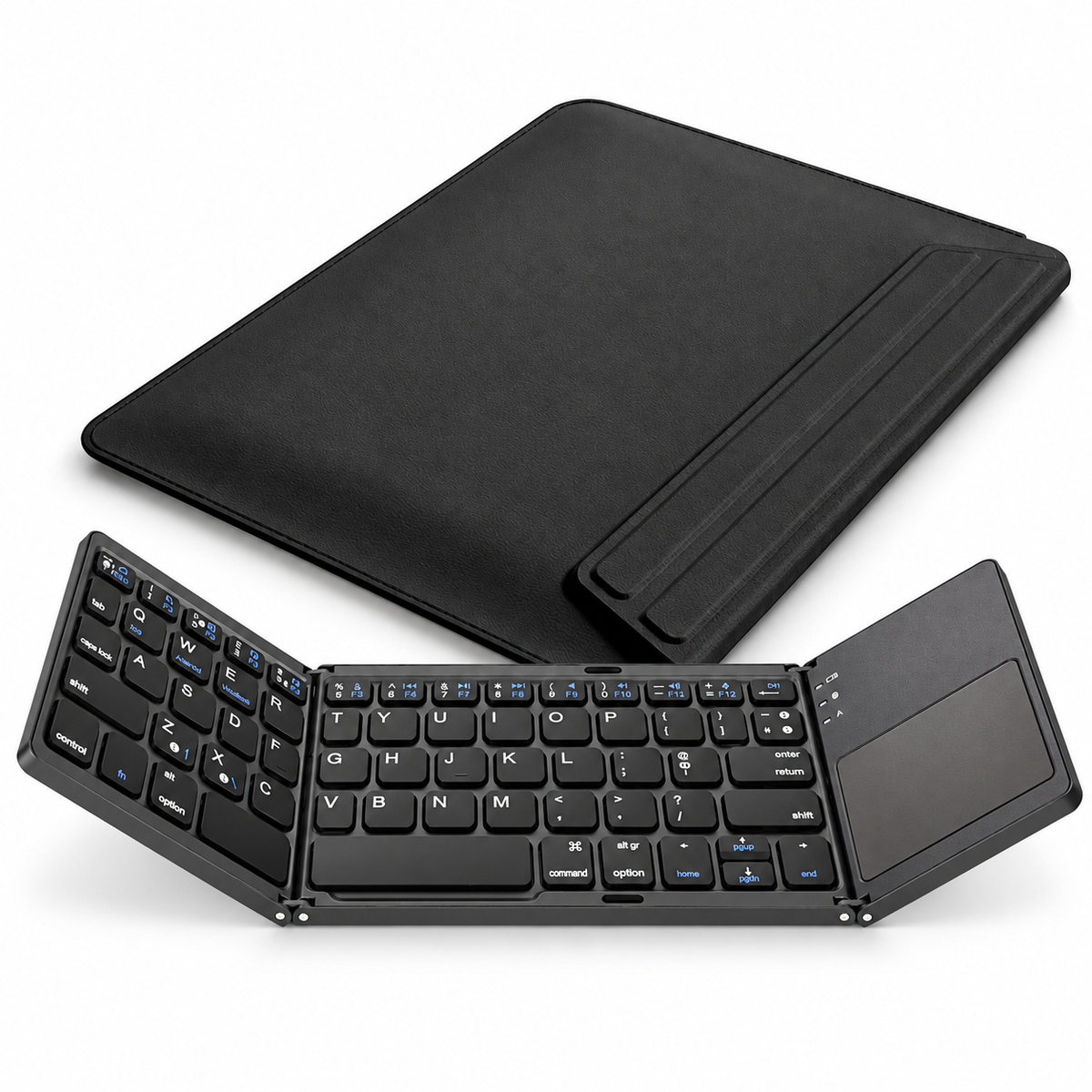
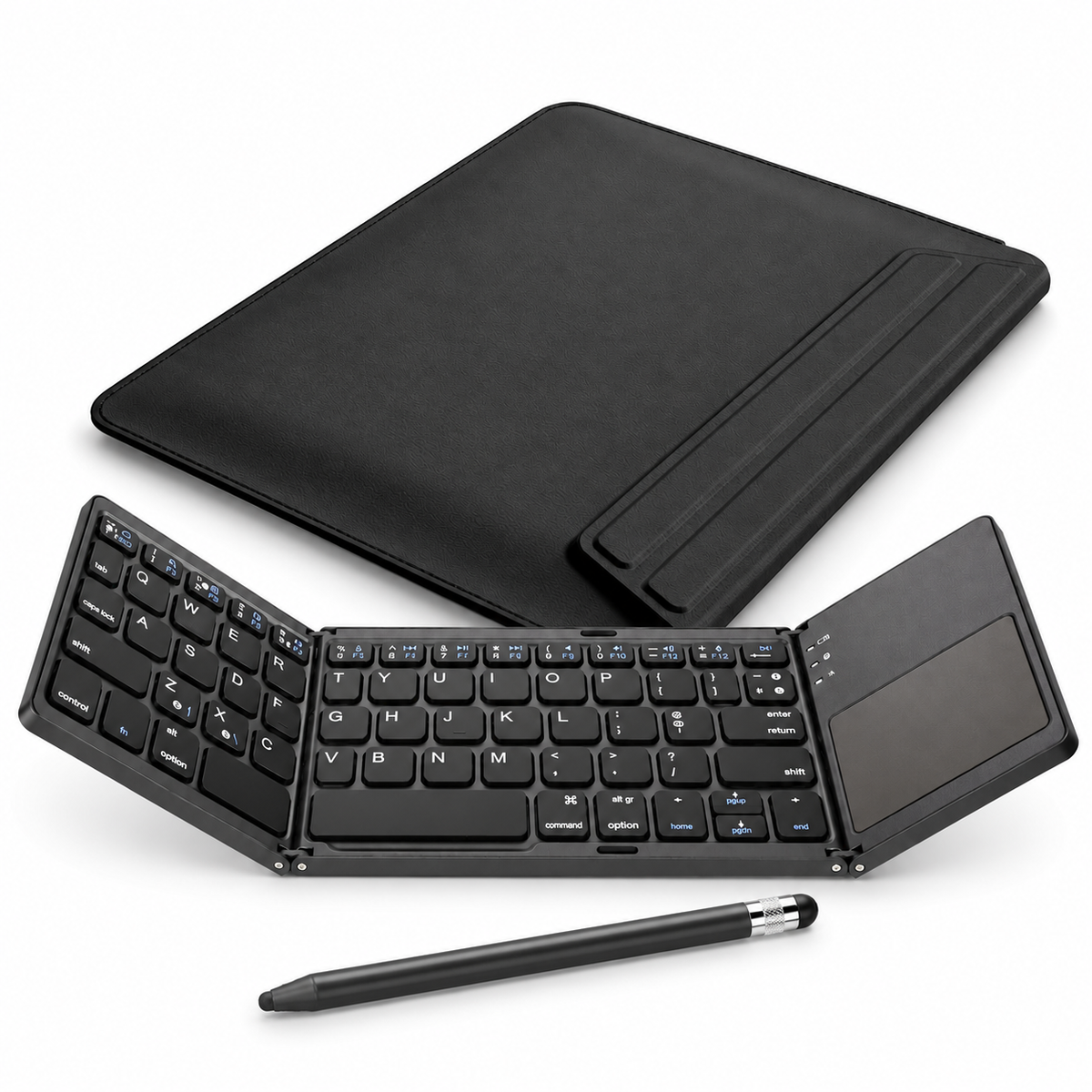
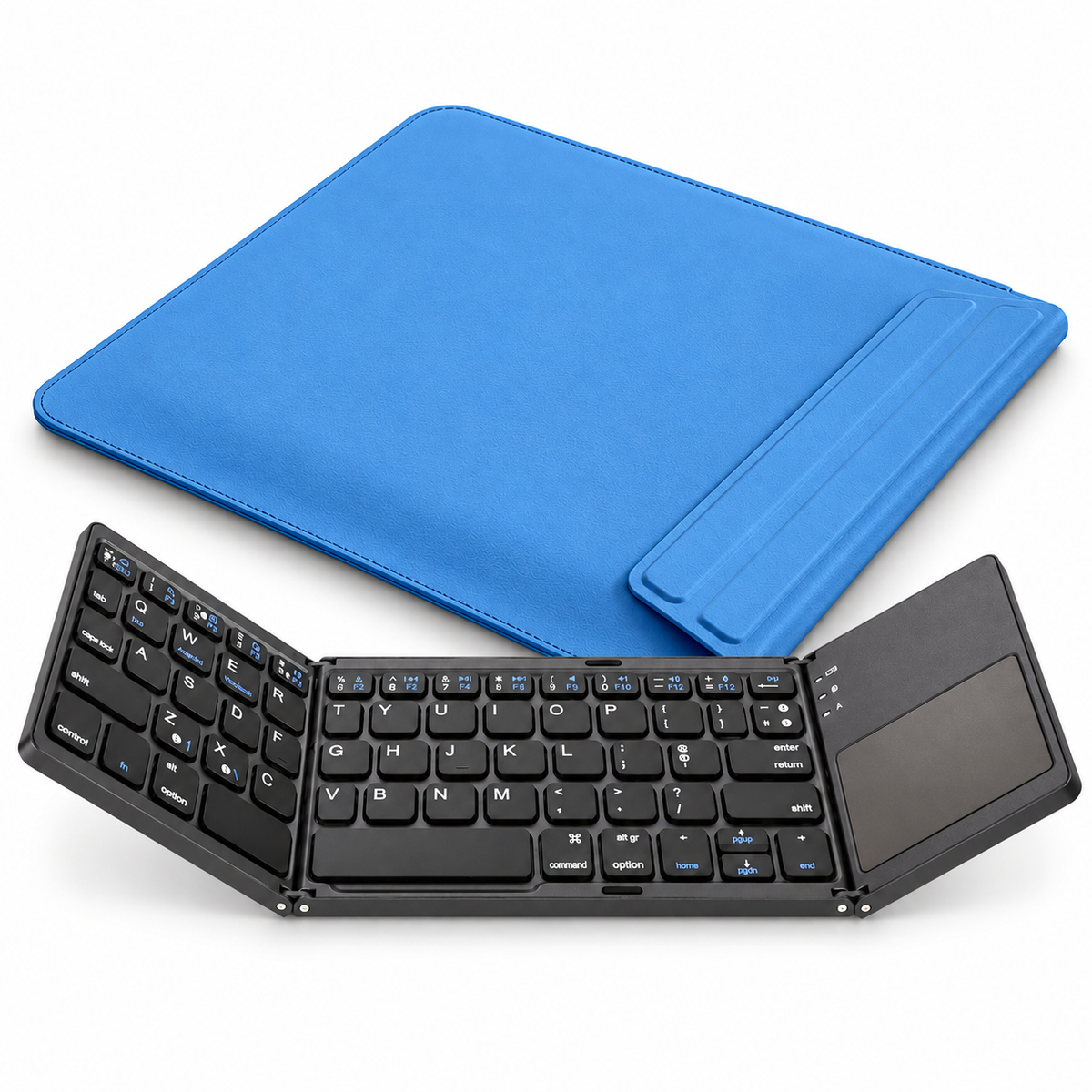
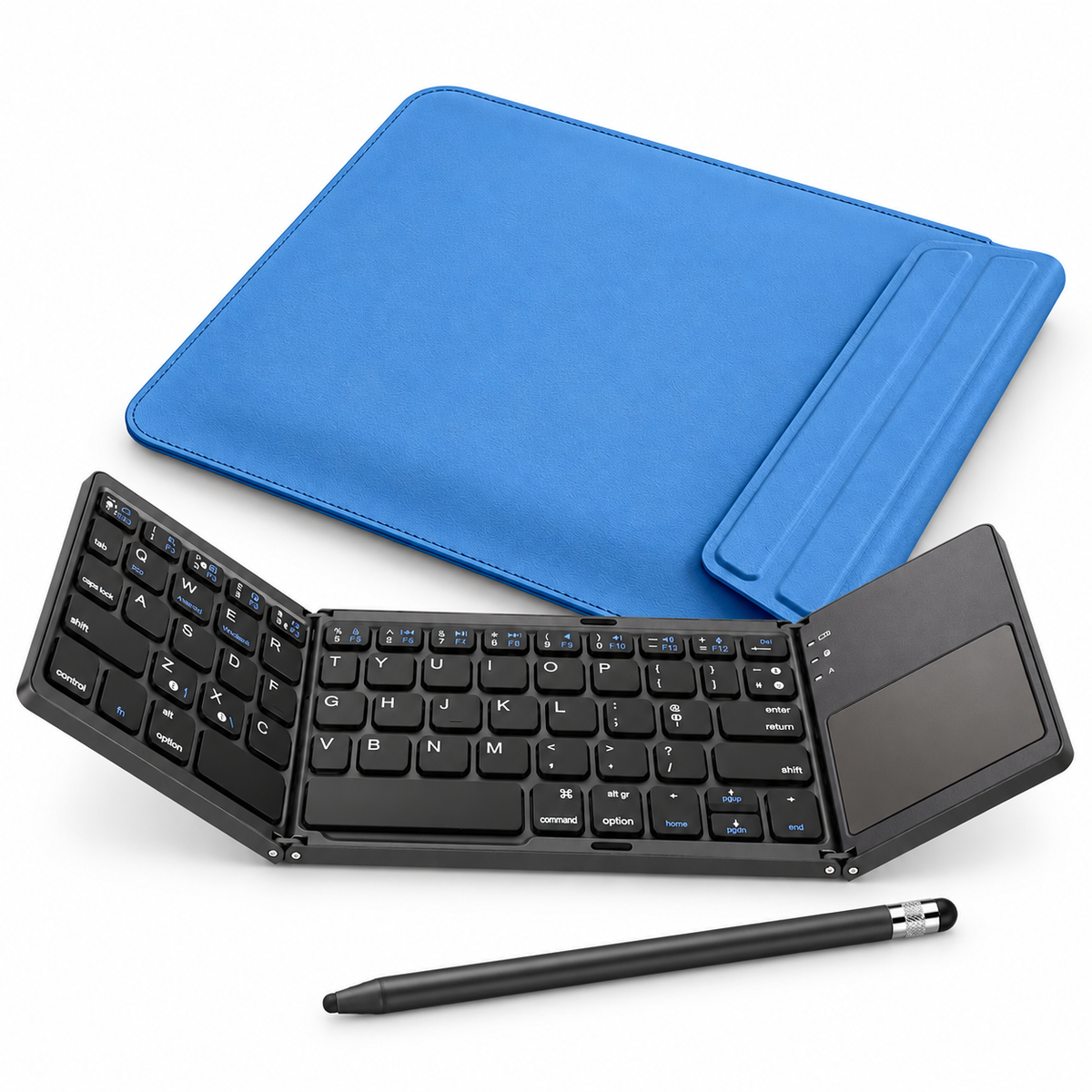
Turn the next table into a useful place to work. FormaLift Air pairs a model-matched sleeve with its folding viewing support and a separate black WorkForce Fold Bluetooth keyboard. Unfold the keyboard for physical typing and touchpad control, then choose whether to add a black ApexTouch passive stylus.

PURPOSEFUL DETAILS

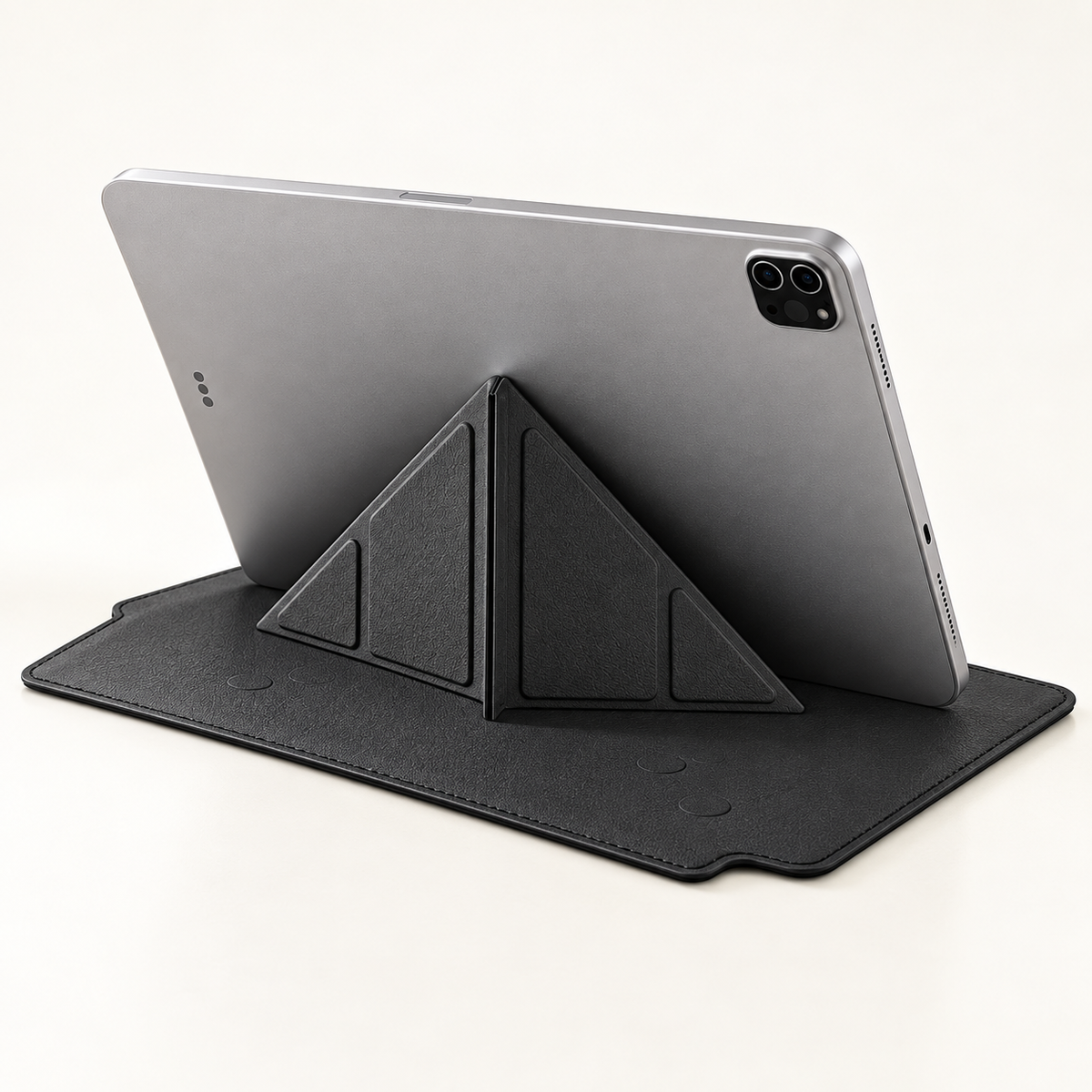
The sleeve unfolds into Y-fold viewing support. Open it fully and position your iPad securely on a flat, stable surface.

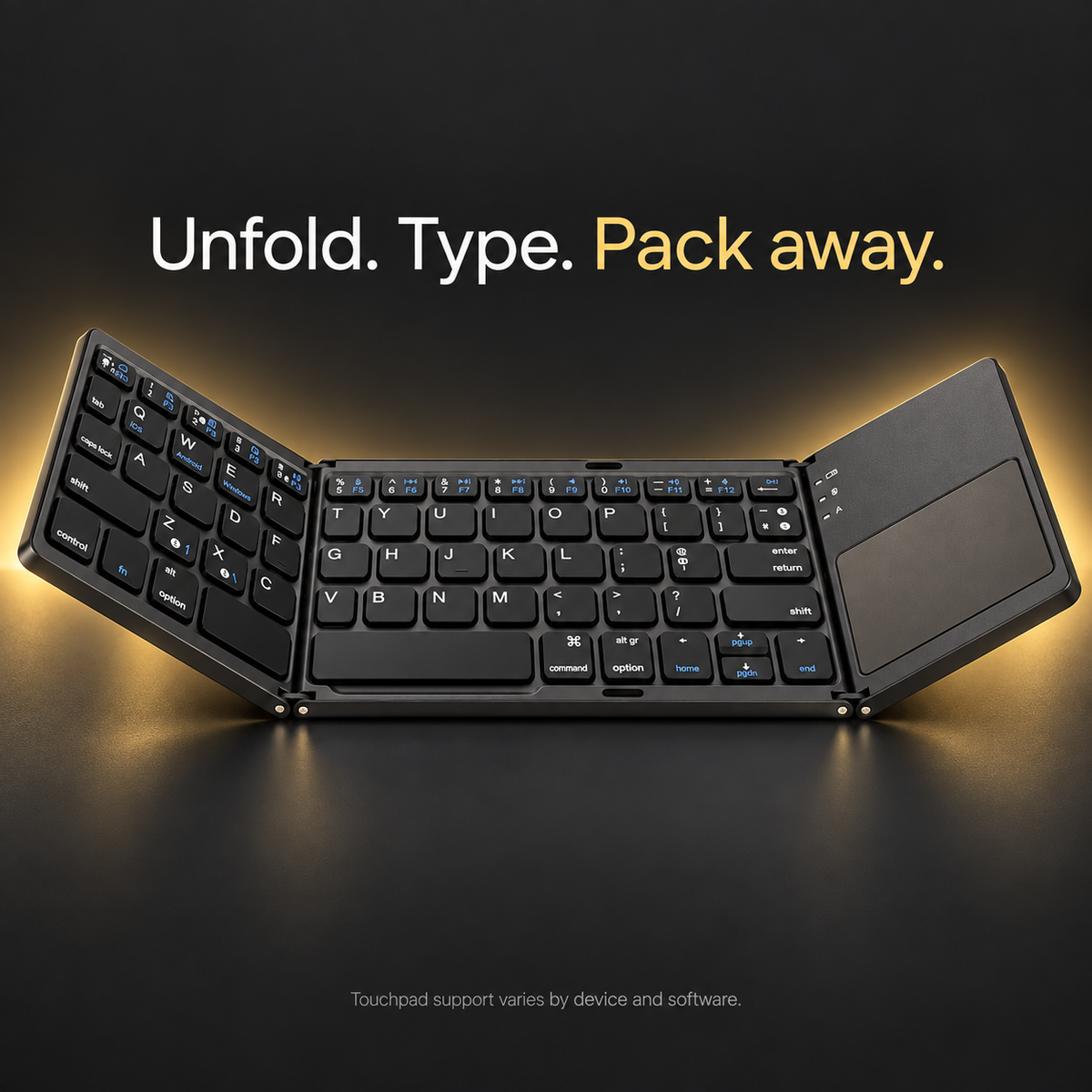
The separate WorkForce Fold keyboard opens for typing with a built-in right-side touchpad and folds between sessions.

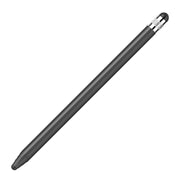
Add the black ApexTouch for everyday touchscreen control, or choose the sleeve-and-keyboard setup.

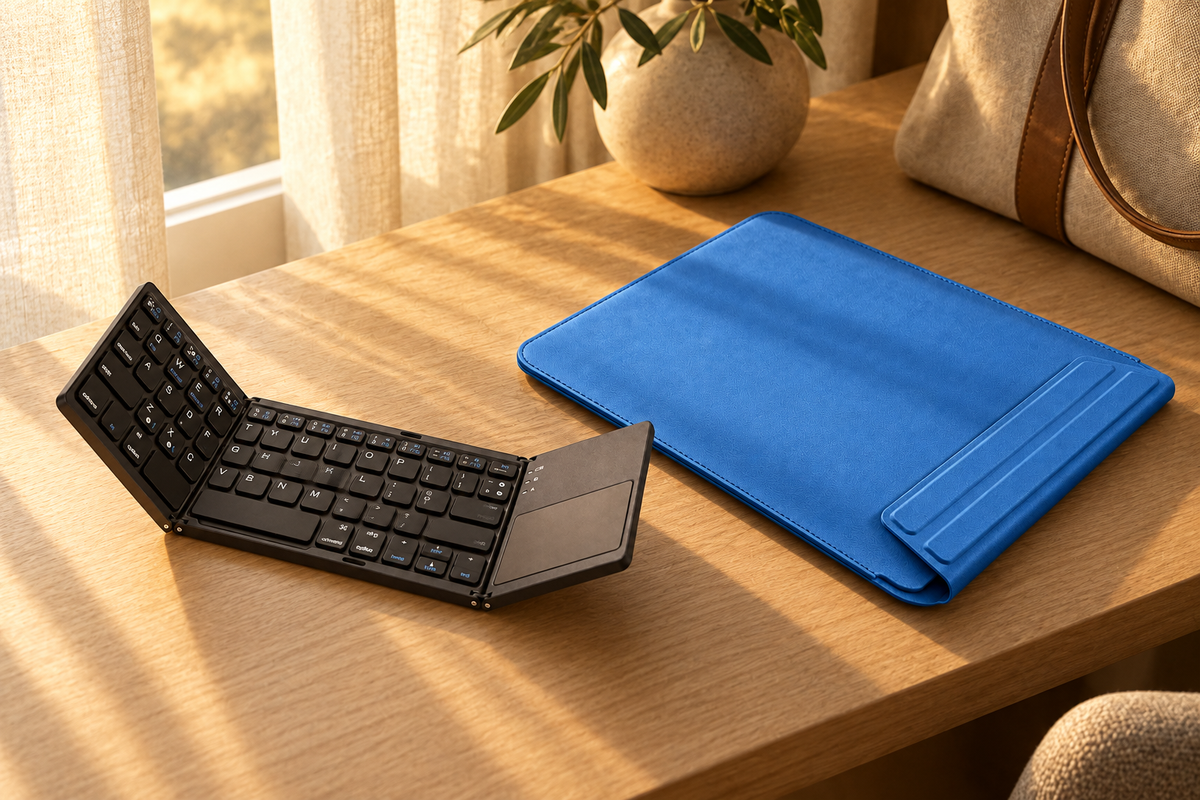
From a cafe table to a shared desk, bring your screen into view and position the keyboard where it feels natural. Stylus shown is included only with the stylus option.

Choose Black or Blue for your sleeve. The keyboard remains Black in both setups. The keyboard is carried separately; sleeve storage space for it is not specified.
Lifestyle scenes illustrate use. Devices and styling props are not included. Product appearance, openings and dimensions vary by selected model. Your selected options and the contents below define your order.
WHAT YOU RECEIVE
| Sleeve + Fold Keyboard | 1 selected Black or Blue FormaLift Air sleeve with folding support; 1 Black WorkForce Fold touchpad keyboard. |
|---|---|
| Sleeve + Fold Keyboard + Stylus | The same sleeve and keyboard, plus 1 Black ApexTouch passive stylus. |
This is a sleeve-and-stand setup. It is not a fitted rear-shell keyboard case. iPad, mouse, charger and bag are not included.
Reference price reflects the current total of the included components purchased separately. It is not a previous selling price for this bundle. Your selected bundle price is shown above.
CHOOSE YOUR EXACT FIT
Open Settings → General → About and tap Model Number to reveal the identifier beginning with A. Choose the matching model in the selector above.
| Device | Model numbers |
|---|---|
| iPad Air 11-inch (M2 / M3 / M4) | A2902 · A2903 · A2904 · A3266 · A3267 · A3270 · A3459 · A3460 · A3463 |
| iPad Air 4th / 5th Gen (10.9-inch) | A2316 · A2324 · A2325 · A2072 · A2588 · A2589 · A2591 |
| iPad Pro 11-inch (M4 / M5) | A2836 · A2837 · A3006 · A3357 · A3358 · A3359 |
| iPad Pro 11-inch (2nd / 3rd / 4th Gen) | A2228 · A2068 · A2230 · A2231 · A2377 · A2459 · A2301 · A2460 · A2759 · A2761 · A2435 · A2762 |
| iPad mini (A17 Pro, 2024) | A2993 · A2995 · A2996 |
| iPad mini 6th Gen (8.3-inch, 2021) | A2567 · A2568 · A2569 |
| iPad 11-inch (A16, 2025) | A3354 · A3355 · A3356 |
| iPad 10th Gen (10.9-inch, 2022) | A2696 · A2757 · A2777 · A3162 |
| iPad Pro 12.9-inch (4th / 5th / 6th Gen) | A2229 · A2069 · A2232 · A2233 · A2378 · A2461 · A2379 · A2462 · A2436 · A2437 · A2764 · A2766 |
| iPad Pro 13-inch (M4 / M5) | A2925 · A2926 · A3007 · A3360 · A3361 · A3362 |
| iPad Air 13-inch (M2 / M3 / M4) | A2898 · A2899 · A2900 · A3268 · A3269 · A3271 · A3461 · A3462 · A3464 |
BEFORE YOU CHOOSE
Keyboard storage inside the sleeve has not been verified. Plan to carry the keyboard separately. The sleeve fit is selected for your iPad.
The separate English-layout Bluetooth keyboard is nonbacklit. It does not attach through Apple Smart Connector. A compatible device with external Bluetooth keyboard support is required. WorkForce Fold has an English QWERTY layout and a built-in right-side touchpad. Pointer support on iPad requires iPadOS 13.4 or later. Gestures vary with the device, software, app and keyboard revision. It is nonbacklit.
ApexTouch is a passive stylus for taps, forms and light notes. It needs no charging or pairing and does not support palm rejection or pressure sensitivity.
Match the exact iPad model and A-number below. The sleeve, viewing support and keyboard remain separate pieces.
AVONTIC
Confirm your exact model and selected contents above before adding to cart.
60-Day Returns · Return eligibility · Shipping details · Compatibility help
Avontic provides fast free shipping on every order. Estimated U.S. delivery is 3–5 business days for orders placed by 6:00 PM Eastern Time; orders placed after the cutoff may require one additional business day, Canada delivery is 6–10 business days, while other international delivery is generally 6–12 business days. Tracking is emailed after dispatch. Carrier, customs, weather, and seasonal delays can affect delivery estimates.
Avontic offers 60-Day Returns. Review the current Return Policy for eligibility, available resolutions, and any applicable conditions before sending an item back.
Not sure which option fits? Contact Avontic before ordering and include the exact device model, generation, and size shown in your settings or on the device itself.
Choose options
Product details
Review confirmed features, everyday use cases, and fit guidance. Product options and purchasing stay in the primary configuration above.
Compatibility guidance
Confirm the exact tablet model, generation, and screen size shown on this page before ordering. Contact Avontic when the required match is not explicit.